If you’re looking at a 2021 Porsche Taycan, you’re probably hearing two very different stories. On one side, owners rave about performance and build quality. On the other, there are headlines about sudden power loss, 12‑volt battery issues, and glitchy infotainment. This guide breaks down the real‑world 2021 Porsche Taycan problems and fixes so you can separate internet noise from issues that actually matter, especially if you’re shopping used.
Quick Take
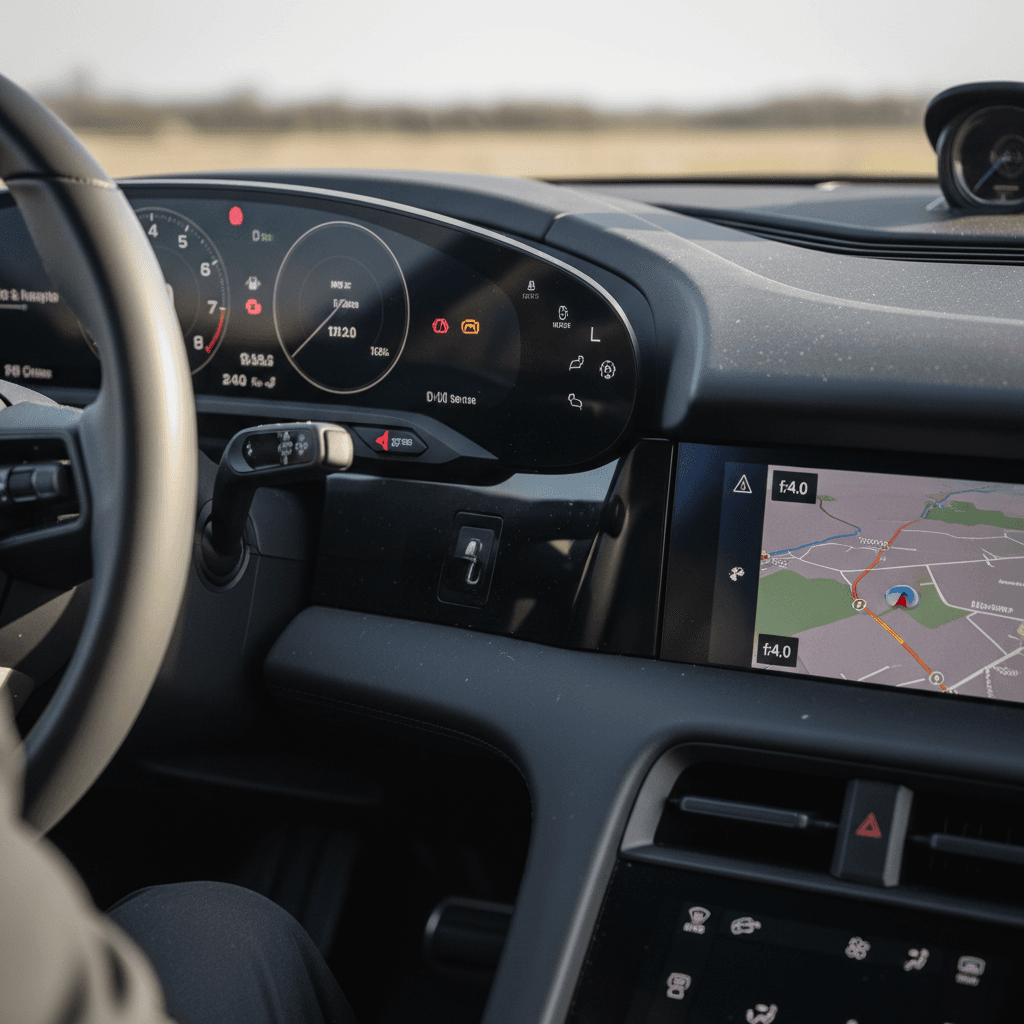
Overview: How Reliable Is the 2021 Taycan?
Despite the online chatter, the 2021 Taycan is not a disaster story. Owner surveys and consumer‑review sites show a high recommendation rate, with a strong majority of 2021 Taycan drivers giving the car 5‑star reliability ratings. Most issues fall into three buckets: software/infotainment bugs, 12‑volt battery behavior, and charging or range display quirks, all of which are frustrating but usually fixable.
- Core high‑voltage battery and dual‑motor hardware: generally robust when maintained properly
- Software and PCM: known weak spots, especially on early builds that missed updates
- Several recalls: mainly addressed via dealer software updates and inspections
- Ownership pattern: cars serviced at Porsche dealers and kept up to date on software tend to be the least troublesome
Why software history matters
Major Recalls and Safety Actions on the 2021 Taycan
Before you worry about individual quirks, you should understand the big‑ticket items Porsche and regulators have already addressed. For a 2021 Taycan, the headline recall involves sudden loss of power due to software logic in the power electronics. There are also technical bulletins and campaigns around 12‑volt battery behavior, charging, and suspension components.
Key 2021 Porsche Taycan Recalls and Campaigns
Always run a VIN check on NHTSA or with a Porsche dealer to confirm completion status.
| Issue | What Happens | Typical Fix | What You Should Do |
|---|---|---|---|
| Sudden power loss / inverter communication fault | Car can lose motive power while driving, often with battery fault warnings | Dealer software update to power electronics control units, sometimes combined with diagnostic checks | Confirm all powertrain software campaigns are completed on the VIN |
| 12‑volt battery discharge behavior | Car may not start or may shut down systems if the 12‑volt battery is weak or over‑protected | Updated control logic plus, in some cases, 12‑volt battery testing or replacement | Ask for 12‑volt battery test results and any related bulletins on file |
| Suspension fastener torque campaign | Certain suspension components may not be tightened to spec on early cars | Dealer inspection and re‑torque or replacement of affected hardware | Verify the suspension campaign is marked complete on the service history |
| Charging system / diagnostic updates | Error messages at public chargers; inconsistent DC fast‑charging speeds | Software updates to charging control modules and communication units | Check that the latest charging and connectivity updates are installed |
Recall timing and exact scope can vary by trim and production date. Use this as a screening checklist, not a substitute for a VIN‑specific search.
Don’t skip the VIN check
High-Voltage and 12-Volt Battery Issues
When people hear “battery problem” on an EV, they picture a dead high‑voltage pack. That’s rarely the story with the 2021 Taycan. Reported problems usually involve the smaller 12‑volt battery and the protective software wrapped around it, not catastrophic failure of the main 800‑volt pack.
Common 2021 Taycan Battery-Related Complaints
Most are solvable once you know where to look.
12-Volt Battery Discharged
Owners report warnings, no‑start conditions, or the car dropping into a protective sleep mode after sitting.
Often tied to short trips, accessory loads, or older 12‑volt batteries rather than the main pack.
Loss of Motive Power
Earlier in the model run, some Taycans experienced sudden power loss with battery fault messages.
This is the issue covered by software‑based recalls and campaigns.
Range Estimate Swings
Range estimates can drop quickly after highway driving or spirited use.
In most cases this is a software/estimation behavior, not evidence of severe degradation.
How 12-Volt Battery Issues Show Up
The Taycan, like most EVs, uses a traditional 12‑volt battery to power control modules, locks, and safety systems. When it’s weak, or when the car’s software thinks it might be, the car may refuse to “wake up,” throw multiple warnings, or shut down accessories to protect itself. Owners describe it as the car acting “dead” even though the main high‑voltage pack is charged.
- Multiple error messages on start‑up, then the car refuses to go into gear
- Keyless entry or interior electronics acting erratically after the car has been parked
- Need to jump‑start the car or replace the 12‑volt battery earlier than expected
Typical Fixes
- Dealer test and replacement of the 12‑volt battery if it’s out of spec.
- Software updates that refine how aggressively the car protects the 12‑volt system.
- Battery chargers or maintainers for Taycans stored for long periods.
Owner Prevention Tips
- Avoid leaving the car parked for weeks with low state of charge.
- Disable always‑on accessories when storing the car.
- Have the 12‑volt battery checked during regular service, especially after 3–4 years.
When to treat it as a major fault
Charging Problems and DC Fast-Charging Quirks
On paper, the 2021 Taycan is one of the quickest‑charging EVs you can buy, especially with the Performance Battery Plus. In practice, owners have reported failed charging sessions, “Error Charging” messages at public stations, and DC fast‑charging curves that don’t match marketing charts, especially in cold weather or at busy sites.
- Inconsistent handshake with certain DC fast‑charging networks; the session aborts with an error message
- Slower‑than‑expected charging above ~60–70% state of charge
- AC charging faults traced to home wiring, wallboxes, or ground‑fault protection, not the car itself
Control what you can
Basic Charging Troubleshooting for Taycan Owners
1. Try a Second Station
If a DC fast‑charge session fails, move to another stall or a different network entirely. If only one brand of charger gives you trouble, it’s usually the station.
2. Inspect Your Home Circuit
Have a qualified electrician verify breaker size, wire gauge, and ground‑fault devices for your Level 2 charger. Marginal wiring can trip safety systems in the Taycan.
3. Update Charging and Connectivity Modules
Ask your Porsche dealer to confirm that the charging control unit and communication modules are on the latest software, several updates specifically target charging reliability.
4. Monitor Charging Curve, Not Just Time
Use apps or the charger’s display to see actual kW. Rapid tapering above roughly 60% state of charge is normal behavior to protect the battery.
5. Watch Temperature and Preconditioning
Cold packs charge more slowly. Preconditioning via the car or app before a fast charge can restore much of the Taycan’s advertised speed.
Infotainment and PCM Software Glitches
If there’s one area where Taycan owners are consistently critical, it’s software, specifically the Porsche Communication Management (PCM) infotainment system. Reports range from minor annoyances to full‑on black screens that take the climate controls and navigation with them.
2021 Taycan PCM: What Owners Report
Common PCM Issues on 2021 Taycans
- Black screen or frozen Porsche logo on start‑up
- Laggy menus, delayed climate controls, or slow map rendering
- CarPlay or Android Auto connection dropping or refusing to start
- Porsche Connect app not updating vehicle status or location
- Random reboots of the center screen while driving
Owner-Level Fixes
- Performing a PCM reset via the service menu or by holding the volume button.
- Deleting and re‑pairing phones; switching USB cables or ports for CarPlay.
- Logging out and back into your Porsche ID account in both the car and the My Porsche app.
- Checking for over‑the‑air updates in the PCM settings when the car is on Wi‑Fi or strong LTE.
Dealer Fixes
- Updating PCM firmware and the communication unit to the latest release.
- Re‑provisioning your Porsche Connect services if the car and account fall out of sync.
- Replacing faulty control modules or screens if physical hardware defects are found.
Software frustration vs. hardware defect
Driver-Assistance and Warning-Light Gremlins
Because the Taycan is packed with sensors and safety tech, a single glitchy module can light up the dash like a Christmas tree. Owners occasionally report temporary loss of adaptive cruise, lane‑keeping, or parking aids, often with multiple warning messages that vanish on the next drive.
- Intermittent radar or camera errors that disable adaptive cruise
- Parking sensors going offline or beeping constantly in the absence of obstacles
- Tire‑pressure monitoring system (TPMS) warnings despite correct pressures
- Check‑engine style warnings tied to software, not mechanical damage
Sorting Out Taycan Warning Lights
1. Note When It Happens
Record whether warnings appear on cold start, after long drives, or in heavy rain. Conditions help the dealer chase intermittent faults.
2. Photograph the Cluster
Snap photos of the gauges and PCM message center. Even if the fault clears, you’ll have proof of specific warnings and timestamps.
3. Scan for Codes
Have a Porsche dealer (or qualified EV shop) pull stored fault codes. Many transient electronic issues leave a trail even after the light turns off.
4. Confirm Updates First
Before replacing expensive hardware, insist on a full software and firmware check. Many warning cascades have been cured with updates alone.
Good news on safety systems
Suspension, Brakes, and Hardware Concerns
Physically, the 2021 Taycan is built like a modern Porsche: solid structure, high‑quality suspension components, and strong brakes. That said, a few hardware topics come up repeatedly with used cars, especially ones driven hard or on rough roads.
Physical Wear Points to Check
Not widespread defects, but common on hard‑driven examples.
Suspension Noises
Clunks or rattles over bumps, often from worn bushings, end links, or components affected by earlier torque campaigns.
Brake Wear
Heavy electric regen means discs and pads can rust or glaze if the car sits. Look for uneven wear and vibration under braking.
Wheel & Tire Damage
21‑inch wheels and low‑profile tires look great but are more vulnerable to potholes. Inspect for cracks, bends, and sidewall bubbles.
Pre-purchase inspection is non-negotiable
Diagnosing a Problematic 2021 Taycan
If you already own a 2021 Taycan and something doesn’t feel right, or you’re test‑driving a used one that’s throwing warnings, you’ll want a structured way to triage the problem. Think of it as separating fixable software aggravation from issues that could sideline the car or kill resale value.
Three Paths to Diagnose 2021 Taycan Issues
1. Obvious Software/PCM Problems
Start with a PCM reset and phone re‑pairing if the issue is limited to infotainment or connectivity.
Check for pending over‑the‑air updates and install them with strong signal and sufficient battery charge.
Schedule a dealer visit specifically asking for full software and module updates, plus a report of versions before and after.
2. Charging or Battery Warnings
Document which chargers and conditions trigger the error, home, workplace, DC fast, or all of the above.
Have the dealer test both the 12‑volt and high‑voltage battery health, and pull fault codes from the charging and battery‑management modules.
Confirm that any power‑loss and charging‑system campaigns have been completed and logged on your VIN.
3. Repeated Loss of Power or No-Start
If the car shuts down while driving, arrange a flatbed tow straight to a Porsche dealer; don’t continue driving until diagnosed.
Request a written description of root cause and the exact parts and software involved in the repair.
If the same issue returns after multiple repair attempts, consult lemon‑law resources in your state, especially if the car is still under factory or CPO warranty.
How Recharged helps here
Ready to find your next EV?
Browse VehiclesUsed 2021 Taycan: What Buyers Should Check
Shopping a used 2021 Taycan can be smart: you avoid the steepest part of depreciation while still getting cutting‑edge performance. The key is filtering out the small subset of cars with chronic software or electrical problems that never quite got sorted.
Essential Checklist for a Used 2021 Taycan
1. Pull Full Recall and Campaign History
Ask a Porsche dealer to run the VIN and print all completed and open recalls, software campaigns, and service actions. Walk away from cars with critical campaigns left undone.
2. Review Service Records for Patterns
A couple of visits for software is normal. Multiple entries for "vehicle stalled," "no start," or "PCM replacement" with no clear resolution is a red flag.
3. Demand a Battery Health Report
You want data on both the high‑voltage pack and the 12‑volt battery. On Recharged, the Recharged Score surfaces measured battery health so you’re not guessing.
4. Test Charging on AC and DC
During the test drive period, plug into a Level 2 charger and, if possible, a DC fast charger. Watch for error messages, unusual noises, or curves that fall off a cliff at high state of charge.
5. Stress-Test the Software
Cycle the PCM repeatedly, use navigation, pair your phone, and test CarPlay/Android Auto. A few seconds of lag is livable; repeated black screens or reboots are not.
6. Inspect Wheels, Tires, and Suspension
Look for curb rash, bent wheels, tire bubbles, and listen for clunks over bumps. Replacing 21‑inch rubber or suspension components gets pricey fast.
7. Confirm Warranty and CPO Status
Find out how much of the original warranty remains and whether the car is Porsche Approved CPO. Extended coverage is especially valuable on a feature‑rich EV.
Buying From a Marketplace
If you’re shopping Taycans in the wild, you’ll be piecing this information together from sellers, service records, and your own inspections. That’s doable, but it takes time and experience.
Buying Through Recharged
Recharged streamlines this process for used EVs. Every Taycan we list includes a verified battery health report, recall and campaign checks, and expert review of charging and software behavior. You can also get financing, trade‑in offers, nationwide delivery, and EV‑specialist guidance without leaving your couch.
FAQ: 2021 Porsche Taycan Problems
Common Questions About 2021 Taycan Issues
Bottom Line: Should 2021 Taycan Problems Scare You Off?
The 2021 Porsche Taycan isn’t perfect, but it’s far from the horror story some online threads paint. The car’s core electric hardware is fundamentally sound, and the high‑profile issues around power loss, 12‑volt behavior, and infotainment have dealer‑level fixes in place. Where buyers get burned is by ignoring software history, recall completion, and battery‑health data when choosing a used example.
If you’re methodical, checking campaigns, stress‑testing the PCM, evaluating charging on real‑world stations, and getting a professional inspection, a 2021 Taycan can deliver supercar acceleration with everyday usability. And if you’d rather not go it alone, Recharged was built to take the guesswork out of used EVs with transparent battery diagnostics, pricing validation, and end‑to‑end support. That way, you spend your time enjoying the drive instead of troubleshooting warning lights.