If you own, or are eyeing, a used 2020 Tesla Model S, understanding the full 2020 Tesla Model S recalls list isn’t just trivia. It’s how you make sure critical safety fixes are done, how you avoid surprise service visits, and how you decide whether that used Model S is a smart buy or a car-shaped headache.
Quick reality check
Why 2020 Model S recall info matters
The 2020 Model S sits at an interesting point in Tesla’s history: it has most of the modern software features, but it also shares hardware and electronics with earlier Model S years that have generated some high-profile recalls. That means a single campaign can sweep in cars from 2012–2022, including your 2020.
- You may have multiple overlapping recalls (software and hardware).
- Some fixes are done automatically via over-the-air (OTA) update, others require a service visit.
- If you’re buying used, completed recalls can be a good sign of attentive previous ownership.
- If recalls were ignored, you may inherit avoidable safety risks and hassle.
Don’t assume “no news” means “no recalls”
How Tesla handles recalls differently
Traditional recalls
- Manufacturer mails letters to owners.
- Repairs happen at franchised dealerships.
- Almost all fixes are hardware (parts/labor).
- Tracking depends on dealer visits and paperwork.
Tesla’s recall reality
- Tesla owns its service network, no dealers.
- Notifications often show up in the Tesla app or account, plus NHTSA’s database.
- Many recalls are pure software and get fixed by an OTA update while your car charges at home.
- Service centers handle hardware campaigns like steering, suspension, and energy storage.
Pro tip for current owners
High-level 2020 Tesla Model S recalls list
Because most Tesla campaigns span many model years, the cleanest way to look at the 2020 Tesla Model S recalls list is by category. Below is a simplified owner-facing map of the big buckets that can apply to 2020 cars in the U.S. (your exact VIN may or may not be included):
Recall categories that can affect 2020 Model S
Broad recall themes and what they mean in day-to-day driving.
| Category | Typical Fix Type | What It Affects | Owner Impact |
|---|---|---|---|
| Autosteer / Autopilot behavior | OTA software | How Autosteer behaves, driver monitoring | Changes in how strictly the car nags and limits Autosteer use |
| Full Self-Driving (FSD) Beta features | OTA software | Specific FSD behaviors like "rolling stops" | Features removed or modified to meet safety rules |
| User interface & warnings | OTA software | Screen alerts, chimes, gear selection UI | Updated messages or layouts; may feel different but safer |
| Touchscreen / eMMC memory | Hardware service + software | Center display reliability and safety functions it controls | Screen replacement to restore critical functions |
| Exterior lighting / visibility | OTA or hardware | Tail lamps, indicators, or warning detection logic | Fixes for lights not working or false error messages |
| Seat belts & restraints | Hardware service | Belt anchors, tensioners, sensor calibration | Inspections or part replacements to ensure crash performance |
| Noise or alerts affecting pedestrians | OTA software | Boombox or external speaker behavior at low speeds | Limits on sounds that can mask official safety alerts |
Always confirm VIN-specific status using Tesla’s tools and NHTSA’s database; not every 2020 car is included in every campaign.
Why you won’t see campaign numbers here
Major safety recalls that can include 2020 Model S
Let’s walk through the big, widely covered recalls that commonly include the 2020 Model S. Exact inclusion depends on your VIN, build date, and software history, but this section gives you the lay of the land before you dive into the databases.
Core safety themes on the 2020 Model S
These are the campaigns shoppers and owners ask about most often.
Autosteer / Autopilot behavior
Several safety campaigns have focused on how Autosteer behaves and how well it keeps you, the human, in the loop. Updates tighten hands-on-wheel monitoring, adjust when the system disengages, and refine how the car navigates certain road features.
For 2020 Model S owners, that usually means one or more OTA updates that quietly change how the car nags, slows, or limits Autosteer in tricky situations.
FSD Beta “rolling stop” and related updates
Some Model S vehicles that received early FSD Beta software builds were subject to a recall that disabled a feature allowing so‑called "rolling stops" at all-way-stop intersections under specific conditions.
If your 2020 Model S never had FSD Beta installed, this campaign may not apply, but if it did, the fix was a mandatory firmware update that forces a full stop at signed intersections.
Instrument UI, warnings, and controls
Other campaigns have targeted the interface itself, how warnings appear, what sounds play, or how gear selection and key driving controls are presented on the screen.
For a 2020 Model S, these show up as visible changes to menus and alerts after a required software update, even though you never visited a service center.
In addition, your 2020 Model S may be swept up in broader campaigns that aren’t Tesla‑unique, such as airbag or seatbelt‑related inspections, or updated calibration of restraint control modules tied to crash performance. These are more traditional safety recalls and almost always require a hands-on inspection.
Software-only (over-the-air) recalls
Tesla has leaned hard on OTA updates to close safety investigations quickly. For 2020 Model S owners, that’s mostly good news: you wake up to a car that’s safer than the one you parked, without sacrificing a Saturday at the service center. But it also means you can “have a recall” without realizing it.
Why so many 2020 Model S recalls are software-only
- Autosteer / Autopilot behavior changes (speed limits, lane-keeping, driver attention).
- FSD Beta behavior adjustments like disabling "rolling stops" at stop signs.
- User interface updates to warnings, chimes, or how you select gears and modes.
- Changes to how the car detects and reports certain lighting or tail-lamp faults.
- Boombox / external speaker updates to keep pedestrian alerts audible.
How to spot a past OTA recall
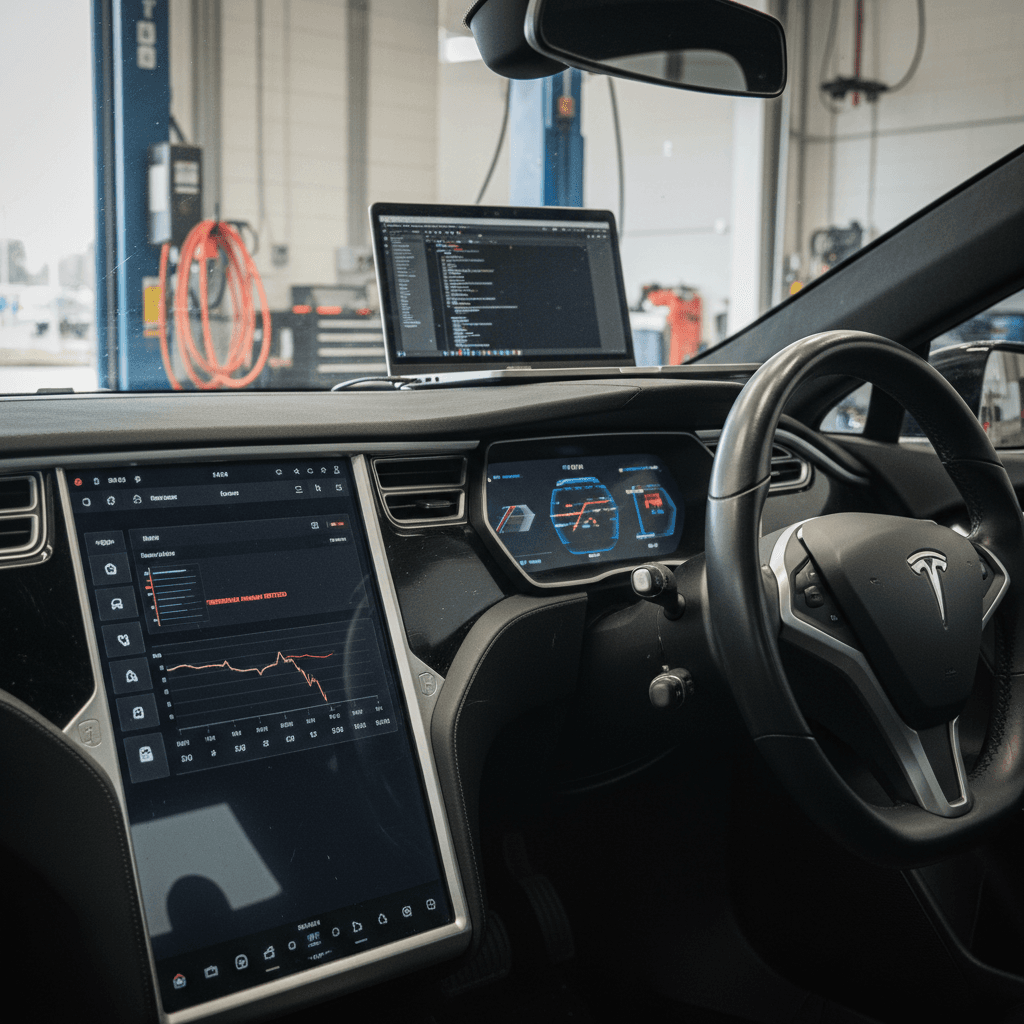
Hardware and service-center recalls
Not every recall is a software quick-fix. Some 2020 Model S campaigns require a technician to put hands on your car, especially when the issue involves visibility, restraints, or long-term reliability of key components.
Common hardware-related fixes that can touch 2020 Model S
Exact applicability depends on your VIN and build date.
Touchscreen / eMMC memory replacement
Earlier Model S years were notorious for MCU (Media Control Unit) failures when the eMMC memory chip wore out. That’s not just an annoyance: the center screen controls backup camera, defrost, and chimes, all of which matter for safety.
Some campaigns reach later cars if they share affected hardware or software behavior. If your 2020 Model S has had a screen replaced under warranty or recall, that’s a plus, it means you’re starting fresh.
Lighting, restraints, and alerts
Campaigns involving tail lights, seat belt anchorage, or restraint control module calibration are more traditional: they flag a potential failure mode in a crash or low‑visibility situation.
These usually show up as a required inspection at a Tesla Service Center, sometimes with parts replaced if your car falls within the risk band.
Never ignore seat belt or airbag-related recalls
How to check your 2020 Model S for open recalls
Because Tesla mixes OTA updates with traditional service campaigns, the only way to get a reliable 2020 Model S recalls list for your specific car is to check by VIN in a couple of places. Plan on five quiet minutes and your registration handy.
Step-by-step: Confirm recall status on your 2020 Model S
1. Grab your VIN
You’ll find it on the lower driver’s side of the windshield, on your registration, or in the Tesla app under **Vehicle → Details**.
2. Check inside the Tesla app
Open the app, tap **Service**, and look for a **Recalls** or **Notifications** section. Any Tesla-issued campaigns specific to your car should appear there, including OTA-only fixes.
3. Use NHTSA’s VIN lookup
Visit the official NHTSA recall lookup site, enter your full 17-character VIN, and review any open safety recalls. Closed or completed recalls won’t always show, so save or screenshot the results for your records.
4. Cross-check with your account history
Log into your Tesla account in a browser and review your car’s service history and software update notes. Look for language about safety campaigns, Autosteer behavior, restraints, or lighting updates.
5. Call a Tesla Service Center if anything is unclear
If you see recall language but aren’t sure whether the fix is done, schedule service in the app or call a service center with your VIN. Ask them to confirm whether each campaign is marked as **completed**.
6. Keep documentation if you’re planning to sell
If you might sell or trade your 2020 Model S later, keep digital copies of recall completion paperwork. Buyers, and marketplaces like <strong>Recharged</strong>, treat full documentation as a sign of a well-cared-for car.
Good news: Recalls are always free
Recalls vs. service bulletins vs. extended warranties
Search for 2020 Model S issues and you’ll find a blizzard of documents: recalls, investigations, service bulletins, warranty adjustments, even class-action filings. Not all of those are created equal, and only some guarantee a free repair.
Safety recall
- Ordered or overseen by a safety agency.
- Tied to a specific defect or non‑compliance with safety standards.
- Repair is mandatory and free, even on older, high‑mileage cars.
- Shows up in NHTSA’s VIN lookup tool.
Technical Service Bulletin (TSB)
- Guidance from Tesla to its technicians.
- Documents a known issue and how to fix it.
- Repair is usually only free if you’re under warranty or Tesla extends coverage.
- Does not by itself mean a government-mandated recall.
Extended warranty / goodwill fix
- Quiet programs to cover pricey parts (like screens) for longer.
- Often triggered when enough owners complain.
- Not always widely publicized, coverage can depend on VIN and build date.
- Worth asking about if you see a pattern of failures online.
When in doubt, ask directly
Shopping for a used 2020 Model S? How to use recalls as leverage
If you’re in the market for a used 2020 Model S, recall history should sit right alongside battery health, accident reports, and tire wear in your decision matrix. Recalls aren’t inherently scary; in many cases, they’re a sign the automaker is closing the loop on real-world issues. The red flag is when obvious recall work has been ignored.
How to turn recall info into negotiating power
Smart questions to ask any seller of a 2020 Model S.
Ask for proof of completed recall work
Request screenshots from the Tesla app showing no open recalls, plus any service invoices for hardware campaigns. A seller who has this ready is usually the same kind of person who stayed on top of tire rotations and software updates.
Use incomplete recalls as a condition of sale
If NHTSA or Tesla tools show outstanding recalls, especially for restraints or lighting, make completion a condition of sale, or at least factor the hassle into your offer. The repair will be free, but the time and scheduling are on you.
Pre‑purchase recall checklist for a 2020 Model S
Confirm VIN recall status at NHTSA
Don’t rely on the seller’s word. Run the VIN yourself and save a PDF or screenshot of the results with the date.
Review Tesla app screenshots
Ask the seller to show the Service → Recalls screen while you’re there, and note any messages or pending campaigns.
Check for signs of recent hardware work
Look through service invoices for screen replacements, lighting repairs, or restraint inspections. Recent, properly documented work is a plus.
Test all safety‑relevant functions
On the test drive, make sure the backup camera, defrost/defog, turn signals, horn, and seat belt reminders all behave as expected.
Clarify who will schedule any remaining recalls
Agree in writing whether the seller will complete open recalls before handoff, or whether you’ll take on the appointments after purchase.
How Recharged handles recalls on used Teslas
At Recharged, every used EV, including the 2020 Model S, goes through a structured intake process that looks beyond paint gloss and wheel rash. Recalls, software campaigns, and battery health are baked into how we decide which cars to list and how we price them.
What happens before a 2020 Model S appears on Recharged
Behind-the-scenes checks designed to de‑stress EV ownership.
VIN‑level recall screening
We check each vehicle’s VIN against official recall databases and Tesla information before it’s listed. Open safety recalls are either completed or clearly disclosed with a plan to resolve them.
Recharged Score battery diagnostics
Every car gets a Recharged Score Report, including independent battery health diagnostics. That way you can see how the pack has aged alongside its recall and service history.
EV‑specialist guidance
Our EV specialists can walk you through what a particular recall actually means in plain language, whether it’s a harmless OTA tweak or a visit‑worthy hardware campaign.
Ready to find your next EV?
Browse VehiclesIf you already own a 2020 Model S and are thinking about trading in or getting an instant offer, knocking out outstanding recall work first can make the process smoother. It doesn’t always change value dramatically, but it removes one more question mark for the next owner.
FAQ: 2020 Tesla Model S recalls
Common questions about 2020 Model S recalls
Bottom line on 2020 Model S recalls
The 2020 Tesla Model S lives in a busy neighborhood of recalls and safety campaigns, from Autosteer behavior tweaks and FSD Beta rule‑changes to old‑fashioned inspections of lights and restraints. That doesn’t make it a bad car; it just means you need to treat recall history as part of basic maintenance, especially if you’re buying used.
If you already own a 2020 Model S, take a few minutes to confirm your VIN is clear of open campaigns and that you’ve installed the latest safety updates. If you’re shopping for one, use recall documentation as a window into how carefully the car’s been looked after. And if you’d rather skip the detective work altogether, consider browsing 2020 Model S listings on Recharged, where recall checks and battery health diagnostics are built into every Recharged Score Report, so you can focus on whether the car fits your life, not whether its safety software is stuck in the past.