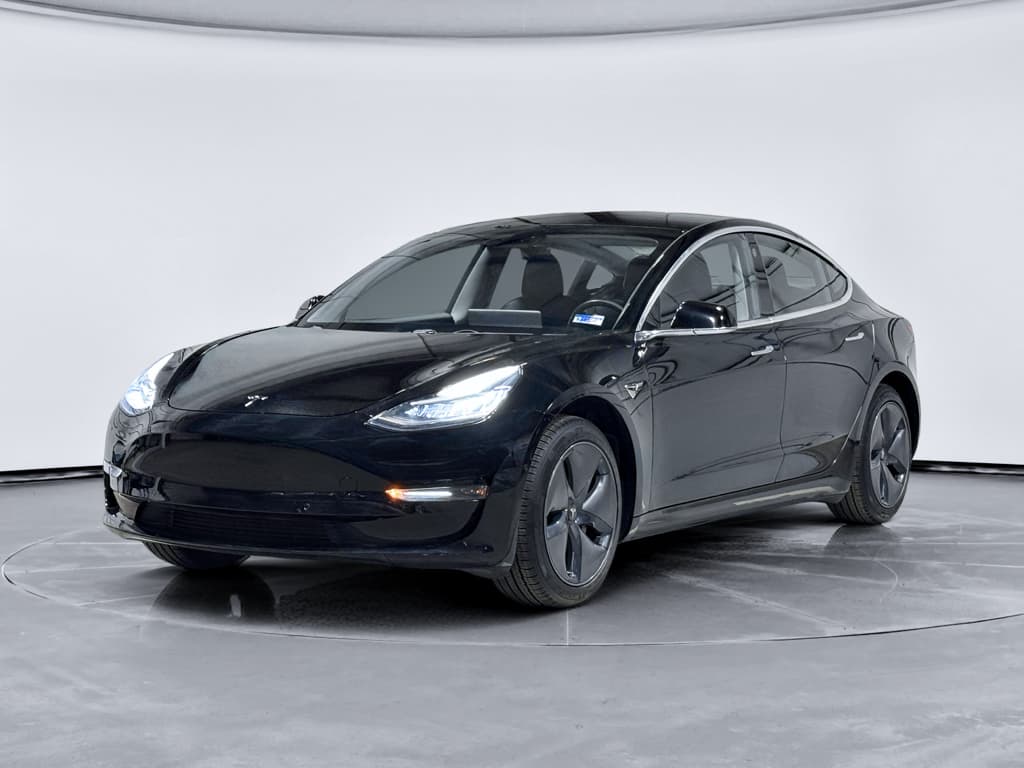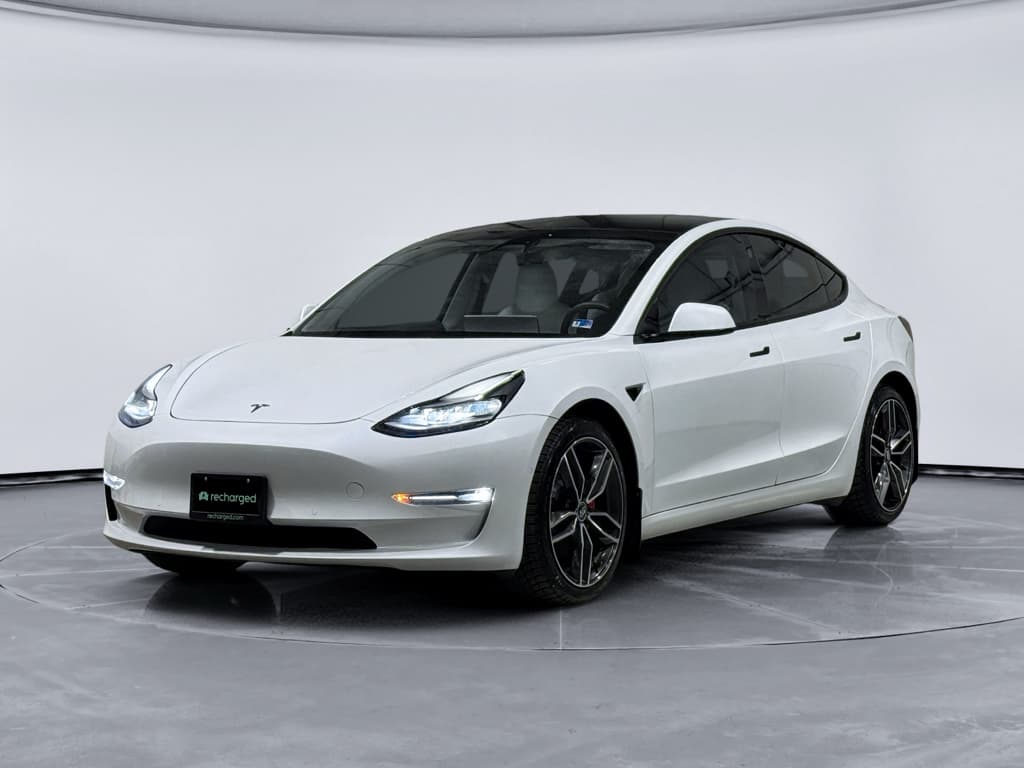
The 2020 Tesla Model 3 is one of the most popular used EVs on the market, and for good reason. It’s efficient, quick, and packed with tech. But like any car, it has its quirks. If you’re researching 2020 Tesla Model 3 problems and fixes, you’re probably trying to separate internet horror stories from real‑world issues that actually matter before you buy or keep one long‑term.
Big Picture
2020 Tesla Model 3 Reliability Overview
By 2020, Tesla had already built the Model 3 for several years, and many of the earliest teething problems were reduced. That said, panel alignment, paint quality, interior squeaks, and software glitches still show up in owner reports. On the mechanical side, the battery pack and drive units generally hold up well if the car has been charged and driven reasonably.
How the 2020 Model 3 Fits Into Tesla’s Timeline
Earlier Cars (2017–2019)
- More frequent complaints about panel gaps and paint defects.
- Some early hardware and trim changes still in flux.
- More variation in build consistency from car to car.
2020 and Newer
- Build quality generally improved, but still not perfect.
- More mature software and hardware packages.
- Better long-term data on battery and motor reliability.
2020 Model 3: High‑Level Reliability Snapshot
Quick List: Common 2020 Model 3 Problems
- Thin or soft paint, stone chips, and clear‑coat wear, especially on lower doors and rocker panels.
- Panel gaps or misaligned doors, trunk, and charge port door.
- Water leaks around trunk or taillights on some cars.
- Wind noise from frameless windows or door seals at highway speeds.
- Interior squeaks and rattles from dashboard, center console, or rear deck.
- Premature tire wear and sometimes uneven wear from aggressive alignment settings.
- Slight suspension clunks or creaks over bumps.
- Minor battery range loss (often 5–10% by 50,000–70,000 miles).
- Public DC fast charging issues due to dirty connectors, software glitches, or worn charge port components.
- Touchscreen lag, random reboots, or Bluetooth/connectivity hiccups.
- Occasional phantom braking with driver‑assist systems on certain roads.
Why a Used‑Focused Inspection Matters
Body and Build Issues: Paint, Panels, Water Leaks
A lot of discussion around 2020 Tesla Model 3 problems starts with build quality. These are rarely “car‑ruining” issues, but they do affect daily satisfaction and resale value.
Most Common Exterior Complaints and Typical Fixes
Most of these are one‑time repairs or adjustments, not repeating failures.
Thin or Soft Paint
Symptom: Stone chips on lower doors, front bumper, rocker panels.
Fix: Touch‑up paint, partial repaint, or install paint protection film (PPF) on high‑impact areas. Some owners also add mud flaps.
Panel Gaps & Alignment
Symptom: Doors, trunk, or charge port door not perfectly flush.
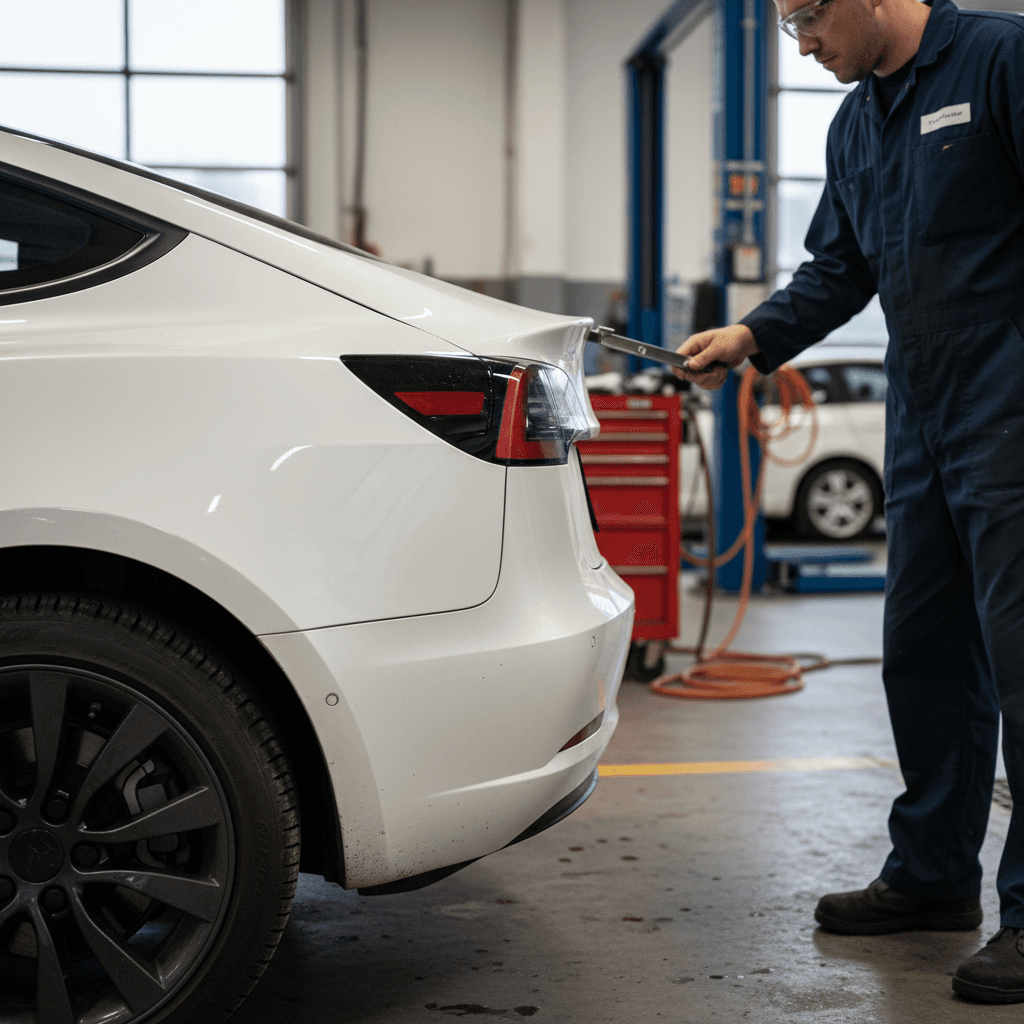
Fix: Adjustments by a body shop or Tesla service. Mild misalignment is often cosmetic only; severe misalignment may indicate prior accident damage.
Water Leaks
Symptom: Damp carpet in trunk, water in tailgate area, or moisture near taillights after rain.
Fix: Reseal taillight gaskets, trunk weatherstrips, or seam sealer. Always dry out interior thoroughly to prevent odors or corrosion.
When Body Issues Are Serious
Interior Trim, Rattles, and Wind Noise
Inside the 2020 Model 3, the minimal design hides a lot of clips and fasteners. Over time, especially on rough roads, some cars develop squeaks, buzzes, and wind noise. These are annoyances rather than reliability threats, but they can be hard to un‑hear once you notice them.
Typical Interior Noise Issues and Remedies
Use this as a guide when you test‑drive a used 2020 Model 3.
| Issue | What It Sounds Like | Likely Cause | Common Fix |
|---|---|---|---|
| Wind noise at highway speeds | Whistling or rushing air near front side windows | Frameless window alignment or door seal not fully seating | Window adjustment at service center; replace or re‑seat weatherstripping. |
| Dash or center console rattle | Light buzzing over bumps or rough pavement | Loose trim clips, harnesses behind dash, or center console hardware | Felt tape or foam pads behind trim; tighten fasteners. Often inexpensive but time‑consuming. |
| Rear deck or trunk rattle | Noise from behind rear seats on rough roads | Rear deck trim, trunk harnesses, or license plate bracket | Padding or felt tape on contact points; re‑secure trunk components. |
Always test on a mix of surfaces: smooth highway and broken pavement.
Test‑Drive Tip
Battery Health, Range Loss, and Charging Problems
The heart of any used EV is its battery pack. The good news is that most 2020 Model 3 batteries age gracefully when they’re not abused. You’re more likely to see normal range loss than a catastrophic failure, especially by the 6–8‑year mark.
- Moderate range loss: Many owners report roughly 5–10% capacity loss by around 50,000–70,000 miles, depending on use.
- Slower DC fast‑charging: High‑mileage cars that live on fast chargers may charge more slowly as the pack ages or as Tesla updates charging profiles.
- Charging interruptions: Sometimes caused by dirty or worn charge‑port pins, a weak home circuit, or software handshakes with certain public stations.
- On‑screen range estimates that bounce around more than expected, especially in cold weather or with heavy highway use.
Understanding Battery Warranties
Quick Battery‑Health Checks Before You Buy
1. Compare Displayed Range to Original
Fully charge the car (or near full) and note the rated miles shown. Compare that to the original EPA rated range. A modest drop is expected; a huge drop may warrant deeper diagnostics.
2. Review Charging Habits
Ask the seller how they typically charge. Mostly home Level 2 charging with occasional fast‑charging is ideal. Constant fast‑charging or frequent 100% charges can accelerate degradation.
3. Look for Charging Errors
Scroll through recent notifications on the screen for charge‑port or charging errors. A few random interruptions aren’t unusual; repeated hardware‑related faults are a concern.
4. Consider a Professional Battery Test
A data‑driven battery health report, like the <strong>Recharged Score</strong>, can quantify usable capacity and charging behavior instead of guessing from a single range reading.
Drive Unit, Brakes, and Suspension Concerns
Electric drivetrains have fewer moving parts than gas engines, and that’s a plus for the 2020 Model 3. Most issues here are related to tires, alignment, suspension, and brakes, the same wear‑and‑tear items you’d inspect on any car, just with an EV twist.
Chassis and Driveline Issues to Watch For
Most are straightforward to fix once identified.
Drive Unit & Bearings
Symptom: Whining, grinding, or humming that changes with speed, especially from one corner of the car.
Fix: Could be wheel bearings or, rarely, the drive unit. Wheel bearings are common wear items; drive unit replacements are less common but expensive out of warranty.
Suspension Noises
Symptom: Clunks or creaks over speed bumps or driveway entrances.
Fix: Often worn bushings or links. A good independent shop familiar with EVs can usually diagnose this quickly.
Tire Wear & Alignment
Symptom: Edge wear, cupping, or rapid tire wear.
Fix: Alignment adjustment and correct tire rotation schedule. High torque and weight mean the Model 3 is hard on cheap tires.
Don’t Ignore Vibration Under Braking
Screen, Software, and Electronics Problems
In a 2020 Model 3, nearly everything runs through the central touchscreen, from climate to wipers to drive modes. That means infotainment quirks feel more serious than they would in a conventional car, even when the underlying issues are minor.
Common 2020 Model 3 Electronics Symptoms and Fixes
Many software‑related issues can be resolved without parts.
| Symptom | Possible Cause | First Fix to Try |
|---|---|---|
| Touchscreen is laggy or freezes occasionally | Software glitch or background process stuck | Perform a soft reset (hold both scroll wheels until screen reboots). Check for pending software updates. |
| Random system reboots while driving | Software bug, weak 12V battery, or failing infotainment hardware | Note conditions when it happens; update software; have 12V system tested; if persistent, service center diagnosis may be needed. |
| Bluetooth drops calls or won’t connect | Phone OS update, app conflict, or car software bug | Delete and re‑pair phone, reboot both phone and car, and confirm you’re on recent software. |
| Cameras occasionally unavailable | Dirty or obstructed lens, rare camera module issues | Clean all cameras, then test. If warning persists in good weather, schedule service for diagnosis. |
Always start with simple resets and software checks before assuming hardware failure.
Document Software‑Type Issues
Safety Recalls on the 2020 Tesla Model 3
Over the years, the 2020 Model 3 has been included in several software and hardware recalls, ranging from rearview camera harness routing to seat‑belt anchorage checks and various driver‑assist behaviors. Many of these were addressed via over‑the‑air updates, while others required a physical inspection.
- Some recalls involve re‑routing or reinforcing the trunk harness to protect the rearview camera connection.
- Others require inspection of seat‑belt anchors or components for proper installation.
- Several driver‑assist–related recalls are addressed through software updates that refine braking or collision‑avoidance behavior.
How to Check Recall Status
Ready to find your next EV?
Browse VehiclesHow to Diagnose and Fix the Most Common Issues
Knowing about 2020 Tesla Model 3 problems and fixes is helpful; knowing what’s simple and what’s a potential money pit is even more important. Here’s how to think about repairs in practical terms.
Problem vs. Fix Difficulty
Use this to gauge what you’re comfortable living with or repairing.
Easy / DIY‑Friendly
- Minor paint chips → touch‑up kits.
- Squeaky trim → felt tape on easily accessible panels.
- Bluetooth issues → software resets and re‑pairing devices.
- Dirty cameras or sensors → cleaning lenses.
Moderate (Shop Visit, Manageable Cost)
- Panel alignment tweaks at body shop.
- Replacing tires, alignment corrections.
- Suspension bushings or links causing light clunks.
- Door or window seal adjustments to reduce wind noise.
Complex / Expensive
- Major collision repairs with structural damage.
- Out‑of‑warranty drive unit replacement.
- Severe water intrusion leading to corrosion.
- Hard electronics failures requiring module replacement.
Get Repair Estimates in Writing
Pre‑Purchase Checklist for a Used 2020 Model 3
Whether you’re buying from a private party, a traditional dealer, or an online platform, a structured checklist keeps you from missing expensive details. Here’s a practical sequence you can follow in under an hour.
Used 2020 Model 3 Inspection: 10 Essential Steps
1. Walk the Exterior in Good Light
Look for mismatched paint, inconsistent panel gaps, chips on the nose and rocker panels, and any signs of overspray that could indicate prior repair.
2. Check Glass and Lights
Inspect the windshield and glass roof for cracks or chips, and verify all lights, including brake and turn signals, work properly.
3. Inspect Tires and Wheels
Note tire brand, remaining tread depth, and any uneven wear. Look closely for curb rash or cracks on the wheels, especially low‑profile Performance models.
4. Look for Water Intrusion
Lift trunk mats and check for dampness, stains, or musty smells. Water leaks can be tricky and costly to fully chase down.
5. Sit Quietly Inside
With the car stationary, listen for buzzing from fans or electronics that might point to a failing blower motor or noisy component.
6. Test All Functions on the Screen
Cycle climate control, seat heaters, windows, locks, cameras, and connectivity features. Make sure the backup camera and side cameras display clearly.
7. Drive City Streets and Highway
Pay attention to steering feel, braking, suspension noises, and wind noise at 65–70 mph. Try a few firm stops to check for brake pulsation.
8. Evaluate Battery and Range
Check state of charge, projected range, and any recent charging errors. If possible, review the owner’s typical charging routine and recent trip energy use.
9. Review Service History
Ask for service records, including warranty work and tire or brake replacement. Gaps don’t necessarily kill a deal, but transparency is your friend.
10. Consider a Professional EV Inspection
If you’re not comfortable evaluating an EV, use a service that specializes in used electric cars. At Recharged, every vehicle gets a detailed Recharged Score that covers battery health, charging behavior, and more.
FAQ: 2020 Tesla Model 3 Problems and Ownership
Frequently Asked Questions
Is a 2020 Tesla Model 3 a Good Used Buy?
If you go in with open eyes, a 2020 Tesla Model 3 can be an excellent used EV. Most of its common problems, paint chips, panel quirks, minor interior noises, and software oddities, are manageable and often fixable. The big pieces that truly matter long‑term, like the battery pack and electric drive units, have generally proved robust when owners treat them reasonably.
Where shoppers get into trouble is ignoring evidence of accident damage, water intrusion, or serious electrical gremlins. That’s why a structured inspection, careful test drive, and honest look at the car’s history matter more than any single internet anecdote about Tesla quality.
If you’d rather not go it alone, buying through Recharged means every used Model 3 comes with a Recharged Score Report that verifies battery health, reviews charging behavior, and checks for major issues before you ever sign. However you choose to shop, use the checklists and guidance above so the 2020 Model 3 you pick is one you’ll be happy to live with for years.