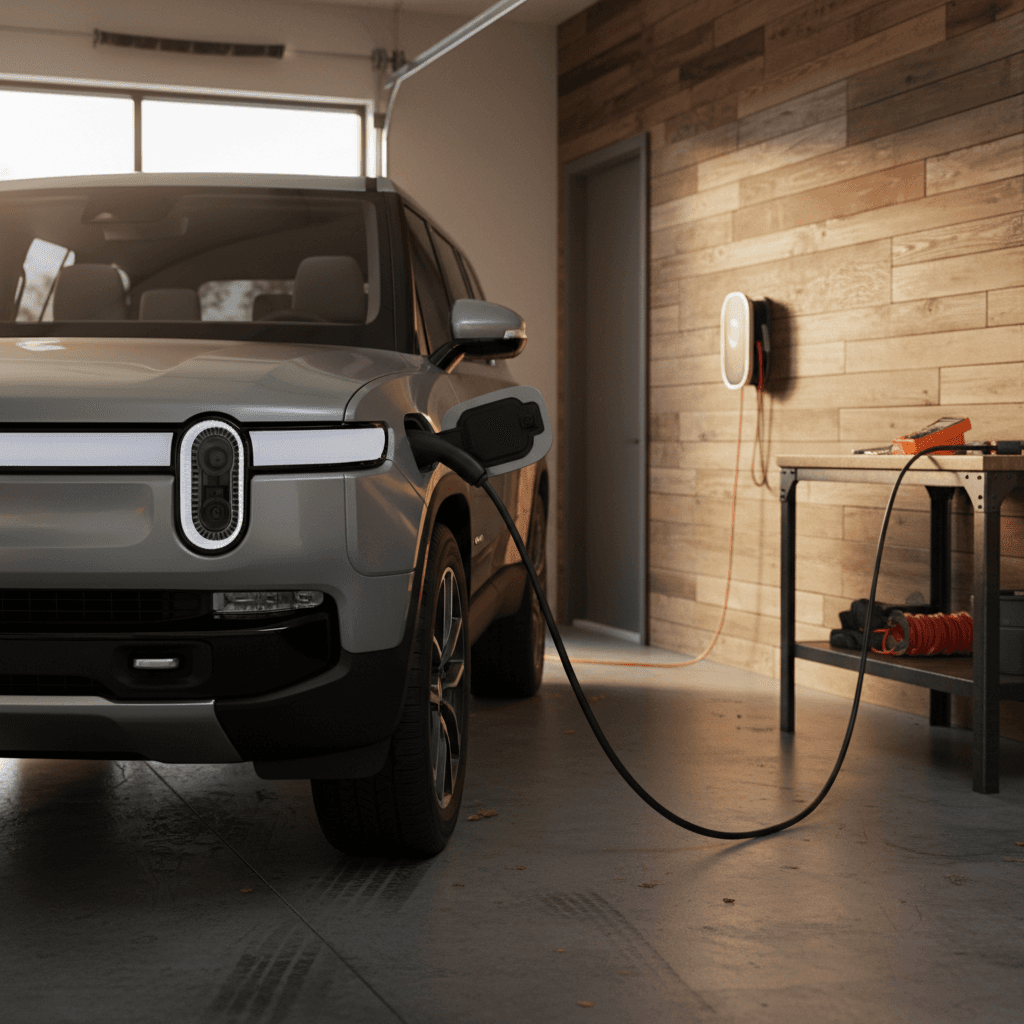
If you’re trying to figure out how to charge a Rivian R1S at home, you’re asking the right question. The R1S has a big battery and serious performance; without a solid home charging plan, it can feel like you’re always chasing range. The good news is that with the right setup, you can leave every morning with a “full tank” and very little hassle.
Good to know
Rivian R1S home charging basics
Under the skin, the Rivian R1S behaves like most modern EVs when it’s at home: it uses an onboard AC charger to convert household electricity into battery charge. For current R1S models, that onboard charger can draw up to roughly 11.5 kW on a 240V circuit, which is the ceiling for how fast you can charge at home on Level 2.
- Connector: Older R1S models use a CCS1 AC/DC combo port; newer 2025–2026 builds in North America ship with a NACS charge port. Both work fine with standard J1772/NACS-compatible home units via the supplied adapter.
- Charging levels at home: Level 1 (120V household outlet) and Level 2 (240V dryer‑style or dedicated circuit).
- Onboard charger limit: About 11.5 kW AC, so going above a 48‑amp Level 2 in your garage doesn’t make the R1S charge any faster.
- Battery size: Depending on trim and year, the R1S pack is large (well over 100 kWh), so home charging speed really matters.
Level 1 is a backup, not a plan
All the ways to charge a Rivian R1S at home
Your main home-charging options for an R1S
From “plug it into the wall” to a dedicated high‑power wallbox.
1. Level 1 – 120V wall outlet
Use the Rivian portable charger with a standard household outlet.
- ~2–3 miles of range per hour in real use.
- Good for very light daily driving or temporary setups.
- No electrician needed if the outlet is in good condition and on a suitable circuit.
2. Level 2 – 240V outlet + portable charger
Same Rivian portable unit, but on a 240V NEMA outlet (like a dryer plug).
- Often 10–20+ miles of range per hour, depending on amperage.
- Relatively inexpensive if you already have a spare 240V circuit.
- Flexible, you can take the charger with you if you move.
3. Level 2 – hardwired wall charger
Dedicated Rivian Wall Charger or third‑party unit, permanently wired.
- Up to 48 amps (≈11.5 kW) for 25–30+ miles of range per hour.
- Cleanest, most convenient solution for long‑term ownership.
- Usually requires a licensed electrician for installation.
A simple rule of thumb
How fast will my Rivian R1S charge at home?
Typical Rivian R1S home charging speeds
Rivian R1S home charging options compared
Approximate numbers for a modern R1S pack. Exact speeds vary with temperature, state of charge, and trim.
| Home setup | Electrical supply | Approx. power | Miles of range per hour* | Time from 20–80% |
|---|---|---|---|---|
| Level 1 – 120V outlet | 120V, 12–15A | 1.4–1.8 kW | 2–3 mi/hr | 40–60+ hours |
| Level 2 – 240V, 20–24A | 240V, 20–24A | 4.8–5.7 kW | 10–12 mi/hr | 12–18 hours |
| Level 2 – 240V, 32A | 240V, 32A | 7.7 kW | 15–18 mi/hr | 9–12 hours |
| Level 2 – 240V, 40A | 240V, 40A | 9.6 kW | 20–25 mi/hr | 7–10 hours |
| Level 2 – 240V, 48A (Rivian Wall Charger) | 240V, 48A | 11.5 kW | 25–30+ mi/hr | ≈7–9 hours |
Charging times are ballpark figures, don’t worry if your numbers are a little different in daily use.
Why 20–80%, not 0–100?
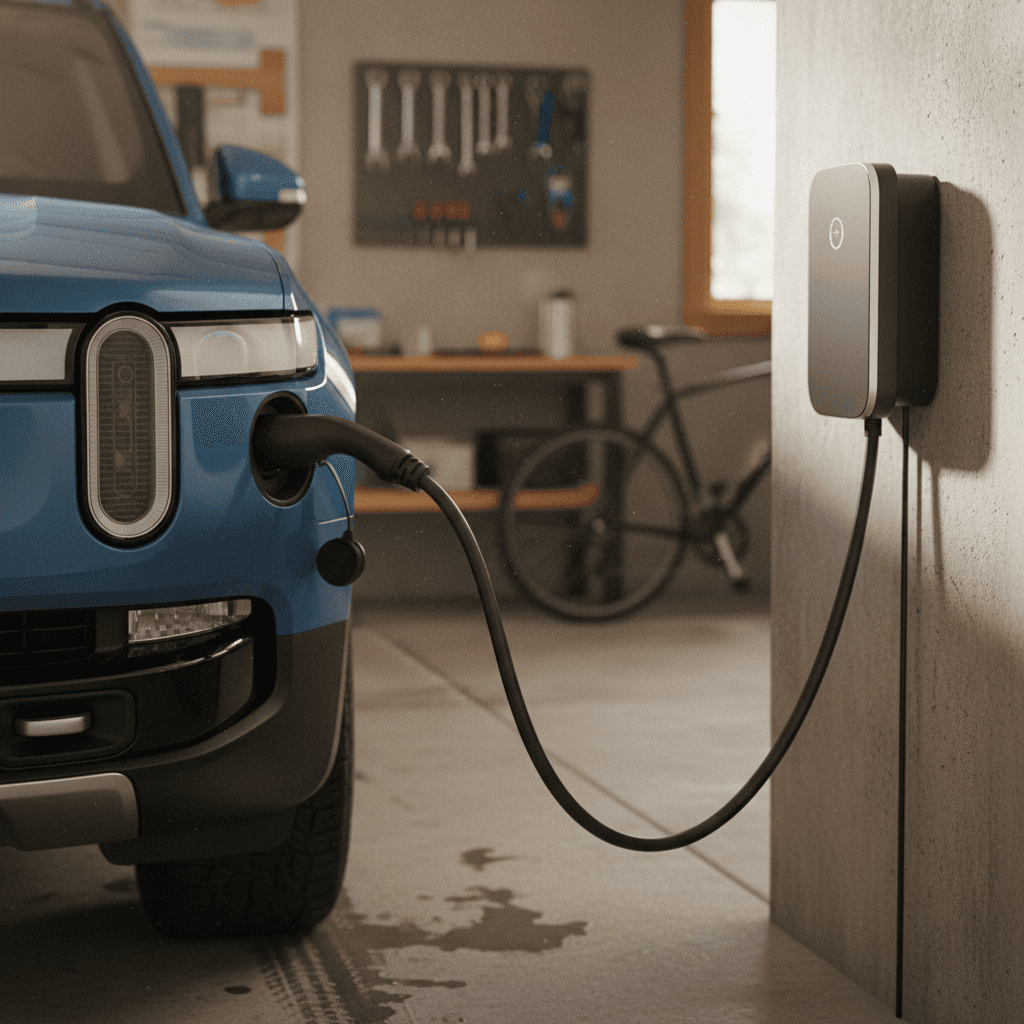
Step-by-step: how to plug in and charge at home
Step-by-step: starting a home charging session
1. Park and put the R1S in Park
Pull into your driveway or garage, set the parking brake if needed, and make sure the vehicle is in Park. Give yourself enough room to reach the charge port.
2. Open the charge port door
Tap the small button on the charge door, press the button on the charge handle (if equipped), or open it from the center display. On many R1S models the port is on the driver’s side front fender.
3. Check your charger status
Look at your wall charger or portable unit. You should see a solid “ready” or power light, with no error codes. If it’s blinking red or showing a fault, stop and diagnose before plugging in.
4. Plug the connector into the R1S
Firmly insert the connector (CCS/J1772 via adapter or NACS, depending on your model) until you hear or feel a click. The R1S light ring / charge indicator should illuminate to confirm connection.
5. Confirm charge settings in the app or on-screen
Use the Rivian app or center display to verify your target charge limit (for example 70–80% for daily use) and any scheduled charging windows that match your utility’s off‑peak hours.
6. Walk away and let it work
The vehicle and charger handle the rest. You can monitor progress from the Rivian app, and the session will end automatically when the battery reaches your set limit or you unplug.
Set it and forget it
Choosing the right home charger for your R1S
There’s no single “best” charger for every Rivian R1S owner. The right choice depends on how you drive, where you live, and what your electrical panel can support. Here’s how to narrow it down.
Rivian Wall Charger vs. third‑party Level 2
Both will charge your R1S. The trade‑offs are about features, flexibility, and cost.
Rivian Wall Charger (48A)
- Pros: Branded to match the vehicle, up to 48A (≈11.5 kW), clean integrated look, app integration, supports many EVs in the household.
- Cons: Hardware cost is higher than some third‑party units, and you’ll still need professional installation.
- Best for: Owners who want maximum speed, a permanent installation, and a Rivian‑branded experience.
Third‑party 40–48A Level 2 chargers
- Pros: Wide price range, often Wi‑Fi/app features, compatible with multiple brands, easier to find in stock.
- Cons: Feature sets and reliability vary, stick to reputable brands with UL certification and strong warranties.
- Best for: Mixed‑EV households or shoppers who want the best value per amp.
Match charger size to your driving
- Short commute (under 25–30 miles/day): A 32A Level 2 charger may be plenty, especially if electricity is cheap overnight.
- Heavy daily driving (40–80+ miles/day): Aim for 40–48A so you can reliably refill overnight even in cold weather.
- Occasional long trips: High‑amp Level 2 makes it easier to top to 100% before an early departure.
Think about where you’ll park
- Garage parking: A wall‑mounted charger with a short run to the panel is usually cheapest to install.
- Driveway/outdoor parking: Look for chargers with outdoor ratings (NEMA 3R or better) and long, durable cables.
- Renters: A plug‑in Level 2 unit on a NEMA 14‑50 outlet is easier to remove and take with you.
Where Recharged can help
Electrical panel and installation basics
A Rivian‑friendly home charging setup is only as good as the wiring behind it. Before you order a big 48‑amp wallbox, it pays to understand what your home can safely support.
Home electrical checklist for an R1S charger
1. Check your main service rating
Most U.S. homes have 100A, 150A, or 200A service. A high‑amp Level 2 charger is much easier to add on a 200A panel. Your main breaker is usually marked with the number.
2. Look for existing 240V circuits
Dryer, range, or workshop outlets may already be 240V. An electrician can sometimes repurpose or extend one of these circuits for EV charging if it’s not heavily used.
3. Size the circuit correctly
Per code, continuous loads like EV charging are limited to 80% of breaker rating. A 50A breaker supports a 40A charger; a 60A breaker supports a 48A charger. Don’t exceed what your wiring can safely handle.
4. Consider future EVs
If you expect a second EV, adding a slightly larger sub‑panel or a smart splitter now can be cheaper than re‑doing everything in a few years.
5. Hire a licensed electrician
Running new 240V circuits, upsizing breakers, and pulling permits is not a DIY job for most homeowners. A licensed electrician keeps you safe and protects your home’s insurance coverage.
Safety first
Home charging cost and battery health
Charging a Rivian R1S at home is usually far cheaper per mile than fueling a gas SUV, but the exact numbers depend on your electricity rate and driving habits. Just as important, how you charge will influence long‑term battery health.
What it costs to charge at home
- Electricity price: Many U.S. homes pay around $0.12–$0.25 per kWh. Check your utility bill.
- Energy use: An R1S often averages around 1.8–2.3 mi/kWh depending on conditions and driving style.
- Ballpark cost per mile: At $0.15/kWh and 2 mi/kWh, you’re paying about $0.075 per mile, far below a comparable gas SUV.
- Off‑peak rates: Time‑of‑use plans can cut your nightly charging cost significantly. Use scheduled charging to match the cheapest hours.
Battery‑friendly charging habits
- Daily limit: Keep your charge target around 70–80% for day‑to‑day use.
- Avoid deep discharges: Try not to run down below ~10% regularly if you can help it.
- Slow and steady is fine: Level 2 home charging is generally gentle on the pack compared with frequent DC fast charging.
- Precondition in winter: Use the app to warm the pack and cabin while plugged in, so you’re using grid power instead of battery energy.
Cold weather reality check
Troubleshooting common R1S home charging issues
Most home charging problems with a Rivian R1S come down to four things: the outlet, the circuit, the charger, or the car’s settings. Here’s what to check before you panic.
- Charging is much slower than expected: Confirm your amperage limit in the Rivian settings; the vehicle may be set to a low value from a previous location. Also verify that your charger is actually on a 240V circuit, not 120V.
- Breaker keeps tripping: Your circuit may be undersized or shared with other big loads (dryer, space heaters, etc.). An electrician can move the charger to a dedicated circuit or reduce its maximum amperage.
- Car won’t start charging: Try reseating the connector, checking for ice or debris in the port, and power‑cycling the charger. Then look for any error messages in the Rivian app or charger app.
- Outlet or plug feels warm: Unplug immediately. Warm is a warning sign; hot is a problem. Have the outlet inspected or replaced before charging again.
Used R1S buyers: test home charging early
Frequently asked questions about charging a Rivian R1S at home
Rivian R1S home charging FAQ
Final thoughts: dialing in home charging (and shopping used)
Owning a Rivian R1S without a home‑charging plan is like owning a luxury SUV without a driveway, it works, but you’re always working around it. Once you’ve set up a solid Level 2 solution, charging becomes routine: plug in at night, wake up ready for whatever the day throws at you. The key decisions are straightforward: how much range you need to recover each night, what your electrical panel can support, and whether you want a Rivian‑branded wallbox or a proven third‑party unit.
If you’re exploring a used R1S, Recharged is built to make this part easier. Every vehicle comes with a Recharged Score Report that shows verified battery health and charging behavior, and our team can help you sanity‑check your home setup before you ever click “buy.” Get home charging right once, and your Rivian R1S will feel like it was designed around your life, not the other way around.