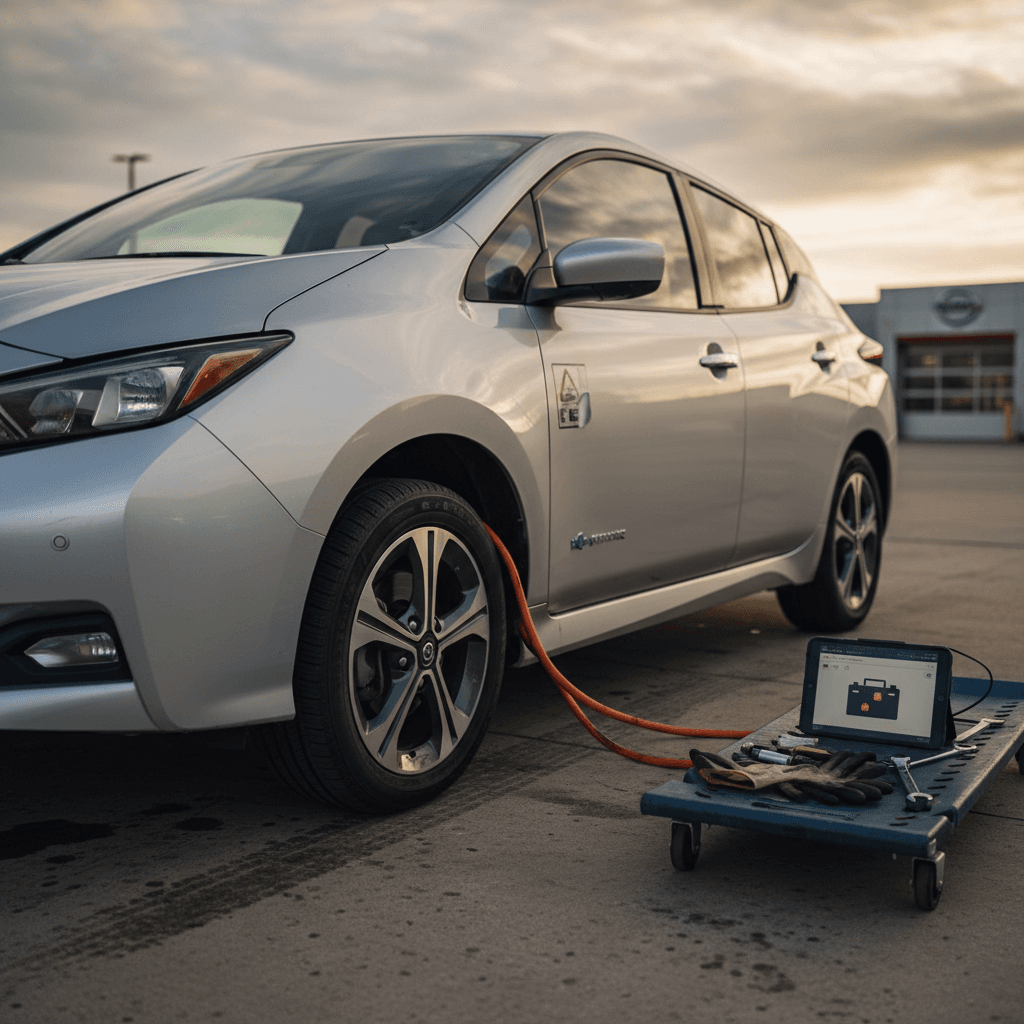
If you own or are considering a used 2020 Nissan Leaf, understanding the full recalls list isn’t just box-checking, it tells you how safe the car is, whether you can fast charge worry‑free, and what kind of dealer visits you might be in for. Below, you’ll find a clear, updated guide to 2020 Leaf recalls, what they actually mean in the real world, and how to protect yourself as an owner or used‑EV shopper.
Recalls vs. common problems
Overview: How many recalls affect the 2020 Nissan Leaf?
Depending on how you count overlapping campaigns, the 2020 Nissan Leaf is affected by multiple safety recalls, most notably:
- A high‑voltage battery recall tied to Level 3 DC fast charging and potential fire risk on 2019–2020 Leafs equipped with a quick‑charge port.
- A rearview monitor software recall where the backup camera image can disappear or freeze, violating rear-visibility rules (FMVSS 111).
- Follow‑on campaigns and technical bulletins related to rear camera hardware and harness issues extending into later Leaf model years.
Don’t rely on model‑year lists alone
2020 Nissan Leaf recalls list (quick summary)
Major 2020 Nissan Leaf safety recalls
This high‑level table summarizes the key recalls that typically impact 2020 Nissan Leaf models. Always confirm against your VIN on the NHTSA or Nissan recall lookup tools.
| Recall focus | Approx. NHTSA/Nissan ID | Model years affected | Key risk | Typical remedy | Owner restrictions |
|---|---|---|---|---|---|
| Battery overheating during Level 3 quick charging | 2024–2025 campaigns building on earlier 20V‑series; often referenced as Nissan software update for Level 3 port | 2019–2020 Leafs with DC quick‑charge (CHAdeMO) | Potential high‑voltage battery overheating and fire during Level 3 DC fast charging | Battery control software update and/or further diagnostics; future campaigns may add intensive battery checks | Owners are advised to avoid Level 3 DC fast charging until the remedy is performed. |
| Rearview monitor image disappearing or freezing | 20V‑412 / Nissan campaign PC743 (rear view monitor software) | 2020 Leaf | Loss of backup camera image; reduced rear visibility when reversing | Infotainment/AVM software update for rear‑view monitor behavior | No driving ban, but owners should get the update promptly and be cautious when reversing until it’s done. |
| Expanded rear camera / harness issues (later campaign) | Later 2022–2025 camera/harness recalls that may apply to some Leafs depending on build | Primarily 2018–2022 Leaf, depending on camera part numbers | Intermittent or failed rear camera feed, possible non‑compliance with FMVSS 111 | Inspection and replacement of camera or harness as needed | Usually no usage restriction, but repeated failures can qualify for warranty or lemon‑law review in some states. |
Use this as a starting point, then confirm details with a VIN check.
Why some lists show dozens of "recalls"
Battery Level 3 charging fire risk recall (2019–2020 Leaf)
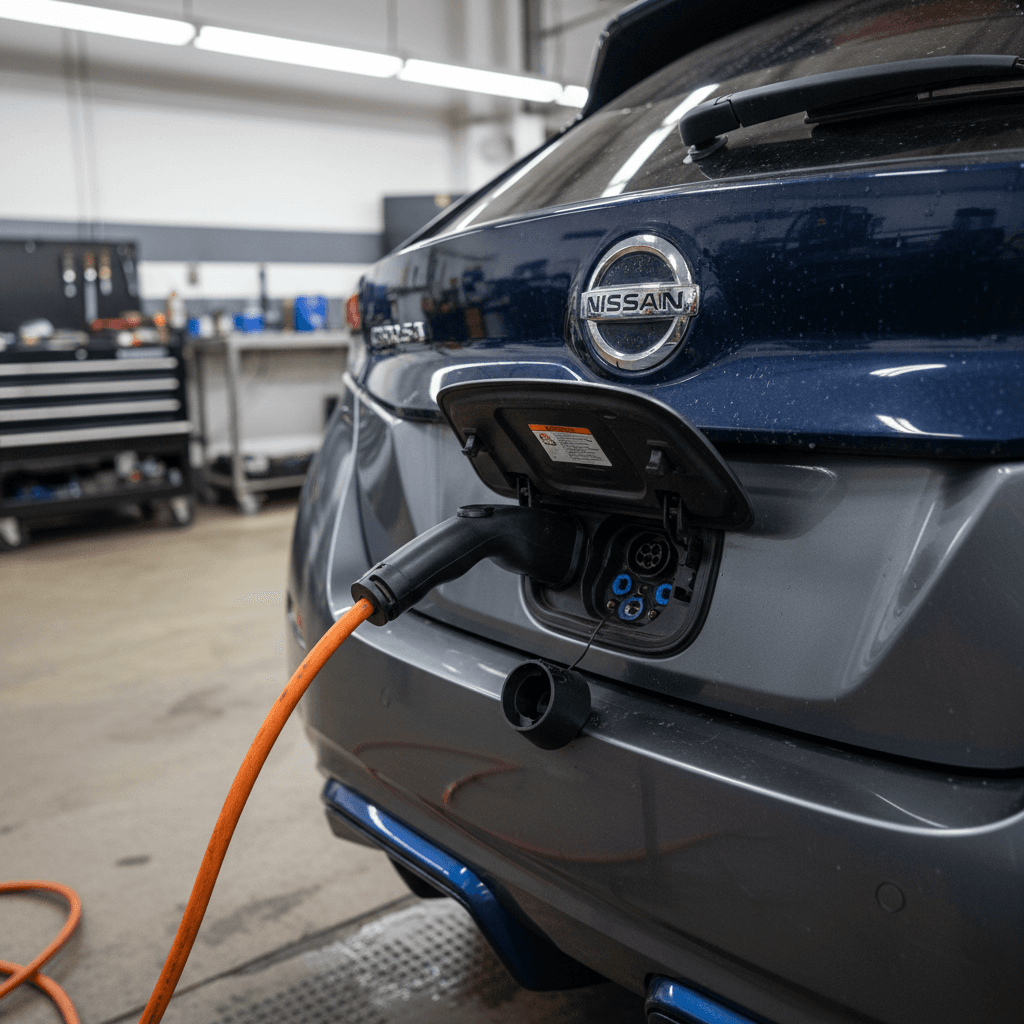
The most serious recent campaign for 2019–2020 Leafs involves the high‑voltage battery overheating during Level 3 DC fast charging (CHAdeMO). Affected cars are typically those built between late 2018 and November 3, 2020 and equipped with a Level 3 quick‑charge port.
Key facts about the Level 3 battery recall
According to recall documents and owner notices, certain cells in the Leaf’s lithium‑ion pack can develop excess lithium deposits. That raises internal resistance, especially when you push a lot of current through the pack, exactly what happens during DC fast charging. In extreme cases, that heat could trigger a thermal event or fire.
- The risk is tied specifically to Level 3 DC fast charging via CHAdeMO, not everyday Level 1 or Level 2 AC charging at home.
- Many owners were instructed in late 2024 and 2025 to avoid using DC fast chargers entirely until dealers complete the software fix and confirm pack health.
- Some owners have reported long waits for a remedy date, which effectively limits their Leaf to slower charging and short‑range duty for months.
If your Leaf is under the battery recall
Rearview camera software recall (FMVSS 111)
The other headline recall for the 2020 Leaf is less dramatic but still important for safety and compliance: the rearview monitor software campaign, launched under NHTSA Recall 20V‑412 and Nissan campaign code PC743.
On some 2020 Leafs, the Around View Monitor (AVM) and Rear View Monitor (RVM) image can disappear or revert to a prior screen while you’re in reverse. That means you may suddenly lose the backup camera image just when you’re relying on it to see behind the car.
- The issue is purely software‑based in this campaign, the camera hardware itself may be fine.
- The defect violates federal rear‑visibility rules (FMVSS 111), triggering the recall.
- Dealers apply a software update to the infotainment/AVM system, at no cost to you.
- The recall began in 2020, but some used‑Leaf buyers still find cars where the update was never completed.
Quick way to spot a camera issue on a test drive
Expanded rear camera hardware issues on later Leafs
After the initial software‑only campaign, Nissan and its suppliers have continued to wrestle with rear camera and harness reliability across various models, including the Leaf. Later recalls and service bulletins have focused on defective camera modules or wiring that can cause intermittent images or total failure.
For a 2020 Leaf owner today, this matters for two reasons:
- If your car’s backup camera fails again after the software recall, it may be covered by a separate camera or harness campaign or by the new‑car or extended warranty, depending on mileage and in‑service date.
- Persistent camera failures, especially when a dealer has tried and failed to fix them multiple times, can support lemon‑law or buyback claims in some states. Keep every repair order and recall letter.
Software vs. hardware fixes
How to check if your 2020 Leaf has open recalls
Because campaigns roll out over several years, the only reliable way to see your personal 2020 Nissan Leaf recalls list is to run a VIN lookup. Here’s how to do it in a few minutes.
Step‑by‑step: Check your 2020 Leaf for open recalls
1. Locate your VIN
Find the 17‑character Vehicle Identification Number on the <strong>driver’s side lower windshield</strong>, the driver’s‑door jamb, your registration card, or your insurance ID.
2. Use the NHTSA recall lookup
Go to the official NHTSA recall lookup site and enter your VIN. It will show <strong>all open safety recalls</strong> that haven’t yet been completed on your car.
3. Cross‑check on Nissan’s recall site
Nissan’s own recall‑status tool sometimes lists <strong>manufacturer campaigns or service actions</strong> that don’t appear as NHTSA safety recalls. It’s worth checking both.
4. Save or print the results
Download or print the recall results page and bring it to your dealer. This makes it easier to schedule all outstanding work in one visit.
5. Call your Nissan dealer’s service department
Give them your VIN and confirm parts availability and appointment timing, especially for <strong>battery or camera‑related recalls</strong> which can take longer to schedule.
6. Keep every repair order
After the work is completed, make sure the repair order lists the <strong>recall code</strong> and notes that the campaign is closed. This documentation is important if you sell the car or pursue warranty assistance later.
Good news: Recalls are free to fix
What these recalls mean for daily driving and charging
On paper, recall language can sound scary. In practice, most 2020 Leaf owners will fall into one of three scenarios: fully repaired, partially repaired, or still waiting on a remedy. Each one changes how you should use the car day‑to‑day.
If all recalls are marked "closed"
- You can use Level 1, Level 2, and Level 3 charging as normal, unless a newer campaign appears later.
- Keep an eye on the backup camera during reversing; if problems reappear, schedule a follow‑up inspection.
- Document that recalls are complete, that helps protect resale value when you sell or trade in.
If you still have open recalls
- For the battery/Level 3 campaign, plan to avoid DC fast charging and rely on slower home or workplace charging.
- For rear camera issues, drive defensively and treat the camera as a supplement, not your only line of sight.
- Schedule recall work as soon as possible; delaying can limit your ability to road‑trip or may complicate future warranty discussions.
Range and recall limitations
Shopping for a used 2020 Leaf? Key recall checks
The 2020 Leaf can be a solid, budget‑friendly EV, but its recall history means you should be more methodical than you might be with a conventional gas compact. Here’s a focused checklist for shoppers.
Used 2020 Nissan Leaf recall & safety checklist
Confirm recall status by VIN
Ask the seller for the VIN and run it through both the <strong>NHTSA</strong> and <strong>Nissan</strong> recall lookup tools. Avoid any seller who won’t share the VIN upfront.
Ask for recall repair records
Request service records showing that the <strong>Level 3 battery recall</strong> and <strong>rearview camera campaign</strong> are closed. A reputable dealer or marketplace should have these on file.
Test the backup camera thoroughly
On the test drive, shift into reverse multiple times, on inclines and flat ground. Watch for <strong>black screens, frozen images, or color issues</strong> that hint at return problems.
Verify quick‑charge behavior
If possible, stop at a CHAdeMO DC fast‑charging site. Even a short session can reveal whether the car charges normally or <strong>stops unexpectedly or throws warnings</strong>, a red flag for unresolved battery issues.
Review battery health, not just recalls
Recalls don’t cover ordinary <strong>battery degradation</strong>. Use tools like LeafSpy or a professional battery report (such as a Recharged Score) to understand real‑world range.
Value cars with completed campaigns
All else equal, a 2020 Leaf with <strong>documented recall completion</strong> is worth more, and should be easier to finance or resell, than one that still needs safety work.
Buying through a recall‑aware marketplace
How Recharged handles 2020 Leaf recalls and battery health
If you’re considering a used 2020 Leaf, you don’t just want to know that recalls exist, you want confidence that they’ve been handled correctly. That’s exactly the gap Recharged was built to fill.
Recharged’s approach to used 2020 Leafs
From intake to delivery, recall and battery checks are built in.
VIN‑level recall audit
Recall completion before sale
Recharged Score battery health
Ready to find your next EV?
Browse VehiclesYou can shop entirely online, arrange financing, and even get a trade‑in or instant offer for your current vehicle. If you’re near Richmond, VA, Recharged’s Experience Center also gives you an in‑person way to see how a properly vetted used EV should feel before you commit.
FAQ: 2020 Nissan Leaf recalls
Frequently asked questions about 2020 Leaf recalls
Bottom line: Is a recalled 2020 Leaf a deal-breaker?
A 2020 Nissan Leaf with recalls on its record isn’t automatically a car to walk away from. Recalls are a sign that problems were identified and formal fixes exist, and those fixes are free, regardless of how many owners the car has had. What matters is whether the Level 3 battery and rearview camera campaigns are closed, how the car behaves in real‑world charging and backing maneuvers, and whether you’re buying from a seller who takes safety and documentation seriously.
If you’re shopping used, look for a 2020 Leaf with completed recalls and a clean, well‑documented battery‑health report. That’s the combination that turns a potentially worrying spec sheet into a confident daily driver. And if you’d rather not untangle recall codes and battery metrics alone, a platform like Recharged can simplify the process with expert EV support, Recharged Score battery diagnostics, and transparent pricing from your first search to final delivery.