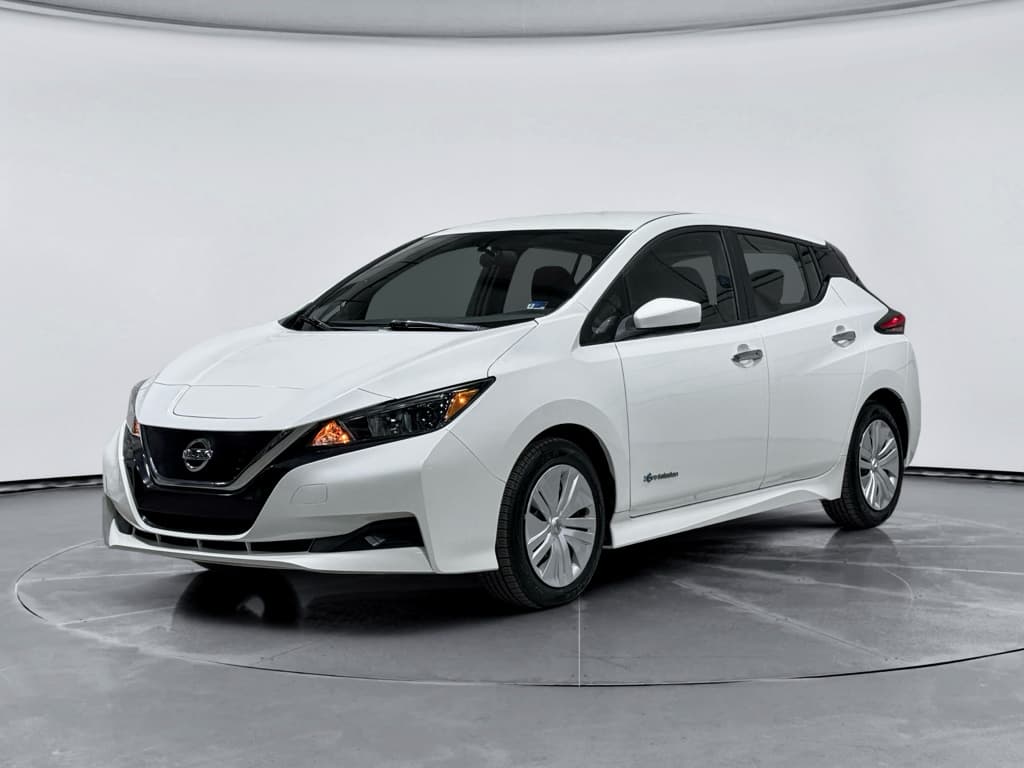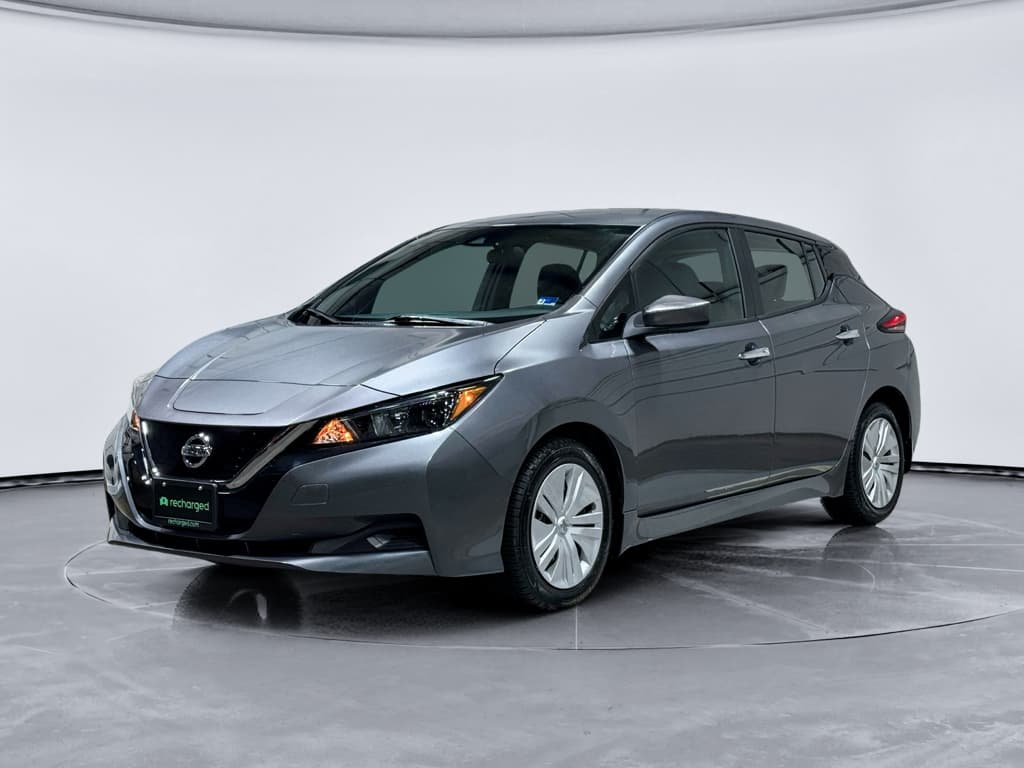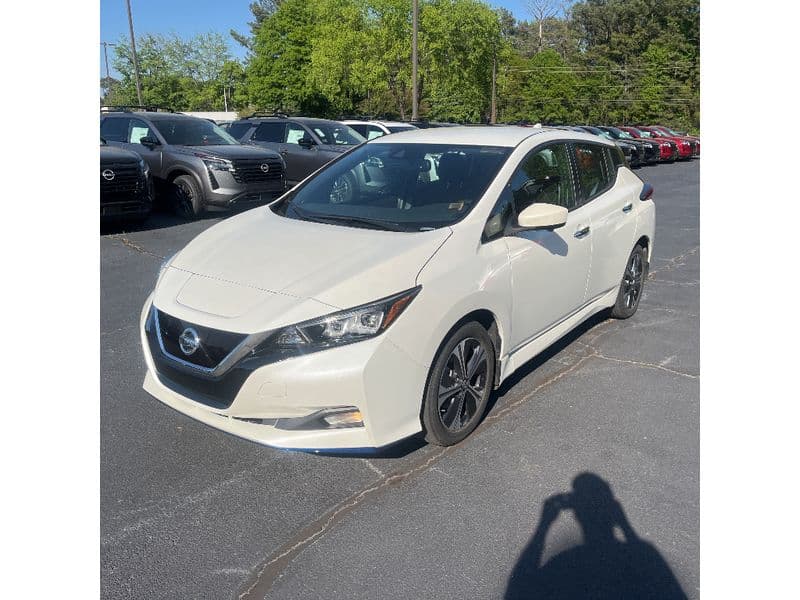
If you’re considering a used 2020 Nissan Leaf, or you already own one, you’re smart to dig into the most common problems and fixes before you commit more of your money. The 2020 Leaf is generally a solid, affordable EV, but like every model year it has its quirks, especially around battery health, charging behavior, and software. This guide breaks down the real-world 2020 Nissan Leaf problems owners see, how serious they are, and what you can do about them.
Key context for 2020 Leafs
Overview: How Problematic Is the 2020 Nissan Leaf?
2020 Nissan Leaf Ownership Snapshot (Big Picture)
Overall, the 2020 Leaf scores as a reasonably reliable used EV, especially compared with some first-generation electric vehicles. The most expensive risk you’re managing is the traction battery’s long-term health. Other problems, brake feel, A/C performance, infotainment glitches, are usually fixable without four-figure repair bills. Your goal as a buyer or owner is to separate normal EV behavior from true defects, and to catch the latter while you still have warranty coverage.
Tip for used buyers
Battery and Range Problems on the 2020 Leaf
Battery concerns are what keep most shoppers up at night. The 2020 Leaf uses an air‑cooled lithium‑ion pack, which is simpler and cheaper than liquid‑cooled systems but less tolerant of sustained heat and rapid DC fast charging. That doesn’t make the car a ticking time bomb, but it does mean usage history matters a lot.
- Noticeable range loss compared with original EPA rating (for example, a 62 kWh Leaf Plus only delivering ~170–180 miles instead of 215+ in mild weather).
- Reduced number of visible "+" or battery capacity bars on the dash gauge.
- Faster-than-expected drop from 80% to 20% state of charge on highway drives.
- Range swings in cold weather that feel more dramatic than in a gasoline car.
Heat is the real enemy
Battery degradation: what’s "normal" and what’s not?
Some capacity loss over 4–6 years is expected on any EV, including the 2020 Leaf. A modest drop in range, say, 8–15% from new, is usually not a defect. Red flags include: - Losing multiple capacity bars within a short mileage window. - Sudden, step‑change range loss after a single event (for example, following a software update or after repeated rapid‑charging sessions on a long trip). - The car jumping from, say, 15% state of charge (SoC) to 0% very quickly.
How Recharged evaluates Leaf batteries
DIY checks and professional fixes for Leaf battery issues
Battery Problems: What You Can Do vs. What Needs a Pro
A mix of owner checks and specialist diagnostics works best.
Owner checks
- Note how many capacity bars are shown on the dash (12 is like-new).
- Reset trip meter and compare miles driven to percentage of battery used over a few days.
- Pay attention to rapid drops in SoC under heavy acceleration or highway speeds.
- Use a Leaf‑specific OBD2 app (with a compatible dongle) to estimate state of health if you’re comfortable with tech tools.
Shop & warranty fixes
- Ask a Nissan dealer to perform a battery test and BMS check.
- If you’ve lost 4 capacity bars within the battery warranty window, explore warranty replacement eligibility.
- For abnormal behavior (sudden shut‑off, extreme range loss), request a high‑voltage system diagnostic, not just a quick code scan.
When to stop driving
BMS Software Glitches and Warning Lights
Many 2020 Leaf owners report episodes where the Battery Management System (BMS) seems to misread the pack. The result can be unexpected warning lights, limited power, or range estimates that feel wildly inaccurate. These aren’t always signs of a dying pack, often, they’re software- or sensor‑related.
- Yellow or red EV system warning light with no obvious change in how the car drives.
- State-of-charge gauge stuck or jumping unexpectedly after a charge session.
- Reduced power mode without clear explanation (no traction loss, no overheating).
- Charging cutting off early, even though the set limit is higher.
Start with simple steps
BMS-related DIY steps
- Soft reset: Safely park, power the Leaf off, wait a minute, and power back on. Sometimes transient codes clear.
- Check 12V battery health: A weak 12‑volt battery can trigger all sorts of odd EV warnings and communication errors.
- Note whether the issue appears only after certain types of charging (like repeated DC fast charging on a trip).
Professional fixes
- Have a Nissan dealer or EV‑savvy shop perform a full diagnostic scan of the high‑voltage and BMS systems.
- Ask specifically if there are software updates applicable to your VIN that address battery or charging logic.
- If you’re still under warranty, insist on clear documentation of findings and repair attempts in case issues recur.
Charging Problems: Home and DC Fast Charging
The 2020 Leaf is generally straightforward to charge, but owners do report random charging interruptions, slow Level 2 sessions, or finicky behavior on certain DC fast chargers. The good news is that most charging issues turn out to be infrastructure- or cable‑related, not proof that the car is failing.
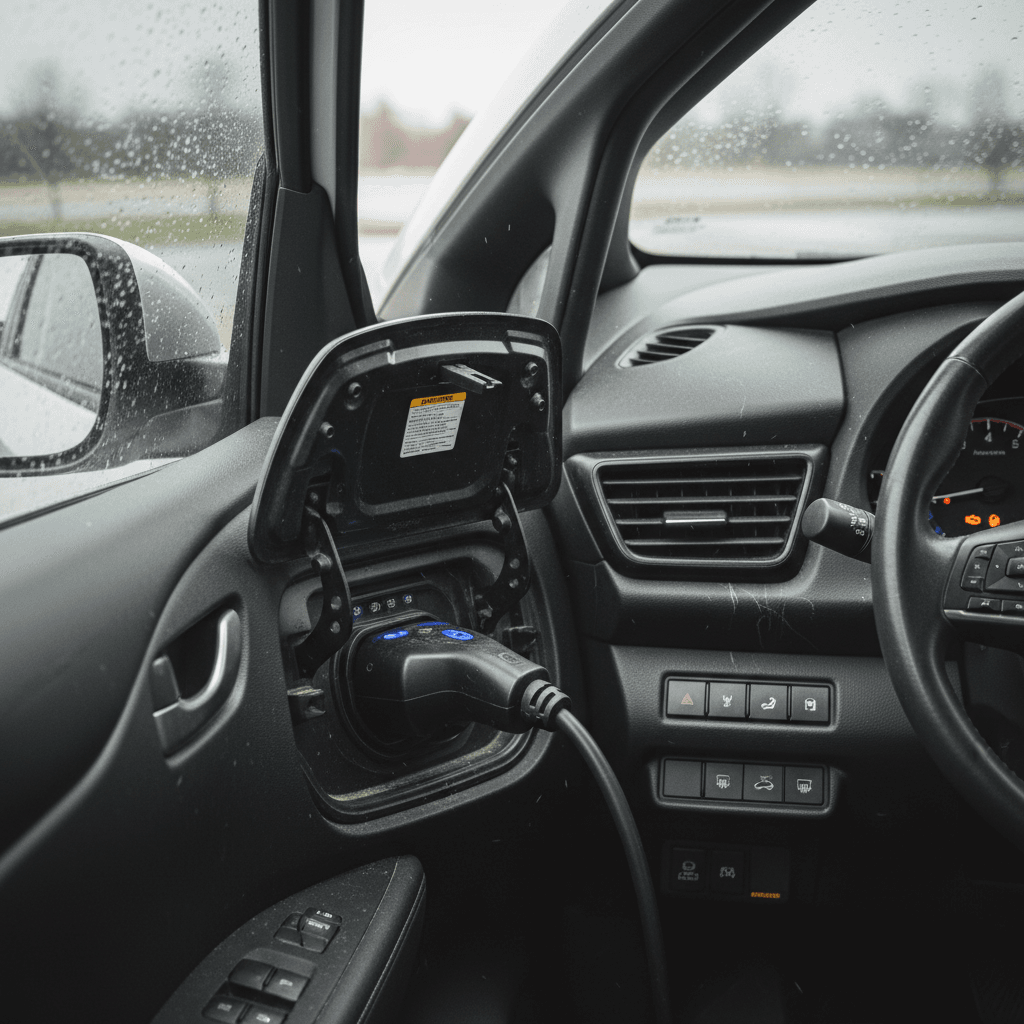
Common home charging problems and fixes
Home Charging Issues on 2020 Nissan Leaf
Typical symptoms, likely causes, and practical fixes.
| Symptom | Likely Cause | What You Can Try First | When to Call a Pro |
|---|---|---|---|
| Charging won’t start | Loose plug, tripped breaker, faulty EVSE | Try another outlet or charger; inspect cord and plug for damage | If multiple chargers/outlets fail, have the car and electrical circuit inspected |
| Charging keeps cutting off | Weak or overheating circuit, EVSE over‑temperature, timer setting conflict | Disable timers; plug into a different circuit; feel for excessive heat at outlet | Electrician should check for loose connections, undersized wiring, or faulty outlet |
| Slower-than-normal Level 2 speed | Shared circuit, low‑amp EVSE, cold battery | Confirm EVSE amperage; avoid running heavy appliances on same circuit | If speed is much slower than rating, have car and EVSE checked |
| GFCI or breaker trips | Ground fault, moisture, or bad outlet | Try a different circuit; inspect for water around outdoor outlets | Electrician or qualified installer should inspect and repair wiring/outlets |
In many cases, the Leaf is reacting properly to a problem with the outlet or EVSE.
DC fast charging issues and how to handle them
On DC fast chargers (CHAdeMO for the 2020 Leaf), problems usually fall into two buckets: station-side issues or battery‑protection behavior. It’s easy to blame the car when a session fails, but public hardware and software are frequent culprits.
- Charge session fails to start or throws an error immediately.
- Charging starts but quickly ramps down to very low power.
- Leaf refuses to fast‑charge when the battery is already warm or near full.
- Different stations from the same network behave inconsistently.
Fast charging etiquette with the Leaf
Quick DC Fast-Charging Troubleshooting Steps
1. Try another stall or station
If one dispenser keeps failing, move to another stall or even a different network. If the car charges fine elsewhere, the issue was likely the station.
2. Check connector seating
Make sure the CHAdeMO plug is fully latched and locked. A half‑seated connector can cause immediate shutdowns.
3. Let the battery cool
If you’ve done multiple back‑to‑back fast charges, the Leaf may limit power to protect the pack. A 20–30 minute break off the charger can help.
4. Watch charge rate vs. state of charge
It’s normal for the charge rate to slow as you approach 70–80% SoC. That’s not a defect; it’s how the system preserves battery life.
Brake and One-Pedal Driving Issues
The 2020 Leaf uses blended braking, mixing regenerative braking from the motor with traditional friction brakes. Many drivers love the strong regen and one‑pedal feel in "e‑Pedal" mode, but some report grabby or inconsistent brake behavior at very low speeds.
- Slight "grab" or jerk as you come to a stop, especially in stop‑and‑go traffic.
- Spongy or inconsistent pedal feel when switching quickly between regen and friction braking.
- Noise from the brakes after the car has been parked, especially in wet or salty climates.
- One‑pedal feel that changes noticeably between drive modes or after software updates.
Why EV brakes feel different
Owner steps for better brake feel
- Occasionally perform a series of firm, safe stops from moderate speeds in an empty area to help clean the rotors.
- Toggle e‑Pedal and drive modes to understand how regen changes, so strange behavior doesn’t catch you by surprise.
- Listen for persistent grinding or squealing; a bit of light surface noise after rain can be normal, but ongoing noise is not.
When a shop should look at it
- If the ABS or brake warning light appears, or the pedal sinks excessively, get the car inspected immediately.
- If low‑speed braking is harsh or unpredictable, have a technician check calibration and software as well as mechanical parts.
- Rusty or pitted rotors in snow‑belt states may need resurfacing or replacement even if pads look fine.
HVAC, Heat Pump, and A/C Concerns
Climate control is another common complaint in 2020 Leafs, especially in areas with very hot summers or truly cold winters. Some trims use a heat pump system that’s more efficient than resistive heating in mild cold, but owners can still see range plummet when the cabin is working hard.
- Weak heat output in sub‑freezing temperatures, leading to foggy windows and uncomfortable cabins.
- Air conditioning that feels weaker than expected in very hot weather or under heavy sun load.
- HVAC fan or blower making intermittent noises or only working at certain speeds.
- Strong smells from the vents after the car has been sitting.
Simple HVAC improvements
HVAC Problems: Quick Wins vs. Shop Work
Not every comfort complaint is an expensive repair.
What you can try at home
- Replace the cabin air filter; a clogged element can reduce airflow and load the blower.
- Use remote preconditioning while plugged in to avoid big range hits right after you start driving.
- Verify that temperature and mode settings are correct, auto vs. manual, defrost vs. floor, etc.
Repairs best left to pros
- Refrigerant leaks or compressor issues (A/C underperforming even with correct settings).
- Heat pump or heater core faults generating codes or severe lack of heat in winter.
- Electrical or control‑module problems where HVAC only works in certain modes or speeds.
Interior Electronics and Infotainment Issues
Like most modern EVs, the 2020 Leaf relies heavily on screens and modules. The infotainment system generally works well, but some owners report glitches, slow responses, or intermittent sensor behavior (backup camera, parking sensors, keyless entry).
- Infotainment screen freezing, rebooting, or lagging when switching between nav and audio.
- Bluetooth pairing problems, especially after phone or software updates.
- Backup camera intermittently blank or showing warning messages.
- Door handles or keyless entry intermittently failing to respond.
Quick electronics resets
DIY steps
- Check that your phone OS and apps are up to date, and that you’re using a high‑quality USB cable if you use smartphone mirroring.
- Turn the Leaf fully off (including opening/closing the driver door) and let it sit before restarting, to allow modules to reset.
- Verify that any aftermarket accessories (dash cams, hard‑wired devices) aren’t overloading or interfering with circuits.
When to seek service
- Persistent blank or flickering screens, especially if they affect required safety displays like the backup camera.
- Recurrent module failures that throw codes, even after resets.
- Electrical gremlins such as multiple unrelated warning lights or repeated keyless entry failures.
Recalls, TSBs, and Warranty Coverage for 2020 Leafs
By 2020, the Leaf was a mature product, and the most serious early‑generation issues had been worked through. That said, Technical Service Bulletins (TSBs) and limited recalls can still apply to specific VIN ranges, often involving software updates, sensor replacements, or wiring fixes.
- Battery and BMS software updates intended to improve accuracy and reliability.
- HVAC and climate‑control software tweaks for better performance and defogging.
- Electronics or sensor‑related campaigns for items like the backup camera or airbags.
- Occasional hardware recalls that may affect small VIN batches.
How to check recall and TSB status
Understanding 2020 Leaf Warranty Basics
Know what might still be covered on a used car.
Typical high-voltage coverage
Why documentation matters
Checklist: What to Check on a Used 2020 Nissan Leaf
When you’re cross‑shopping used EVs, the 2020 Leaf can be a bargain, if you avoid the small percentage of cars with hidden battery or electronics issues. Use this checklist to separate solid cars from problem children.
Pre‑Purchase Checklist for a 2020 Leaf
1. Verify battery health, not just range estimate
Check capacity bars, but don’t stop there. If possible, get a professional battery health report such as the <strong>Recharged Score</strong> so you know how much usable capacity is left.
2. Test both Level 2 and DC fast charging
If the seller and logistics allow, plug into a Level 2 station and a DC fast charger to confirm the car starts and maintains a charge without error messages.
3. Drive at highway speeds
Take the Leaf to 60–70 mph and note how quickly the battery percentage drops. Drastic drops over a short distance can indicate a tired pack or calibration issue.
4. Work the brakes in different conditions
Try city streets and a few firm stops from moderate speed. Pay attention to pedal feel, noise, and any warning lights. Test e‑Pedal and multiple drive modes.
5. Stress‑test HVAC and defrost
Run heat and A/C on high, test front and rear defrost, and watch how power draw affects projected range. Weak HVAC can be a comfort issue and a safety concern in some climates.
6. Check every electronic feature you’ll use
Cycle the infotainment system, backup camera, parking sensors (if equipped), window switches, locks, and keyless entry. Small glitches today can be headaches tomorrow.
7. Confirm recalls and service history
Ask for a printout of completed recalls and TSB‑related work. A 2020 Leaf that’s had software updates and preventive service is a safer bet than one with an unknown past.
When a 2020 Leaf Problem Is a Deal-Breaker
Most 2020 Nissan Leaf problems are manageable annoyances rather than deal‑breakers. But there are a few situations where you’re better off walking away, or negotiating extremely hard on price because a large repair is likely.
- Evidence of severe battery degradation (multiple capacity bars lost, very low usable range) with no remaining battery warranty.
- Repeated high‑voltage or BMS fault codes that dealers haven’t been able to resolve.
- History of chronic DC fast charging abuse in hot climates, especially for 40 kWh cars.
- Multiple unresolved electrical issues across different vehicle systems, suggesting broader wiring or module problems.
Don’t fall in love with a problem car
FAQ: 2020 Nissan Leaf Problems and Fixes
Frequently Asked Questions About 2020 Nissan Leaf Problems
Bottom Line: Should You Buy a 2020 Nissan Leaf?
The 2020 Nissan Leaf isn’t a trouble‑free unicorn, but it also isn’t the nightmare some online horror stories make it out to be. Most issues are predictable and manageable if you know where to look: battery health, charging behavior, a handful of software and HVAC quirks, and the occasional brake or electronics complaint. If you find a 2020 Leaf with a healthy pack, clean history, and up‑to‑date software, it can be an excellent value as a practical commuter or second car.
Where shoppers get into trouble is ignoring battery diagnostics and over‑focusing on the sticker price. That’s exactly why a platform like Recharged exists. Every EV listed includes a Recharged Score battery health report, fair‑market pricing, and EV‑specialist support to walk you through trade‑ins, financing, and nationwide delivery. If a 2020 Leaf makes sense for your budget and driving pattern, pairing that due diligence with professional battery data is the smartest way to get all of the upside with far less risk.