If you’re hunting for a bargain luxury EV, a used 2016 Tesla Model S is hard to ignore. Long range, blistering acceleration, access to the Supercharger network, it all sounds great until you start reading about 2016 Tesla Model S problems. This guide walks you through the real-world issues owners see, what’s just internet noise, and how to shop a 2016 Model S with your eyes wide open.
Where 2016 fits in Tesla history
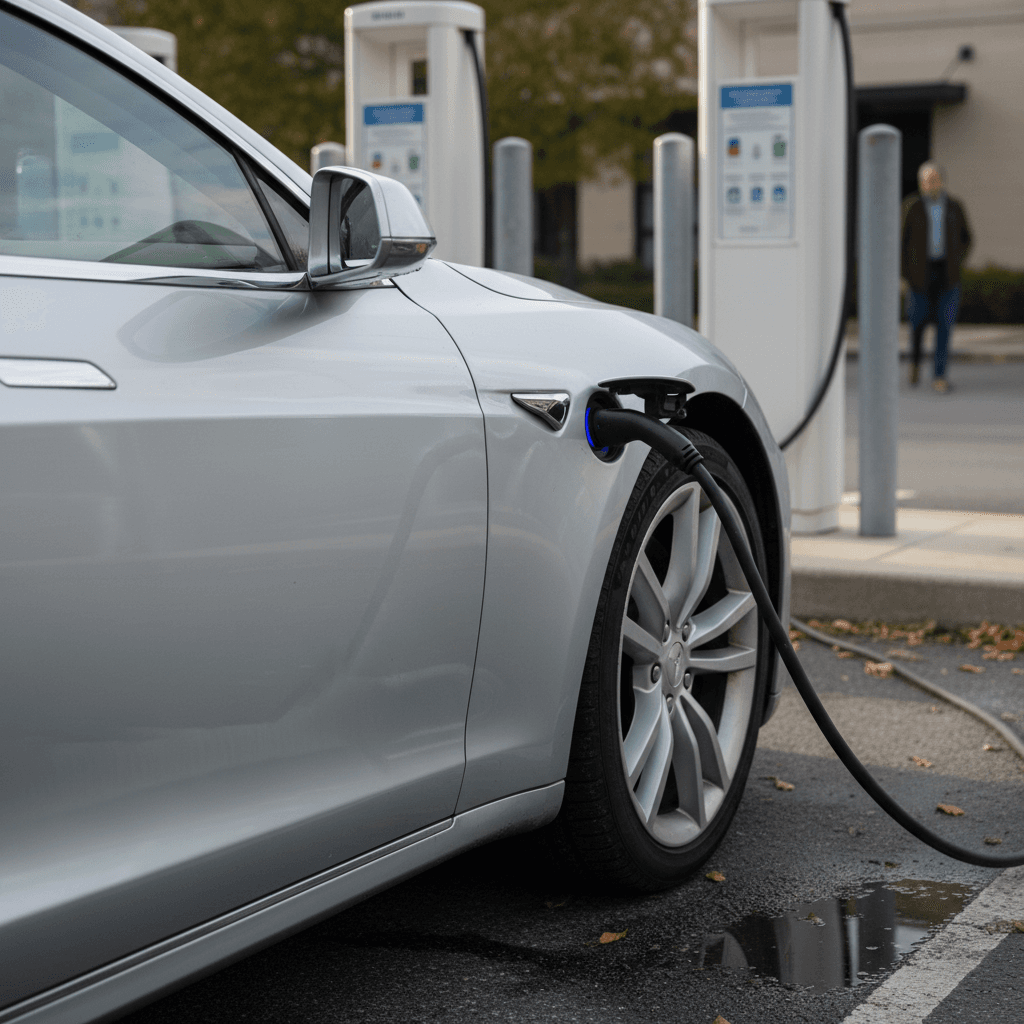
Why focus on 2016 Tesla Model S problems?
Problem reports for the Model S peaked in the mid‑2010s. One independent analysis of owner complaints shows 2016 and 2015 near the top for reported problems, reflecting Tesla’s rapid growth and evolving hardware in those years. At the same time, Consumer Reports has seen Tesla improve reliability over early years, even restoring recommendations as fixes rolled out for big issues like drive units and electronics.
So 2016 is a “mixed bag” year: you get more mature hardware than 2012–2014, but you’re still inside the window for some well‑known trouble spots, especially the center screen, door handles, and suspension. The key is understanding which problems matter, which have already been addressed, and which should affect what you’re willing to pay.
2016 Model S problem snapshot
Quick overview: How risky is a 2016 Model S?
2016 Model S: Pros and cons as a used buy
Big value, but you earn it by doing your homework.
Why shoppers love it
- Performance: Even non‑performance trims are seriously quick.
- Range: Competitive real‑world range if the battery’s healthy.
- Charging: Access to Tesla’s Supercharger network.
- Price: Deeply depreciated versus new Teslas or German luxury sedans.
Where the risks live
- Electronics: First‑gen MCU screens (MCU1) with known memory failures.
- Hardware: Early flush door handles and some suspension components are failure‑prone.
- Age: 10‑year‑old car means wear on seals, trim, and charging hardware.
- Tech: Older Autopilot hardware and infotainment feel dated.
Treat it like a used German luxury car
Big electronic issues: MCU screen and eMMC
If you’ve heard horror stories about 2016 Tesla Model S problems, you’ve probably heard about the center touchscreen dying. Early Model S cars, including 2016, use the first‑generation media control unit (MCU1). These units rely on a relatively small embedded memory chip (eMMC). Over years of constant logging, the chip wears out. When it fails, the screen can go black, take minutes to boot, or randomly reboot while driving.
- Slow, laggy touchscreen; map or media freezing
- Black screen on startup or after parking overnight
- Loss of turn‑signal click sounds and HVAC controls
- Backup camera not appearing or delayed
- Warning about “center display storage device degraded” (on later software)
Tesla eventually acknowledged the eMMC wear issue and rolled out an extended warranty/recall program on affected vehicles. Many 2016 cars have already had the MCU repaired or upgraded. Some owners proactively upgrade to MCU2, which adds a faster processor, better responsiveness, and newer software features, typically around $1,500–$2,500 depending on configuration and market.
MCU failure is inconvenient, but usually not the end of the car
How to evaluate the MCU on a test drive
1. Cold start test
Ask the seller to leave the car asleep. When you arrive, note how long the main screen takes to fully wake up and respond. Multi‑minute boot times can indicate a weak MCU.
2. Stress the system
While driving, run navigation, streaming audio, and adjust climate. Watch for lag, stuttering, or spontaneous reboots of the screen.
3. Check recall history
Ask for Tesla service records or check the car’s history in the Tesla app (if available) to see whether the eMMC or MCU has already been replaced.
4. Budget for an upgrade
If it’s still original MCU1, mentally park $1,500–$2,000 in your budget for repair or upgrade within the next few years.
Those fancy door handles: They’re a known weak spot
The sleek, flush retracting door handles are a Model S signature, and one of its most notorious problem areas, especially on 2014–2016 cars. Owners report handles that won’t present, won’t retract, or work intermittently. Internally, small micro‑switches and wiring harnesses do the hard work, and over time, they can wear or break.
By 2026, there’s even a class‑action lawsuit targeting alleged handle defects in 2014–2016 Model S cars, arguing that the design was failure‑prone and potentially a safety risk if a handle won’t deploy in an emergency. Tesla later redesigned the handle mechanism for newer cars, which tend to be more reliable.
- Handle doesn’t extend when you approach with the key or phone
- Handle extends but won’t register a pull to unlock
- Handle stuck half‑extended or feels loose compared with the others
- Door must be opened from inside, or you have to climb in from another door
The good news about door handles
Typical 2016 Model S door handle repair scenarios
Costs will vary by region and whether you use Tesla service or an independent EV specialist.
| Scenario | What It Means | Rough Cost Range (USD) |
|---|---|---|
| One handle just failed | Common on 2014–2016; may be the first of several | $300–$700 |
| Multiple handles already replaced | Previous owner has eaten some of the cost | $0 now, but ask when and how they were repaired |
| DIY repair with revised parts | Handy owners can keep costs down | $100–$300 per handle |
| Seller just replaced all 4 | Nice bonus, handles should be good for years | Adds real value versus a car with all originals |
Use this as a ballpark when comparing two used cars, one with fresh handles and one with all originals.
Suspension, tires, and steering: What to watch
Think about what a 2016 Model S has probably lived through: heavy curb weight, instant torque, and city streets that don’t care how expensive your wheels are. Not surprisingly, suspension and tire wear show up among common 2016 Tesla Model S problems, especially on cars with bigger wheels (20–21 inches) or lots of rough‑road miles.
Common wear items on 2016 Model S ride and handling
Most of these are normal for a big luxury car, but still worth checking closely.
Control arms & links
Air suspension components
Tire wear & alignment
Don’t skip the under‑car inspection
Battery and charging on a 2016 Model S
Battery health is the make‑or‑break question for any used EV. The encouraging news: fleet data for Model S packs suggests they typically lose only about 5% capacity over the first 50,000 miles, then degradation tapers off. Many 2015–2017 owners report mid‑80s to low‑90s percent remaining capacity after around 90,000–120,000 miles when measured with apps or full‑charge estimates.
That said, 2016 packs aren’t all created equal. Some 90 kWh packs have seen more aggressive degradation than 75 kWh and 85 kWh versions, especially if they lived on frequent DC fast charging or sat at 100% charge for extended periods. The original 8‑year, unlimited‑mile battery and drive unit warranty means many 2016 batteries remain under warranty until sometime in 2024–2026, depending on in‑service date, but that window is closing.
- Ask for a photo of the car at 100% charge showing rated range.
- Use an app or Tesla’s own energy screen to estimate remaining capacity.
- Look for Supercharging throttling or unusually slow DC charging on a test trip.
- Check for any past battery or drive‑unit replacements in service history.
Don’t obsess over a few percentage points
Software age, Autopilot, and tech obsolescence
A 2016 Model S is still a tech car, but you’ll feel the years. Most 2016s came with Autopilot 1 (AP1) or early hardware for AP2. AP1 can steer and follow lanes on highways but doesn’t get the latest Full Self‑Driving features, and many newer convenience features (like advanced Sentry mode and some visualizations) require newer hardware and MCU2.
What feels dated
- Slower response from MCU1, especially with maps and streaming.
- Older graphics and in‑car apps compared with late‑model Teslas.
- Limited Autopilot feature set on AP1 hardware.
- No native support for some newer Tesla safety and convenience updates.
What still works great
- Over‑the‑air software updates (within hardware limits).
- Navigation with Supercharger routing.
- Remote app functions like preconditioning and charge control.
- The basic EV driving experience, quiet, fast, and smooth.
Be honest with yourself about tech expectations
Recalls and safety updates for 2016 Model S
Like most vehicles from this era, the 2016 Model S has seen multiple recalls and safety campaigns. That’s not necessarily a reason to walk away, what matters is whether the work has been completed. Tesla performs recall repairs for free, regardless of age or mileage.
Key recall and safety items affecting many 2016 Model S cars
Exact applicability depends on VIN; always verify for a specific vehicle.
| Issue | Model Years Affected | Why It Matters |
|---|---|---|
| Takata front passenger airbag | 2014–2016 Model S | Industry‑wide inflator recall; Tesla replaces affected airbags at no charge. |
| Steering assist bolt corrosion | Certain Model S years including 2016 | Corroded bolts can reduce or lose power steering assist, especially in cold, salty climates. |
| Seat belt inspection/anchor recalls | Various Model S years | Ensures belts are properly anchored and function correctly in a crash. |
| 8GB eMMC/MCU recall | Early MCU1 cars | Addresses the failing memory chip that can cause the center screen to black out. |
| Software‑based safety updates | Many Tesla models including 2016 Model S | Over‑the‑air updates for items like FSD behaviors, window reversal, and chimes. |
Ask the seller for documentation, and verify via Tesla or NHTSA’s recall lookup tools.
How to check recall status
What it all costs: Repair and ownership budget
Running a 2016 Tesla Model S often costs less day‑to‑day than a comparable gas luxury car, no oil changes, fewer moving parts, and electricity instead of premium fuel. Where owners get caught off guard is unplanned repair costs on electronics, suspension, and cosmetic hardware.
Typical out‑of‑warranty costs on a 2016 Model S
These are ballpark figures to help you compare two cars and set a realistic budget.
| Item | Typical Situation | Approximate Cost |
|---|---|---|
| MCU1 replacement or MCU2 upgrade | Slow or failing center screen | $1,500–$2,500 |
| Single door handle repair | Handle won’t present or open door | $300–$700 |
| Multiple suspension components | Clunks, loose steering, uneven tire wear | $800–$2,000+ depending on scope |
| 12V battery replacement | Aging accessory battery | $200–$400 |
| Set of tires (19–21 in) | Normal wear every 25k–40k miles | $900–$2,000 |
| HV battery or drive‑unit replacement | Rare, usually under warranty on 2016 cars until roughly year 8 | $0 under warranty; out‑of‑warranty can be five figures, so verify coverage. |
Prices vary widely by region and whether you choose Tesla service or an independent EV specialist.
Don’t buy at the top of your budget
Pre-purchase checklist for a used 2016 Model S
If you’re still with me, you’re serious, and that’s good. The difference between a fantastic 2016 Model S and a money pit is usually how well you vet the car before you sign anything. Use this checklist as your short course in being that buyer who doesn’t miss the small stuff.
Your 2016 Model S pre‑purchase checklist
1. Verify battery health and range
Get a photo or in‑person look at the car at 100% charge and note the rated range. Compare that to the original EPA rating for that trim. Moderate loss is fine; severe loss should lower the price or send you to the next car.
2. Test the MCU thoroughly
From a cold car, check boot time and responsiveness. Use navigation, media streaming, and vehicle settings. Ask if the eMMC/MCU recall was completed and whether it’s been upgraded to MCU2.
3. Operate every door handle
Walk the car, lock and unlock it multiple times, and make sure each handle presents and opens the door smoothly. If the seller shrugs off a flaky handle, use that as leverage, or insist it’s repaired before delivery.
4. Inspect suspension and tires
On the test drive, listen for clunks over bumps and feel for vibration at highway speed. Afterward, check tire wear patterns and ask for an inspection report from a shop familiar with Teslas.
5. Check recall and service history
Use the VIN to verify recall completion for Takata airbags, steering bolts, and eMMC. Ask for Tesla service invoices; look for past battery, drive‑unit, or major electrical work, which can actually be a positive sign.
6. Confirm charging behavior
If possible, do a brief DC fast‑charge session and a Level 2 charge. Look for error messages or dramatically slow charging that doesn’t match the station’s capability.
7. Evaluate tech needs and upgrade path
Decide whether AP1 and MCU1 are enough for you or whether you’d budget for MCU2 and potential Autopilot hardware upgrades. It’s better to be realistic now than disappointed later.
How Recharged helps you shop a 2016 Model S smarter
If this all sounds like a lot to juggle, that’s because it is. A used 2016 Tesla Model S isn’t a toaster you buy off a shelf, it’s a complex, aging piece of high‑performance hardware. That’s exactly why Recharged exists.
What you get with a 2016 Model S from Recharged
More than a listing. It’s a diagnosis and a game plan.
Recharged Score battery & health report
EV-specialist inspection
Financing, trade‑in & delivery
Ready to find your next EV?
Browse VehiclesWant a hands‑on look?
2016 Tesla Model S problems: FAQ
Frequently asked questions about 2016 Tesla Model S problems
Bottom line: Is a 2016 Tesla Model S worth it?
A well‑sorted 2016 Tesla Model S can be one of the best values in the EV world: big‑car comfort, serious performance, and long‑distance road‑trip ability for the price of a new econobox. The catch is that you’re stepping into a 10‑year‑old, first‑wave luxury EV with known quirks, MCU, door handles, suspension, and aging tech. Those aren’t reasons to walk away; they’re reasons to be picky, to buy with documentation, and to keep some of your budget in reserve.
If you’d rather not juggle battery reports, recall lists, and door‑handle roulette on your own, shopping through Recharged gives you a curated set of used EVs, including Teslas, with Recharged Score battery diagnostics, transparent pricing, EV‑specialist support, financing, trade‑in options, and even nationwide delivery. However you decide to shop, go into a 2016 Model S with clear eyes, the right questions, and a willingness to walk away. That’s how you turn “problem year” headlines into a smart, satisfying long‑term EV purchase.