If you’ve ever parked your Tesla with 200 miles of range and come back to 190, without driving an inch, you’ve experienced Tesla vampire drain. Owners also call it “phantom drain”: the slow loss of battery charge while the car is sitting, seemingly doing nothing. The good news is that most vampire drain is normal, manageable, and rarely a sign your battery is failing.
Quick definition
What Is Tesla Vampire Drain? The Basics
All modern EVs use a bit of energy when parked. In a Tesla, this standby consumption is noticeable because the car is always connected, always logging data, and often reachable from your phone. Vampire drain is simply the difference between the charge you parked with and the charge you have later, without any driving in between. It’s usually reported as either percentage of battery or miles of range lost per hour or per day.
- Tesla keeps several computers and control modules powered so features like Sentry Mode, mobile app access, and scheduled charging work.
- The high-voltage battery may periodically warm or cool itself to protect longevity, especially in very hot or cold weather.
- The 12V (or low-voltage) system needs periodic recharging from the main battery, which also uses a bit of energy.
Rule of thumb
How Much Vampire Drain Is Normal on a Tesla?
Typical Tesla Vampire Drain Ranges (Parked)
Because Teslas use different battery sizes and chemistries, it’s easier to think in percent per day rather than miles. On a Model 3 or Model Y, 1% is roughly 3–4 miles of indicated range. So a loss of 3% overnight might show up as about 10 miles gone by morning, even though the car never moved.
Don’t confuse display swings with drain
Main Causes of Tesla Vampire Drain
What’s Actually Using Power While Your Tesla Is Parked?
Most vampire drain comes from software features, not a “bad” battery.
1. Sentry Mode & Cameras
Sentry Mode keeps your cameras and computers awake to monitor the surroundings. It’s incredibly useful for security, but it’s also one of the biggest contributors to vampire drain.
- Continuous video processing
- Event recording to USB drive
- Car rarely enters a deep sleep state
2. Connectivity & App Access
Your Tesla regularly talks to Tesla’s servers and stays reachable by the mobile app. Every time you open the app, you wake the car, kicking computers back on.
- Cellular and Wi‑Fi radios
- Remote wake and status checks
- Over‑the‑air updates & logging
3. Thermal Management
In very hot or cold conditions, the battery may use energy to stay within a safe temperature band, especially if you’ve enabled features like Cabin Overheat Protection.
- Battery heating or cooling
- Cabin Overheat Protection
- Pre-conditioning schedules
4. Background Computers
Even at rest, several low‑power controllers stay awake or wake periodically. Teslas are more like connected computers on wheels than traditional cars.
- Gateway and security modules
- Battery management checks
- Data logging for diagnostics
5. Low-Voltage System Support
Teslas now use either 12V lead‑acid or 12/16V lithium packs for accessories. The main battery periodically tops this up, consuming a small amount of energy.
- Door locks, lights, and alarms
- Keyless entry electronics
- Telematics hardware
6. User Settings & Third-Party Apps
Frequent polling from third‑party apps, aggressive logging, or certain custom settings can keep your car from sleeping properly, increasing vampire drain.
- Data loggers & trackers
- Always-on fleet apps
- Custom integrations & APIs
When high drain is a red flag
Best Tesla Settings to Reduce Vampire Drain
You can’t eliminate vampire drain entirely, nor should you try, but you can cut it down significantly by adjusting a few settings. The trick is balancing convenience and security against standby consumption.
High-Impact Settings to Tame Vampire Drain
Turn off Sentry Mode when you don’t need it
Sentry is the single biggest driver of vampire drain for many owners. Disable it at home and work if those locations are secure. You can set Sentry exclusions so it stays off in trusted places but still protects your car elsewhere.
Limit Cabin Overheat Protection
Cabin Overheat Protection can run fans or even AC after you park to protect the interior from extreme heat. In hot climates, it’s a safety feature; in mild weather, you can set it to “Fan Only” or “Off” to save energy.
Avoid constantly checking the app
Every time you open the Tesla app, the car wakes up and spins up multiple computers. Checking a few times a day is fine, but avoid “range anxiety scrolling,” especially on a parked car you won’t drive for days.
Disable “Keep Climate On” and other manual modes
After you leave the car, make sure you haven’t left climate in “Keep On,” “Dog,” or “Camp” Mode unless you truly need them. These modes intentionally keep systems awake and will rapidly drain the battery.
Use Wi‑Fi at home when possible
Connecting to stable Wi‑Fi at home can shorten and simplify software downloads and reduce repeated cellular handshakes. That doesn’t make vampire drain vanish, but it avoids some unnecessary wake cycles.
Let the car sleep
Avoid third‑party apps that poll the car every minute. Well‑behaved apps offer a “sleep friendly” mode that reduces how often they ping your Tesla’s API, giving it a chance to enter deeper sleep states.
A realistic goal
Real-World Parking Scenarios and Expected Loss
Examples: How Much Vampire Drain to Expect in Common Situations
These are ballpark figures for a healthy Tesla battery in moderate temperatures (roughly 50–80°F). Extreme heat or cold can push you toward the higher end of the ranges.
| Parking scenario | Key settings | Typical daily loss | Notes |
|---|---|---|---|
| Home garage, short trip daily | Sentry Off, Cabin Overheat Off, Wi‑Fi On | ~0.5–1.5% | Car sleeps most of the day; wake-ups from app checks and scheduled charging. |
| Street parking in city | Sentry Off (or on only at night), Cabin Overheat Fan | ~1–3% | More wake-ups due to LTE, environment, and owner app checks. |
| Airport parking 3–5 days | Sentry Off, Overheat Protection Off, No app checks | ~0.5–2%/day | Plan an extra 10–20% buffer if temps are hot or freezing. |
| High‑crime urban parking | Sentry On most of the time | ~3–6%/day | Security comes at an energy cost; consider partial schedules or camera coverage instead. |
| Heatwave in open sun | Cabin Overheat On (AC), Sentry Off | ~3–6%/day | Protecting the interior and pack temperature uses noticeable energy. |
| Freezing weather outdoors | No Sentry, Scheduled Departure enabled | ~2–5%/day | Battery heating and pre-conditioning ahead of departure add to drain. |
Treat these as guidelines, not promises, software versions and options change over time.
Planning for trips
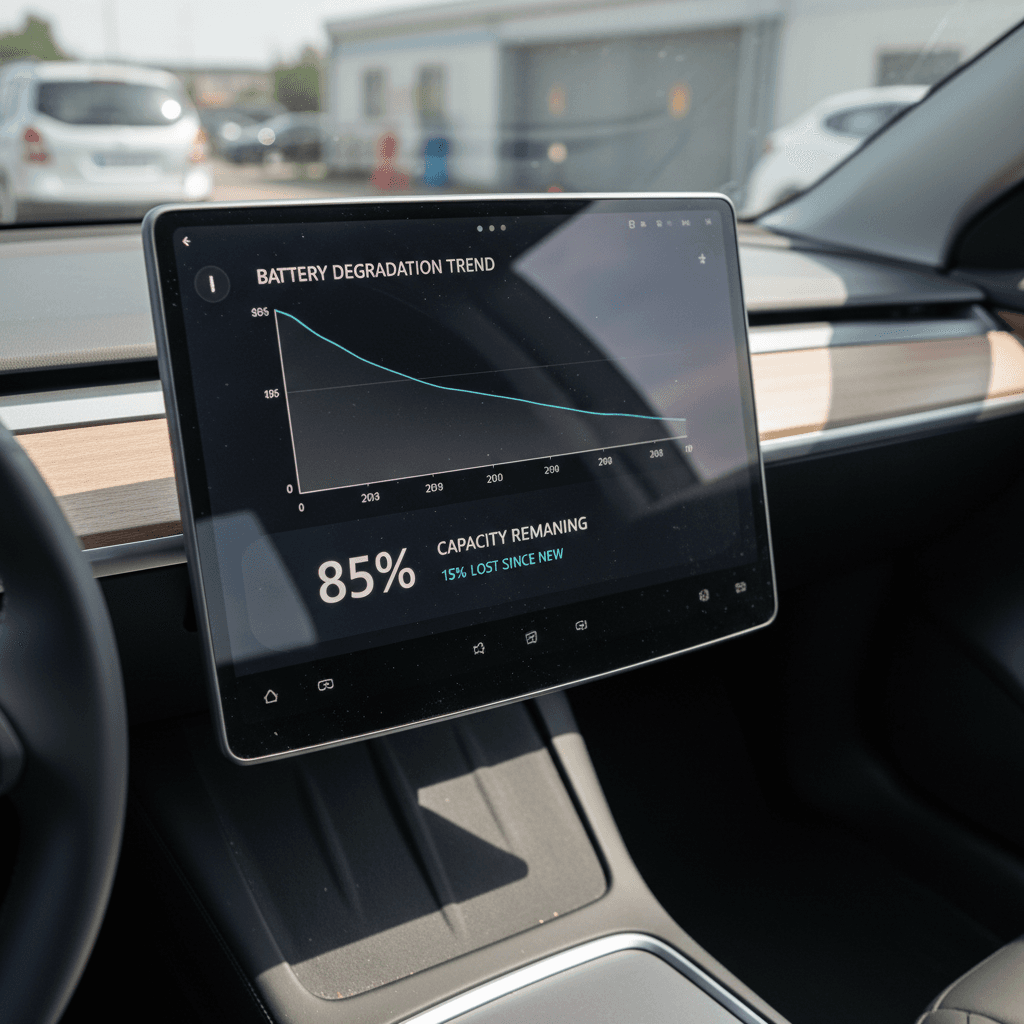
Vampire Drain vs. Battery Degradation
It’s easy to worry that vampire drain means your battery is “going bad.” In reality, vampire drain and battery degradation are two different things.
Vampire drain
- Short‑term energy use while parked.
- Shows up as daily or overnight range loss.
- Mainly affected by software, features, apps, and ambient temperature.
- Can be changed quickly by tweaking settings.
Battery degradation
- Long‑term reduction in total usable capacity.
- Shows up as a lower full‑charge range after months or years.
- Driven by age, mileage, high SoC storage, and temperature exposure.
- Can’t be reversed by changing settings overnight.
How they interact
Used Teslas: What Vampire Drain Can (and Can’t) Tell You
If you’re shopping for a used Tesla, you might be tempted to use vampire drain as a DIY battery health test. It’s not that simple. A car with extremely high standby drain could have a configuration issue, or it could indicate a failing module. But a car with low drain isn’t automatically “like new,” either.
Using Vampire Drain When Evaluating a Used Tesla
It’s one signal, but far from the whole story.
What vampire drain can hint at
- Whether the car is sleeping properly.
- If owners relied heavily on Sentry or always‑on apps.
- Possible hardware faults if drain is extreme and settings are conservative.
What it can’t tell you
- Exact state of health (SoH) of the pack.
- Detailed cell‑level balancing or fault history.
- How the car was charged across its entire life.
How Recharged looks at it
Ready to find your next EV?
Browse VehiclesIf you’re comparing multiple used Teslas, a seller who can explain settings, share long‑term charging habits, and provide some logs is a good sign. But the most reliable path is objective testing rather than gut feelings about “it seemed to lose a lot overnight.”
Troubleshooting Abnormal Tesla Vampire Drain
If your Tesla is losing more charge than the ranges outlined earlier, and you’ve ruled out obvious culprits like Sentry Mode, it’s time for a systematic approach. Here’s a practical sequence to narrow things down before you head to service.
Step-by-Step: Diagnosing High Vampire Drain
1. Establish a baseline
Park your car at a known state of charge (e.g., 60%), turn off Sentry Mode and Cabin Overheat Protection, avoid app checks, and note the SoC again after 12–24 hours in moderate weather. That’s your baseline drain.
2. Check for obvious energy hogs
Verify that climate isn’t left on, sentry icons aren’t showing, and there are no scheduled pre‑conditioning events. Make sure third‑party apps are either disabled or set to a low polling frequency.
3. Watch for constant “waking up” in the app
If the Tesla app always shows the car as “waking up” or “online” instead of “sleeping,” something may be pinging it too often. Disable third‑party access for a day or two and re‑test.
4. Reboot the infotainment and power cycle if needed
A simple two‑scroll‑wheel reboot can clear minor software glitches. In some cases, powering the car off from the Safety & Security menu for a few minutes can help modules reset.
5. Check software version and release notes
Occasionally, specific software builds have bugs that affect sleep behavior. Make sure you’re on the latest available version and review any known issues in owner forums or release notes.
6. Contact Tesla service with data
If you still see >6–8% drain per day in mild conditions, collect your before/after SoC, time parked, temperature, and settings. Open a service request via the app and provide that data so technicians have something concrete to go on.
Don’t fully drain the pack to “test” it
FAQ: Common Questions About Tesla Vampire Drain
Tesla Vampire Drain: Frequently Asked Questions
Bottom Line: When to Worry, and When to Ignore It
Every Tesla owner eventually discovers vampire drain. Some level of overnight or week‑long loss is simply the cost of owning a connected computer on wheels. What matters is whether that loss is reasonable and predictable, or suddenly high and unexplained.
If your Tesla is losing 1–3% per day in typical conditions with Sentry Mode off where you don’t need it, you’re solidly in the normal range. Tweak a few settings, learn how and when your car sleeps, and build a small buffer into trip and airport plans. If drain climbs well beyond those ranges without a clear cause, log your data and get Tesla service involved rather than guessing.
And if you’re looking at a used Tesla, don’t let vampire drain myths scare you off. Focus on verified battery health, transparent history, and expert guidance. That’s exactly why Recharged pairs every used EV with a Recharged Score Report, so you can enjoy the benefits of an electric drivetrain, vampire drain and all, with clear expectations instead of surprises.