If you own a VW ID.4, you’ve probably learned the hard way that the most fragile part of the car isn’t the battery or the motor, it’s the software. From blacked‑out screens to failed over‑the‑air (OTA) updates that leave the SUV undriveable, VW ID.4 software update problems have become a defining part of the ownership story. The good news: most issues are fixable. The bad news: you need a game plan.
The short version
Why the VW ID.4 Has So Many Software Update Problems
Volkswagen bet the house on a new software platform (E3) and a dedicated software arm (Cariad) to power its ID‑family EVs. The ID.4 arrived early in that experiment, which means you’re not just buying a compact electric SUV, you’re buying into a fast‑moving software project. Frequent updates were supposed to make the car feel “always improving.” In reality, they’ve often felt like rolling the dice.
- Complex software stack: The ID.4 juggles dozens of control modules, battery, charging, driving assistance, infotainment, all talking over a shared network. A small bug in one update can ripple everywhere.
- Young OTA infrastructure: Compared with Tesla’s decade of practice, VW’s remote update system is still maturing. Cars may need to be at a certain charge level, on good network signal, and left undisturbed for updates to complete.
- Market pressure: VW rushed fixes and new features (improved charging curves, new driver‑assist behavior, app features) to market, sometimes trading stability for speed.
- Hardware and model‑year variation: A 2021 ID.4 on software 2.x behaves differently from a 2024+ car on 4.x. Owners share advice online that doesn’t always translate across versions.
Not all ID.4s suffer equally
Most Common VW ID.4 Software Update Problems
VW ID.4 Software & Recall Snapshot
1. OTA update fails or gets stuck
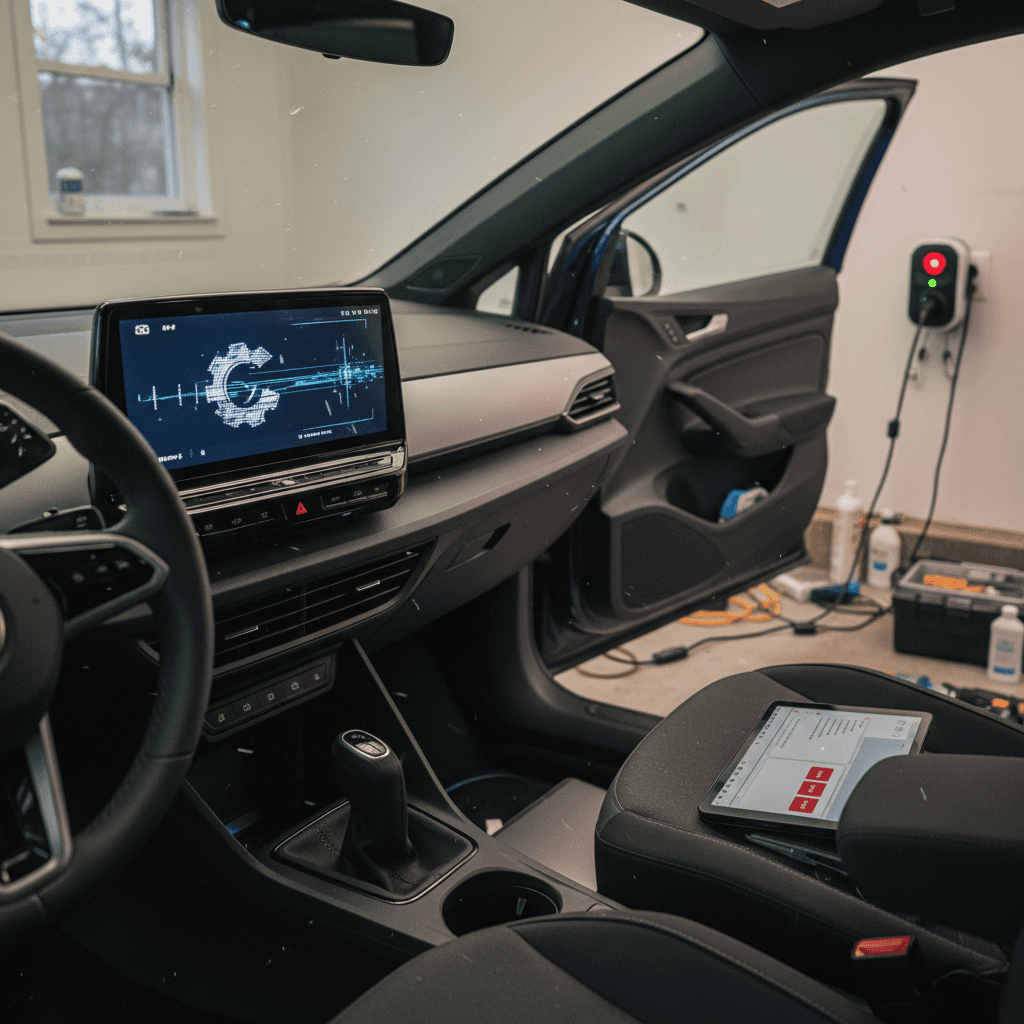
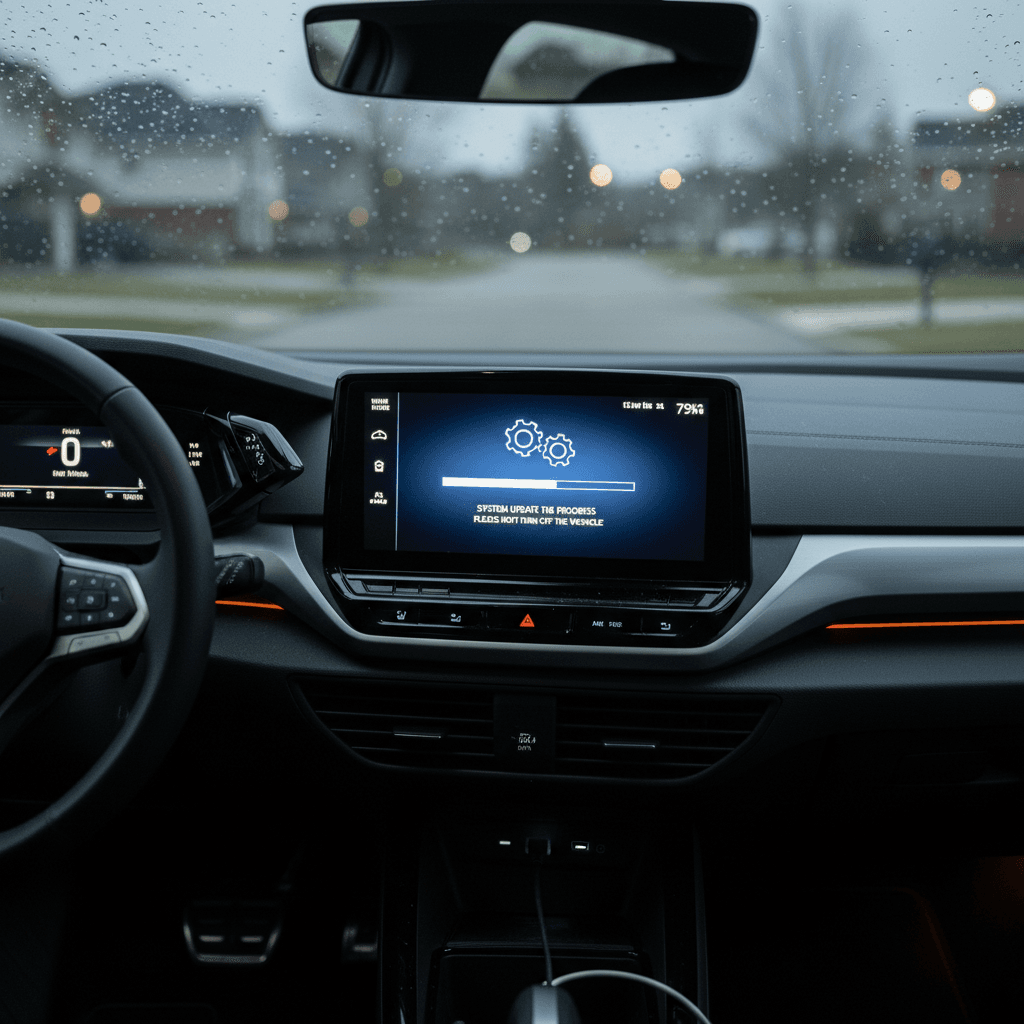
One of the most unnerving VW ID.4 software update problems is when an over‑the‑air update simply never finishes. Owners report messages like “Over‑the‑air update failed” or “Over‑the‑air update incomplete. Note warning indicators!”, sometimes leaving the car stuck in a half‑updated limbo where it won’t start, shift out of park, or charge properly.
- Update appears to install, then the car reboots and shows an error message on the driver display.
- Infotainment boots to the VW logo, then goes black and never completes startup.
- Car stays “awake” after an update attempt, slowly draining the 12‑volt battery overnight until it’s bricked.
- The app shows an update pending or in progress for hours with no visible change in the car.
Worst‑case scenario: a bricked ID.4
2. Blacked‑out or frozen displays after updates
Another common complaint: after a software update, the infotainment screen or digital instrument cluster goes black, freezes, or randomly reboots while driving. In some recalls, VW has acknowledged software bugs that can cause both displays to blank unexpectedly, while the car keeps moving.
- Central touchscreen goes black but Bluetooth audio or radio keeps playing in the background.
- Instrument cluster changes colors, then blanks, then slowly reboots itself a few minutes later.
- Navigation and climate controls disappear mid‑drive, forcing you to reboot the system with a long power‑button press.
- In rare cases, loss of display also temporarily takes out driver‑assist controls or leaves you without backup camera graphics.
3. Scheduled charging and home charging glitches
Many owners turned to updates hoping to fix charging bugs, only to discover new problems with scheduled charging or home chargers. After certain 3.x updates, some ID.4s refuse to start charging if the car has gone into deep sleep, or scheduled charging settings suddenly stop working.
- Charging only begins if you plug in before the car “goes to sleep” after parking.
- Scheduled charging never starts, or starts at the wrong time, leading to nasty surprises on time‑of‑use electricity plans.
- The car ignores schedules set on the wallbox (EVSE) when its own internal schedule logic gets confused.
- Charge rate is limited to a low kW until you unlock a door or press start/stop, at which point it jumps to normal.
4. Connectivity and app problems after updates
VW has iterated the ID.4’s connectivity stack several times, and each big software revision seems to introduce a fresh round of “myVW app can’t see the car” complaints. After updates, owners report losing remote climate control, lock/unlock, or live charging status until the car is reset or the dealer re‑provisions the telematics module.
- The app shows “Failed to load connection status” or no live data from the vehicle.
- Remote pre‑conditioning commands never reach the car.
- The 4G modem in the car drops offline until you pull a fuse or the dealer resets it.
- Login loops in the infotainment system after a software update until you do a full factory reset.
Software Recalls Affecting the VW ID.4
Volkswagen has issued multiple recalls and service campaigns for the ID.4 where the remedy is, essentially, “more software.” Some address pure software defects; others tie software to hardware risks like rollaway or battery overheating. A few of the most important for U.S. owners:
Key VW ID.4 Software‑Related Recalls (U.S.)
Always check your specific VIN on the NHTSA website or with a VW dealer for the latest recall and campaign status.
| Issue | Model years (approx.) | Symptoms | Typical remedy |
|---|---|---|---|
| Instrument & infotainment blackouts | 2021–2023 | Displays may temporarily go dark or reboot while driving. | Dealer installs updated software; in some cases, reprograms multiple control units. |
| Brake/rollaway control logic | 2023–2024 | Risk of rollaway due to faulty brake control unit behavior. | Software update to the brake control module; may include hardware checks. |
| High‑voltage battery thermal monitoring | 2023–2025 | Battery can overheat without proper self‑discharge detection, raising fire‑risk concerns. | Dealer uploads new battery‑management software; defective modules may be replaced. |
| Connectivity/telematics bugs | 2021–2024 | Loss of app connectivity, remote services, or SOS functions. | Software update to telematics and infotainment units, sometimes with SIM re‑provisioning. |
Recall names and details may vary; your dealer will have the final word on what applies to your car.
Recalls vs. service campaigns
How to Handle a Stuck or Failed ID.4 Software Update
When an OTA update goes sideways, it’s easy to panic. The car beeps, the screen flashes, nothing responds, and you start doing the EV equivalent of blowing on a Nintendo cartridge. Instead, move through a calm, step‑by‑step process.
Emergency Checklist: When a VW ID.4 Software Update Fails
1. Don’t keep cycling ignition and doors
Rapidly turning the car on and off or opening/closing doors can confuse modules in the middle of an update. If the display warns you not to use the car during installation, obey it.
2. Try a proper infotainment reboot
Press and hold the infotainment power button for at least 10–15 seconds until the screen goes black and the VW logo reappears. Then lock the car and leave it undisturbed for 20–30 minutes.
3. Verify 12‑volt health and charging
A weak 12‑volt battery can tank an OTA. If your ID.4 won’t wake or shift, a dealer or roadside provider may need to jump or replace the 12‑volt before re‑flashing software.
4. Check the app and messages for guidance
Look for specific error messages about the update. Note the wording and take screenshots, this helps the dealer identify whether it’s a known campaign or a one‑off failure.
5. Call VW roadside or your dealer early
If the car won’t drive or charge, loop in VW roadside assistance or your dealer right away. Failed OTA updates that immobilize the car are usually treated as warranty work on in‑warranty vehicles.
6. Ask about reverting or re‑flashing software
Dealers can often complete the failed update via wired connection, or in some cases roll the car back to a stable software version before trying again. This can be an all‑day visit.
Best practice before any big update
Charging and Battery Bugs After Updates
Software doesn’t just control your screens; it governs how the ID.4 talks to chargers and manages its high‑voltage pack. That’s why some of the nastiest VW ID.4 software update problems show up as weird charging behavior rather than obvious error messages.
After an update, the car won’t charge at home
You plug into your Level 2 charger like always, nothing. No click at the port, no charging animation, maybe a “charging error” in the app. Common culprits include:
- EVSE and car both trying to manage the schedule.
- Car refusing to wake from deep sleep to start a session.
- Wallbox firmware or ground‑fault sensitivity clashing with new car software.
What you can do
- Temporarily turn off any schedules on both the car and the home charger, test with “charge immediately.”
- Unlock a door, press the start button once (no brake), then plug in to wake the car before starting a session.
- Try a different charger if possible (public Level 2) to rule out a failing EVSE.
- If the issue appeared immediately after a dealer update, document it and return, this may be fixable with another flash or configuration tweak.
Watch for new battery‑related warnings
Infotainment and Connectivity Glitches
You can live with the occasional reboot. What grinds owners down is the chronic, low‑grade flakiness: map tiles loading slowly, climate controls lagging, Apple CarPlay dropping, the myVW app refusing to see the car. Software updates sometimes fix these things, and sometimes reshuffle the bugs.
Typical Post‑Update Glitches & Quick Fixes
These aren’t cure‑alls, but they can save you a trip to the dealer.
Frozen or laggy screen
If menus crawl or the map stutters after an update:
- Perform a long‑press reboot (10–15 seconds).
- Turn off unused background features (e.g., voice wake word).
- Check for lingering USB devices or phones hogging bandwidth.
App can’t see the car
After a software change, your ID.4 may drop its connection to VW’s servers.
- Log out and back into the myVW app.
- In the car, remove and re‑add your user profile.
- If SOS or online services fail, the dealer may need to re‑provision the modem.
CarPlay/Android Auto drama
Updates can tweak wireless stack behavior.
- Forget and re‑pair your phone.
- Test wired connection to isolate wireless issues.
- Disable battery‑saver modes on your phone that kill background data.
When in doubt, factory reset
Should You Avoid OTA Updates on Your ID.4?
It’s tempting to treat every new VW ID.4 software update like a suspicious email attachment, “maybe I’ll just…not click that.” But skipping updates isn’t free. You may be missing critical safety fixes, improved battery management, or recall remedies that depend on new software.
When you probably should update
- The release notes or dealer say the update addresses a safety recall (brakes, battery, airbags, etc.).
- You’re on very old software (2.x) with chronic issues and VW has a stable 3.x or 4.x path.
- The update’s changelog includes fixes for problems you actually have, charging bugs, black screens, app failures.
When it’s okay to wait
- Your ID.4 is driving perfectly on a recent version and the update is clearly labeled as “convenience features” or minor tweaks.
- You’re about to leave on a road trip; do the update when you return, at home, with time and support if something breaks.
- You’re out of warranty and extremely risk‑averse; in that case, discuss with a trusted VW service advisor which updates are must‑have vs. nice‑to‑have.
Think of it like a phone OS update, except heavier
Software Checklist When Buying a Used VW ID.4
If you’re shopping used, especially a 2021–2023 ID.4, software isn’t an afterthought, it’s part of the pre‑purchase inspection, right alongside tires and brakes. You’re not just buying a car, you’re inheriting its update history.
Used ID.4 Buyer’s Software Checklist
1. Check model year and software version
From the infotainment settings, note the software version (e.g., 3.2.x or 4.x). Earlier 2.x builds tend to be buggier; confirm whether the car has received major updates and relevant recall fixes.
2. Ask for recall and campaign printouts
Have the seller or dealer pull the full recall and service‑campaign history by VIN. Look specifically for instrument‑cluster, infotainment, brake‑control, and high‑voltage battery software actions.
3. Test cold start and shutdown behavior
On a test drive, start the car after it’s been sitting, watch how quickly displays wake, then shut it down and restart. Multiple reboots, long black screens, or error messages are warning signs.
4. Verify charging behavior at Level 2
If possible, plug into a Level 2 charger and confirm the car starts charging immediately, honors any simple schedule settings, and doesn’t randomly stop or show unexplained errors.
5. Pair the app and test connectivity
Create or log into a myVW account, pair the car, and test remote lock/unlock and charge status. If the app never “finds” the car, budget time, and possibly money, for dealer connectivity fixes.
6. Confirm clean dashboard, no software warnings
You don’t want a used ID.4 that’s already begging for help. Any persistent software or battery warning lights should be resolved before you sign anything, ideally with documentation.
Where Recharged comes in
How Recharged Reduces ID.4 Software Risk for Used Buyers
Software drama doesn’t automatically make the ID.4 a bad used buy, but it does mean “check engine light” now includes “check firmware.” This is where a structured, data‑driven inspection matters more than ever.
Buying a Used ID.4 Through Recharged
How we try to tame the software chaos for you.
Recharged Score battery & charging diagnostics
We run detailed tests on the high‑voltage battery and charging behavior, looking for signs of thermal issues, abnormal degradation, or flaky communication with chargers.
Software & recall status verified
Our specialists review recall databases and service information so you know which software campaigns have been applied and which you may still need.
EV‑specialist support end‑to‑end
If you have questions about a specific ID.4’s software version or update history, our EV experts can walk you through what it means in plain English.
Ready to find your next EV?
Browse VehiclesYou can browse, finance, and trade‑in entirely online, then have your ID.4 delivered to your driveway. If the idea of rolling the dice on someone else’s half‑finished software updates makes you uneasy, buying through a marketplace that actually tests this stuff is a rational response.
VW ID.4 Software Update Problems: FAQ
Frequently Asked Questions About VW ID.4 Software Problems
Bottom Line: Is the VW ID.4’s Software Worth the Hassle?
Viewed charitably, the VW ID.4 is a well‑packaged electric SUV saddled with an overeager software department. The driving experience, quiet, comfortable, efficient, often survives the chaos; it’s the screens and updates that misbehave. If you can tolerate the occasional reboot and you’re willing to stay on top of recalls and campaigns, the ID.4 can still make a lot of sense, especially as a used buy at the right price.
The key is refusing to treat software as invisible. Ask about versions, updates, and recalls. Time your OTA installs intelligently. And if you’re buying used, insist on real diagnostics rather than vibes. Platforms like Recharged exist precisely because EVs have become rolling computers, and someone needs to check the code before you sign.