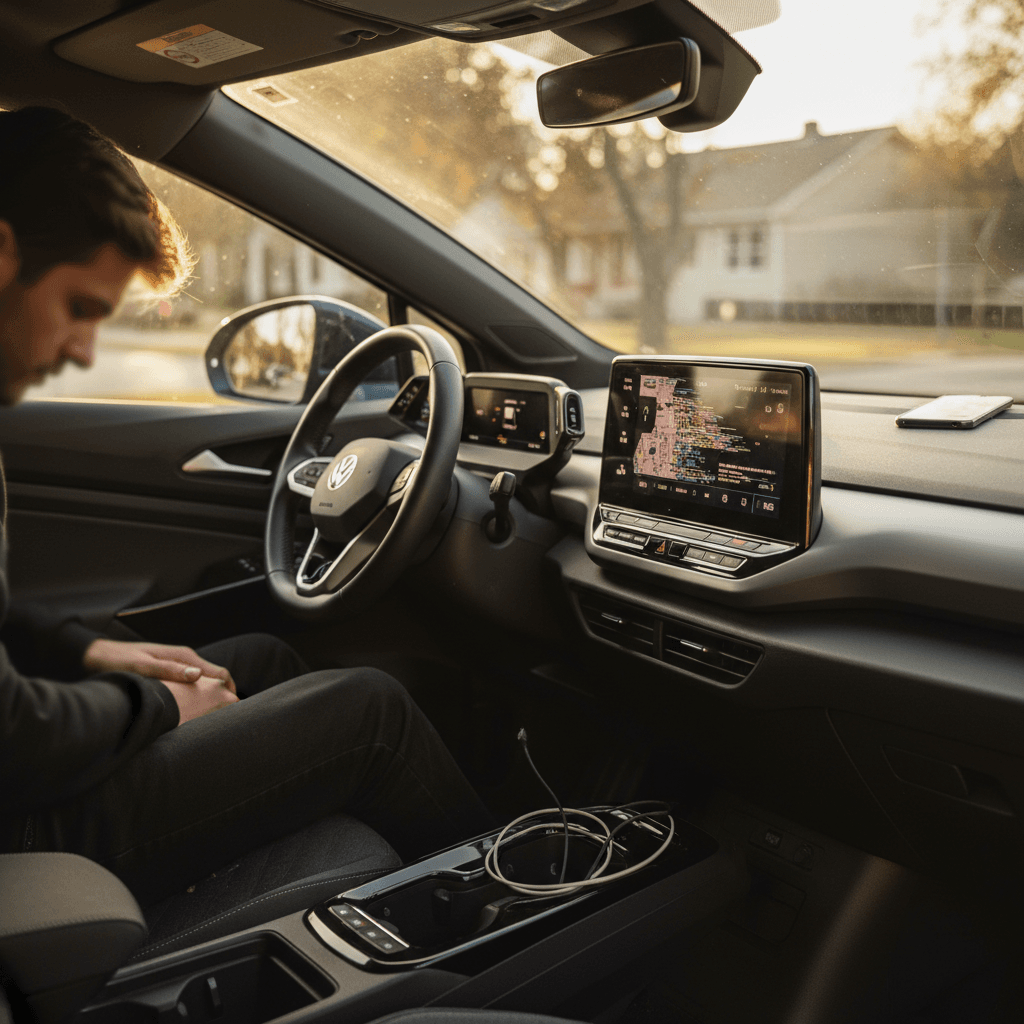
If you own a VW ID.4, you already know the car itself is solid: roomy cabin, smooth drive, calm highway manners. But its software? That’s where things can go sideways. Frozen screens, glitchy Bluetooth, odd charging behavior, many owners go searching for a VW ID.4 software glitches fix the first time the infotainment system decides to take a nap.
Good News, Mostly
Why the VW ID.4 Has So Many Software Glitches
Let’s start with why your ID.4 behaves more like a smartphone on wheels than the old Golf in your memory. Volkswagen pushed aggressively into EVs, building the ID.4 on its MEB platform with a brand-new software stack to run everything from the heat pump to the head-up display. That software has to juggle infotainment, battery management, charging, safety systems, and driver-assistance.
- Early model years (especially 2021–2022) shipped with immature software that needed multiple updates.
- The infotainment system is deeply integrated with climate, navigation, and driver-assistance menus, so one bug can look like three different problems.
- Over-the-air updates mean your car’s behavior can change literally overnight, usually for the better, sometimes not.
Why This Matters for You
Quick Triage Checklist Before You Panic
Fast Checks Before a Deep Dive
1. Note exactly what went wrong
Was it the touchscreen, radio, navigation, charging, or driver-assist? Did it happen once or repeatedly? Jot down the time, temperature, and whether you were parked or driving.
2. Check for simple physical causes
Loose phone cable? Wireless charger misaligned? Snow or dirt blocking sensors? Many “software” complaints start with something basic outside the car’s brain.
3. Power the car fully off
Exit the car, lock it, and wait at least 5–10 minutes so the systems can go to sleep. Many minor glitches clear with a full power-down cycle.
4. Try a soft reset
On the ID.4, a long press of the infotainment power/volume knob or the steering-wheel “OK” button can reboot the system without affecting your saved data.
5. Check for messages and updates
Look in the vehicle settings for any pending software update or system warning. Sometimes the car is telling you exactly what’s wrong, you just have to dig one screen deeper.
Document Issues Early
How to Reboot and Reset Your VW ID.4
Because the ID.4 is so software-driven, learning the basic reboot and reset routines is like knowing where the breaker box is in your house. You don’t need them often, but when you do, you’ll be glad they’re familiar.
Three Levels of “Turning It Off and On Again”
Start with the gentlest reset and work your way up only if needed.
1. Soft Infotainment Reboot
When to use: Frozen screen, laggy menus, audio glitches.
- Hold the infotainment power/volume knob (or main power button) for ~10–15 seconds.
- Screen goes black, then restarts with VW logo.
- Your radio presets and nav favorites usually remain intact.
2. Steering-Wheel Reset
When to use: Weird behavior affecting the cluster or head-up display along with the center screen.
- Sit in the driver’s seat with the car in Park.
- Press and hold the steering-wheel “OK” or view button (varies by year) for about 10 seconds.
- Cluster and central display may reboot together.
3. Full Vehicle Sleep Cycle
When to use: Multiple systems acting up, charging, climate, screens.
- Park, power off, exit, and lock the car.
- Walk away with the key and wait 10–15 minutes.
- The car will shut down background systems; many persistent bugs clear after this “nap.”
Be Careful With “Hard” Resets
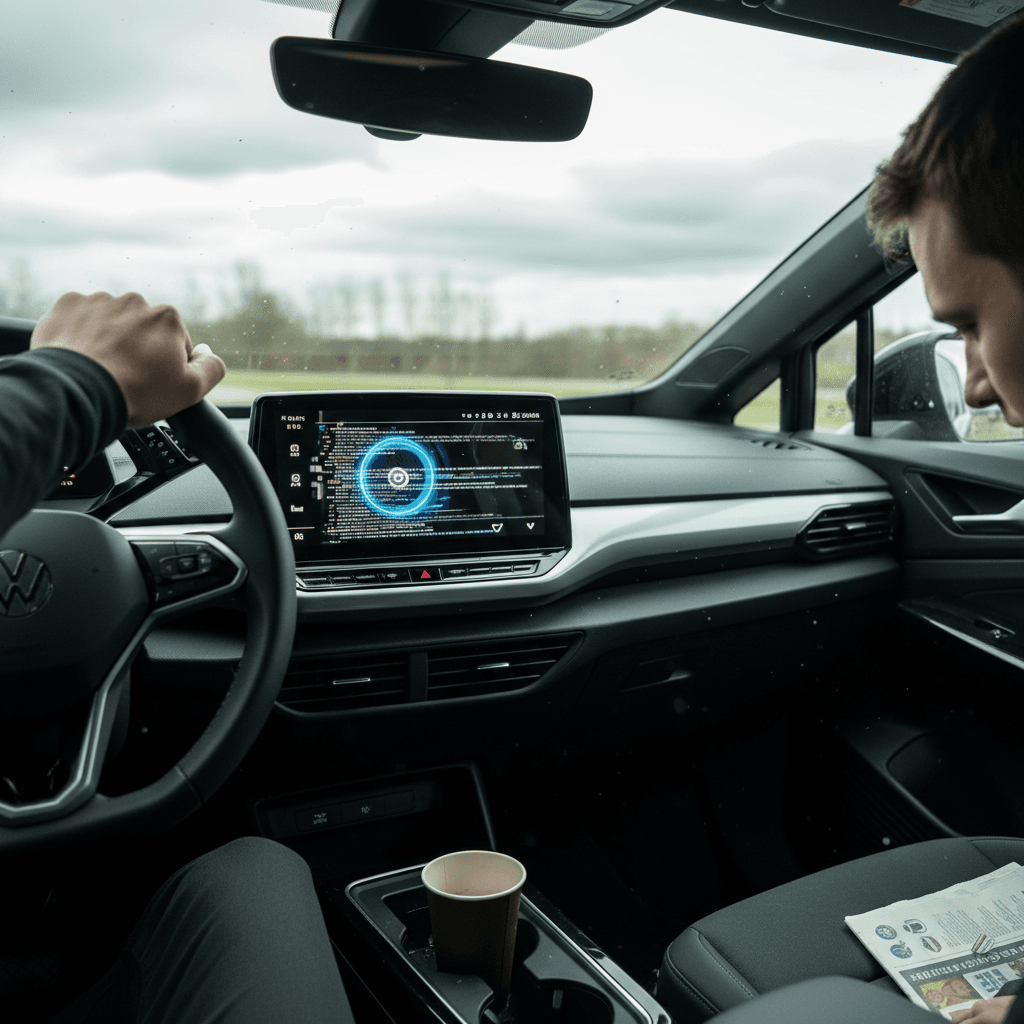
Fixing Common ID.4 Infotainment Software Issues
Most of the daily-driver frustration with the ID.4 lives in the infotainment system. The good news is that many of these glitches are fixable with a mix of resets, settings tweaks, and updates.
Typical VW ID.4 Infotainment Glitches and Owner-Level Fixes
Use this as a starting point before booking dealer time.
| Symptom | Likely Cause | Try This First | If That Fails |
|---|---|---|---|
| Frozen or black screen | Infotainment process crashed | Soft reboot via power knob | Full vehicle sleep cycle, then dealer software check |
| Bluetooth won’t connect or drops | Corrupted pairing data | Delete phone from car and car from phone; re-pair both | Try another phone; if fine, update or reset your device |
| Wireless CarPlay/Android Auto lag | Weak Wi‑Fi/BT handshaking, older software | Turn off other phones in car; disable/re-enable wireless projection | Use wired connection if available; dealer software update |
| No sound from media or nav | Audio amplifier or routing bug | Cycle audio sources; soft reboot infotainment | Dealer diagnosis to rule out hardware fault |
| Voice commands fail repeatedly | Server connectivity or microphone bug | Check mobile data setting; try in strong coverage area | Dealer check for software update or microphone issue |
If a problem persists after these steps, or affects safety systems, skip to the section on recalls and dealer visits.
Reset Your Phone Too
Charging and Navigation Bugs in the ID.4
Now we’re into the territory that makes EV owners clench their teeth: when the car won’t charge as expected or the navigation fails to cooperate. Because the ID.4’s battery management, charging logic, and navigation are all software-driven, a bug here can feel like the whole car is misbehaving.
Home Charging Still Your Best Friend
Ready to find your next EV?
Browse VehiclesDriver-Assistance and Warning-Light Glitches
Few things spook owners faster than a cluster lighting up like a Christmas tree. The ID.4’s driver-assistance features, lane keeping, adaptive cruise, parking sensors, lean heavily on cameras and radar, plus the software that stitches those inputs together. When something gets confused, it can look like the whole car is in trouble.
- Random beeps, chimes, or lane-keeping nudges on a clear road.
- Parking sensors screaming in an empty garage.
- Driver-assistance temporarily unavailable with no obvious reason.
- Persistent warning icons after an otherwise normal drive.
First Rule: Don’t Ignore Red
How to Handle Driver-Assistance Glitches
1. Check the environment
Heavy rain, snow, fog, or glaring sun can blind cameras and sensors. A sudden “unavailable” message in bad weather may be normal behavior, not a defect.
2. Inspect sensors and camera areas
Look for mud, ice, bugs, or bumper stickers blocking the radar or cameras. Gently clean with a soft cloth; don’t scrape or pry on sensor lenses.
3. Power-cycle and re-start the drive
End your trip, let the car fully turn off, and restart. Transient software glitches often disappear on the next ignition cycle.
4. Review assistance settings
Dive into the driver-assistance menu and confirm features are turned on and sensitivity is set where you want it. An accidental setting change can mimic a failure.
5. Record what happens
If warnings return, note exact messages and times. A quick photo of the cluster is gold for technicians, and far more helpful than, “It dinged at me last week.”
6. Schedule a diagnostic visit
If the same driver-assistance fault appears across drives and conditions, ask your VW dealer to scan for stored error codes and check for software updates or service campaigns.
When a “Software Glitch” Is Actually a Recall
Volkswagen has issued multiple software-related recalls and service campaigns for the ID.4 covering things like 12‑volt battery management, infotainment stability, and safety-system logic. To you, it all feels like “the software is buggy,” but to VW, some issues rise to the level of an official fix.
Why It Pays to Check for Recalls
How to Check for Open Recalls
When a customer tells me their EV has a ‘quirky personality,’ I translate that to ‘there might be a campaign or update we haven’t installed yet.’
Keeping Your ID.4 Software Up to Date
One of the best long-term ‘fixes’ for VW ID.4 software glitches is staying current on updates. Some come over the air; others still require a dealer visit, depending on model year and region. Either way, letting your car live on old software is like refusing security updates on your laptop.
Best Practices for VW ID.4 Software Updates
Treat your EV like the rolling computer it is.
Use Home Wi‑Fi When Possible
Park within range of your home router and add the network in your car’s settings. Stable, fast Wi‑Fi helps large updates download cleanly, reducing the chance of failed installs.
Schedule Update-Friendly Time
Don’t start a major update right before you need to leave. Many updates require the car to stay parked and undisturbed for a while, plan them for evenings or overnight.
Read the Release Notes
When an update is offered, skim the description. You’ll often see exactly which bugs or features it targets, from charging improvements to added driver-assistance options.
Keep a Simple Service Log
Software Issues and Buying a Used VW ID.4
If you’re shopping for a used ID.4, you don’t have to fear software gremlins, but you should respect them. Early-build cars that were never brought current can feel years older than identical models that have had their updates and campaigns.
Questions to Ask a Seller
- “When was the last software update done?” Ask for paperwork or app screenshots if possible.
- “Have you had any infotainment or charging issues?” Listen for words like “always” and “never” more than isolated stories.
- “Were all recalls completed?” A dealer service history printout is ideal.
A car with documented service and updates is almost always a better bet than one with a vague story and missing records.
How Recharged Helps with ID.4s
At Recharged, every used EV, VW ID.4 included, gets a Recharged Score Report. That means:
- Verified battery health, so you’re not guessing about range.
- Checks for open recalls and recent software campaigns.
- Fair-market pricing and EV-specialist support if you have questions.
If you’ve been burned by glitchy software before, buying through a marketplace that actually understands EVs can make your next ownership experience calmer from day one.
FAQ: VW ID.4 Software Glitches & Fixes
Frequently Asked Questions About VW ID.4 Software Fixes
Bottom Line: Making Peace With ID.4 Software
The VW ID.4 is a fundamentally well‑engineered EV wrapped in software that’s still growing up. If you treat it like the rolling computer it is, comfortable with reboots, updates, and a bit of troubleshooting, you can defang most of the software headaches that frustrate owners.
When a glitch crops up, work through the basics: triage, reset, update, document. If the problem persists or touches safety and charging, hand it off to professionals and ask specifically about recalls, campaigns, and software versions, not just parts replacement. And if you’re stepping into the ID.4 world with a used example, consider leaning on a specialist marketplace like Recharged, where battery health, software history, and fair pricing are part of the package. That way, the only drama in your electric life is deciding which road to take next, not whether the screen will join you for the ride.