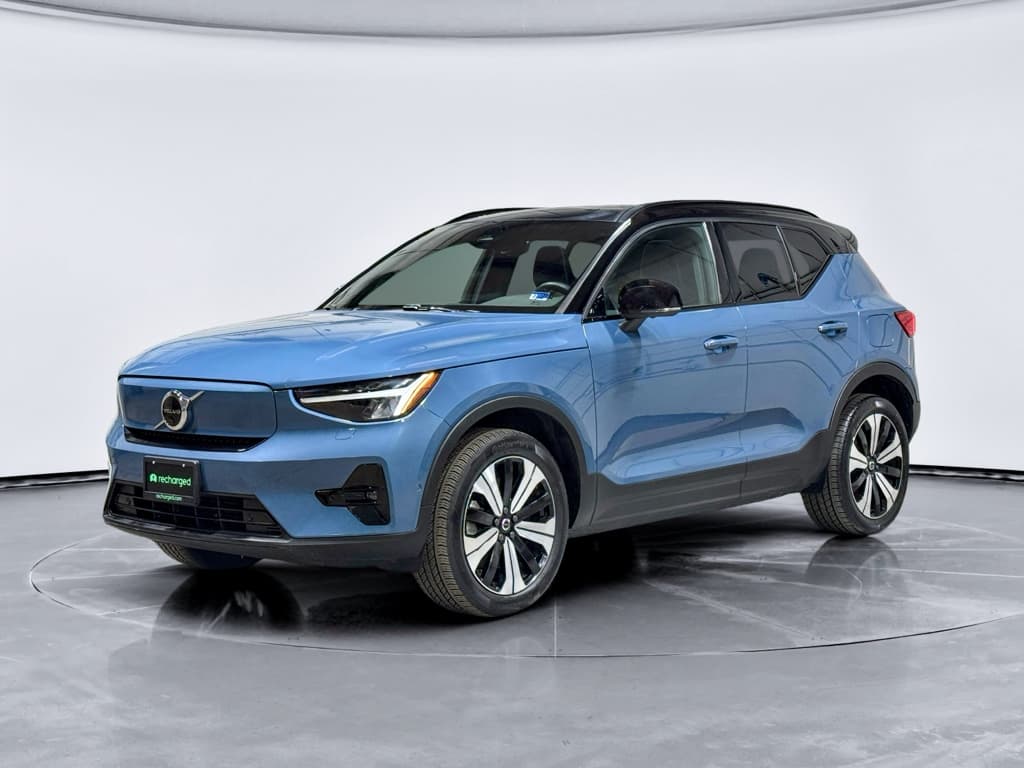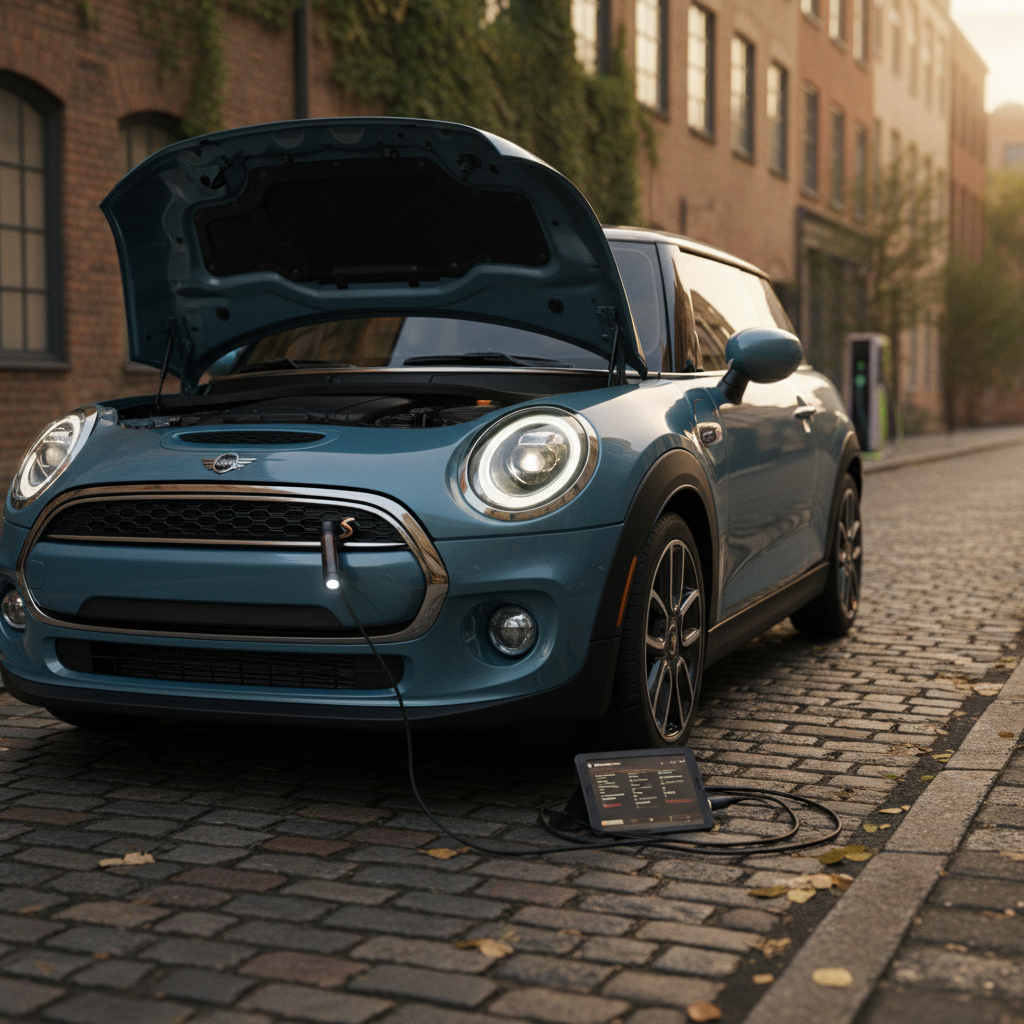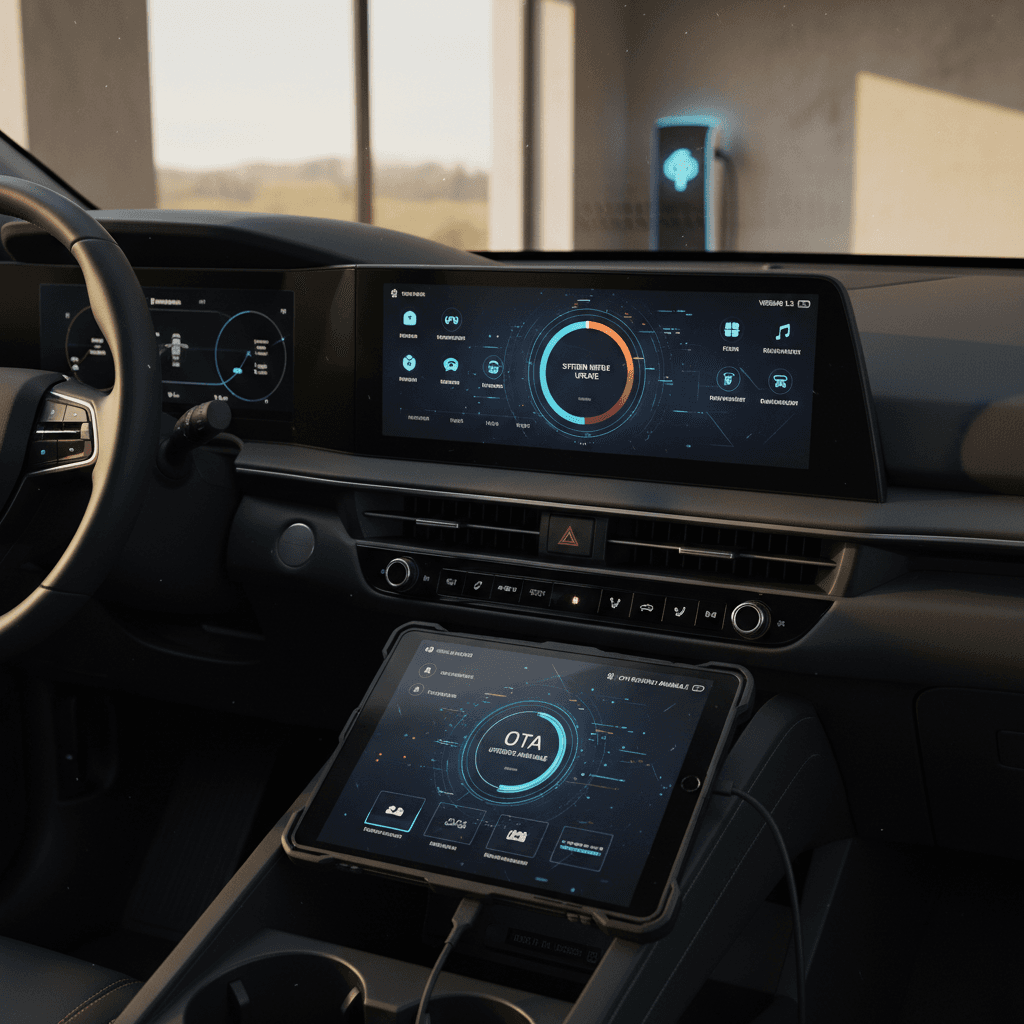
If you own or are considering a Volvo EX30, the **software update history** isn’t just trivia, it directly affects how the car drives, charges, and keeps you safe. Volvo has pushed a steady stream of over‑the‑air (OTA) updates since early 2024, adding features like car wash mode and Digital Key while ironing out early bugs and refining driver‑assistance behavior.
At a glance
Why the Volvo EX30 software update history matters
Unlike a traditional gasoline car, your EX30’s behavior depends heavily on software. Updates can adjust **braking calibration, charging behavior, range estimation, climate control, and the infotainment system**. That means two EX30s built in the same month can feel noticeably different on the road depending on which software they’re running.
Three big reasons to care about EX30 software versions
Whether you already own one or are shopping used, software is part of the car’s value.
Safety & driver assistance
Charging & efficiency
Convenience & features
For used shoppers
How Volvo EX30 over-the-air updates work
The EX30 was designed for **over‑the‑air (OTA)** software updates, so in many cases you don’t need to visit a dealer. When Volvo publishes a new version, it appears first in the technical release notes, then rolls out to cars over the following weeks.
- Volvo releases a new EX30 software package (for example, 1.4, 1.5, or 1.7.1).
- Your car quietly downloads it when connected to the internet and when OTA consent is enabled in the Volvo Cars app.
- You’ll see a notification in the center display and app once it’s ready to install.
- You choose the installation time, immediately, or scheduled within roughly the next 24 hours.
- During installation the car cannot be driven; you’ll need adequate battery charge (around 50% is a good rule of thumb).
Pro tip: consent lives in the app
Not every EX30 update has been delivered OTA. Some versions, especially early 2024 releases and workshop‑only bug‑fix builds, require a visit to an authorized Volvo retailer. The good news: if you install a later OTA release, it normally **bundles all previous changes**, so you don’t have to chase every single build number.
Volvo EX30 software update history by version
Below is a simplified timeline of notable EX30 software versions through late 2025, based primarily on Volvo’s own **software release notes** for the EX30, plus owner experiences. Exact availability can differ by market and model year, so think of this as a roadmap rather than a VIN‑specific record.
Key Volvo EX30 software versions and highlights
Major public versions and what they’re best known for. Later versions include all earlier changes.
| Version | Approx. release | Distribution | Headline changes |
|---|---|---|---|
| 1.2.1 | Feb 2024 | OTA | Improved battery arrival estimates, text messaging via voice assistant, Google Maps charging compatibility fix, general improvements. |
| 1.3 | Apr 2024 | OTA | Adds Car Wash Mode, better rear‑camera colors, improved radio reception, remembers max charging current setting. |
| 1.3.1 | Apr 2024 | OTA | Minor bug‑fix roll‑up; no major new features. |
| 1.4 | Jun 2024 | OTA | More key tags, System Quick Controls, glovebox PIN lock, better cold‑weather charging efficiency, driver‑alert tweaks. |
| 1.4.2 / 1.4.3 | Aug–Sep 2024 | Workshop | Targeted fixes; not available for all vehicles, deployed mainly via dealers. |
| 1.4.4 | Oct 2024 | OTA | Seat‑belt reminder and road‑sign information improvements. |
| 1.5 | Dec 2024 | OTA | Safer Pilot Assist behavior, revised RCTA controls, clearer charging info (kW and %), speed‑warning button moved. |
| 1.5.1 | Dec 2024 | OTA | US‑market introduction build plus general stability improvements. |
| 1.5.2 | Mar 2025 | OTA | Introduces Digital Key (phone‑as‑key) and related enhancements. |
| 1.5.3 | Apr 2025 | Workshop | Workshop‑only bug‑fix release to improve overall reliability. |
| 1.6.4 | Aug 2025 | OTA | New Relax & Refresh modes (MY2026), plus numerous climate, surround‑view, radio and Digital Key fixes. |
| 1.7.1 | Sep 2025 | OTA | Android Auto via Bluetooth, SiriusXM app, improved ACC distances, longer preconditioning, infotainment polish, smoother Pilot Assist braking. |
Always confirm what’s installed on the specific vehicle you own, or plan to buy.
Market differences
Major Volvo EX30 software updates explained
Early 2024: Getting the basics right (1.2.1–1.3.1)
The first public EX30 builds focused on core functionality, navigation, voice control, battery prediction, and cameras. Versions 1.2.1 and 1.3 added:
- Text messaging via the digital assistant with on‑screen notifications.
- More accurate state‑of‑charge on arrival estimates for navigation destinations.
- Fixes for public charger compatibility messages inside Google Maps.
- Car Wash Mode, plus radio and camera tweaks.
If you’re test‑driving an early‑build EX30 that never received these updates, you may notice harsher UX edges: odd charging‑station messages, less accurate range estimates, or missing car‑wash functionality.
Mid–late 2024: Usability and driver‑assistance polish (1.4–1.4.4)
With 1.4, Volvo turned to everyday usability. System Quick Controls made it easier to reach Bluetooth and brightness settings, and the car became smarter about:
- Using cabin sunlight data to fine‑tune climate temperature.
- Improving low‑temperature DC charging efficiency.
- Locking and unlocking the glovebox with a PIN for extra security.
Follow‑on builds 1.4.2, 1.4.3 and 1.4.4 focused on bug fixes and safety‑related tweaks, including seat‑belt reminders and road‑sign information reliability.
1.5 and 1.5.1: Safety behavior and U.S. launch build
Software 1.5 is a notable inflection point. Volvo adjusted Pilot Assist so that if the car detects a drowsy or unresponsive driver, or prolonged hands‑off driving, it will bring the vehicle to a controlled stop in its lane. That’s a big deal for safety‑conscious shoppers.
The update also:
- Moved the speed‑limit warning toggle from the Welcome view to a steering‑wheel button.
- Added clearer control over Rear Cross Traffic Alert (RCTA) from the parking view.
- Showed charging status both as kW and % on‑screen.
Version 1.5.1 layered on general stability fixes and served as the foundation for the EX30’s U.S.‑market roll‑out in late 2024.
1.5.2 and 1.5.3: Digital Key and stability cleanup
In March 2025, 1.5.2 added Digital Key, letting you use a compatible phone as your key via its wallet app. That’s a convenience feature many EV buyers now expect.
A month later, 1.5.3 arrived as a workshop‑only release. It didn’t headline any flashy new features, but it bundled bug fixes targeting random glitches, exactly the sort of polish you want before buying or taking delivery.
1.6.4: Comfort and polish for MY2026 cars
Version 1.6.4, released in August 2025, introduced new Relax and Refresh modes on many 2026‑model EX30s. These presets tweak lighting and climate settings to create a particular ambience when parked.
More importantly for daily driving, 1.6.4 quietly tweaked:
- Digital Key onboarding and walk‑away locking behavior.
- AM/FM radio reception and Bluetooth call quality.
- Climate performance and the surround‑view camera system.
- The Park Pilot Assist view and in‑car user manual.
1.7.1: Connectivity, ACC behavior & infotainment updates
Software 1.7.1, published in late September 2025, is one of the most feature‑rich EX30 updates to date. Among other things, it:
- Adds **Android Auto** via Bluetooth and a dedicated SiriusXM streaming app.
- Extends climate preconditioning runtime from 15 to 30 minutes.
- Re‑tunes Adaptive Cruise Control following‑distance settings for smoother gaps.
- Changes the default Forward Collision Warning sensitivity to “Late.”
- Improves infotainment polish and visual layout in calm view and the driver display.
- Makes Pilot Assist braking smoother and more predictable.
If you’re shopping used, an EX30 already on 1.7.1 has most of Volvo’s early‑life learnings baked in.
Common EX30 software issues the updates address
No first‑generation software platform is perfect, and the EX30 is no exception. Early owners reported a mix of infotainment hiccups and driver‑assistance quirks that Volvo has gradually chased down with each release.
Where EX30 owners most often notice software rough edges
- Inconsistent or confusing charging‑station information inside Google Maps (1.2.1 helped here).
- Infotainment oddities such as music continuing when the driver exits, or Bluetooth not disconnecting cleanly (cleaned up by 1.7.1).
- Overly conservative, or occasionally jumpy, adaptive cruise and collision warnings, refined in later 1.5 and 1.7.x builds.
- Cold‑weather DC charging taking longer than expected, especially before the cold‑climate optimizations in 1.4.
Safety recalls vs. routine updates
How to check the software version on a Volvo EX30
If you’re behind the wheel of an EX30, or inspecting one at a dealer, verifying the software version only takes a minute and tells you a lot about how up‑to‑date the car is.
Steps to see what software your EX30 is running
1. Power up the car safely
Sit in the driver’s seat, press the brake and start the EX30 so the center display is fully awake. Park mode is fine; you don’t need to drive.
2. Open the Settings menu
Tap the settings icon on the center touchscreen. On most layouts, it’s in the top area or home screen dock.
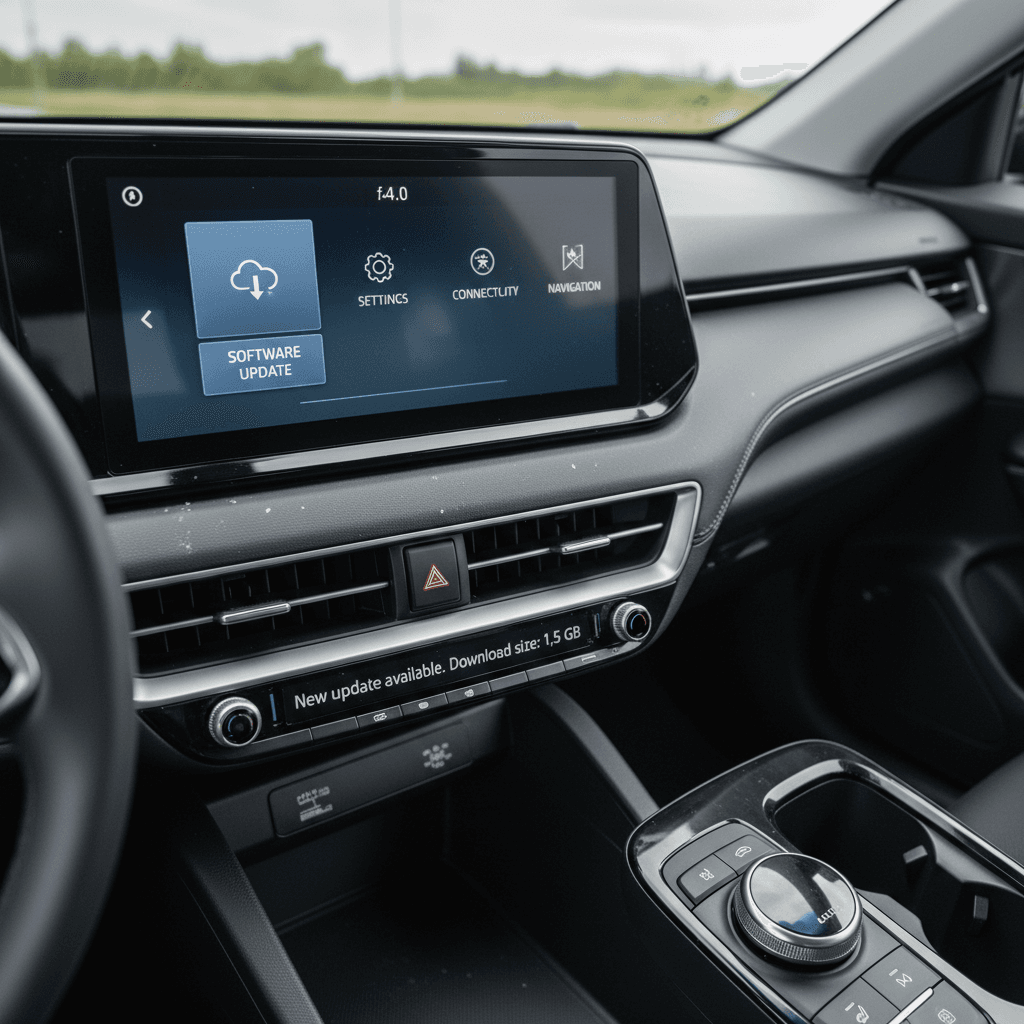
3. Navigate to System → Software update
Look for a <strong>System</strong> or <strong>General</strong> tab, then a <strong>Software</strong> or <strong>Software update</strong> entry. This is where Volvo shows the currently installed version string.
4. Note the version label
You may see something like <em>1.5.1</em>, <em>1.6.4</em>, or a generic <em>Volvo Cars OS 1.0</em> label. If the label looks odd or generic, it can indicate the car never left its factory build and may need a dealer update.
5. Check for updates
From the same screen you can usually tap to <strong>Check for updates</strong>. If an OTA package is available, you’ll see more detail and options to install now or later.
6. Cross‑check in the Volvo Cars app
Open the Volvo Cars app paired with the vehicle and go to the software or vehicle details section. The app often shows the installed version and whether an update is pending, useful if you’re not in the car.
If the EX30 still shows “1.0”
What EX30 software history means for used buyers
When you’re cross‑shopping used EVs, it’s easy to get lost in paint colors and wheel designs. But on a tech‑heavy car like the EX30, **software history is part of the mechanical condition**. A car that’s been regularly updated will typically feel more sorted than one stuck on its initial build.
How to factor EX30 software into a used purchase
Treat software status like another item on your inspection checklist.
Ask which version is installed
Pay attention on the test drive
Look for documentation
Leverage independent validation
Good news for late adopters
Tips before and after installing an EX30 update
Treat major EX30 software updates the way you’d treat a small service visit: plan ahead, give the car time to complete the work, and verify that everything looks right afterward.
Best practices for Volvo EX30 OTA updates
Confirm OTA consent in the app
In the Volvo Cars app, make sure you’ve accepted the **over‑the‑air update** consent and privacy terms. Without that, your EX30 may never start downloading new software.
Choose your timing carefully
Plan updates for evenings or times you don’t need the car. During installation the EX30 is completely unavailable, and on larger updates it can take 20–60 minutes.
Charge to at least half a battery
Volvo recommends sufficient charge before installation. Aiming for **50% or more** is a safe target so a low‑battery warning doesn’t interrupt the process.
Avoid charging mid‑update
Don’t plug in or unplug the car during the actual installation. Let the EX30 sit, locked, until the process completes and the car has gone to sleep and woken once.
Test key functions after update
After a big update, test basics: starting and locking the car, phone Bluetooth pairing, Pilot Assist, wipers, climate, and charging. Catching issues early makes dealer follow‑up easier.
Know when to call the dealer
If an update fails, if your car behaves strangely afterward, or if a recall notice mentions your software, contact an authorized Volvo workshop or Volvo roadside assistance before driving further.
If an update refuses to install
Volvo EX30 software update FAQ
Frequently asked questions about Volvo EX30 software updates
Bottom line: how to use EX30 software history to your advantage
The Volvo EX30’s **software update history** tells the story of a modern EV maturing quickly, early releases focused on fixing rough edges and adding basics like Car Wash Mode, while later builds layer on conveniences such as Digital Key, Relax Mode and richer Android Auto support, along with smoother driver‑assistance behavior and smarter charging.
If you already own an EX30, staying reasonably current on updates is one of the easiest ways to make the car feel better over time. Confirm OTA consent in the app, schedule installs when you don’t need the vehicle, and give the car a quick shakedown drive afterward.
If you’re shopping used, treat software version the way you’d treat maintenance stamps: a car that’s been kept current is usually a safer, more satisfying choice. And when you shop through Recharged, you get a verified **Recharged Score Report** with battery diagnostics, fair‑market pricing and EV‑specialist support, plus the confidence that you’re not buying an EX30 that’s stuck on yesterday’s code.