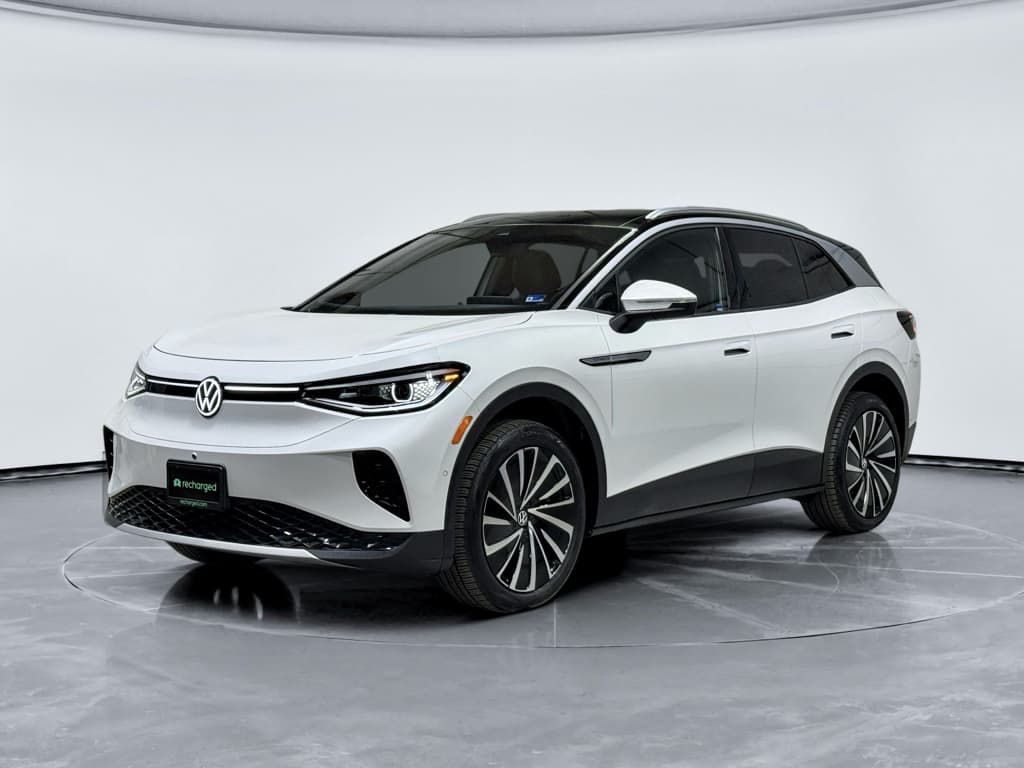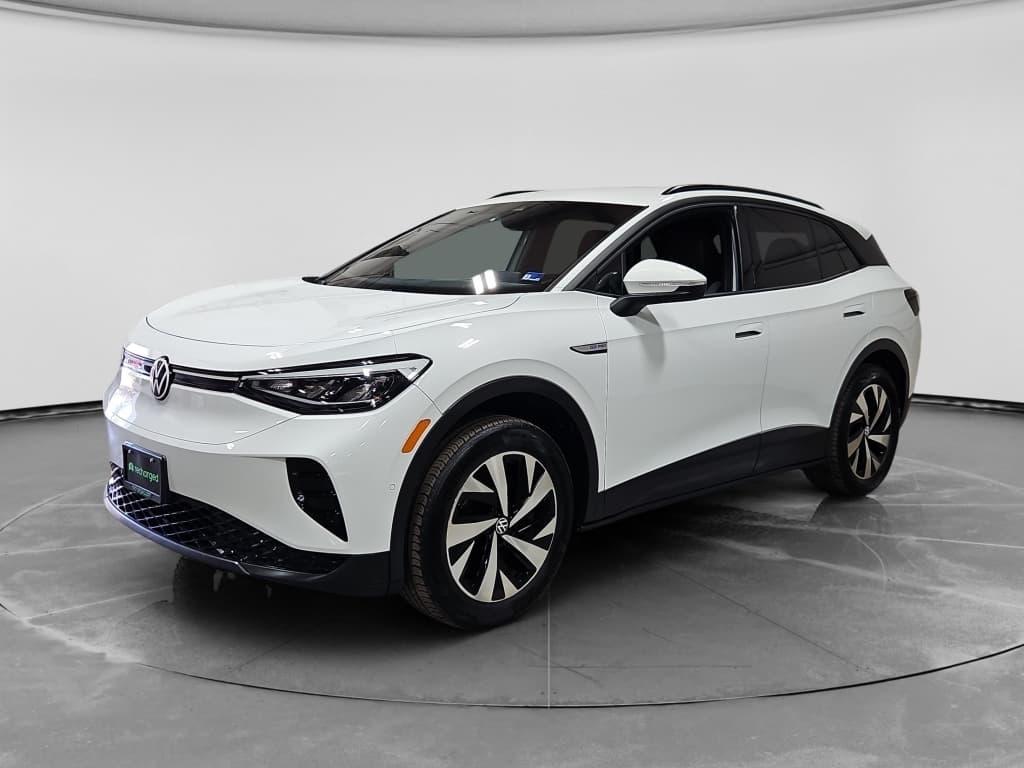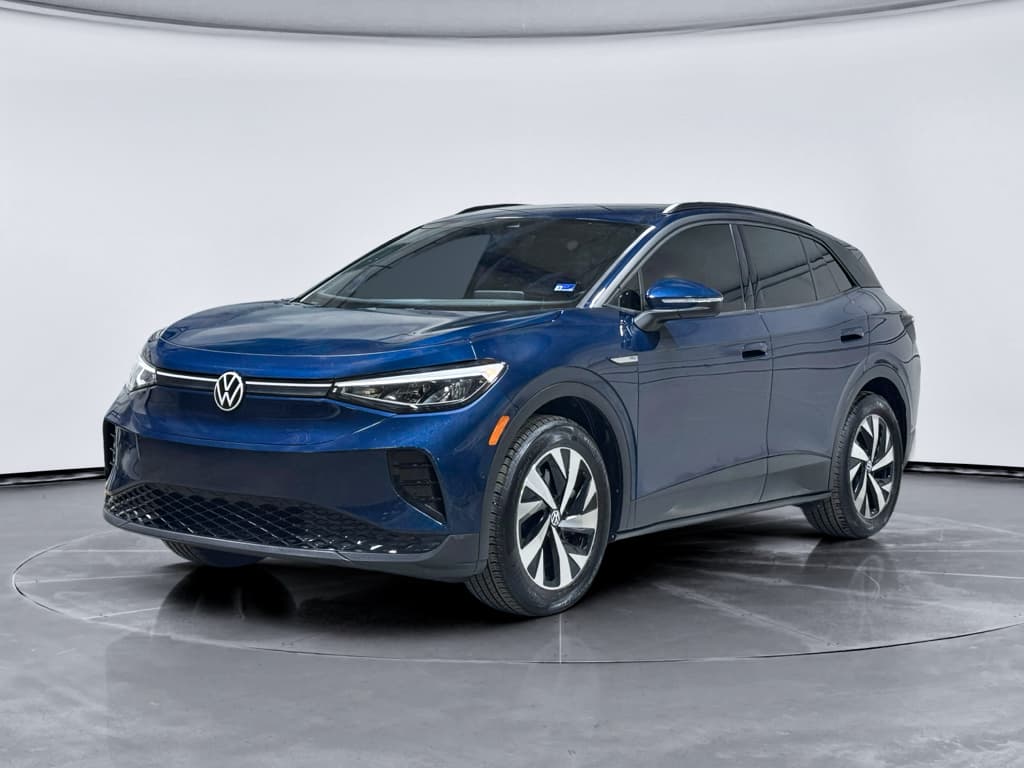
If you own a Volkswagen ID.4, or you’re considering a used one, battery health is the single most important factor in how the SUV will perform and hold its value. This guide walks you step‑by‑step through a Volkswagen ID.4 battery health check: how to do it with the car’s own data, with inexpensive tools, and through an official dealer test, plus how to interpret what you find.
High‑voltage battery coverage at a glance
Why Volkswagen ID.4 battery health matters
A healthy ID.4 battery means more than just good range. It affects how confident you feel on road trips, how often you need to charge, how fast the car can DC fast‑charge, and ultimately what the vehicle is worth when you trade it or sell it. Because the high‑voltage pack is the most expensive component in the car, a proper battery health check is especially important when you’re evaluating a used ID.4.
Four reasons to check your ID.4’s battery regularly
These apply whether you already own the car or you’re shopping used.
Real‑world range
Fast‑charge behavior
Resale value
Warranty leverage
What “battery health” actually means on a VW ID.4
When people ask how to check Volkswagen ID.4 battery health, they’re usually talking about the state of health (SoH) of the high‑voltage pack. In plain language, SoH is the percentage of usable energy the battery can still store compared with when it was new. A brand‑new pack is 100%. If your ID.4 originally had about 77 kWh usable and now only holds roughly 70 kWh, that’s around 91% state of health.
- Usable capacity (kWh): How many kilowatt‑hours the pack can actually deliver today.
- State of health (SoH, %): Usable capacity now ÷ usable capacity when new.
- State of charge (SoC, %): The battery’s current “fuel gauge”, how full it is right now.
- Degradation: The gradual loss of capacity from age, fast‑charging, heat, and high mileage.
Normal vs. abnormal degradation
Quick battery health check using your ID.4
Volkswagen doesn’t show a simple “battery health” percentage on the dash, but you can still do a quick, no‑tools check using your trip computer, the infotainment system, and basic charging information. Think of this as a first‑pass screen before you dig deeper.
5‑minute in‑car Volkswagen ID.4 battery health check
1. Set your charge limit temporarily to 100%
In the charging settings (in‑car or in the app), raise your target state of charge to 100% for this test only. If you normally cap at 80% to protect the battery, that’s good practice, just remember to set it back after you’re done.
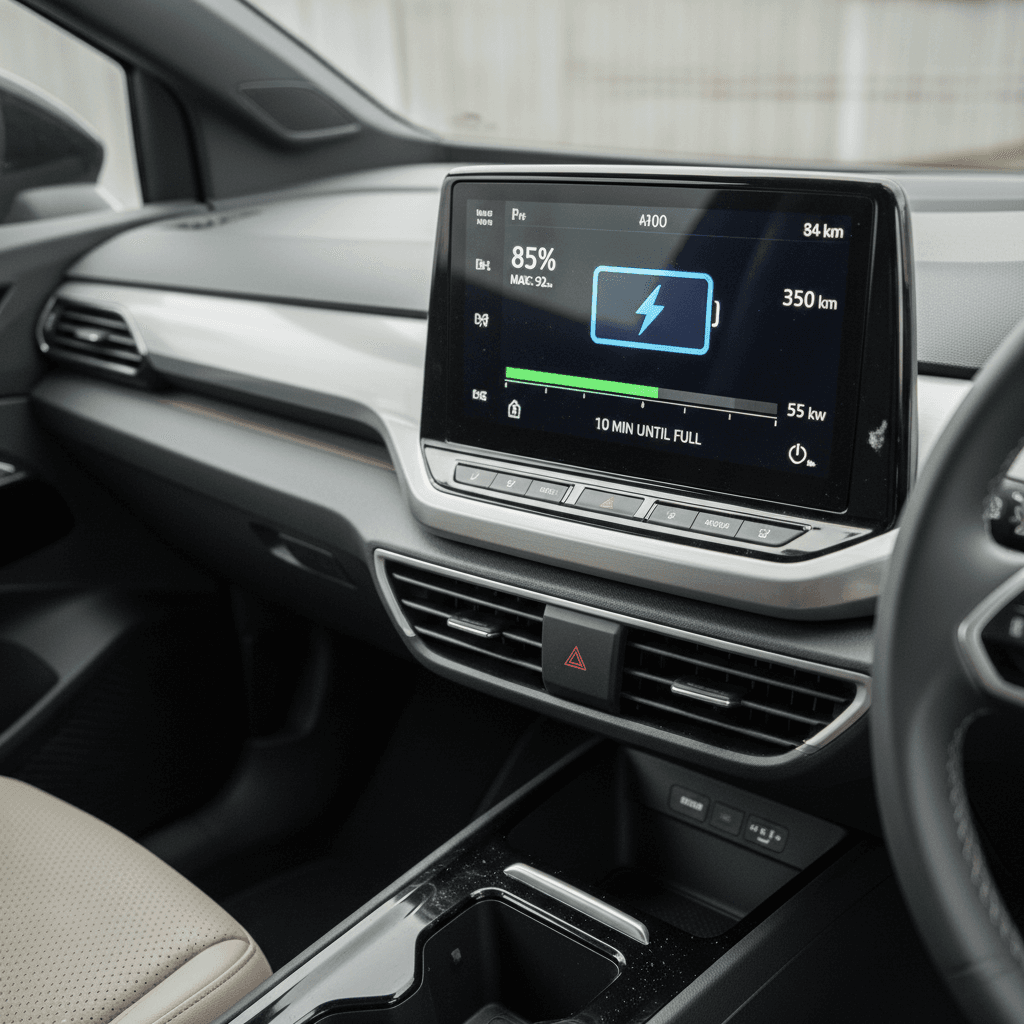
2. Fully charge, then note the indicated range
Once the car reaches 100% on the display, note the estimated range on the instrument cluster. Compare it with the EPA rating for your model year and battery size. Don’t panic if it’s lower; driving style, temperature, and tire choice all have big effects.
3. Reset a trip meter and drive normally
On your next drive, reset one of the trip counters to zero. Drive at your usual mix of speeds for at least 30–50 miles, then record the energy consumption (kWh/100 miles or mi/kWh) and distance traveled.
4. Compare real‑world range to the original spec
Multiply your observed efficiency by the original usable battery size (for most ID.4 Pro trims, around 77 kWh). If your math suggests a theoretical range that’s dramatically lower than new, after accounting for temperature and driving style, it may indicate capacity loss.
5. Check for battery or charging warnings
While you’re in the car, make sure there are no warning lights, “reduced power” messages, or repeated charging errors. Those can point to individual battery modules or thermal management issues rather than simple age‑related degradation.
How to track real‑world range to spot degradation
A single snapshot doesn’t tell the whole battery‑health story. To really understand your ID.4’s pack, you want to see trends over time. The easiest way is to track real‑world range and efficiency over several full‑to‑low charge cycles.
Method 1: Simple manual log
If you like things low‑tech, a notebook or spreadsheet works just fine.
- Pick a consistent "start" point, say, charging from 10% to 90%.
- Log odometer, starting SoC, ending SoC, and outside temperature.
- Note how many miles you drove and how many percent of battery you used.
- Convert that to miles per % (or % per 10 miles) and compare between trips.
Over several weeks, you’ll get a feel for what’s "normal" for your car.
Method 2: Apps and connected services
If your ID.4 is connected to the myVW app or another telematics platform, you may be able to export:
- Charging sessions (kWh added, start/end SoC)
- Trip distances and energy use
- Average efficiency over time
That data helps you see whether range has drifted downward at the same driving patterns, or if a sudden change coincides with an update, a harsh winter, or a lot more DC fast‑charging.
Don’t confuse winter range loss with degradation
Using OBD apps for a deeper ID.4 battery health check
If you want numbers closer to what Volkswagen’s own tools see, you’ll need to pull data from the car’s control modules using an OBD‑II dongle and a compatible app. Many ID.4 owners use tools like OBDeleven or similar apps to read values such as maximum energy content or state of health for the high‑voltage battery.
Step‑by‑step: DIY Volkswagen ID.4 battery health check with OBD
1. Get the right OBD dongle and app
Choose a reputable Bluetooth OBD‑II adapter that explicitly supports modern VW Group vehicles, and pair it with an app such as OBDeleven or another VW‑focused diagnostics app. Avoid ultra‑cheap, no‑name dongles, they’re more likely to disconnect or confuse your car’s electronics.
2. Connect safely
With the car parked and in Park, plug the dongle into the OBD‑II port (usually under the dash near the steering column). Follow the app’s instructions to connect. Don’t repeatedly plug and unplug while the vehicle is booting or in Ready mode.
3. Navigate to battery data
In your app, look for modules related to “High Voltage Battery” or “Battery Energy Control.” Common parameters include maximum energy content, remaining energy, cell voltage spread, and sometimes a direct state‑of‑health percentage.
4. Capture the key numbers
Record the values for maximum or nominal energy content (in kWh) when the car is at or near 100% SoC. Then compare that to the usable battery size your ID.4 had when new (for many long‑range trims, around 77 kWh usable).
5. Do the math on state of health
If your app reports 71 kWh maximum energy and the pack was 77 kWh usable when new, you’re at about 92% SoH (71 ÷ 77). A result in the high 80s or low 90s after several years of use is typically in line with expectations. Large discrepancies, or a sudden drop compared to earlier readings, justify a professional assessment.
Use third‑party tools wisely
Dealer battery health tests and warranty coverage
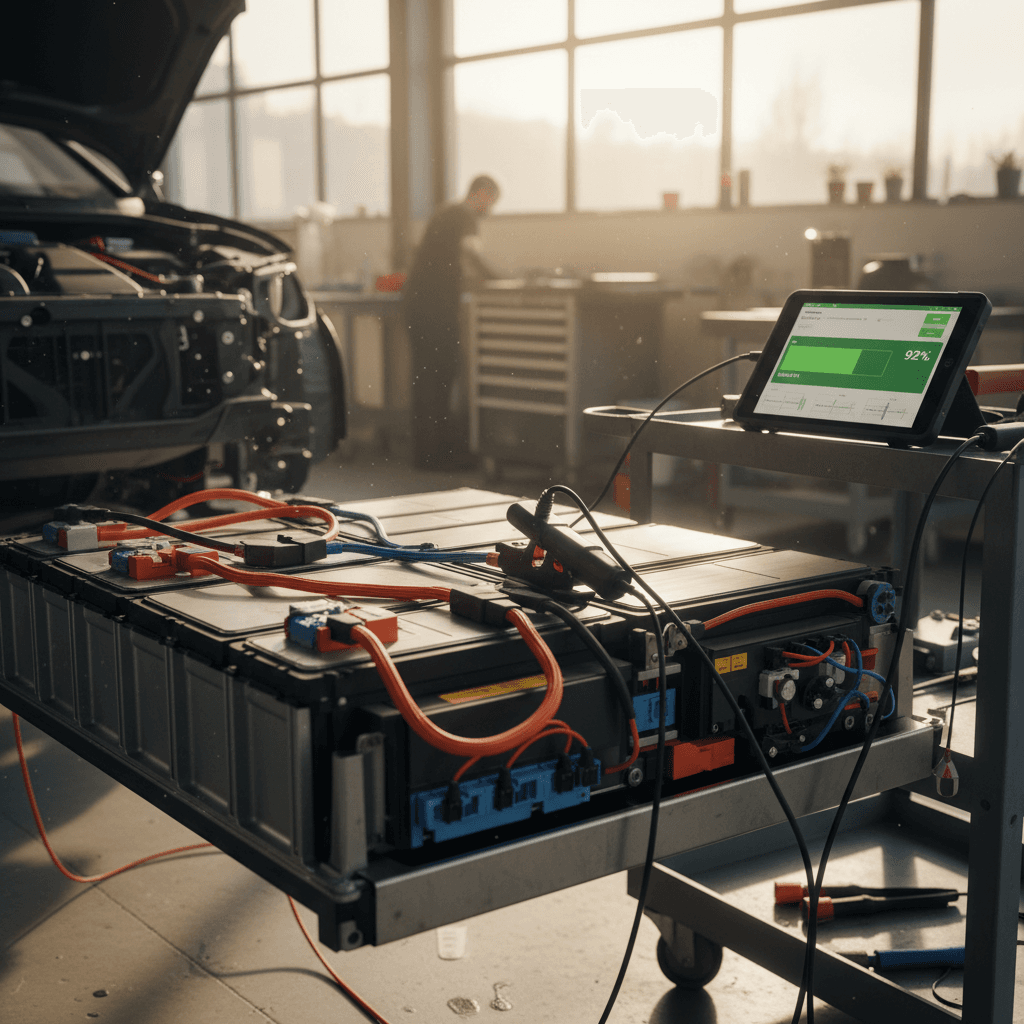
When you need an authoritative answer, especially for a potential warranty claim or a big purchase, your best move is an official battery test at a Volkswagen dealer. Many service departments can run a dedicated high‑voltage battery inspection that produces a printed report or certificate.
What an official Volkswagen ID.4 battery health check usually includes
Ask your service advisor about these items when you schedule.
Battery Health Quicktest or Certificate
Thermal and charging system check
Warranty eligibility review
Leverage data if you’re still under warranty
Battery health checks when buying a used Volkswagen ID.4
For used‑car shoppers, the challenge is getting reliable battery information on a vehicle you don’t own yet. Some traditional dealers still treat an EV inspection like a gas‑car safety check, which means important battery details can be missed. You want a structured Volkswagen ID.4 battery health check that tells you how much usable capacity is left and whether the pack’s behavior is normal.
Used Volkswagen ID.4 battery health checklist
1. Ask for documented battery test results
Request any prior high‑voltage battery test or health certificate. If the seller doesn’t have one, ask whether they’re willing to have a VW dealer perform a test as part of the sale.
2. Verify warranty status by VIN and mileage
Confirm the in‑service date and mileage so you know how much of the 8‑year/100,000‑mile battery warranty may remain. Also check that prior owners followed recall and software update campaigns.
3. Perform your own range and trip‑data check
On a test drive, reset a trip meter, drive at mixed speeds, and compare the indicated consumption and projected range to what you’d expect from a healthy pack. Big outliers deserve more investigation.
4. Use OBD data if the seller allows
If permitted, an OBD‑based check can give you a quick read on maximum energy content and cell balance. Combine that with a professional dealer report for the best picture.
5. Consider a third‑party EV‑focused inspection
Some inspection services now specialize in EV batteries. A shop familiar with the ID.4 can spot patterns, like inconsistent fast‑charging or abnormal cell voltage spread, that general shops may miss.
How Recharged approaches ID.4 battery health
Habits that keep your ID.4 battery healthy
A good battery health check tells you where you stand today. Your daily habits determine where you’ll be five or ten years from now. Fortunately, the same best practices that help most modern EVs age gracefully also apply to the Volkswagen ID.4.
Everyday habits that support long‑term ID.4 battery health
You don’t need to be perfect, consistency beats obsessing over every percent.
Avoid living at 100% SoC
Favor Level 2 over frequent DC fast‑charging
Keep the battery away from extreme heat
Drive smoothly
Don’t neglect the 12‑volt battery
Volkswagen ID.4 battery health FAQs
Common questions about Volkswagen ID.4 battery health checks
Key takeaways on checking ID.4 battery health
You don’t need to be an engineer to perform a meaningful Volkswagen ID.4 battery health check. Start with what the car already tells you, range at 100%, trip efficiency, and any warning messages. If you want more detail, add a reputable OBD app to read maximum energy content and compare it with the pack’s original usable size. When the stakes are high, like a suspected warranty issue or a major used‑car purchase, back those numbers up with an official dealer test.
If you’re shopping used and don’t want to become your own battery detective, consider buying from a seller that provides a transparent, third‑party battery report. At Recharged, every used EV, including the Volkswagen ID.4, comes with a Recharged Score that spells out battery health, pricing, and long‑term ownership expectations in clear language, so you can focus on finding the right car, not decoding numbers.