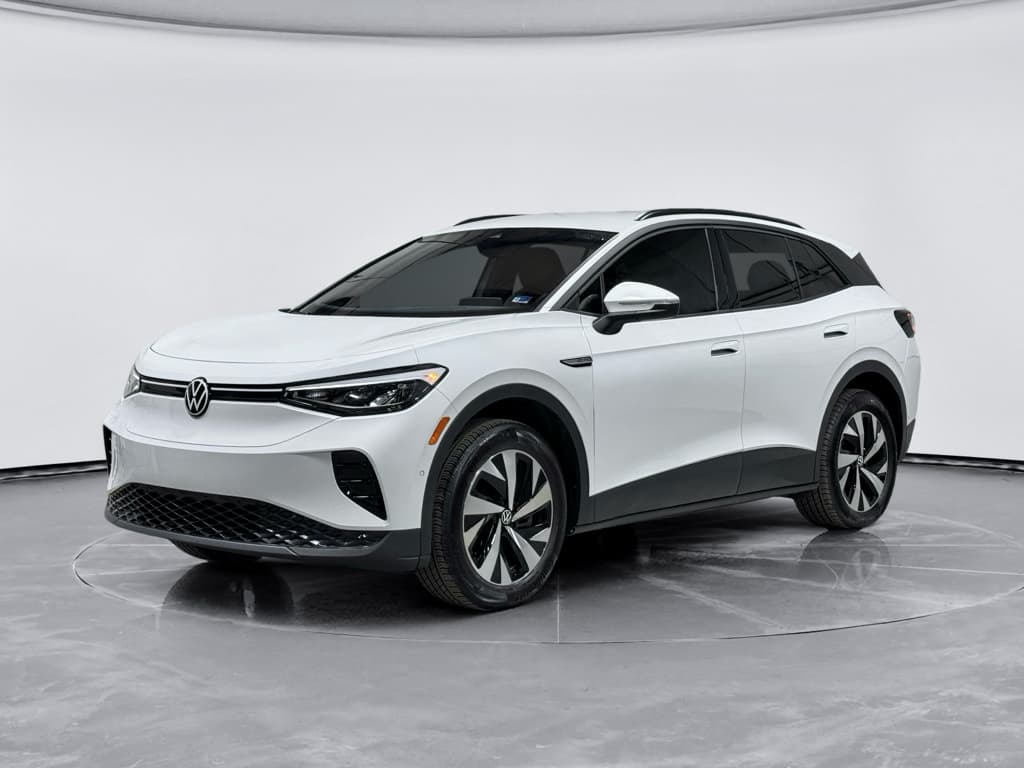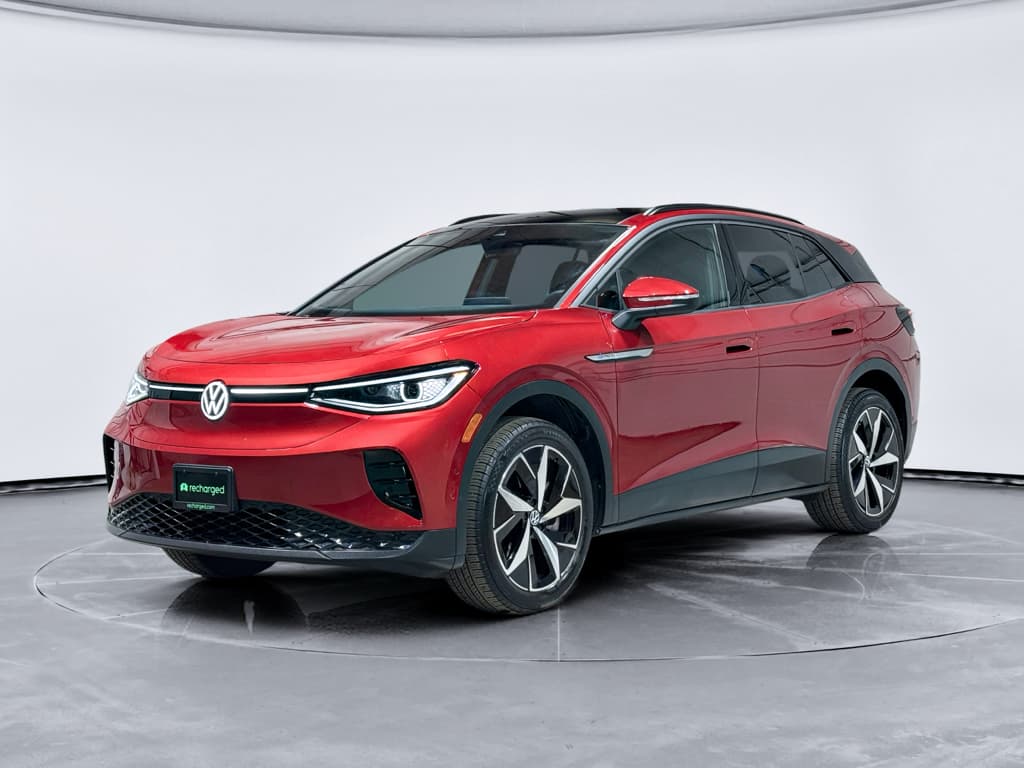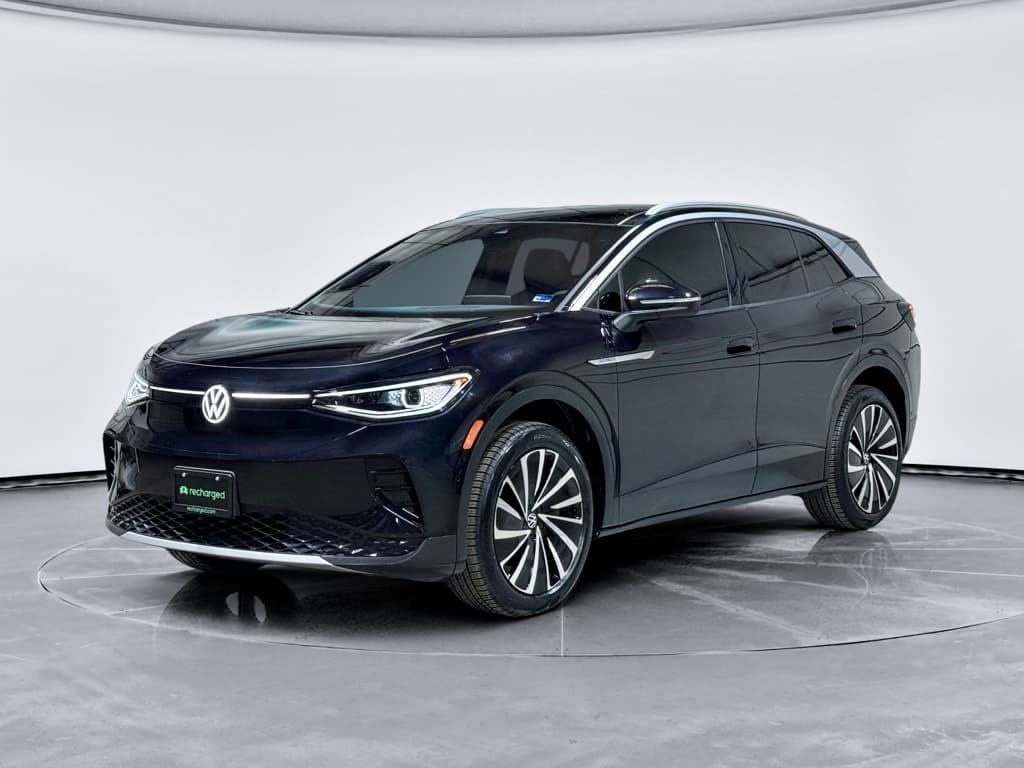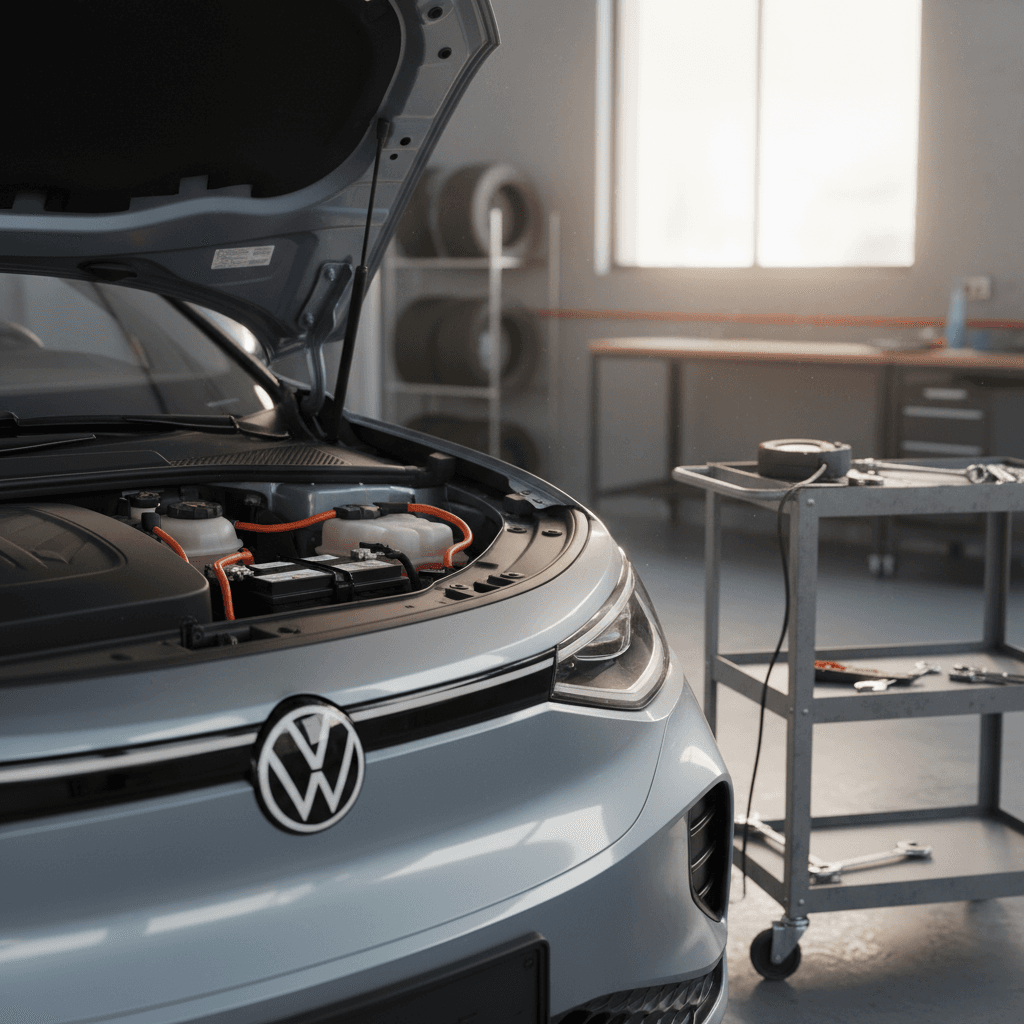
If your Volkswagen ID.4 suddenly shows a 12V battery low warning, refuses to wake up, or bricks itself on the driveway, you’re not alone. The 12‑volt battery in an ID.4 is small compared with the big high‑voltage pack, but when it gets weak the whole car can be disabled. This guide walks you through Volkswagen ID.4 12V battery replacement, from recognizing the early signs to deciding whether you should DIY or hand the job to a pro.
Two batteries, two very different jobs
Why the ID.4’s 12V battery matters more than you think
Even in a modern EV like the ID.4, nearly every control unit runs off a conventional 12‑volt system. The 12V battery powers the computers that wake the car up, close high‑voltage contactors, run the infotainment, unlock the charge port, and even control the parking pawl. If the 12V battery goes flat or weak, the car may not boot, shift into gear, or accept a charge even though the high‑voltage pack still has plenty of energy.
Quick facts about the ID.4 12V battery
Common symptoms of a weak Volkswagen ID.4 12V battery
ID.4 owners often assume any battery warning must mean the expensive high‑voltage pack is failing. In reality, many day‑to‑day issues track back to the small 12V battery. Watch for these symptoms before you’re stranded.
- Intermittent “12V battery low” warnings in the cluster or VW app, especially after the car has been parked overnight.
- Slow wake‑up when you unlock the car or press the start button, screens stay dark or laggy for several seconds.
- Random error messages about unavailable driver‑assist or infotainment features that disappear after a restart.
- Difficulty engaging gear (car stuck in Park) or a refusal to begin charging even though the cable is connected.
- The VW or We Connect app frequently loses communication with the car or shows it offline when you know it has signal.
- On very cold mornings, the car remains completely dead: no lights, no central locking, and the charge flap won’t open.
Don’t ignore early warnings
Locating the Volkswagen ID.4 12V battery and safety basics
On most 2021–2024 Volkswagen ID.4 models, the 12V battery sits in the front compartment under the hood on the passenger side, beneath a trim panel. You’ll see a compact AGM‑style battery with standard automotive posts and plastic covers over the terminals. Always confirm exact location and any model‑year quirks in your printed or digital owner’s manual before starting work.
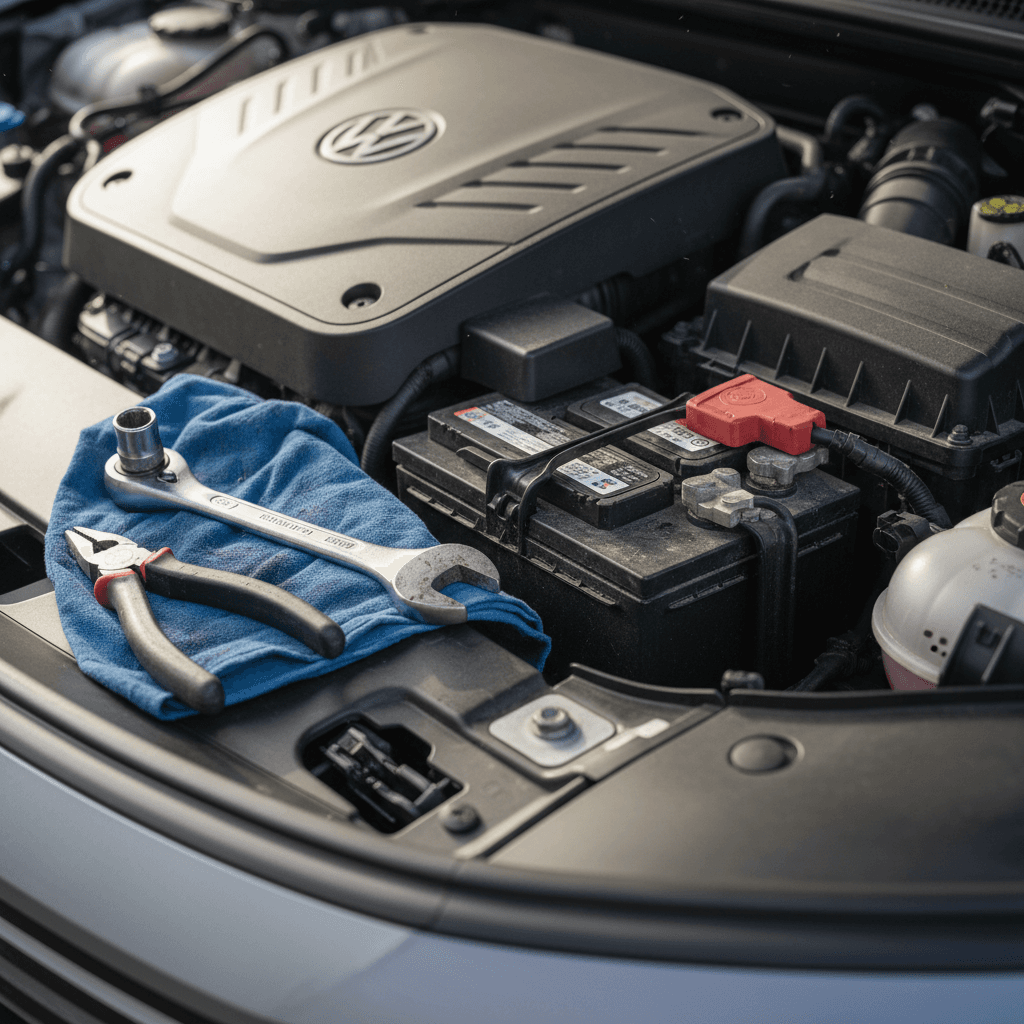
High‑voltage safety first
Pre‑work safety checklist
1. Park and secure the vehicle
Park your ID.4 on a flat surface, apply the parking brake, and place the car in Park. Make sure the ignition is off, all accessories are off, and you have the key nearby but away from the car so it won’t try to wake systems up.
2. Wear eye and hand protection
Use safety glasses and chemical‑resistant gloves. The ID.4’s factory 12V battery is sealed and maintenance‑free, but a dropped wrench across the terminals can still cause sparks and burns.
3. Avoid metal jewelry
Remove rings, watches, and bracelets that might accidentally bridge the battery terminals or touch exposed metal while you’re loosening clamps.
4. Read your owner’s manual
Volkswagen details model‑specific 12V handling and the correct jump‑start points. Skim those pages before you disconnect anything so you’re not guessing once the car is powered down.
Tools, parts, and typical 12V replacement costs for an ID.4
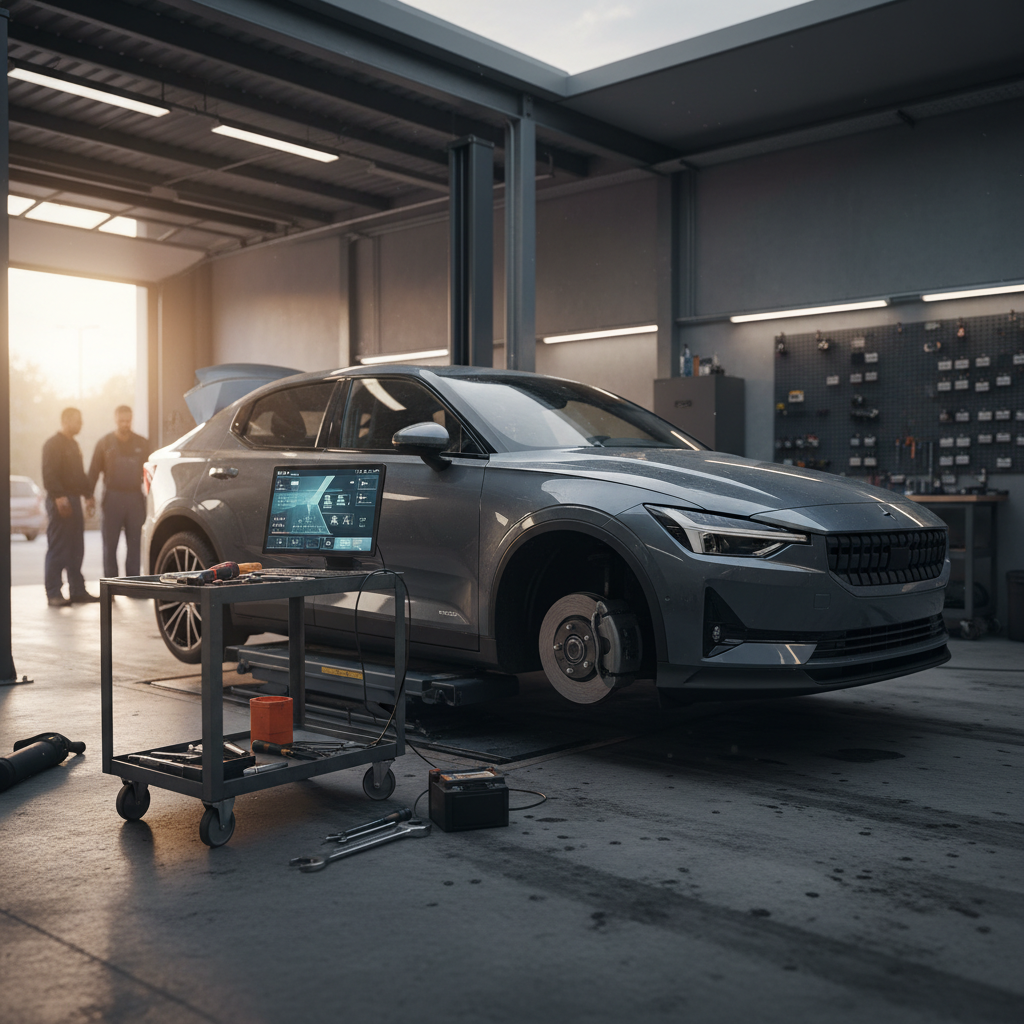
Compared with anything involving the high‑voltage pack, replacing a Volkswagen ID.4 12V battery is straightforward and relatively inexpensive. Plan ahead so you’re not forced to take whatever your nearest shop has on the shelf the morning the car won’t wake up.
What you’ll need for an ID.4 12V battery replacement
Gather everything before you disconnect the old battery so the car isn’t sitting powerless longer than necessary.
Basic tools
- Metric socket set (commonly 10 mm)
- Ratchet and short extension
- Flat‑blade screwdriver or trim tool
- Torque wrench (ideal but not mandatory for DIY)
Correct replacement battery
- 12V, maintenance‑free battery that meets VW specs (check your manual)
- AGM style is typically used; match capacity and physical size
- Some owners choose an upgraded AGM or LiFePO4 unit from reputable brands
Optional accessories
- Memory saver to preserve settings (not essential but convenient)
- Battery terminal brush or cleaner
- Dielectric grease or corrosion inhibitor spray
Volkswagen ID.4 12V battery replacement cost overview (U.S. 2025)
Typical price ranges for replacing the 12‑volt battery in an out‑of‑warranty ID.4. Actual costs vary by region, battery brand, and shop labor rates.
| Scenario | Parts Cost (USD) | Labor Cost (USD) | Total Est. Cost |
|---|---|---|---|
| DIY with quality AGM battery | $160–$230 | $0 | $160–$230 |
| Independent EV‑savvy shop | $170–$260 | $80–$150 | $250–$410 |
| Volkswagen dealer | $190–$280 | $120–$200 | $310–$480 |
| Aftermarket lithium 12V upgrade | $300–$550 | $80–$150 | $380–$700 |
These estimates are for the small 12‑volt accessory battery, not the high‑voltage traction pack.
Check warranty coverage first
Step‑by‑step Volkswagen ID.4 12V battery replacement
If you’re comfortable with simple automotive work and respect basic safety rules, you can replace the ID.4’s 12V battery yourself. The outline below mirrors typical service‑manual procedures but always defer to your specific model’s documentation where they differ.
- Open the hood and remove the trim cover. Release the hood latch, support it with the prop rod if equipped, and locate the plastic cover above the 12V battery. Gently pry up any clips and set the cover aside.
- Identify the battery terminals and hold‑down. You should see the positive (+) terminal under a red plastic cap and the negative (–) terminal exposed or under a black cap, plus a bracket or clamp securing the battery in place.
- Disconnect the negative (–) terminal first. Use your socket to loosen the clamp nut on the negative post and carefully lift the cable off. Wrap or position the cable end so it can’t accidentally spring back and touch the terminal.
- Disconnect the positive (+) terminal. Flip open the red cover, loosen the clamp nut, and remove the positive cable. Avoid letting your tool bridge between the positive post and any metal bodywork.
- Remove the hold‑down bracket. Locate the retaining bolt(s) at the base or side of the battery. Remove the hardware and bracket, noting exactly how it’s oriented for re‑installation.
- Lift out the old battery. 12V batteries are heavier than they look, lift with your legs and keep it upright. Set it on the ground away from your work area.
- Clean the tray and terminals. Inspect the battery tray for debris or corrosion and clean as needed. If the cable ends are oxidized, use a battery terminal brush or fine sandpaper to restore bright metal.
- Position the new battery. Place the replacement 12V battery in the tray in the same orientation as the old one. Confirm that the positive and negative posts line up with the correct cables and that nothing is pinched underneath.
- Reinstall the hold‑down. Fit the bracket and bolts, then tighten them snugly. The battery should not move when you push it by hand, but don’t over‑torque and crack the case.
- Reconnect the positive (+) terminal first. Slide the clamp fully down onto the positive post, tighten the nut until the connection is secure, and close the red cover.
- Reconnect the negative (–) terminal. Attach the negative cable to the negative post and tighten the clamp. This will complete the circuit and wake the vehicle’s electronics back up.
- Refit the trim cover and verify operation. Reinstall the plastic cover, close the hood, and unlock or start the car. Clear any lingering warnings and confirm that the 12V warning message does not return after a short drive.
When the job went right
Jump‑starting and temporary workarounds if you’re stranded
When the 12V battery is too low for the ID.4 to wake up, a proper jump‑start can get you moving long enough to reach a dealer or your preferred shop. But you must use the correct connection points and avoid creative improvisations that could damage sensitive electronics.
Safe jump‑starting basics
- Use a quality jump pack or another vehicle’s 12V system, never attempt to jump the high‑voltage pack.
- Follow the connection sequence in your owner’s manual; many ID.4s have designated 12V jump posts rather than clamping directly to the battery.
- Connect positive to positive, then negative to the recommended grounding point on the ID.4.
- Once the car wakes and goes into Ready, leave it on long enough for the DC‑DC converter to charge the 12V system.
When to skip the jump‑start
- If the 12V battery case is swollen, leaking, or smells strongly of sulfur.
- If you see damage to the wiring or terminals.
- If repeated jump‑starts only get you a few minutes of operation before the car dies again.
- In these cases, arrange a flatbed tow to a Volkswagen dealer or qualified EV shop instead of compounding the problem.
Don’t use the ID.4 to jump other cars
Should you upgrade to a lithium 12V battery?
After one failed lead‑acid battery, many ID.4 owners look at aftermarket LiFePO4 (lithium iron phosphate) 12V batteries marketed specifically for EVs. These promise lower weight, better cold‑cranking performance, and deeper cycle life than a traditional AGM unit.
Pros and cons of a lithium 12V upgrade for your ID.4
An upgrade can be worthwhile, but only if you understand the trade‑offs.
Potential benefits
- More stable voltage under load, which can help sensitive electronics.
- Lower weight than a comparable AGM battery.
- Longer expected service life when paired with a compatible charging profile.
- Some EV‑specific designs include built‑in battery management systems (BMS) tailored to modern vehicles.
Important cautions
- Not all lithium 12V batteries are approved or recommended by Volkswagen.
- The ID.4’s DC‑DC charger and software expect a certain charging behavior; using an incompatible battery chemistry can create quirks.
- Improperly installed aftermarket batteries may complicate warranty claims on related components.
- If you’re interested in upgrading, choose a well‑reviewed EV‑specific unit and have it installed by a shop that understands both EVs and lithium batteries.
Preventing future 12V battery problems in your ID.4
The best 12V battery is the one you never have to think about. A few habits and setting checks can dramatically reduce the odds of waking up to a dead ID.4, even in winter or after a vacation.
Simple habits that extend your ID.4’s 12V battery life
Enable battery/energy management features
Volkswagen offers settings that help keep the 12V battery maintained off the high‑voltage pack. In your infotainment system or app, make sure those options are on once you’ve updated to the latest software.
Avoid long idle periods without driving
If possible, drive the car at least once a week so the DC‑DC converter can top off the 12V system. Very short trips, like moving the car in the driveway, don’t help much.
Be cautious with accessory use while parked
Extended use of lights, audio, or HVAC while the car is in accessory mode can pull the 12V battery down. If you need power for a long time, put the car in Ready so the high‑voltage system can support it.
Plan for storage and vacations
For multi‑week trips, park with a healthy high‑voltage state of charge and, if possible, leave the car plugged into a reliable Level 2 charger. In some situations, a quality 12V maintainer, used according to VW guidance, can also help.
Test the battery proactively after three years
Once the 12V battery is 3+ years old, ask your shop to load‑test it at each service visit. Replacing it slightly early is cheaper and less stressful than dealing with a surprise failure.
Software updates matter
12V battery considerations when buying a used ID.4
If you’re shopping for a used Volkswagen ID.4, the 12V battery might seem like a minor detail compared with overall range or fast‑charging performance. But a marginal 12V system is one of the most common reasons EV owners end up on a flatbed, and it’s an easy item to overlook on a quick test drive.
Questions to ask the seller or dealer
- Has the 12V battery ever been replaced? If so, when and with what brand?
- Has the car shown any 12V warnings, odd wake‑up behavior, or random error messages?
- Has the vehicle received recent software updates at a Volkswagen dealer?
- Is there documentation of previous diagnostic work for parasitic draws or charging issues?
How Recharged approaches 12V health
Every used EV in the Recharged marketplace receives a Recharged Score Report that focuses on what matters for long‑term ownership, including verified high‑voltage battery health and practical checks of the 12V system. Our EV‑specialist teams flag weak 12V batteries, charging anomalies, and software issues before a car is listed, so you’re far less likely to inherit someone else’s electrical gremlins.
If you’re trading in an ID.4 that’s been giving you 12V warnings, our advisors can also help you decide whether to address the battery before sale or let us handle it as part of reconditioning.
Volkswagen ID.4 12V battery replacement FAQ
Frequently asked questions about ID.4 12V batteries
The 12‑volt battery in your Volkswagen ID.4 may be the smallest battery in the car, but it’s the one most likely to leave you stranded when it’s neglected. Fortunately, replacement is straightforward, parts are relatively affordable, and the warning signs usually show up well before total failure if you know what to look for. Whether you handle your own Volkswagen ID.4 12V battery replacement or let a professional shop take it on, treating the auxiliary battery as routine maintenance, rather than an afterthought, will keep your ID.4 waking up, charging, and driving the way it should. And if you’re shopping for a used ID.4, choosing a vehicle that’s been professionally evaluated, like those on Recharged with a full Recharged Score Report, is one of the easiest ways to avoid hidden 12V headaches down the road.