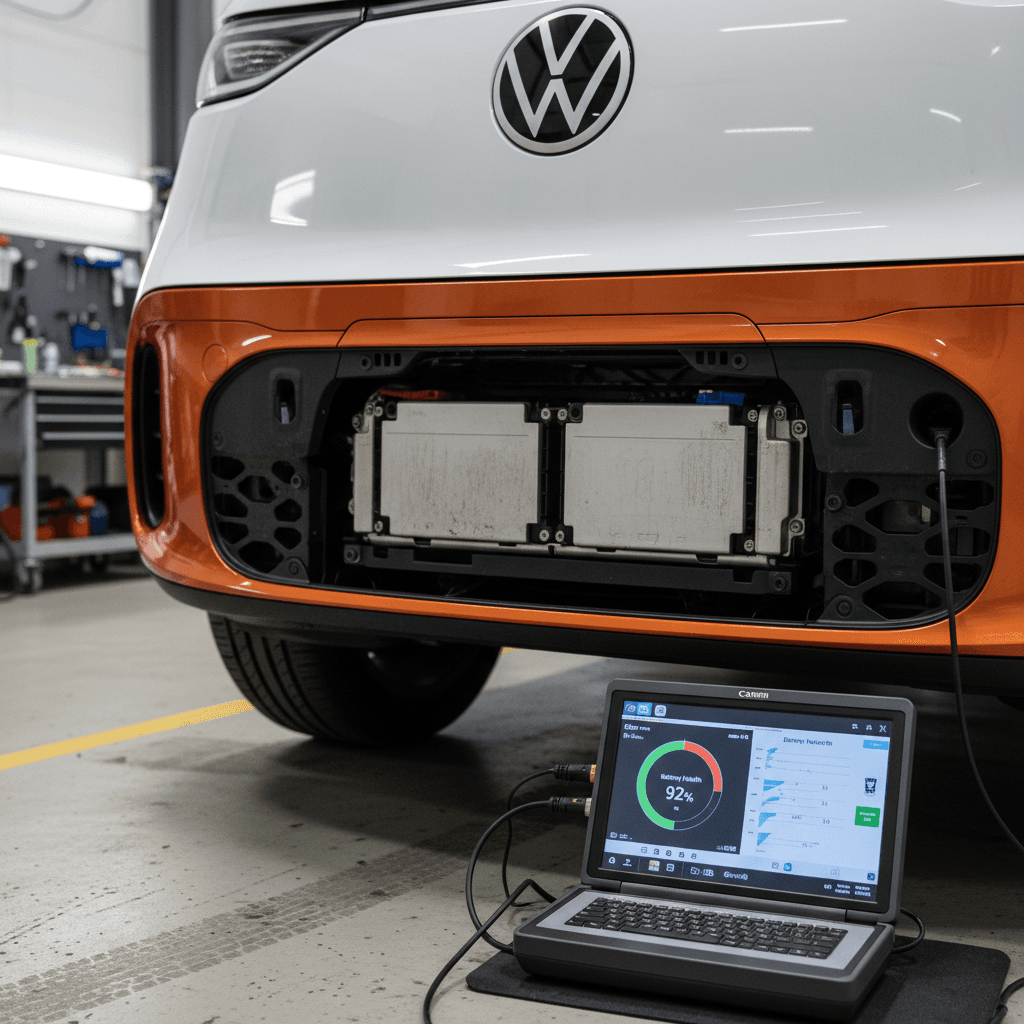
If you own, or are eyeing, a Volkswagen ID. Buzz, the battery is the whole ballgame. It’s the floor‑mounted, 82–91 kWh lithium‑ion slab that turns a charming retro van into a useful electric family bus. Knowing how to perform a basic Volkswagen ID. Buzz battery health check, and how to read the signs of trouble, can save you thousands of dollars and a lot of anxiety.
Big picture
Why ID. Buzz battery health matters (and what “good” looks like)
Your most expensive component
The ID. Buzz’s high‑voltage pack is a five‑figure component. While full replacements are rare, battery health directly drives resale value and range. A Buzz that’s still at ~90% of original capacity a few years in is a very different ownership proposition than one flirting with VW’s 70% warranty floor.
What “healthy” looks like
- First 1–2 years: Often 94–98% state of health (SoH) after the initial “settling” drop.
- 3–5 years / 40–70k miles: Many VW MEB packs (ID.3/ID.4) are testing in the 88–94% range.
- 8 years / 100k miles: VW promises at least 70% usable capacity under normal use.
These bands aren’t gospel, but they’re a realistic backdrop for your own tests.
ID. Buzz battery by the numbers
ID. Buzz battery basics: Size, warranty and normal degradation
Before you start poking around for hidden menus and OBD data, you need a baseline: what battery your ID. Buzz actually has, what Volkswagen promises, and what “normal” degradation looks like in the real world.
- Most European ID. Buzz models use an 82 kWh gross pack with about 77–79 kWh usable.
- North American three‑row models use a larger pack around 91 kWh gross and mid‑80s kWh usable, to hit family‑friendly range targets.
- All are part of VW’s MEB family, sharing chemistry and architecture with the ID.3 and ID.4, which have shown modest degradation in long‑term tests.
What VW’s 70% guarantee really means
Real‑world testing of VW’s earlier MEB cars, including ID.3s run past 100,000 miles, has found packs still in the low‑90s percent state of health. That should temper some of the panic you see online. The ID. Buzz is heavy and brick‑shaped, but the battery tech underneath is anything but fragile.
Quick in-car checks: Simple ways to spot battery issues
Volkswagen doesn’t hand you a big, friendly “battery health 92%” readout in the ID. Buzz. But the van will still tell on itself if the pack is struggling. Start with these simple, no‑tool checks you can do in a few minutes.
Four quick checks before you ever plug in an OBD tool
None of these are definitive alone, but together they paint a clear picture.
1. Range vs. charge level
Fully charge the Buzz to 100% (ideally after a few days of mixed driving), then look at the projected range in the instrument cluster.
- If you see ~200–230 miles for a long‑wheelbase U.S. model in mild temps, that’s broadly normal.
- If you’re seeing barely 140–150 miles at 100% in similar conditions, that’s a yellow flag, especially if you drive gently.
2. Temperature sensitivity
All EVs lose range in the cold, but watch how dramatic the swing is:
- 20–30% less range on a freezing day is normal.
- Losses far beyond that, once the pack is warm, can hint at issues or very high degradation.
3. Fast‑charge behavior
On a DC fast charger, a healthy ID. Buzz should climb through the 10–60% window briskly when the pack is warm.
- If it stubbornly trickles at low power even with low state of charge, there may be thermal or cell‑health concerns that deserve a closer look.
4. Sudden range drops near empty
Pay attention to the last 20% of the pack. If the guess‑o‑meter free‑falls from 18% to 3% in a couple of miles, or the van hits “0” way sooner than expected, that can signal cell imbalance or a mis‑calibrated battery management system.
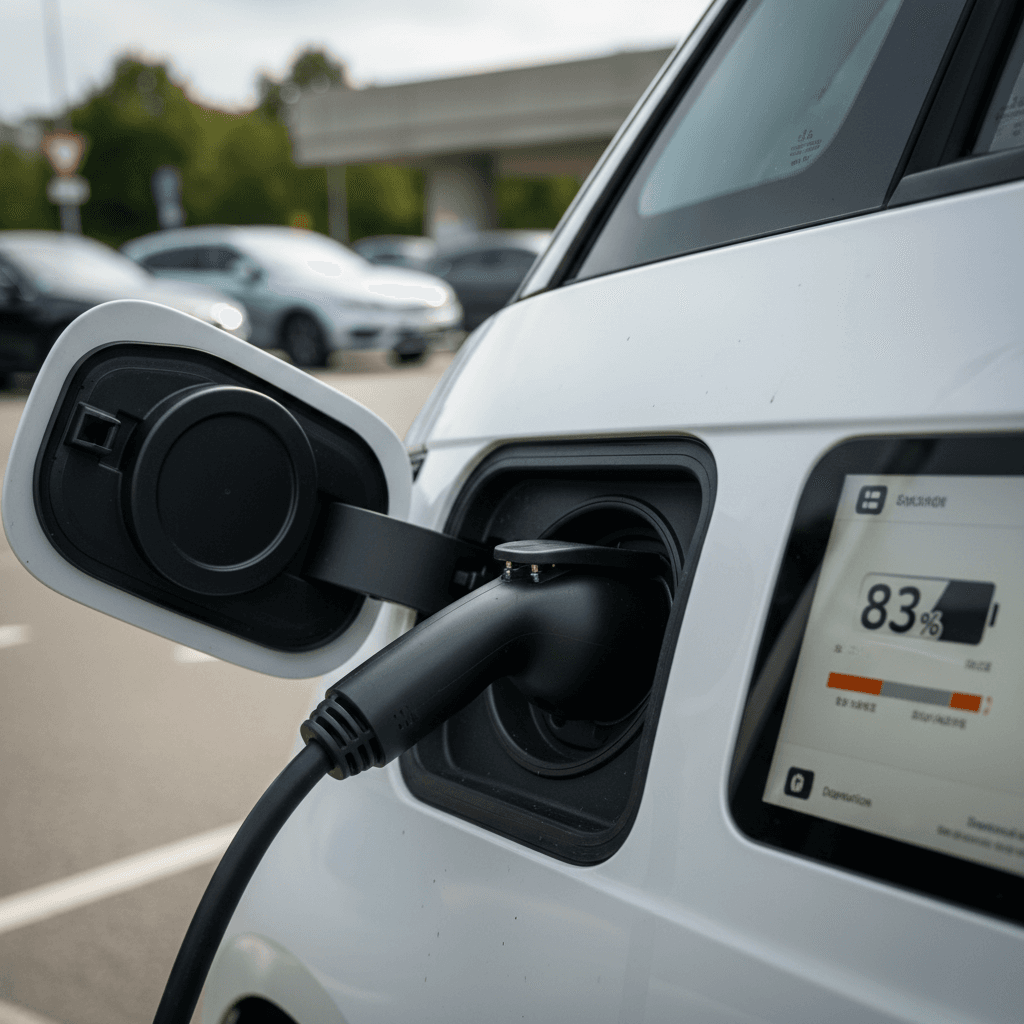
Don’t overreact to one weird day
Using OBD tools for a real battery health check
If you want something approximating a real ID. Buzz battery health check, you have to go behind the curtain. Like other MEB‑platform VWs, the Buzz exposes detailed battery data over the OBD‑II port, things like maximum energy content and cell voltages. With the right tools, you can read them at home.
Step‑by‑step: Pulling battery health data from your ID. Buzz
1. Get a compatible OBD dongle
Buy a reputable Bluetooth OBD‑II adapter known to work with Volkswagen EVs. Many owners use tools like OBDeleven or generic ELM327‑based dongles paired with apps such as Car Scanner or EV‑specific apps that support VW MEB cars.
2. Choose an app that knows VW EV data
Install an app that can read high‑voltage battery parameters, look for fields labeled things like <strong>Maximum Energy Content</strong>, <strong>State of Health</strong>, or detailed cell data. Generic OBD apps may only show 12‑volt data, which is not what you want.
3. Prepare the battery
For the most accurate snapshot, charge the Buzz to near 100%, then drive down to 10–20% and park. Ideally the pack is warm from driving, not straight off a DC fast charger. Turn the van on (Ready mode) but stay parked with accessories off.
4. Connect and read key values
Plug the OBD adapter into the port (usually just above the driver’s footwell), connect via your app, and navigate to the high‑voltage battery data. Note the reported <strong>Maximum/Available Energy</strong> in kWh and any explicit <strong>SoH%</strong> value if present.
5. Compare to original usable capacity
Match what you see to your model’s original usable capacity. If your long‑wheelbase Buzz launched with ~86 kWh usable and the app now shows around 78 kWh, that suggests roughly 9–10% degradation, entirely reasonable after a few years.
6. Look for cell imbalance
Many apps can plot voltage for each cell group. Small differences are normal. If you see a few cells consistently much lower than the others, that’s a sign to let a VW dealer investigate further.
Write it down and repeat once a year
A DIY range test to sanity‑check your battery
If you’d rather not mess with OBD adapters, you can still do a surprisingly effective range‑based health check. It’s cruder, but it correlates well with what the pack is actually delivering.
Simple DIY highway range test for your ID. Buzz
Pick a calm day, a familiar highway and keep your right foot honest.
| Step | What to do | Target |
|---|---|---|
| 1 | Charge to 100% on Level 2 at home or a slower public AC charger. | Start with a warm, full pack, avoid hopping straight off a DC fast charger. |
| 2 | Reset trip meter and hit a mostly flat highway loop at 65–70 mph. | Aim for steady cruising, light traffic, no roof box or trailer. |
| 3 | Drive down to roughly 10% state of charge. | Note total miles driven and the remaining projected range. |
| 4 | Estimate full‑to‑empty range. | Add miles driven to the car’s remaining projected range at 10%. |
| 5 | Compare to real‑world expectations. | Healthy long‑wheelbase Buzz models often land in the 170–210 mile band in mild conditions. |
This won’t impress a lab, but it will tell you if your Buzz is wildly under‑performing its peers.
What a good result looks like
Reading dealer and third‑party battery health reports
Volkswagen dealers, and a growing set of independent EV specialists, can run formal battery tests on the ID. Buzz. These are the same tools VW leans on when deciding warranty claims, so they carry weight. The downside: the terminology can be opaque.
How to decode an ID. Buzz battery report
Ignore the jargon; focus on these core ideas.
State of Health (SoH)
This is the closest thing to the number everyone wants. It’s typically a percentage of original usable capacity.
85–95%: Very healthy for a used Buzz.
75–85%: Older, high‑mileage but still serviceable.
<70%: Inside VW’s concern zone; ask hard questions.
Available / maximum energy
Sometimes the report shows kWh instead of a percentage. Compare this to your Buzz’s original usable capacity to back into an SoH figure.
Example: 76 kWh available vs 86 kWh original ≈ 88% SoH.
Cell balance and errors
Look for notes about cell imbalance, over‑temperature events, or modules taken offline. Even with high SoH, repeated fault codes are a red flag, especially on a used purchase.
Watch out for vague “certificates of health”
Battery settings that protect your ID. Buzz pack
Volkswagen quietly gives you the tools to be kind to your battery, if you know where to look. The Buzz’s on‑screen battery settings and the myVW app both let you trade a little maximum range for a lot more long‑term health.
- Set your everyday charge limit to around 70–80% for commuting. Save 100% for road trips.
- Whenever possible, finish DC fast‑charging around 80% instead of sitting on the charger to 100%.
- Precondition the cabin while plugged in so the pack doesn’t have to work as hard for heat or A/C.
- Avoid letting the Buzz sit at very low state of charge (under 10–15%) for days at a time.
Use the app, but trust the car
Battery health when buying a used ID. Buzz
With demand high and supply choked by production fits and starts, used ID. Buzz listings will be catnip for families and van‑lifers alike. That makes the battery check even more critical: you’re buying not just a retro bus, but the energy storage future you’ll live with for a decade.
Used ID. Buzz battery health checklist
1. Start with the odometer and build date
A 2‑year‑old Buzz with 60,000 miles and one that’s barely been driven are very different stories. High mileage isn’t automatically bad, if SoH is still high, but it should sharpen your questions.
2. Ask for a recent dealer battery report
Request documentation dated within the last few months that shows SoH or available energy in kWh. If the seller can’t produce it, negotiate to have a test done, or budget for doing it yourself.
3. Do a quick highway range drive on the test
On a long test drive, reset the trip meter at, say, 80% charge and observe energy use and projected range. An obviously under‑performing Buzz is hard to hide once you’re at highway speeds.
4. Check charge history and habits
Ask how the previous owner charged: mostly home Level 2 at 70–80%, or daily DC fast‑charging to 100%? The former is the battery‑friendly answer. Look for service records that mention repeated charge‑system faults.
5. Scan with an OBD tool if the seller allows
Even a quick pull of maximum energy content and cell balance with a Bluetooth dongle can either reassure you, or save you from an expensive mistake.
6. Lean on third‑party verification when possible
If you’re shopping online or out of state, a marketplace like <strong>Recharged</strong> can take the guesswork out. Every used EV we list comes with a <strong>Recharged Score</strong> and a verified battery health report, so you’re not buying blind from a thumbnail and a promise.
How Recharged handles ID. Buzz battery checks
Ready to find your next EV?
Browse VehiclesFAQ: ID. Buzz battery health checks
Frequently asked questions about ID. Buzz battery health
Key takeaways: How to treat your Buzz’s battery like a long‑term asset
- Volkswagen’s 8‑year / 100,000‑mile warranty with a 70% capacity floor gives you a safety net, but most ID. Buzz packs should do better than that with sane habits.
- A meaningful Volkswagen ID. Buzz battery health check combines three lenses: what the car feels like to drive (range and charging behavior), what the data says (OBD or dealer reports) and how it’s been used (charging and mileage history).
- Charge limits, avoiding 0% and 100% when you don’t need them, and favoring Level 2 over constant fast‑charging are simple settings that pay long‑term dividends.
- If you’re buying used, don’t accept vague assurances, ask for numbers, reports and history. Or let a marketplace like Recharged do that homework, with a Recharged Score report that bakes battery health into price and peace of mind.
The ID. Buzz’s battery is not some mysterious black box; it’s a measurable, manageable asset. With a couple of careful tests and the right tools, you can know whether your bright‑eyed electric bus will happily haul kids, dogs and surfboards for the next decade, or whether you’re stepping into someone else’s experiment. Either way, the information is yours for the taking.