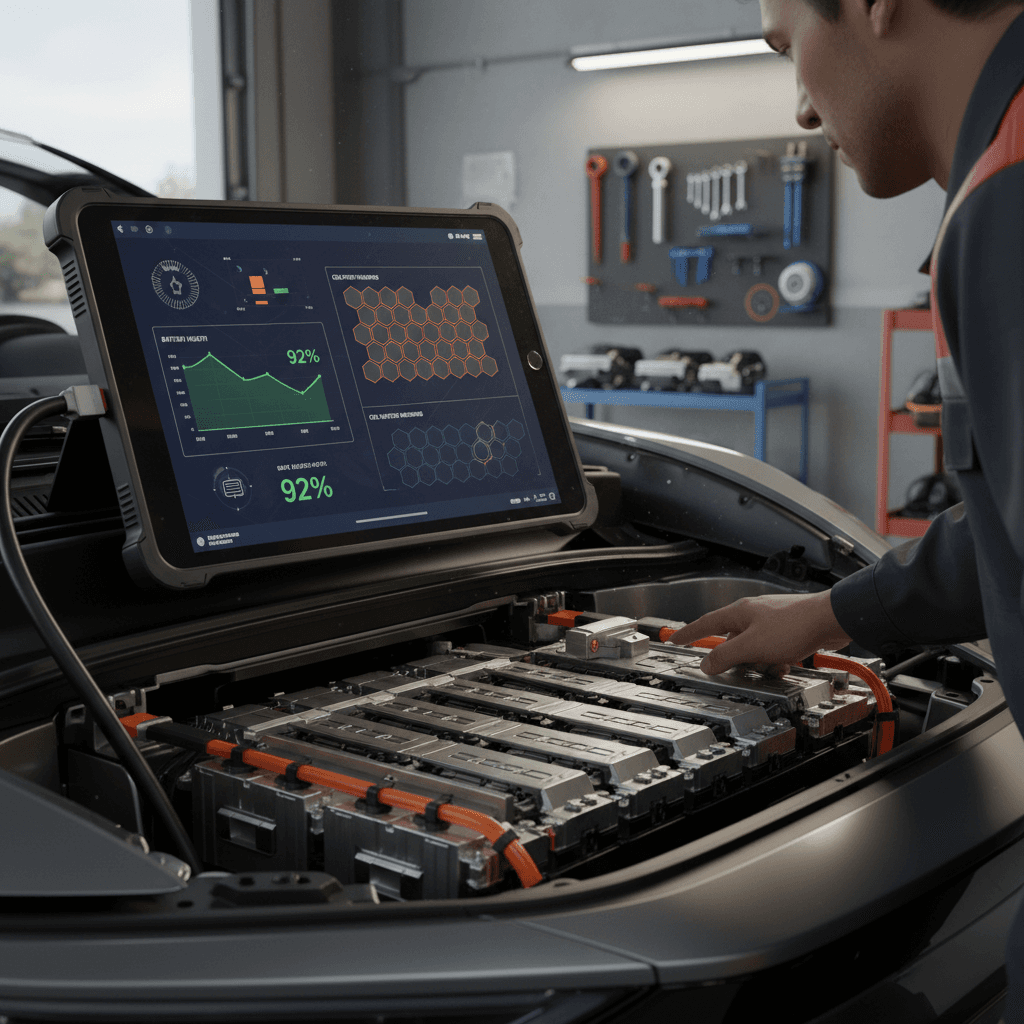
If you own a Toyota bZ4X or you’re thinking about buying one used, battery health is the single most important thing to understand. A simple Toyota bZ4X battery health check tells you how much capacity the pack still has, how that translates into real‑world range, and whether you should be worried, or just keep driving.
Quick answer
Why Toyota bZ4X battery health matters
The traction battery in your Toyota bZ4X is the car’s most expensive component. It determines how far you can drive on a charge, how confident you feel on road trips, and ultimately what the vehicle will be worth in the used market. A healthy bZ4X pack means predictable range and lower ownership costs; a weak pack can mean more frequent charging stops, anxiety on cold days, and difficult conversations when it’s time to sell or trade.
Three reasons to track bZ4X battery health
Range, resale, and peace of mind all start with the pack
Real‑world range
Your bZ4X’s battery health directly controls how many miles you get between charges. As usable capacity drops, so does real‑world range, especially at highway speeds.
Resale value
Used‑EV shoppers now expect battery health documentation. A vehicle with verified strong capacity will typically sell faster and for more.
Warranty and risk
Understanding your battery’s condition helps you spot issues early and see whether they may be covered under Toyota’s battery warranty.
Toyota bZ4X battery basics and warranty at a glance
Toyota bZ4X battery and range essentials
From the factory, the bZ4X uses a large lithium‑ion battery pack under the floor. For most owners, the key figures are capacity and warranty. Exact numbers can vary by market and model year, but Toyota’s EV batteries are generally covered for years of use and high mileage before the company considers them worn out. Battery health checks are how you verify whether a particular car is aging normally, or showing unusual wear that might justify a warranty conversation or a lower purchase price.
Warranty fine print
Early signs your bZ4X battery may be degrading
- You’re seeing noticeably less estimated range at 100% charge than you did in the first year of ownership under similar conditions.
- The car reaches a lower % state of charge after the same daily commute compared with earlier in its life.
- DC fast‑charging speeds have slowed substantially even in mild weather and at low state of charge.
- The battery fan or thermal system seems to run more often, or the vehicle reports battery‑related alerts.
- On a consistent test route, you can’t achieve anywhere near the efficiency (mi/kWh) you used to, despite similar driving style.
Normalize for weather and driving
Step‑by‑step: How to check Toyota bZ4X battery health
There’s no single magic button that spits out a perfect “battery health” score for the bZ4X yet, but you can combine several practical tests to get a reliable picture. Here’s a structured way to do it at home, or when evaluating a used bZ4X at a dealership.
DIY Toyota bZ4X battery health check
1. Start with a full charge
Charge the bZ4X to 100% on Level 2 (or overnight on Level 1 if needed). Note the estimated range on the dash, the outside temperature, and whether climate control is on. Take a photo for your records.
2. Capture the energy and range data
On the energy or trip information screens, reset the trip meter and note the <strong>projected range, mi/kWh consumption, and battery %</strong> before you start driving. This is your baseline.
3. Drive a consistent mixed route
Drive at least 30–50 miles on a mix of city and highway roads at your normal speeds. Avoid extreme conditions (very high speeds, steep mountain grades) for this test so results are repeatable.
4. Record data again mid‑trip
At roughly 50% state of charge, record the remaining estimated range, current consumption (mi/kWh), and mileage driven. This helps you see how closely the car’s estimate matches reality.
5. Optionally run to a low state of charge
If you’re comfortable, keep driving down toward 10–15% state of charge, watching how range and consumption trend. Don’t run the battery to 0% in normal testing, there’s no need to stress the pack.
6. Compare to new‑vehicle expectations
Compare your consumption, estimated range, and miles driven against the bZ4X’s original EPA range and your earlier records. Significant, persistent differences over multiple tests can suggest capacity loss or another issue worth investigating.
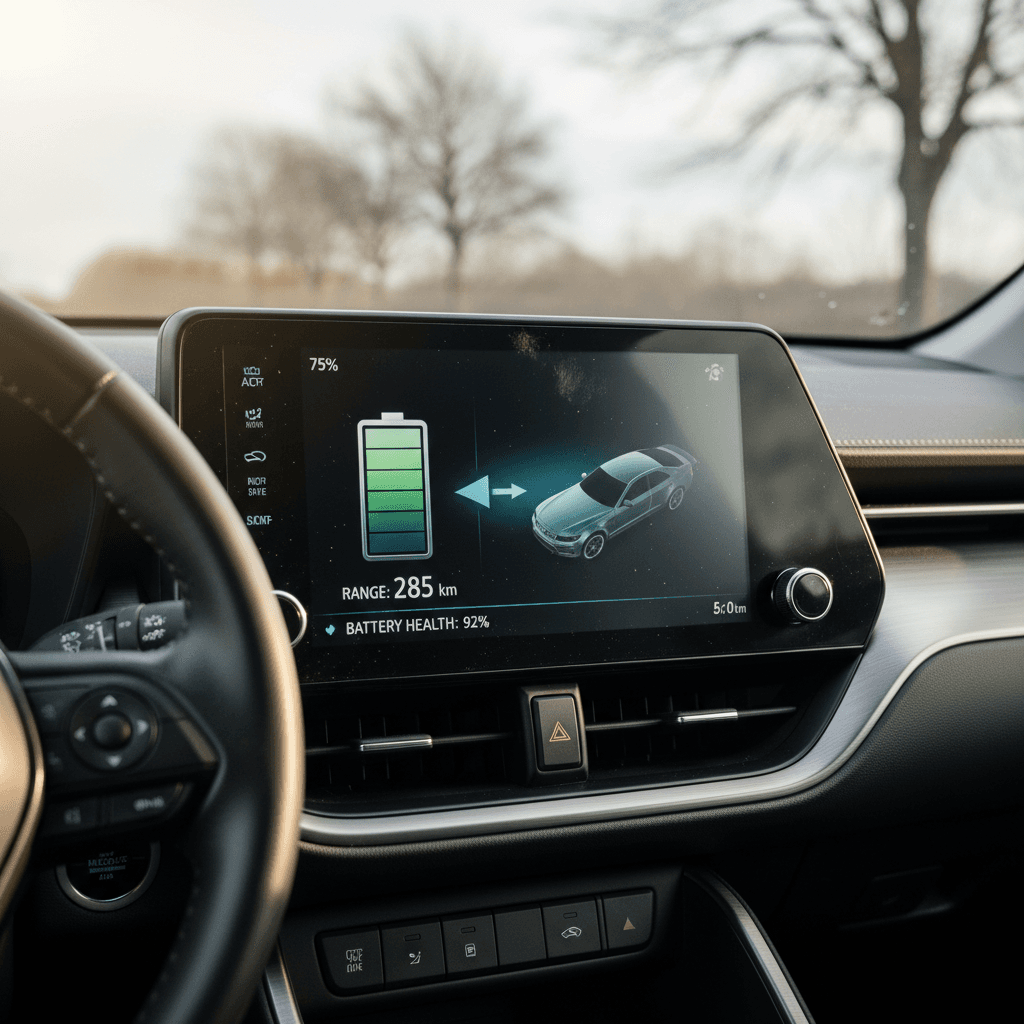
Using data‑logging apps and OBD2 tools with the bZ4X
If you want a deeper read on your bZ4X battery, a Bluetooth OBD2 adapter and an EV‑aware logging app can help. While third‑party tools may not expose every internal Toyota parameter, they can often show pack voltage, cell balance, temperatures, and charge/discharge energy more precisely than the dash alone.
What you’ll need
- A quality Bluetooth OBD2 dongle known to work with modern Toyotas.
- A compatible smartphone app that supports EV data (look for apps that mention Toyota or general EV support in their documentation).
- Basic familiarity with pairing Bluetooth and reading simple charts.
What to look for in the data
- Pack voltage and current while driving vs. while charging.
- Reported state of charge vs. energy added at the charger.
- Cell or module voltage spread, large differences can hint at imbalance.
- Battery temperature during long highway drives or multiple fast‑charge sessions.
If values seem far outside typical EV norms or vary wildly from one test to the next, it’s worth having a Toyota dealer or EV specialist look closer.
Be cautious with third‑party tools
How to range‑test your Toyota bZ4X in the real world
A controlled range test is one of the most intuitive ways to gauge battery health, because it measures what you actually care about: miles per charge. You don’t need to drive until the pack is empty; you just need a consistent route and some basic math.
Simple bZ4X range test template
Use this structure to repeat the same test over time or when comparing multiple bZ4X vehicles.
| Step | What to do | What to record |
|---|---|---|
| 1 | Charge to 90–100% on Level 2 | Starting % SOC, estimated range, outside temperature |
| 2 | Reset a trip meter | Trip A or B to 0 miles, current mi/kWh |
| 3 | Drive a consistent loop or commute | Average speed, traffic level, climate settings |
| 4 | Stop around 20–30% SOC | Remaining % SOC, remaining estimated range, trip miles |
| 5 | Calculate effective capacity | (Miles driven ÷ mi/kWh) ≈ kWh used during test |
| 6 | Compare to expected usable kWh | How close is energy used to the pack’s expected usable capacity? |
Repeat the same route, speed, and climate settings to get apples‑to‑apples results.
Use a mild‑weather “reference day”
What’s “normal” degradation for a Toyota bZ4X?
All lithium‑ion EV batteries lose capacity over time. The bZ4X is no exception. The key question is whether the pack is aging slowly and predictably, or if it’s losing range faster than expected. While long‑term public data on the bZ4X fleet is still emerging, patterns from other modern EVs suggest a few broad guidelines.
Normal vs. concerning battery degradation patterns
Rules of thumb, not strict guarantees
Generally normal patterns
- Small drop in estimated range in the first year, then slower decline.
- Range changes that track with temperature, lower in winter, higher in summer.
- Similar efficiency and range compared with other bZ4X owners in your climate and driving style.
Potentially abnormal patterns
- Sudden, large range loss that doesn’t match any change in conditions.
- Frequent battery‑related warning lights or power‑limit messages.
- Effective usable capacity (kWh) from tests far below what comparable bZ4X owners report.
Think in percentages, not just miles
Checking battery health on a used Toyota bZ4X
If you’re shopping for a used bZ4X, battery health should be near the top of your checklist, right alongside accident history and service records. Unlike a set of tires or brake pads, you can’t quickly or cheaply swap in a new traction battery, so you want as much transparency as possible before you sign paperwork.
Used bZ4X battery health checklist
Ask for recent range photos
Have the seller show photos of the <strong>estimated range at 100%</strong> taken on mild‑weather days with climate control off. Compare different days to make sure the number is consistent.
Review DC fast‑charging history
Frequent high‑power fast charging, especially to 100%, can accelerate degradation. Ask how the car was charged: mostly at home on Level 2, or constantly on highway fast chargers?
Take a structured test drive
Use the simple range‑test method on a 30–50 mile drive if the seller or dealer allows it. Record mi/kWh, range, and % SOC before and after. You’re looking for consistency and reasonable numbers, not perfection.
Check for warning lights and software updates
Scan the dash for alerts and ask whether any <strong>battery‑related campaigns or recalls</strong> have been completed. Early bZ4X models had well‑publicized wheel recall issues; verify that all required work is done.
Compare to similar vehicles
If you’re at a dealer with more than one bZ4X on the lot, compare estimated range and consumption between them under the same conditions. A standout outlier, higher or lower, deserves extra questions.
Get an independent EV‑focused inspection
Consider having a third‑party EV specialist or a service like <strong>Recharged’s battery‑forward inspections</strong> review the car. A structured battery health report can give you leverage on price or confidence to buy.
How Recharged helps used‑bZ4X shoppers
Ready to find your next EV?
Browse VehiclesHow to protect your bZ4X battery health long‑term
Battery checks tell you where you are today. Good habits help you stay there as long as possible. The same practices that protect other modern EV packs apply to the bZ4X.
Best practices to extend bZ4X battery life
Small routine changes can make a meaningful difference over years
Charge gently when you can
Favor Level 2 home or workplace charging for daily use. Reserve DC fast charging for road trips or when you’re genuinely short on time.
Avoid living at 0% or 100%
It’s fine to use the full pack when needed, but day‑to‑day, try to keep the battery mostly between roughly 20% and 80% state of charge.
Watch temperature extremes
In very hot or cold weather, precondition the cabin while plugged in, avoid long high‑speed runs on a nearly empty battery, and don’t leave the car sitting for days at very low SOC.
Schedule overnight charging
Use timers so charging finishes near your departure time rather than sitting full for hours. This is better for the pack and often for your electricity bill, too.
Drive smoothly
Hard acceleration and high sustained speeds increase heat and consumption. A smoother driving style reduces pack stress and preserves range.
Stay current on software and service
Have Toyota apply recommended software updates and follow the maintenance schedule. Updated battery management software can improve longevity and accuracy of range estimates.
Toyota bZ4X battery health FAQ
Common questions about Toyota bZ4X battery checks
Key takeaways for bZ4X owners and shoppers
You don’t need factory‑level tools to run a meaningful Toyota bZ4X battery health check. A few photos of the energy screens, a structured range test, and, if you want to go deeper, basic OBD2 data are enough to tell whether a specific car is aging normally or showing red flags. For current owners, repeating the same test once or twice a year builds a history you can lean on when questions come up. For used‑bZ4X shoppers, that same data can be the difference between buying with confidence and gambling on an unknown pack.
If you’d rather skip the detective work, consider buying your next used EV from a retailer that puts battery health front and center. At Recharged, every vehicle comes with a Recharged Score Report, financing and trade‑in options, and EV‑specialist support from start to finish, so you know exactly what you’re getting when you plug in and drive away.