Test driving a used EV isn’t the same as test driving a gas car. You’re not listening for misfires or sniffing for burnt oil, you’re feeling for battery health, range confidence, charging behavior, and software quirks. If you’re wondering “when I’m test driving a used EV, what should I check?” this guide walks you through it step by step.
Big Picture
Why Test Driving a Used EV Is Different
In an internal-combustion car, the test drive is about the engine, transmission, and mechanical noises. In an electric vehicle, the powertrain is mostly silent and has far fewer moving parts. That’s good news, but it also means you need to pay closer attention to things you can’t see: usable range, battery behavior under load, charging compatibility, and software health.
How a Used EV Test Drive Differs From a Gas Car
Same road, different failure modes to watch for
Battery vs. Engine
Charging vs. Fueling
Software vs. Simple Gauges
Leverage Real Battery Data
Prep Before You Drive: Homework That Pays Off
A smart test drive actually starts at your desk. Fifteen minutes of prep will make that 20–30 minute drive dramatically more useful, and it gives you leverage if you decide to negotiate.
Pre‑Drive Prep for a Used EV
1. Know the original EPA range
Look up the car’s original EPA range for its model year and trim. You’ll compare this to what the car shows at a full charge, critical context when you’re evaluating battery health.
2. Ask for a full or high charge
Before you arrive, ask the seller to charge the battery to at least 80–100%. This lets you see the displayed range and how it behaves during your drive.
3. Review battery and warranty info
Check any available battery health reports, remaining battery warranty (many are 8 years/100,000 miles), and recall history. If you’re shopping on Recharged, this is summarized for you in the Recharged Score Report.
4. Plan a realistic route
Map a route with a mix of city and highway, a few decent accelerations, and at least one good braking event from ~45–60 mph. You want to simulate how you actually drive, not a dealer’s three‑minute loop.
5. Bring a simple checklist
Print a checklist (or save one on your phone) for battery, braking, ride quality, HVAC, and software. You’ll forget things in the moment; a list keeps you honest.
Don’t Let Them Rush You
Battery Health and Range: What to Watch While Driving
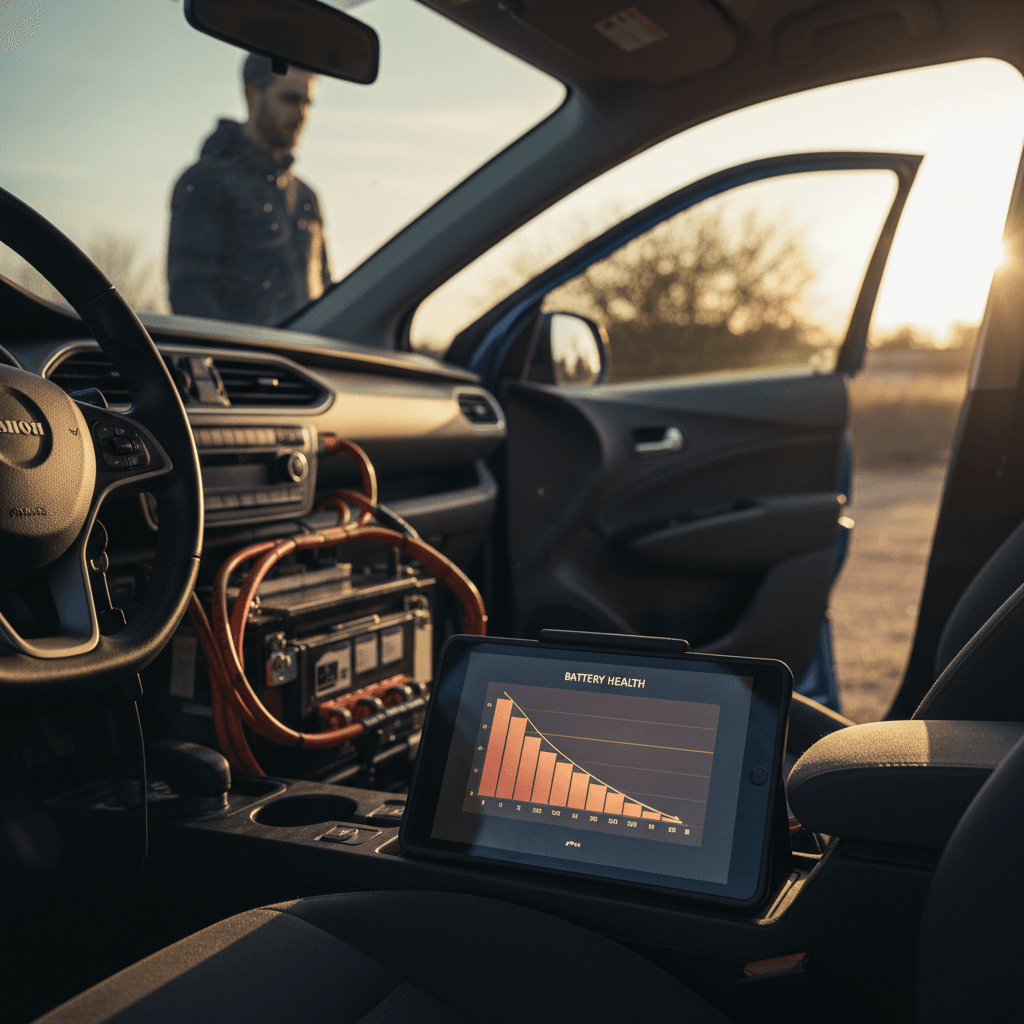
Battery health is mostly invisible, but your test drive can reveal whether the EV behaves like a healthy pack or one that’s been abused. You’re not trying to do lab‑grade diagnostics, that’s what tools like a Recharged Score or dealer report are for, but you can absolutely spot bad patterns.
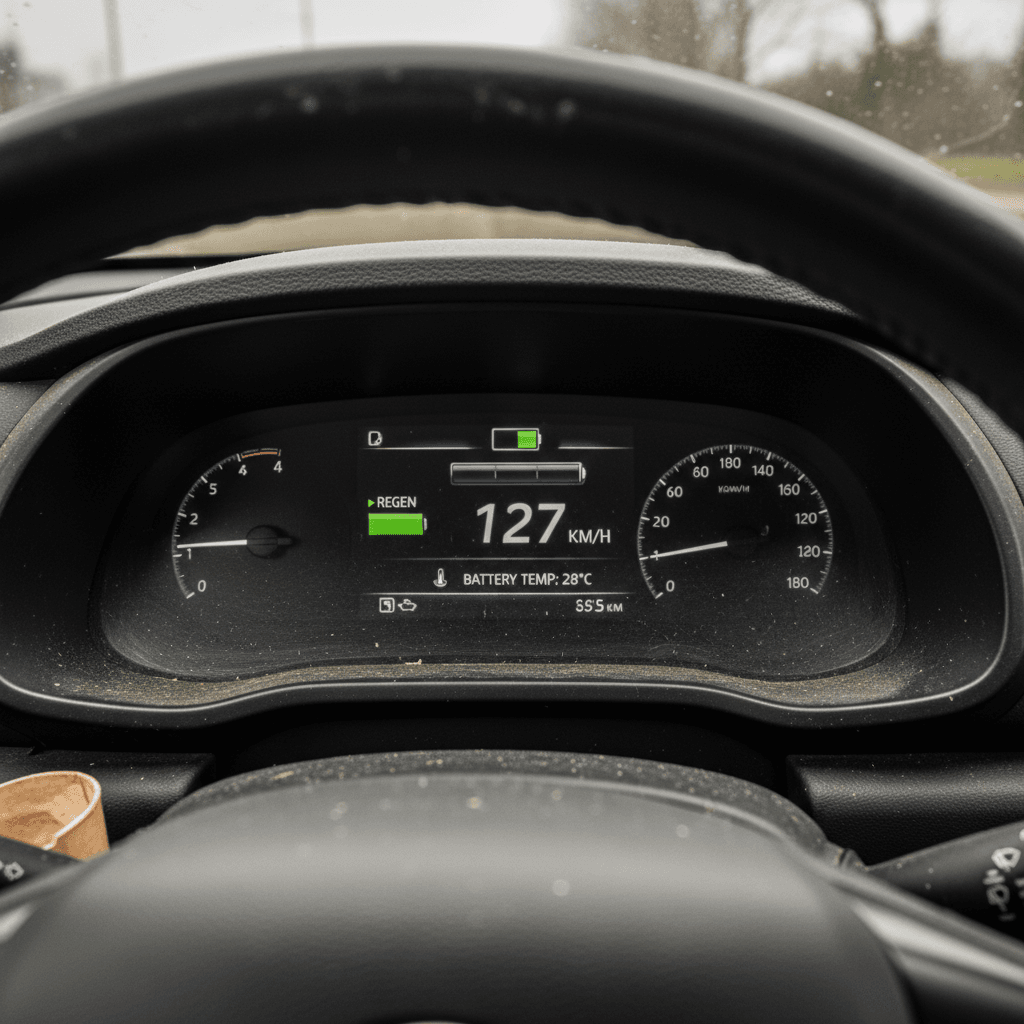
- Before you leave, note the state of charge (SoC) and the estimated range on the dash.
- During the drive, watch how the remaining range drops relative to miles driven. Roughly 1 mile of range disappearing per mile driven is a good sign; big drops with gentle driving are not.
- Do at least part of the drive at highway speed. High speeds stress the battery and expose weak cells or bad range estimates.
- Look for any unexpected warnings about battery, power limits, or overheating, especially under moderate driving.
What’s “Normal” Battery Degradation?
Healthy Range Behavior
- Range estimate drops roughly in line with miles driven (e.g., 25–30 miles of range used after 25 miles of mixed driving).
- No sudden, double‑digit drops when you gently accelerate or climb a small hill.
- No warning lights, reduced‑power messages, or fans blasting loudly for no reason.
Concerning Range Behavior
- Range estimate plunges much faster than miles driven even with modest driving.
- Battery or power‑limit warnings appear when merging, climbing hills, or using HVAC.
- The seller refuses to show the car at a high state of charge or dodges battery questions.
Let Data Do the Heavy Lifting
Brakes, Steering, and Suspension on an EV
EVs feel different under braking and often weigh more than similar gas cars because of the battery pack. That extra weight is hard on tires and suspension, and regenerative braking changes how the friction brakes age. Your test drive is the easiest time to spot problems before you’re paying for tires, control arms, or a brake refresh yourself.
- Do several firm but controlled stops from 40–60 mph. The pedal should feel consistent with no pulsing, grinding, or pulling to one side.
- At low speed, listen for clunks, knocks, or creaks over speed bumps and rough pavement, these often point to worn bushings or ball joints.
- Lightly weave within your lane at ~30–40 mph and feel for vague steering, wobble, or delayed response.
- At highway speed, the car should track straight without constant correction and without vibration through the wheel or seat.
Why Brakes on EVs Can Be Sneaky
Checking Regenerative Braking and Drive Modes
Regenerative braking is one of the defining traits of an EV. It affects how the car feels, how efficient it is, and how quickly your friction brakes wear. A used EV with broken or inconsistent regen will feel off and likely cost you more in maintenance and energy.
How to Test Regen and Drive Modes
You’re checking both feel and function
1‑Pedal / High‑Regen Mode
Low‑Regen or Coasting Mode
Warning Lights or Limits
Match Drive Modes to Your Real Life
HVAC, Noise, and Comfort on the Road
EV cabins are quiet because there’s no engine masking noises. That’s good for comfort and bad for worn components trying to hide. Use that silence to your advantage.
- Turn the climate control on and off several times. Verify that heat and A/C both work and that there’s no odd smell or fogging that might suggest leaks.
- Listen for wind noise around doors, windows, and the panoramic roof (if equipped), whistling can signal poor repairs or worn seals.
- On a smooth road at 40–60 mph, turn the radio off and listen for whines, hums, or growls from the drive unit or wheel bearings.
- Pay attention to seat comfort and driving position; EVs are fantastic commuters when they fit you well, but bad ergonomics get old quickly.
Why Noise Matters More in EVs
Charging and Home Compatibility Checks
You may not be able to do a full charging session during a test drive, but you can absolutely confirm whether the car will play nicely with your charging reality, home setup, workplace chargers, and road‑trip networks.
Key Charging Questions for a Used EV
Ask these before or right after the test drive so you’re not surprised later.
| Topic | What to Ask | Why It Matters |
|---|---|---|
| Home charging | Does the car include an AC charging cable, and what plug does it use (NEMA 5‑15, 14‑50, hardwired)? | Determines what you’ll need at home and whether you’ll have to buy extra hardware. |
| Connector standard | Is the car CCS, NACS, J1772, or CHAdeMO for DC fast charging? Any adapters included? | Older standards like CHAdeMO are fading; CCS and NACS are the future in North America. |
| Fast‑charge capability | What’s the peak DC fast‑charge power and did they use fast charging regularly? | Peak kW and charging history affect road‑trip usability and long‑term battery health. |
| Charging history | Do they have receipts, app history, or a battery report showing typical charging behavior? | Hard, frequent DC fast charging in hot climates can accelerate degradation. |
| Public networks | Which networks have they used (Tesla Supercharger with adapter, Electrify America, etc.)? Any issues? | Real‑world charging experiences say more than brochure numbers. |
If a seller can’t answer these questions, or dodges them, budget time and money for deeper research or walk away.
Don’t Ignore Connector Compatibility
Software, Screens, Warnings, and Connected Features
Used EVs live and die by software. From battery management to driver‑assistance, over‑the‑air (OTA) updates, and mobile apps, you’re buying a computer on wheels. Your test drive is the right time to make sure that computer isn’t already obsolete or misbehaving.
- Cycle the infotainment system: change audio sources, connect your phone via Bluetooth and (if available) Apple CarPlay/Android Auto, and verify the screen doesn’t freeze or reboot.
- Scroll through settings and vehicle info screens to check for error messages, disabled features, or missing connectivity.
- If the car supports a mobile app, ask the seller to show that it still connects, remote‑locks/unlocks, and can pre‑condition the cabin.
- Test any driver‑assist features you care about, adaptive cruise, lane‑keeping, parking assist, on a safe stretch of road. Sloppy or non‑functional systems can hint at sensor damage or calibration issues.
Ask About Updates
After the Drive: Inspection and Paper Trail
Once you’re back from the road, don’t rush into small talk and paperwork. This is where you turn impressions into decisions.
Post‑Drive Questions to Answer
Did the EV feel consistent and predictable?
No weird surges or sudden losses of power, no dramatic range drops, and no unexplained warning lights. Any odd event should either have a clear explanation or send you looking elsewhere.
What did you hear and feel?
Use the quiet cabin to recall any whines, clicks, hums, or clunks you noticed. Combine that with how the steering and brakes felt to decide if you need a professional inspection.
Do battery data and drive impressions match?
If you have a Recharged Score or dealer battery report, does the real‑world behavior line up? If the report is optimistic but the car felt tired, dig deeper.
Does the price reflect the reality?
A car with below‑average battery health, tired tires, or upcoming brake work isn’t automatically a bad buy, but the price should be adjusted to cover what you’ll spend in the first 12–24 months.
Is this EV a fit for your daily life?
Beyond specs, ask: Will the real‑world range comfortably cover your routine? Does the charging setup make sense where you live? Do you actually like driving it?
How Recharged Simplifies This Step
Printable Used EV Test-Drive Checklist
Here’s a condensed, test‑drive‑ready checklist you can save on your phone or print before you head out to see a used EV.
On‑Road Used EV Test‑Drive Checklist
Before You Drive
• Original EPA range looked up • Battery report / Recharged Score reviewed • Car charged to at least 80% • Route planned with city + highway • VIN and recall history on hand
During the Drive – Battery & Range
• Note SoC and estimated range at start • Watch range vs. miles driven • Test at least one highway stretch • Look for battery or power‑limit warnings • Confirm no sudden range drops
During the Drive – Dynamics
• Firm stops from 40–60 mph (no pulling or vibration) • Listen for suspension clunks or creaks • Check straight‑line tracking and steering feel • Note any wheel or seat vibration at speed
During the Drive – Regen & Modes
• Test high‑regen / 1‑pedal mode • Test low‑regen/coast mode • Confirm regen indicator responds as expected • Watch for regen‑related warning messages
Cabin, HVAC, and Comfort
• Heat and A/C verified • No strong odors or fogging • Wind noise acceptable at 50–70 mph • Seating position and visibility feel good
Charging & Software
• Confirm connector standard and included cables • Ask about home charging setup used • Test infotainment, phone pairing, and key driver‑assist features • Check for warning messages in settings/info screens