If you own a Tesla Model Y, you’re sitting on one of the strongest‑resale electric SUVs on the market, but only if you sell it the right way. This Tesla Model Y selling checklist walks you step by step through pricing, prep, data privacy, and paperwork so you can maximize value and hand the car off with confidence.
At a glance
Why you need a Tesla Model Y selling checklist
Selling a Tesla isn’t quite the same as selling a gas SUV. Your Model Y is a rolling computer with a massive battery pack, over‑the‑air software, and a Supercharger‑network identity tied to your Tesla Account. A generic “used car” checklist skips over crucial steps like wiping your personal data, confirming which software features stay with the car, and proving that the battery is still healthy.
Three reasons to follow a Model Y selling checklist
Protect value, protect yourself, and help the next owner
Protect resale value
Shoppers will pay more for a Model Y that’s:
- Clean and cosmetically sorted
- Priced in line with the market
- Backed by clear battery‑health info
Protect your privacy
Your car may store:
- Home and work addresses
- Phone contacts and call logs
- Garage and Wi‑Fi passwords
Clearing that properly matters.
Smooth hand‑off
A clear checklist means:
- No confusion over keys or apps
- Clean title and registration transfer
- A confident, happy buyer
Step 1: Decide how you want to sell your Model Y
Before you touch a vacuum or camera, decide *how* you want to sell your Tesla Model Y. Your path shapes everything from pricing to paperwork.
Ways to sell a Tesla Model Y
How typical options compare on price, effort, and speed
| Option | Typical Price | Effort Level | Speed | Best For |
|---|---|---|---|---|
| Private sale | Highest | High | Slower | Maximizing sale price |
| Instant offer / online buyer | Medium | Low | Fast | Quick, no‑hassle sale |
| Dealer trade‑in | Lowest | Very low | Fastest | Rolling equity into your next car |
Private sales usually net the highest price, but instant offers and trade‑ins win on convenience.
Where Recharged fits in
Step 2: Know what your Model Y is worth
Tesla prices move fast, and the Model Y is no exception. As of late 2025, most used 2022–2024 Model Y listings in the U.S. cluster in the high‑$20,000s to high‑$30,000s depending on trim, mileage, and condition. 2020–2021 examples often sit a bit lower, while low‑mile, long‑range, or Performance models with desirable colors and options command more.
- Check several valuation tools (Edmunds, KBB, etc.) for trade‑in vs private‑party values.
- Browse local listings for Model Ys with similar year, trim, mileage, and condition.
- Note which cars seem to sell quickly, realistic pricing moves; wishful pricing sits.
- Adjust for extras: remaining warranty, Full Self‑Driving capability, winter wheel set, or recent tire/battery‑related service.
Don’t price from what you paid
Step 3: Gather documents and Tesla‑specific items
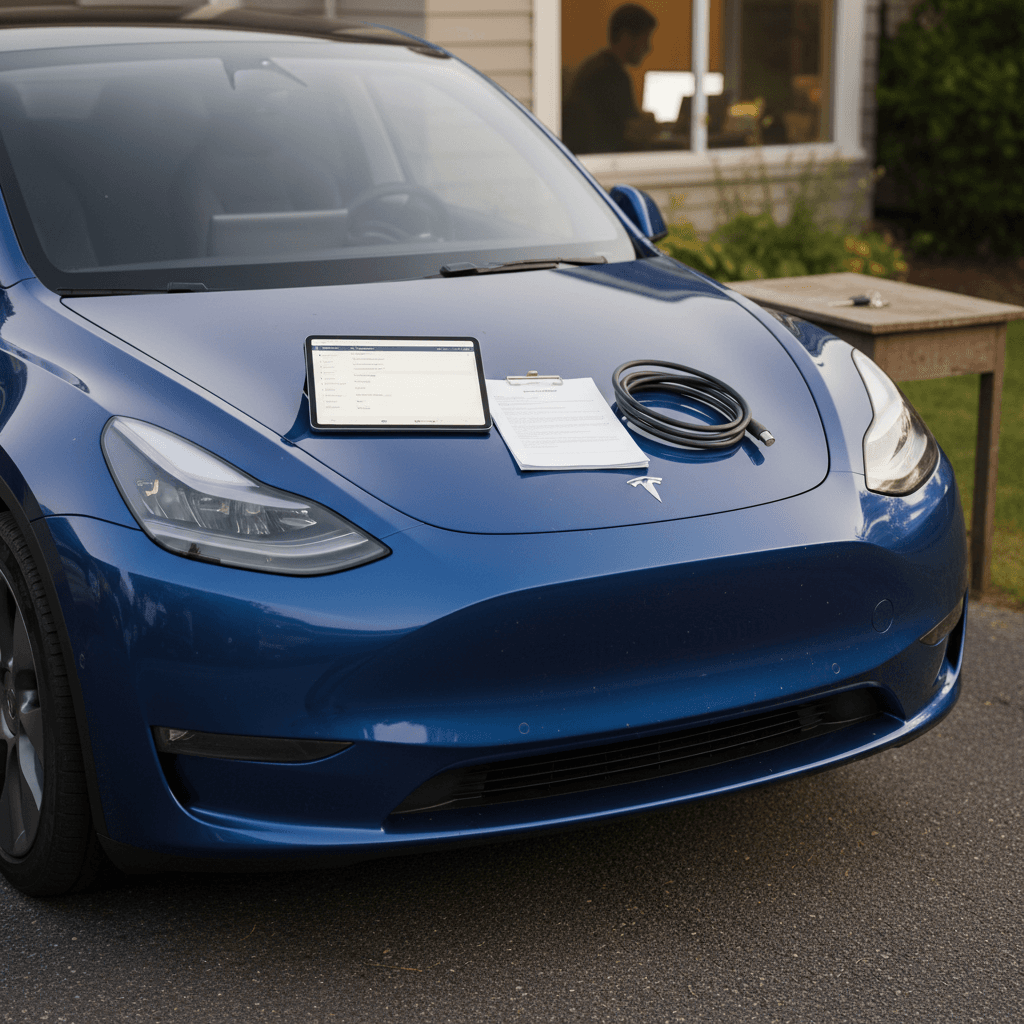
Next, gather everything a serious buyer, or a savvy dealer, will want to see. A complete bundle inspires confidence and can justify a stronger price.
Documents and items to collect before you list
Vehicle title and ID
Locate your physical title (if you own the car outright) or contact your lender to understand their payoff and title‑release process. Keep your VIN handy for listings and buyer paperwork.
Registration and plate details
Know your registration status and local rules. In many U.S. states, you’ll remove your plates when the car sells; in others, they stay with the vehicle.
Maintenance and repair history
Print or export service history from Tesla’s app/website and any third‑party shops. Highlight high‑value work like tires, alignment, brake service, or suspension repairs.
Charging accessories
Gather the Mobile Connector, adapters (NEMA 14‑50, 5‑15, J1772 if included), any wall‑charger documentation, and Supercharger idle‑fee receipts if they illustrate careful use.
Keys and access cards
You should have all key cards and fobs that came with the vehicle. If you’ve added extras, decide whether they’re included or staying with you.
Original manuals and extras
Owner’s manual (if printed), cargo covers, floor mats, tow hitch cover, aero wheel caps, and any original accessories you removed add polish to the sale.
Step 4: Prep condition, detail, repair, and photograph
The Model Y’s clean design is unforgiving: dirt, swirl marks, and curb rash jump off the screen in photos. A few hours of prep can be worth hundreds, or more, in sale price.
Exterior checklist
- Wash and decontaminate: Use a quality wash and, if possible, clay bar to remove embedded grime from the paint.
- Address wheels and tires: Clean brake dust from wheels, dress the tires lightly, and touch up obvious curb rash if it’s cheap to fix.
- Fix obvious damage: Small paintless dent repair or a professional bumper respray can pay back more than it costs on a high‑value EV.
- Glass and lights: Clean windows inside and out; polish hazy headlight lenses so the car looks newer instantly.
Interior checklist
- Deep vacuum and wipe‑down: Seats, under the mats, under the rear seats, cargo area, and seat tracks all matter in photos.
- Screen and gloss trim: Use microfiber and an appropriate cleaner, no scratches on that center display.
- Odors: Deal with smells now; ozone treatment or a professional detailer is worth it if you’ve had smoke, pets, or spills.
- Frunk and trunk: Empty and clean both, then neatly stage the charging cable and accessories for listing photos.
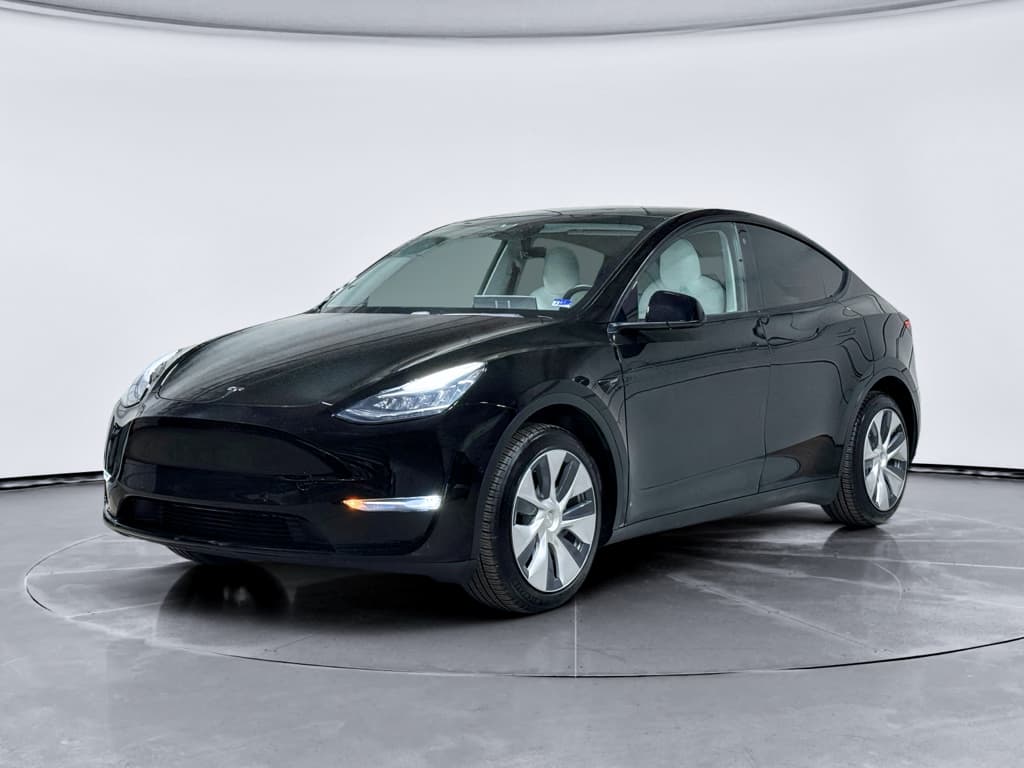
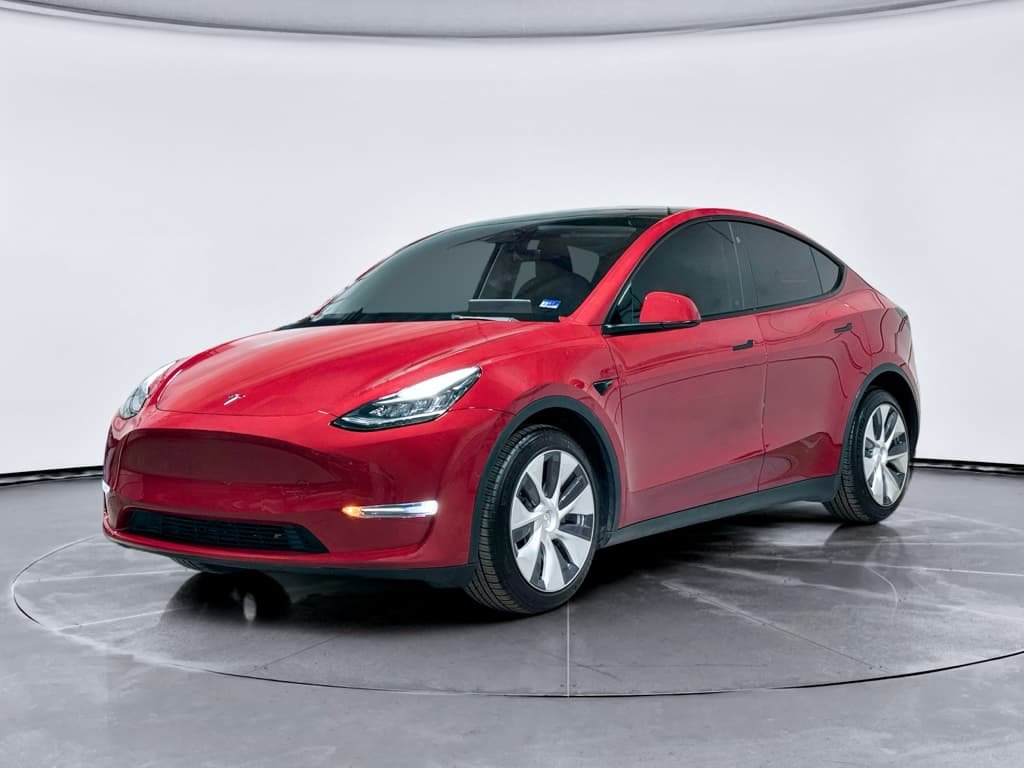
Photo tips that sell
Step 5: Showcase battery health and charging history
With EVs, battery confidence is the new “engine compression test.” Buyers want to know they’re not inheriting a tired pack. The Model Y’s software gives you some clues, and third‑party diagnostics, or a Recharged Score report, can go even further.
Why battery transparency helps your Model Y sell
Ways to give buyers confidence in your Model Y’s battery
Capture a full‑charge range screenshot
Charge close to 100% once before listing and photograph the rated range shown on the screen. Include this in your listing with a note about your typical daily charge level (for example, 70–80%).
Describe your charging habits
Buyers love to hear: mostly home Level 2 charging, rare DC fast charging, and minimal frequent 100% charges. If you’ve road‑tripped heavily on Superchargers, just be transparent.
Gather battery‑related service records
If your car ever had high‑voltage system or drive‑unit repairs, document them clearly. Demonstrating that issues were addressed the right way builds trust.
Consider a third‑party health report
With Recharged, every vehicle includes a Recharged Score that benchmarks real‑world battery health against similar EVs, exactly the kind of independent signal today’s EV buyers look for.
Step 6: Listing description and photos that sell
You’ve cleaned the car and gathered your records; now you need a listing that reads like a confident, well‑kept Model Y, not a mystery box.
Anatomy of an effective Tesla Model Y listing
Hit the facts, then add the story
The hard facts
- Year, trim (Long Range, Performance, etc.)
- Odometer mileage
- Color and interior
- Drive configuration (AWD/RWD)
- Clean title / accident history
The options and features
- Software: FSD capability, Enhanced Autopilot
- Wheel size and packages
- Tow hitch, roof rack, or PPF/ceramic
- Included charging gear and extra wheels/tires
The story
- How you’ve used the car (commute, family, etc.)
- Why you’re selling
- Where it’s been parked (garage vs street)
- Key maintenance or updates you’ve done recently
Use buyer‑friendly language
Step 7: Test drives, payment, and scams to avoid
Once the listing goes live, the real world shows up: texts, emails, and people who want to drive your car. This is where you protect yourself as carefully as you’ve protected your Model Y.
Safety and payment checklist for private Tesla sales
Screen buyers before they visit
Have a quick phone call or video chat. Serious buyers are usually happy to talk; scammers and low‑effort flippers often aren’t.
Meet in a safe, public place
Choose a well‑lit area with cameras, many police stations and bank parking lots offer designated spots for online‑sales meetups.
Verify driver’s license and insurance
Before any test drive, see a valid license and proof of insurance, and snap a photo (with their permission). Ride along whenever possible.
Control the key cards and app
Use key cards for test drives and keep your phone key active until the deal is truly done. Never hand over your Tesla account login.
Insist on secure payment
Preferred methods include cashier’s check from a known bank (verify with the bank directly), in‑person wire at your branch, or an escrow service. Be wary of overpayments, odd requests, and anyone rushing you.
Trust your gut
If something feels off, stories change, paperwork doesn’t match, or the buyer is pushing hard, pause the deal. You can always wait for the next buyer.
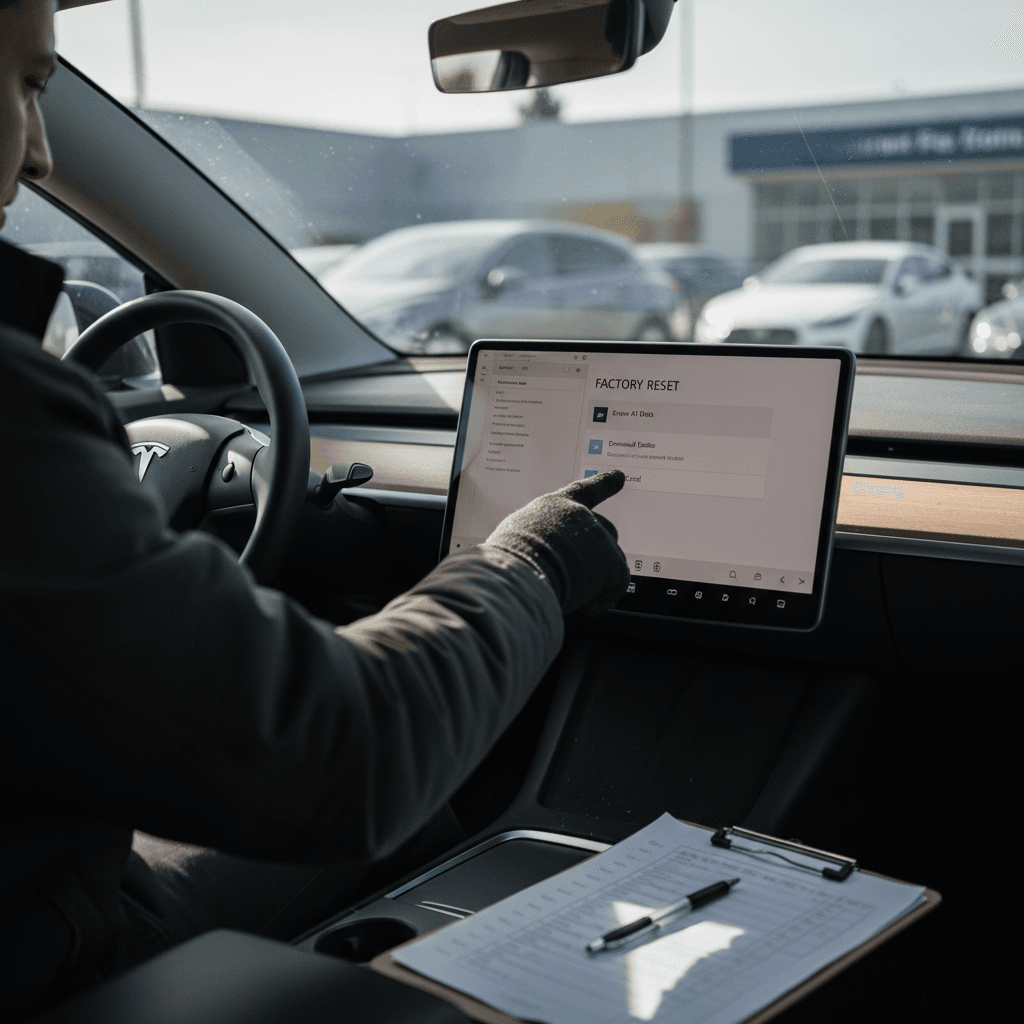
Step 8: Protect your data, factory reset and accounts
Your Model Y doesn’t just remember your favorite podcast. It can store home and work locations, contacts, calendar data, Wi‑Fi networks, garage‑door codes (HomeLink), Bluetooth devices, and more. Before you sell, wiping that slate clean is non‑negotiable.
In‑car data to clear
- Delete profiles: Remove driver profiles, saved seats/mirrors, and HomeLink entries tied to your garage door.
- Forget devices: Remove Bluetooth phones and USB devices; pull any dashcam/Sentry USB drive, then wipe or keep it.
- Clear navigation history: Delete recent destinations and saved favorites, especially home and work.
- Perform a factory reset: On most Model Y vehicles, go to Controls > Service > Factory Reset, then follow the prompts. You’ll need your Tesla Account credentials.
Account and app actions
- Disable third‑party apps: Revoke access for any apps or services connected to your Tesla Account.
- Remove the car from your Tesla Account: After the factory reset and final payment, use the Tesla app or website to transfer or remove the vehicle so the buyer can add it to their account.
- End subscriptions you don’t want to give away: If you have a transferable subscription you plan to keep for another Tesla, manage it before removal.
Never skip the factory reset
Step 9: Transfer ownership, keys, and charging accessories
With money in hand and your data wiped, you’re ready to close the loop, on paper and in the Tesla ecosystem.
Final hand‑off checklist for your Tesla Model Y
Complete the bill of sale and title
Fill out your state’s bill of sale and sign the title exactly as required. If there’s a lien, follow your lender’s instructions for payoff and title release.
Handle registration and plates
Remove or leave plates according to your state law. Submit any required release‑of‑liability or notice‑of‑transfer form so the state knows you no longer own the car.
Confirm vehicle is off your Tesla Account
Once payment is complete and the buyer is ready, remove or transfer the car through the Tesla app or website so they can claim it and you no longer have access.
Hand over keys and accessories
Provide all key cards/fobs, the Mobile Connector, any adapters you’ve agreed to include, and any extra wheels, mats, or accessories promised in the listing.
Walk the buyer through basics
Spend five minutes showing the next owner how to open the charge port, adjust basic settings, and use the mobile app pairing process. It’s a small gesture that calms first‑time EV buyers.
Save copies of everything
Keep photos of the signed title, bill of sale, odometer reading, and buyer contact details. If issues come up later, you’ll be glad you did.
Quick Tesla Model Y selling checklist (printable‑style)
Tesla Model Y selling checklist
1. Choose sale path
Decide between private sale, instant offer, or trade‑in, and understand how each affects price and timeline.
2. Research pricing
Check valuations and local listings for similar Model Y year/trim/miles; set a realistic asking price and a bottom line.
3. Gather docs and items
Title, loan payoff info, registration, service history, keys/cards, charging gear, and any extra accessories.
4. Detail and repair
Thorough interior/exterior clean, address obvious cosmetic issues, and fix inexpensive items that make the car feel neglected.
5. Prove battery health
Capture a full‑charge range screenshot, describe your charging habits, and consider a third‑party battery‑health report like a Recharged Score.
6. Build the listing
Write a clear description, upload honest high‑quality photos, and highlight options and maintenance rather than hype.
7. Manage inquiries safely
Screen buyers, meet in safe locations, verify license/insurance for test drives, and insist on secure payment methods.
8. Wipe data and reset
Delete profiles and devices, remove USB drives, perform a factory reset from the screen, and then remove the car from your Tesla Account.
9. Finish paperwork
Complete bill of sale, title transfer, registration/plate steps, and a release of liability where required.
10. Hand off keys and extras
Deliver key cards/fobs, chargers, adapters, and any promised accessories, then send the buyer off with a quick feature walkthrough.