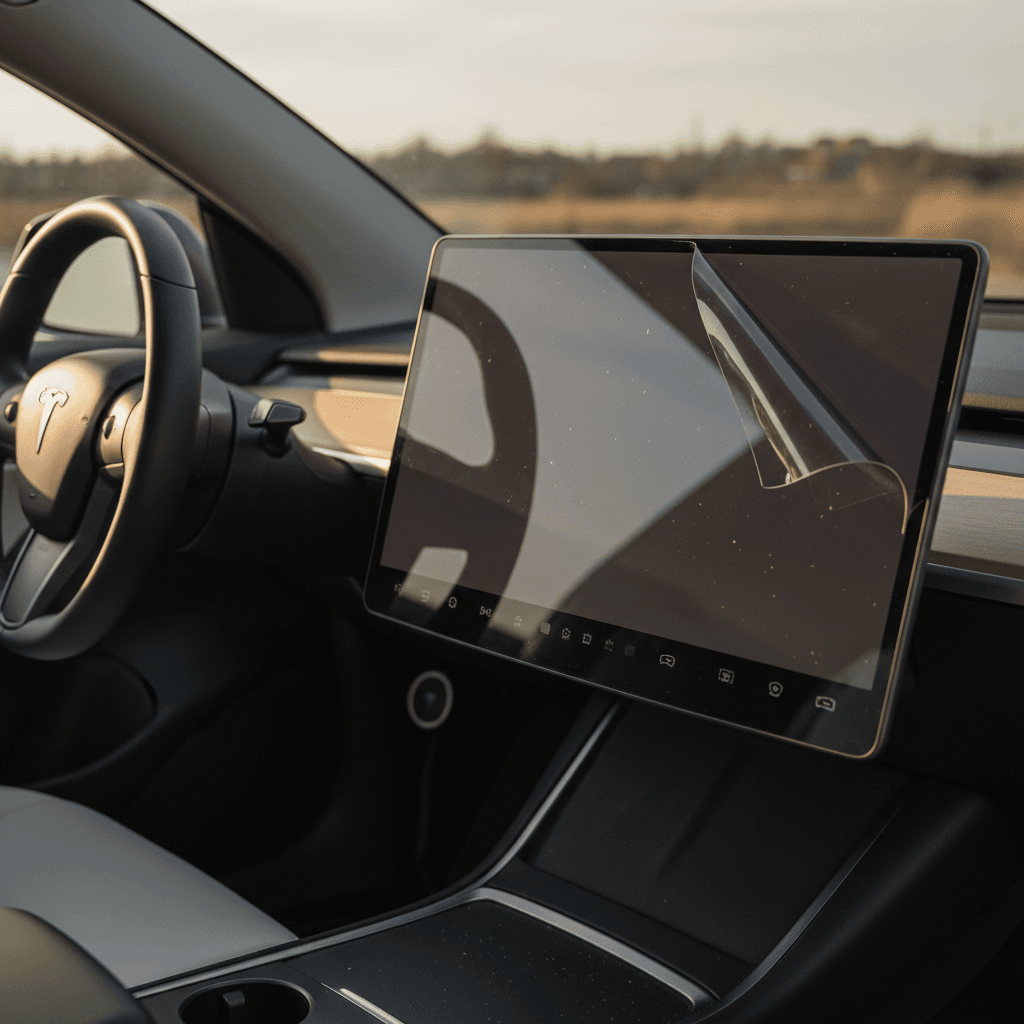
Your Tesla Model Y’s center screen is not just a radio head unit; it’s the brain stem of the car. Virtually everything you do runs through that 15‑inch pane of glass. So it’s natural to wonder: is a Tesla Model Y screen protector worth it, or just one more accessory the internet tells you to buy?
Short answer
Do you really need a Tesla Model Y screen protector?
Tesla uses tough glass on the Model Y’s center display, and you’re unlikely to gouge it with a fingertip. That’s why opinions are so split in owner communities: some drivers swear they’d never go back after installing a matte protector; others have gone years bare‑screen with no issues. Whether you need one comes down to three things: how sensitive you are to glare and smudges, how chaotic your cabin life is (kids, dogs, gear), and how you feel about long‑term resale value.
Why owners choose (or skip) a screen protector
Most arguments boil down to comfort vs. risk tolerance
Glare & comfort
Many Model Y owners install a matte protector simply to knock down the glossy reflections that show up on bright days. If you wear polarized sunglasses, this can be the difference between “fine” and “maddening.”
Cheap insurance
Tempered‑glass protectors are sacrificial. They take the scratches, nicks, or freak impact so your four‑figure OE screen doesn’t have to. For a lot of drivers, that trade feels like a no‑brainer.
Minimalist mindset
Some owners don’t like adding anything between their fingers and Tesla’s ultra‑crisp glass. If you’re not bothered by fingerprints or glare and you’re careful with the cabin, you might never miss a protector.
Think about your specific car
How much does a Model Y screen cost to replace?
Model Y screen & repair cost ballpark
The real reason a $40 piece of glass can be “worth it” is the alternative. Owners report Model Y screen replacement quotes in the roughly $1,400–$1,500 range once you’re outside Tesla’s warranty and factoring in parts, labor, and taxes. That’s before you consider the downtime and the joy of scheduling service.
Accidents aren’t always dramatic
Pros of a Tesla Model Y screen protector
- Glare reduction, especially with matte films. The Model Y’s glossy screen can mirror the entire cabin on a bright day. Matte protectors scatter reflections, making maps and menus noticeably easier to read.
- Fingerprint and smudge control. A good protector uses oleophobic coatings so the screen doesn’t look like a crime scene after one Starbucks run. Matte finishes are particularly forgiving.
- Scratch and chip protection. Coins, metal zippers on jackets, watches, kids’ tablets, anything hard that swings across the console can mark the glass. A 9H tempered layer gives you a sacrificial surface.
- Better feel for some drivers. The bare Tesla glass is ultra‑smooth and can feel “sticky” with sweaty hands. Matte glass adds a controlled resistance that many people actually prefer for quick swipes.
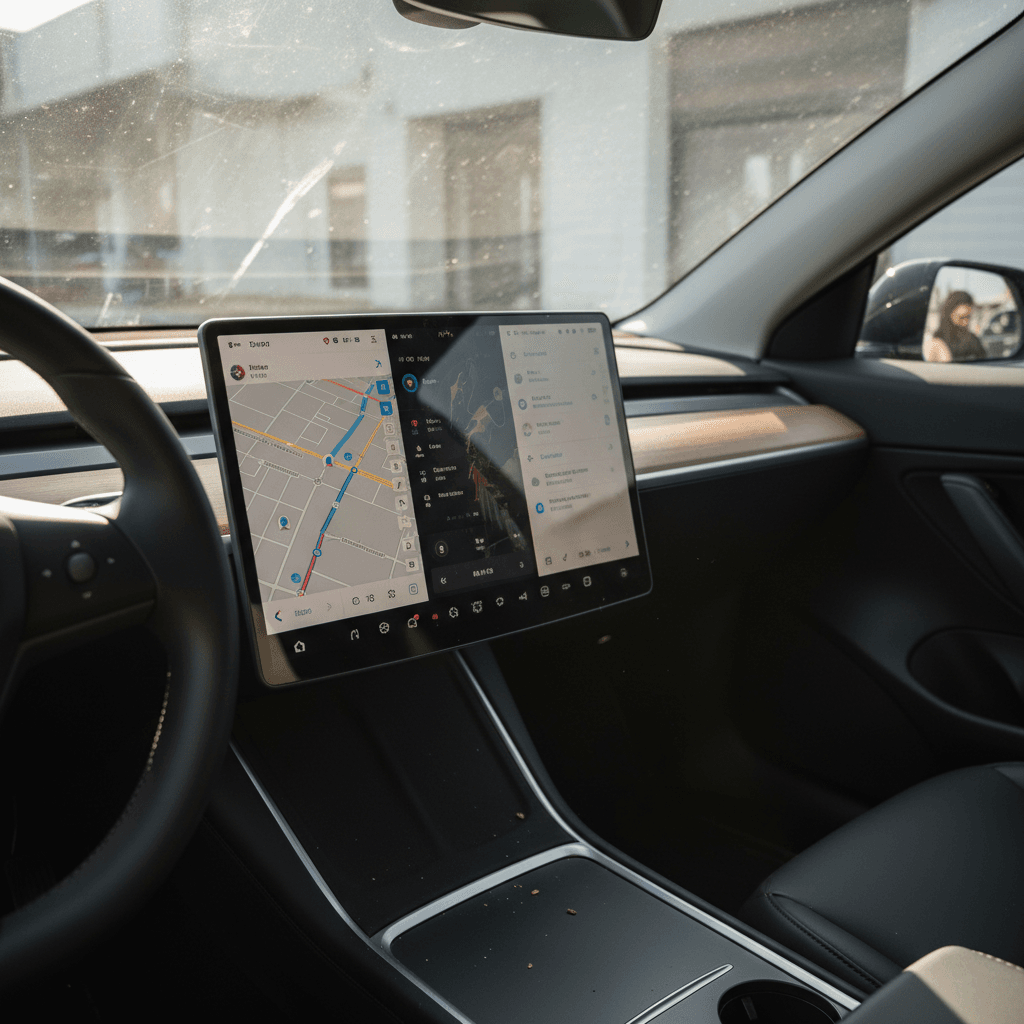
- Resale optics. On a used Tesla, a clean, unblemished main screen is a subtle but powerful cue that the car was cared for. Buyers (and platforms like Recharged) notice when the high‑touch surfaces look new.
Why used‑EV shoppers care
Ready to find your next EV?
Browse VehiclesCons and myths about screen protectors
Real drawbacks
- Slight loss of crispness (matte only). Matte glass adds a fine texture. Text and icons can look a touch softer, especially at night. Most owners get used to it quickly, but purists notice.
- Bad install = daily annoyance. Dust specks, bubbles, or misalignment will stare you down every drive. If you rush the install, you’ll hate the protector, not the product category.
- Not magic armor. A protector won’t save a screen from a truly hard impact or severe cabin damage in a crash. It’s protection for everyday life, not a roll cage.
Common myths
- “Tesla glass is unbreakable.” It’s tough, but not invincible. Service centers exist for a reason.
- “Protectors ruin touch sensitivity.” Modern 0.3–0.4 mm tempered glass is effectively transparent to your fingers. If touch is laggy, it’s usually software, not the protector.
- “Any cheap film is fine.” Ultra‑thin plastic films scratch easily, can look hazy, and often peel at the corners. They’re more likely to annoy you than protect anything.
Skip no‑name ultra‑cheap kits
Matte vs clear: which Model Y screen protector should you choose?
Matte vs clear Tesla Model Y screen protectors
Both options use hard 9H glass, but they behave differently in real‑world driving.
| Feature | Matte tempered glass | Clear/HD tempered glass |
|---|---|---|
| Glare reduction | Excellent – big improvement in sun | Good – better than bare glass but still reflective |
| Fingerprint visibility | Low – smudges are diffused | High – every tap shows in bright light |
| Image sharpness | Slightly softer, paper‑like | Maximum clarity, closest to stock |
| Feel | Light texture, controlled swipe | Very smooth, glassy |
| Best for | Bright climates, polarized sunglasses, frequent map use | Night driving, image purists, overcast climates |
Choose based on how and where you drive, not just how the product looks on Amazon.
If you wear polarized sunglasses
How much should you spend on a Model Y screen protector?
You can buy a Model Y screen protector for less than a nice lunch, or more than a nice dinner. For most owners, the sweet spot is $30–$70 for a 9H tempered‑glass kit sized for your specific generation of Model Y (the 2025–2026 refresh uses slightly different glass than earlier years). Higher‑end kits in the $60 range often include front and rear screen protectors, alignment frames, and improved anti‑fingerprint coatings.
Price tiers at a glance
Buy once, cry once, but you don’t need to overspend
Under $25
- Usually thin film or generic glass
- May lack precise cut or good coatings
- Okay as a temporary solution, not ideal long‑term
$30–$70 (sweet spot)
- 9H tempered glass, matte or clear
- Model‑specific fit for Model Y
- Often includes install frame and cleaning kit
$70+ premium kits
- Bundled accessories, brand name tax
- Better packaging, sometimes better oleophobic coatings
- Only worth it if you love the brand or design details
Installation tips so you don’t hate the result
Model Y screen protector install checklist
1. Work in a clean, calm space
Park in a garage or still air, turn off the climate control, and give yourself 20–30 minutes. Floating dust is the enemy of a clean install.
2. Crank screen brightness and clean thoroughly
Turn the screen to maximum brightness so you can see dust, then use the included wet wipe, microfiber, and dust stickers. Don’t shortcut this.
3. Use the alignment frame if included
Many Model Y kits ship with a snap‑on frame that makes perfect alignment nearly foolproof. If your kit has one, use it, it’s worth the extra 30 seconds.
4. Peel and hinge, don’t “drop”
Dry‑fit first, then use a hinge method: hold one edge in place while slowly lowering the glass. Let the adhesive do the work instead of pressing hard.
5. Chase bubbles immediately
Use the provided card or a microfiber‑wrapped credit card to push air toward the edges. Tiny microbubbles often disappear in 24–48 hours.
6. Live with it for a week
Your brain adapts quickly. If the matte look or feel bothers you after a full week of mixed driving, then reassess, don’t judge after one nighttime drive.
Who should probably skip a screen protector
Despite the internet’s enthusiasm, not everyone needs a Tesla Model Y screen protector. If you meet most of these criteria, you might be happier stock:
- You mainly drive at night or in overcast climates where glare is a non‑issue.
- You’re extremely sensitive to any softening of text or graphics and want the sharpest possible image.
- You’re the only driver, don’t travel with kids or pets, and keep bags and hard objects away from the center console.
- You’re comfortable self‑insuring the risk of a rare screen scratch or impact and would rather enjoy the pure factory glass.
A middle path
How this fits into total Model Y ownership costs
In the grand budget of Tesla ownership, tires, insurance, charging, potential bodywork, a screen protector is a rounding error. But it’s also one of the few accessories that can both improve daily comfort and mitigate a high‑cost repair. That’s why many owners treat it the way they treat a phone case: not glamorous, but sensible.
If you’re buying a used Model Y, either privately or through a marketplace like Recharged, it’s worth inspecting the center screen closely. A clean, clear display with no scratches or yellowing edges is a small signal that the car’s previous life was gentle. At Recharged, every vehicle comes with a Recharged Score and detailed interior photos, so you can judge screen condition, and the overall care the car has received, before you commit.