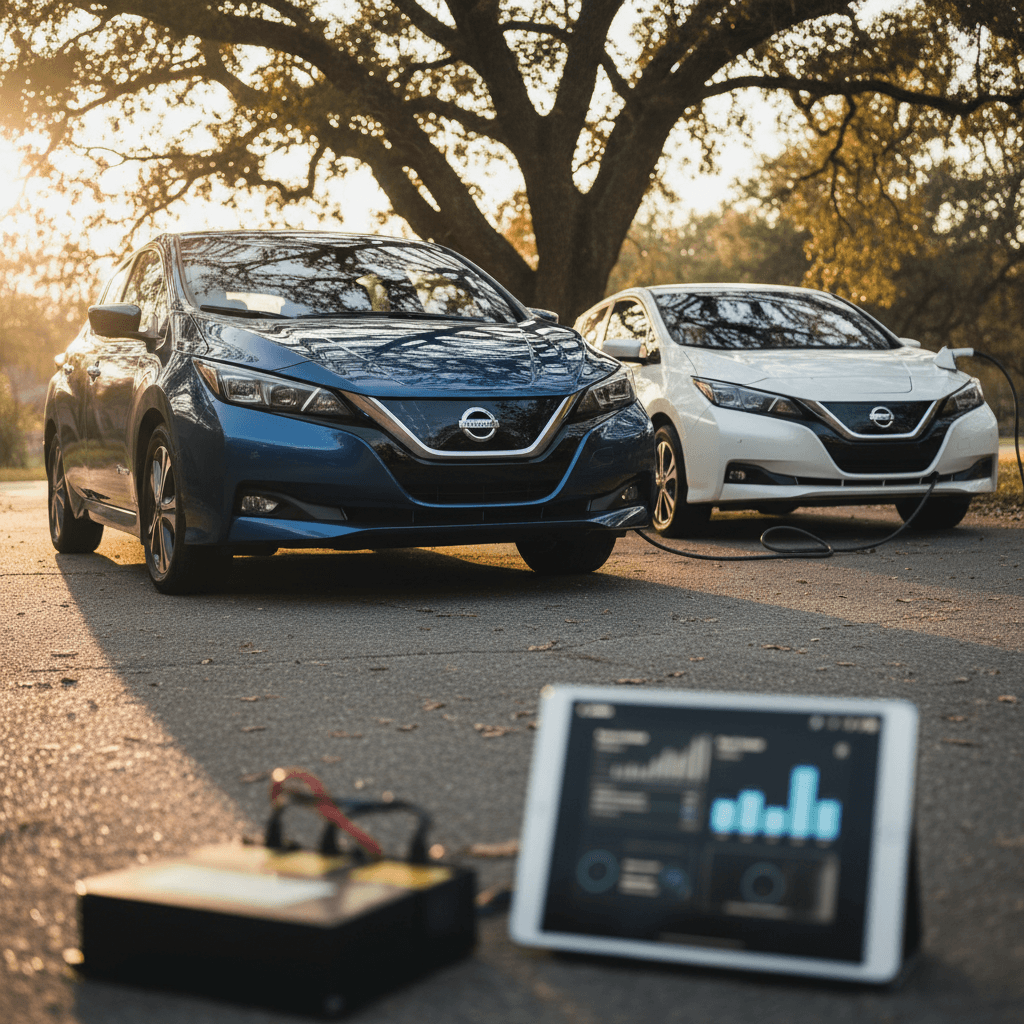
If you own, or are shopping for, a Tesla Model Y, battery health is the whole ballgame. The rest of the car is basically a skateboard on top of a giant laptop; it’s the battery pack that makes a Model Y worth owning. Knowing how to perform a proper Tesla Model Y battery health check can save you thousands of dollars and a lot of quiet anxiety about range and longevity.
Quick take
Why Tesla Model Y battery health matters
In a gas car, a tired engine means noise, smoke, maybe a new set of rings. In a Model Y, a tired battery means less usable range, slower fast‑charging, and potential warranty battles. If you’re buying used, battery condition is the single biggest invisible variable in the deal. A great‑looking 2022 Model Y with a badly abused pack can be a spectacularly bad purchase, even if it passes a quick test drive.
- Range: Degradation shows up as fewer miles at 100% and faster drop during highway driving.
- Resale value: A car with documented strong battery health commands a premium, especially in the used market.
- Warranty leverage: If you’re nearing Tesla’s capacity‑loss threshold, knowing your true battery health can determine whether you push for a warranty repair.
- Trip planning: Reliable range estimates mean fewer surprises on road trips and in winter weather.
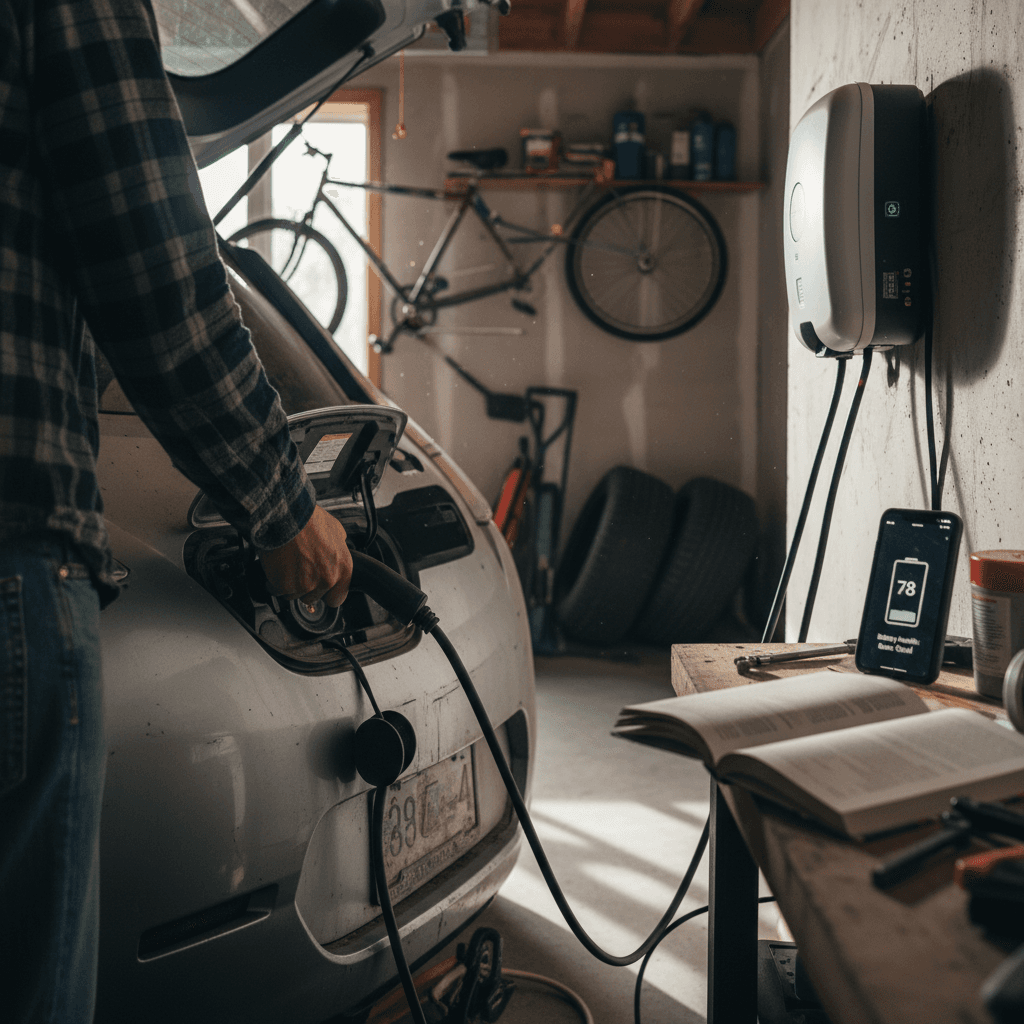
What “battery health” and degradation really mean
When people talk about a Model Y battery health check, they’re really talking about capacity retention, how much of the original usable kilowatt‑hours are still available. The pack doesn’t usually fail all at once; it shrinks in usable size over time.
- Capacity (kWh): How much energy the pack can hold when new vs today.
- Degradation (%): The percentage of capacity lost compared with the as‑new pack.
- Battery health (%): Tesla’s shorthand for capacity retention, for example, 88% health ≈ 12% degradation.
- Range estimate: The car’s guess at how far you can go. It’s an estimate, not a lab instrument, and it can be wrong when the BMS is out of calibration.
Don’t obsess over a single number
Ways to check Tesla Model Y battery health
Tesla has quietly given Model Y owners several layers of visibility into pack health, from simple “seat‑of‑the‑pants” checks to a full‑blown Battery Health Test on many 2024–2025 cars. Here are the main ways to evaluate your pack:
Four ways to check Model Y battery health
From quick DIY checks to deep diagnostics
1. On‑screen range at 100%
Charge the car to 100% once in a while and note the projected range. Compare it with the car’s original EPA rating for your trim.
- Pros: Fast, free, available on every Model Y.
- Cons: Sensitive to BMS calibration; one reading can mislead.
2. Tesla app quick check
Through the Service section of the app, Tesla can run an automated self‑check and tell you whether your degradation is within their expected range.
- Pros: Simple, guided, uses Tesla’s own thresholds.
- Cons: Result is binary (“normal” vs “needs service”), not a precise percentage.
3. Battery Health Test (in‑car)
Newer Model Ys include a dedicated Battery Health or Battery Health Test option that gives a percentage for energy retention.
- Pros: Clear, numerical result; recalibrates range estimate.
- Cons: Long test time, only available on certain software versions and model years.
4. Third‑party diagnostic (Recharged Score)
Tools used by EV specialists can read pack data directly and compare it with large fleets of similar vehicles.
- Pros: Independent of Tesla, useful when buying used.
- Cons: Requires specialist equipment or a service like Recharged.
A note on software changes
How to run the Tesla Battery Health Test on a Model Y
If your car supports it, Tesla’s official Battery Health Test is the closest thing to a factory‑approved verdict on your pack. On newer Model Y vehicles, Tesla describes this feature right in the owner’s manual under High Voltage Battery Health. Here’s how to use it when it’s available.
Before you start the Battery Health Test
Confirm you actually have the feature
On the center screen, go to <strong>Controls > Service</strong> and look for <strong>Battery Health</strong> or <strong>Battery Health Test</strong>. If it isn’t there, your car or current software may not support user‑initiated testing.
Use an AC charger, not DC fast charging
Tesla requires the car to be plugged into an AC source (home Level 2 or similar) that can deliver at least around 5 kW. You can’t run the test while Supercharging.
Wait until the battery is low
Tesla recommends starting the test with less than about <strong>20% state of charge</strong> so the car doesn’t have to waste time and energy discharging before running the test.
Clear alerts and updates
Make sure there are <strong>no active battery or thermal system alerts</strong> on the screen and no pending software updates. If there are, get those resolved first.
Plan for up to 24 hours
The high‑voltage battery test can take many hours. During that time the car may drop below 10% state of charge, the screen can go dark, and features like climate control and Sentry Mode are disabled.
- Plug the car into your AC charger and verify it’s charging normally.
- On the touchscreen, tap Controls > Service > Battery Health Test.
- Read Tesla’s on‑screen explanation and tap Start Test.
- Leave the vehicle parked, plugged in, and connected to Wi‑Fi or cellular. Don’t open doors or interact with the app unless you need to cancel.
- Wait for the test to finish. The test may discharge the pack deeply, then recharge it to 100% to measure usable capacity.
- When it’s complete, review the battery health percentage shown on the screen and in the Tesla app, along with any notes about whether energy retention is within Tesla’s expectations.
Safety reminder while testing
Understanding your Model Y battery health results
When the test finishes, you’ll see a Battery Health percentage. This is Tesla’s estimate of your pack’s usable energy compared with when it was new. For example, 88% health means roughly 12% capacity loss. That number can recalibrate the range estimate, so you may notice your 100% range reading change afterward.
80–90% health
For most real‑world Model Y owners, this is the normal, boringly good zone.
- Newer car (under ~40,000 miles): Low‑90s are common; high‑80s can be normal in harsher climates or with heavy fast charging.
- Higher miles (60,000–100,000+): Mid‑ to high‑80s are typical if the car’s been reasonably cared for.
If the car drives as expected and fast‑charging speeds seem healthy, this isn’t cause for panic.
Below ~80% health
Now you’re in the “pay attention” zone.
- On a younger car or low mileage, this may indicate abuse, repeated deep cycling, or heat stress.
- On a car still under Tesla’s battery warranty, anything near or below their capacity‑loss threshold is worth documenting through Tesla Service.
- On a used‑car purchase, a result in the 70s is a red flag unless the price has already been adjusted accordingly.
Know your warranty line in the sand
What’s “normal” battery degradation for a Model Y?
Real‑world Model Y battery aging at a glance
A healthy Model Y doesn’t hold its capacity perfectly, but it also shouldn’t fall off a cliff. Degradation is typically steepest in the first year or two, then flattens. Seeing roughly 8–12% loss by ~50,000–70,000 miles is not unusual, especially for long‑range dual‑motor cars that spend time on fast chargers or in hot states.
Think in miles, not abstract percentages
Battery health when you’re buying a used Model Y
If you’re shopping used, a Tesla Model Y battery health check is where fantasy meets reality. The internet is full of immaculate, white‑on‑white Long Range Model Ys that “mostly did school runs” and “rarely Supercharged.” Some of them are even telling the truth. Your job is to verify.
Battery health checks before you buy a used Model Y
1. Ask for a recent 100% range screenshot
Have the seller charge to 100% once and send a photo of the screen with rated miles showing. Compare that to the original rating for that trim and year. You’re not looking for perfection, just for outliers.
2. Review Tesla service history where possible
If you can, look for notes about high‑voltage battery service, pack replacement, or repeated charging issues. A clean history isn’t a guarantee, but it’s reassuring.
3. Check how the car was charged
Ask blunt questions: Daily charge limit? How often Supercharged? Parked outside in extreme heat or cold? A car that lived between 20–80% on home AC is usually in better shape than one fast‑charged to 100% twice a day.
4. Get an independent battery health report
A marketplace like <strong>Recharged</strong> includes a <strong>Recharged Score</strong> that measures pack health using professional‑grade diagnostics and real‑world fleet data. It’s the EV‑era equivalent of a compression test on an old BMW.
5. Weigh battery health against price
An immaculate Model Y with 88–90% battery health will command more money than one in the low‑80s. That’s rational. What isn’t rational is paying top‑shelf money for a car whose battery health is already nibbling at warranty limits.
How Recharged fits in
Habits that protect Model Y battery health
Once you own the car, the best battery‑health check is the one you never have to worry about. That means building habits today that keep your pack boringly healthy for years.
Six everyday habits that keep your Model Y battery happy
Small changes, big impact over 8–10 years
Stay in the middle
For daily use, keep the car between roughly 20% and 80% state of charge unless you have an LFP pack.
Top up more often rather than deep‑cycling from near 0% to 100%.
Avoid baking the pack
High heat is the mortal enemy of lithium‑ion chemistry. Park in shade or a garage when you can and enable Cabin Overheat Protection if you live in the Sunbelt.
Treat fast charging as a tool, not a lifestyle
Use DC fast charging for road trips and genuine needs, not daily routine. When you do fast‑charge, avoid sitting at 100%, unplug and drive.
Schedule charging for just‑in‑time departures
Use scheduled charging so the car reaches your desired level shortly before you leave. The pack prefers spending less time at very high state of charge.
Precondition in cold weather
In freezing temps, precondition the battery before fast charging or hard driving. The car will do some of this automatically when you navigate to a Supercharger.
Update software, monitor alerts
Keep Tesla software up to date and don’t ignore battery‑related alerts. Little warning triangles today can be warranty leverage tomorrow.
When to see Tesla Service or an EV specialist
Most Model Y owners will never need a high‑drama battery intervention. But there are a few clear signs that it’s time to involve Tesla, or, if you’re shopping or selling, an independent EV specialist like Recharged.
- Your Battery Health Test or third‑party report shows capacity near or below Tesla’s warranty threshold while you’re still within time and mileage limits.
- Fast‑charging speeds have suddenly fallen off a cliff compared to your earlier experience at the same charger and conditions.
- The car shows battery‑ or thermal‑system alerts that persist after a reboot and aren’t explained by ambient temperature.
- Range has dropped unusually fast over a short period, not just over years of use.
- You’re about to buy or sell a high‑mileage Model Y and want documentation of battery health for negotiation and peace of mind.
Recall and safety issues are different from degradation
Tesla Model Y battery health check: FAQ
Frequently asked questions about Model Y battery health
The bottom line on Model Y battery health
The Tesla Model Y’s battery is not fragile crystal stemware. Treated like a normal car but with a few EV‑specific courtesies, reasonable charge limits, less time baking at 100% or in desert heat, fast charging used judiciously, it will usually outlast your patience with the infotainment interface. A smart Model Y battery health check blends Tesla’s own tools, some real‑world observation, and, when you’re buying used, a professional report that can see past the shiny paint.
If you’d rather have someone else sweat the numbers, that’s exactly why Recharged exists. Every used EV on the platform comes with a Recharged Score Report that surfaces battery health, pricing fairness, and expert commentary. Whether you’re already driving a Model Y or still hunting for the right one, make battery health the headline, not the fine print.