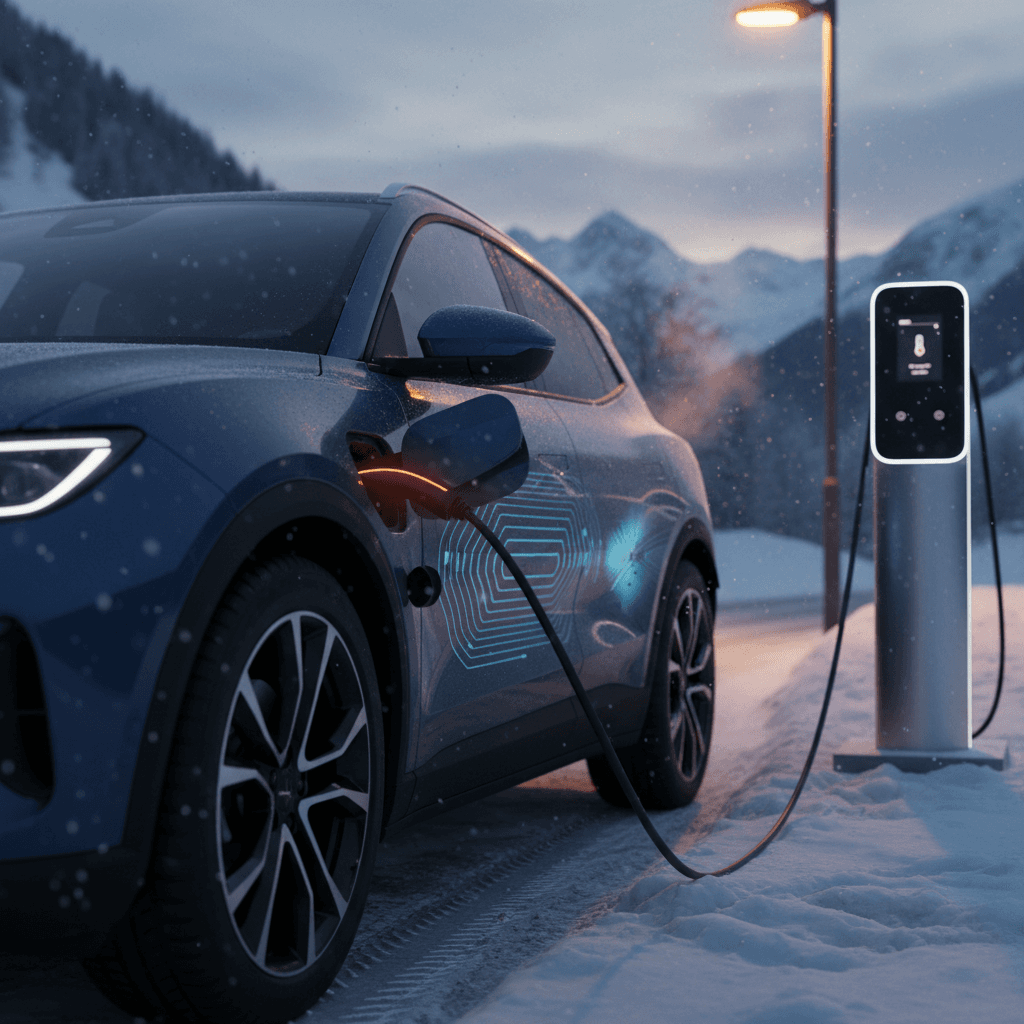
If you’ve ever watched your Tesla Model S hover well below its advertised 250 kW peak at a Supercharger, you’re not alone. A proper Tesla Model S charging speed test is the best way to understand how fast your car really charges, how it compares to published numbers, and what that says about battery health, especially if you’re shopping for a used Model S.
Peak vs real-world charging
Why Tesla Model S charging speed tests matter
- Road-trip planning: Knowing whether your car is a 25‑minute or a 40‑minute stop from 10–80% can change how many Supercharger stops you plan in a day.
- Battery health signal: A noticeably slower charging curve than a similar Model S can be an early sign of battery degradation or thermal limits.
- Used-car due diligence: When you’re evaluating a used Model S, realistic charging performance is just as important as range and 0–60 times.
- Cost and convenience: Faster charging can mean fewer sessions at expensive DC fast chargers and less time sitting at stations.
Good benchmark for late-model cars
Tesla Model S charging basics: specs and expectations
Before you run a Tesla Model S charging speed test, it helps to know what’s realistically achievable for your generation of car. Tesla has iterated the Model S battery and charging hardware many times since 2012, and charging speed expectations are different for an early 85 kWh car than for a 2024 Plaid.
Model S charging specs by generation (high level)
Approximate factory DC fast charging capabilities for common Model S generations. Individual vehicles may vary based on software, options, and region.
| Model S generation | Approx. battery size (usable) | Max DC fast charge power | Typical 10–80% time (when new) | Typical peak range added (30 min) |
|---|---|---|---|---|
| 2013–2016 60/70/75/85 | ~60–75 kWh | 90–120 kW | 35–45 min | ~180–220 miles |
| 2016–2020 75D/90D/100D/P100D | ~75–95 kWh | 120–150 kW | 30–40 min | ~220–260 miles |
| 2021+ Long Range | ~96–99 kWh | Up to 250 kW | 25–30 min | ~280–320 miles |
| 2021+ Plaid | ~98 kWh | Up to 250 kW | 25–30 min | ~280–320 miles |
Use this as a directional guide, not an exact promise for every car.
Headline DC fast charging numbers for late‑model Model S
Don’t fixate on the 250 kW number
Real-world Tesla Model S charging speed: what tests show
Independent road tests and charging analyses paint a consistent picture: the latest Model S is competitive but not class‑leading on pure charging speed, especially versus newer luxury rivals like Lucid Air. Where Tesla still wins is in network coverage and reliability rather than absolute kW bragging rights.
How Model S fast charging compares in practice
Late‑model Long Range / Plaid vs a leading competitor
Tesla Model S (2021+)
- Peak DC power: Up to 250 kW
- 10–80% time: ~25–30 minutes in good conditions
- Range added in 30 min: ~280–320 miles
- Home AC max: 11.5 kW (about 8.5 hours 0–100% on a 240V circuit)
Lucid Air (for context)
- Peak DC power: Up to ~300 kW
- 10–80% time: ~20–22 minutes on a good 350 kW charger
- Range added in 30 min: ~350–400 miles
- Home AC max: 19.2 kW (roughly 6 hours 0–100%)
Lucid is faster on paper, but Tesla’s Supercharger coverage often makes total trip time similar in the real world.
We measured an average charging speed of over 500 miles of range per hour on a Model S Plaid, putting it right up there with the fastest-charging long‑range EVs on sale today.
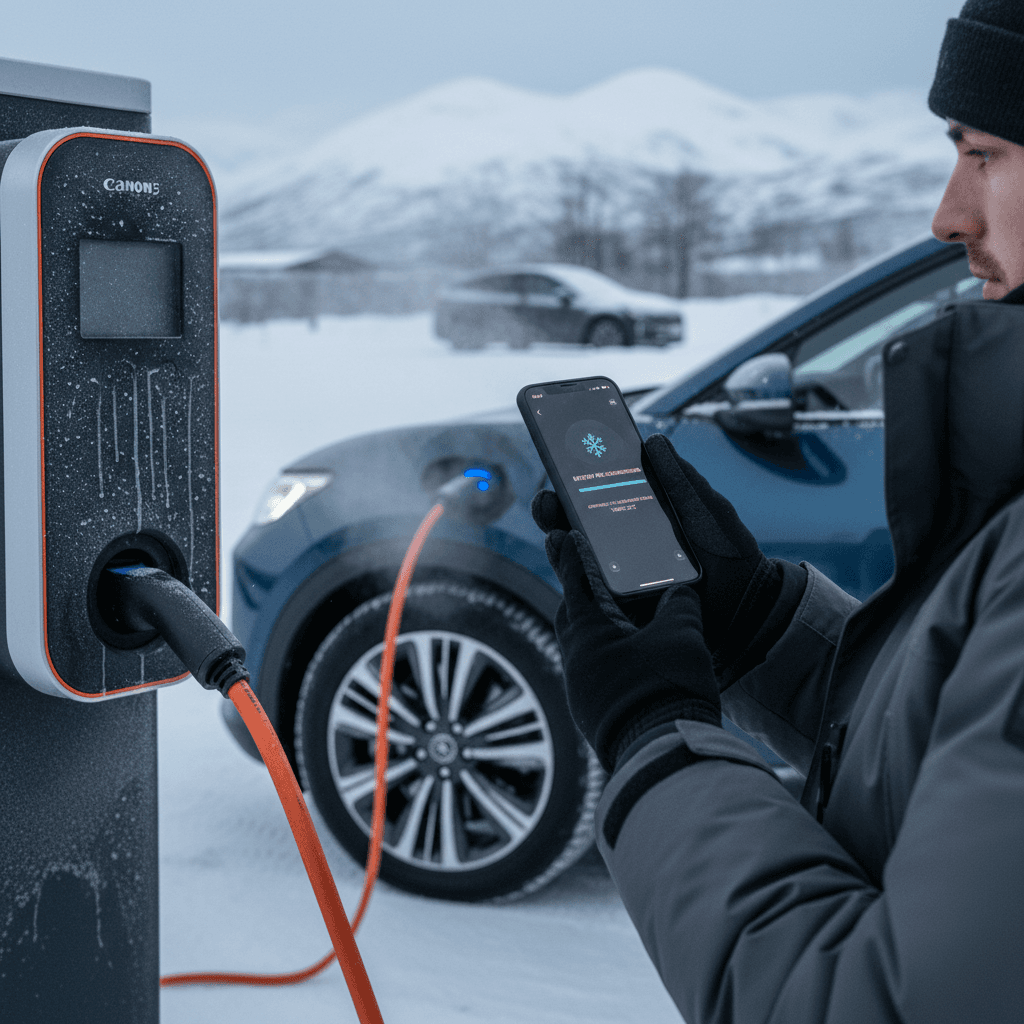
How to run your own Model S charging speed test
You don’t need lab equipment to run a meaningful Tesla Model S charging speed test. With a bit of planning, a notebook (or notes app), and one good Supercharger session, you can benchmark your car against healthy examples and spot potential issues, especially helpful when evaluating a used Model S.
Step 1: Prepare for a clean test
1. Pick the right charger
Use a <strong>V3 or V4 Tesla Supercharger</strong> rated at 250 kW if your Model S supports it. Avoid busy sites where multiple stalls may be sharing power if possible.
2. Start with a low state of charge
Arrive with <strong>5–10% battery</strong>. Peak charging power is only available at low state of charge, and you want to capture that part of the curve.
3. Warm the battery first
Drive at highway speed for at least 20–30 minutes, and navigate to the Supercharger in the Tesla app or in‑car nav so the car <strong>preconditions the battery</strong> on the way.
4. Note outside conditions
Record <strong>ambient temperature</strong>, whether it’s raining or snowing, and your tire size. Cold weather and big wheels can impact both energy use and charging speed.
5. Turn off cabin energy hogs
During the test, avoid cranking HVAC to extremes or using energy‑intensive features. You’re trying to see what the battery and charger can do, not run a comfort test.
Step 2: Capture data during the charging session
6. Start timing at plug‑in
Use a timer or note the <strong>exact time when charging begins</strong> at ~5–10% SOC. Plan to record data until at least 80%, and optionally to 90 or 100%.
7. Log key data points
Every 2–5 minutes, record: state of charge (%), charging power (kW), charge rate (mi/hr), and rated or projected range. A quick photo of the center screen works well.
8. Mark the 10–80% window
Note the time when you cross <strong>10% and 80%</strong>. The elapsed time between those is the simplest metric to compare with other Model S tests.
9. Note peak power and when it occurs
Watch for the highest kW number you see and the SOC at which it happens. Healthy late‑model cars often hit peak somewhere between <strong>5–30% SOC</strong>.
10. Stop at your normal road‑trip target
Most drivers don’t fast-charge past 80% on road trips, since speeds taper sharply. Ending at 70–80% will better match real‑world use.
A simple “good” result
How to read your Model S charging curve
Once you’ve done one or two charging sessions with basic logging, you can sketch or plot your personal charging curve. That curve tells you more than any single screenshot ever will.
Ideal late‑model Model S curve
- Sharp ramp to high power (180–250 kW) between ~5–20% SOC.
- Plateau or slow taper through ~40–50% SOC.
- Gradual reduction to ~80–90 kW around 70–80% SOC.
- Steep taper above 80% as the pack nears full to protect longevity.
This pattern balances fast road‑trip charging with long battery life.
Warning‑sign curve
- Never exceeds ~80–120 kW on a known 250 kW stall.
- Tapers aggressively by 30–40% SOC, even with a warm battery.
- 10–80% takes 40+ minutes on a modern Long Range / Plaid car.
- Multiple repeated tests show similar, slow curves.
This could point to pack health limits, a cold or unconditioned battery, or a site‑specific power problem.
Average power matters most
8 reasons your Model S might charge slower than expected
If your Tesla Model S charging speed test results look disappointing, resist the urge to blame the battery right away. Charging speed is a three‑way negotiation between your pack, the charger, and the environment. Here are the usual suspects, roughly in the order you should rule them out.
- Cold battery: In cold weather, even with preconditioning, the car may limit power substantially. Expect much slower charging if you go straight from your driveway to the Supercharger on a winter morning.
- High starting SOC: If you plug in at 40–50% instead of 5–10%, you’ll miss the high‑power portion entirely. Peak power is only available at low SOC.
- Hot battery: After multiple back‑to‑back DC sessions or towing, the pack can overheat and throttle charging. You might see warnings or hear cooling fans working hard.
- Shared or power‑limited stall: Some sites share power between stalls, or the site itself may be temporarily derated by the utility. Try another stall or location before drawing conclusions.
- Older pack or chemistry: Early 85/90/100 kWh packs were never as fast as today’s hardware. Compare only to similar‑year cars.
- Software limits and battery protection: If Tesla’s BMS detects elevated degradation or a history of heavy DC fast‑charging, it may permanently reduce allowable DC power to protect the pack.
- Wheel and tire setup: Oversized, sticky wheels raise energy use and can influence how quickly the car reaches (and leaves) peak power, though this is secondary to the factors above.
- Station issues or grid constraints: Utilities sometimes curtail power, and stations can develop faults. Consistently slow speeds across multiple vehicles at the same site usually point to infrastructure, not your car.
Don’t chase max kW at all costs
What charging speed can tell you about used Model S battery health
If you’re shopping for a used Model S, charging behavior is one of the few ways to peek behind the curtain of the battery pack. That’s why at Recharged we focus so heavily on verified battery diagnostics alongside real‑world charging performance when we score cars.
Charging-speed signals to watch on a used Model S
Combine on‑screen data with a professional battery health report
1. Does it reach reasonable peak power?
2. 10–80% time vs peers
3. Reported battery health
How Recharged approaches used Model S batteries
Ready to find your next EV?
Browse VehiclesIf you’re comparing two used Model S listings, prioritize the one with transparent charging and battery data, not just glossy photos. A car that looks identical on the outside can have very different long‑term running costs depending on how its battery has been treated.
Optimizing Model S charging on real road trips
A one‑off Tesla Model S charging speed test is helpful, but the real payoff is using that knowledge to plan faster, less stressful road trips. Small strategy tweaks can shave meaningful time off a full‑day drive.
Practical tips to keep your Model S charging fast
Aim to arrive low, leave around 60–80%
The fastest part of the curve is from low SOC up to roughly 60–70%. Plan stops so you arrive with <strong>10–15%</strong> and don’t wait around past 80% unless you truly need the range.
Let the car precondition before every fast charge
Always use the built‑in navigation to the next Supercharger so the car <strong>warms or cools the pack</strong> on the way. This can be the difference between 90 kW and 200+ kW peaks.
Favor newer, higher-power sites
When route options exist, prefer <strong>V3/V4 Superchargers</strong> with 250 kW capability over older 120–150 kW locations. Your stop count and dwell times will both shrink.
Avoid back-to-back 0–100% DC sessions
On long days, consider alternating longer and shorter hops instead of running repeated deep discharges plus full fast charges, which are harder on the pack.
Keep software up to date
Tesla frequently tweaks <strong>charging curves and thermal management</strong> via OTA updates. Staying current ensures you benefit from any improvements or bug fixes.
Use both in-car and third‑party tools
FAQ: Tesla Model S charging speed tests
Frequently asked questions about Model S charging speed
Bottom line: what’s “good” charging speed for a Model S?
For a modern Tesla Model S, “good” DC fast charging means a smooth, high plateau of power between 10–60% state of charge and a 10–80% session in the high‑20‑minute range at a capable Supercharger. Older cars will be a bit slower, but the same principles apply: watch the curve, not just the peak number.
Running your own Tesla Model S charging speed test, ideally more than once, in different conditions, turns vague expectations into hard data. That data helps you plan smarter road trips, spot potential battery issues early, and make better decisions when comparing used Model S listings. And if you’d rather skip the detective work, shopping through Recharged means every used EV comes with verified battery health and transparent charging expectations built in.