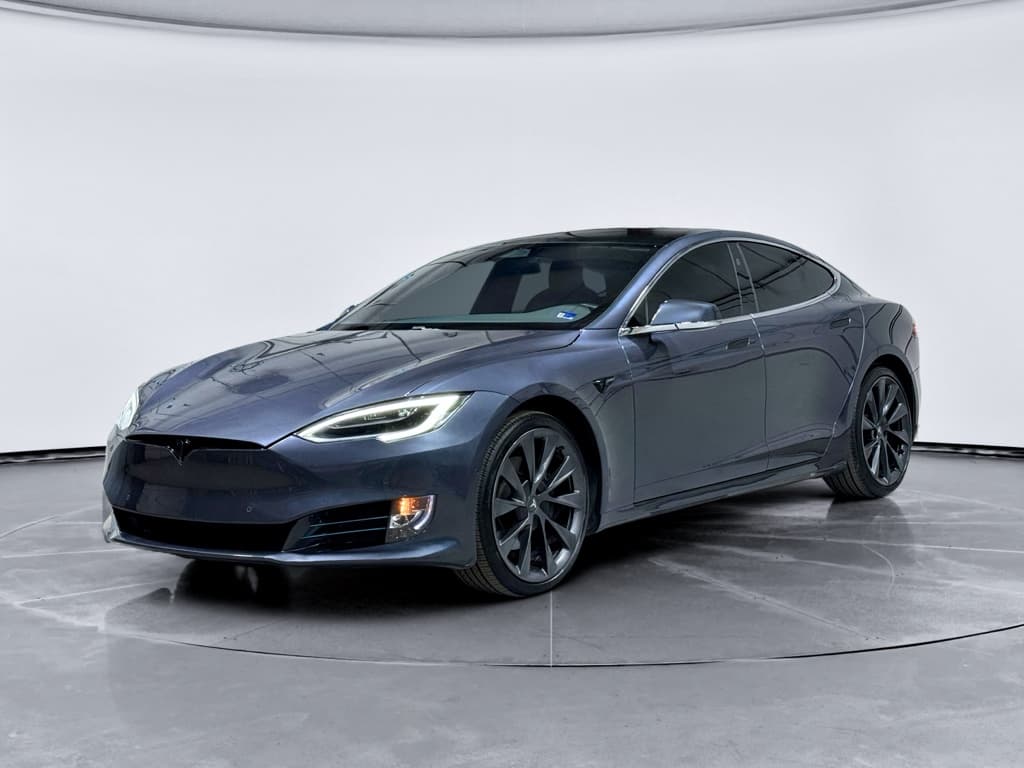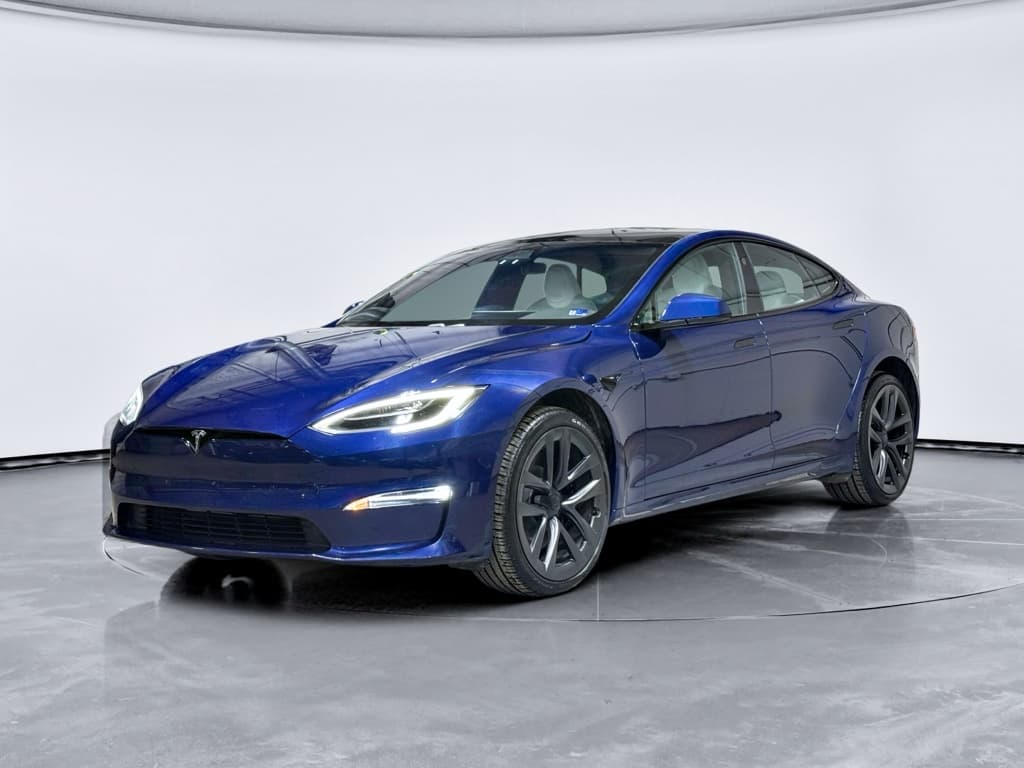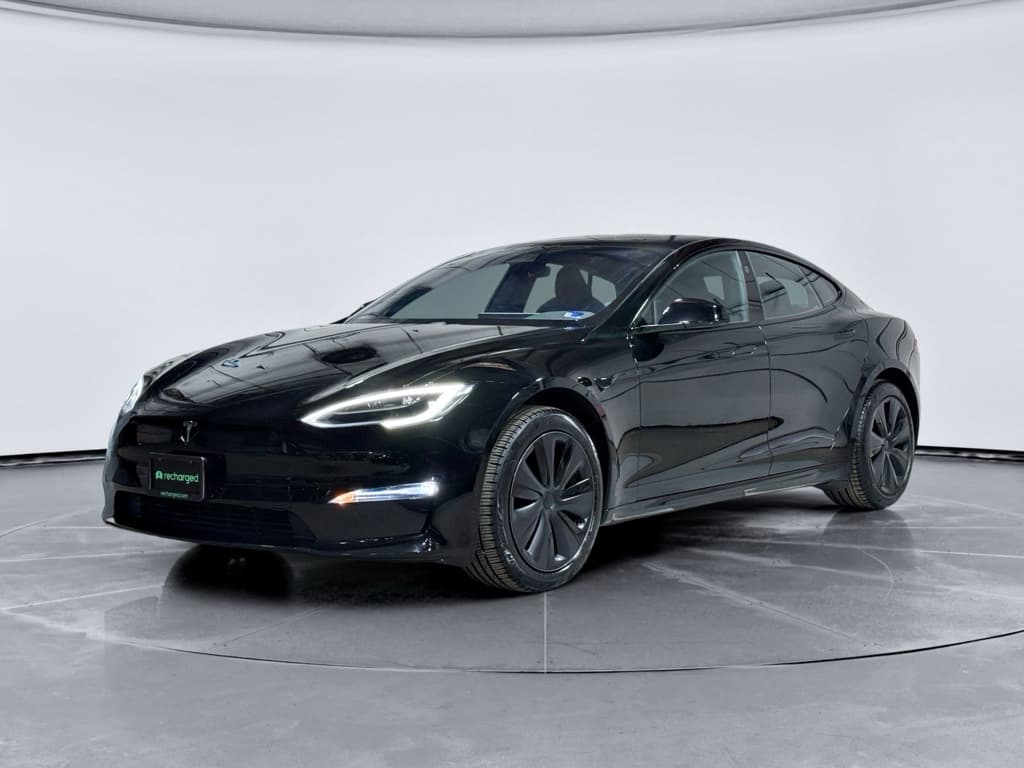
The Tesla Model S is the car that put long‑range EVs on the map. It’s also a complex luxury vehicle that’s now been on the road since 2012, with plenty of updates, quirks and potential repair bills along the way. A clear Tesla Model S buying checklist is the difference between landing a brilliant deal and inheriting someone else’s four‑wheeled science experiment.
Who this checklist is for
Why a Tesla Model S buying checklist matters
On paper, a used Model S looks like the bargain of the EV world: flagship performance and range for the price of a new mainstream crossover. In reality, year‑to‑year changes, battery health, and out‑of‑warranty repairs can swing the ownership experience from effortless to expensive. This checklist keeps you focused on the big-ticket items, battery, drive unit, suspension, electronics, and software, so you can judge any specific car on its actual condition, not just its glossy photos.
Tesla Model S used‑market snapshot (U.S., 2025)
Why buy through a specialist
Step 1: Choose the right Model S generation
Before you ever look at a specific car, decide which era of Model S actually fits your needs and risk tolerance. Tesla has evolved the S instead of doing clean‑sheet redesigns, so features and reliability can change dramatically with just a few model years.
Model S generations at a glance
Know what you’re shopping for before you compare cars
2012–2016: Early cars
Pros: Often cheapest entry point; classic look; still quick and comfortable.
- May have older 60/70/85 kWh packs
- More reports of drive unit and suspension issues
- MCU1 infotainment prone to failure and slowdowns
Best for: Budget shoppers who accept higher risk and can verify major repairs already done.
2017–2020: Mature first gen
Pros: Larger 75–100 kWh packs; improved Autopilot hardware; many running changes to suspension and quality.
- Better sweet spot of price vs. range
- MCU2 arrives (faster, more reliable)
- Fewer early‑production teething issues
Best for: Most used‑Model‑S buyers who want range and performance without Plaid pricing.
2021–2026: Palladium refresh
Pros: Complete interior redesign; horizontal screen; Plaid tri‑motor performance; up to ~400 miles EPA range on Long Range/All‑Wheel‑Drive trims.
- Updated suspension and battery tech
- More advanced driver‑assist hardware
- Higher prices but still depreciating
Best for: Buyers cross‑shopping new luxury EVs, willing to pay more for the latest design.
Model years many buyers target
Step 2: Verify battery health and real-world range
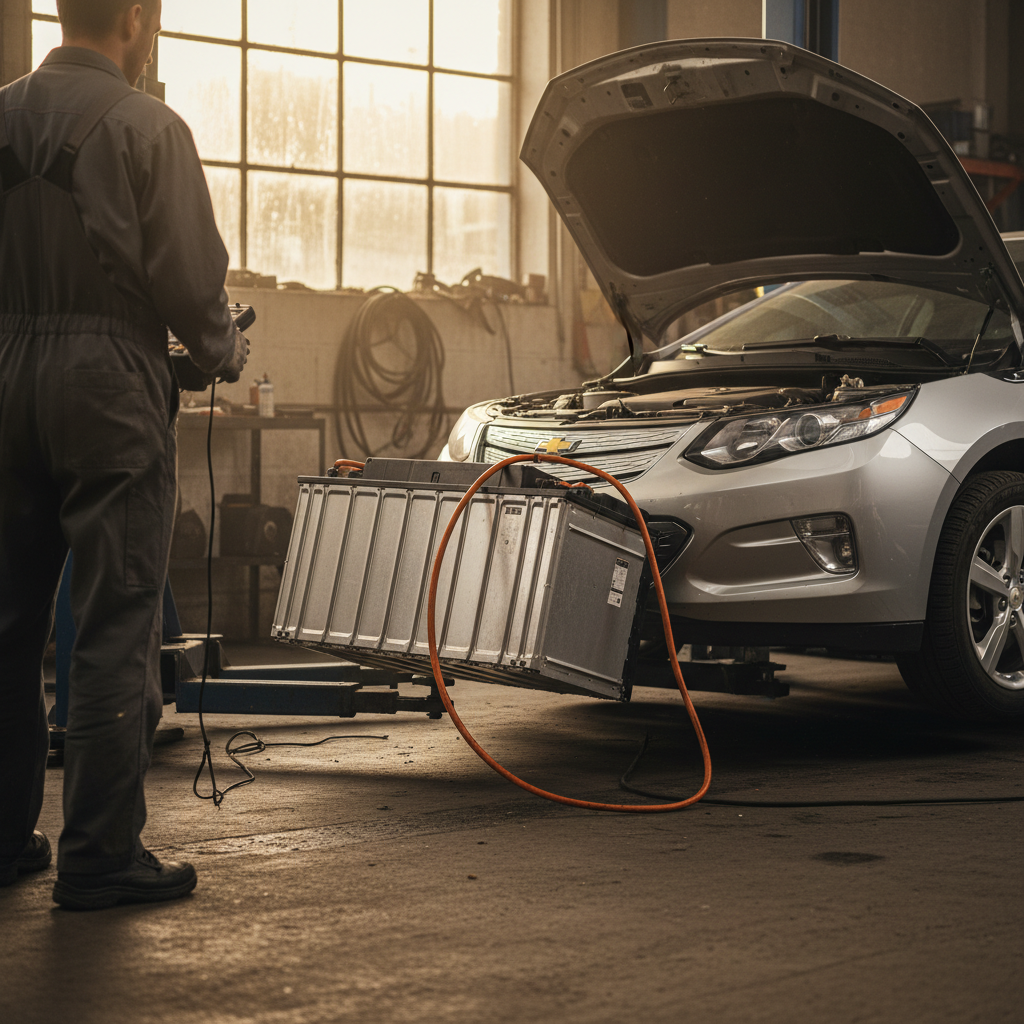
Battery health is the single most important line item on any Tesla Model S inspection checklist. Replacing a pack can run well into five figures, and real‑world range is what makes the car usable for your daily life.
- Ask the seller for current displayed range at 100% and 80–90% state of charge, and the car’s original EPA range for its trim.
- Compare that displayed range with real‑world expectations: a healthy pack often loses around 10% by ~100,000 miles when reasonably cared for.
- Review charging history if possible: lots of daily DC fast charging or frequent 0% and 100% usage can accelerate wear.
- Check that the car will actually charge on both AC (home/Level 2) and DC fast chargers during your inspection, if the seller permits.
Battery health checklist
1. Note trim and battery size
Confirm whether you’re looking at a 60/70/75/85/90/100 kWh pack on older cars, or a Long Range/Standard Range/Plaid pack on newer ones. Bigger packs often age more gracefully because they’re used in a gentler part of their capacity day‑to‑day.
2. Record current indicated range
With the battery near 100% (or as high as the seller allows), note the indicated miles of range. Compare that to the original EPA rating for that trim to get a rough sense of degradation.
3. Inspect charging behavior
If possible, plug into a Level 2 charger and watch the charge rate. On a healthy system, you should see stable power flow without repeated interruptions or error messages.
4. Look for battery warnings
On the touchscreen, check for alerts related to the high‑voltage system or charging, such as "Reduced maximum charge level" or "Service battery" warnings. Walk away from any car with unresolved battery alerts unless you have a written repair plan and pricing.
5. Ask about battery warranty
Many Model S packs carry an 8‑year, mileage‑cap warranty from original in‑service date. Ask a Tesla Service Center or check the VIN in your Tesla account (if possible) to verify whether coverage remains.
6. Get third‑party or Recharged diagnostics
A data‑driven report, like the <strong>Recharged Score</strong>, can show verified state of health instead of guesswork. At Recharged, every car’s battery is tested and scored so you can see how much capacity remains before you buy.
Red flags: walk‑away battery signs
Step 3: Check high-voltage, drivetrain and chassis
Once you’re confident in the battery, move down the list to the rest of the hardware that keeps a Model S moving smoothly: the drive unit, suspension, brakes and tires. Early cars had more reported issues here; later cars benefited from several running changes.
Drivetrain & chassis: what to inspect
You don’t need a lift to spot most of the trouble signs
Drive unit & transmission
- Listen under acceleration: On the test drive, accelerate from a stop and at highway speeds with the radio off. Whines, grinding or “milling” sounds that rise with speed can indicate drive‑unit bearing wear, more common on early 2012–2014 cars.
- Check for shudder or vibration: Any rhythmic vibration as you accelerate may point to drivetrain or wheel issues.
- Look for related warnings: The dash and center screen will usually shout about serious high‑voltage or motor faults, don’t ignore even intermittent alerts.
Suspension, steering & brakes
- Front suspension noises: Clunks, creaks or pops over low‑speed bumps can signal worn control arms or ball joints, especially on higher‑mileage 2012–2017 cars.
- Uneven tire wear: Cupped or badly worn inner edges suggest alignment or suspension issues.
- Air suspension check: If equipped, cycle through heights (Very High/High/Standard/Low) and confirm the car raises and lowers evenly without error messages.
- Brake feel: Pedal should be firm, with no pulsing (warped rotors) or grinding noises.
Bring a shop, or Recharged, with you
Step 4: Inspect interior, infotainment and MCUs
The Model S cabin has evolved from a minimalist luxury sedan to something closer to a rolling tech lounge. That’s wonderful when everything works, and frustrating when it doesn’t. Two areas matter most: the Media Control Unit (MCU) and the general interior condition.
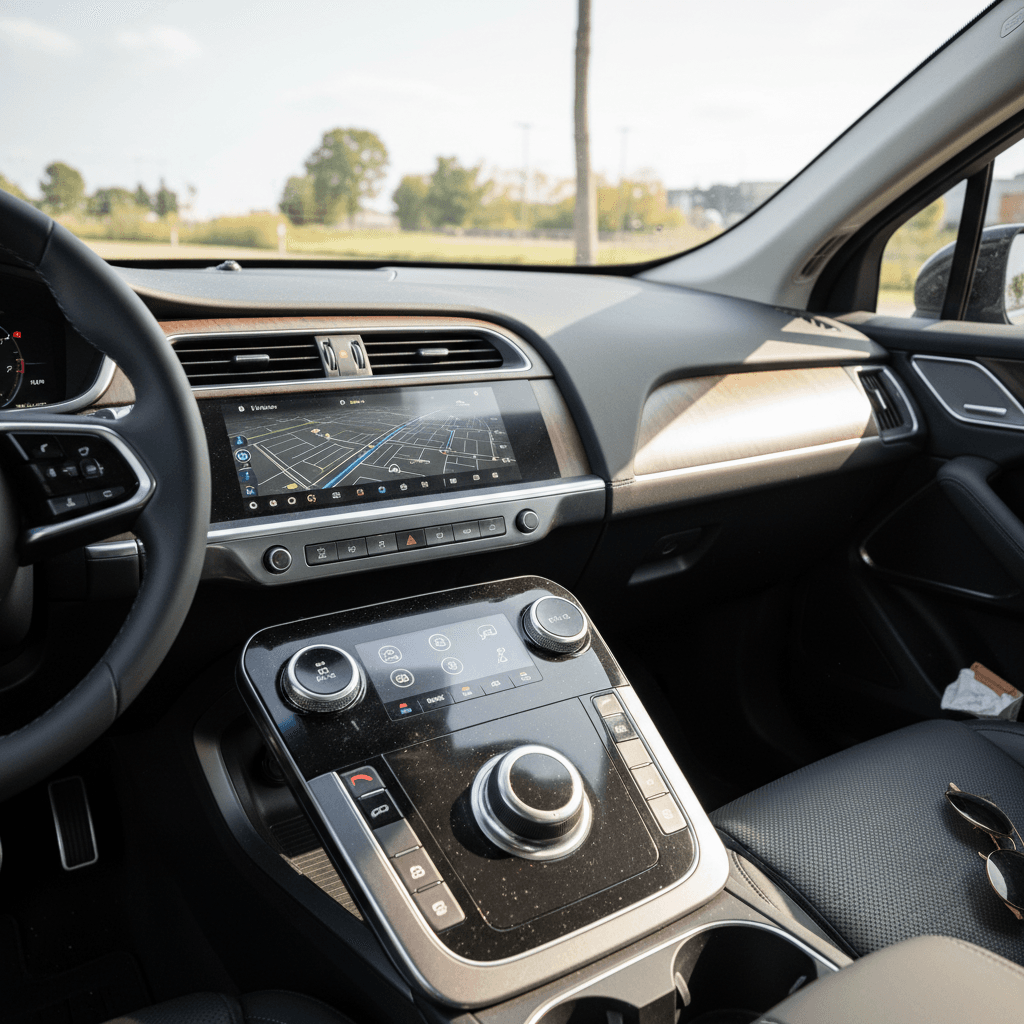
Interior & infotainment checklist
1. Identify MCU version
Older 2012–2018 cars came with MCU1, which is slower and more failure‑prone. Many have been retrofitted with MCU2. In the car’s software menu, check for the infotainment hardware version; MCU2 boots faster, scrolls smoothly, and supports newer features.
2. Test every screen function
Run through navigation, media, climate controls, camera views, and seat controls. Watch for random reboots, heavy lag, or unresponsive areas of the touchscreen, these can hint at failing hardware.
3. Check instrument cluster behavior
On pre‑refresh cars, the smaller cluster behind the steering wheel can also develop issues. Make sure it wakes promptly, displays all info, and doesn’t flicker or freeze.
4. Inspect seats and trim closely
Tesla has used several seat designs and materials over the years. Look for bolster wear, sagging foam, seat‑heater performance, peeling trim, and rattles over rough pavement. Excessive wear for the mileage suggests a hard life.
5. Try every door handle and window
Model S door handles have been a known trouble spot. Confirm that all four extend, retract, and unlatch cleanly from the inside and outside. Test windows and mirrors for smooth operation.
6. Verify HVAC and defrost
Turn the climate system through its full range, including defrost. Weak airflow, odd smells, or non‑functional AC can be costly to sort out and are easy to check during your visit.
MCU failures aren’t just annoying
Step 5: Review Autopilot, safety features and software
Two identical‑looking Model S sedans can have completely different combinations of Autopilot hardware, safety tech and paid software options. You’re not just buying a car; you’re buying a software configuration.
Autopilot hardware & features
- Check the Autopilot section of the touchscreen to see which package (if any) is active: basic Autopilot, Enhanced Autopilot, or Full Self‑Driving (FSD).
- Confirm what transfers: Policy has evolved over time; some software features may not transfer on private sales, while others do. Ask the seller to show you the current configuration in their Tesla app and in the car.
- Test basic functions: On a safe road, verify adaptive cruise, lane‑keeping, and traffic‑aware features work as expected without constant warnings.
Safety and over‑the‑air updates
- Look for modern safety features: Later Model S cars include automatic emergency braking, blind‑spot warnings, and cross‑traffic alerts. Earlier cars may not.
- Check update status: In the software menu, see if the car is running a current firmware version and whether updates are pending. A car stuck on very old software can hint at hardware issues or a previous owner who ignored maintenance.
- Confirm app access: Make sure the seller is prepared to transfer ownership in the Tesla app so you can use remote climate, charging control, and monitoring after purchase.
Think of software as part of the price
Step 6: Evaluate charging options and ongoing costs
One of the Model S’s biggest strengths is its charging flexibility, especially access to the Supercharger network. Your Tesla Model S buying checklist should include how you’ll charge at home and on the road, and what that will cost you over time.
Charging & cost checklist
Match the car you buy to how, and where, you’ll actually charge
Supercharging access
- Verify Supercharger status: On older cars, some had free unlimited Supercharging, others were pay‑per‑use, and policies have changed over the years. Ask the seller to show you the Supercharging screen and any billing setup.
- Test a session if possible: A brief stop at a Supercharger can confirm the car connects, bills correctly, and charges at a reasonable rate for its battery size and state of charge.
Home charging setup
- Plan for a Level 2 charger: A 240V Level 2 unit in your garage or driveway turns the Model S into a plug‑in appliance, park, plug, and you’re full next morning.
- Check included hardware: Make sure the car comes with a mobile connector or wall connector if advertised, and inspect cables and plugs for damage.
Electricity & maintenance costs
- Estimate your electricity cost: Multiply your local kWh rate by the Model S’s typical consumption (roughly 28–34 kWh/100 miles, depending on year and wheels) to understand per‑mile energy cost.
- Budget for wear items: High‑performance tires and large brakes aren’t cheap. Expect higher running costs than a Model 3 or Y, but less routine maintenance than a comparable gas sedan.
Leverage expert help on chargers
Step 7: Price shopping and total cost of ownership
By now you’ve narrowed in on a generation, checked the battery and hardware, and verified the software story. The last big piece is whether the numbers make sense, not just the sticker price, but the total cost over several years.
How to sanity‑check Model S pricing
Use this as a rough framework, actual values depend on mileage, condition, options, and local market.
| Model S type | What you’re paying for | What to watch |
|---|---|---|
| Older (2012–2016) | Lowest upfront price, classic look, still‑strong performance. | Out‑of‑warranty repairs, early‑generation batteries and drive units, MCU1 issues, more wear‑and‑tear. |
| Mid‑generation (2017–2020) | Updated hardware, good range, more mature build quality, often best value. | Battery health, Autopilot hardware/version, suspension wear on higher‑mileage examples. |
| Refresh (2021–2026) | Newest interior and tech, Plaid performance, longest ranges, current styling. | Higher prices, cost of performance tires/brakes, verifying you truly need this level of speed. |
When in doubt, compare across multiple cars with similar year, trim, and mileage rather than chasing one "unicorn" listing.
How Recharged approaches pricing
Ready to find your next EV?
Browse VehiclesStep 8: Paperwork, history and test drive
Even the best‑driving Tesla can hide a messy backstory. Your last step is to put the car’s paper trail and on‑road behavior up against everything you’ve already learned.
Paperwork & test‑drive checklist
1. Run a vehicle history report
Use a reputable service to check for prior accidents, structural damage, odometer rollbacks, flood titles, or lemon‑law buybacks. Any serious issue should either kill the deal or dramatically reduce the price with clear documentation of professional repairs.
2. Confirm service and recall history
Ask for invoices showing major repairs, battery, drive unit, MCU replacement, suspension, and high‑voltage work. For Teslas still within warranty, you can also ask a Tesla Service Center which recalls and campaigns have been completed.
3. Match VINs everywhere
Make sure the VIN on the dash, door jamb, title and any service records all match. Any discrepancy needs a rock‑solid explanation and supporting paperwork.
4. Do a thorough test drive
Start on city streets to listen for squeaks, rattles and suspension noises, then move to the highway to check tracking, wind noise and vibration. Test steering feel, brake response, and how the car behaves in stop‑and‑go traffic.
5. Check all keys, chargers and accessories
Verify that all promised key cards/fobs, mobile connectors, adapters and floor mats are present and functional. Replacing lost pieces after the fact is surprisingly expensive.
6. Clarify delivery, return and warranty terms
If you’re buying from a retailer, ask about return windows, limited warranties and what happens if a major issue appears in the first days. Recharged, for example, pairs vehicles with expert guidance and transparent policies so you’re not left guessing after you sign.
Tesla Model S buying checklist: quick summary
If you like ticking boxes, here’s your condensed Tesla Model S buying checklist to bring to any viewing or share with a friend who’s shopping:
One‑page Tesla Model S checklist
1. Pick your era
Decide up front whether you’re targeting early, mid‑generation, or refresh Model S, based on your budget and appetite for risk.
2. Battery & charging
Verify battery health via range readings and (ideally) a diagnostic report; test AC and DC fast charging; confirm remaining battery warranty, if any.
3. Drive unit & chassis
Listen for motor noises, check for vibrations, inspect tires and brakes, and evaluate suspension behavior over bumps and at highway speed.
4. Interior & tech
Identify MCU version, test every screen and control, check door handles and windows, and inspect seats and trim for excessive wear.
5. Autopilot & safety
Document which Autopilot/FSD package is active, test driver‑assist functions, and confirm the car is on reasonably current software.
6. Charging & ownership costs
Plan your home charging solution, confirm Supercharger access, and estimate energy and wear‑item costs against your annual mileage.
7. Price & history
Compare against similar cars, review history and service records, and make sure the final price reflects the car’s real condition, not just its badge.
8. Where you buy
Consider the value of buying from an EV specialist like Recharged, where you get a Recharged Score battery report, transparent pricing, financing options, and nationwide delivery on top of the car itself.
The Tesla Model S is still one of the most compelling long‑range EVs you can own, fast, comfortable, and genuinely easy to live with when you start with the right car. Use this checklist as your playbook, ask every question that pops into your head, and don’t hesitate to walk away from any example that doesn’t add up. There will always be another Model S on the market; the only one that matters is the one that fits your life, your budget, and your appetite for adventure.