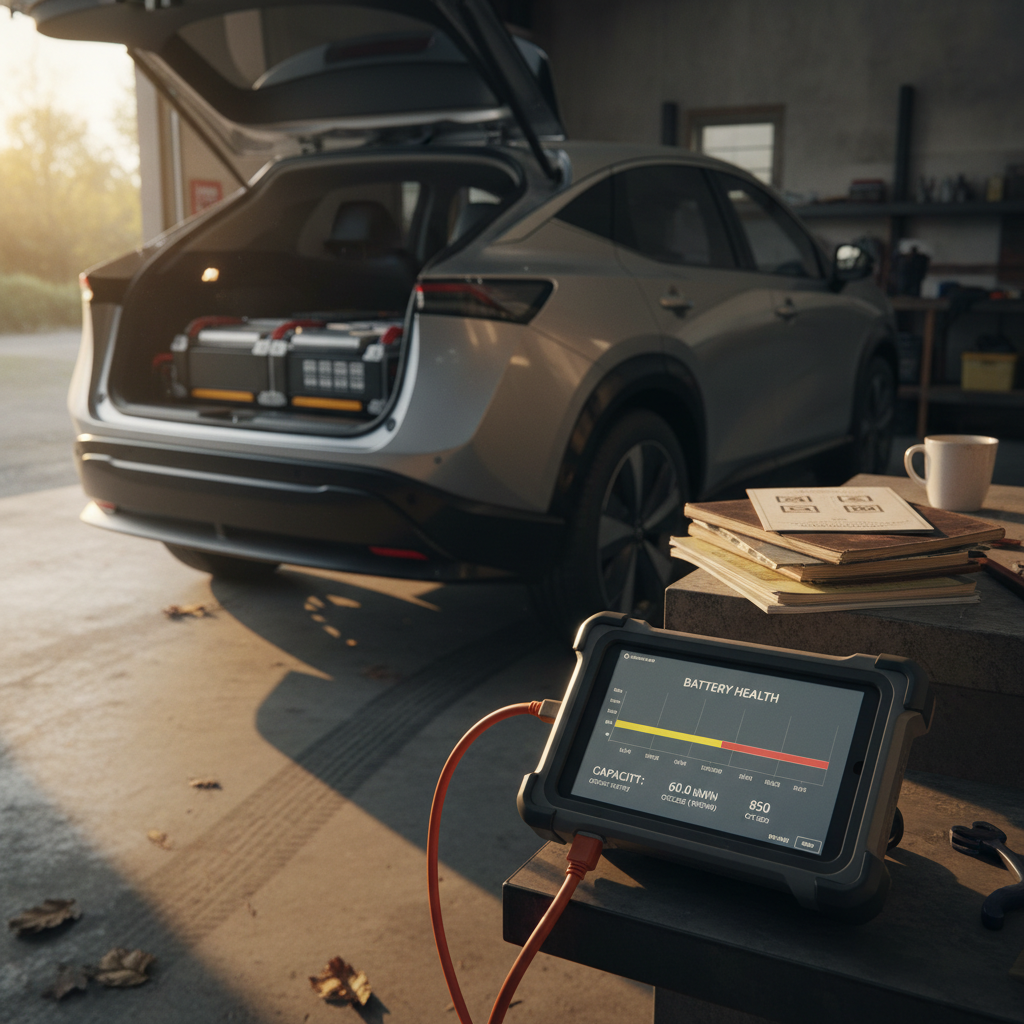
You can sell a Tesla Model 3 almost anywhere in 2026, Tesla itself, CarMax, Carvana, online auctions, Facebook, or an EV‑only marketplace like Recharged. The real question behind “best place to sell Tesla Model 3” isn’t where you can sell it, but where you’ll get the best mix of price, speed, and sanity in a used‑EV market that’s been on a roller coaster for two years.
Context: the Model 3 is a special case
Why where you sell your Model 3 matters in 2026
Tesla Model 3 resale snapshot in 2026
Your Model 3’s value is no longer just a function of mileage and paint color. Buyers are looking at battery health, software options, charging history, and how honestly you present the car. The “best” place to sell is usually whichever platform: - Reaches the right buyers for your spec (Long Range vs Performance, FSD, color) - Surfaces battery health information clearly - Reduces friction on paperwork, payoff, and delivery - Takes the smallest bite out of the final price in fees or lowball offers
The main ways to sell a Tesla Model 3
Four main paths to sell a Tesla Model 3
Each balances price, effort, and speed differently
Tesla trade‑in
Fast and simple if you’re buying another Tesla, but usually the lowest offer. Best when you value convenience and sales‑tax savings over max price.
Instant‑offer buyers
CarMax, Carvana, and similar sites give quick, no‑haggle bids. Strong on convenience, middle of the pack on price.
Private‑party sale
Craigslist, Facebook, forums. Highest potential price, but also the most work, and scams are a real concern.
EV‑focused marketplace
Platforms like Recharged specialize in used EVs, pairing nationwide reach with battery health reports and EV‑savvy buyers.
Option 1: Tesla trade‑in or direct sale
If you’re moving into another Tesla, trading your Model 3 back to Tesla is the path of least resistance. You submit photos and details in the app, get an offer, and, if you accept, the value is applied directly to your next car. In some states, you’ll also see a sales‑tax advantage because you’re taxed only on the price difference between the new car and trade‑in.
- Pros: Seamless if you’re already ordering a new Tesla; no need to meet strangers; clean payoff and paperwork.
- Cons: Offers are often lower than independent dealers or instant‑offer sites; you can’t shop the car around; you’re locked into staying in the Tesla ecosystem.
- Best for: Owners who prioritize time and convenience over squeezing out the last few thousand dollars.
Watch the FSD fine print
Option 2: Instant‑offer sites like CarMax & Carvana
CarMax, Carvana, Vroom, and similar players exist to answer one question: “What will you write me a check for this week?” You punch in your VIN, options, and mileage, upload a few photos, and out pops a cash offer that’s typically good for a set number of days. Many Model 3 owners report these offers beating Tesla’s trade‑in by thousands, though they’re rarely as high as a strong private‑party sale.
When instant‑offer sites shine
- You need to sell fast, moving, divorce, new job, or rate lock expiring.
- Your car is clean, with no accidents, and you want to avoid private‑sale drama.
- You’re okay giving up some upside in exchange for a guaranteed, near‑instant offer.
Trade‑offs to keep in mind
- The buyer has to resell your car and make a margin, so you’re not getting full retail.
- Offers can move quickly if the market shifts, especially with EVs.
- Most don’t yet price in detailed battery health, they lean on age and miles, which can punish a well‑cared‑for car.
Leverage competing offers
Option 3: Private‑party marketplaces & classifieds
Selling your Model 3 yourself, on Facebook Marketplace, Craigslist, Bring a Trailer, or enthusiast forums, remains the best way to maximize your sale price. You capture the dealer margin yourself. But the internet is thick with Model 3 listings in 2026, and buyers are skittish about EV battery health, title issues, and scams. You have to cut through the noise.
Reality check: private‑party sale pros & cons
1. Highest price potential
Done right, a private sale can net you $2,000–$5,000 more than a trade‑in or instant‑offer. But you earn every dollar with time, messaging, and test drives.
2. Time and effort
Expect to answer lots of questions about range, charging, and software. Low‑effort listings (few photos, no battery info) tend to sit, especially for EVs.
3. Safety and fraud
You’re screening buyers, arranging meetups, and dealing with large bank transfers or cashier’s checks. Services like escrow and secure bill‑of‑sale platforms help, but you have to set that up.
4. Paperwork and payoff
If you still have a loan, you’ll need to coordinate with your lender. That’s routine, but intimidating to some buyers unless you can explain it clearly.
Non‑negotiable: protect yourself
Option 4: EV‑focused marketplaces like Recharged
Between bare‑knuckle private sales and low‑drama, low‑price trade‑ins sits a newer category: EV‑focused marketplaces like Recharged. These platforms are built specifically around used EVs, which means they speak the language buyers actually care about now, battery health, real‑world range, charging history, and software configuration, not just mileage and leather color.
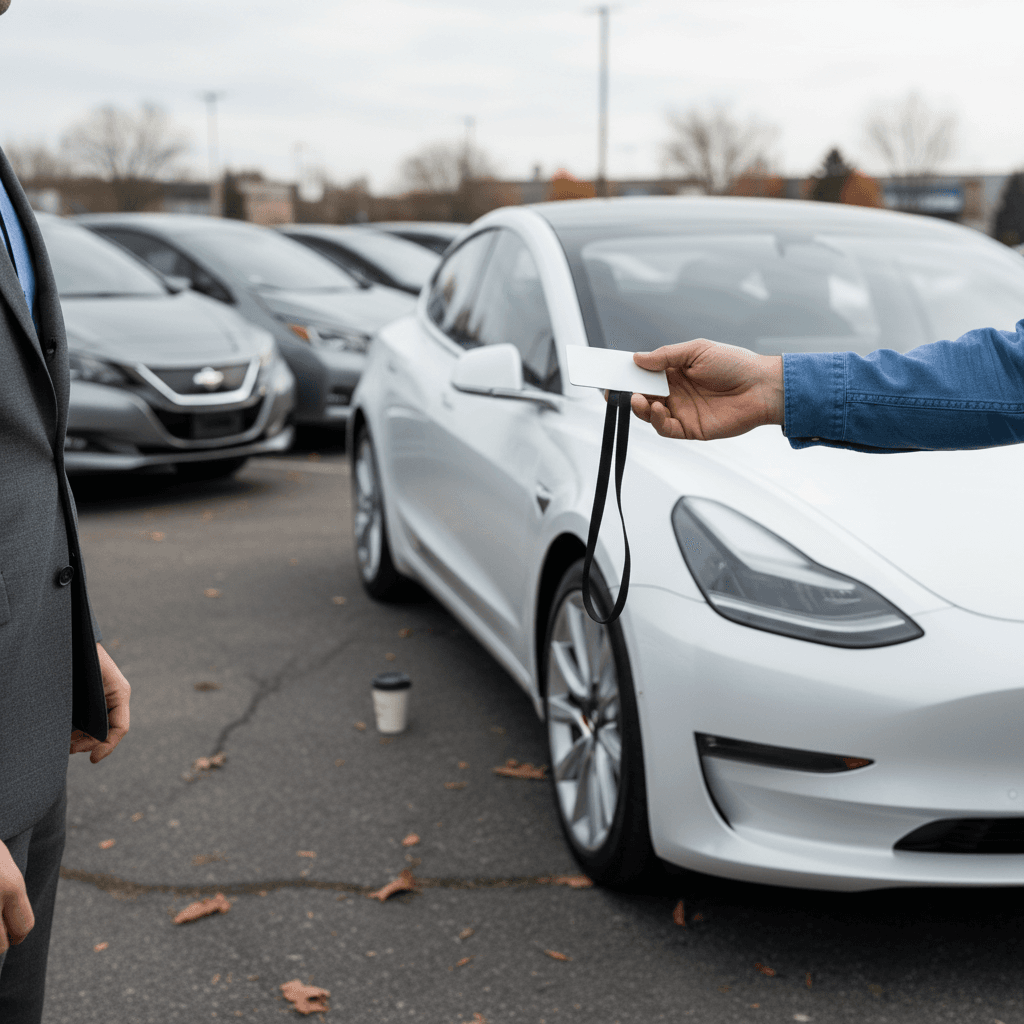
Why an EV‑only marketplace can be the best place to sell
Especially for a tech‑heavy car like the Tesla Model 3
Verified battery health
Every vehicle sold through Recharged includes a Recharged Score Report with independent battery diagnostics, charging performance, and estimated real‑world range. That takes the biggest unknown off the table for buyers and supports stronger pricing.
Nationwide EV audience
Recharged markets your Model 3 to EV‑savvy buyers across the country, not just within driving distance of your ZIP code. That’s critical if your local market is flooded with Teslas.
Flexible ways to sell
Prefer a fast, low‑touch sale? Recharged can make an instant offer or purchase your car outright. Want to chase top dollar? Consignment listings with expert support help you capture more of the upside while someone else handles the heavy lifting.
Where Recharged fits in your decision tree
Recharged data
Selling to Recharged
We're actively buying Tesla Model 3
Offer volume is up versus the prior 3 months.
Final purchase amounts are set after inspection and review.
Based on Recharged purchase offers as of Jul 23, 2026
Recharged data
How long Tesla Model 3 take to sell
40
median days on market
Days from listing to sale for matching vehicles Recharged sold.
- Fastest
- 2 days
- Average
- 49 days
- Longest
- 397 days
Based on Recharged sales as of Jul 23, 2026
Ready to find your next EV?
Browse VehiclesHow much is my Tesla Model 3 worth right now?
Used‑car pricing moves like a stock chart lately, so no article can tell you, down to the dollar, what your Model 3 is worth on April 10, 2026. But we can bracket the ballpark so you know if an offer smells right.
Typical 2026 value ranges for Tesla Model 3 (U.S., illustrative)
These are example ranges based on recent market data and should be treated as directional, not quotes. Condition, options, and mileage can move you significantly up or down.
| Model year & trim (example) | Miles | Typical dealer / instant‑offer range | Typical private / marketplace asking range |
|---|---|---|---|
| 2019 Model 3 Long Range AWD | 50,000–70,000 | $19,000–$23,000 | $22,000–$27,000 |
| 2020 Model 3 Performance | 40,000–60,000 | $22,000–$26,000 | $25,000–$30,000 |
| 2021 Model 3 Long Range | 30,000–50,000 | $24,000–$29,000 | $28,000–$33,000 |
| 2022 Model 3 RWD | 20,000–40,000 | $22,000–$26,000 | $25,000–$30,000 |
| 2023–2024 Model 3 "Highland" | Under 25,000 | $27,000–$33,000 | $31,000–$38,000 |
Use this as a sanity check against real‑time offers from Tesla, instant‑offer sites, and marketplaces like Recharged.
Depreciation: your friend and enemy
Battery health: the number‑one trust factor
With gas cars, shoppers obsess over oil‑change records and Carfax reports. With a Tesla Model 3, the make‑or‑break variable is battery state of health. Two cars with identical odometers can be thousands of dollars apart if one shows strong range and the other looks tired.
What smart buyers look for
- Honest screenshots of range at a given state of charge.
- Evidence of moderate fast‑charging use instead of daily DC‑fast abuse.
- Clear summary of any battery‑related service or warranty work.
- Ideally, an independent battery health report rather than just what the dash says.
How Recharged handles it
Every car sold through Recharged gets a Recharged Score Report, a specialist diagnostic that measures battery health, charging performance, and real‑world range, then translates it into plain English. That levels the playing field: buyers don’t have to trust your screenshots, and you’re rewarded if your battery is genuinely healthy.
Turn battery transparency into a pricing weapon
Timing the market: when to sell your Model 3
If you can choose when to sell, don’t ignore timing. EV prices have whipsawed since 2022 with interest rates, tax credits, and Tesla’s own new‑car price cuts and hikes. In some quarters, used Tesla prices slid nearly 10% year‑over‑year; in others they’ve bounced back as new‑EV supply tightened.
How to think about timing your sale
You’re flexible by a few months
Aim to list in late spring through early fall, when used‑car demand and road‑trip season tend to be strongest.
Watch new‑car pricing: if Tesla cuts new Model 3 prices again, your used value will sag in the following weeks.
Keep an eye on federal and state EV incentives. When new‑EV credits shrink, used EVs sometimes look more appealing.
You need to sell in the next 30 days
Stop chasing the perfect month; focus on clean presentation and broad exposure.
Gather offers from Tesla, at least one instant‑offer site, and an EV marketplace like Recharged in the same week so you’re comparing apples to apples.
Price realistically from day one; big early price cuts make savvy buyers wonder what’s wrong with the car.
Don’t try to time the peak perfectly
Step‑by‑step: how to prep your Model 3 to sell
7 essential steps before you list or accept an offer
1. Pull your service and Supercharging history
Download invoices from your Tesla account and be ready to talk honestly about any major repairs, warranty work, or heavy DC fast‑charging use. Transparency builds trust and justifies your asking price.
2. Get a battery health report if you can
If you’re selling through Recharged, this is built in. For private sales, consider third‑party diagnostics or at least clear range screenshots at known states of charge.
3. Professionally detail the car
A clean interior, de‑smudged screens, and polished glass do more for perceived value than obsessing over tiny paint chips. Shoppers expect a high‑tech cabin to look high‑care.
4. Fix cheap, obvious stuff
Burned‑out bulbs, wiper blades, curbed aero‑covers, or a cracked windshield washer reservoir are low‑cost fixes that keep buyers from mentally discounting your price before the test drive ends.
5. Photograph what matters for EV buyers
Along with beauty shots, include clear photos of the charging port, included cables and adapters, tire tread, odometer, software screen, and any cosmetic flaws. Honest defects beat fuzzy, over‑filtered photos every time.
6. Write an EV‑literate listing
Highlight trim, battery size, wheel size, Autopilot/FSD status, warranty timeline, and home‑charging habits. Assume this is your chance to educate a gas‑car owner moving into their first EV.
7. Choose your selling channel intentionally
Once the car is ready, compare net proceeds across Tesla trade‑in, instant‑offer buyers, and an EV marketplace like Recharged. Include taxes, fees, and transport so you’re looking at your true walk‑away number.
FAQ: Selling a Tesla Model 3
Frequently asked questions about selling a Tesla Model 3
Bottom line: the best place to sell a Tesla Model 3
So what’s the best place to sell a Tesla Model 3 in 2026? For pure speed and convenience, Tesla’s trade‑in or an instant‑offer site will have you done by the weekend. For maximum dollars, a sharp private‑party listing will usually win, if you’re willing to do the work and manage the risk. Increasingly, though, the sweet spot is an EV‑focused marketplace like Recharged, where you can pair serious used‑EV buyers with transparent battery health data, expert presentation, and nationwide reach.
Before you accept any offer, do three things: collect multiple bids, get your battery health documented, and compare your true walk‑away number across different channels, not just the sticker price. Then choose the path that best matches your priorities, money, time, or peace of mind. If you want help threading that needle, Recharged can evaluate your Model 3, provide a Recharged Score Report, and walk you through options from instant offers to consignment, so you don’t have to guess what your Tesla is really worth.