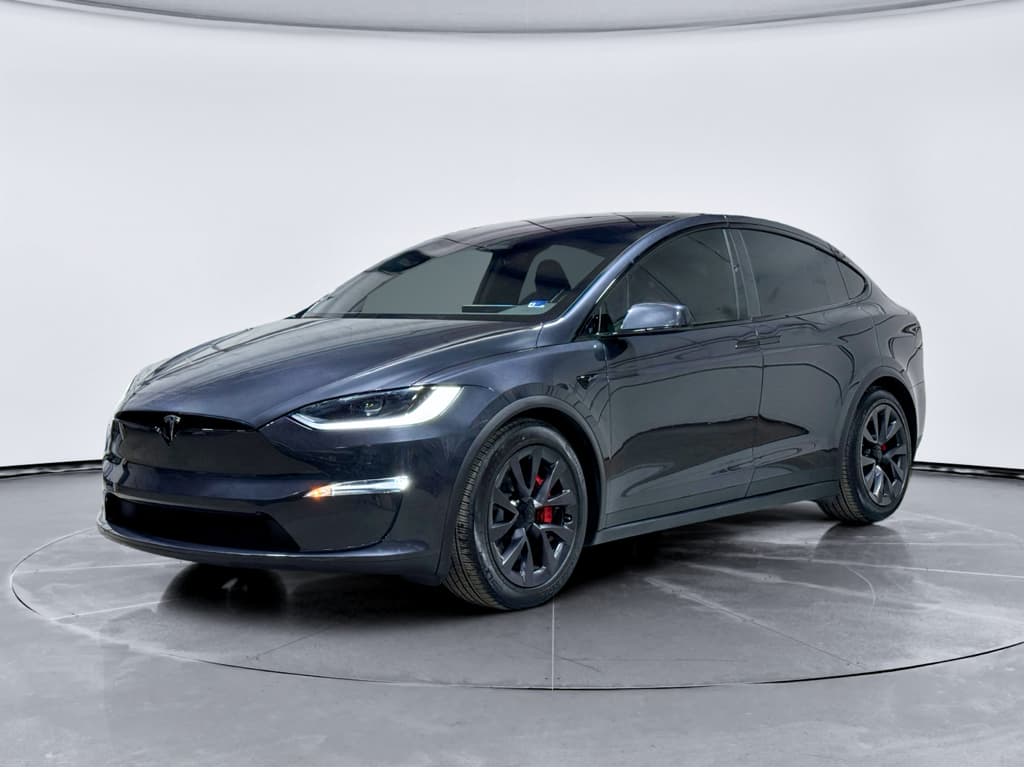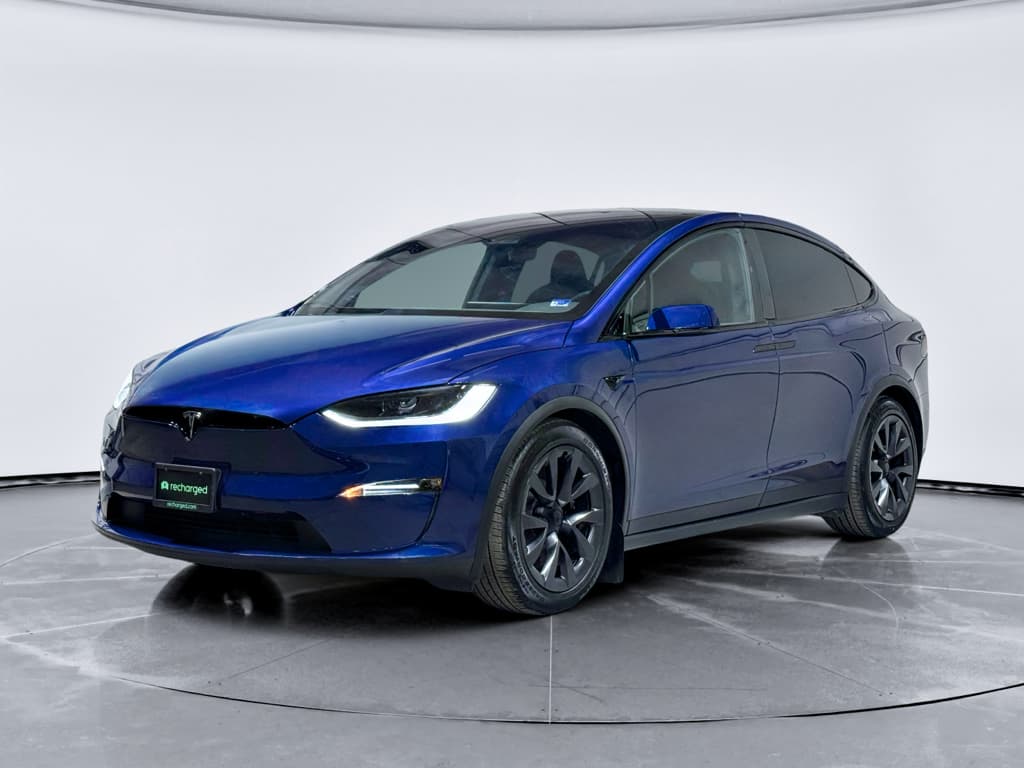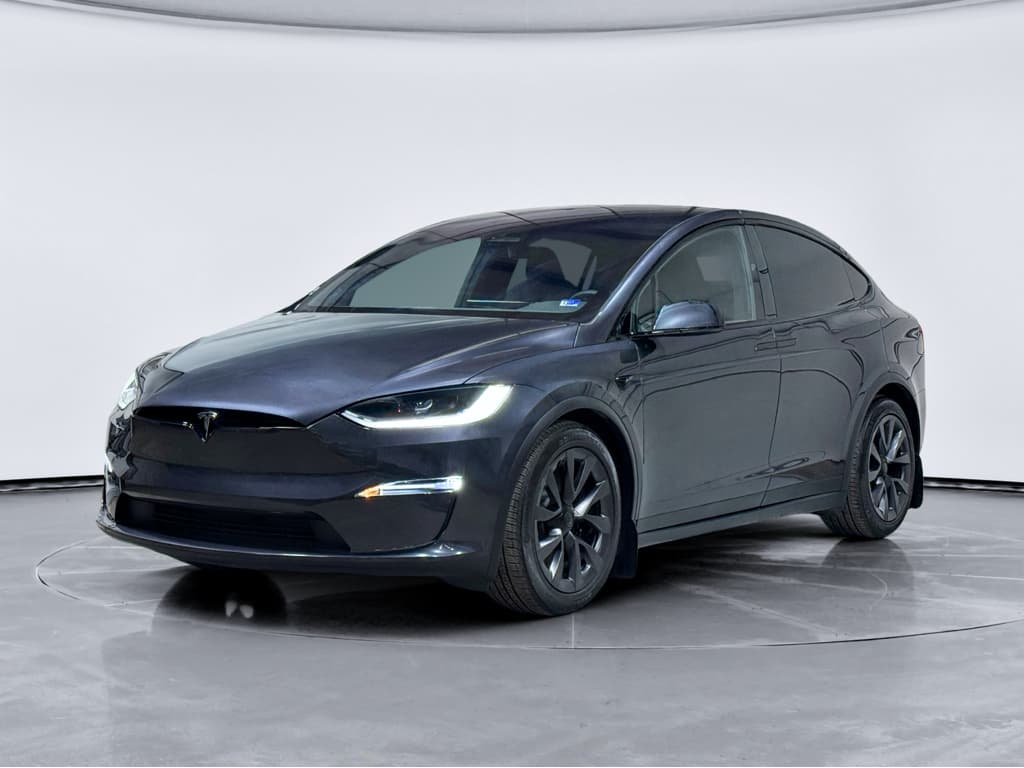
If you’re eyeing a used 2018 Tesla Model X, you’ve probably heard horror stories about falcon wing doors, glitchy screens, and pricey out‑of‑warranty repairs. Some of that is real, some of it’s internet exaggeration. This guide breaks down the most common 2018 Tesla Model X problems, what they actually cost to fix, and what to look for before you buy.
What this guide covers
Overview: Should You Worry About 2018 Model X Problems?
The 2018 Model X is a turning‑point year: early 2018 builds still use Tesla’s first‑generation MCU1 infotainment computer, while later 2018s benefit from some hardware updates and incremental quality improvements. In reliability data from the UK’s MOT testing database, 2018 Model X vehicles show more suspension- and axle-related defects than the average 2018 car, but notably fewer electrical and lighting issues, which is unusual for a tech‑heavy EV. In other words, the headline issues tend to be mechanical wear and complex doors more than battery or motor failures.
Owner experiences are split. Some drivers report 70,000+ miles with only routine visits and a few minor door or trim fixes. Others have racked up 15–20 service appointments over similar mileage, often for repeated adjustments to doors, suspension components, and infotainment glitches. Your risk depends heavily on how the vehicle was driven, where it lived (rough roads, cold climate, coastal salt), and how diligently previous owners addressed early warning signs.
2018 Model X Reliability Snapshot (What the Data Suggests)
High-tech SUV, high-stakes repairs
How Reliable Is the 2018 Tesla Model X?
Looking at the 2018 Tesla Model X as a whole, reliability is best described as mixed but improving compared with the earliest Model X years. The powertrain (motors and battery) is generally robust. The pain points tend to be in areas where Tesla pushed design boundaries: falcon wing doors, air suspension components, and early infotainment hardware.
Where the 2018 Model X is strong
- Battery & motors: Few reports of complete pack or motor failures when the car is stock and not abused.
- Brakes: Regenerative braking reduces pad and rotor wear versus gas SUVs.
- Electronics: Post‑2018 MCU recall and software updates have stabilized many infotainment glitches.
- Rust & body: Aluminum‑intensive construction resists corrosion better than many steel SUVs.
Where owners see problems
- Suspension components: Premature wear in control arms, bushings and links, especially on heavy 22‑inch‑wheel builds.
- Doors & latches: Falcon wing door sensors, latches and seals needing repeated adjustment.
- Infotainment (MCU1): Screen yellowing, slow performance, or eventual failure in early 2018 builds.
- Fit & finish: Squeaks, rattles and misaligned trim that require patience to chase down.
Model X vs Model S, reliability-wise
Common 2018 Model X Problems at a Glance
Most-Reported 2018 Tesla Model X Problems
Use this as a quick map, then dive into the sections that matter most to you.
Falcon wing & front doors
Door sensors, latches, alignment and seals cause noises, misalignment, or doors that won’t open/close correctly.
Usually fixable with adjustments, but can be recurring.
Suspension & steering
Worn control arms, ball joints and bushings leading to clunks, uneven tire wear or vague steering feel.
Heavier wheels and rough roads accelerate wear.
MCU & screen issues
Slow or freezing touchscreens, yellowing display borders, and, in some early units, outright MCU failure.
Often addressed via recall or upgraded MCU2.
Battery & charging quirks
Modest range loss over time, slower fast‑charging after certain updates, and occasional charge‑port or onboard charger faults.
True pack failures are rare but expensive.
Noise, leaks & trim
Wind noise from misaligned doors, squeaks in the middle seats, and aging weatherstripping.
Annoying rather than catastrophic, but time‑consuming to sort.
ADAS & Autopilot quirks
Occasional phantom braking, sensor calibration needs, camera fogging or condensation.
Mostly software‑tunable but worth test‑driving thoroughly.
Falcon Wing Doors and Front Doors: Cool, But Finicky
The Model X lives and dies by its doors from an ownership‑experience standpoint. The dramatic falcon wing rear doors and auto‑present front doors are a big part of the appeal, until a sensor goes out of calibration or a latch gets sticky.
- Falcon wing doors that stop partway, refuse to open in tight spaces, or falsely detect obstacles.
- Wind noise or water ingress from misaligned door seals.
- Front doors that won’t latch on the first try, fail to auto‑present, or bounce back open.
- Occasional failures of door handles, soft‑close mechanisms or the frunk latch.
How serious are door issues?
Common 2018 Model X Door Problems and Rough Repair Costs
Approximate out‑of‑warranty cost ranges at independent EV specialists or Tesla service as of 2025–2026. Actual pricing varies by region and labor rates.
| Issue | Typical Symptoms | Approx. Cost Range (USD) |
|---|---|---|
| Falcon wing door sensor misalignment | Door stops, won’t fully open, or thinks something is in the way | $200–$500 (diagnosis & recalibration) |
| Falcon wing latch or actuator failure | Door won’t latch, or you hear loud clunks/grinding | $600–$1,500 per side |
| Front door latch/soft‑close issues | Door bounces open, won’t latch or won’t auto‑present | $400–$900 |
| Frunk latch failure | Frunk won’t open or requires multiple attempts | $250–$600 |
Use these numbers as ballparks when budgeting for a used 2018 Model X, not as quotes.
Door checks on a test drive
Suspension and Steering Wear on 2018 Model X
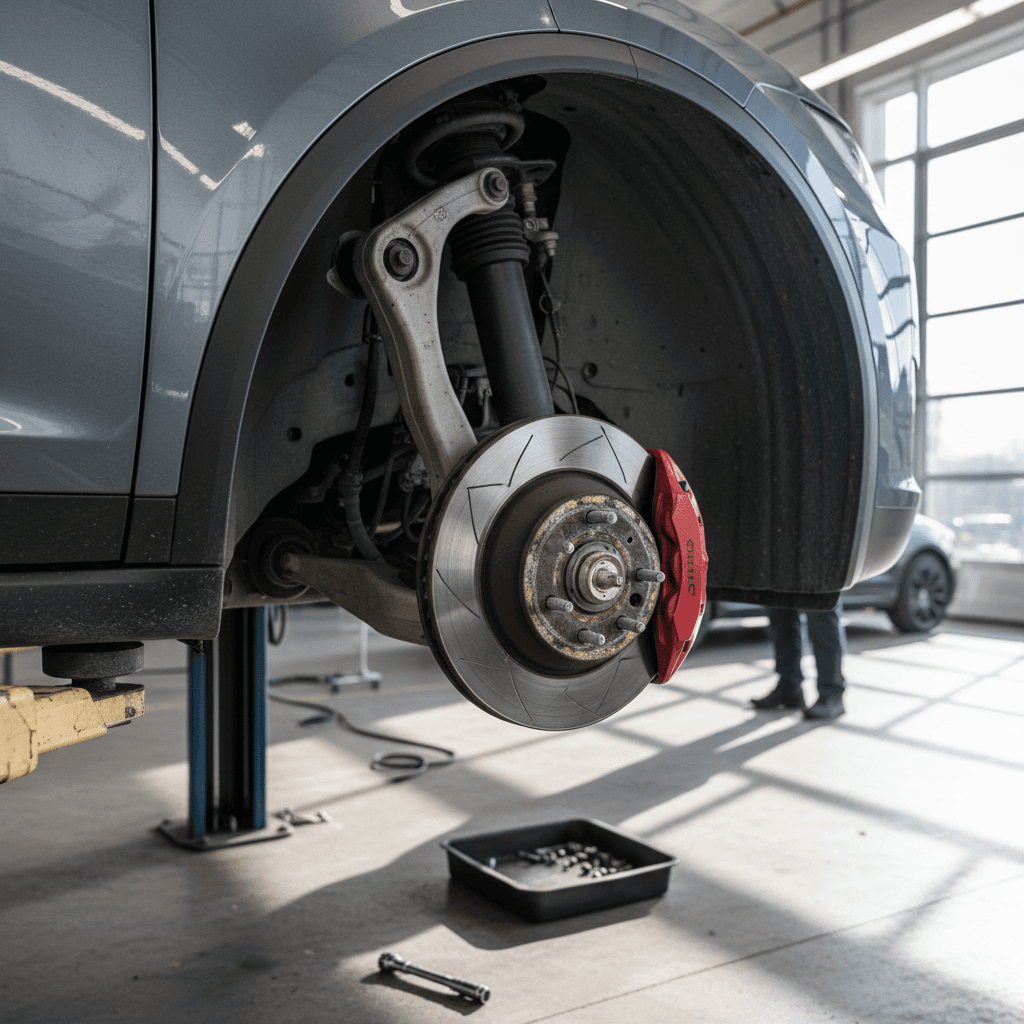
If there’s one mechanical weak spot to watch on a 2018 Model X, it’s the front suspension and steering hardware. MOT data from thousands of 2018 Model X inspections shows significantly higher rates of suspension, wheel and axle defects than the average 2018 vehicle, and owner reports back that up with stories of clunks, uneven tire wear and early control‑arm replacements.
- Front control arms and ball joints developing play or clunking over bumps.
- Worn bushings and links causing vague steering or knocking noises.
- Air suspension leaks leading to sagging corners or frequent compressor cycling.
- Accelerated tire wear, especially on heavy 22‑inch‑wheel cars or those driven on poor roads.
Don’t ignore clunks or wandering steering
Quick Suspension Health Checklist for a 2018 Model X
1. Listen over bumps
On a test drive, deliberately drive over small bumps at low speed with the windows cracked. Any clunks or metallic knocks from the front end are red flags for control arm or bushing wear.
2. Inspect tire wear
Uneven or inner‑edge wear on the front tires can point to alignment problems or worn suspension parts. On a used Model X, badly worn front tires often hide deeper issues.
3. Cycle the air suspension
Use the touchscreen to move between suspension heights. The system should raise and lower smoothly without error messages or a single corner lagging behind.
4. Check for sagging after parking
Park the car overnight on level ground. The next day, verify all four corners sit at the same height; a corner that sinks suggests a leak in that air strut or line.
MCU and Infotainment Failures in Early 2018 Builds
Early‑2018 Model X vehicles still used Tesla’s MCU1 infotainment computer with an 8 GB eMMC memory chip. That chip is known to wear out over time from heavy logging, leading to slow boot times, random reboots, or a completely black screen. Tesla issued a recall and extended warranty coverage on many of these units, but not every vehicle has been updated, and some owners still report repeat failures even after the original fix.
- Center screen boots slowly, freezes, or randomly reboots during drives.
- Yellowing or “burn‑in” effect around the screen edges.
- Laggy navigation and media controls, especially after software updates.
- Complete MCU failure resulting in loss of backup camera, climate controls and some safety chimes until repaired.
MCU1 vs MCU2 on 2018 Model X
MCU and Screen Fixes: Typical Cost Ranges
Rough out‑of‑warranty cost estimates based on common 2018 Model X repair patterns.
| Repair/Upgrade | What It Addresses | Approx. Cost Range (USD) |
|---|---|---|
| MCU1 eMMC recall repair (historical) | Replaces failing memory chip in early MCU1 units | Often covered under Tesla recall/extended warranty (now largely historical) |
| MCU1 replacement with reman unit | Fixes repeated crashes/black screens on older hardware | ~$1,500–$2,000 |
| MCU2 upgrade | Major performance and feature uplift over MCU1 | ~$2,000–$2,750 depending on options |
| Screen replacement for yellow border | Cosmetic but common edge yellowing | ~$600–$1,000 |
If a seller can document a recent MCU replacement or MCU2 upgrade, that’s a meaningful plus for a 2018 Model X.
What to ask the seller
Battery, Range, and Charging Issues
Despite the headlines, outright battery pack failures on 2018 Model X vehicles remain uncommon compared with more mundane issues like suspension wear or door sensors. Most well‑maintained packs show roughly 5–10% degradation by this age, leaving usable real‑world range that’s still competitive for daily family duty, especially on the 100D and P100D trims.
- Modest range loss versus original EPA figures, especially in cold climates or at highway speeds.
- Slower DC fast‑charging after certain software updates that prioritize battery longevity.
- Charge‑port door or latch issues preventing charging from starting reliably.
- Onboard charger faults that cause AC charging to stop prematurely or limit charging speed.
Battery warranty timing on 2018 Model X
Battery & Charging Health Checks Before You Buy
1. Verify current range at high state of charge
Ask the seller to fully charge the battery (or to ~90% if that’s their usual maximum). Compare the displayed rated range to the original spec for that trim to get a rough sense of degradation.
2. Test both AC and DC charging
If possible, plug into a Level 2 charger and a DC fast charger. Confirm the car starts charging promptly and reaches reasonable charging speeds for its trim and state of charge.
3. Look for warning lights or messages
Any persistent battery, charging‑system or drive‑unit warnings should be investigated before purchase. These are expensive systems to gamble on.
4. Get data, not guesses
A third‑party battery‑health report, like the <strong>Recharged Score</strong> that comes with every vehicle on Recharged, gives you a quantified view of pack health instead of relying on gut feel.
Interior Trim, Weatherstripping and Minor Niggles
Like many early‑generation EVs, the 2018 Model X can feel a bit “prototype‑y” around the edges. Owners commonly report squeaks from the middle row, creaks from the dash, and wind noise that doesn’t match the price tag. These issues rarely strand you, but they do affect perceived quality and resale value.
- Middle row seats that squeak or feel loose if not bolted down perfectly.
- Weatherstripping around windows and doors that flattens, leading to wind noise.
- Trim pieces and panels that need refitting after previous repairs.
- Aging interior plastics that show wear sooner than in some German luxury SUVs.
The upside: most of this is fixable
Recalls and Software Updates Affecting 2018 Model X
Tesla leans heavily on over‑the‑air software updates to address safety and drivability issues, and the 2018 Model X has benefited from that approach. Over the years, updates have improved Autopilot behavior, refined suspension tuning, adjusted charging profiles and fixed various bugs without a service visit.
Hardware‑related recalls and service campaigns have included items like MCU memory failures, backup‑camera visibility, and certain steering and suspension components on some VIN ranges. The exact recall set depends on the specific 2018 build you’re looking at.
How to check recall status
How Much Do 2018 Model X Repairs Typically Cost?
Because the 2018 Model X is a large, complex luxury EV, its repair costs tend to mirror high‑end German SUVs rather than mainstream crossovers, especially once you’re out of warranty. At the same time, the lack of an engine and transmission knocks out entire categories of potential problems, and regenerative braking keeps brake costs in check.
Typical Out-of-Warranty Repair Cost Ranges – 2018 Tesla Model X
These are broad ranges from real‑world owner experiences and EV‑specialist shops. Your local numbers may vary.
| System / Repair Type | Examples | Approx. Cost Range (USD) |
|---|---|---|
| Suspension & steering | Control arms, bushings, links, alignment | $600–$2,000+ depending on scope |
| Doors & latches | Falcon wing sensor or latch, front door latch, frunk latch | $250–$1,500 per issue |
| MCU & screen | MCU replacement or MCU2 upgrade, screen replacement | $1,500–$2,750 |
| Battery & charging hardware | Onboard charger, charge‑port door, wiring faults (not full pack) | $800–$3,000+ |
| Brakes & tires | Pads/rotors (when finally needed), 20–22" tire sets | $800–$2,000 |
| Minor trim & weatherstripping | Squeaks, rattles, wind‑noise fixes, seals | $150–$800 per visit |
Use this table to sanity‑check quotes and to budget for ownership.
Budgeting for a used 2018 Model X
Buying a Used 2018 Model X: Problem-Focused Checklist
When you’re evaluating a used 2018 Tesla Model X, you’re not just checking paint and mileage. You’re trying to de‑risk the specific trouble spots that tend to show up on this model year. Use the checklist below as a framework, whether you’re shopping privately, at a dealer, or through a marketplace like Recharged.
2018 Model X Problem-Focused Buying Checklist
1. Doors and seals
Operate every door, including the falcon wings, multiple times. Look for error messages, incomplete latching, or water/wind noise evidence. Ask for invoices related to prior door adjustments or latch replacements.
2. Suspension & steering
Test drive on a mix of smooth and rough pavement at city and highway speeds. Listen for clunks, feel for wandering or tramlining, and inspect tires for uneven wear. Consider a pre‑purchase inspection focusing on front suspension.
3. MCU version and history
Confirm whether the car is on <strong>MCU1 or MCU2</strong>. Ask for documentation of any MCU recall work, replacements or upgrades. Check for smooth, fast operation of navigation, media and climate controls during your test drive.
4. Battery health and charging behavior
Check the displayed rated range at a high state of charge, and, if possible, capture a third‑party battery‑health report. Test AC charging at home‑like speeds and, if feasible, a DC fast‑charge session to ensure normal behavior.
5. Recalls and software updates
Run the VIN through NHTSA’s recall tool and confirm with the seller that all outstanding campaigns have been completed. On the touchscreen, confirm the car is on a reasonably current software version and that Autopilot features behave normally on a test drive.
6. Interior noise and trim
On a highway run, listen for wind noise around the A‑pillars and falcon wing seals. Drive over low‑speed bumps to hunt for squeaks from seats or the dash. Minor noise is common, but excessive creaks may signal past repairs or poor fitment.
How Recharged Helps You Mitigate These Problems
Buying a 2018 Model X doesn’t have to mean rolling the dice on a big repair bill. At Recharged, every used EV, including Tesla Model X, comes with a Recharged Score Report that digs into battery health, charging behavior, and overall condition so you’re not guessing.
Why Shop for a 2018 Model X Through Recharged?
We’re built around used EVs, not adapting gas‑car processes to electric.
Verified battery health
Our diagnostics go beyond dash estimates to give you a quantified view of remaining capacity and expected range, which is crucial now that many 2018 packs are nearing the end of factory coverage.
Transparent condition reports
You see a detailed condition breakdown, doors, suspension, tires, interior, so you know if a particular 2018 Model X has already had common issues addressed.
Financing, trade‑in & delivery
We support financing, trade‑ins, instant offers or consignment, and we can arrange nationwide delivery, with EV‑specialist support at every step.
Ready to find your next EV?
Browse VehiclesYou can shop entirely online or visit our Experience Center in Richmond, VA if you prefer to see and drive a vehicle in person. Either way, the idea is the same: make a complex EV like the 2018 Model X feel as straightforward and transparent as buying a conventional SUV.
2018 Tesla Model X Problems: FAQ
Frequently Asked Questions About 2018 Tesla Model X Problems
Bottom Line: Is a 2018 Model X Still Worth It?
A well‑sorted 2018 Tesla Model X remains one of the few all‑electric, three‑row SUVs with real highway range and eye‑catching design. Its main problems, doors, suspension wear and aging infotainment hardware, are no secret at this point, which works in your favor as a used buyer. You can insist on documented fixes, negotiate on price when they’re missing, or simply move on to a cleaner example.
If you’re willing to do a bit of homework, line up a solid inspection, and use tools like the Recharged Score Report to vet battery health and overall condition, a 2018 Model X can deliver a lot of EV for the money. The key is going in with clear eyes about the most common problems, and a plan for how you’ll handle them if they arise.