If you judge by sales alone, the Tesla Model Y is a smash hit. But dig into owner reviews, defect studies, and recall records, and a different story emerges. Alongside its strengths, efficiency, performance, and access to Tesla’s Supercharger network, the Model Y has built a reputation for some very specific complaints you should understand before you buy, especially if you’re considering a used one.
A polarizing best-seller
Why the Tesla Model Y Inspires Strong Opinions
The Model Y has become one of the world’s best‑selling EVs, thanks to its strong acceleration, spacious interior, competitive range, and Tesla’s charging ecosystem. Third‑party reviews from outlets like Edmunds and Kelley Blue Book show owner satisfaction scores that are solid overall, with many drivers giving 4–5 stars and praising value, performance, and efficiency. At the same time, those same owners frequently highlight recurring frustrations: rough ride quality, wind and road noise, build defects, and mixed experiences with driver‑assistance features and service.
As someone who has spent decades looking at owner data and living with cars over years, not just first test drives, I can tell you this pattern is classic: a vehicle that excels in a few headline areas but underwhelms in the day‑to‑day details. Let’s walk through the biggest Tesla Model Y complaints, then talk about what they mean if you’re shopping, especially in the used market.
Summary of the Biggest Model Y Complaints
How the Biggest Complaints Shake Out
The Tesla Model Y’s Biggest Complaints at a Glance
These themes show up again and again in owner reviews and defect data.
1. Ride Comfort & Noise
2. Build Quality & Fit
3. Reliability & Recalls
4. Software & Interface
5. Driver‑Assist & Safety Tech
6. Service & Repair Experience
Complaint #1: Ride Comfort and Noise
If you come to the Model Y from a traditional compact SUV like a Toyota RAV4 or Honda CR‑V, the first surprise is often ride quality. Tesla tunes the Y toward handling and responsiveness rather than cushy comfort. That’s fun when you’re merging or on a twisty road; it’s less charming if you drive long distances on broken pavement.
- Many owners describe the ride as firm to harsh, especially on 19" and 20" wheels.
- Expansion joints, potholes, and rough city streets are felt and heard more than in some rival EVs and crossovers.
- Wind noise around the mirrors and A‑pillars, plus tire roar at highway speeds, are common complaints in owner reviews on U.S. sites.
- The Performance trim, with larger wheels and lower‑profile tires, tends to feel stiffer and noisier than the Long Range.
Test on the worst roads you drive
Complaint #2: Build Quality and Fit-and-Finish
Tesla has improved build quality since the earliest Model 3 and Model Y production runs, but cosmetic and fit‑and‑finish issues still rank among the most frequent complaints, especially on earlier years and some high‑volume plants.
- Panel gaps and alignment: Doors, tailgates, and bumpers that don’t line up perfectly remain a hallmark complaint, even if they’re less severe than in the 2020–2021 era.
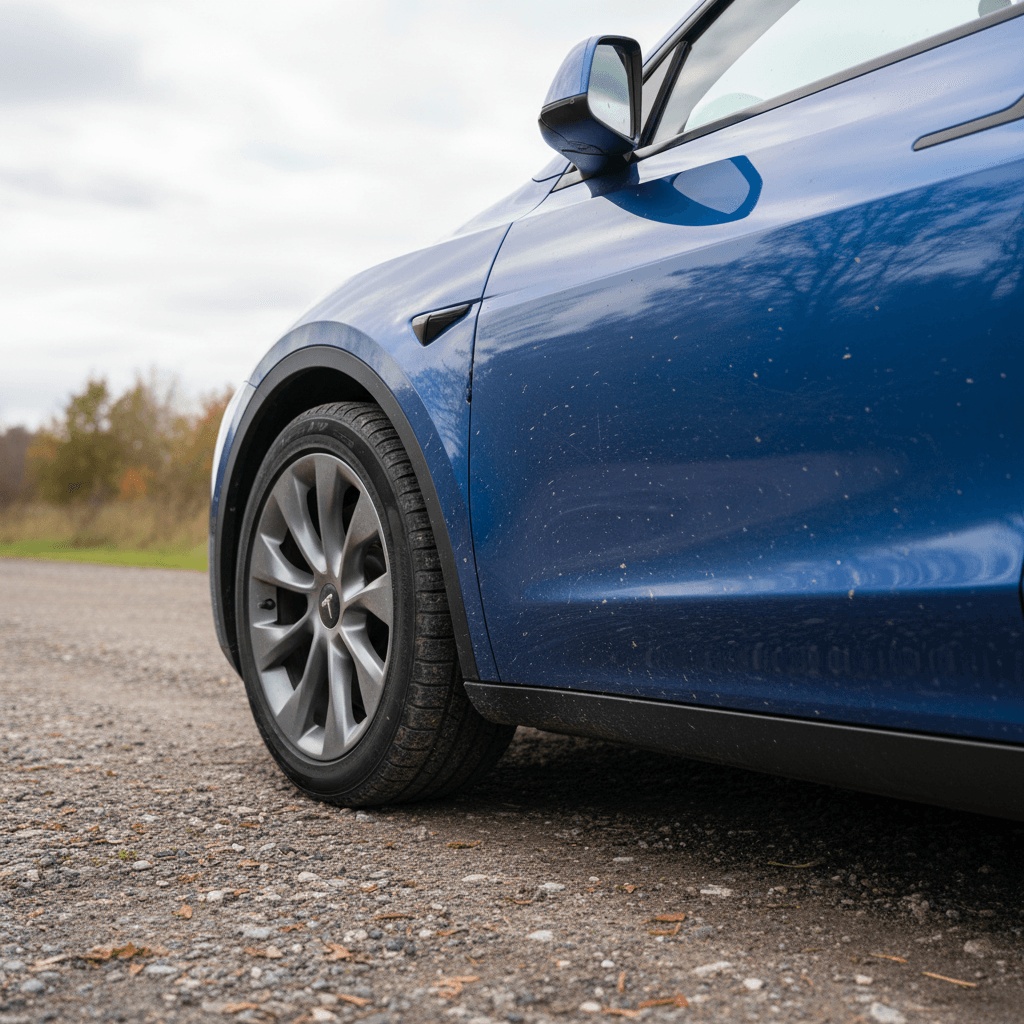
- Paint quality: Thin paint, orange peel, and chips on rocker panels and rear wheel arches show up in cold‑weather and gravel‑road regions in particular.
- Interior rattles and squeaks: The minimalist cabin looks clean, but owners frequently mention creaks from the dash, center console, and liftgate over time.
- Trim and weatherstripping: Mis‑fitted seals can contribute to wind noise, water intrusion in car washes, or whistles at highway speeds.
Used buyers: inspect with a critical eye
Complaint #3: Reliability and Recalls
Electric powertrains tend to be mechanically simple, and many Model Y owners report trouble‑free drivetrains and batteries over the first several years. The trouble comes from everything around the battery and motors: suspension components, steering systems, electronics, and the sheer number of software‑controlled features.
Two recent data points are worth highlighting:
- A major German inspection agency’s 2026 report ranked the Model Y last for reliability among nearly new cars, citing a defect rate of roughly 1 in 6 vehicles at inspection and flagging issues with brakes and suspension.
- In the U.S., a recall campaign covered hundreds of thousands of Model Y and Model 3 vehicles due to power steering issues that could lead to a sudden loss of steering assist, alarming even though basic steering control remained.
Don’t ignore recall history
Common Tesla Model Y Reliability & Defect Themes
Patterns that appear repeatedly in inspection data, owner forums, and recall summaries.
| Area | Typical Complaint | How Serious It Is | What To Check On a Test Drive |
|---|---|---|---|
| Steering | Intermittent loss of power assist or notchy feel | High – relates directly to vehicle control | Slow, tight parking‑lot turns; any warning lights on dash |
| Suspension | Premature wear, clunks over bumps, uneven tire wear | Medium to High – can affect safety and tire life | Listen for knocks on speed bumps; inspect tire tread patterns |
| Brakes | Uneven wear, squeaks/warping on some vehicles | Medium – may reduce stopping performance, adds cost | Feel for vibration under braking; inspect pad and rotor condition |
| Electronics | Random error messages, infotainment bugs, window/door glitches | Low to Medium – annoying but often fixable via updates or service | Cycle windows, locks, HVAC, and try multiple screen functions |
| Trim & Seals | Water leaks, wind noise, loose interior pieces | Low to Medium – comfort and resale impact | Check for water staining, whistle noises, and loose trim pieces |
Not every Model Y will suffer these problems, but they’re more common here than in many competing EVs and crossovers.
Complaint #4: Software and User Experience
Recharged data
Used Tesla Model-Y battery health
89%
avg remaining capacity
From Recharged battery inspections, not manufacturer estimates.
- Lowest
- 77%
- Median
- 89%
- Highest
- 100%
- Est. range
- 281 mi avg
- Cell balance pass
- 100%
- Quick charges
- 23 avg
- Slow charges
- 76 avg
Average cell imbalance: 6.4 mV
Based on vehicles Recharged tested as of Jul 23, 2026
Recharged data
Used Tesla Model-Y prices at Recharged
$32,599
median list price
Current list prices for matching inventory at Recharged.
- Lowest
- $22,998
- Average
- $33,334
- Highest
- $45,954
Average Recharged Score on these listings
4.8 / 5
Range
4.4 – 4.9
Based on available listings as of Jul 23, 2026
Tesla’s software is both a major selling point and a frequent source of frustration. Over‑the‑air updates can genuinely improve the car over time, adding range displays, refining climate control, or tweaking acceleration. But the all‑screen interface and Tesla’s design choices also generate some of the Model Y’s loudest complaints.
- No Apple CarPlay or Android Auto: In 2026, most mainstream brands offer seamless phone projection. Tesla still doesn’t, which bothers drivers who like familiar navigation, podcasts, and messaging interfaces.
- Everything on the center screen: Simple tasks, adjusting wipers, mirrors, or even opening the glove box, require diving into screen menus. Some owners adapt quickly; others never warm up to it.
- Occasional software bugs: Owners report glitches such as frozen screens, Bluetooth issues, or features that change with an update without clear explanation.
- Learning curve for new drivers: If you share the car with less tech‑savvy family members, expect a steeper adjustment period than in a conventional SUV.
Live with the interface before you commit
Complaint #5: Driver Assistance and Safety Concerns
Tesla’s driver‑assistance suite, Autopilot with optional Full Self‑Driving (FSD) capability, gets more headlines than almost any other feature on the car. It’s also a major source of complaints, confusion, and regulatory scrutiny.
- Phantom braking: One of the most widely reported complaints is sudden, unnecessary braking when using adaptive cruise or Autopilot, typically triggered by shadows, overpasses, or vehicles in adjacent lanes.
- Overconfidence in FSD: The name "Full Self‑Driving" clashes with the system’s actual capabilities, which still require driver supervision. Some owners express frustration when reality doesn’t match their expectations, or when updates change behavior.
- Lane‑keeping quirks: On poorly marked roads, construction zones, or complex interchanges, the car may wander, ping‑pong between lane lines, or disengage abruptly.
- Door and egress safety: Investigations and reports have raised concerns about Tesla door designs that rely heavily on electric releases. In certain crashes or 12‑volt failures, front doors have manual backups but rear doors may be harder to open quickly, especially for people unfamiliar with them.
Treat it as advanced cruise control, not a robot chauffeur
Complaint #6: Service Experience and Repairs
Tesla doesn’t operate a traditional dealer network, and that has pros and cons. Mobile service and app‑based scheduling can be extremely convenient, but when things don’t go smoothly, owners report long waits, limited loaner availability, and communication gaps.
- Appointment availability: In areas with many Teslas but few service centers, owners describe weeks‑long waits for non‑urgent repairs.
- Parts delays: Body and trim pieces may take time to source, leaving some vehicles sidelined longer than comparable cars from legacy brands.
- Mixed experiences with mobile service: When mobile techs can handle an issue, replacing a 12‑volt battery, fixing minor trim, it’s great. When they can’t, you’re back to the queue at a service center.
- Insurance and body repair: Some insurers price Teslas higher to repair after collisions, and independent body shops may be less familiar with structural aluminum and sensor‑laden panels.
Factor service access into your decision
How Much Do These Complaints Vary by Year and Trim?
Early vs. Newer Model Years
- 2020–2021: These early Model Y builds are where you’ll see the most reports of paint flaws, large panel gaps, and initial software glitches. If you’re shopping these years, a thorough inspection is critical.
- 2022–2024: Many owners report incremental improvements in build quality and fewer cosmetic issues out of the box, though rattles and trim complaints haven’t disappeared.
- 2025–2026: Newer cars benefit from more recent hardware revisions and software, but they also bring new recall campaigns and changes that haven’t yet stood the test of time.
Long Range vs. Performance
- Long Range: Generally the better choice if ride comfort and range matter to you. Slightly softer tuning and smaller wheels on base configurations help absorb rough roads.
- Performance: Adds serious thrust but also firmer suspension and bigger wheels, worsening complaints about ride harshness and noise on imperfect pavement.
- Wheel & tire choices: If you care about comfort, prioritize smaller wheels with taller sidewalls and consider avoiding the most aggressive wheel/tire packages.
The Model Y has real strengths, too
Shopping Used? How to Inspect a Model Y for the Biggest Issues
If you’re shopping a used Model Y, you have an opportunity: many of the biggest complaints show up early, and a careful inspection can help you avoid problem cars. Here’s a focused checklist based on the issues we’ve covered.
Used Tesla Model Y Inspection Checklist
1. Walk the body for gaps and paint issues
View the car from multiple angles in good light. Check for mismatched paint, uneven panel gaps around doors and hatch, overspray, or signs of respray that might indicate prior repairs.
2. Test the ride on bad pavement
Take a reasonably long drive over the worst roads you typically face. Listen for rattles, feel for clunks in the suspension, and judge whether ride harshness and noise are acceptable to you.
3. Check tires, brakes, and suspension
Uneven tire wear can signal alignment or suspension problems. During the test drive, brake from highway speeds and feel for vibration or pulling. A pre‑purchase inspection can catch worn bushings or shocks.
4. Cycle every electronic feature
Open and close all windows, doors, and the hatch. Test cameras, parking sensors, HVAC, heated seats, and both key methods (phone and card). Watch for warning lights or error messages on the screen.
5. Verify software version and recall completion
From the central screen, check the software version and confirm there are no pending recalls or service campaigns. Ask the seller for documentation of any steering, suspension, or safety‑related work.
6. Evaluate Autopilot/FSD behavior (safely)
In a low‑traffic area, briefly test adaptive cruise and lane‑keeping to see how the car behaves. If you’re uncomfortable with any driver‑assist quirks, that’s a sign to reconsider or simply skip expensive FSD options.
Leverage independent inspection and battery data
When the Tesla Model Y Still Makes a Lot of Sense
With all these complaints, does the Model Y still deserve its sales success? For many buyers, the answer is yes, provided you prioritize what it does best and accept where it trails competitors. It remains one of the most space‑efficient EV crossovers on the market, with a big hatch opening, plenty of rear‑seat room, and very competitive efficiency. Access to Tesla’s Supercharger network is a major advantage if you road‑trip often, and over‑the‑air updates can keep the car feeling modern longer than many rivals.
Where the vehicle stumbles is in the subtler qualities that matter over years of ownership: quietness, suspension tuning on rough roads, cosmetic quality, and how easy it is to get timely service. If those are high on your list, it’s worth cross‑shopping alternatives from Hyundai, Kia, Ford, and others, and driving them back‑to‑back with the Y.
If you decide a Model Y fits your needs, the safest bet is to buy as specifically as possible: the right year, the right trim, and, most importantly, the right individual vehicle with clean history, completed recalls, and verified battery health. That’s exactly the gap companies like Recharged aim to close on used EVs by combining transparent condition reports, fair‑market pricing, and EV‑specialist support so you know what you’re getting before you ever sign the paperwork.