If you travel with pets, you’ve probably heard about Tesla Dog Mode, the feature that keeps the cabin comfortable while showing a big on‑screen message so passersby know your dog is safe. This guide walks you through exactly how to use Tesla Dog Mode, step‑by‑step, plus realistic safety tips, battery impact, and what to look for if you’re shopping for a used Tesla with pets in mind.
What Dog Mode Actually Does
What Is Tesla Dog Mode and Why It Exists
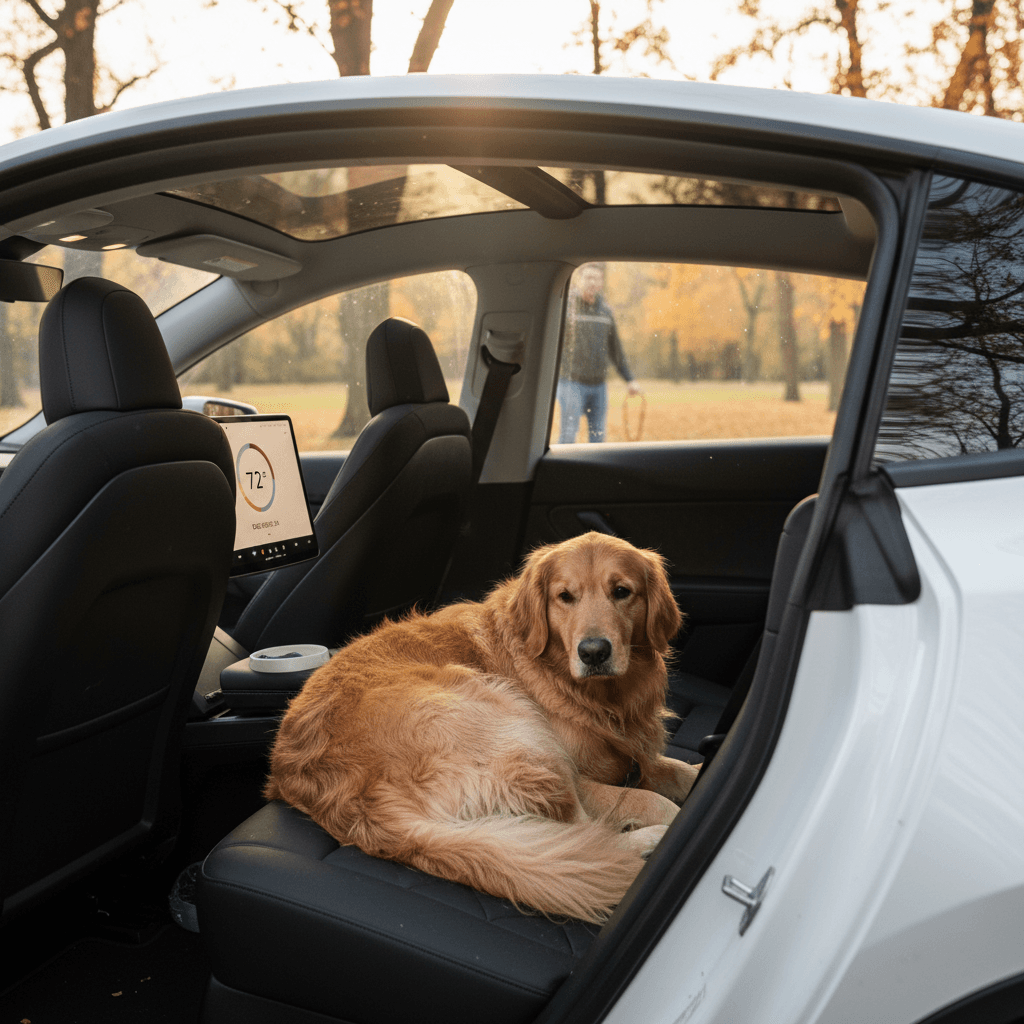
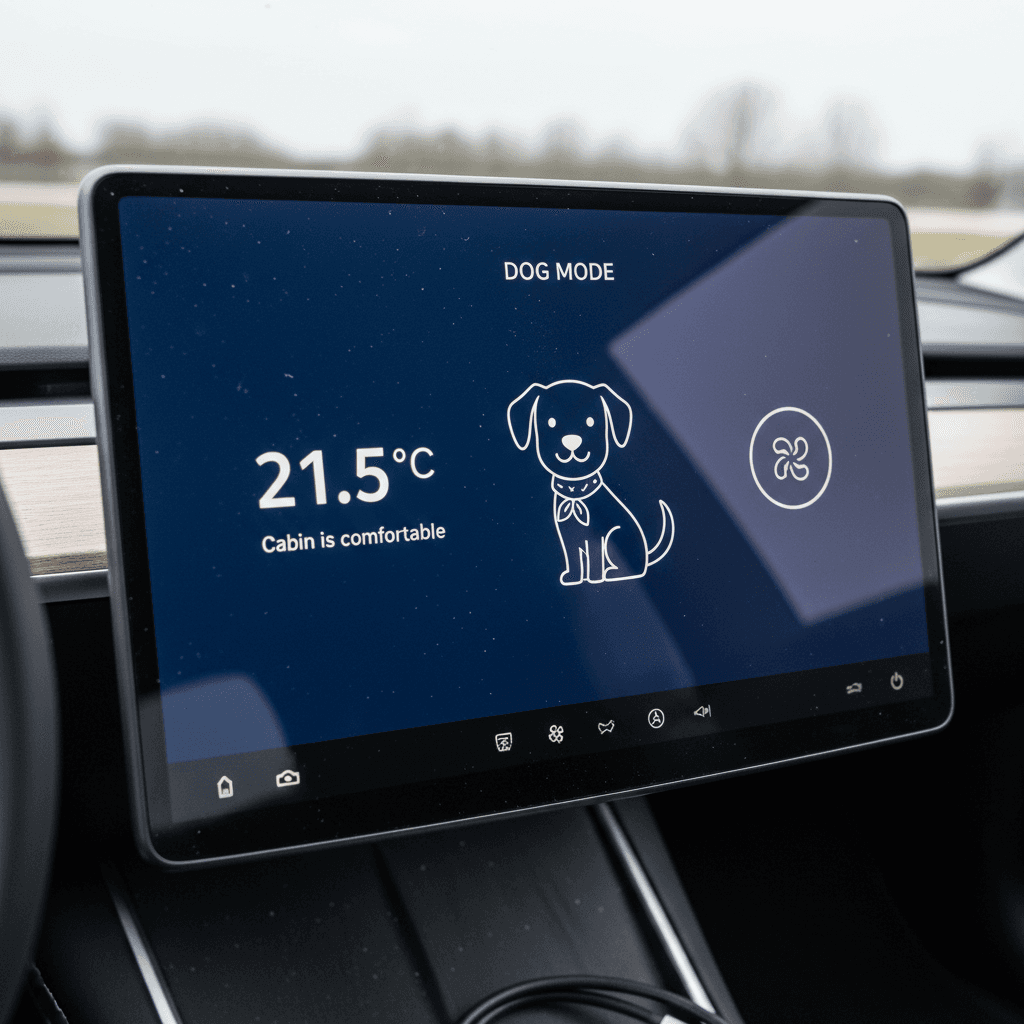
Tesla introduced Dog Mode in 2019 as an extension of its Cabin Overheat Protection system. When you activate it, the car maintains a set temperature (heating or cooling as needed), locks the doors, and shows a prominent message on the center display along the lines of: “My owner will be back soon. Don’t worry! A/C is on and it’s 70°F.” The goal is to prevent well‑meaning strangers from breaking a window and, more importantly, to keep your pet comfortable during short stops.
Unlike simply leaving the A/C on in a gas car, Dog Mode is built around an EV’s strengths: the high‑voltage battery can run climate control for an extended time without idling an engine, and software can broadcast the cabin conditions to anyone looking at the screen, or checking from the Tesla app. That’s why you’ll often see Tesla mentioned at the top of lists of the best EVs for dog owners.
Which Tesla Models Have Dog Mode?
Dog Mode is available on all current mainstream Tesla models sold in the U.S., Model 3, Model Y, Model S, and Model X. It arrived via over‑the‑air software updates and is now considered a standard comfort feature rather than a paid option.
- Model 3 (all recent generations, including the updated “Highland” refresh)
- Model Y (all trims)
- Model S (modern generations with the current infotainment system)
- Model X (modern generations with the current infotainment system)
Older/Edge‑Case Vehicles
How to Use Tesla Dog Mode: Step‑by‑Step
The basic flow is the same on Model 3, Y, S, and X, though the menus may look slightly different depending on software version. Here’s the most reliable in‑car method to turn Dog Mode on.
Turn On Dog Mode from the Touchscreen
1. Park and keep your pet inside
Shift into Park, make sure your dog is comfortably positioned with access to water if needed, and close all doors and windows. Don’t rely on a cracked window; Dog Mode controls airflow for you.
2. Open the climate control menu
Tap the <strong>fan/temperature icon</strong> at the bottom of the touchscreen. This opens the full climate panel with temperature, fan speed, and special modes.
3. Choose "Dog" in the climate modes
In the climate panel, look for the section labeled <strong>Keep Climate On</strong> with options like OFF, ON, DOG, and sometimes CAMP. Tap <strong>DOG</strong>. On some builds, you may see “Dog Mode” as a dedicated option on the right side of the climate screen.
4. Set your target temperature
Use the temperature controls to select a safe cabin temp (many owners choose around 68–72°F depending on your dog’s coat, age, and health). The car will heat or cool to maintain this range.
5. Exit the vehicle and lock it
Once Dog Mode is selected, simply exit the car with your key card, key fob, or phone key. Lock the doors. The center screen should now display the Dog Mode graphic and the current interior temperature.
6. Confirm on the screen and in the app
Check that the on‑screen message is visible from outside and, if you like, open the Tesla app to verify climate is running and the temperature is stable before you walk away.
Use Voice Commands
How to Turn On Dog Mode from the Tesla App
You don’t have to set Dog Mode before you get out of the car. If you forgot, or plans changed, you can usually enable it from the Tesla app as long as your car has a good connection and your battery isn’t too low.
- Open the Tesla app on your phone and select your vehicle.
- Tap Climate on the main vehicle screen.
- Adjust the temperature slider to your desired setting (for example, 70°F).
- Scroll down until you see Dog (or “Dog Mode”) and tap to activate it.
- Wait a few seconds and confirm the app shows climate running and the interior temperature updating.
- If supported on your car, tap Live Camera to check on your pet through the interior camera while Dog Mode is active.
Checking on Your Pet with Live Camera
Best Dog Mode Settings: Temperature, Time, and Battery
Dog Mode is powerful, but it isn’t magic. You’re still responsible for choosing sensible settings and for knowing your local weather and your dog’s limits. Think of Dog Mode as a tool for short, planned stops, not a way to leave a pet in the car for hours.
Practical Dog Mode Settings
Adjust for your climate, your dog, and your battery level
Temperature
For most healthy dogs, aim for 68–72°F in moderate weather. In hot, sunny conditions, lean toward the cooler end of that range.
Short‑nosed breeds (pugs, bulldogs), seniors, and dogs with medical conditions may need cooler settings and shorter durations.
Time Limit
Tesla doesn’t set a strict time limit, but Dog Mode is best for short trips, think 10–45 minutes while you run into a store or grab food.
The longer you’re gone, the more battery you’ll burn and the more chances there are for something unexpected to happen (weather change, software bug, local power limit at the charger, etc.).
Battery Level
Dog Mode typically requires at least ~20% battery to start, and your car will warn you if the pack drops toward that threshold.
For safety, many owners won’t use Dog Mode below 30–40% unless plugged into a reliable charger.
Never Set and Forget
Dog Mode vs. Cabin Overheat Protection vs. Camp Mode
Tesla bundles Dog Mode with a couple of related climate features, and it’s easy to confuse them. Understanding the difference helps you choose the right one for each situation, and it matters for both safety and battery usage.
Tesla Climate Features Compared
Dog, Camp, and Cabin Overheat Protection all keep the cabin safer than a parked ICE car, but they’re designed for different use cases.
| Feature | Primary Purpose | Who’s in the car? | User Control | Display Message | Typical Use Case |
|---|---|---|---|---|---|
| Dog Mode | Keep pets comfortable with clear info to bystanders | Pet only | You set exact temp | Large on‑screen notice with current temp | Quick errands, fast‑casual meals, short stops while traveling |
| Cabin Overheat Protection | Prevent extreme interior heat damage | No one should be inside | Basic temperature limit only | No “dog” message, often minimal visual indication | Hot parking lots, vehicle protection between trips |
| Camp Mode | Let occupants rest or sleep in car | You (and maybe a pet) stay inside | Full climate, lighting, media control | Normal screen with Camp icon; no special pet message | Road trips, camping, overnight use, sleeping in the car |
Use Dog Mode when you’re briefly away with a pet, Cabin Overheat Protection as a safety net, and Camp Mode when you’re staying in the vehicle yourself.
When to Use Camp Mode with Pets
How Much Battery Does Dog Mode Use?
Battery use in Dog Mode depends on outside temperature, sun exposure, and your setpoint. Cooling a car from 110°F down to 70°F in full sun will take noticeably more energy than holding 70°F on a mild 75°F day in the shade.
Typical Dog Mode Energy Use (Real‑World Ranges)
Those ranges are broad on purpose. In realistic hot‑weather reports, owners have seen Dog Mode pull close to 8 kW of power on scorching days, burning double‑digit battery percentages over an hour of use. On cooler days, it may be closer to 1–2% per hour.
Best Practice: Plug In When You Can
Real‑World Safety Risks and Legal Considerations
Tesla designed Dog Mode to help protect pets, but it doesn’t remove your legal or ethical responsibility. Technology can fail: software bugs, connectivity issues, unexpected battery drain, or A/C performance limits in extreme heat can all affect cabin temperature.
Manage the Real Risks
Think like a cautious pet parent, not a beta tester
Extreme Temperatures
In 100°F+ sun, any car’s A/C is working at the edge of its capability. Teslas sometimes display “MAX COOLING” while still hovering a few degrees above your setpoint.
If your local climate regularly sees triple‑digit temps or deep cold snaps, shorten Dog Mode sessions and check the app more often.
Legal & Public Perception
Even with Dog Mode on, some bystanders (or local laws) may not recognize that your pet is safe. Expect the possibility of concerned calls to police or animal control.
Keep your stop short, and be prepared to explain Dog Mode calmly if questioned.
Never Use Dog Mode as Long‑Term Pet Care
Buying a Used Tesla for Dog Mode: What to Check
If you’re shopping the used market, Dog Mode can be a deciding factor, especially if you’re comparing a used Tesla to other EVs that only recently added similar pet‑comfort features. Because Recharged specializes in used EVs, we see pet owners bring this up often during purchase consultations.
Used Tesla Pet‑Owner Checklist
Confirm Dog Mode is present in software
With the seller present, tap the climate icon and look for the <strong>Dog</strong> option under Keep Climate On. If it doesn’t appear, the car may need an update, or it may not support Dog Mode at all.
Test Dog Mode on a short visit
Enable Dog Mode, step away for 5–10 minutes, and monitor the cabin temperature from the app. Make sure the on‑screen message appears and the car holds your setpoint reasonably well for the conditions.
Check Autopilot hardware notes
Some older vehicles with early Autopilot computers have feature limitations, including live interior camera viewing. If remote monitoring matters to you, ask which hardware version the car has and confirm Live Camera works with Dog Mode.
Review battery health and range
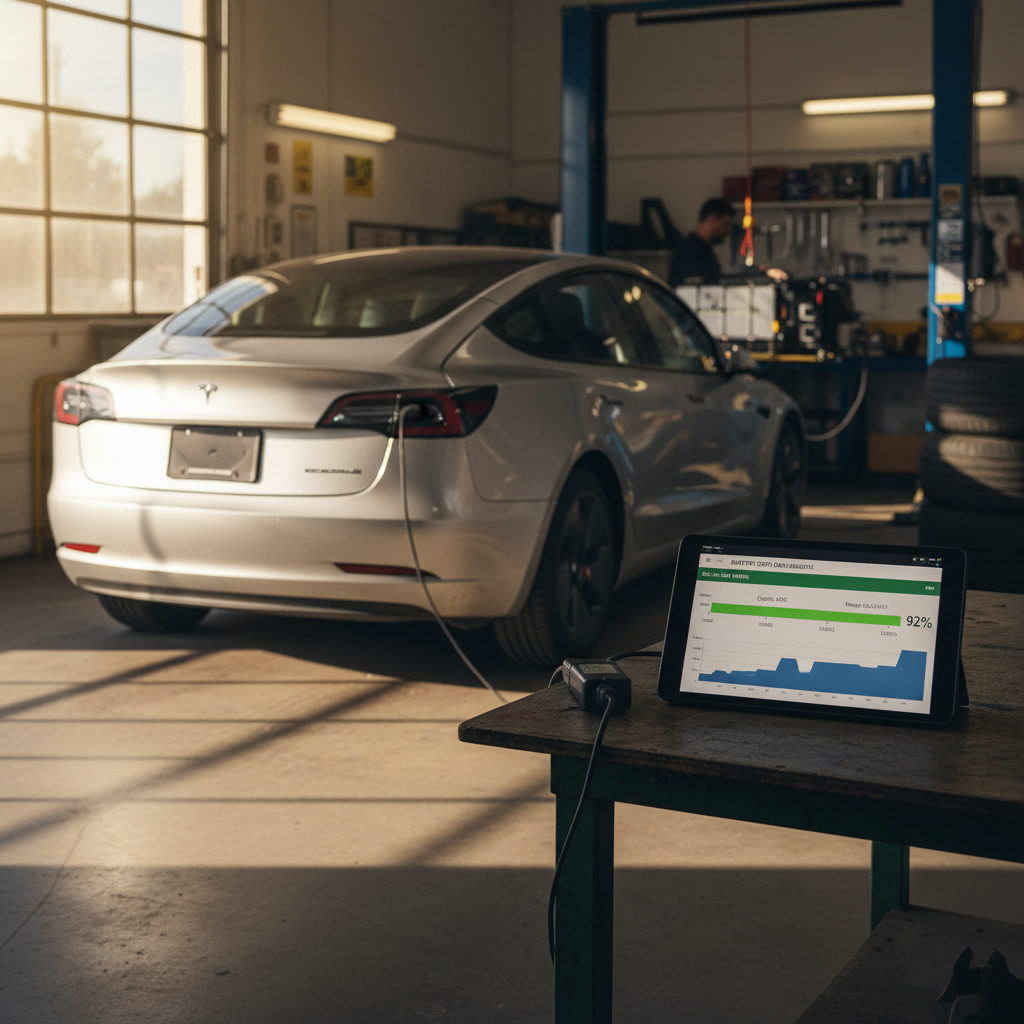
Because climate control draws directly from the high‑voltage battery, a healthy pack matters. Every Recharged vehicle includes a <strong>Recharged Score battery health report</strong> so you know how much real‑world range you can count on for trips with your dog.
Evaluate interior space for your pet
Beyond software, think about cargo height, seat fold‑flatness, and pet‑barrier options. A Model Y’s hatch and large cargo well, for example, make life much easier with big dogs than a compact sedan trunk.
Ask about charging habits
If the previous owner often fast‑charged to 100% and ran the pack low, that can accelerate battery wear. Consistent, moderate charging at home is kinder to the pack and helps keep Dog Mode range more predictable over time.
How Recharged Helps Pet Owners
Tesla Dog Mode FAQ
Common Questions About Tesla Dog Mode
Bottom Line: When and How to Rely on Dog Mode
Tesla Dog Mode is one of the clearest examples of software making EV ownership better for real people, and their pets. Used properly, it gives you a safe buffer for quick errands and road‑trip pit stops without forcing you to choose between your schedule and your dog’s comfort.
The key is to treat it as a short‑term, actively monitored tool: set reasonable temperatures, keep battery reserves healthy, park smart, and keep an eye on the Tesla app. If you’re shopping for a used Tesla with Dog Mode in mind, a transparent look at battery health, software features, and interior space will matter just as much as price.
Recharged was built around that kind of transparency. Every EV we sell comes with a Recharged Score battery report, fair market pricing, and EV‑savvy specialists who can walk you through features like Dog Mode before you buy. That way, when you load your dog into your next electric car, you’ll know exactly what your vehicle, and its software, can do for both of you.