Tesla Dog Mode is one of those features that sells people on the brand: you can leave your dog in a climate‑controlled car, the screen tells passersby they’re safe, and you monitor everything from your phone. But Dog Mode isn’t magic, it runs the HVAC system from the traction battery, and that means real, measurable battery drain. Understanding Tesla Dog Mode battery drain is critical if you’re planning errands, road trips, or considering a used Tesla.
Dog Mode in one sentence
What Tesla Dog Mode does (and doesn’t do)
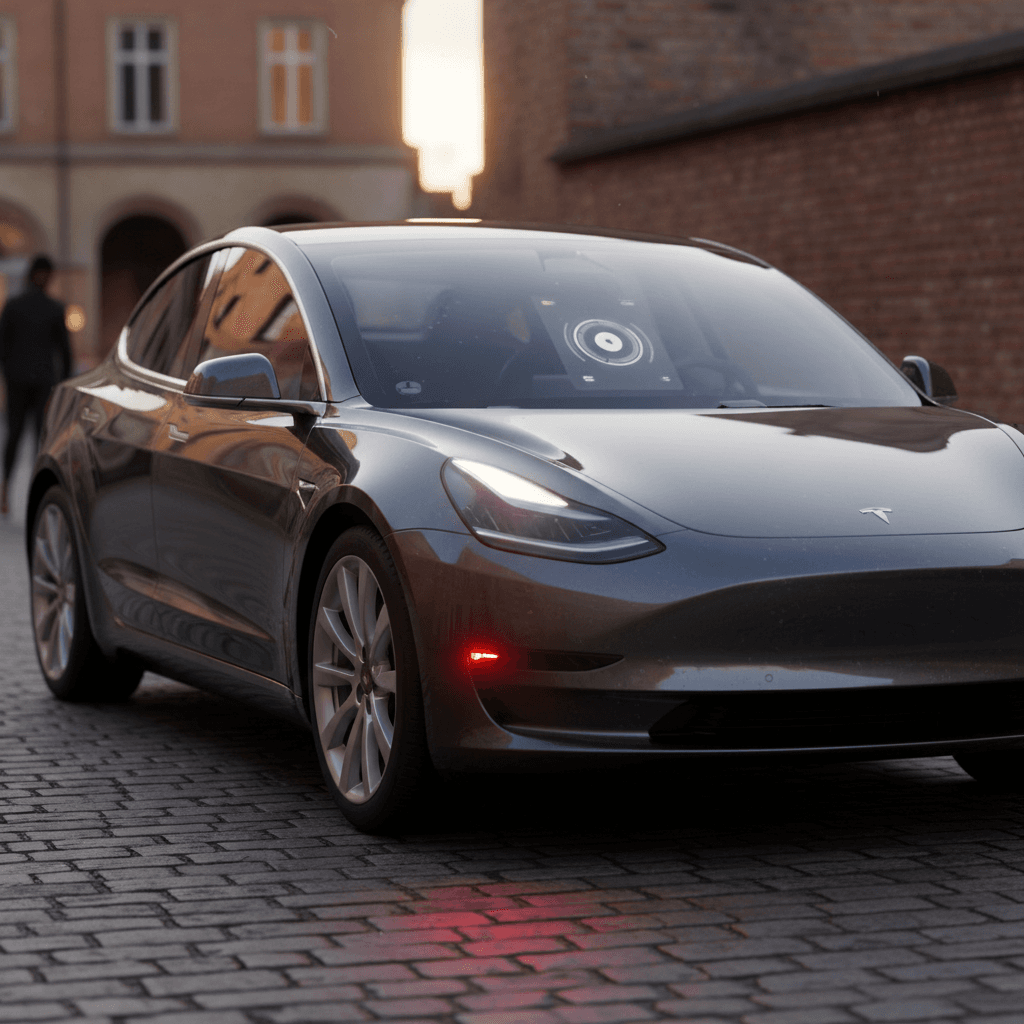
Dog Mode is a dedicated climate setting in the Climate menu (or the Tesla app) designed specifically for short stops with pets in the car. When you enable it, the HVAC system keeps running after you leave, the touchscreen shows a large dog‑themed graphic, the interior temperature, and a message like “My owner will be back soon.” You can check cabin temperature and turn Dog Mode on or off remotely in the app.
- Available on all current Tesla models (Model 3, Y, S, X; older vehicles added via software update).
- Uses the high‑voltage battery to power heating or cooling and cabin fans.
- Shows cabin temperature prominently on the center screen.
- Allows you to lock the car while climate runs, so your dog is safe and the car is secure.
- Sends a notification to your phone if battery state of charge falls below around 20% while climate is running.
Dog Mode is not a license to leave pets indefinitely
How much battery Tesla Dog Mode uses per hour
Because Dog Mode is just Tesla’s climate control running from the main pack, its consumption is highly variable. But across owner tests and reporting, you see a consistent range: roughly 1–3% of battery per hour in moderate to hot weather for a Model 3 or Model Y, and a bit more for larger S/X.
Typical Tesla Dog Mode battery drain
Why the 1–3% per hour range?
How long you can safely run Dog Mode
Tesla requires around 20% state of charge in order to enable Dog Mode. Once it’s on, the car is designed to keep climate running until the battery gets very low, sending warnings to your phone as it approaches that threshold. In practice, you should aim for a much larger safety margin than Tesla’s built‑in minimum.
Rough Dog Mode runtime by battery level (Model 3/Y)
These are conservative, planning‑level estimates assuming ~2% per hour in warm weather. Always leave extra margin for traffic, detours, and unexpected HVAC use.
| Starting state of charge | Usable down to 20% | Estimated Dog Mode time (2%/hr) | Use case guidance |
|---|---|---|---|
| 80% | 60% | ~30 hours | Plenty for short errands or a long lunch break; still not a license to leave your dog all day. |
| 60% | 40% | ~20 hours | More than enough for typical shopping stops or a multi‑hour event if you’re nearby. |
| 50% | 30% | ~15 hours | Comfortable buffer for several errands; start getting cautious on hot days. |
| 40% | 20% | ~10 hours | Technically plenty, but with little driving margin. Not recommended unless you’re parked near home or a charger. |
| 30% | 10% | ~5 hours | Dog Mode may not even engage at this level. Even if it does, you’re gambling with both your pet’s safety and your ability to drive away. |
Approximate maximum Dog Mode hours before reaching 20% battery, assuming you start parked with the listed state of charge and want to retain at least 20% for driving.
The real‑world rule of thumb
4 factors that change Dog Mode battery drain
What really drives Dog Mode energy use
It’s less about software and more about physics.
1. Outside temperature & sun load
2. Vehicle size and insulation
3. Heating vs cooling
4. Starting conditions & preconditioning
Range‑friendly Dog Mode setup
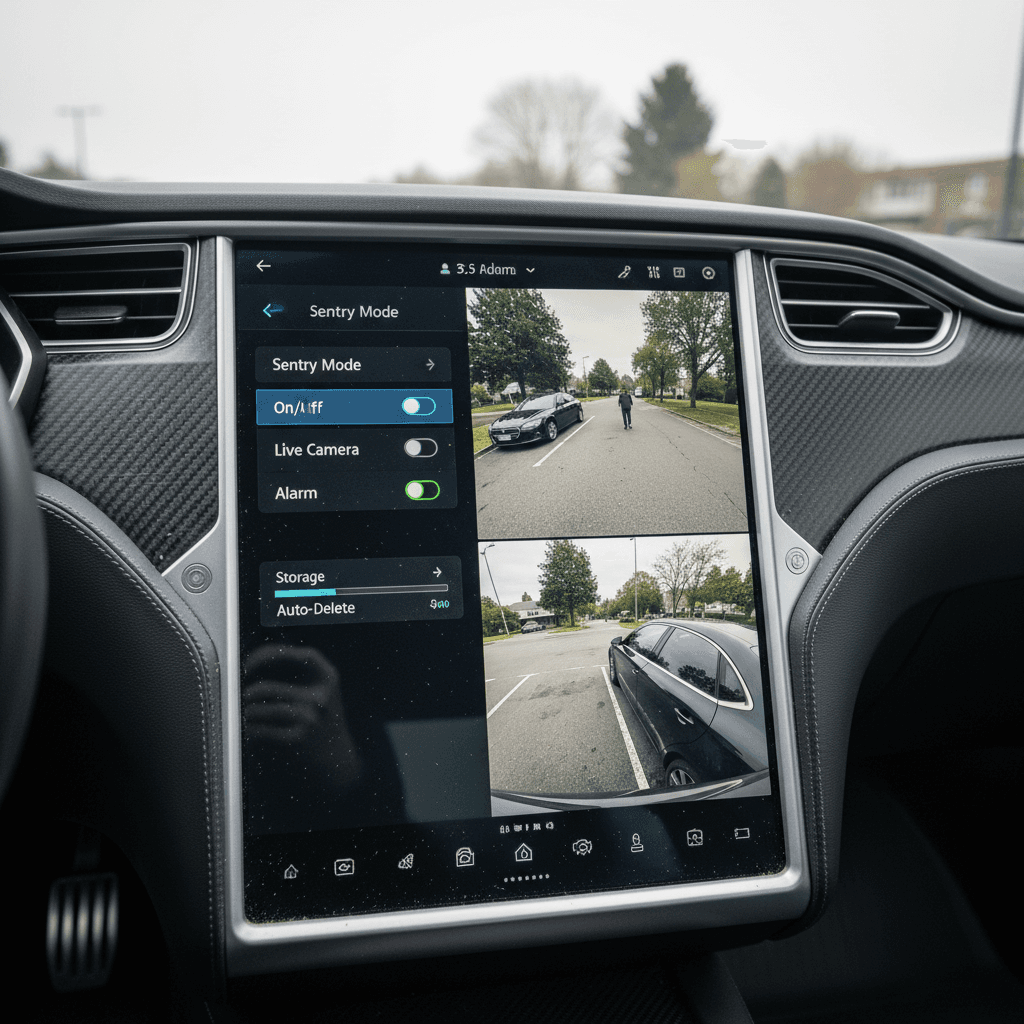
Dog Mode vs. Camp Mode vs. Keep Climate On
Tesla now has several ways to keep climate running while parked. They all draw from the same battery, but are meant for different use cases and change how obvious things look from the outside.
Tesla climate modes while parked
All three modes ultimately use similar amounts of energy at a given temperature, the differences are in behavior and presentation, not raw efficiency.
| Mode | Intended use | Screen behavior | Doors & locks | Typical battery drain |
|---|---|---|---|---|
| Dog Mode | Short stops with pets inside | Large dog graphic, message, and interior temperature shown to passersby | Car stays locked; you exit with key/phone | ~1–3% per hour in moderate–hot weather; more in extreme heat or cold. |
| Camp Mode | People staying in the car (sleeping, working, watching Netflix) | Normal interface with ‘Camp’ status; screens can stay on for media | Doors can be opened from inside; car can stay unlocked if you choose | Similar to Dog Mode for HVAC, but extra drain from screens and devices. |
| Keep Climate On | General climate use while parked (no special messaging) | Standard climate display; no pet‑specific message | You can leave it on when running a quick errand or waiting | Energy use essentially the same as Dog Mode at the same set temperature. |
Choose the mode that matches your situation; battery drain primarily depends on temperature, not which mode you pick.
Is Dog Mode less efficient than Camp Mode?
Best practices for using Dog Mode safely
Dog Mode safety and battery checklist
1. Start with plenty of charge
Aim to have at least <strong>50–60% battery</strong> before using Dog Mode away from home or a charger. This protects both your pet and your remaining driving range.
2. Set a conservative temperature
Use a comfortable but not extreme cabin setpoint (for example, 68–72°F). Cranking the temperature down to 60°F on a 100°F day forces the compressor to run constantly and increases battery drain.
3. Park in shade and use sunshades
A simple windshield shade and roof sunshade can meaningfully reduce how hard the HVAC system has to work, especially in Model 3/Y with large glass roofs.
4. Stay close and check the app frequently
Think of Dog Mode as a tool for <strong>short errands</strong>, not leaving your dog while you watch a full game or movie. Check cabin temperature and battery level in the Tesla app every 10–15 minutes.
5. Avoid Dog Mode near the 20% threshold
If your battery is under ~40% and you’re not parked at home or near a charger, look for alternatives: bring your dog inside, adjust your plans, or charge first.
6. Have a backup plan
Assume the unexpected can happen: a software bug, a blown HVAC fuse, poor connectivity. Let someone with you know to check the car if your phone loses signal, and don’t use Dog Mode where you can’t get back quickly.
When Dog Mode shines
Planning a trip: Dog Mode and your remaining range
Where Dog Mode battery drain really matters is on road trips. You’re already planning around Superchargers and arrival state of charge; leaving climate running for your dog during breaks is another load you need to budget for.
A simple planning example
You’re driving a Model Y Long Range on a summer day, headed to a Supercharger 120 miles away. You plan one 45‑minute lunch stop with your dog in the car on the way.
- At highway speeds, you expect around 260 Wh/mi, so 120 miles ≈ 31 kWh.
- You start at 80% on a 75 kWh pack (about 60 kWh usable).
- You budget 31 kWh for driving, leaving ~29 kWh (≈ 38–40%) as buffer.
- Dog Mode for 45 minutes at 2%/hr uses ~1.5–2% of that.
In other words, Dog Mode is a small but real slice of your energy budget, worth planning for, but not a deal‑breaker if you start with enough charge.
When Dog Mode can strand you
Problems show up when you stack Dog Mode time onto an already tight arrival SOC. For example:
- You arrive at a hiking trail with 40% battery, planning to reach the next charger with 15–20%.
- You run Dog Mode for 3 hours on a hot day while you’re out on the trail.
- At 3%/hr, that’s ~9% of your pack, most of your driving buffer.
In that scenario, you could easily end the hike with less than 20% remaining and a stressful, low‑margin drive to the next charger. Better to bring your dog with you, find dog‑friendly activities, or charge first.
Watch for hidden drains on top of Dog Mode
Used Tesla buyers: what Dog Mode use means for battery health
If you’re shopping for a used Tesla, especially as a pet owner, Dog Mode is part of the ownership story. The good news: occasional Dog Mode use is not harmful to the battery on its own. What matters is long‑term charging habits, average state of charge, temperature exposure, and total mileage.
- Short Dog Mode sessions at reasonable temperatures are just normal HVAC use and have negligible impact on long‑term degradation.
- Problems arise if a previous owner habitually left the car at very high or very low states of charge in extreme heat, regardless of Dog Mode.
- Frequent deep discharges (running close to 0%) combined with high temperatures are harder on the pack than Dog Mode itself.
How Recharged helps you understand battery history
If you’re comparing multiple used Teslas, pay attention to remaining range at a given percentage and any available service history related to the HVAC system. A healthy pack and properly functioning climate system are both essential if you plan to rely on Dog Mode regularly.
Tesla Dog Mode battery drain: FAQ
Common questions about Tesla Dog Mode battery drain
Tesla Dog Mode is one of the best real‑world examples of how software can make EV ownership more humane and convenient, but it still has to obey the laws of physics. Every minute your dog relaxes in a climate‑controlled cabin, that comfort is coming from your high‑voltage battery. By understanding how Tesla Dog Mode battery drain really works, building generous safety margins into your range planning, and choosing a used Tesla with verified battery health, you can keep both your pet and your peace of mind fully charged.