If you bought, or are eyeing, a Tesla Cybertruck, the battery pack is the most expensive component you’ll ever own. Knowing how to maximize Tesla Cybertruck battery life isn’t just a science project; it’s the difference between confident long-term ownership and worrying about future range loss and resale value.
Big picture
Why Cybertruck battery health matters
The Cybertruck’s battery isn’t just big; it’s heavy, complex, and central to how the truck performs. A few reasons to take battery health seriously:
- Range and towing confidence: As usable capacity drops, so does your real‑world range, especially noticeable when towing or in cold weather.
- Resale value: Buyers of used electric trucks scrutinize battery health reports the way shoppers used to check engine compression tests.
- Total cost of ownership: A well‑cared‑for pack delays or avoids a five‑figure battery replacement and helps you keep the truck longer.
Good news for owners
Tesla Cybertruck battery basics in plain English
Underneath the stainless steel body, the Cybertruck uses a large lithium‑ion battery pack made up of thousands of cells and controlled by a battery management system (BMS). You’ll see three concepts come up again and again:
Core Cybertruck battery concepts
Understanding these terms makes the rest of this guide much easier.
State of Charge (SoC)
How “full” the battery is, shown as a percentage. Cybertruck will happily drive at 90–100%, but living there every day can stress the pack over the long term.
Depth of Discharge (DoD)
How much of the pack you regularly use. Cycling from 20–80% is gentler than running 0–100% every day.
Thermal management
Chemistry likes moderate temperatures. Extreme heat and cold make the BMS work harder, slow charging and can accelerate aging over time.
Don’t chase 100% daily
Daily charging habits that maximize Cybertruck battery life
If you change nothing else, optimize your daily charging routine. That’s where most owners either quietly protect their pack, or quietly abuse it.
Daily Cybertruck charging habits that help the battery last
1. Set a sane daily charge limit
For most drivers, a daily limit of <strong>70–80%</strong> is a sweet spot between range and longevity. If your commute is short, 60–70% is even easier on the pack. Save 90–100% for road trips and heavy towing days.
2. Avoid letting SoC sit near 0%
Occasionally dipping into low single digits won’t kill the truck, but don’t make a habit of parking for hours or days near 0–5%. Try to plug in once you’re under ~20% when convenient.
3. Charge more often, smaller bites
It’s easier on the battery to top up from 40–70% or 30–80% regularly than to bounce between 0% and 100%. Think of it as keeping the truck in a comfortable middle band.
4. Schedule charging to finish near departure
Use scheduled departure or scheduled charging so the Cybertruck finishes charging shortly before you leave in the morning. That minimizes time spent at higher SoC and preconditions the cabin and pack using grid power.
5. Prefer home Level 2 over constant fast charging
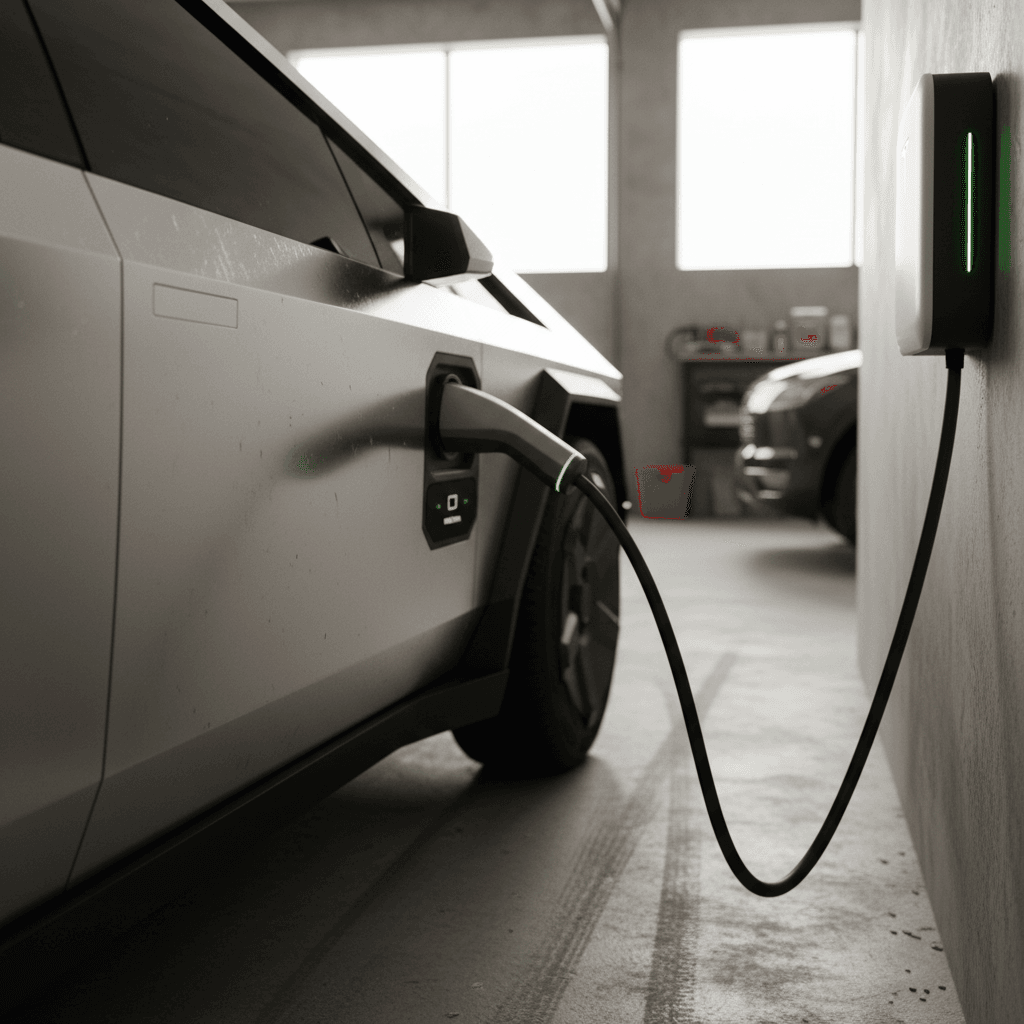
Home AC charging at 32–48 amps is gentler than DC fast charging. Use Superchargers when you need them; rely on home charging for the bulk of your miles.
6. Keep the adapter and charge port clean
For owners in dusty or snowy regions, occasionally inspect the charge port and connector. A quick wipe can help maintain efficient charging and avoid mis‑connects.
Apartment or no home charger?
Using Superchargers and fast charging without wrecking the pack
The Cybertruck is built to handle high‑power DC fast charging, and road trips are part of the point of owning an electric truck. The key is how often, and how you use it.
Fast‑charging your Cybertruck: do’s and don’ts
Use this as a quick decision tool when you pull into a Supercharger or other DC fast charger.
| Scenario | Recommended Action | Why it Matters |
|---|---|---|
| Road‑tripping once a month | Use Superchargers freely, but stop around 70–80% | Last 20–30% charges slowly and adds more stress with little range gain |
| Daily commuting near lots of DC fast chargers | Prefer home or workplace Level 2; keep DCFC for occasional needs | High battery temps and high SoC from daily fast charging can accelerate degradation |
| Arriving with warm battery at 10–20% | Charge immediately up to your next stop target (often 60–80%) | Best combo of charge speed and pack stress |
| Arriving with cold battery in winter | Use preconditioning and expect slower speeds | The BMS protects itself but you’ll wait longer; don’t worry, this is normal protection behavior |
Occasional fast charging is fine; constant fast charging as your primary energy source accelerates wear.
Avoid the “fast charger as gas station” mindset
Driving habits that protect range, especially in a heavy truck
With its weight and power, the Cybertruck can swing from efficient cruiser to energy hog depending on how you drive it. That affects not only today’s range but how often you need to charge, which indirectly affects long‑term battery life.
Driving habits that help your Cybertruck’s battery go farther
Small changes add up, especially at highway speeds.
Tame the acceleration
Launch mode is fun, but repeated full‑throttle sprints draw huge power and create heat. For daily driving, smooth starts and moderate acceleration keep energy use in check.
Watch your speed
Aerodynamic drag climbs quickly above ~65 mph. Cruising at 70–75 instead of 80+ can save meaningful range and reduce how often you need to charge.
Lighten the load when you can
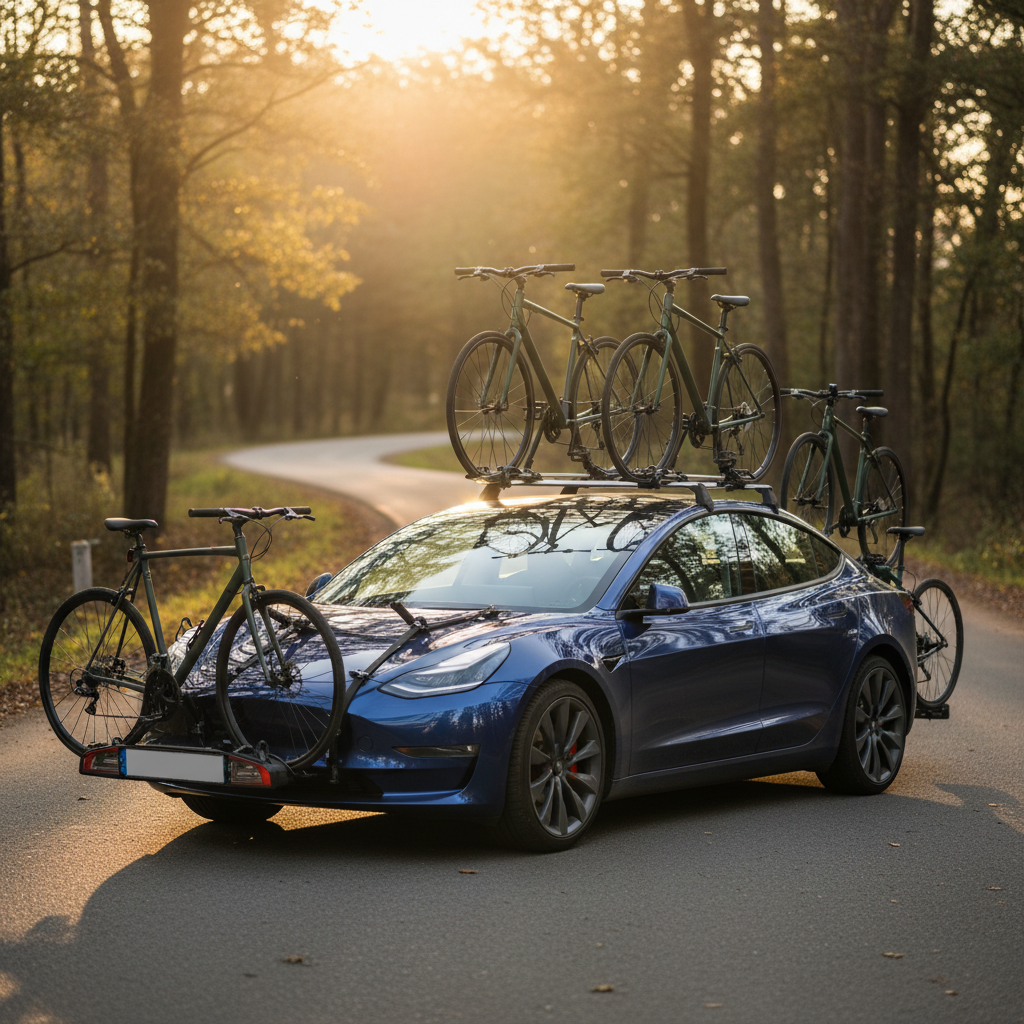
Roof racks, bed racks, unnecessary cargo and aggressive all‑terrain tires all eat into range. Keep them for when you need them, not as permanent decorations.
- Use Chill or a softer acceleration profile for daily commuting when you don’t need maximum performance.
- Take advantage of regenerative braking and one‑pedal driving instead of hard friction braking whenever possible.
- Use navigation with energy routing on longer drives so the truck preconditions the battery and sets efficient speeds for Supercharger hops.
Towing, hauling and the range hit: how to manage it
Any electric truck takes a major range hit when towing a trailer or hauling heavy payloads, and Cybertruck is no exception. That doesn’t mean you’re abusing the battery; it just means you need to plan and charge smarter.
Plan around reduced range
- Depending on trailer shape and weight, expect 30–50% less range compared with driving empty.
- Use the truck’s built‑in towing profiles so it can better estimate consumption.
- Plan more frequent, shorter Supercharger stops instead of stretching to very low SoC.
Protect the battery while working it hard
- Avoid charging straight to 100% before a long descent while towing; leave room for regen.
- In hot weather, give the truck a brief cooldown period after long grades or hard towing before immediately fast charging.
- Don’t worry about occasional heavy‑use days, it’s the pattern over years that matters, not a single vacation trip.
Use trip energy prediction
Temperature, climate control and storage tips
Heat and cold are silent range killers for every EV, and Cybertruck’s large pack is no different. The BMS protects the battery, but your habits can make its job much easier.
Temperature tips for maximizing Cybertruck battery life
Think about both where you park and how you heat or cool the truck.
Avoid extreme heat
Whenever possible, park in shade or a garage during hot summers. High pack temperatures plus high state of charge accelerate aging. If you must park in direct sun, consider a slightly lower daily charge limit.
Be smart in winter
Cold reduces immediate range but doesn’t permanently damage the pack. Use scheduled departure and preconditioning while plugged in so the cabin and pack warm up on grid power instead of battery power.
Storing the truck
For multi‑week storage, aim for 40–60% SoC and park in a temperate environment. Avoid leaving it at 100% or near empty for weeks on end.
Watch cabin overheat protection impact
Key Cybertruck software settings for battery longevity
Tesla’s software gives you several levers that directly affect battery life and usable range. Spend a few minutes dialing in these settings and you’ll reap benefits for years.
Recommended Cybertruck software settings
These settings balance everyday usability with long‑term battery health.
| Setting | Recommended Use | Battery Impact |
|---|---|---|
| Daily charge limit | Set 70–80% for most drivers; lower if your routine allows | Reduces time spent at high SoC, slowing long‑term degradation |
| Scheduled departure/charging | Enable for weekday mornings and regular commutes | Finishes charging near departure and preconditions pack/cabin on grid power |
| Climate control (Eco/Auto) | Use Auto with moderate temps; avoid max heat/cool unless necessary | Smooths power draw and limits peak HVAC load on the battery |
| Driving mode | Use Chill or normal acceleration profile daily; keep sportier modes for fun | Reduces peak current draw and associated heat |
| Battery preconditioning | Allow preconditioning before Superchargers in cold or very hot weather | Shortens charge times and reduces stress from charging a cold pack |
You can always override these recommendations during trips, towing days or emergencies.
How to check battery health on a used Cybertruck
If you’re shopping for a used Tesla Cybertruck, you’ll want more than a quick test drive. Battery health is central to pricing, financing and how confident you feel driving off the lot.
Used Cybertruck battery‑health checklist
1. Compare displayed range to original specifications
At 100% charge (or by extrapolating from a known SoC), compare the displayed estimated range to what a new Cybertruck of that configuration offers. A modest drop over several years is normal; a drastic drop can be a red flag.
2. Review charging history if available
Ask the seller how they typically charged, home Level 2 vs. constant DC fast charging, daily charge limit, and whether the truck was stored long periods at 100% or near 0%.
3. Look for battery‑related alerts
Check for any on‑screen warnings, service history, or app notifications related to the high‑voltage battery, charging faults, or sudden range drops.
4. Ask for a third‑party battery health report
Specialized diagnostics can read deeper battery data than the dash shows. At <strong>Recharged</strong>, every electric vehicle comes with a <strong>Recharged Score</strong> and verified battery health report so you can see how the pack is really performing.
5. Test real‑world efficiency on a known route
On a test drive, reset trip meters and drive a set loop at realistic speeds. Compare energy use (Wh/mi) and projected range to expectations for that configuration.
6. Consider climate and use case history
A truck that lived its life fast‑charging in the desert and towing heavy trailers will age differently than one that commuted gently in a mild climate. Price and expectations should reflect that.
Where Recharged fits in
FAQ: Tesla Cybertruck battery life and range
Frequently asked questions about Cybertruck battery life
Bottom line: Getting the most from your Cybertruck battery
The Tesla Cybertruck’s battery is engineered to handle real‑world abuse, fast charging, towing, heat, cold and everything in between. But like any high‑value component, the way you use it over thousands of cycles matters. Keeping daily SoC in a moderate band, favoring home Level 2 charging, being thoughtful about temperature and fast‑charging only when you truly need it can noticeably extend its useful life.
If you already own a Cybertruck, you don’t need to overhaul your life. Start with a healthier charge limit, set up scheduled charging and learn how your truck behaves in your climate and use case. And if you’re exploring a used Tesla Cybertruck or another used EV, working with a retailer that puts battery health and transparent pricing at the center of the deal, like Recharged, can make the difference between a confident purchase and a risky bet.