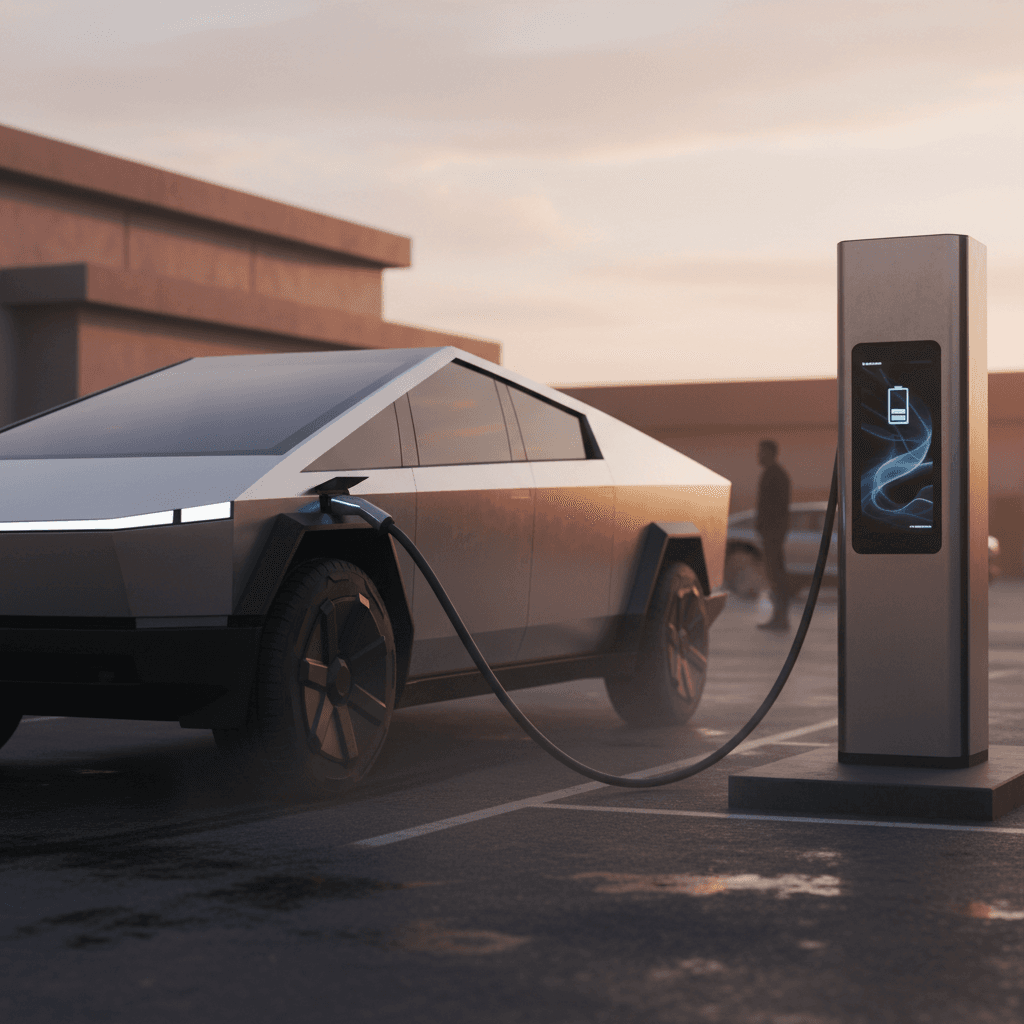
If you’ve been eyeing Tesla’s stainless‑steel pickup, you’ve probably also searched for a Tesla Cybertruck charging speed test. Spec sheets talk about 320+ kW peaks and “hundreds of miles in 15 minutes,” but what matters is how quickly you can get back on the road in the real world, especially with a big truck and a big battery.
Why charging tests matter
Cybertruck charging speed: overview of the numbers
Headline Cybertruck charging stats
Tesla’s own guidance and independent testing line up on a few key points. The Cybertruck’s 800‑volt pack can briefly pull over 300 kW on the newest V4 Superchargers, but average power over an entire 10–80% session is much lower, typically around 150–160 kW. That’s still competitive with, and often quicker than, other electric pickups, thanks in part to Tesla’s dense Supercharger network and smart routing.
Claimed vs tested speeds
Battery and charging hardware: what the Cybertruck is working with
To understand any Cybertruck charging speed test, you first need to know what’s under the skin. The production Cybertruck uses an 816‑volt structural battery pack built around Tesla’s 4680 cells, with roughly 123 kWh of usable capacity in dual‑ and tri‑motor trims. That high system voltage is what allows it to hit those eye‑catching 300+ kW DC numbers on the right hardware.
DC fast charging
- NACS charge port (Tesla’s connector) standard.
- Optimized for V3 and V4 Superchargers.
- Real‑world peaks around 320–325 kW at select V4 sites.
- Typical peaks 250–300 kW on older/high‑usage sites.
- Can also use third‑party CCS DC fast chargers with the proper adapter and pack “split” to work on 400‑volt hardware.
AC home and destination charging
- Onboard charger up to 11.5 kW (48 amps at 240 V).
- Works with Tesla Wall Connector or other NACS Level 2 solutions.
- Roughly 30–35 miles of range per hour on a 48‑amp circuit.
- Level 1 (120 V) is possible but very slow for a pack this large; think emergency use only.
Think in “average kW,” not just peak
Real‑world Tesla Cybertruck charging speed tests
Independent outlets have now taken the Cybertruck from low state of charge on public DC fast chargers and recorded both power and range added. When you look across those tests, a clear pattern emerges: the Cybertruck comes out of the gate very strong, then tapers fairly aggressively after the first 10–15 minutes.
Summary of notable Cybertruck charging speed tests
These public tests help set expectations for how long you’ll actually sit at a charger.
| Source / Setup | Peak Power Seen | Energy Window Tested | Session Time | Range Added (Highway est.) |
|---|---|---|---|---|
| MotorTrend dual‑motor test on Tesla Supercharger | ≈249 kW early in session | ≈5–55% | ~30 min to add bulk of usable range | ≈146 miles added in 30 min vs ~158 miles for a comparable Rivian R1T |
| Owner test at V4 Supercharger (select site) | ≈320–325 kW peak | ≈8–80% | ≈35 min from 8–80% | Over 30% state of charge added in about 10 min |
| Typical V3 Supercharger session (various owners) | ≈250–280 kW peak | ≈10–80% | ≈35–40 min | ≈130–150 miles added from 10–80% depending on trim and driving speed |
Times and numbers are approximate and depend heavily on temperature, station capability, and starting state of charge.
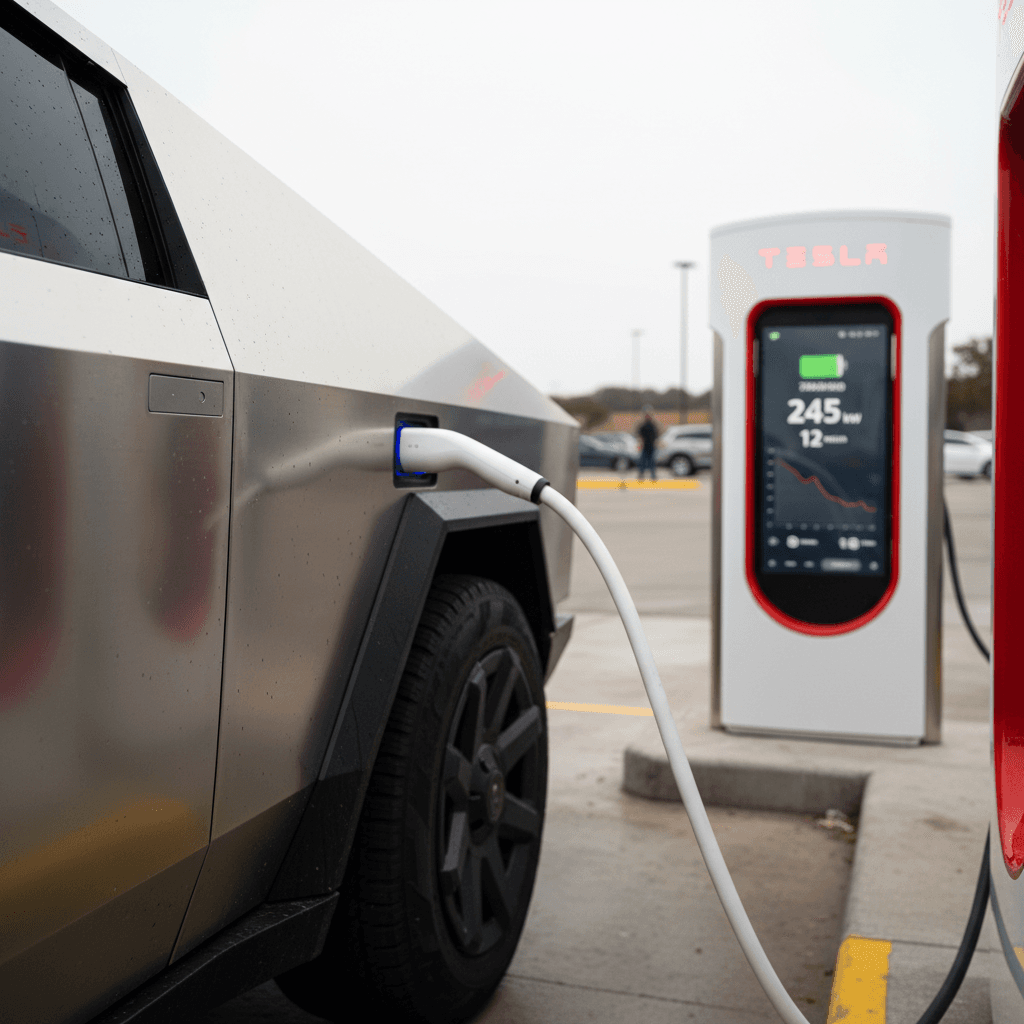
These results back up what you feel behind the wheel: from a very low state of charge, the Cybertruck grabs energy quickly and can give you a useful 100–150 miles in a short coffee stop. If you stay on the charger deep into the pack, past ~70–80%, power falls dramatically and your time per mile added starts to climb.
How long does it really take to fast charge a Cybertruck?
When shoppers search for a Tesla Cybertruck charging speed test, what they really want is a plain‑English answer: how long do I sit at the charger? Here’s what typical real‑world numbers look like if you arrive at a capable Supercharger with a warm battery and minimal line‑sharing.
Typical DC fast‑charge times for Cybertruck
Assuming a warm pack, strong Supercharger, and highway‑style driving between stops.
10–50%
~15–20 minutes
This is where the truck charges fastest. A great window for quick “splash and dash” stops on a road trip.
10–80%
~35–40 minutes
The most common long‑stop window. Average power drops after ~60%, so the last 20% takes a disproportionate share of time.
10–100%
50+ minutes
Going to 100% is rarely worth it on a road trip unless chargers are extremely sparse or you need max range for towing.
Arriving with a cold battery can double your stop
Cybertruck charging speed vs Ford F‑150 Lightning and Rivian R1T
In a vacuum, the Cybertruck’s charge curve is only half the story. What matters is how it stacks up against rivals. Multiple comparison tests have now fast‑charged the Cybertruck alongside the Ford F‑150 Lightning and Rivian R1T on the same DC hardware.
Cybertruck vs F‑150 Lightning vs Rivian R1T: DC fast‑charging snapshot
High‑level overview of how the three main electric pickups behave on a DC fast charger.
| Truck | Peak DC Power | Typical 10–80% Time | Highway Range Added in 15–30 min | Network Access |
|---|---|---|---|---|
| Tesla Cybertruck (AWD / Cyberbeast) | ≈250–325 kW depending on Supercharger version | ≈35–40 min | ≈135 miles in 15 min; ≈140–150 miles in 30 min | Full native access to Tesla Supercharger network plus CCS via adapter |
| Ford F‑150 Lightning (extended pack) | ≈150 kW | ≈40–45 min | ≈40–55 miles in 10 min; ≈120–130 miles in ~40 min | CCS fast‑charging network; NACS port on newer trucks for Supercharger access |
| Rivian R1T (dual‑motor Max Pack) | ≈200–220 kW currently, higher promised in updates | ≈30–40 min | ≈140 miles in 20–30 min when conditions are ideal | CCS fast‑charging; NACS coming via adapter/port on future models |
Figures are approximate and based on independent testing plus manufacturer claims where tests are not yet available for every combination.
The upshot is that the Cybertruck is one of the quickest‑charging electric pickups on the market today, especially in the first 10–20 minutes of a session. The Rivian R1T can match or beat it over a full 30‑minute window thanks to a flatter charging curve, while the F‑150 Lightning tends to lag both in peak speed and energy added per minute. Where Tesla still holds a major advantage is the density and reliability of the Supercharger network, which often matters more than raw kilowatts.
Tesla’s quiet advantage: the network
Home charging speeds: overnight practicality
Fast‑charge results get all the headlines, but most Cybertruck energy will still come from your home charger. With an onboard 11.5 kW AC charger, the truck can add a meaningful amount of range overnight as long as you have a robust Level 2 setup.
Typical Cybertruck home charging scenarios
1. 48‑amp Level 2 (Tesla Wall Connector)
On a dedicated 60‑amp, 240‑volt circuit, you’ll see up to 11.5 kW. That’s roughly 30–35 miles of range per hour. Arrive home at 20% after a long day and you’ll be back near full well before morning.
2. 40‑amp Level 2 (dryer‑style outlet)
If you share a circuit or use an adapter on something like a NEMA 14‑50, expect around 25–30 miles of range per hour. That’s still plenty for most daily driving, even in a big pickup.
3. 120‑volt Level 1
Technically possible, but impractical for anything beyond very light use. You’re looking at just a few miles of range per hour, which can’t keep up with typical truck‑owner mileage.
4. Load‑limited or shared circuits
If your panel is tight, you can still own a Cybertruck, but you’ll want to manage charging current carefully and maybe accept slower overnight speeds until you can upgrade the service.
Thinking about home charging with a used Cybertruck?
5 factors that will change your Cybertruck charging speed
- State of charge (SOC) – The lower you are when you plug in, the higher the power and the more miles you add per minute, especially below ~20–30%.
- Charger hardware – A V4 Supercharger capable of ~325 kW will beat an older or shared‑stall V3 site, which may top out around 250 kW or less in practice.
- Battery temperature – Cold packs charge slowly. Use the in‑car navigation to a Supercharger so the truck can precondition the battery on the way.
- Sharing a Supercharger post – If you’re on an older paired‑stall site and someone is using the other half, your truck may see significantly reduced power.
- Towing and payload – Heavy loads build heat and can change how the battery management system treats charging; long highway towing runs also leave you arriving with less remaining range.
Winter hurts every EV’s charging speed
Road‑trip strategy: getting the most from Cybertruck charging
Once you understand the charge curve, you can plan your stops to minimize total travel time. With the Cybertruck, the winning formula is simple: arrive low, don’t linger high.
Smart Cybertruck road‑trip charging strategy
Designed around the way the truck actually charges, not just the marketing brochure.
Aim for 10–60% “hops”
Instead of charging from 20% all the way to 90%, consider shorter, more frequent stops from ~10–60%. You’ll sit in the high‑power part of the curve more often and can usually shave time off a long day.
Time stops around real breaks
The Cybertruck can add a useful chunk of range in about the same time it takes you to use the restroom and grab a coffee. Let the truck guide you to stops with food, restrooms, and good lighting so you’re productive while it charges.
Use built‑in trip planning
Tesla’s in‑car route planner is very good at routing you through Superchargers that match your battery level, elevation, and weather. Trust its suggested stops as a baseline, then adjust if you prefer different food or rest schedules.
Don’t chase 100% unless you need it
For most trips, stopping more often but only to 60–70% saves time vs sitting to 95–100%. The exceptions are very sparse charging corridors or segments where you’ll be towing long distances at high speed.
If you’re shopping a used Cybertruck: what to look for in charging behavior
Because the Cybertruck is still relatively new, most examples on the used market have limited miles, but how they’ve been charged and driven still matters. If you’re considering a used Cybertruck through a digital retailer like Recharged, it pays to think beyond paint and tires and look closely at charging health and behavior.
Charging‑focused checks for a used Cybertruck
1. Verify DC fast‑charging history
Ask the seller or dealer how often the truck has been Supercharged. Occasional DC fast charging is expected; heavy, daily DC use for years could accelerate degradation vs mostly home Level 2 charging.
2. Look for realistic range at various SOC levels
On a test drive, compare the truck’s indicated range at 80–90% to Tesla’s original estimate for that trim. A modest gap is normal; a huge gap can indicate battery health or calibration issues.
3. Check charge‑rate behavior on a test Supercharger visit
If you can, perform a short fast‑charge test from a low state of charge. You’re not just looking at the peak number, but whether power ramps and holds in a way that matches other owner reports for the same conditions.
4. Review vehicle software and service history
Tesla pushes frequent firmware updates that can adjust charge curves. Confirm the truck is on current software and review service records for any high‑voltage system work.
5. Use third‑party battery health diagnostics when available
At Recharged, every vehicle includes a Recharged Score Report with verified battery health. For a big‑pack truck like the Cybertruck, that kind of independent diagnostic is invaluable for judging long‑term value.
How Recharged can help
Ready to find your next EV?
Browse VehiclesTesla Cybertruck charging speed test: FAQ
Common questions about Cybertruck charging speed
Bottom line: is the Cybertruck a fast charger?
Viewed through the lens of independent Tesla Cybertruck charging speed tests, Tesla’s truck delivers on most of its fast‑charging promise, especially in the first 10–20 minutes of a stop. The 800‑volt pack and strong Supercharger integration let it gulp down energy quickly from low state of charge, and its real‑world 10–80% times are competitive with or better than other electric pickups.
The catch is that, like every modern EV, the Cybertruck’s charge curve tapers hard as you climb past roughly 60–70% state of charge. If you treat it like a gas truck and always “fill to full,” you’ll spend more time than you need to at chargers. If instead you arrive low, leave early, and let the truck’s planner route you efficiently, it’s a capable long‑distance partner.
And if you’re looking at a Cybertruck or any other used EV pickup, make charging performance part of your evaluation. A transparent battery health report, like the Recharged Score, paired with fair pricing and EV‑savvy guidance, helps you buy with confidence, whether your priorities are fastest possible road‑trip stops or simply reliable overnight charging at home.