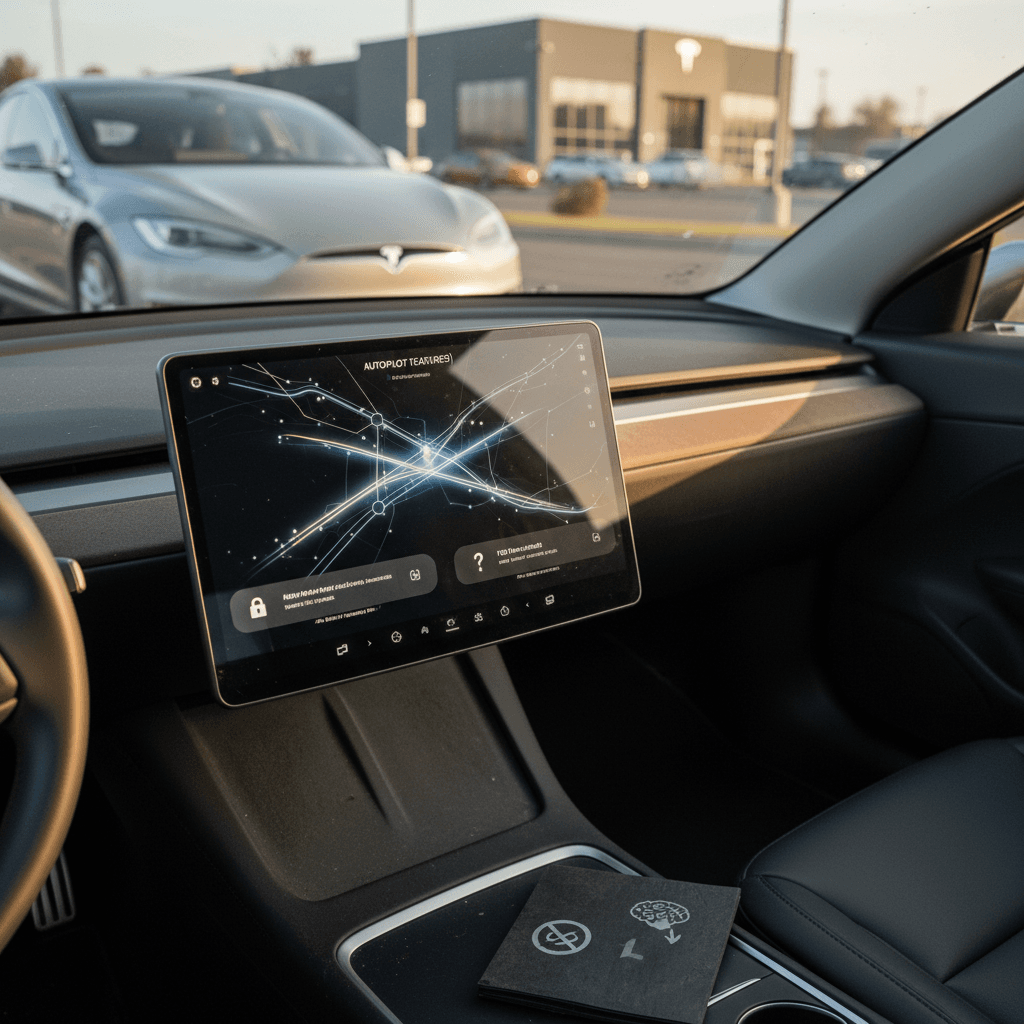
A used Tesla can display several different combinations of driver-assistance hardware, included software, and subscription eligibility. Those are separate questions, and terms such as Autopilot and Full Self-Driving shouldn’t be treated as interchangeable. Before paying extra, verify what is active on the exact vehicle, not what was generally available for its model year.
The software entitlement matters more than the badge
The decisive information is whether the specific Tesla shows a feature as included, available by subscription, or unavailable. Hardware compatibility alone doesn’t mean paid software comes with the car, and a seller’s use of “Autopilot” may not tell you which functions are active. Match the vehicle identification number to the software screen, listing, and purchase paperwork.
Use the following distinctions when reviewing a listing or inspecting a car. They describe the status you may encounter rather than promising that any package will remain attached under every transaction or account arrangement.
How to interpret the software status
The wording on the vehicle’s screen should guide your next verification step.
| Status | What you may see | What it means | Your next step |
|---|---|---|---|
| Included package | Shown as included | Present on that car | Confirm at handoff |
| Subscription access | Subscription available | Ongoing payment needed | Check current terms |
| Hardware-ready | Compatible computer listed | Software not included | Check package eligibility |
| Unclear or absent | No clear status | Assume nothing | Get written proof |
Software availability and terms can vary by vehicle.
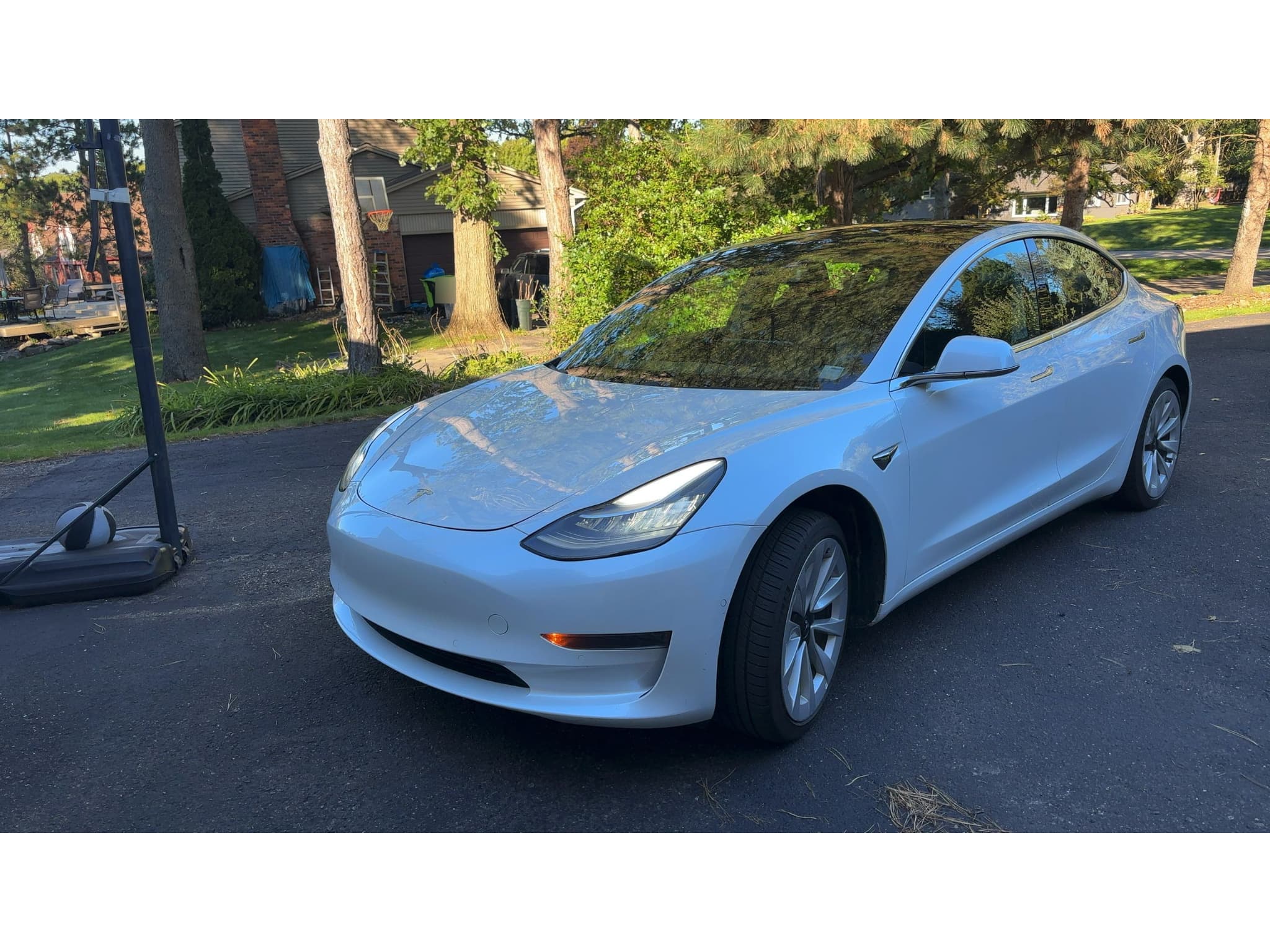
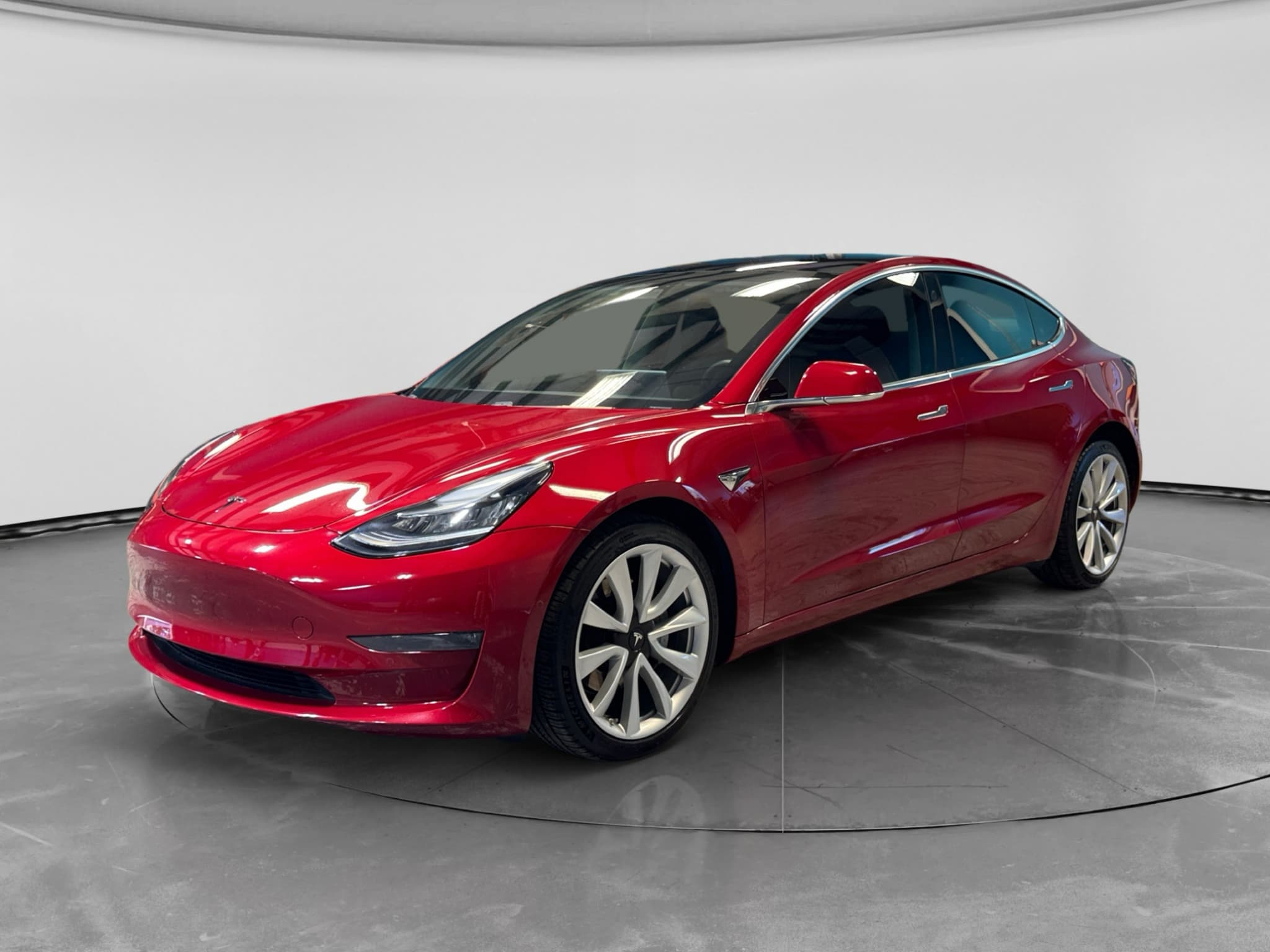
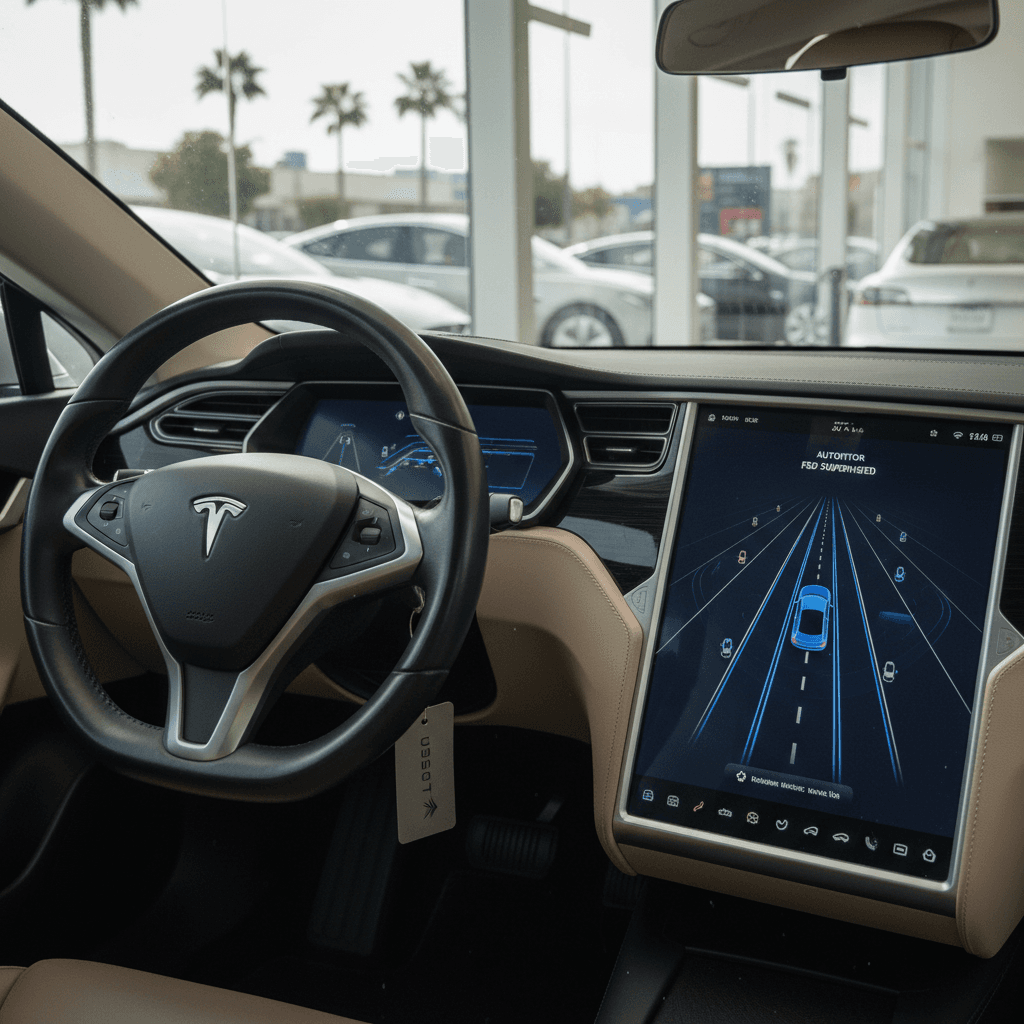
We’ve encountered both arrangements: one Model 3 displayed Full Self-Driving as included, while another had a compatible computer but required a subscription. That’s why we check the vehicle itself instead of making assumptions from the badge or model year.
How do you verify Autopilot before buying?
Verify the software on the car’s central screen immediately before purchase and support that inspection with written documentation. A listing screenshot or test-drive demonstration is useful, but it may not establish what remains active after the vehicle changes owners or accounts. This software check belongs alongside the broader used Tesla buying process, including condition, title history, charging, and battery health.
Used Tesla software checklist
Open the software screen
Record the exact feature names and whether the display says included, subscribed, available, or unavailable.
Match the exact vehicle
Make sure the screen, listing, and purchase documents all refer to the same vehicle identification number.
Separate hardware from software
A compatible computer may establish eligibility without including access to a paid software package.
Ask about subscriptions
Determine whether the demonstrated feature requires recurring payment through the buyer’s account.
Get the claim in writing
If included software affects your decision or price, have its status documented in the transaction paperwork.
Recheck at delivery
Confirm the display again after any account change, software update, reset, or ownership-transfer step.
Treat the screen as a current snapshot
What Recharged’s used-EV data adds
Recharged’s data shows why software status should be checked alongside battery condition and price, not used as a substitute for either. Across 2,242 Recharged Score battery inspections in the reviewed fleet, average tested remaining capacity was 93.9% of original capacity, while the median was 94.9%. Average tested real-world range was 266 miles and the median was 268 miles, but these are fleet-wide results rather than Tesla- or Autopilot-specific figures.
The reviewed snapshot also covered 417 EVs currently listed on Recharged, with asking prices from $12,996 to $146,998 and a median asking price of $30,997. That range reflects different vehicles, conditions, battery results, and equipment; it does not isolate a dollar premium for Autopilot or Full Self-Driving. The takeaway is simple: evaluate the software entitlement, verified battery health, and asking price as separate parts of the deal.
Recharged data
Used EV battery health
94%
avg remaining capacity
From Recharged battery inspections, not manufacturer estimates.
- Lowest
- 63%
- Median
- 95%
- Highest
- 100%
- Est. range
- 266 mi avg
- Cell balance pass
- 100%
- Quick charges
- 18 avg
- Slow charges
- 65 avg
Average cell imbalance: 7.3 mV
Based on vehicles Recharged tested
Recharged data
Used EV prices at Recharged
$30,997
median list price
Current list prices for matching inventory at Recharged.
- Lowest
- $12,996
- Average
- $34,803
- Highest
- $146,998
Average Recharged Score on these listings
4.8 / 5
Range
3.7 – 5.0
Based on available listings
Every EV is battery-tested with a Recharged Score. Nationwide delivery.
Does included software make a used Tesla worth more?
Included software can support a higher valuation only when its status is clear, documented, and useful to you. Don’t pay the same premium for subscription eligibility or compatible hardware that you would consider for a package represented as included. Because Recharged’s current listing data doesn’t isolate software-package pricing, there isn’t a defensible universal dollar amount to add.
Start by comparing the car with similarly equipped vehicles, then decide what the feature is worth for your driving. If you wouldn’t otherwise pay for the subscription or use the functions, an included package shouldn’t outweigh battery condition, accident history, tires, or overall price. A broader used-EV inspection checklist can keep an attractive software screen from distracting you from the rest of the vehicle.
Software status can change before delivery
The safest approach is to verify the status more than once because a demonstration and final delivery occur at different points in the transaction. Account changes, vehicle resets, updates, or revised terms may affect what appears or what requires payment. If a feature is central to the deal, pause the purchase when the screen and written documents don’t agree.
- Save a dated photo of the software screen.
- Confirm whether payment is one-time or recurring.
- Ask who controls the active subscription.
- Check the status again at final delivery.
- Keep software representations with the sales documents.
Instant offer, trade-in, or consignment. Pickup available.
Frequently asked questions
The bottom line
Buy the software status you can verify, not the package name you expected from the model year. Check the exact Tesla’s screen, distinguish included access from subscription eligibility, and put any material representation in writing. Then weigh that software against the Recharged Score battery report, vehicle condition, and fair market price.