If you drive a Subaru Solterra, or you’re thinking about buying one used, understanding how to check its battery health is critical. The traction battery is the most expensive component in the car, and a simple Subaru Solterra battery health check can tell you whether you’re looking at years of confident driving or an expensive headache down the road.
Good news for Solterra owners
Why Solterra battery health matters
Battery health determines how far your Solterra can go on a charge, how fast it charges, and ultimately what the vehicle is worth, especially on the used market. A pack that’s lost 5–10% of capacity is normal and usually barely noticeable in daily use. But once degradation creeps toward 20–30%, you’ll feel it in reduced range, more frequent charging, and lower resale value.
What battery health affects in your Solterra
Three areas every owner or buyer should pay attention to
Real‑world range
Your usable battery capacity in kWh is what really determines how many miles you get per charge, not just the EPA sticker number.
Charging experience
As batteries age or develop issues, DC fast charging can slow down and add 10–20 minutes to stops on long trips.
Resale value
On a used Solterra, a healthy pack supports a stronger price. Evidence of heavy degradation is a bargaining chip, or a reason to walk away.
Don’t rely on the guess‑o‑meter alone
Solterra battery basics and warranty limits
Before you start testing, it helps to know what Subaru actually built into the Solterra’s pack and warranty. That gives you a baseline for what “normal” looks like and when to worry.
Subaru Solterra battery quick facts
Subaru and Toyota (the Solterra shares hardware with Toyota’s bZ4X) intentionally hold back a chunk of capacity at the top and bottom of the pack. That buffer keeps you away from the most stressful states of charge and helps slow long‑term degradation. It’s a big reason you rarely see early Solterras with massive capacity loss unless something else has gone wrong.
Know your warranty threshold
Quick battery health check from the driver’s seat
You don’t need any tools to perform a first‑pass Subaru Solterra battery health check. Start with the simple signs you can see and feel every day from behind the wheel.
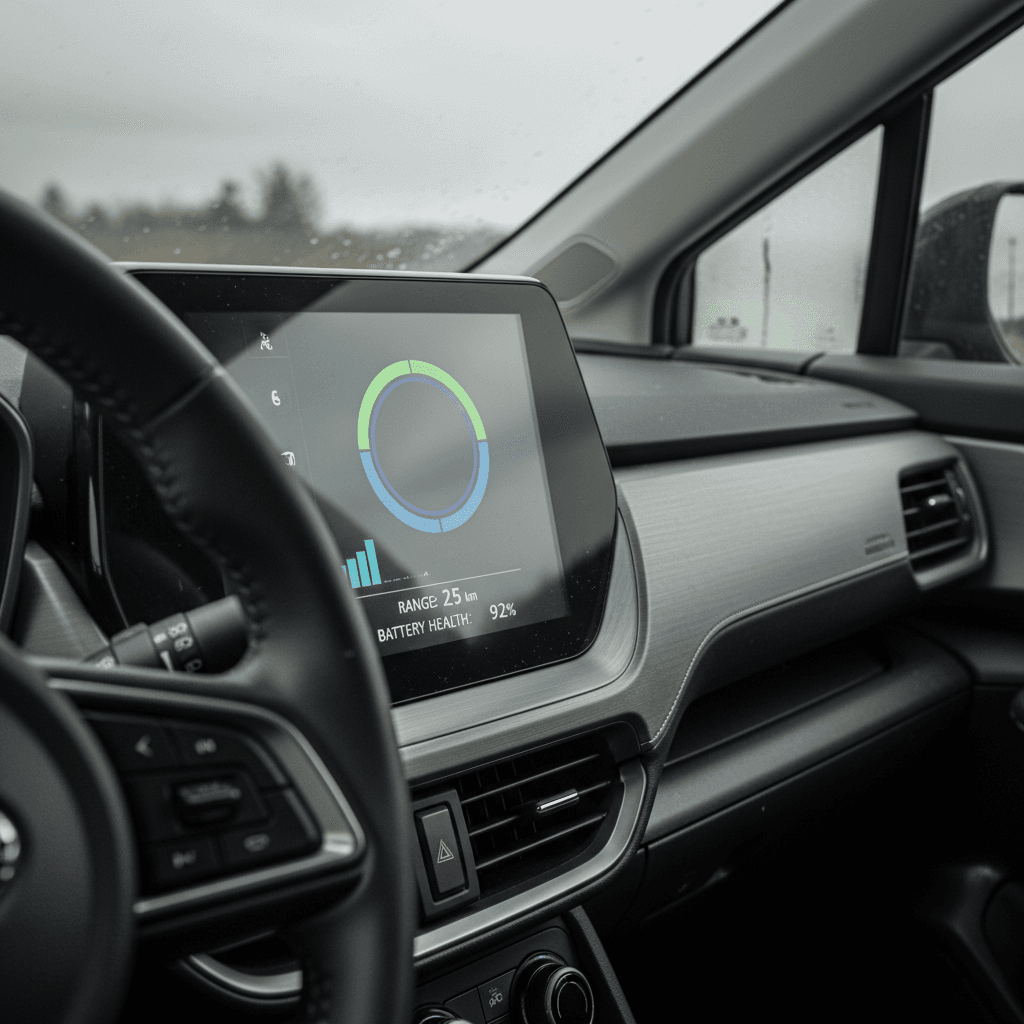
- Compare full‑charge range today vs. when new. If your Solterra showed roughly 220–230 miles new and now shows ~200 after similar driving patterns and weather, that’s only about 10–15% drop, usually normal after a few years.
- Watch how quickly the first and last 20% disappear. Some taper is expected at very high or very low states of charge, but if you’re burning through those segments unusually fast in mild weather, it may hint at lost capacity.
- Note DC fast‑charging times. Subaru advertises 10–80% in roughly 30–40 minutes under ideal conditions. If the same station now takes 60+ minutes to hit 80% on a similar day, it’s worth digging deeper.
- Pay attention to sudden range loss. A 5–10% seasonal swing in winter is normal. A persistent 20%+ drop in mild conditions, without changes in driving or tires, should trigger a more detailed check.
Weather vs. real degradation
Step‑by‑step range‑based health check
The most accessible way to estimate Subaru Solterra battery health, without plugging into any diagnostics, is to measure how many miles you actually drive from a near‑full charge to a controlled low state of charge, then compare with what the car did when it was new.
DIY Solterra range test (no tools required)
1. Pick a stable weather window
Choose a day between about 50–75°F (10–24°C), with dry roads and no extreme winds. Turn off roof boxes and use your normal wheels and tires.
2. Fully charge overnight on Level 2
Charge to 100% at home or on a Level 2 station. Let the car sit plugged in for 30–60 minutes after it hits 100% so the battery management system can balance cells.
3. Reset trip meter and drive normally
On departure, reset one of your trip meters. Drive a mix similar to your everyday use, don’t hypermile, but avoid aggressive sprints and triple‑digit speeds.
4. Stop around 10–15% state of charge
When the battery display reaches roughly 10–15%, note your trip distance and average efficiency (mi/kWh or kWh/100 miles). Don’t drive to absolute zero for this test.
5. Estimate usable capacity
Take total miles driven and divide by your average mi/kWh. For example, 170 miles at 3.0 mi/kWh implies about 56–57 kWh used from that 100–10% window.
6. Compare to expected usable kWh
A healthy Solterra usually has mid‑60s kWh usable. If you’re consistently seeing numbers in the low‑50s under mild conditions, that may indicate more meaningful degradation or unusual losses (like heavy HVAC use or mis‑calibrated state‑of‑charge readings).
This is an estimate, not a lab test
Using apps and OBD2 tools for deeper battery data
If you want more than ballpark estimates, you can pull data directly from the Solterra’s battery management system. This is especially valuable if you’re evaluating a used Subaru Solterra and want more than the seller’s word on range.
1. Subaru’s own tools
- Starlink / connected services app: Depending on region and software level, you may see battery status, charge history, and state of charge. It won’t show raw kWh, but it’s useful for verifying that the state of charge drops consistently with use.
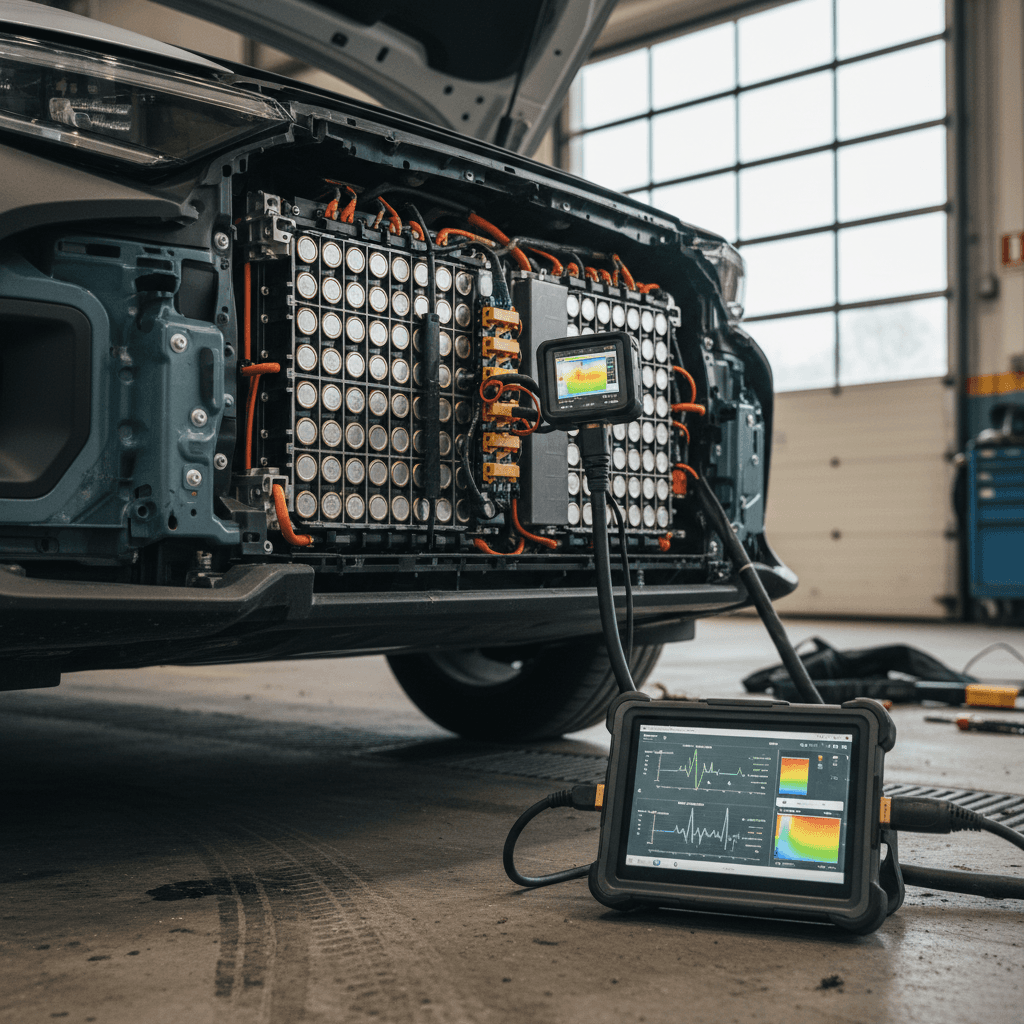
- Dealer diagnostic systems: Subaru dealers can run a high‑voltage battery test that looks at pack capacity, cell balance, and fault codes. This is typically part of more advanced service visits.
2. Third‑party OBD2 + apps
- OBD2 dongle: A quality Bluetooth OBD2 adapter plugged into the Solterra’s port can expose detailed pack data through apps like Car Scanner or EV‑specific tools.
- Useful metrics: Look for reported full‑charge capacity (Ah or kWh), pack voltage, individual cell voltages, temperature, and number of fast‑charge events.
- Compare against specs: New Solterras list rated capacity around 72–73 kWh and about 201 Ah. If your scan shows something dramatically lower, you’ll want a professional second opinion.
Be careful interpreting raw numbers
Red flags on a used Subaru Solterra
If you’re shopping used, a Subaru Solterra battery health check is just as important as the cosmetic walk‑around. Here’s what should make you slow down, or renegotiate, the deal.
Battery‑related red flags when buying used
Questions a smart buyer always asks, and verifies
No charging history
Seller can’t explain how they charged it (mostly DC fast vs. Level 2), or there’s no record of home charging patterns. Heavy fast‑charging isn’t an automatic dealbreaker, but it’s a risk factor.
Much lower range than expected
Even in mild weather with reasonable speeds, the car only shows ~160–170 miles at 100% and struggles to deliver more than 50–55 kWh over a deep discharge.
Battery or HV system warnings
Any history of high‑voltage, battery, or charging system warnings, especially if unresolved, should be investigated with a scan and likely a professional inspection.
What a healthy used Solterra looks like
At Recharged, every used EV we sell, including the Solterra, comes with a Recharged Score Report. That includes objective battery‑health diagnostics, real usable‑capacity estimates, and context on how that compares to similar vehicles, so you don’t have to decode raw scan numbers yourself.
How to protect your Solterra battery long‑term
Once you’ve confirmed your Solterra’s battery is in good shape, the next step is keeping it that way. The same habits that protect any modern EV pack apply here, and Subaru’s conservative tuning gives you a head start.
Daily habits that extend Solterra battery life
Simple changes that keep capacity loss slow and predictable
| Habit | Why it helps | Practical target |
|---|---|---|
| Avoid living at 100% | High state of charge stresses lithium‑ion cells if held for long periods. | Charge to ~80% for daily use; reserve 90–100% for trips. |
| Limit deep discharges | Running to near‑zero repeatedly can increase wear. | Try to stay between ~10–90% in normal use. |
| Prefer Level 2 over DC fast | Fast charging adds heat, which accelerates aging. | Use DC fast charging for trips; home Level 2 for day‑to‑day. |
| Keep the pack temperate | Extreme heat is worst; severe cold mainly hurts short‑term range. | Whenever possible, park in shade or a garage; pre‑condition in winter. |
| Software & service up to date | Battery management updates can improve longevity and charging behavior. | Ask your dealer to apply relevant TSBs and updates during service. |
You don’t need perfection, just consistent, battery‑friendly habits.
Think in percentages, not perfection
When to see a dealer or get a professional report
Some symptoms are worth watching; others justify getting your Solterra on a lift and on a scan tool as soon as you can. Here’s when it makes sense to escalate beyond DIY checks.
Signs you should get a professional battery assessment
Persistent, unexplained 20%+ range loss
In normal weather and with similar driving, you consistently see a major range drop versus earlier in the car’s life, even after tire, brake, and alignment checks.
Major slowdown in DC fast‑charging
A station and cable you’ve used before now takes dramatically longer to reach 80%, and this happens across multiple locations, not just one problematic charger.
Battery or HV system warnings
Any warning lights or messages related to the high‑voltage battery, charging system, or regenerative braking should be checked quickly, while diagnostic data is still stored.
OBD2 data that looks way off
An app reports very low full‑charge capacity (e.g., equivalent to far below 70% of original), or shows major cell‑voltage imbalances across the pack.
You’re buying a used Solterra remotely
If you’re purchasing from a distance, consider a third‑party inspection or a marketplace like <strong>Recharged</strong> that already includes a battery‑health report, so you’re not buying blind.
What a professional report should include
Subaru Solterra battery health FAQ
Common questions about Subaru Solterra battery checks
Bottom line on Solterra battery checks
The Subaru Solterra’s battery pack is designed to age gracefully, but it still pays to keep an eye on it. A structured Subaru Solterra battery health check, starting with simple range observations, then moving to OBD2 data or professional diagnostics when needed, gives you confidence that your SUV will deliver the range and reliability you expect for years to come.
If you’re shopping for a used Solterra, don’t guess. Look for vehicles with documented battery‑health information, clear charging history, and transparent range results. At Recharged, every EV we list includes a Recharged Score Report with verified battery diagnostics, fair‑market pricing, and EV‑specialist support, so you can focus on finding the right car, not worrying about what’s hidden in the pack.