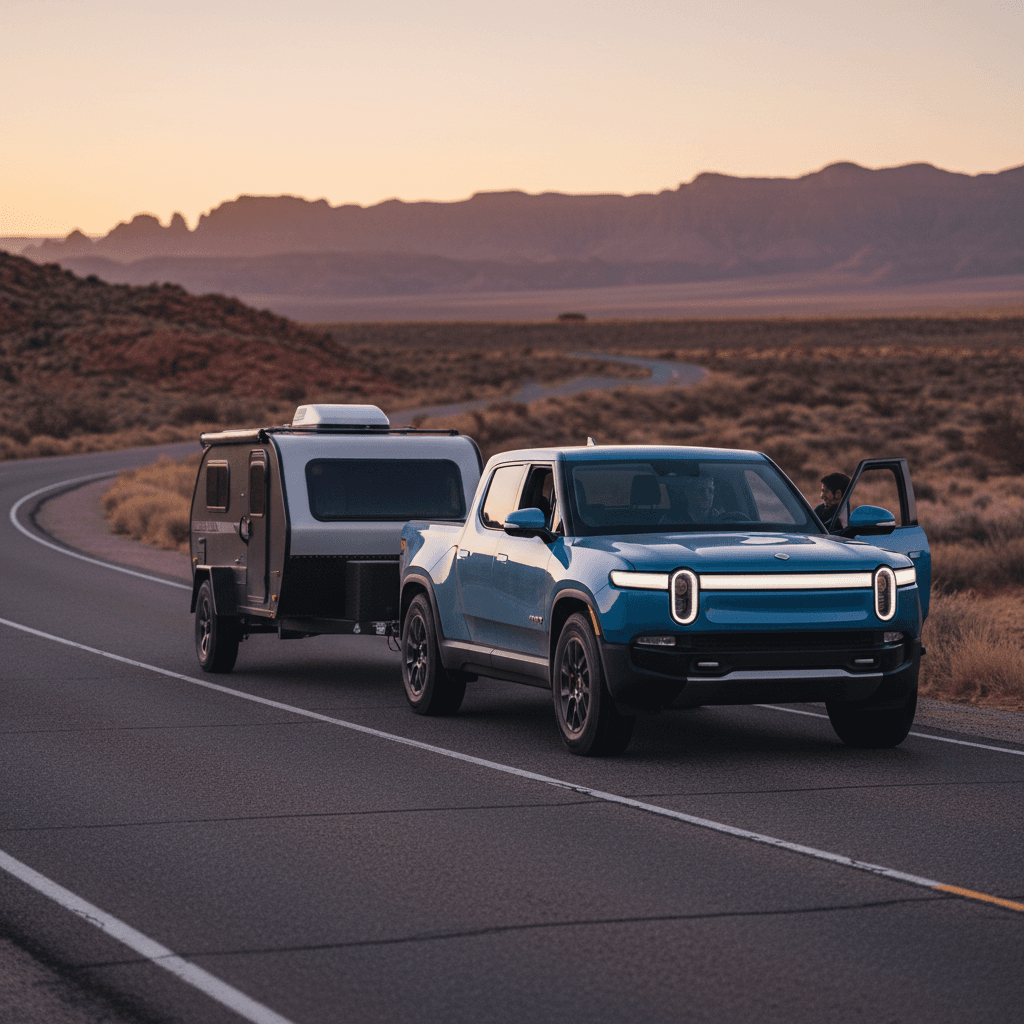
If you’re thinking about taking your Rivian R1T on a serious road trip, you’re not alone. Owners are using these trucks for cross‑country adventures, ski weekends, and towing campers. With the right long distance driving tips, the R1T can be a confident, comfortable, and surprisingly capable road‑trip rig.
EPA range vs. real‑world road‑trip range
Why the R1T makes a great road‑trip truck
Core strengths of the Rivian R1T on long drives
Why it’s a legitimately good road‑trip platform when you plan around its range
Comfortable, quiet cabin
The R1T’s air suspension and sound insulation make long highway days easier on you than in many gas trucks. Seats are supportive, there’s ample storage, and the big glass roof and high seating position reduce fatigue.
Built‑in EV‑aware navigation
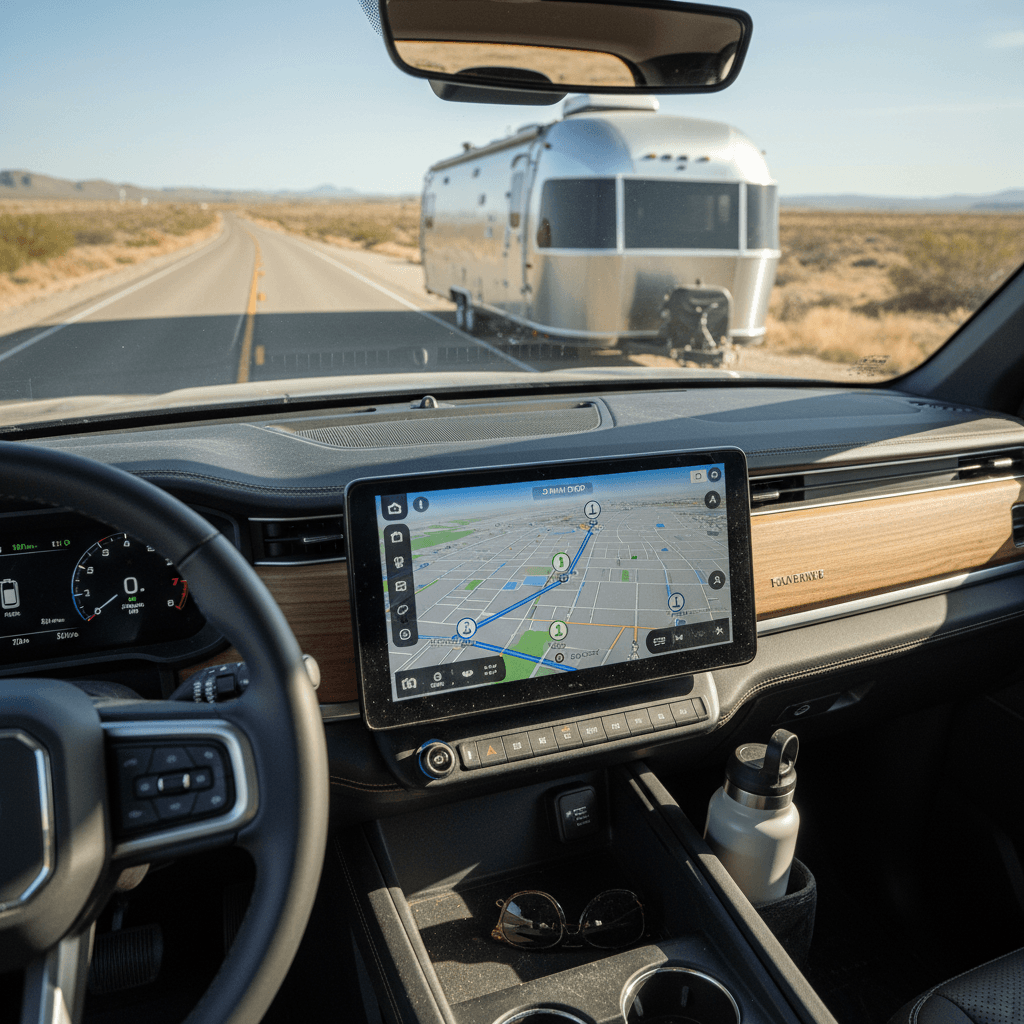
The native navigation factors in elevation, weather, and your current state of charge to suggest charging stops. For most trips, you can rely on the truck’s route planning as a baseline, then refine it with third‑party apps.
Strong DC fast‑charging support
The R1T supports DC fast charging up to around 200+ kW on compatible stations, and newer software updates have improved its charge curve. Combined with growing CCS and NACS access, you can cover serious ground with smart stop planning.
Know your R1T range before you go
Long‑distance success in a Rivian R1T starts with honest expectations. Range varies by battery pack (Standard, Large, Max), motor configuration (dual vs. quad), wheels/tires, and how and where you drive. EPA labels and the truck’s dashboard estimate are useful, but for trip planning you should work from conservative real‑world numbers.
Realistic highway range expectations (solo driving, recent R1T models)
Don’t plan to the EPA number
- Drive a 50–100 mile highway loop before a big trip and note your Wh/mi at your usual cruising speed.
- Multiply that consumption by your usable battery (kWh) to sanity‑check your predicted range.
- If you bought your R1T used, review any available battery health reports (like a Recharged Score) to understand whether degradation has trimmed your effective range.
- If you routinely tow or carry heavy loads, assume your personal “road‑trip range” is whatever you see in those real‑world conditions, not the best case.
Trip planning tools for Rivian road trips
The good news: you don’t need to be a spreadsheet wizard to plan a long trip in your R1T. Rivian’s own software plus a couple of third‑party apps can make routing almost as simple as in a gas truck, provided you plug in realistic assumptions.
Best tools for planning long trips in an R1T
Use more than one source so you’re never surprised by a dead or busy charger
Rivian in‑car trip planner
Start with the truck’s native navigation. Create a trip in the Rivian mobile app or on the center screen, then send it to the vehicle. It will:
- Estimate arrival state of charge at each stop
- Suggest DC fast‑charging locations
- Account for elevation and temperature
As you drive, the estimate updates in real time, which is invaluable on unfamiliar routes.
A Better Routeplanner (ABRP)
ABRP is an EV‑specific planning app that can use live data from your R1T. It lets you:
- Fine‑tune assumptions for speed, weather, and consumption
- Choose networks you prefer (Rivian Adventure Network, major CCS, Tesla with adapter)
- Plan around your charging preferences, fewer long stops or more short ones
PlugShare and network apps
Before you commit to any charging stop, cross‑check it with PlugShare and the station operator’s app. You’ll see recent check‑ins, real‑world photos, and notes about reliability, crucial on rural routes or in bad weather.
Pre‑plan your first and last charging stops
Smart charging strategies on the road
Long‑distance EV driving is less about squeezing maximum miles from a charge and more about minimizing total time stopped. The R1T charges fastest at low to mid state of charge, then tapers as the battery fills. Use that to your advantage.
Fast‑charging strategy for Rivian R1T road trips
Approximate targets that balance fast stops with comfortable safety margins. Adjust for weather and charger spacing.
| Trip situation | Arrival SoC target | Departure SoC target | Why it works |
|---|---|---|---|
| Normal summer highway day | 10–15% | 60–70% | Keeps the truck in the strong part of its charge curve without wasting time above ~70%. |
| Sparse chargers / winter | 15–20% | 80–90% | A higher buffer protects you from headwinds, cold, and closed or busy chargers. |
| Towing a large trailer | 10–20% | 85–95% | Towing slashes range, so you’ll often need to charge higher to reach the next reliable stop. |
| Overnight at hotel or rental | Whatever you arrive with | 80–100% (Level 2) | Cheap, slow charging lets you start the next day full without DC fast‑charge taper penalties. |
For most R1T owners, several shorter sessions between ~10–65% are quicker overall than a couple of long charges to 90–100%.
Precondition for DC fast charging
- Prefer 250–350 kW‑rated stations, even though the R1T won’t always use the full power. Newer hardware tends to be more reliable.
- If you have a choice of chargers at a site, avoid stalls that share a cabinet with another vehicle if that network is known to split power.
- Don’t chase 0–100%. Once you have enough to comfortably reach the next stop with a buffer, unplug and go.
How speed, weather, and driving style change your range
On paper, the R1T’s range looks generous, but aerodynamics and temperature can eat into it quickly at highway speeds. Understanding how those factors work will keep you from getting surprised halfway between chargers.
Speed and aerodynamics
- Above 70 mph, drag climbs quickly. Many owners report losing 10–20% of expected range when moving from 65 to 80 mph on the same route.
- Roof racks, cargo boxes, and bikes create extra drag. If you can carry gear in the bed (with a tonneau) instead of on the roof, do it.
- Crosswinds matter. A 20–30 mph headwind can feel like driving 10+ mph faster from the truck’s perspective.
Temperature and climate control
- Cold batteries are less efficient and can’t charge as fast. Expect bigger range loss in the first hour as the truck and pack warm up.
- Cabin heat uses more energy than A/C. Pre‑condition while plugged in and use seat and steering‑wheel heaters instead of cranking the HVAC.
- In very hot conditions, battery cooling and heavy A/C use can also trim range. It’s less dramatic than deep cold, but worth factoring in on marginal legs.
Watch your consumption, not just your remaining miles
Towing with a Rivian R1T on long trips
The R1T can tow up to 11,000 pounds when properly equipped, and its instant torque makes it feel effortless. The catch is range: a big, square camper or enclosed trailer can chop your usable highway range to one‑half, or even one‑third, in challenging conditions. That doesn’t mean you can’t road‑trip with a trailer, but you must plan differently.
Key towing realities for long‑distance R1T drivers
Plan for the worst‑case scenario so you’re never stuck watching the percent tick down too quickly
Brutal aero drag
A tall, boxy travel trailer acts like a parachute. Even with a Max pack, you may see 1.5–3.0× your solo consumption at 65–70 mph. That’s why conservative spacing between chargers is essential.
Weight still matters
Weight isn’t as punishing as aerodynamics at highway speed, but a fully‑loaded trailer and bed still makes the truck work harder on grades, in wind, and during frequent accelerations.
Charger access and maneuvering
Not every DC station is trailer‑friendly. Before you commit, use satellite view and PlugShare photos to confirm you can pull in and out without awkward backing or unhitching in tight lots.
Towing road‑trip strategy in an R1T
1. Base your plan on towing data, not solo range
If you’ve never towed with your R1T, start with a short shakedown trip and watch Wh/mi at your intended speed. For planning, assume that worst‑case number will be your norm on a long trip.
2. Shorten the distance between chargers
On serious towing days, think in 60–120 mile segments instead of 180–240. You’ll stop more often, but you’re far less likely to be forced into hyper‑miling or nail‑biting arrivals at 1–2%.
3. Charge higher than usual
Instead of stopping around 65–70% like you might when solo, you’ll probably want to leave many fast‑charge stops at 85–95% to ensure you can comfortably reach the next DC station.
4. Keep speeds realistic
Even dropping from 70 mph to 60 mph can make the difference between two and three charging stops in a day when you’re towing a large trailer.
5. Have a backup plan
In remote areas, identify Level 2 chargers (or RV parks with 14‑50 outlets) near each fast‑charge stop in case a DC station is down. Slow charging is preferable to a flatbed ride.
Don’t assume the Standard pack can replace a diesel tow rig
Packing, weight, and aerodynamics
How you load the R1T matters. The truck’s clever storage, the frunk, gear tunnel, and under‑bed compartment, make it easy to bring everything. Too easy, sometimes. Extra weight and drag add up over a long day behind the wheel.
- Use the gear tunnel and under‑bed storage for dense items like tools, recovery gear, and spare fluids. It keeps weight low and mostly out of the airstream.
- If you’re not towing, a closed tonneau and cargo kept below the bed rails are more aero‑friendly than a tall load sticking up in the wind.
- Think twice before adding permanent roof racks and boxes for a trip that doesn’t require them. They can easily cost you 5–15% range at highway speeds.
- If you’re buying a used R1T for road‑trip duty, consider wheel and tire choice. Aggressive ATs on 20s look great and work off‑road, but 21" or efficiency‑oriented 20" tires will stretch your highway range.
Right‑size your configuration when you buy
Ready to find your next EV?
Browse VehiclesUsing Rivian drive modes and features to your advantage
Rivian gives you a lot of control over ride height, suspension stiffness, and power delivery. On a long road trip, the right settings can improve efficiency and comfort, without turning the truck into a sluggish penalty box.
Recommended settings for efficient highway cruising
Exact labels may vary slightly by software version, but these principles hold up across model years
Select an efficient drive mode
On most R1Ts, a highway‑oriented mode with balanced or reduced power and standard traction is ideal for long stints. Avoid the most aggressive performance modes unless you truly need the acceleration, they burn extra energy you rarely use on the interstate.
Lower ride height on the highway
At freeway speeds, dropping the truck to a lower ride height reduces frontal area and drag. You still have excellent ground clearance for exits and rest areas, and you can always raise it again when you leave the pavement.
Use smart climate settings
Instead of blasting cabin heat or A/C, set a moderate temperature and rely on seat and steering‑wheel heaters for comfort. It’s a small change that adds up over seven or eight hours of driving.
Let Driver+ help, but stay engaged
Checklist: R1T road‑trip prep
Before any long‑distance run, especially the first in a newly purchased or used R1T, run through a quick prep checklist. It’s the EV equivalent of checking fluids and tire pressures before you set off in a gas truck.
Pre‑trip checklist for a Rivian R1T road trip
Confirm software and maps are up to date
Install any pending over‑the‑air updates a few days before departure so you’re not stuck downloading large files on hotel Wi‑Fi the night before you leave.
Dial in realistic range assumptions
Take at least one highway test drive at your intended cruising speed and note Wh/mi. Use that number, not the optimistic best you’ve ever seen, to plan legs in ABRP or Rivian’s planner.
Verify charging access along the route
Identify primary and backup DC fast chargers for each leg using Rivian navigation plus PlugShare and network apps. In remote areas, confirm operating hours and recent check‑ins.
Inspect tires and set pressures
Check tread depth and set all four tires (plus the spare, if equipped) to the recommended pressures when cold. Underinflated tires hurt range and add heat on long highway days.
Collect adapters and payment options
Bring any necessary CCS or NACS adapters, RFID cards, and app logins for the networks you plan to use. Store them in a dedicated bag in the frunk or gear tunnel so they’re easy to grab at a busy station.
Plan luggage and cargo placement
Decide what lives in the frunk, gear tunnel, bed, and cabin. Avoid overloading the roof and keep heavy items low and centered for better stability and efficiency.
FAQ: Rivian R1T long‑distance driving
Common questions about road‑tripping a Rivian R1T
Final thoughts: Buying and road‑tripping an R1T
Driven thoughtfully, the Rivian R1T is an outstanding long‑distance vehicle: quiet, comfortable, and capable of serious towing when you respect its range limits. The key is to treat energy like a budget you plan, not an afterthought. Use realistic consumption numbers, intelligent trip planners, and a charging strategy that favors quick sessions in the strong part of the charge curve, and you’ll find that road‑tripping in an R1T quickly becomes second nature.
If you’re still shopping, pay close attention to pack size, wheels, and real battery health. A used R1T with a clean Recharged Score Report, the right configuration for your driving, and expert guidance on charging and route planning can deliver years of confident road‑trip memories. Take the time to line those pieces up now, and your first long journey in a Rivian won’t just be possible, it’ll be the one you compare future trips against.