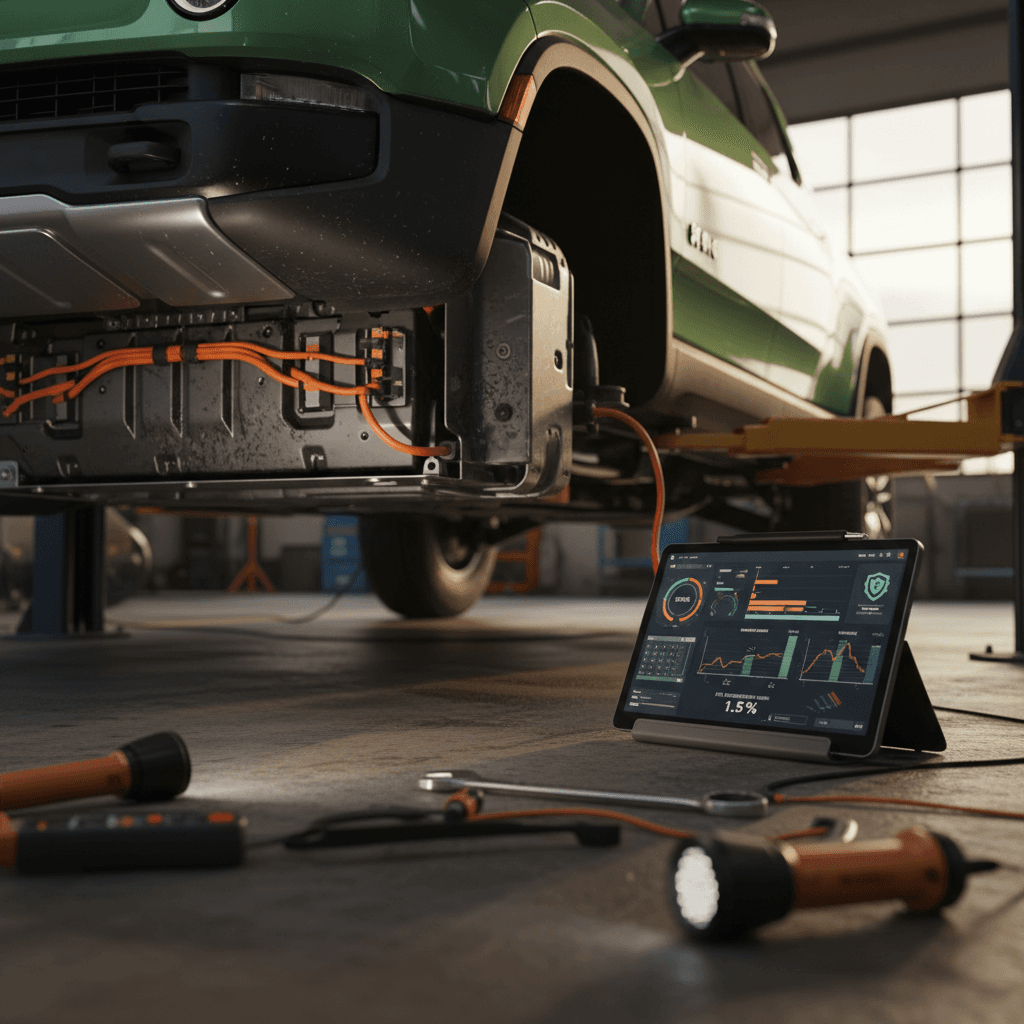
If you’re driving, or thinking about buying, a Rivian R1T, battery health is probably your biggest long‑term question. You’ll see plenty of scary numbers about EV batteries online, but what does Rivian R1T battery degradation per year actually look like in the real world, and how much should it matter for your daily driving or a used‑truck purchase?
Quick takeaway
How much does a Rivian R1T battery degrade per year?
Rivian R1T battery degradation at a glance
- Year 1–2: Expect a small “step down” as the pack settles and the battery management system (BMS) learns your usage, often 1–3% apparent loss in displayed range.
- Years 3–8: With sane charging habits, most drivers are likely to see roughly 1–2% additional loss per year on average.
- Long term: Over 8 years and well into six‑figure mileage, many packs should still be near or above the mid‑80% range if treated reasonably.
Don’t over‑interpret a single number
Rivian R1T battery packs and what actually degrades
Main R1T battery options
- Large Pack – ~135 kWh usable in early trucks; the most common configuration.
- Max Pack – ~180 kWh usable; fewer trucks, but big road‑trip range.
- Standard/dual‑motor packs – Smaller capacity options introduced later, including newer LFP‑based packs in some trims.
All packs use liquid cooling and a robust BMS to protect the cells from abuse and keep degradation slow.
What “degradation” really is
- Permanent changes to the battery chemistry from age, heat, and use.
- Loss of usable capacity (fewer kWh available), which shows up as fewer miles at a given efficiency.
- BMS calibration drift, where the truck’s estimate is temporarily off even though the physical pack is fine.
The first is inevitable, the second is what you feel, and the third is what often scares owners unnecessarily.
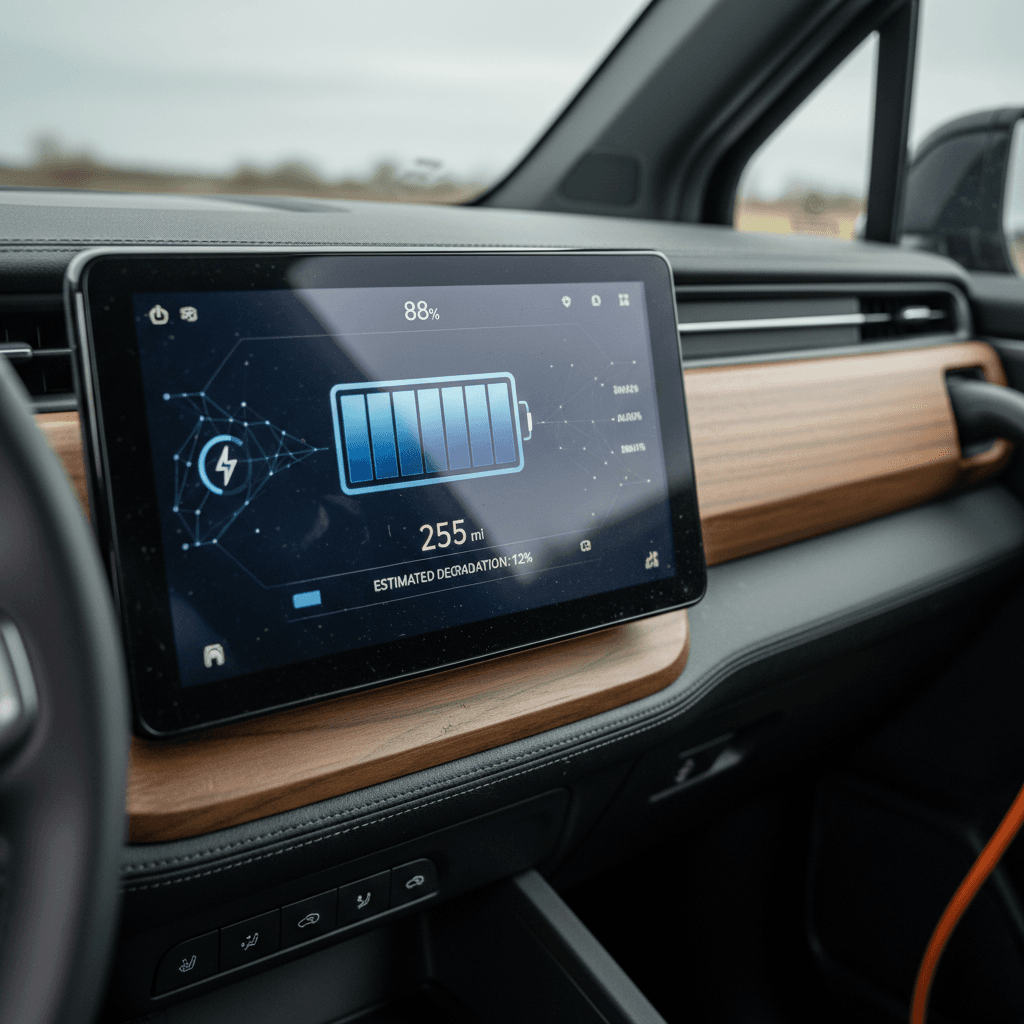
Gen 1 vs. newer LFP packs
Real‑world R1T degradation: what owners are reporting
Owner‑reported Rivian R1T degradation patterns
What we see from long‑term logging, forum posts, and road‑trip data
Early “step” then plateau
Many launch‑edition R1T owners logging data over 20,000–40,000 miles report an initial drop of a few percent, followed by a long period where usable capacity hardly moves.
Climate matters
Trucks living in very hot regions and parked outside see more measurable loss, while temperate‑climate trucks with garage parking age more gracefully.
Use pattern dominates
High‑mileage, heavy‑towing trucks that DC fast charge frequently show more range loss than light‑duty commuter trucks mostly charged at home on Level 2.
Looking across detailed owner logs, a pattern emerges that’s familiar from other modern EVs: degradation is front‑loaded, then slows down. The first year or two brings the biggest change as the pack settles, but after that, the line flattens for trucks that aren’t abused. Where owners do get into trouble is when several stressors stack up: sustained highway speeds in very hot weather, frequent 0–100% cycles, towing near max weight, and mostly DC fast charging. In that scenario, losing more than 2% per year over several years is very possible, and unsurprising.
"Across Tesla, Rivian, and major DC networks, what matters more than the peak kW is how often you fast charge and how deep the cycles are. Treat the battery gently and it will treat you well."
Rivian R1T battery warranty and what it implies
Rivian R1T battery and drive unit warranty basics
Exact terms vary slightly by configuration and build date; always confirm against your specific truck’s warranty booklet.
| Item | Coverage | Key Details |
|---|---|---|
| Time limit | Up to 8 years | Battery and drive unit coverage from in‑service date; some early quad‑motor trucks carry 8‑year/175,000‑mile terms. |
| Mileage limit | Up to 175,000 mi | Once you hit the mileage or time limit, coverage ends, whichever comes first. |
| Capacity guarantee | 70% of original | Rivian considers the pack within spec as long as it retains at least 70% of original capacity within the warranty period. |
| What’s covered | Defects & abnormal loss | Manufacturing defects and unusual loss of capacity; not normal wear or abuse. |
| What’s not covered | Damage & abuse | Collision damage, repeated deep discharge, improper modifications, and neglect are excluded. |
Rivian’s warranty doesn’t promise a specific annual degradation rate, but the capacity guarantee sets a clear floor for long‑term health.
That 70% capacity floor is the key. Rivian is effectively saying, “We’re confident our packs won’t sag anywhere near that under normal use in 8 years or up to 175,000 miles.” Automakers don’t casually write expensive promises into warranty booklets; it’s a window into their expectations. If you break that down, going from 100% to 70% over 8 years would be an average of about 3.75% per year. In practice, many owners will likely do better than that, particularly in cooler climates with mostly home Level 2 charging. The warranty is a safety net for outliers, not a prediction of typical results.
Use the warranty as your worst‑case bar, not your forecast
5 factors that speed up R1T battery degradation
- High average state of charge – Living at 90–100% most days accelerates chemical wear, especially in hot climates.
- Frequent deep cycles – Regularly running from single digits up to 100% is harder on the pack than shallow 20–70% cycles.
- Constant DC fast charging – Occasional road‑trip fast charging is fine; using DC as your daily fuel stop is not.
- Heat – Parking outside in blazing sun with the pack near full is about the worst combination for longevity.
- High load – Heavy towing, big rooftop accessories, aggressive acceleration, and oversized all‑terrain tires all increase pack stress and heat.
The worst‑case scenario
How to slow Rivian R1T battery degradation
Practical ways to protect your R1T battery
1. Set a sane daily charge limit
For most drivers, keeping the truck around <strong>60–80%</strong> for day‑to‑day use is a good balance between convenience and longevity. Save 90–100% charges for road trips or big towing days.
2. Avoid living at 0% or 100%
The pack is most stressed at the extremes. Try not to let it sit near empty or full for long periods. If you arrive home near 0%, plug in soon; if you charge to 100% for a trip, hit the road soon after.
3. Favor Level 2 over DC fast charging
The R1T is great at fast charging, but your battery will thank you if you use DC primarily for trips. For daily use, <strong>home or workplace Level 2</strong> is both cheaper and gentler.
4. Watch temperature and parking habits
In hot climates, parking in shade or a garage makes a real difference over time. If you must park outside in heat, consider lowering your daily charge target a bit to reduce stress.
5. Keep software up to date
Rivian continues to refine thermal management and BMS calibration via over‑the‑air updates. Staying current can improve both efficiency and how accurately the truck estimates remaining range.
6. Drive smoothly when you can
The occasional launch is fine, that’s part of the fun, but constant full‑throttle runs and hard regenerative braking translate into more heat and slightly faster wear over tens of thousands of miles.
The good news
Reading Rivian’s range display vs real degradation
Why the “guess‑o‑meter” jumps around
- Temperature swings – Cold weather can temporarily cut usable energy and spike your consumption, showing a big drop in estimated range without any permanent damage.
- Driving history – The truck often bases estimates on recent efficiency. A week of fast highway driving or towing will pull the number down.
- Software updates – Rivian periodically tweaks how it estimates range, which can change the number even if the pack itself is unchanged.
Better ways to judge degradation
- Repeatable routes – Compare energy used (kWh/mi) and remaining charge on the same commute or road‑trip leg over time.
- Logged capacity – Third‑party logging tools can estimate usable kWh over full charge/discharge cycles.
- Professional tests – Tools like the Recharged Score battery health diagnostics use standardized tests instead of relying on a single dash estimate.
Recalibration can look like degradation, then bounce back
Battery degradation and buying a used Rivian R1T
When you’re evaluating a used Rivian R1T, battery health isn’t just an engineering curiosity, it directly affects range, value, and your ownership costs. Two trucks with the same odometer reading can have very different battery stories depending on how they were used.
How to sanity‑check battery health on a used R1T
Simple steps before you sign for a truck
Ask about use case
Was this a daily commuter, a long‑distance tow rig, or a fleet truck that lived on DC fast chargers? High‑mileage highway commuting is usually easier on the pack than heavy towing and constant fast charging.
Review charging habits
Look for clues: mention of home Level 2 charging, workplace charging, or primarily fast‑charging on road trips. A seller who can describe thoughtful habits likely treated the pack better.
Get a third‑party battery health report
A structured assessment, like the Recharged Score report that comes with every vehicle on Recharged, goes beyond hunches and one‑off screenshots to quantify health in a standardized way.
How Recharged handles used R1Ts
Used R1T battery checklist before you buy
1. Confirm remaining battery warranty
Check the in‑service date and mileage. A Rivian still under its 8‑year battery warranty has a valuable safety net if degradation turns out to be outside the norm.
2. Do a full‑charge range sanity check
With the seller’s permission, charge to 100% once and note the displayed range in your typical drive mode. Compare that to EPA ratings, tire setup, and conditions; you’re looking for gross outliers, not perfection.
3. Look for error messages or logs
Scan for historic battery or charging faults in the truck’s service history. Repeated warnings or DC fast‑charging issues may hint at stressors worth asking about.
4. Ask about storage patterns
Was the truck stored long‑term at high charge in heat, or kept around 50–70% in a garage? Long‑term storage habits can matter as much as mileage.
5. Get an expert opinion if unsure
If numbers don’t add up, or you simply want peace of mind, work with an EV‑savvy retailer like <strong>Recharged</strong>, where battery health is tested and priced in from the start.
Rivian R1T battery degradation FAQ
Frequently asked questions about Rivian R1T battery degradation
Bottom line: Should you worry about R1T battery degradation?
For most owners, and most used‑truck shoppers, the honest answer is: worry less, understand more. Real‑world Rivian R1T battery degradation per year tends to land in the low single digits for trucks that aren’t abused, and Rivian’s 8‑year capacity warranty provides a strong backstop if something goes seriously wrong.
If you treat the pack with basic care, your R1T should retain plenty of usable range well past 100,000 miles. And if you’re eyeing a used truck, lean on tools like the Recharged Score Report, thoughtful questions about prior use, and a quick range sanity check instead of fixating on one scary screenshot from a cold morning. Do that, and battery degradation becomes one more manageable data point, not a deal‑breaker.