If you hang around Rivian forums for more than five minutes, you’ll see the same argument over and over: is a Rivian R1S screen protector worth it, or just another $40–$80 accessory TikTok talked you into? With a 15.6-inch center screen that controls nearly everything, it’s a fair question, because if that panel gets scratched or cracked, you’re not buying a $12 phone screen to fix it.
Quick take
Why Rivian R1S screen protectors are such a debate
On paper, the R1S has exactly the kind of interior that makes accessory brands salivate: a huge 15.6-inch infotainment screen in the center and a wide digital driver display behind the wheel. Both are your primary interface for climate, drive modes, cameras, navigation, pretty much the whole show. That mix of size, gloss, and constant swiping makes people nervous, especially if you’re coming from a phone culture where a naked screen feels reckless.
At the same time, Rivian (and its display supplier) spent real money engineering the glass, coatings, and brightness. Owners who slap on the wrong protector often discover they’ve traded a gorgeous, crisp display for a milky, low-rent tablet experience. That’s why you see such polarized opinions: some swear their protector is the best $60 they’ve spent; others rip theirs off after six months and tell everyone not to bother.
Rivian R1S screens at a glance
What you’re actually protecting: R1S screens 101
The Rivian R1S runs its life through two big displays: a 15.6-inch landscape touchscreen in the middle of the dash and a fully digital cluster for speed, range, and driver-assistance info. These are automotive-grade panels, typically supplied by a tier-one manufacturer (owners often cite LG) with hardened glass and multi-layer coatings for scratch resistance, anti-glare, and smudge control.
In other words, this isn’t a fragile iPad melting in a minivan. The glass is tougher, the coatings are better, and the brightness is high enough to punch through direct sunlight. But nothing is scratch-proof, and dust, grit, detailing mishaps, or a wayward ring can still mark the surface. A screen protector’s only job is to be the thing that gets damaged instead of the glass beneath it.
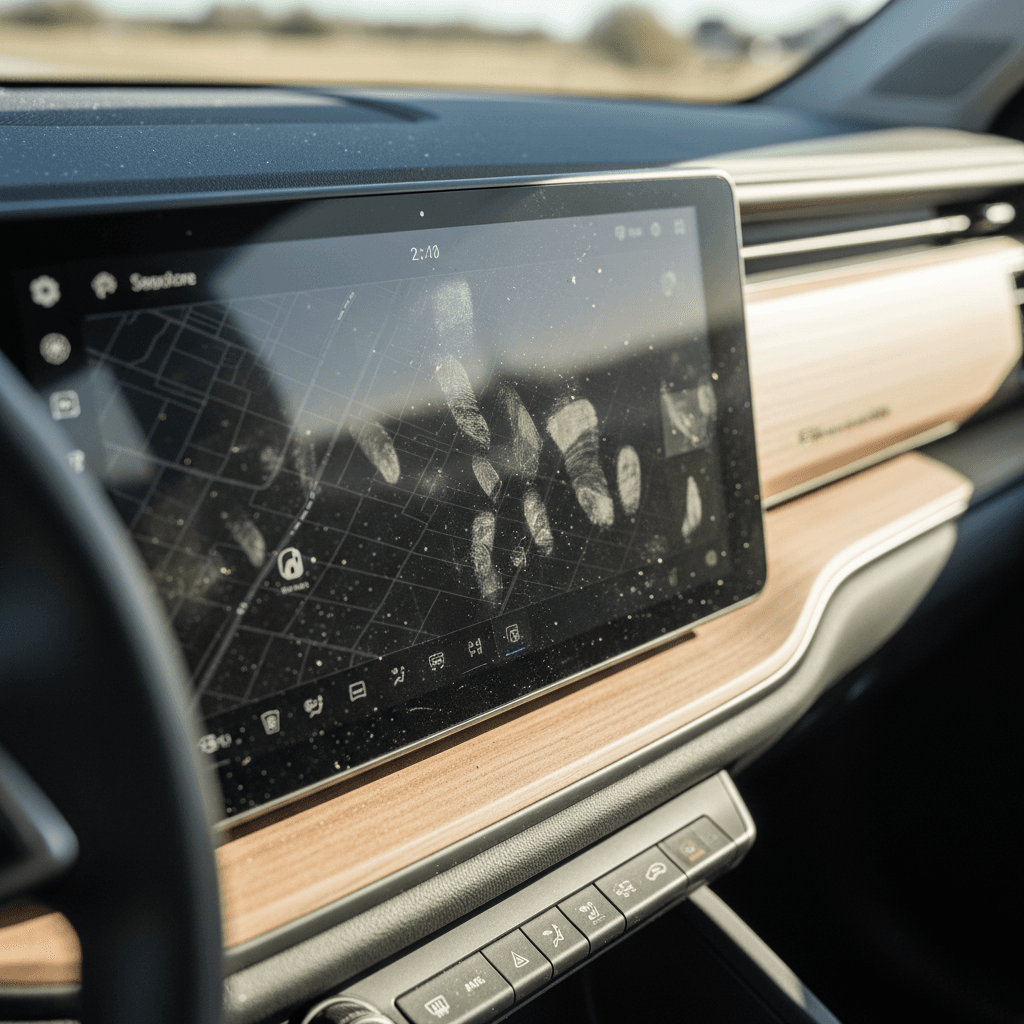
Pros and cons of a Rivian R1S screen protector
Upsides and downsides at a glance
What you gain, and what you give up, by covering your R1S screens
Potential benefits
- Scratch sacrificial layer: The protector takes the abuse from grit, jewelry, or kids’ shoes instead of the factory glass.
- Smudge control: Matte and some clear coatings reduce visible fingerprints, so the screen looks cleaner day to day.
- Easy replacement: If you do scratch or chip the surface, you peel off a $40 film, not schedule an infotainment repair.
- Peace of mind: If you’re OCD about surfaces, the psychological benefit is real.
Real-world drawbacks
- More glare or haze: Many owners report that protectors, especially matte ones, make daytime glare worse or wash out the image.
- Softer image quality: Extra layers mean text and map details can look less sharp and vibrant.
- Installation issues: Dust, bubbles, and misalignment are common, and they’re right in your eyeline.
- Unnecessary for some: Plenty of high-mileage owners report flawless bare screens with basic microfiber care.
Think twice before buying on day one
Matte vs clear Rivian R1S screen protectors
When people ask whether a Rivian R1S screen protector is worth it, they’re really asking which trade-offs they can live with. Most options fall into two camps: matte (anti-glare) films and clear (gloss) films, with very different personalities.
Matte vs clear R1S screen protectors
How the two main styles compare for daily driving.
| Feature | Matte protector | Clear protector | No protector |
|---|---|---|---|
| Fingerprints | Best at hiding smudges | Better than bare, still visible | Most visible, but easy to wipe |
| Glare & reflections | Can reduce some reflections but often adds "fog" and washout | Similar to stock, sometimes slightly more reflection | Factory-tuned glare control; many owners are satisfied |
| Image sharpness | Softens text, map detail, colors | Minor impact if quality is good | Crisp, best contrast |
| Night driving | Lower reflections, but text can look slightly fuzzy | Very close to stock view | Best clarity, especially for tiny text |
| Feel under finger | Silky, papery slide | Glass-like, closer to OEM | True factory feel |
| Popularity over time | Early craze, more recent backlash as people notice washout | Steady niche for owners wanting insurance without changing the look | Growing camp of "skip it, screens are fine" owners |
If you’re going to add anything on top of Rivian’s glass, be honest about whether you care more about fingerprints or image quality.
The matte regret problem
Owner experiences: glare, fingerprints, and regret
Scroll through Rivian owner forums and you’ll see the arc of opinion evolve in real time. Early on, matte protectors were treated like gospel: must-have accessory, order it before you take delivery. Over the last year or two, the tone has shifted as people live with them through summer sun and winter low-angle glare.
- Some owners who installed matte protectors on day one later discovered that a loaner R1S with a bare screen actually had less glare and far better contrast, enough that they peeled the film off and never looked back.
- Others love matte specifically because it hides fingerprints and hate the look of a glossy, smudged panel, even if it means slightly softer text.
- Clear protectors tend to sit in the middle ground: fewer horror stories, fewer rave posts. They do their job quietly, or they get quietly removed.
- A vocal group of owners with 20,000–30,000+ miles on their R1S report no scratches and minimal issues just using a microfiber cloth and common sense. For them, screen protectors were never necessary.
"These screens are made by one of the best display manufacturers on the planet. Don’t mess with what engineers spent millions on R&D for."
The loaner test
Costs, scratch risk, and resale
Let’s talk money. A name-brand Rivian R1S screen protector kit often runs $40–$80 for the center display, sometimes more if it also covers the driver cluster or rear screens. That’s not outrageous in the world of car accessories, but it’s not nothing either, especially if you end up peeling it off because of glare or dust bubbles.
By contrast, replacing or repairing an infotainment display, whether under warranty or not, is a four-figure kind of day. Exact numbers vary, but once you factor in parts, labor, and potential calibration, you are nowhere near "phone repair" territory. From a purely risk-based perspective, a protector is cheap insurance, if it doesn’t meaningfully degrade your daily driving experience.
How much does a scratch matter?
One superficial scratch on a giant screen is unlikely to tank resale value on its own, but it is a psychological price lever. Buyers see a highly digital interior; if the one thing they stare at all day is marked up, it raises questions about care elsewhere.
Protectors on used Rivians
If you’re shopping used, a screen protector is a double-edged sword. On the plus side, it can mean the owner was meticulous. On the minus side, you’ll want to peel it back or inspect underneath before purchase, to be sure it’s not hiding damage. At Recharged, we factor interior screens into our inspections and Recharged Score battery and condition reports, so you’re not guessing.
How to decide if a screen protector is worth it for you
R1S screen protector decision checklist
1. Look honestly at your use case
Do you have kids climbing through the cabin, dogs, or lots of outdoor gear brushing past the screen? Or is this a mostly adult, careful-use environment? High-contact cabins get more value from a protector.
2. Consider your light conditions
If you do a lot of driving in harsh sun, high-altitude, desert, or bright snowy days, any added haze or reflection penalty becomes a bigger deal. Matte might look great at night but disappoint you at noon.
3. Decide what bothers you more
Be clear with yourself: is it <strong>fingerprints</strong> or is it <strong>glare and clarity</strong>? Matte is best for fingerprints, worst for ultimate clarity. No protector is best for clarity, worst for visible smudges.
4. Test a bare screen first
Live with the factory glass for a few weeks. If, after that, you’re still thinking about smudges or stress about scratches, then a clear protector starts to make sense.
5. Set a budget and expectations
Know that the first install might not be perfect. Budget both money and patience for a redo if dust or bubbles sneak under the film.
6. Think about the next owner
If you plan to sell or trade your Rivian in a few years, a clean, scratch-free screen is a subtle but real resale plus, especially in a high-tech EV that lives and dies by its interfaces.
Installing a Rivian R1S screen protector the right way
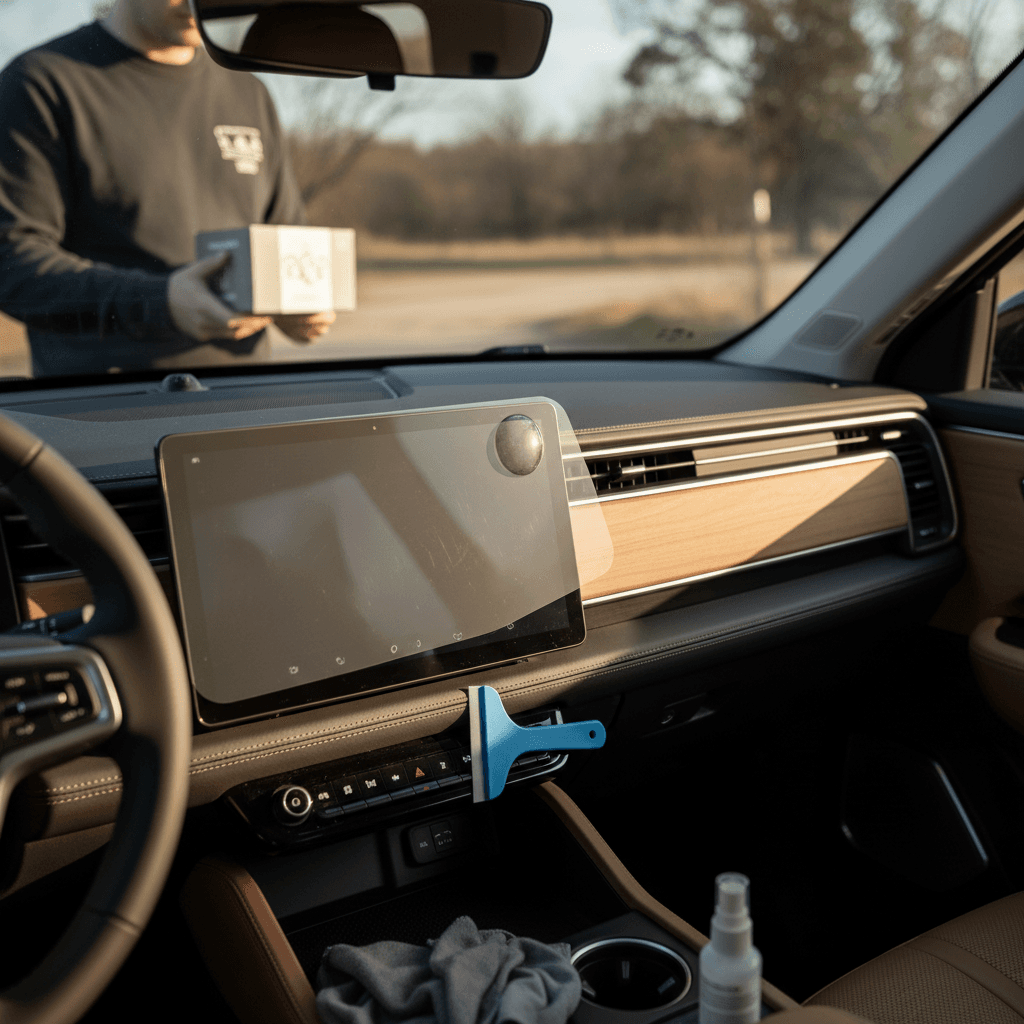
If you do decide a screen protector is worth it, the difference between "love it" and "hate it" is 90% installation. A dusty, bubbled protector on a giant screen will drive you nuts every single drive.
- Install in a clean, low-dust environment, a closed garage is ideal. Avoid windy driveways or open shop bays.
- Turn on Rivian’s screen cleaning mode so you’re not triggering random menus while you work.
- Use the included dust stickers and a fresh microfiber to obsessively clean the glass. One speck of dust becomes a permanent bubble at this scale.
- Dry-fit the protector first, so you understand alignment before peeling any backing film.
- Peel the backing slowly from one side, using a card or squeegee to push air out as you lay the film down, rather than plopping the whole thing at once.
- Expect to lift and re-seat small sections if you see trapped bubbles right away. Big bubbles that won’t budge usually mean there’s dust underneath.
When a protector is "worth it"
Alternatives to screen protectors: microfiber, settings, habits
If you’re in the "leave the engineers’ work alone" camp, you still have tools to keep the Rivian’s screens looking new without adding a plastic layer.
Three low-effort alternatives to a protector
For many R1S owners, these are enough.
1. Microfiber + proper cleaner
2. Tweak brightness and themes
3. Cabin habits
How this tiny decision fits into buying a used Rivian
Obsessing over a screen protector can feel trivial, but on a used EV, screens are part of the real value story. A scratched, dull, or visibly abused display in a tech-forward SUV like the R1S hints at how the rest of the car was treated.
When you’re shopping used, especially remotely, you want more than seller photos and good vibes. At Recharged, every used EV comes with a Recharged Score Report that looks beyond mileage. It includes verified battery health, detailed condition checks, and interior inspections, including high-touch areas like screens and controls. That means if you’re eyeing a used R1S, you’ll know whether the screens are pristine, merely lived-in, or something to negotiate on.
Pro move for used buyers
Rivian R1S screen protector FAQ
Frequently asked questions about R1S screen protectors
Bottom line: are Rivian R1S screen protectors worth it?
For the Rivian R1S, a screen protector is less "must-have armor" and more of a personal comfort option. If you’ve got kids, gear, pets, or just a low tolerance for risk, a well-installed clear protector can be cheap insurance that you forget about after a week. If you’re a stickler for perfect contrast and image quality, the best-looking R1S screen is usually the one Rivian already gave you, bare, bright, and cleaned with a microfiber every so often.
Either way, don’t let accessory FOMO drive the decision. Live with the car, notice what actually annoys you, then spend accordingly. And if you’re considering a used R1S, pay attention to the condition of the screens just like you would the battery or tires. A transparent used-EV marketplace like Recharged helps you see all of that up front, so the only surprises are the good kind, like how much you enjoy that giant screen once you’ve set it up exactly the way you like.