If the Rivian R1S is on your short list, you’re probably drawn to its mix of serious off‑road capability, seven‑seat practicality, and supercar‑level acceleration. But this is also a complex, premium EV, and going in without a clear Rivian R1S buying checklist is how shoppers overpay or miss red‑flag issues, especially in the used market.
Good news for shoppers
Why a Rivian R1S buying checklist matters
Compared with a conventional SUV, a Rivian R1S adds new variables: battery health, charging hardware, software history, and over‑the‑air updates. On top of that, Rivian has quickly iterated powertrains and battery packs, so two R1S SUVs that look identical can have very different performance and range. A structured checklist keeps you focused on what matters: the right configuration, a healthy battery, clean history, and realistic pricing.
Top 3 reasons to use a checklist
Why it’s risky to “wing it” with a premium EV SUV
Complex configurations
Battery is the budget
Rapid price shifts
Step 1: Clarify how you’ll use your R1S
Before you compare window stickers, get clear on how you’ll actually use the R1S. That will drive every decision that follows, battery size, motor configuration, wheels, and even color and interior.
Questions to answer before you shop
1. What’s your real daily commute?
Write down your typical round‑trip miles, plus regular errands. Most R1S configurations will crush a 40–60 mile daily round‑trip, but frequent 120‑mile days might justify a larger battery pack.
2. How often will you road‑trip?
If you’re planning several long road trips a year, prioritize the Large or Max battery and make sure DC fast‑charging fits your usual routes.
3. Off‑road adventure or urban family hauler?
Serious off‑roading pushes you toward the more powerful powertrains and all‑terrain tires, but those can dent range. If you’re mostly in the suburbs, the Dual Motor with road‑oriented wheels may be the sweet spot.
4. How many people and how much gear?
Do you truly need three rows all the time, or is the third row only occasional? The R1S is standard 3‑row, but how you use it affects whether you should prioritize accessories like roof racks or cargo organizers.
5. Where will it live and charge?
Garage with Level 2 charging, shared parking, or street parking? This determines how important home charging speed and public charging access will be for you.
Step 2: Choose the right Rivian R1S trim and battery
On 2025‑model‑year R1S SUVs, Rivian bundles battery sizes with a range of Dual, Performance Dual, Tri, and Quad‑motor setups, all with standard all‑wheel drive. Earlier model years may have slightly different naming, but the questions are the same: How quick do you need it to be, and how far do you need to go on a charge?
Power vs. value
Rivian R1S trims and batteries at a glance
Approximate 2025‑model configurations. Earlier used R1S models will be similar but confirm exact specs for the VIN you’re considering.
| Configuration | Battery pack | Est. EPA range | 0–60 mph (approx.) | Who it fits best |
|---|---|---|---|---|
| Dual Motor Standard | Standard (smaller) | ~260 miles | ~4.5 sec | Daily commuters and families with reliable home charging who rarely road‑trip. |
| Dual Motor Large | Large | ~330 miles | ~4.5 sec | Great all‑rounder for mixed city/highway driving and a few longer trips per year. |
| Dual Motor Max | Max | ~400–410 miles | ~4.5 sec | High‑mileage drivers or frequent road‑trippers who want max range over max power. |
| Performance Dual (often tied to Large/Max) | Large / Max | ~330–410 miles | ~3.5 sec | Shoppers who want quicker acceleration without stepping up to three or four motors. |
| Tri‑Motor Max | Max | ~370 miles | ~2.8–2.9 sec | Performance‑minded buyers who still want strong range and serious off‑road torque. |
| Quad‑Motor Max (select builds) | Max | TBA / ~370–390 miles expected | ~2.5 sec | Enthusiasts chasing the fastest, most capable R1S and willing to pay for it. |
Always verify range and equipment on the specific vehicle; wheels, tires, and options can change EPA figures.
Rivian R1S trims and batteries at a glance
When you’re evaluating a used R1S, don’t rely on badges alone. Ask the seller for a spec sheet or build sheet, and confirm battery pack, motor configuration, and wheel/tire size. At Recharged, each vehicle’s listing breaks this out clearly so you can compare configurations side by side without decoding Rivian’s option stack yourself.
Step 3: Range, charging, and road-trip readiness
Once you’ve narrowed down powertrain and battery, the next part of your Rivian R1S buying checklist is range and charging practicality. The headline EPA number is only half the story; charging options where you live and drive matter just as much.
Home charging checklist
- Level 2 at home? If you own your home or have a dedicated spot, plan on a 240‑volt Level 2 charger. The R1S can add dozens of miles of range per hour this way.
- Electrical capacity: Have a licensed electrician confirm your panel can support a 40–60 amp circuit if you’re installing a new charger.
- Parking logistics: Think about cable reach, where the charge port sits, and whether you’ll ever need to charge another EV alongside the R1S.
Public and fast charging checklist
- DC fast charging: Rivian’s DC fast‑charging peak has been around 200–220 kW on recent packs, enough to add roughly 140 miles in ~20 minutes in ideal conditions.
- Network coverage: Look at your regular routes on apps like Rivian’s own planner, PlugShare, or major networks to see how often you’ll rely on fast charging.
- Connector standards: Make sure the R1S you’re buying includes any adapters you’ll need as charging standards evolve and additional networks open up.
Don’t shop on range alone
Step 4: Battery health and warranty coverage
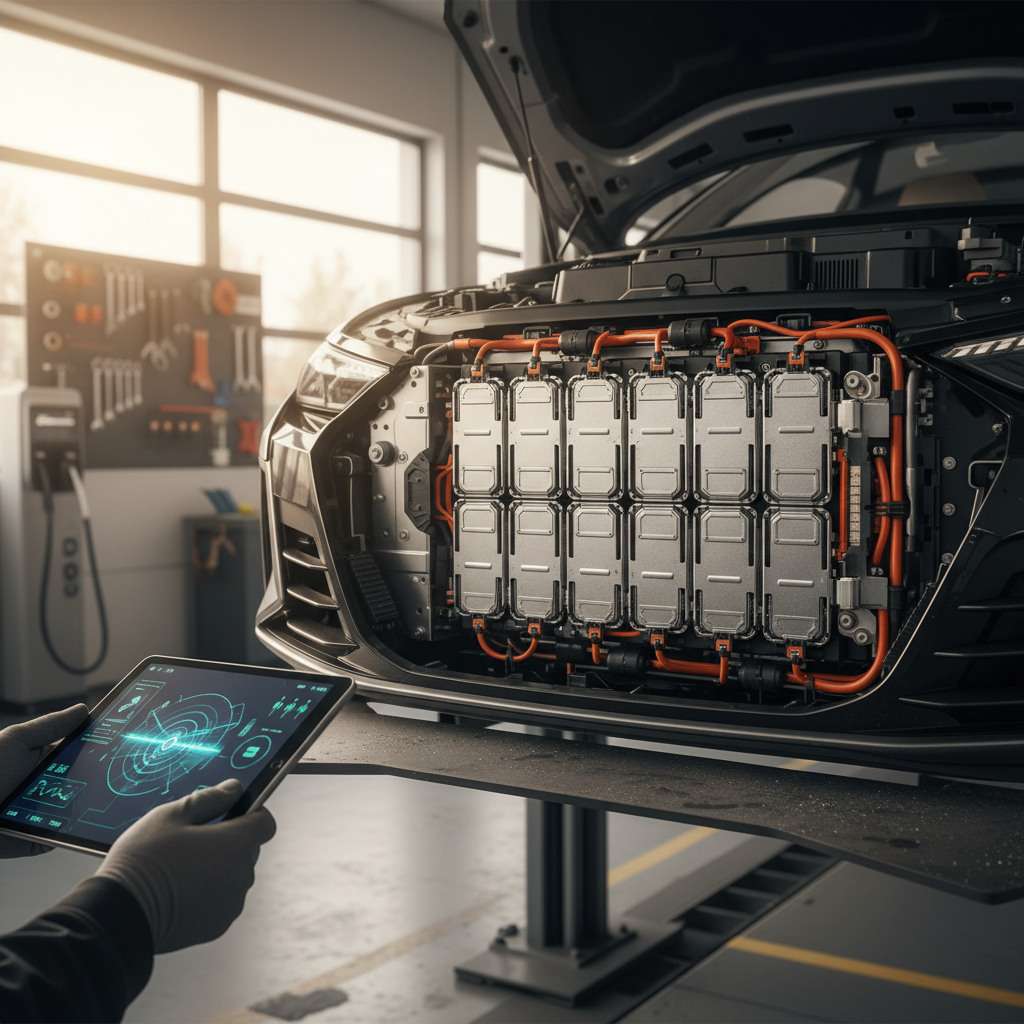
With any used EV, but especially a performance‑oriented one like the R1S, battery health is the ballgame. A pack that’s been fast‑charged hard, towed heavy, or operated in extreme climates can show more degradation than a lightly used twin with similar mileage.
Battery health checklist for Rivian R1S buyers
What to verify before you sign anything
State of charge & range estimate
Battery health report
Battery & drivetrain warranty
How Recharged handles battery health
Step 5: Inspect condition, mileage, and known issues
The R1S is built for adventure, and some owners use them hard. That’s fine, as long as the condition, maintenance, and price reflect that reality. In addition to standard used‑car checks (accident history, paintwork, interior wear), there are a few Rivian‑specific boxes to tick.
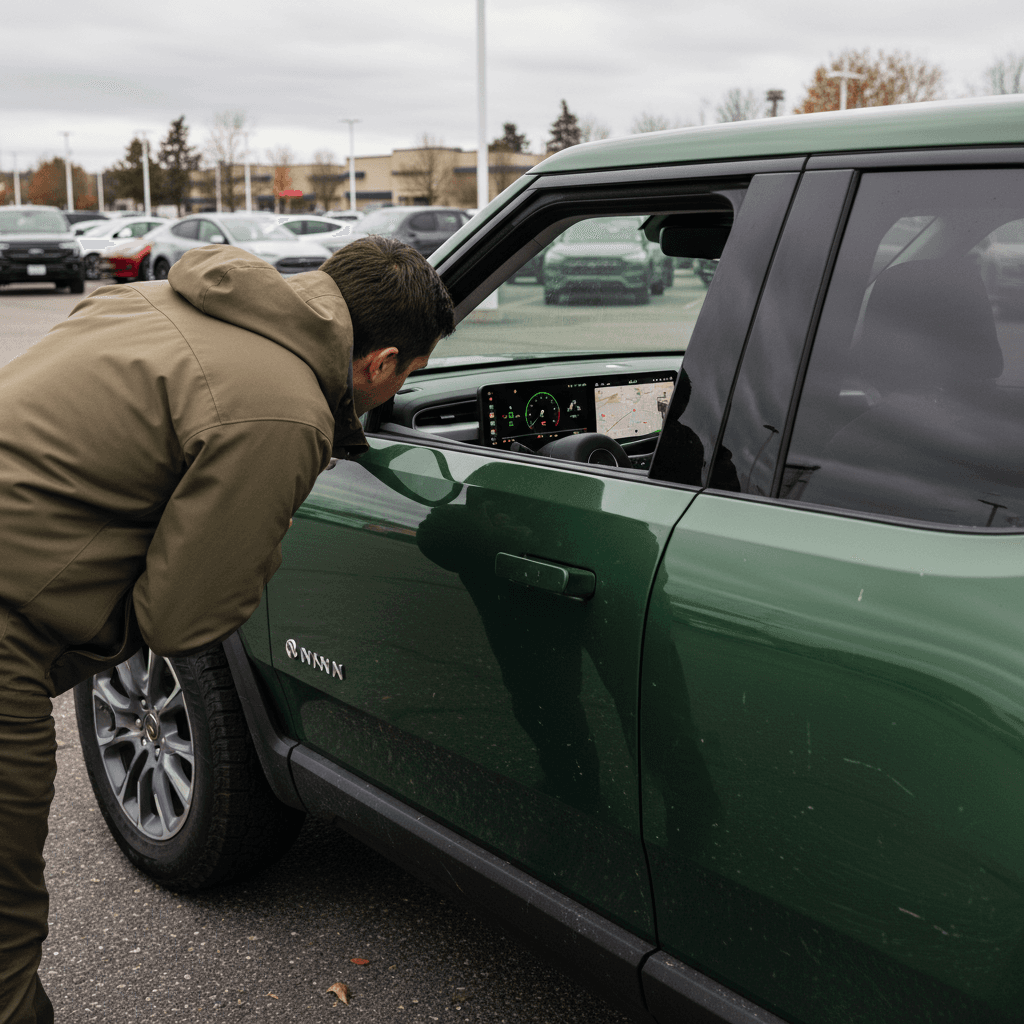
Physical inspection checklist for a used R1S
1. Wheels, tires, and brakes
Check for curb‑rash on big‑diameter wheels, uneven tire wear, and grooved rotors. Off‑road packages and larger wheels can accelerate tire wear and affect ride comfort and range.
2. Underbody and tow points
Look underneath for off‑road scars, bent skid plates, or damage around tow hooks. A bit of cosmetic scratching is normal; structural damage is not.
3. Suspension and air springs
Cycle through the adjustable ride heights while parked and on a short drive. Listen for odd compressor behavior or warning messages about the air suspension.
4. Doors, liftgate, and seals
Open and close all doors, the split tailgate, and the frunk. Check for wind noise reports on the test drive and look for water‑stain evidence around seals.
5. Cabin tech and screens
Confirm both main screens respond quickly, with no dead pixels or ghost touches. Toggle climate controls, seat heaters/ventilation, and audio to make sure everything works.
6. Recalls and known campaigns
Ask for documentation on completed recalls or service campaigns, including any that relate to the 12‑volt system or driver‑assistance software. This is especially important on Gen 2 vehicles that have seen rapid software updates.
Don’t skip a pre‑purchase inspection
Step 6: Software, driver assistance, and connectivity
Rivian leans heavily on software for everything from drive modes to highway‑assist features. That’s good news for long‑term ownership, features and refinements can arrive over the air, but only if the vehicle has been kept current and configured correctly.
On your test drive
- Check driver‑assist features: Verify adaptive cruise, lane‑keeping, and any highway‑assist modes engage cleanly and don’t throw warnings.
- Try multiple drive modes: Cycle through Sport, All‑Purpose, Off‑Road, and others. Feel for abnormal vibrations, hesitation, or clunks.
- Note warning lights: Any persistent warnings about sensors, cameras, or ADAS systems should be resolved before you buy.
Before you finalize the deal
- Confirm software is up to date: Ask the seller to show the software version and update status on screen. Recent Rivian builds have received important patches via OTA updates.
- Check app connectivity: Make sure the vehicle can be added to your Rivian account and that phone‑as‑key works, or is enabled during delivery.
- Review privacy and data: When buying used, ensure prior owner accounts have been fully removed so you start fresh.
Advanced driver assistance is an aid, not a chauffeur
Step 7: Pricing, financing, and total cost
With the technical pieces of your Rivian R1S buying checklist in place, you can turn to the money side. The goal isn’t just “getting a deal.” It’s aligning price with spec, condition, battery health, and remaining warranty so you’re not surprised in year three or four.
Money checklist for R1S shoppers
Look beyond the monthly payment
Compare like‑for‑like
Estimate total cost of ownership
Financing and trade‑in options
Why condition and battery data matter more than MSRP
How Recharged fits in
Ready to find your next EV?
Browse VehiclesQuick Rivian R1S buying checklist to take with you
Print‑friendly Rivian R1S buying checklist
1. Use‑case fit
Daily miles, road‑trip frequency, passenger/gear needs, and where you’ll charge all make sense for an R1S.
2. Right configuration
You’ve confirmed the exact motor setup (Dual, Performance Dual, Tri, or Quad), battery pack (Standard/Large/Max), and wheel/tire size match your needs.
3. Verified battery health
You have a recent, credible battery health report (such as a Recharged Score Report) and a clear understanding of remaining high‑voltage warranty.
4. Clean history & inspection
Title is clean, recalls are addressed, and a pre‑purchase or platform‑provided inspection shows no unresolved structural, suspension, or high‑voltage issues.
5. Software and features
Key driver‑assist, drive‑mode, and connectivity features work as intended, and the vehicle is on current or near‑current software.
6. Fair, documented pricing
The price reflects configuration, mileage, condition, and battery health, and you’ve compared it to similar vehicles rather than generic R1S averages.
7. Exit strategy
You’ve thought about resale: configuration, color, and options that will still be attractive to the next owner, keeping your future trade‑in or sale easier.
Rivian R1S buying FAQs
Common questions when buying a Rivian R1S
Final thoughts: How Recharged can help you buy smarter
A Rivian R1S can be a phenomenal all‑in‑one vehicle: family hauler, road‑trip machine, and trail rig rolled into one silent, instant‑torque package. But that only holds true if you pick the right configuration, confirm the battery and software are in good shape, and pay a price that reflects reality, not hype. That’s exactly what this Rivian R1S buying checklist is designed to help you do.
If you’d rather not navigate all of that alone, Recharged is built for this moment in the EV market. Every R1S we list includes a Recharged Score Report with verified battery health, clear pricing guidance, and EV‑specialist support from your first question to final delivery. Whether you’re trading in a current car, selling a used EV, or buying your first electric SUV, that combination of data and guidance can turn a complicated decision into a confident one.