If you own, or are shopping for, a Rivian R1S, battery health is the single most expensive line item hiding under the floor. A smart Rivian R1S battery health check can tell you whether you’ve got a road‑trip hero, a software glitch, or an SUV that’s quietly losing range. The good news: you can get 80% of the picture yourself with a few simple tests, then decide whether you need a professional report.
EV batteries age differently than engines
Why Rivian R1S battery health matters, especially on a used SUV
Rivian’s 3‑row R1S is built for big adventures, mountain passes, ski weekends, 800‑mile family marathons. All of that leans on a massive high‑voltage battery that can easily cost tens of thousands of dollars to replace out of warranty. Small differences in battery degradation make a huge difference in how the truck feels to live with, and in what it’s worth on the used market.
What good vs bad R1S battery health feels like
Same SUV, very different ownership experience
Healthy pack
Most original capacity intact. You can:
- Hit rated range or close to it
- Road‑trip without constant planning
- Fast‑charge at normal speeds
Degraded pack
Noticeable capacity loss. You may:
- Lose 40–60+ miles of range
- Need more frequent fast‑charging
- See resale value take a hit
Calibration drama
Software thinks the battery is weaker than it is. You might see:
- Weird state‑of‑charge jumps
- Sudden range estimate drops
- Plenty of real‑world miles left
Don’t trust range estimates alone
How the Rivian R1S battery and warranty actually work
Before you poke at numbers, it helps to know what Rivian promises. Most U.S.‑market R1S SUVs are covered by an 8‑year high‑voltage battery warranty. Depending on trim and build year, that typically runs out between 120,000 and 175,000 miles and guarantees at least around 70% of original battery capacity over that period, assuming normal use and no abuse. The exact mileage cap is tied to your specific configuration.
- The big underfloor pack is the high‑voltage battery that powers the motors and gives you range.
- A separate 12‑volt battery runs accessories and computers; when it fails, the truck may not start, but that’s different from high‑voltage battery degradation.
- Some newer Gen‑2 dual‑motor Standard pack trucks use LFP chemistry, which behaves differently and relies more heavily on full‑charge calibrations to keep the range estimate honest.
Where to confirm your exact warranty
Rivian R1S battery: big warranty, big stakes
Quick Rivian R1S battery health check at home
You don’t need a lab or a laptop full of diagnostics to get a first read on your R1S battery. Start with these simple, repeatable checks that almost any owner, or used‑EV shopper on a test drive, can do in under an hour.
5 quick checks you can do today
1. Look at rated vs actual range at 100%
On a calm‑weather day, charge the R1S to 100%. Note the projected range at the top of the screen. Then divide that number by the EPA‑rated range for your trim (look it up by model year and battery). If you’re consistently 5–10% low but the truck is new, it may be calibration. If you’re 15–20% down on a higher‑mileage truck, that could be genuine degradation or heavy off‑road tires.
2. Check energy use on your regular route
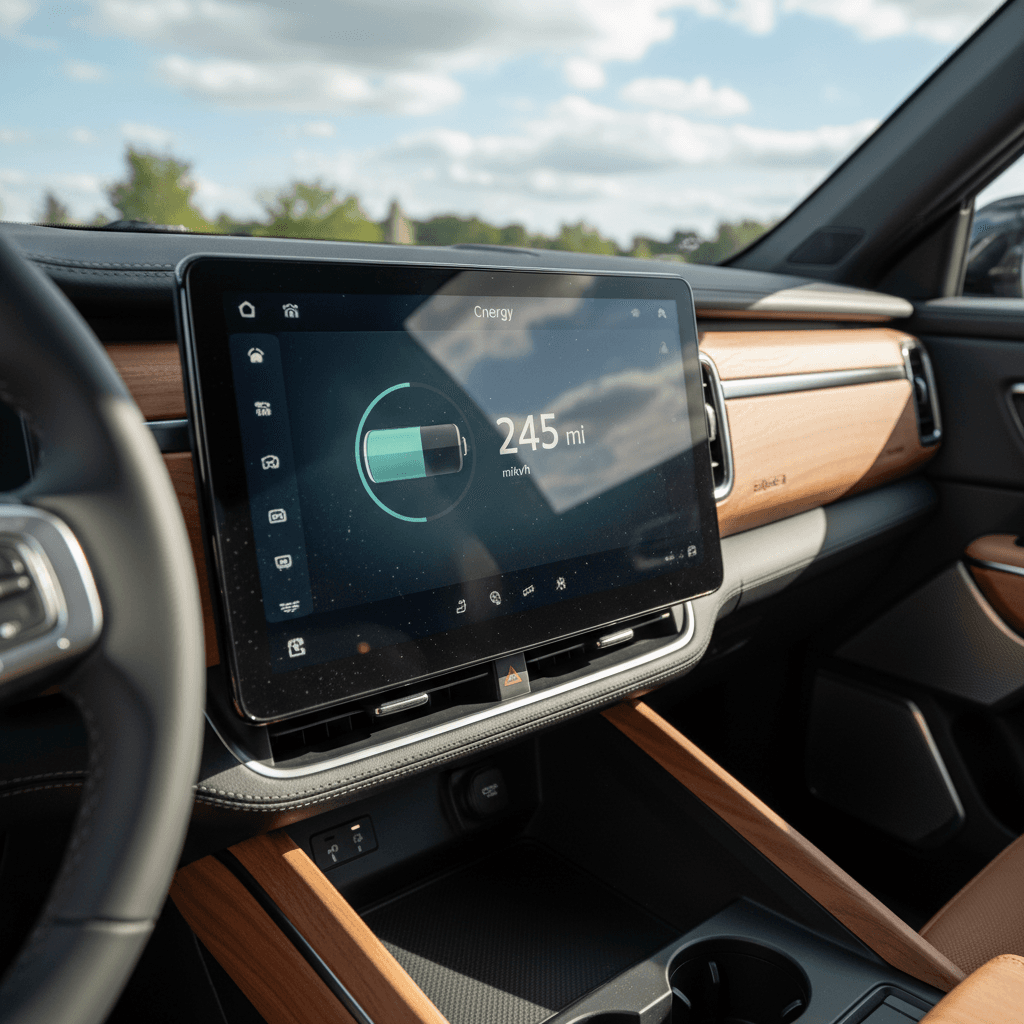
Reset a trip meter, then drive a route you know well, ideally 30–50 miles of mixed driving. At the end, look at Wh/mi in the Energy app. If you’re close to the community average for your configuration but still can’t hit expected range, that points more to battery health than driving style.
3. Watch for big jumps in state of charge
Healthy packs move smoothly through the state‑of‑charge (SoC) bar. If your R1S suddenly drops 10–20% SoC in a few miles or dies while showing double‑digit charge left, that’s more than simple degradation, that’s a calibration or hardware issue that Rivian should inspect.
4. Compare cold vs warm weather behavior
All EVs lose range in cold weather, but the pattern matters. A slight drop in efficiency and slower fast‑charging in winter is normal. If your R1S becomes barely usable for your commute in mild temperatures, it’s worth digging deeper into battery health, and your pre‑conditioning habits.
5. Fast‑charge from low state of charge
Find a DC fast charger you trust. Arrive around 10–20% SoC with the pack warm from driving. Watch how quickly the truck ramps to its expected peak kW and how long it holds. A pack that immediately throttles hard with a warm battery and normal conditions may be protecting a weaker cell.
Test drive tip for used shoppers
How to run a real‑world Rivian R1S range test
A controlled range test takes your at‑home checks and makes them more precise. You’re not trying to hit the EPA label; you’re trying to see how your R1S behaves against what other healthy packs of the same type are doing in similar conditions.
Step 1: Set up fair conditions
- Pick a day without extreme heat, cold, or heavy winds.
- Use a familiar route with relatively consistent speeds.
- Set tires to proper pressure and note if you’re on stock or oversized tires.
- Turn off Tow Mode and any roof boxes or heavy gear you wouldn’t normally run.
Step 2: Drive and record
- Start around 90–100% SoC and reset a trip meter.
- Drive at normal speeds; don’t hypermile.
- Stop the test near 10–15% SoC (don’t routinely run below that).
- Record: miles driven, % used, and average Wh/mi from the Energy screen.
Turn your range test into a rough capacity check
This back‑of‑the‑envelope math won’t beat Rivian’s own diagnostics, but it’s a great cross‑check.
| Item | Example value | How to use it |
|---|---|---|
| Miles driven | 120 mi | Your actual distance during the test |
| State of charge used | 70% | 100% minus the SoC shown at the end of the drive |
| Effective full‑pack range | ≈171 mi | Miles ÷ (SoC used as a decimal). 120 ÷ 0.70 = 171 |
| Compare to similar trucks | EPA or community data | If similar R1S builds are seeing ~190–200 mi in same conditions and you’re at 171, you might be 10–15% down. |
Example using simple numbers, you’ll plug in your own route data.
Remember: this is a rough tool, not a lab test
Using apps and software to track R1S battery health
If you like numbers, there are third‑party tools and owner‑built spreadsheets that estimate Rivian pack capacity more directly over time. Many owners also use route‑planning apps that quietly log charging and energy use in the background, then infer usable kWh from that data.
Digital tools R1S owners use to watch battery health
Pair these with your own range tests for a fuller picture
The Rivian app & Energy screen
Start here. Track:
- Trip efficiency and Wh/mi
- Charging history and speed
- Cold‑weather and towing impact
Third‑party tracking apps
Some owners use EV data apps or planning tools that estimate usable kWh and degradation curves over months, not days.
Old‑school spreadsheets
If you love DIY, log:
- Odometer and date
- SoC before and after charges
- kWh delivered per session
Over time, patterns emerge.
Log before you worry
Warning signs of true battery trouble vs calibration quirks
Rivian has publicly wrestled with battery calibration issues on some newer LFP‑equipped Gen‑2 packs, where the software’s idea of SoC doesn’t match the cells’ reality. At the same time, a small number of R1S owners have faced genuine high‑voltage battery or drivetrain failures that triggered full pack replacements under warranty. It helps to separate software drama from true hardware trouble.
Likely calibration or software issues
- Range estimate bounces around after a few short trips.
- Truck dies or warns near 0% SoC, but range up to that point feels normal.
- Rivian has flagged your VIN for a calibration update or specific campaign.
- Behavior improves after a couple of full 0–100% charge cycles (only do this occasionally).
Potential hardware or high‑voltage battery issues
- Sudden “critical battery” warnings at high SoC.
- Repeated no‑start events not tied to the 12‑volt battery.
- Fast‑charging that is dramatically slower than similar R1S trucks in similar conditions.
- Multiple range tests in mild weather showing you 20%+ below healthy peers.
Don’t DIY high‑voltage battery repairs
Checking battery health when you’re buying a used R1S
On a used Rivian R1S, battery health is right up there with accident history and warranty status. Two nearly identical trucks, same year, color, mileage, can be thousands of dollars apart in value if one has a strong pack and the other is already flirting with the warranty floor.
Used R1S battery checklist for a same‑day visit
1. Confirm build, battery, and warranty
Use the VIN and Rivian account screen to verify build date, battery type (Standard, Standard+, Large, Max, LFP, etc.), and remaining high‑voltage battery warranty. Late‑build trucks with more miles left on an 8‑year / high‑mileage warranty are usually a safer bet.
2. Ask for charging and usage history
Has the truck lived on DC fast chargers on road trips or mostly on Level 2 at home? Occasional fast‑charging is fine; constant 100% charging plus high heat is harder on any pack. On Recharged, we summarize usage patterns and note any red flags in the Recharged Score Report.
3. Do a mini range and efficiency test
Even on a short visit, you can reset a trip meter, drive 20–30 miles, and check Wh/mi and SoC used. Compare that to what other owners report for the same trim and tires. If your test drive feels like you’re fighting to maintain normal range, walk away or ask for a deeper diagnostic.
4. Look for warning messages and behavior
Scan for any stored warnings on the dash, in the Rivian app, or in the service history. Pay attention to weird charging behavior, unexplained power limits, or repeated 12‑volt battery replacements that might hint at bigger electrical issues.
5. Get a professional battery report when possible
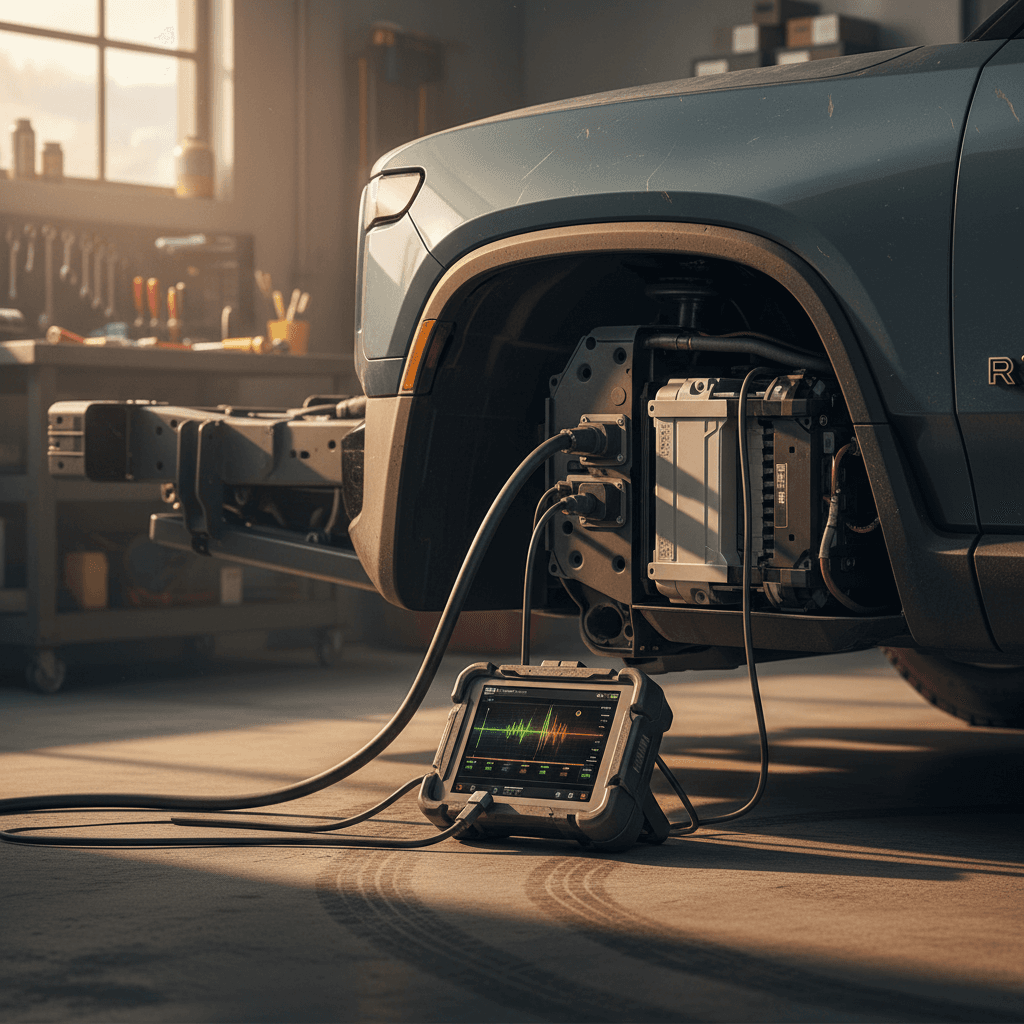
For high‑dollar purchases, a third‑party <strong>battery health report</strong> is cheap insurance. At Recharged, every R1S we sell includes a Recharged Score battery diagnostic so you’re not guessing about pack health based on one drive.
How Recharged tests and reports Rivian battery health
Because battery packs are the heart (and wallet) of any used EV, Recharged bakes battery health into every vehicle we list, including Rivian R1S SUVs. You don’t just get a pretty range number on the window sticker; you get the story behind it.
Inside a Recharged Score battery health report
What we look at before a Rivian ever hits our site
Diagnostic battery tests
We combine scan‑tool data and controlled drive tests to understand usable capacity and pack behavior under load, not just what the dash says today.
Charging and usage patterns
Where possible, we review how the R1S was charged (home Level 2 vs DC fast), average daily use, and any extreme patterns that might accelerate wear.
Transparent scoring and notes
The Recharged Score rolls battery health, market pricing, and inspection results into a single report you can read in minutes, with clear notes if something isn’t perfect.
Ready to find your next EV?
Browse VehiclesWhy this matters for Rivian shoppers
Habits that keep your Rivian R1S battery healthy longer
Once you know your pack is in good shape, the next step is keeping it there. You don’t need to baby your R1S like a science project, but a few simple habits will help you maximize capacity and keep your warranty on your side.
- Use 20–80% SoC for daily driving when you can, saving 90–100% charges for road trips or occasional calibrations, especially on LFP packs that like the occasional full cycle.
- Avoid letting the truck sit for days at 0–5% SoC or at a constant 100% in very hot weather; both extremes are harder on lithium‑ion packs over time.
- Pre‑condition the cabin and battery while plugged in on very cold or very hot days so the pack doesn’t have to work as hard keeping itself comfortable while you drive.
- Treat DC fast charging like a road‑trip tool, not your daily diet. Regular Level 2 charging at home or work is gentler on the battery and your wallet.
- Keep tires properly inflated and avoid unnecessary roof boxes and heavy accessories if you’re chasing maximum range, drag and rolling resistance hit efficiency before they hit the battery.
Battery‑friendly habits for different R1S owners
Daily commuters
Charge on Level 2 at home; set a target charge of 70–80%.
Fast‑charge only on longer trips or unusual days.
Run a mini range test every 6–12 months just to track trends.
Road‑trip families
Plan DC fast‑charge stops around 10–70% SoC where charging is quickest.
Pre‑condition the battery before fast‑charging when your route planner suggests it.
After big trips, go back to moderate daily charge limits.
Adventure and towing
Expect lower range when towing or running big off‑road tires, don’t blame the battery first.
Watch pack temps and charge speeds after long climbs or heavy loads.
Build in more buffer on SoC to avoid deep discharges far from chargers.
Rivian R1S battery health FAQ
Common questions about Rivian R1S battery health
Bottom line: How to stay confident in your R1S battery
Your Rivian R1S battery is a workhorse, not a mystery box. With a few smart at‑home tests, a simple range drive, and an eye for the difference between software quirks and real hardware trouble, you can stay ahead of surprises, and make smarter decisions whether you’re keeping, selling, or shopping for an R1S.
If you’re already an owner, build a light habit of checking range and efficiency a couple of times a year and call Rivian service when behavior crosses from “odd” to “unsafe.” If you’re a shopper, look for transparent battery data, not just a full charge and a friendly seller. And if you’d rather skip the guesswork entirely, every used R1S sold through Recharged comes with a Recharged Score Report that puts verified battery health, fair pricing, and expert EV guidance in one place, so your biggest EV gamble isn’t the pack you can’t see.