If you own or are shopping for a Rivian R1S, the single most expensive component in the vehicle is its high‑voltage battery pack. A smart Rivian R1S battery health check can tell you whether you’re looking at years of carefree road trips, or an early, expensive headache. The good news: modern Rivian packs are aging far better than many people expect, and with the right checks you can separate normal behavior from real trouble.
The short version
Why Rivian R1S battery health matters
Battery health in an R1S isn’t just an abstract percentage; it directly affects real‑world range, fast‑charging speed, and resale value. A healthy pack lets you road‑trip confidently, charge quickly on DC fast chargers, and command a premium if you ever sell or trade in.
Three reasons to pay attention to R1S battery health
Applies whether you own already or are eyeing a used Rivian
Range & usability
Degradation reduces usable kWh, which cuts your practical range. On a big SUV like the R1S, even a 5–10% loss can mean more charging stops on long trips.
Resale & financing
Battery condition is a major lever in used EV pricing. Documented good health can support higher trade‑in values and better financing outcomes.
Repair risk
High‑voltage battery repairs are rare but costly. Catching issues early, while under Rivian’s warranty, can save you thousands later.
Warranty still matters
Rivian R1S battery basics: packs, range and degradation
Before you can evaluate battery health, it helps to know what’s actually in the R1S. Across first‑ and second‑generation models you’ll see different pack sizes (Standard, Large, Max), drivetrains (Dual, Performance, Quad), and software‑reported range figures. On paper, these span from roughly the mid‑250s to well over 350 miles of EPA range depending on configuration and wheels.
- R1S packs are liquid‑cooled, using modern NMC chemistry designed for long life.
- Owners with early R1T/R1S trucks reporting 70,000–100,000+ miles generally see only a few kWh of capacity loss, often in the low single‑digit percent range.
- Newer Gen 2 R1S packs show similarly encouraging behavior in early high‑mileage reports.
Displayed range vs. actual capacity
Quick Rivian R1S battery health check at home
You don’t need service‑center tools to get a first read on your R1S battery. A basic at‑home Rivian R1S battery health check focuses on consistency: how the truck behaves today vs. how it behaved when it was new, or vs. other owners with similar setups.
5‑step at‑home R1S battery health check
1. Note your configuration
Write down model year, drivetrain (Dual, Performance, Quad), pack size (Standard, Large, Max), and wheel/tire setup. You’ll compare against EPA and owner‑reported ranges for similar builds rather than generic Rivian numbers.
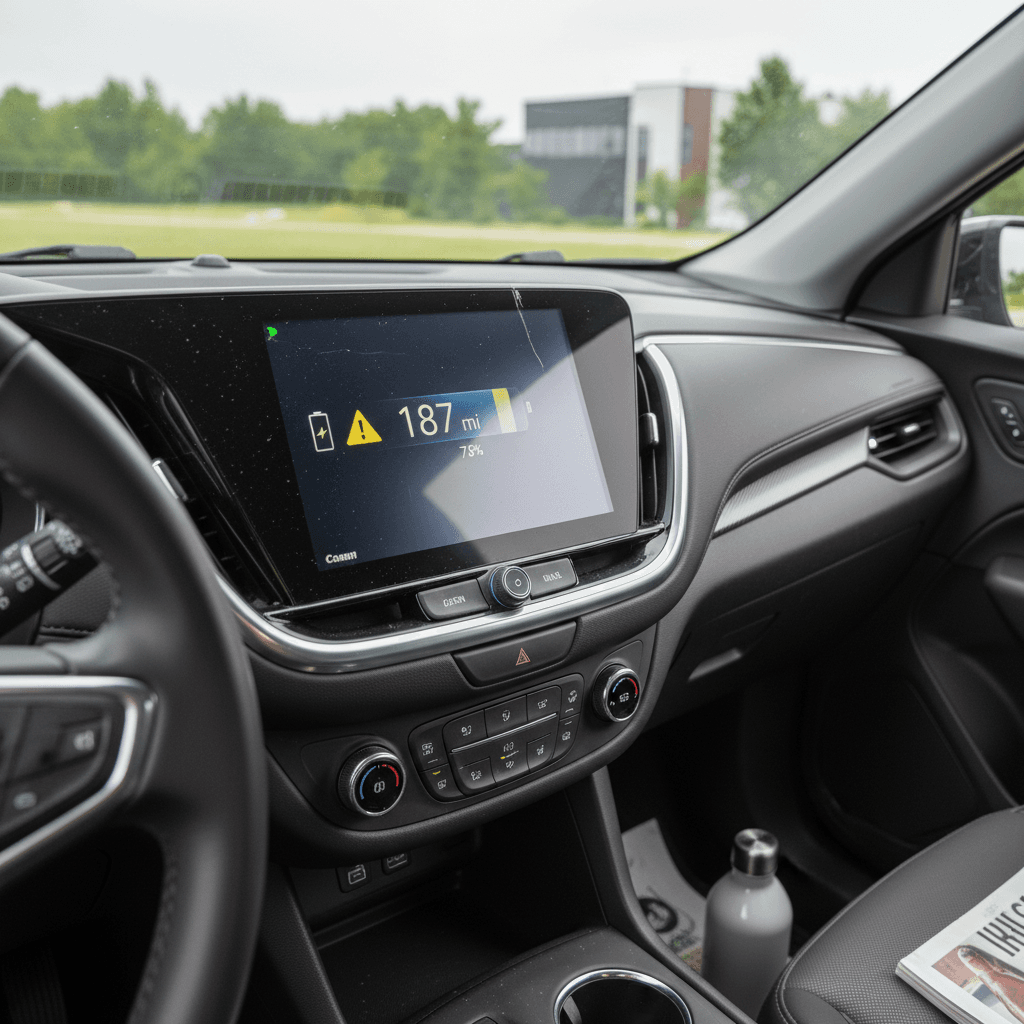
2. Check 100% and 70–80% range estimates
On a mild‑weather day, charge to 100% and note displayed miles in your usual drive mode. Then charge to around 70–80% on another day and note miles again. Large, sudden drops compared to your early ownership baseline can be a red flag.
3. Measure real‑world efficiency
Reset a trip meter, drive at least 30–50 miles of mixed driving, and note your Wh/mi. Compare that to what other R1S owners with similar tires and climate are seeing. If your efficiency is normal but range is suddenly lower, it’s more likely a software estimate or calibration issue than real degradation.
4. Watch DC fast‑charge behavior
On a warm battery, plug into a DC fast charger. A healthy pack should ramp quickly and hold a reasonable charging curve for its generation and pack size. If it tapers extremely early, Rivian may be limiting charge speeds due to a detected pack issue.
5. Track phantom drain over a week
Park the R1S at a consistent state of charge for 5–7 days, ideally in a garage. Disable unnecessary background features (Gear Guard recording, frequent app wake‑ups) and note how many % points you lose. A few tenths to ~1% per day can be normal; big or erratic losses merit deeper diagnosis.
Take screenshots and notes
Deeper diagnostics: tools, apps and Rivian service
If your quick at‑home battery health check raises questions, or you’re evaluating a used R1S with an unknown history, it’s worth going one level deeper. You still won’t see the raw engineering data Rivian sees, but you can triangulate a credible picture.
Ways to quantify R1S battery health (beyond gut feel)
1. Rivian service battery checks
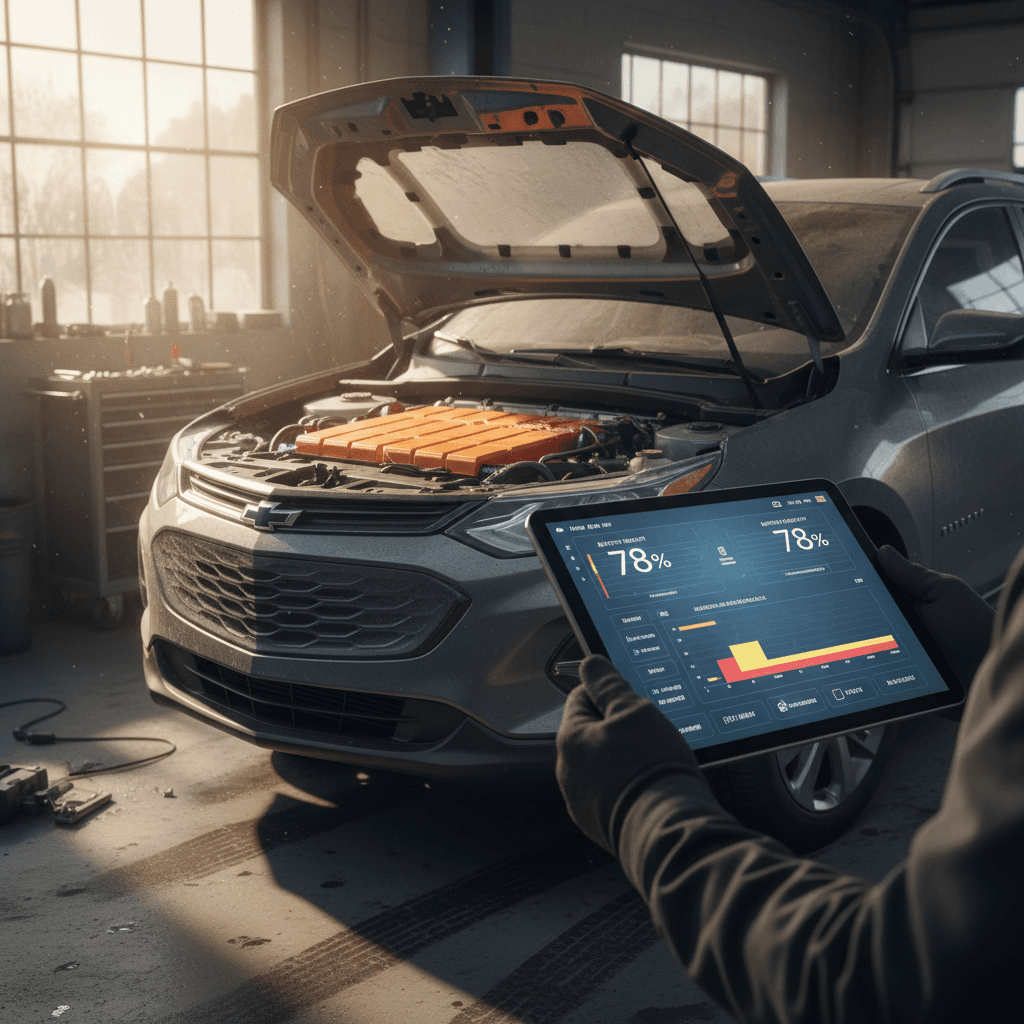
If you’re seeing warnings like “Vehicle Battery Issue – Service Required”, unusual fast‑charge behavior, or big, sudden range changes, schedule a Rivian service appointment. They can:
- Pull fault codes and pack temperature/voltage data you can’t see.
- Check whether any cells or modules look out of balance.
- Verify if your behavior is within Rivian’s expected degradation window.
- Apply software updates that improve estimation or charging logic.
This is especially important if you’re still under Rivian’s high‑voltage battery warranty window.
2. Third‑party logging and analytics
A growing ecosystem of EV telemetry tools can monitor your R1S over time by reading charge sessions and trips. While they can’t override Rivian’s BMS, they can:
- Estimate usable pack capacity over many charge cycles.
- Flag changes in DC fast‑charge curves that might reflect growing limits.
- Surface patterns in phantom drain and climate‑related losses.
Think of these as a second opinion on top of Rivian’s own estimates, not a replacement for official diagnostics.
How Recharged approaches Rivian battery health
Phantom drain, cold weather and “range drop”
A huge share of Rivian forums and owner complaints about “battery issues” on the R1S boil down to three things that aren’t true degradation: phantom drain, cold‑weather efficiency losses, and software estimation quirks. You need to filter these out before deciding your pack is in trouble.
Common R1S range surprises that aren’t real degradation
What you see vs. what’s actually happening
Phantom drain
Owners often report the R1S losing around 1% of charge per day when parked, sometimes more if Gear Guard, frequent app wakes, or poor sleep behavior keeps the truck “awake.” That lost energy doesn’t mean the pack’s capacity has vanished, it’s just being used while parked.
Cold‑weather hit
In winter, the R1S may show far fewer miles at the same % and burn energy faster on short trips. Heating the cabin and battery is expensive, and cold chemistry is less efficient. When temps rise again, range usually comes back.
Software estimates
Changes in drive mode, tires, software updates, or Rivian’s underlying assumptions about your typical efficiency can cause the displayed range at 100% to jump around even if the physical pack hasn’t changed.
How to isolate true degradation
Checking battery health when buying a used R1S
Battery health is even more critical when you’re buying used. The right Rivian R1S battery health check can be the difference between scoring a great deal and inheriting someone else’s problem child. You’re trying to answer two questions: How has this pack been used? and How is it behaving today?
Used Rivian R1S battery health checklist
Questions and checks to run before you buy
| Check | What to ask or look for | Why it matters |
|---|---|---|
| Charging history | Home Level 2, DC fast charging frequency, road‑trip usage | Heavy DC fast charging and repeated deep cycles can accelerate wear, especially in hot climates. |
| Displayed range | Range at 100% and 70–80% in mild conditions | Outliers vs. similar builds may indicate unusual usage or a pack that’s being limited. |
| Service records | Any high‑voltage battery or HV contactor work? | Battery‑related repairs under warranty can be fine; repeated or vague issues are a red flag. |
| Fault history | Dashboard warnings, sudden shutdowns, charging errors | Intermittent “Vehicle Battery Issue” or charging communication errors need clear resolution invoices. |
| Pack warranty | Years and miles remaining on Rivian’s battery warranty | More remaining warranty gives you a buffer if latent defects show up after you buy. |
| Independent report | Battery‑focused inspection like a Recharged Score Report | Provides third‑party validation beyond what the seller says or remembers. |
Bring these questions to private sellers, dealers, or marketplaces, and pay close attention to how specific the answers are.
What Recharged checks on a used R1S
Charging habits that keep your R1S battery healthy
The R1S pack chemistry is robust, and real‑world data suggests Rivian’s thermal management is doing its job. But your day‑to‑day habits still influence long‑term health. Fortunately, the basics are simple and line up with what’s recommended for other modern EVs.
Owner habits that support long R1S battery life
Stay in the middle band for daily driving
For normal commuting, keep the truck between roughly 20–80% state of charge when you can. Use 100% only when you need the range and drive soon after it finishes charging.
Avoid parking full in summer heat
Try not to leave the R1S parked for days at ~100% in high ambient temperatures. If you’re at an airport for a week, consider parking around 50–60% instead.
Treat DC fast charging as a tool, not a lifestyle
Frequent DC fast charging on hot days at very low state of charge is more stressful than slower home charging. Road‑trip as much as you like, but don’t use DCFC as your only charging source if you can avoid it.
Let software updates run
Rivian often refines battery management, charging curves, and range estimation via over‑the‑air updates. Keeping your truck current can actually improve how “healthy” the pack appears and behaves.
Give the truck time to sleep
Minimize unnecessary wake‑ups from the app, and configure Gear Guard and proximity unlock thoughtfully at home. Less background activity means less phantom drain and gentler cycling.
Warning signs of real battery problems
Most Rivian R1S owners will never experience a true pack failure. But because EVs are still new territory for many drivers, it’s worth knowing what actually counts as a serious battery‑health concern vs. the usual noise of software and weather.
- Repeated “Vehicle Battery Issue – Service Required” or similar high‑voltage warnings, especially if they come back after a service visit.
- The truck shutting down or refusing to drive at non‑zero state of charge, or going from low but usable % to 0% almost instantly.
- Consistently abnormal DC fast‑charging behavior on a warm battery, extremely early tapering or refusing to accept power on multiple chargers.
- Large, sudden drops in displayed 100% range that don’t correlate with a software update, wheel/tire change, or drastic weather shift.
- Rivian service acknowledging an internal pack or contactor defect, or recommending major high‑voltage work.
Don’t ignore high‑voltage warnings
Frequently asked questions about R1S battery health
Rivian R1S battery health check: FAQs
Bottom line: how to stay ahead of R1S battery issues
Rivian’s R1S packs are proving to be robust, and most of the scary stories you hear revolve around software quirks, vampire drain, or charging network drama rather than packs silently wearing out. A sensible Rivian R1S battery health check, backed by good charging habits and the occasional deeper diagnostic, gives you confidence that your SUV will deliver the range and performance you paid for.
If you’re already an owner, treat battery health checks like you would tire rotations: simple, periodic maintenance for your peace of mind. If you’re cross‑shopping used R1S listings, lean on transparent battery reporting and EV‑specialist support rather than generic used‑car instincts. That’s exactly why Recharged builds every purchase around a Recharged Score Report, expert guidance, and nationwide delivery, so you can focus on finding the right Rivian, not worrying what’s hidden inside its pack.