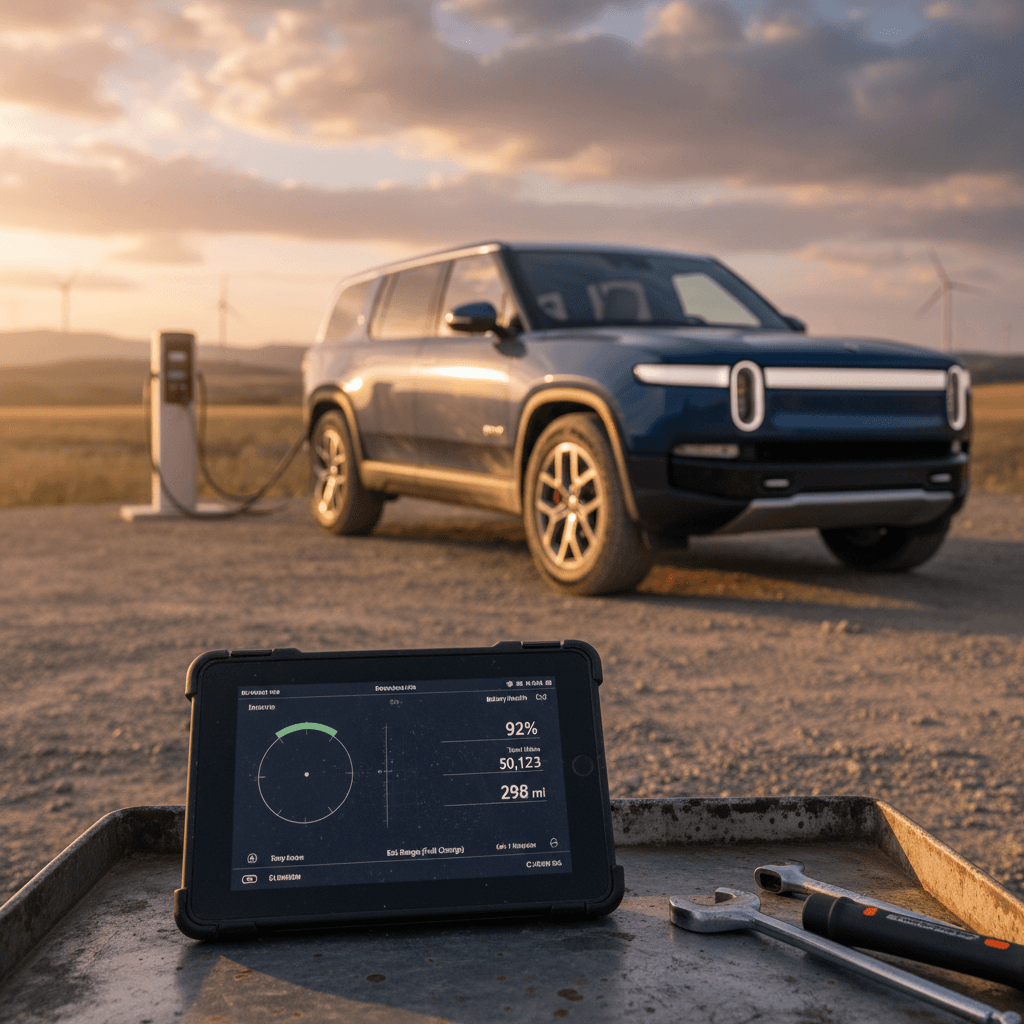
If you’re searching for a Rivian R1S 50,000‑mile review, you’re probably trying to answer two questions: “Will this thing hold up?” and “Is a high‑mileage R1S a smart buy or a ticking time bomb?” With real‑world owner reports now rolling in around the 50k‑mile mark, we can give a nuanced, data‑driven answer instead of launch‑hype speculation.
Context: where the data comes from
Who this Rivian R1S 50,000-mile review is for
- Current R1S owners approaching 50,000–60,000 miles and wondering whether to keep the SUV past the factory warranty.
- Shoppers considering a used 2022–2024 R1S that already has 30,000–70,000 miles on the odometer.
- EV drivers cross‑shopping Tesla Model X, Kia EV9, or Mercedes EQE SUV and trying to understand how a Rivian ages.
- Anyone trying to price a trade‑in or sale of their R1S and worried about future repair risk.
We’ll start with a high‑level verdict and then dig into reliability, battery health, running costs, and resale value, plus a checklist you can use if you’re evaluating a used R1S, especially through a marketplace like Recharged where every vehicle comes with a battery‑health report and pricing benchmark.
Quick take: Rivian R1S at 50,000 miles
Rivian R1 platform at ~50,000 miles: emerging picture
One-sentence verdict
Real-world reliability by 50,000 miles
With any brand‑new automaker, the real question isn’t “does it break?”, it’s how often, how badly, and how painful is the fix? For the R1S at 50,000 miles, the pattern looks like this:
Common R1S issues showing up by ~50,000 miles
Not every owner sees these, but they’re over‑represented in surveys and owner forums.
Suspension & steering
Owners report air‑suspension noises, ride‑height glitches, and in some cases component replacement under warranty. A recent recall also targets a rear toe‑link bolt that may have been reassembled incorrectly during past service.
12V system & bricking
A weak 12V battery can leave the truck immobile (“bricked”) even with charge in the main pack. Several owners had 12V replacements and related HV diagnostics around the 10–30k‑mile mark, all under warranty, but it’s something to watch past 50k.
Body hardware & trim
Misaligned liftgates, squeaks/rattles, door alignment and minor water leaks show up in owner surveys. Annoying, not catastrophic, but they do drive repeat service visits.
Don’t ignore suspension service history
Owner stories at ~50k miles are bimodal: some drivers report essentially “zero issues, just tires and scheduled checks,” while others have had multiple visits for dampers, alignment, 12V batteries, or body hardware. What’s notable is that most of these repairs have been covered under warranty and often involve mobile service or loaner/rental support, but that calculus changes fast once the basic warranty expires.
What the warranty covers early on
- Bumper‑to‑bumper: 5 years/60,000 miles (typical for premium brands).
- Battery & drive unit: 8 years/175,000 miles for R1, with minimum 70% capacity retention.
- Typical 50k‑mile fixes: 12V battery, door alignment, suspension noises, HVAC modules have generally been covered.
Why 50–60k miles is a “decision point”
- Once you cross 60k miles, most non‑battery items move to out‑of‑pocket territory.
- Air‑suspension or HVAC repairs can run into the four‑figure range at any luxury brand.
- Some owners are proactively selling just before 60k to avoid the unknowns, especially on early‑build 2022 trucks.
Battery health and range at 50,000 miles
If there’s one clear bright spot in a Rivian R1S 50,000‑mile review, it’s the traction battery. Multiple R1 owners with 40–50k miles report no noticeable real‑world range loss on repeat routes, and third‑party tools that estimate pack capacity show values very close to new for many vehicles.
How the Rivian R1S battery is aging
Patterns we’re seeing by the mid‑tens of thousands of miles.
Minimal apparent degradation
Owners near 45–50k miles often say they’re still hitting the same road‑trip legs and charge stops they did when new, suggesting single‑digit percent degradation at most so far.
Usage patterns matter
Trucks kept mostly on Level 2 charging to ~70–80% and not hammered on DC fast‑charging tend to show the best battery health, true of any modern EV.
Range swings vs. degradation
Remember that weather, tires, and speed can change real‑world range by 20–30% without any battery aging at all. Don’t confuse winter consumption with degradation.
Battery vs. phantom drain
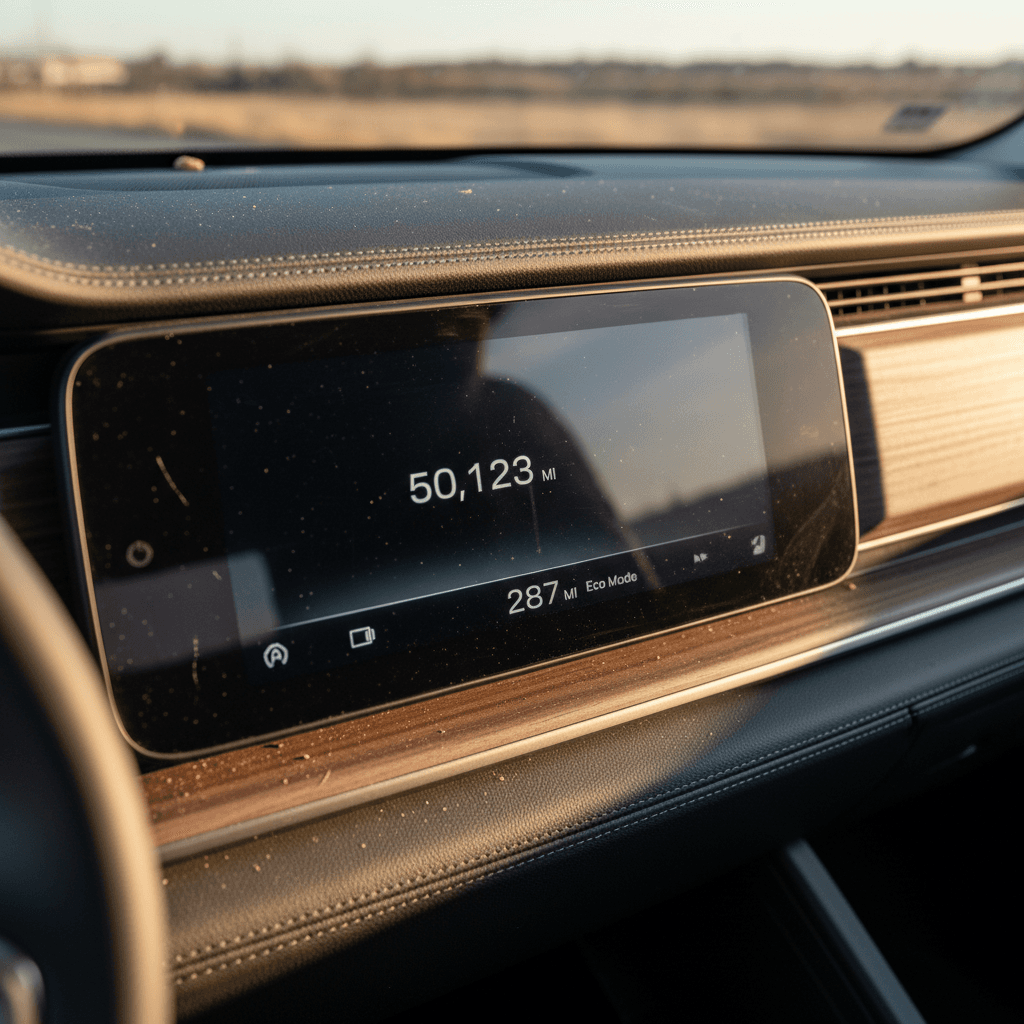
From a used‑EV buying perspective, this means a 50,000‑mile R1S is not automatically a range liability. What matters is how those miles were racked up: lots of highway, reasonable charging habits, and temperature‑moderate climates are your friends. Tools like the Recharged Score battery‑health diagnostics quantify that for you instead of relying on a dash‑display guess.
Ownership costs: tires, service and repairs
A 7,000‑pound, quad‑motor luxury SUV that can launch like a sports car and crawl over rocks was never going to be cheap to run. At 50,000 miles, here’s where the money has typically gone:
Typical Rivian R1S costs by ~50,000 miles (high‑level view)
These are directional patterns from owner reports, not guaranteed totals. Actual costs depend heavily on driving style, climate, and how much is done under warranty.
| Category | What to Expect by ~50k miles | Warranty Impact | Owner Takeaway |
|---|---|---|---|
| Tires | Often 2nd set of tires already; aggressive driving or off‑roading can wear them faster. | Not covered (wear item). | Budget for at least one full tire replacement set by 50k, more if you off‑road heavily. |
| Brake wear | Surprisingly low pad wear thanks to strong regen; rotors can still age from time and environment. | Wear item, not typically covered. | Most owners won’t need major brake work by 50k if they use regen well. |
| Suspension / alignment | Alignment checks, occasional damper or air‑suspension component replacements for some owners. | Generally covered before 60k. | Plan for more frequent alignments than a soft‑roader SUV; big wheels + torque are hard on geometry. |
| 12V battery & HVAC | Some owners report 12V failures and occasional HVAC module replacements in the first few years. | Often covered while under basic warranty. | Out of warranty, these move into four‑figure‑repair territory; risk rises with age. |
| Software & recalls | Multiple over‑the‑air updates, a few safety‑related recalls (driver‑assist, suspension). | OTA updates free; recall work covered. | Staying current on updates and recall work is essential for safety and resale. |
Use this as a sanity check, not a line‑item budget.
Run the math vs. depreciation
Software updates, driver assist, and phantom drain
Rivian’s software story at 50,000 miles is a mix of bold ambitions and hard realities. Early R1 buyers were shown a vision of rapid software iteration and evolving driver‑assist; in practice we’ve seen meaningful improvements, a few walk‑backs, and some recalls.
Living with Rivian software at 50,000 miles
What long‑term owners report.
OTA updates: mostly positive
Interface refinements, new drive modes, range and charging tweaks, and improved trip planning have all arrived over‑the‑air. Most 50k‑mile owners say the truck is noticeably better to live with than at delivery.
Driver-assist recalls
A 2025 recall addressed a driver‑assist glitch that could fail to detect a lead vehicle under certain conditions. Rivian pushed an OTA fix, but it underlines that this is still early‑stage ADAS, not a self‑driving system.
Phantom drain remains an issue
Some R1S owners see 6–7 miles of range loss per day when parked, especially if the vehicle never fully falls asleep. Settings, software version, and connected features all play a role.
Don’t buy it for “future” autonomy
From a 50k‑mile perspective, the software story is simple: it’s a moving target. The good news is that most improvements come free via OTA. The risk is that new bugs and recalls can appear along the way. For used buyers, make sure the vehicle has current software and that all campaigns have been completed, things a platform like Recharged will verify before you ever see the listing.
Should you keep or sell your R1S when warranty ends?
If you’re staring at 55k miles on a 2023 R1S and wondering whether to dump it before 60k, you’re not alone. Owner discussions around the 50,000–60,000‑mile threshold tend to cluster into three camps.
The Worrier
Focuses on air‑suspension costs, 12V failures, and service‑center horror stories. Wants out before any major repair hits, even if the odds are moderate.
Good fit for selling: If you can’t comfortably absorb a $3–5k surprise repair, exiting before warranty expiration buys peace of mind.
The Rationalist
Looks at depreciation vs. repair risk. Notes that even a big repair bill is often cheaper than replacing the truck, and that battery/drive unit are still heavily covered.
Good fit for keeping: If you love the R1S and plan to drive an EV long‑term, running it well past 60k can be the smart financial play.
The Tech Skeptic
Feels Rivian’s first‑generation tech stack and service network are still too green. Prefers to sell now and come back for R2 or a Gen‑3 R1S once the ecosystem matures.
Good fit for cycling out: If you prize stability over cutting‑edge hardware, waiting a few years may align better with your risk tolerance.
A simple framework
Is a high-mileage Rivian R1S a good used buy?
From a used‑EV shopper’s perspective, a 50,000‑mile R1S is where the risk/reward curve starts to look interesting. Early pricing was sky‑high and incentives were limited, so first owners ate heavy depreciation. That opens the door to much more rational pricing on the secondary market.
50,000-mile Rivian R1S: pros and cons for used buyers
Why a high‑mileage R1S can be both a bargain and a gamble.
Why it can be a smart buy
- Depreciation already hit: You avoid the steepest part of the curve.
- Battery still strong: Real‑world data suggests low degradation by 50k.
- Capability for the money: Quad‑motor performance and off‑road chops that would cost far more new.
- OTA‑improved: Many teething issues have been softened by software updates.
What makes it a gamble
- First‑gen hardware: Early years of any new platform have more unknowns.
- Finite service network: Depending on your region, service convenience can range from excellent to frustrating.
- Out‑of‑warranty exposure: A big suspension or HVAC repair can hurt if it hits on your watch.
- Complex electronics: Feature‑rich interiors age differently than simple mechanical trucks.
This is where a structured, third‑party marketplace like Recharged changes the equation. Instead of gambling on a one‑line Carfax and a seller’s word, you get a Recharged Score Report with verified battery health, a scan for open recalls, and pricing benchmarked against the broader used‑EV market. That doesn’t make risk disappear, but it makes it legible.
How to inspect a used R1S beyond the Carfax
A proper Rivian R1S 50,000‑mile review has to end with something practical: a checklist you can actually use if you’re standing in front of a used truck, key fob in hand. Whether you’re shopping locally or online, here’s how to go beyond the basics.
Used Rivian R1S 50k-mile inspection checklist
1. Pull software, recall, and service history
In the settings menu, confirm the vehicle is on current software. Ask for documentation of any <strong>recall work</strong>, especially around suspension and driver‑assist. If you’re buying through Recharged, we surface this in your digital report.
2. Verify battery health and charging behavior
Look at recent trip efficiency and estimated range at high state of charge. On a test drive, start a DC fast‑charge or Level 2 session and confirm it initiates quickly and charges at expected speeds, no repeated faults or stalls.
3. Listen to the suspension at different heights
Cycle through ride heights while parked and at low speeds. Note any <strong>creaks, groans, or clunks</strong>. On the test drive, hit uneven pavement and listen for knocks. Uneven tire wear can also hint at alignment issues.
4. Check body alignment and water sealing
Inspect door and hatch gaps, especially the liftgate. Look for uneven seals, wind noise on the highway, or signs of moisture in the cargo area. These are fixable but can be indicators of prior repairs or build issues.
5. Stress-test the 12V and electronics
Power the vehicle on and off multiple times, operate HVAC on max, and leave the truck in accessory mode for a bit. Any unexplained warnings, no‑starts, or repeated reboots are red flags, especially on a truck near or past its basic warranty.
6. Evaluate idle losses over a few days (if possible)
If you can, park the truck at ~60–70% charge and check it again after a couple of days. A few miles of loss is normal; <strong>dramatic drops</strong> suggest software or sleep‑state issues that you’ll inherit.
How Recharged simplifies this
FAQ: Rivian R1S 50,000-mile questions
Frequently asked questions about 50,000-mile Rivian R1S ownership
Bottom line on the Rivian R1S at 50,000 miles
By 50,000 miles, the Rivian R1S has largely answered its most important question: the fundamental EV hardware looks solid. The battery is aging gracefully, the driving experience remains special, and the truck still feels every bit the adventure flagship Rivian promised. The trade‑off is that you’re living at the bleeding edge of a young automaker’s learning curve, where recalls, software quirks, and service‑network growing pains are part of the deal.
If you already own an R1S and love it, there’s a strong argument for keeping it past 50–60k miles, accepting that an occasional big repair is still cheaper than perpetual trading‑up. If you’re shopping used, a well‑vetted 50k‑mile example can be one of the most compelling values in the electric‑SUV market, as long as you lean on data and diagnostics, not just vibes. That’s exactly what a Recharged Score Report is built for: verified battery health, transparent pricing, and expert guidance so you can enjoy Rivian’s ambition without blindly underwriting its R&D.