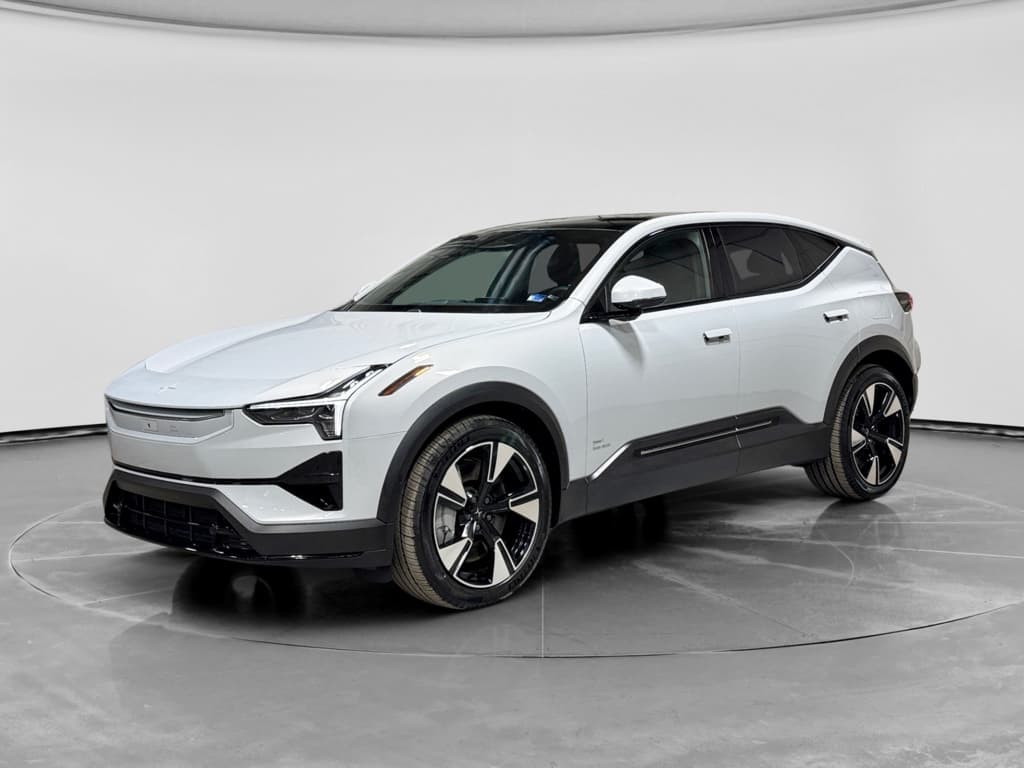
If you’re drawn to Scandinavian design, strong performance, and a tech‑forward cabin, the Polestar 3 is probably high on your list of luxury electric SUVs. This Polestar 3 buying checklist walks you step by step through range, trims, options, charging, and ownership costs so you can decide whether it fits your life, and how to shop smart, whether you’re buying new or used.
Where the Polestar 3 fits
Polestar 3 buying checklist: overview
Quick Polestar 3 checklist (at a glance)
Confirm your daily driving and road‑trip needs
Estimate typical daily miles, number of passengers, cargo needs, and how often you’ll take 200+ mile trips. This drives your range and charging decisions more than anything else.
Pick your drivetrain and performance level
Decide between a rear‑drive single‑motor configuration for maximum range or a dual‑motor all‑wheel‑drive model for stronger performance and traction.
Choose key option packs ahead of time
Polestar groups many desirable features into option packs. Decide where you stand on luxury audio, air suspension, panoramic cameras, and advanced driver assist so you’re not upsold on the showroom floor.
Plan your charging strategy
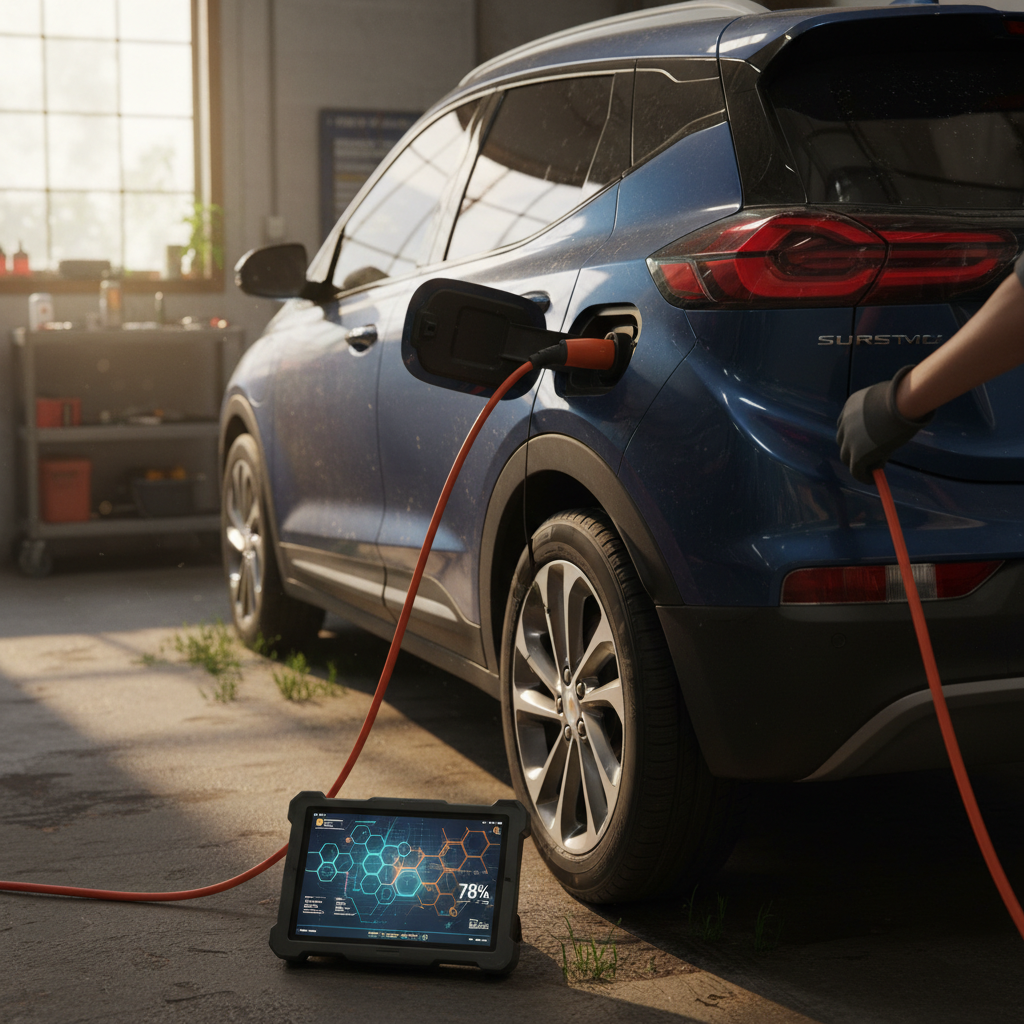
Figure out how you’ll charge at home (outlet vs. wallbox), what public networks you’ll rely on, and how fast you realistically need to charge on road trips.
Set a realistic budget, including insurance
Look beyond the headline price. Add home charging equipment, taxes and fees, insurance, and routine maintenance so there are no surprises after you sign.
For used: prioritize battery health verification
On a used Polestar 3, focus on verified battery health, charging history, accident repairs, and software update status. That’s where Recharged’s battery diagnostics and Recharged Score report make a real difference.
Step 1: Define how you’ll use your Polestar 3
Before you dive into specs and options, start with how you’ll actually use the car. The Polestar 3 is a sizable, powerful SUV, over 5,000 pounds and roughly 193 inches long, so it’s important to be honest about your needs versus your wants.
Common Polestar 3 buyer profiles
Match your use case to the right configuration later in the checklist
Daily commuter & family hauler
Profile: 20–60 miles per day, school runs, errands, weekend trips.
- Prioritize comfort, efficiency, and safety tech.
- Range above 279 miles will feel more than sufficient.
- Single‑motor or non‑Performance dual‑motor is usually ideal.
Road‑trip and adventure driver
Profile: Regular 200–400 mile drives, ski trips, vacations.
- Range and fast‑charging speed matter more.
- All‑wheel drive for poor weather is a plus.
- Spend extra time planning charging along your favorite routes.
Performance & design enthusiast
Profile: Loves strong acceleration, premium audio, and design details.
- Consider Performance upgrades and adaptive air suspension where available.
- Be realistic about the trade‑off between power and range.
- Factor in higher tire and brake wear over time.
Measure your real range needs
Step 2: Choose the right battery, range, and performance
The Polestar 3 uses a large lithium‑ion battery pack (around 111 kWh gross) and offers multiple powertrain options. For most U.S. buyers, the crucial questions are: How far can it go on a charge, and how quick does it feel?
Polestar 3 configurations to understand
Approximate EPA range and power figures; always verify final specs for the model year you’re shopping.
| Configuration | Drive | Approx. power | Est. EPA range | Best for |
|---|---|---|---|---|
| Long Range Single Motor | RWD | ~330 hp (estimate) | Up to ~350 miles | Maximum range and efficiency |
| Long Range Dual Motor | AWD | ~480–490 hp | Up to ~315 miles | Balanced performance and range |
| Dual Motor Performance | AWD | ~510–520 hp | Around 279 miles | Strongest acceleration and towing |
Range and power vary by wheel choice, climate, and driving style.
Watch the Performance pack trade‑off
- If you commute modest distances and road‑trip a few times a year, the Long Range Dual Motor will feel more than quick enough and has the best blend of range and traction.
- If you live in a flat, warm‑weather area and want to maximize range, the Long Range Single Motor is worth a close look once widely available.
- If you care most about 0–60 times and passing power, the Performance upgrade is compelling, but plan charging stops accordingly.
Step 3: Compare trims and option packs
Polestar keeps the basic trim walk fairly simple, then layers on equipment via option packs. That’s different from traditional “base/premium/advanced” trims, and it can confuse shoppers who haven’t mapped their must‑haves ahead of time.
Common Polestar 3 option areas to decide on
Know your must‑haves vs. nice‑to‑haves before you negotiate
Comfort & luxury features
- Heated and ventilated front seats; heated rear seats.
- Panoramic glass roof and upgraded upholstery.
- Premium audio (often Bowers & Wilkins).
Make sure the cabin matches how long you’ll actually sit in it each day.
Tech & driver‑assist packs
- Surround‑view cameras and parking assistance.
- Pilot Assist and adaptive cruise control.
- High‑end highway assist packages using multiple radars and cameras.
If you drive in heavy traffic, these features reduce fatigue dramatically.
Chassis & appearance
- Adaptive air suspension on certain dual‑motor models.
- Larger 21–22 inch wheels with performance‑oriented tires.
- "Polestar Engineered" details like gold brake calipers.
These affect both ride quality and range, bigger wheels usually mean slightly less range.
Build it online first
Step 4: Plan your charging at home and on the road
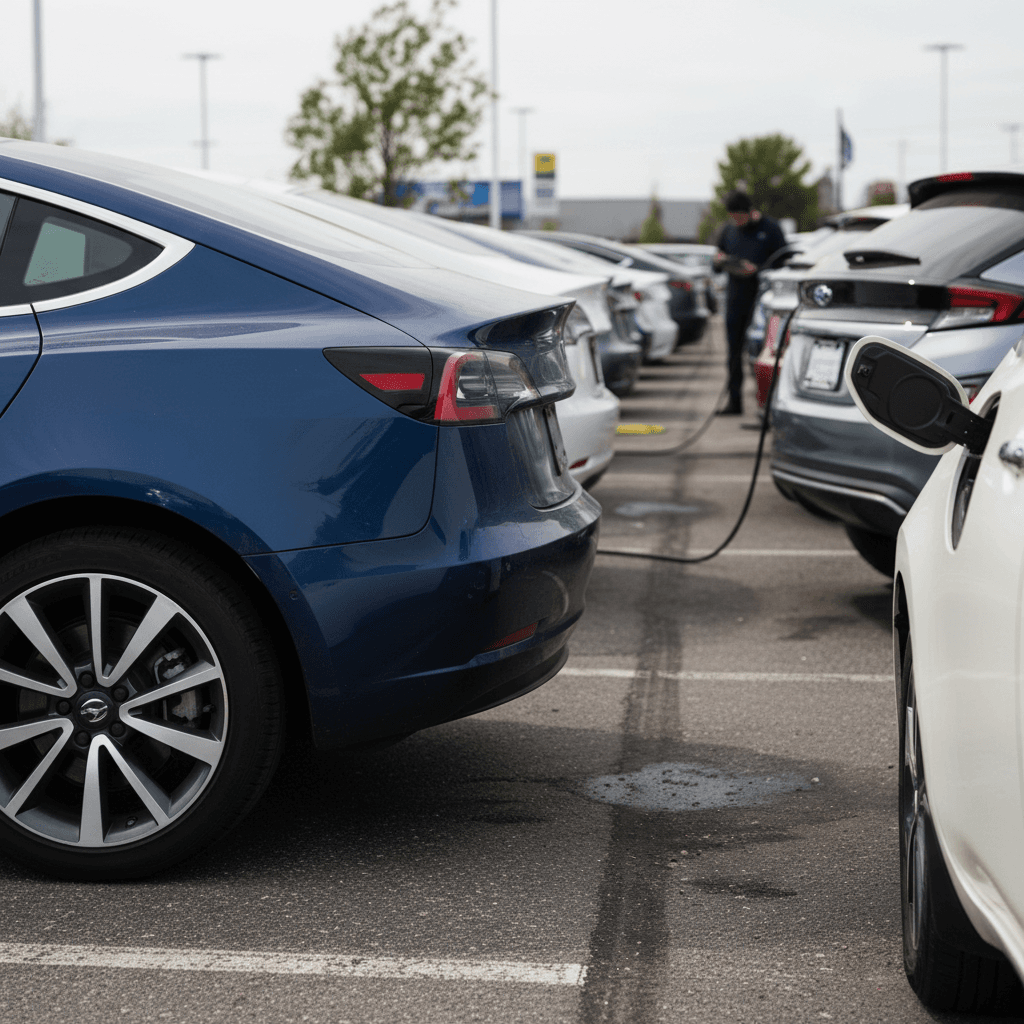
The Polestar 3 is designed around Level 2 home charging and DC fast charging on the road. Official figures vary slightly by year, but you’re generally looking at around 11 kW AC charging at home and up to roughly 250 kW DC fast charging at compatible stations. That’s plenty for overnight top‑ups and reasonably quick road‑trip stops.
Home charging checklist
- Confirm you can install a 240V circuit (typically 40–60 amps) in your garage or driveway.
- Decide whether you’ll use the included mobile charger or install a dedicated wallbox.
- Ask an electrician for a quote before you sign for the car, panel upgrades can add cost.
- Check with your utility about EV rates or off‑peak discounts.
Public & road‑trip charging checklist
- Identify fast‑charging networks with good coverage on your usual routes.
- Download and set up accounts in advance so you’re not creating logins at the charger.
- Learn how the Polestar 3’s built‑in Google Maps integrates charger stops into navigation.
- If you’ll rely mostly on public charging, pad your budget for higher “fuel” costs.
Don’t rely on Level 1 long‑term
Step 5: Evaluate safety tech and driver assistance
Safety is a major Polestar 3 selling point. The vehicle uses multiple cameras, radars, and an advanced driver‑assistance system to support features like adaptive cruise control, lane centering, and automated emergency braking. Some of these are standard, while others live in paid packs, depending on model year and configuration.
Polestar 3 safety & driver‑assist highlights
Remember: these are assists, not autopilot
- If you drive long highway commutes, prioritize adaptive cruise control and lane‑centering packages.
- If you park in tight urban garages, don’t skip 360‑degree cameras and parking assist.
- Ask whether the specific car you’re considering includes over‑the‑air update capability for future safety and feature improvements.
Step 6: Budget for total cost of ownership
The sticker price is only part of the story. With a premium electric SUV like the Polestar 3, you’ll want a clear picture of charging costs, insurance, maintenance, and potential tax incentives before you sign.
Key Polestar 3 ownership cost factors
Run these numbers before you fall in love with a particular car in the showroom.
Purchase price & financing
- Compare total out‑the‑door prices across trims, not just monthly payments.
- Ask how different option packs affect resale value down the road.
- Consider pre‑qualification so you know your rate before negotiations.
Taxes, fees & incentives
- Include destination, documentation, registration, and local EV fees.
- Confirm whether the configuration you’re eyeing qualifies for federal or state EV incentives in your situation.
- Leases may access certain incentives even when purchases can’t.
Energy, insurance & maintenance
- Estimate home charging cost using your kWh rate and annual miles.
- Get insurance quotes; luxury EVs can be more expensive to cover.
- Budget for tires, heavy, powerful SUVs are tough on rubber.
How Recharged can help with the money side
Ready to find your next EV?
Browse VehiclesStep 7: Decide between new and used Polestar 3
Because the Polestar 3 is a relatively new model, used inventory will build gradually, but early production and demo vehicles will begin showing up on the pre‑owned market. That’s an opportunity to save money, if you know what to look for.
Reasons to buy new
- Access to the very latest battery, charging, and safety hardware.
- Full factory warranty and the ability to spec the exact color and options you want.
- Potential lease incentives or manufacturer programs that aren’t available on used.
Reasons to buy used
- Lower upfront cost once early depreciation hits.
- Ability to step up to a better‑equipped trim for the same budget.
- Less risk of surprise color or option changes if you can see and drive the exact car today.
For used: battery health matters more than odometer
Step 8: Inspect and test‑drive like a pro
Polestar 3 inspection & test‑drive checklist
1. Check exterior and wheels carefully
Look for uneven panel gaps, mismatched paint, curb rash on wheels, and damage under the front and rear bumpers. Large wheels with low‑profile tires are vulnerable to pothole damage, inspect sidewalls closely.
2. Evaluate interior wear and tech
Test every seat adjustment, window, and lock. Confirm the central screen, driver display, and wireless charging pad work correctly. Make sure Google Maps, Google Assistant, and any connected services operate as expected.
3. Review charging hardware
Confirm that the charging port door opens and closes smoothly and that any included home charging cables or adapters are present and undamaged. On used cars, ask where and how the previous owner typically charged.
4. Drive a mix of roads
Include city streets, rough pavement, and highway speeds. Listen for rattles squeaks, and wind noise. Try different steering and suspension modes, if equipped, and pay attention to brake feel from the blended regenerative system.
5. Test driver‑assistance features
On a safe, well‑marked highway, test adaptive cruise and lane‑centering functions. Confirm that the system engages reliably and doesn’t ping‑pong between lane lines.
6. Pull and review the vehicle history
For used examples, review accident history, title status, and any buyback or lemon‑law notations. With Recharged, the Recharged Score report rolls this together with <strong>verified battery health data</strong> so you’re not guessing.
Lean on third‑party inspections and reports
Polestar 3 buying checklist: summary
The Polestar 3 is a compelling choice if you want a modern, design‑led luxury SUV with strong performance, long‑distance capability, and a tech experience that feels more smartphone than traditional car. But it’s still a big, complex purchase. By working through this Polestar 3 buying checklist, clarifying how you’ll use the car, choosing the right configuration, planning charging, and budgeting for total ownership, you put yourself in the driver’s seat before you ever take a test‑drive.
If you decide a Polestar 3 or another luxury EV is right for you, consider shopping with Recharged. You’ll get transparent battery health diagnostics via the Recharged Score, fair‑market pricing, EV‑savvy guidance, and flexible options like financing, trade‑in, consignment, and nationwide delivery, all without the traditional dealership runaround.