If you’re looking at a Polestar 2, especially on the used market, its software update history matters almost as much as its mileage. Over-the-air (OTA) updates have added major features like the Range Assistant app, performance boosts, Google Assistant remote controls, and important safety fixes. At the same time, gaps in update history can explain weird bugs, missing features, or recall work that still needs to be done.
Quick takeaway
Why Polestar 2 software history matters
The Polestar 2 is one of the first EVs built around Android Automotive OS, with deeply integrated Google Maps, the Google Assistant, and the Play Store. That makes it feel more like a smartphone on wheels than a traditional car, and just like a phone, its behavior depends heavily on what software it’s running.
- Newer software versions add features like the in-car Range Assistant app, improved battery preconditioning, and better app connectivity.
- Polestar uses software to fix recalls and safety defects, especially around the rear-view camera and infotainment stability.
- Some updates are only available at a workshop (dealer/authorized service center), not OTA.
- If a car falls too many versions behind, it may stop receiving OTA updates until it’s manually updated in a workshop.
Why this matters for used buyers
How Polestar 2 software is delivered: OTA vs workshop
Over-the-Air (OTA) updates
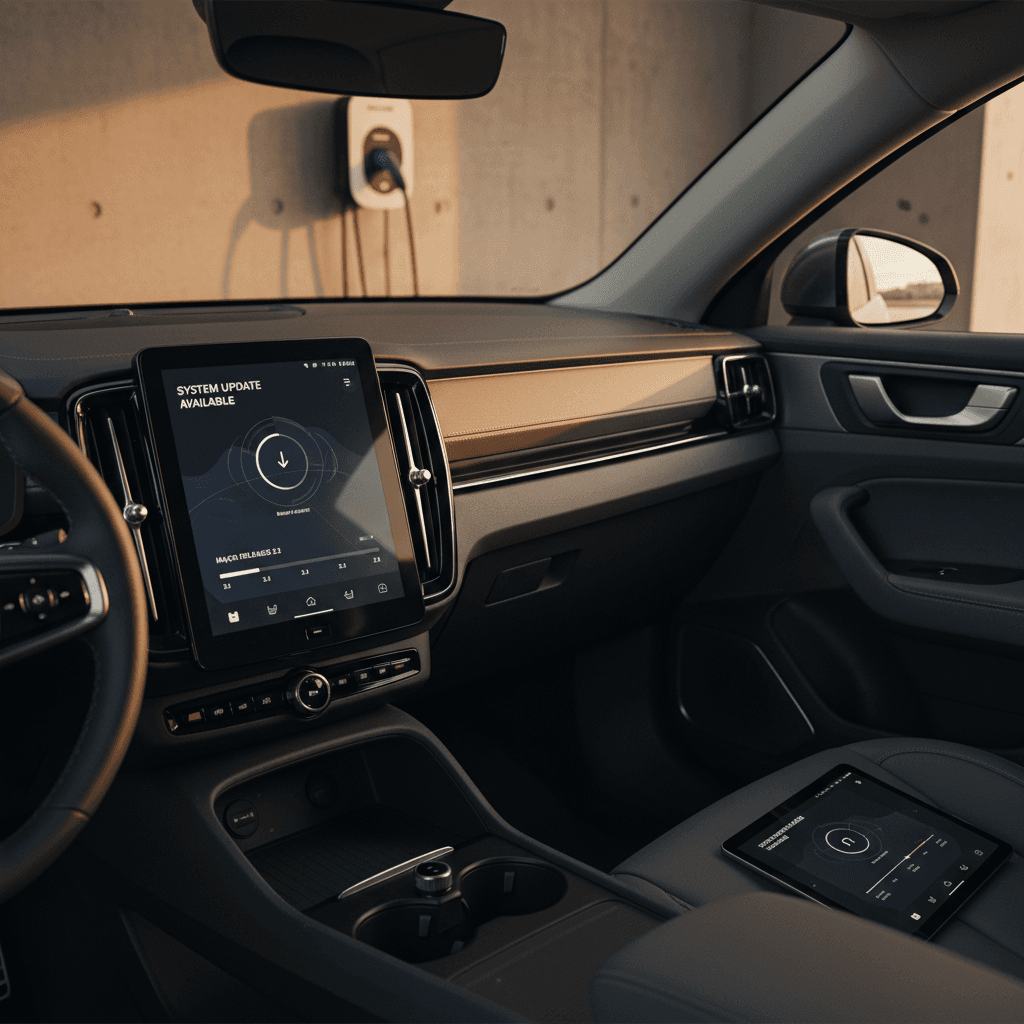
Most owners experience Polestar 2 software through OTA updates:
- Updates download via the car’s data connection.
- You confirm and schedule installation while the car is parked.
- Installation usually takes 30–90 minutes with the car unavailable to drive.
- OTA packages often bundle several earlier fixes and features.
Polestar typically rolls out OTA updates in batches by market, so two cars in different regions may see updates at very different times.
Workshop-installed updates
Some versions are initially or permanently workshop-only:
- Used to address specific faults, recalls, or hardware changes.
- Installed using Polestar/Volvo’s diagnostic tools at a dealer.
- Sometimes required if your car is more than ~2 versions behind OTA.
- May be covered under warranty or recall, but can be chargeable out of warranty if it’s a general update and not safety-related.
This is why a Polestar 2 that’s been regularly serviced often has a cleaner software history than one that’s been neglected.
Mind the version gap
Timeline of major Polestar 2 software updates
Polestar uses a "P" plus numbers naming scheme (P1.7, P2.9, P3.4.4, etc.). Below is a simplified, buyer-oriented view of the Polestar 2 software update history, focused on what it changed rather than every tiny bug fix. Exact timing varies by market and model year, but this gives you a framework for understanding what a given car is likely running.
High-level Polestar 2 software timeline (simplified)
Approximate evolution of Polestar 2 software from early 1.x to 3.x series, focusing on key changes rather than exact release dates.
| Era / branch | Example versions | What changed in practice |
|---|---|---|
| Early 1.x (2020–2021) | P1.2–P1.7 | Core stability, charging improvements, early OTA rollout, first Range Assistant app and Eco Climate mode. |
| Mid 2.x (2022–early 2024) | P2.2–P2.9 | More refined Android Automotive UX, battery preconditioning tied to fast-charger navigation, incremental efficiency tweaks. |
| Late 2.x to early 3.x | P2.13–P3.1.9 | More app features, digital key improvements, connectivity fixes, groundwork for later camera and app enhancements. |
| Mid 3.x (2024–2025) | P3.2.x–P3.4.4 | Parking view upgrades, ETA in driver display, remote app extension to ~22 days, big digital key reliability updates. |
| Late 3.x (2025–2026) | P3.5.x–P3.6.x+ | More workshop-only patches, recall-related camera fixes, incremental performance/stability changes; OTA pacing slows, especially in North America. |
Use this as a directional guide. Always check Polestar’s official manual or your car’s Settings → System → Software update screen for current details.