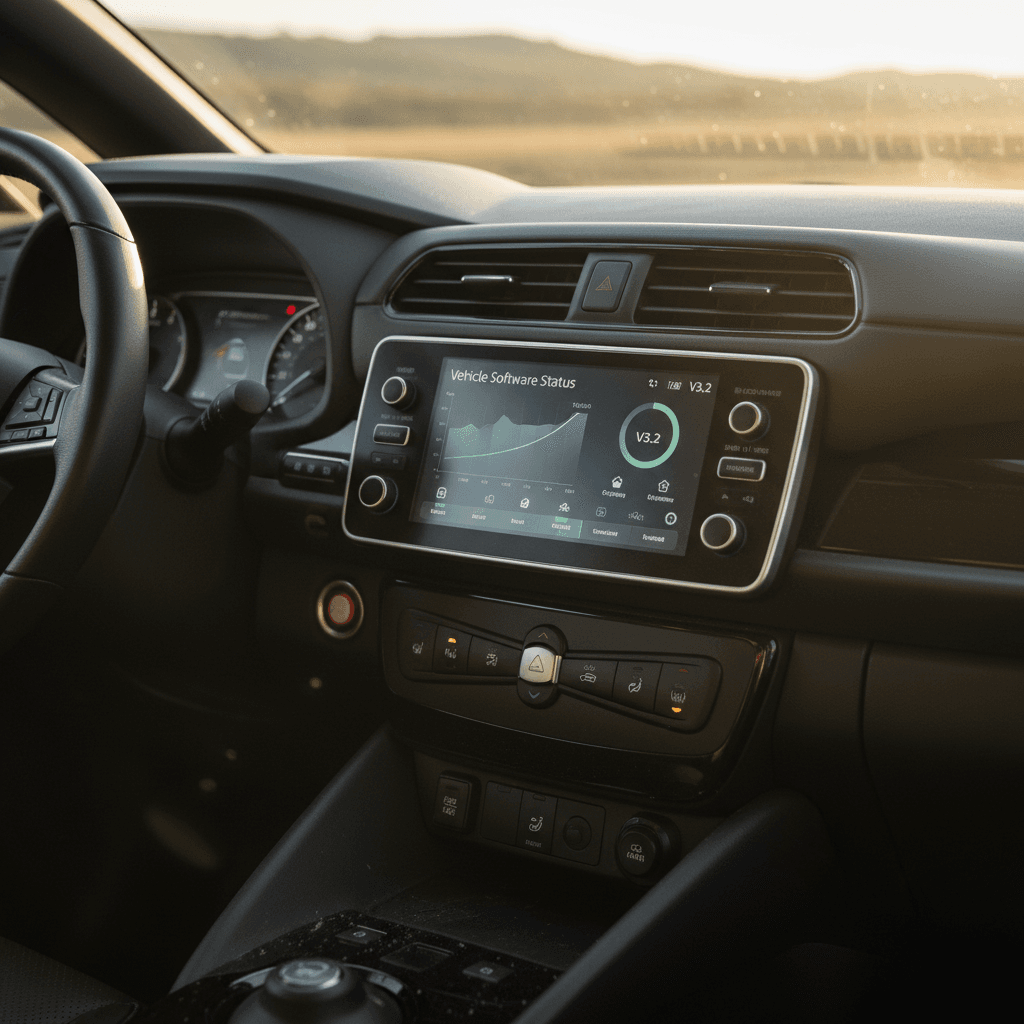
If you own, or are shopping for, a used Nissan Leaf, its hardware tells only half the story. The other half lives in code. Over fifteen years, the Nissan Leaf software update history has touched everything from battery range estimates to fast‑charging behavior, telematics apps, and even fire‑prevention logic in recent recalls. Understanding that history helps you protect your battery, avoid annoying bugs, and make a smarter used‑Leaf purchase.
Short on time? Here’s the gist
Why Nissan Leaf software updates matter
Unlike a gas car, your Leaf’s personality can change with a firmware flash. Software governs how the Battery Management System (BMS) measures degradation, how aggressively the car fast‑charges, when it throws an error code, and whether your phone app can talk to it at all. That means software affects three things you care about most: usable range, charge time, and day‑to‑day convenience.
What Leaf software actually controls
More than just the infotainment screen
Battery & range logic
- State of charge and range estimates
- How degradation is measured and shown as capacity bars
- Thermal limits that slow DC fast charging
Charging behavior
- CHAdeMO fast‑charge power and taper strategy
- AC onboard charger limits and fault handling
- Safety interlocks when a plug is connected
Connectivity & apps
- NissanConnect EV / EV&Services telematics
- Remote climate and charge scheduling
- Over‑the‑air update capability on newer Nissans
On a used Leaf, a missing or outdated software update can mean an inaccurate state‑of‑health display, painfully slow repeat DC fast charges, or a smartphone app that simply stopped working when the cellular network it used was shut off.
Quick timeline of Nissan Leaf software update history
High‑level Nissan Leaf software timeline
Major themes in Leaf software updates by era. Details vary by market and model year, but this gives you the big picture.
| Era / Model years | Battery pack | Software themes | Owner impact |
|---|---|---|---|
| 2011–2012 (launch) | 24 kWh | Early BMS calibrations, range estimation tweaks | Improved guess‑o‑meter, capacity bar reporting, and charging reliability |
| 2013–2015 | 24 kWh (revised chemistry) | Incremental BMS updates, telematics refinements | More accurate degradation reporting, minor charging and app behavior tweaks |
| 2016–2017 | 30 kWh | Major BMS update for incorrect SOH reporting | Capacity bar display fixed; some cars regained bars after update |
| 2018–2019 (40 kWh) | 40 kWh | Thermal/fast‑charging behavior updates, CHAdeMO logic | Repeat DC fast‑charge performance modestly improved in some regions |
| 2019–2022 (Plus) | 62 kWh | Refined charging control, emerging recall‑linked logic | More consistent fast‑charging, early safety‑related updates |
| 2024–2025+ | 40 & 62 kWh | Fire‑risk recall logic, OTA‑style policy shift | Software to limit charging if overheating detected, more explicit software terms |
Use this as a guide, then confirm specific campaigns by VIN with a Nissan dealer or recall lookup.
Model‑year caveat
Early years 2011–2015: BMS tweaks and capacity concerns
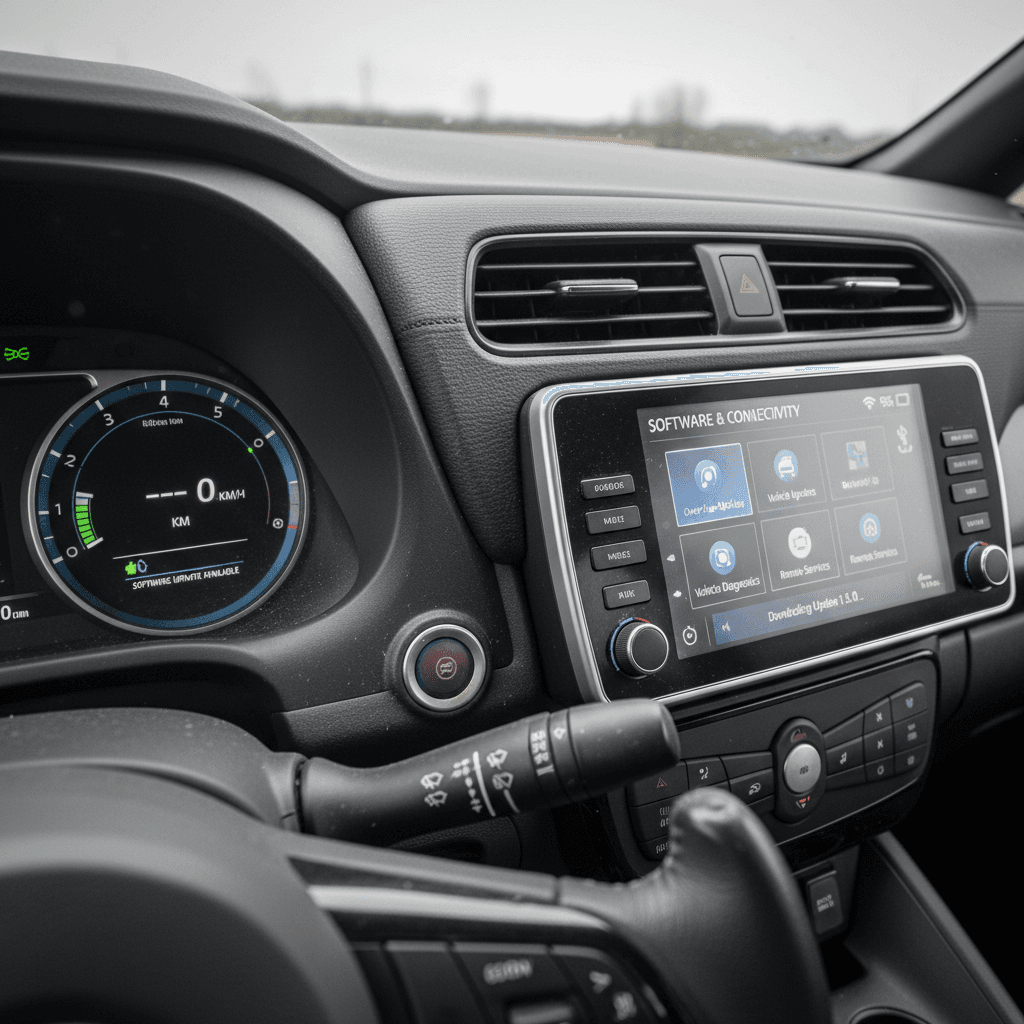
When the Leaf launched in 2011, it was the first mass‑market EV of the modern era. The hardware was brave; the software, tentative. Range estimates, your so‑called "guess‑o‑meter", were jumpy, and hot‑climate cars in places like Arizona lost capacity bars faster than owners expected, triggering lawsuits and extended warranties. Nissan’s answer leaned heavily on software.
- Early BMS revisions adjusted how the car translated voltage into state of charge, smoothing the remaining‑range display.
- Updates tweaked how quickly capacity bars disappeared as the pack aged, so the display better matched real‑world range loss.
- Charging control modules received refinements to reduce false error codes and improve CHAdeMO handshake reliability with early DC fast‑chargers.
Tip for 2011–2015 Leaf owners
The 30 kWh era 2016–2017: Critical battery software update
For 2016, Nissan offered a 30 kWh battery pack promising more range, but the software measuring that pack got off on the wrong foot. Many owners saw capacity bars disappearing rapidly even when real‑world range hadn’t dropped nearly as much. Complaints poured in, and Nissan eventually issued a BMS software update to address the error.
2016–2017 30 kWh BMS update: what it did
If you own or are eyeing a 30 kWh Leaf, this matters
Fixed state‑of‑health math
The original BMS algorithm underestimated usable capacity, so the car thought the pack was wearing out faster than it really was. The update revised that math, bringing the indicated SOH and capacity bars closer to reality.
Changed warranty outcomes
Because Nissan’s battery warranty ties to capacity bars, incorrect software could trigger, or deny, warranty replacements. After the update, some owners saw bars return; others learned their packs weren’t as “bad” as the display claimed.
From a used‑car perspective, a 30 kWh Leaf without this update is an information hazard. You can’t trust what the dash is telling you about the battery, and that undermines everything from pricing to trip planning.
30 kWh shopper red‑flag
Second‑gen Leaf (2018+): Fast‑charging, thermal limits, and updates
The second‑generation Leaf arrived for 2018 with a 40 kWh pack, later joined by 62 kWh "Plus" variants. These cars charge faster, drive farther, and, crucially, have more sophisticated software babysitting the battery. Owners quickly discovered, though, that repeated CHAdeMO fast‑charges could send battery temperatures sky‑high. The car’s response was to sharply limit power on subsequent sessions, a phenomenon owners nicknamed “Rapidgate.”
- In some markets, Nissan released software changes that modestly relaxed how quickly charge power tapered after the pack warmed up, without abandoning thermal safeguards.
- Charging‑control firmware has been revised in service campaigns to address issues where the car refused CHAdeMO sessions or believed the plug was still connected even after unplugging.
- Onboard charger and Power Delivery Module (PDM) firmware have also seen quiet updates when owners reported AC charging faults that turned out not to be hardware failures.
Why Rapidgate is largely a software story
NissanConnect EV: Telematics shutdown and app changes
The Leaf has always worn its connectivity on its sleeve: remote climate pre‑conditioning in summer, charge timers from your phone, SOC notifications. But those features depend on a cellular modem buried somewhere in the car, and cellular networks don’t stand still. As 2G and 3G networks were shut down region by region, some Leafs lost app support overnight.
Pre‑2016 Leafs and 2G shutdowns
Nissan has notified some owners of pre‑2016 Leafs that the original NissanConnect EV app is being discontinued as 2G networks go dark. Once that happens in your region, remote features tied to that modem simply stop working; there is no universal retrofit.
2016+ Leafs and newer apps
Later Leafs moved to 3G and then LTE and different app back‑ends (e.g., NissanConnect EV & Services). Those cars may continue to function, but app names, log‑in flows, and reliability have been moving targets. From an owner’s standpoint, telematics on the Leaf is best treated as a nice‑to‑have perk, not a guaranteed long‑term feature.
When a "feature" disappears
Recent recalls and safety‑related software updates
As the Leaf matured, software updates have also become tools for risk management. In 2024 and 2025, for example, Nissan initiated recalls on certain 2019–2022 Leafs after identifying a potential battery fire risk during DC fast charging linked to manufacturing defects in specific cells. Rather than rip packs out en masse, Nissan is developing software that watches for abnormal heating and halts charging if necessary.
What recent safety‑driven software updates aim to do
If you own a 2019–2022 Leaf, these recall‑related software updates are not optional upgrades; they’re free safety work you should absolutely schedule. A used Leaf that hasn’t had them performed is, at best, behind on risk mitigation and, at worst, flagged in recall databases.
Good news for buyers
How to check your Leaf’s software version
There isn’t a single "software number" for the Leaf. Instead, each control unit, battery, charger, telematics, infotainment, has its own firmware. Nissan hides most of this behind dealer tools, but you still have a few options.
Ways to see what your Leaf is running
1. Ask a Nissan service advisor
The most straightforward route is a dealer visit. Give them your VIN and ask them to check for outstanding campaigns and the current software levels on the <strong>Li‑ion Battery Controller (LBC)</strong>, charger/PDM, and telematics unit. Some dealers will print a report; others will just confirm you’re up to date.
2. Use LeafSpy Pro and an OBD adapter
Enthusiast tool <strong>LeafSpy Pro</strong> (Android/iOS) plus an OBD‑II adapter lets you dig into ECU versions. After enabling the service screen, you can read the "ECU Versions" list and look for entries like HV Battery, LBC, PDM, etc. On some 30 kWh cars, for instance, updated BMS firmware changes the last character of the version code from A/B to C.
3. Check for recall campaigns by VIN
Use a national recall lookup tool or Nissan’s owner portal to run your VIN. If a campaign describes a <strong>software reflash</strong> for battery, charging, or telematics, and it’s still open, that’s a sign your car is running older code.
4. Inspect service records
Sometimes the simplest clue is on paper. Look for past work orders that mention "reprogrammed LBC," "updated PDM software," "telematics unit reflash," or similar language. If the car’s history is a black box, treat it accordingly during price negotiation.
Bring this phrase to the dealer
Getting your Nissan Leaf updated: Dealer vs OTA
If you’re coming from Tesla world, where everything updates while you sleep, the Leaf will feel old‑school. Most Leaf software updates happen at the dealer with a laptop and a Nissan diagnostic tool. Newer Nissans are gaining true over‑the‑air updates for some ECUs, but the Leaf’s update story is still largely service‑bay‑centric, especially in the US.
Dealer‑performed updates
- Scope: BMS, charger/PDM, powertrain, and most recall campaigns.
- Cost: Recall and formal campaigns are free; discretionary updates may incur a diagnostic fee if you’re out of warranty.
- Time: Plan on an hour or two, more if multiple ECUs are being reflashed.
Over‑the‑air and at‑home updates
- Scope: On some late‑model Nissans, select ECUs and infotainment can be updated via Wi‑Fi or built‑in connectivity.
- Leaf reality: Infotainment map updates are the most common OTA‑style change; critical battery and charging logic still typically require a dealer visit.
Don’t DIY flash critical ECUs
Software‑history checklist for used Nissan Leaf shoppers
If you’re evaluating a used Leaf, especially a private‑party sale, the software story is part of the due diligence. Treat it the way you’d treat timing‑belt records on a gas car: not glamorous, but expensive if ignored.
Used‑Leaf software checklist
1. Confirm recall and campaign completion
Ask the seller for a recent dealer printout or run the VIN through a recall tool. All open campaigns, especially those mentioning <strong>battery</strong>, <strong>charging</strong>, or <strong>software update</strong>, should be closed or scheduled.
2. Ask specifically about the 30 kWh BMS update
For 2016–2017 30 kWh cars, require proof of the BMS software fix. If the seller doesn’t know, negotiate as though the car needs it and insist on an independent battery health check before you commit.
3. Check how the car fast‑charges
On a test drive, if possible, do a short CHAdeMO session. Watch for odd behaviors: refusing to start, stopping abruptly at low SOC, or insisting the plug is still connected after you unplug. These can indicate firmware or hardware issues in the DC charging path.
4. Verify telematics reality, not brochure promises
If the listing touts remote climate and app control, have the seller demonstrate it on their phone. In many regions, pre‑2016 Leafs have permanently lost app access due to network sunsets, and even newer cars can have flaky connectivity.
5. Get a third‑party battery health report
Use a shop that understands EVs or a platform like <strong>Recharged</strong>, where every car includes a <strong>Recharged Score</strong> battery‑health report. That gives you a hard number for state of health, more meaningful than however many capacity bars the software thinks you should see.
6. Budget time for a "catch‑up" service visit
Even if the car feels fine, plan one early visit to a Nissan dealer to catch up on any missing software. It’s a small, one‑time friction point that can pay dividends in range accuracy and charging behavior.
Where Recharged fits in
FAQ: Nissan Leaf software updates
Frequently asked questions about Nissan Leaf software updates
Bottom line: Software history and your Leaf’s value
Seen from 30,000 feet, the Nissan Leaf software update history is a story of a pioneering EV growing up in public. Early cars needed sharper tools for measuring degradation; mid‑cycle 30 kWh packs needed a reality check; second‑gen cars had to learn how to fast‑charge without cooking themselves; and, lately, software has become a safety net around rare but serious battery defects.
For you as an owner or shopper, the job is simple: make sure your Leaf is caught up. Confirm recall and BMS campaigns, sanity‑check the battery with independent data, and don’t assume the dash knows best. If you’d rather not be your own service writer, platforms like Recharged bake that homework into the process, pairing verified battery health with transparent pricing so you’re not paying for software illusions.
Get the code right, and the Leaf is still one of the most rational EVs you can daily: inexpensive, easy to park, and quietly effective. Ignore the software story, and you’re buying a mystery novel instead of a hatchback.