If you drive a Nissan Ariya or you’re shopping for a used one, the phrase “Nissan Ariya software update history” can feel a little mysterious. You may have heard about over‑the‑air (OTA) updates, recall-only updates, or version numbers like 283C37LK3D that sound like robot passwords instead of something that runs your family SUV. Let’s turn that into plain English and talk about what the Ariya’s software has actually changed over time, and what it means for you as an owner or shopper.
Good news first
Why Nissan Ariya software updates matter
Modern EVs like the Ariya run on layers of software. Updates don’t just tweak your radio presets, they can change charging behavior, driver‑assist features, efficiency displays, navigation, and even battery preconditioning before a fast charge. Understanding the Ariya’s software update history helps you:
- Know whether your Ariya can receive over‑the‑air (OTA) updates at all
- Spot whether a used Ariya has had important recall-related programming done
- Decide if it’s worth a trip to the dealer vs. just waiting for OTA
- Understand features you might be missing, like a battery heater widget or wireless Android Auto on newer builds
- Have a better conversation with your service advisor instead of just accepting, “You’re up to date.”
Think of software as part of the car’s value
How Nissan Ariya updates are delivered
Three ways your Ariya gets software updates
Same vehicle, different paths depending on the kind of update
Over‑the‑air (OTA)
For supported Ariyas, Nissan can push infotainment and configuration updates over the built‑in modem or your home Wi‑Fi.
- Happens while parked
- Often small and unlabeled
- May not change the visible version number
Dealer programming
For bigger changes, like enabling OTA in the first place or recall fixes, your Ariya needs a dealer reprogram.
- Service bulletin / recall based
- Takes specialized tools
- Can unlock future OTA support
USB map updates
Navigation maps can be updated by downloading map data to a USB drive and installing it in the car.
- Done via Nissan’s map update tool
- Useful if OTA map updates stall
- Map version is separate from system software
Nissan’s official documentation groups all of this under "vehicle software", a mix of firmware and app‑level code spread across many ECUs. Some of it is OTA‑capable; some still needs a dealer’s laptop to touch.
Not every Ariya is born OTA‑ready
Key milestones in Nissan Ariya software update history
Nissan doesn’t publish a clean, public changelog for the Ariya the way some tech companies do, so the "history" comes from a mix of owner reports, recall bulletins, and what dealers disclose. Here’s what stands out so far for U.S. and Canadian drivers through early 2026.
High‑level Ariya software update history
Approximate timing and focus of major software milestones for the Nissan Ariya
| Timeframe (approx.) | Version / Campaign | How delivered | What it mainly did |
|---|---|---|---|
| 2022–early 2023 | Early IVI builds (e.g., 283C36PA5E) | Factory / dealer | Launch firmware; limited or no OTA capability |
| 2023–2024 | Updated IVI firmware (e.g., 283C37LK3D) | Dealer (service bulletin) | Reprogrammed infotainment system and typically enabled OTA updates for future changes |
| 2024–2025 | IYI / IVI reprogram recall campaigns | Dealer recall visit | Addressed software issues in the infotainment system to stabilize connectivity and OTA behavior |
| Mid–late 2025 | Small OTA "silent" updates | OTA | Minor configuration tweaks, bug fixes; often showed only as a date in update history |
| Late 2025–early 2026 | Feature OTAs (selected markets) | OTA | Owner reports of added battery heater widget, wireless Android Auto, and other convenience changes, depending on build and region |
Exact dates and coverage can vary by trim, market, and VIN. Always confirm with a Nissan dealer for your specific vehicle.
Decoding those alphabet‑soup version numbers
Notable Ariya recalls and software service campaigns
Like most new EVs, the Ariya has had a handful of software-centered recalls and service campaigns. The details vary by market and VIN, but several patterns keep emerging in owner and dealer reports:
- IVI reprogram campaigns (e.g., NTB24‑055): Dealer-installed updates to the infotainment system, often moving cars from early builds like 283C36PA5E to newer ones such as 283C37LK3D and laying the groundwork for OTA updates.
- CAN gateway / communications updates: Software fixes aimed at improving how different control modules talk to each other. These often show up as technical service bulletins, not always formal recalls.
- Connectivity and telematics fixes: Updates to improve the reliability of the built‑in modem, Wi‑Fi handling, or how the car checks in with Nissan’s servers for updates and connected services.
Always treat recall notices as non‑optional
What owners report about Ariya OTA updates
A snapshot of Ariya owner experiences with software
Reading through owner discussions, a few themes keep popping up:
- Some early U.S. and Canadian Ariyas saw no OTA activity at all for a long time, even after recall work, despite Nissan marketing the car as OTA‑capable.
- Several owners who did get OTAs describe updates that installed quickly but didn’t clearly explain what changed, sometimes not even bumping the visible version number.
- Newer 2025 Ariya builds are more likely to report multiple OTA updates, including feature adds such as a battery heater widget or wireless Android Auto in late 2025.
- Failed OTA installs are usually resolved by re‑trying on a strong Wi‑Fi connection, or letting the car sit powered off during the install window. In stubborn cases, dealers can often reflash the software under warranty.
Treat OTA as a bonus, not a lifeline
How to check your Ariya software version
Nissan moves the menus around a bit between model years, but the general process to see where your Ariya stands is similar:
Steps to view your Ariya’s software and map versions
1. Park safely and power on
Put the Ariya in Park, set the parking brake, and turn the system on so the main infotainment screen is active.
2. Open the Settings menu
Tap the <strong>Settings</strong> or <strong>Setup</strong> icon on the center display. On most cars it looks like a gear.
3. Find the Software or Info section
Scroll to a menu labeled <strong>Software Update</strong>, <strong>System Information</strong>, or similar. Nissan sometimes tucks it under "Info" or "System."
4. Note your IVI software version
Look for a line that shows something like <strong>Software Version: 283C37LK3D</strong>. That string is what dealers and bulletins use to confirm your status.
5. Check map data separately
Navigation maps usually have their own version line (for example, <strong>Map Version: 21123_5_13</strong>). It can be updated even if the system software hasn’t changed.
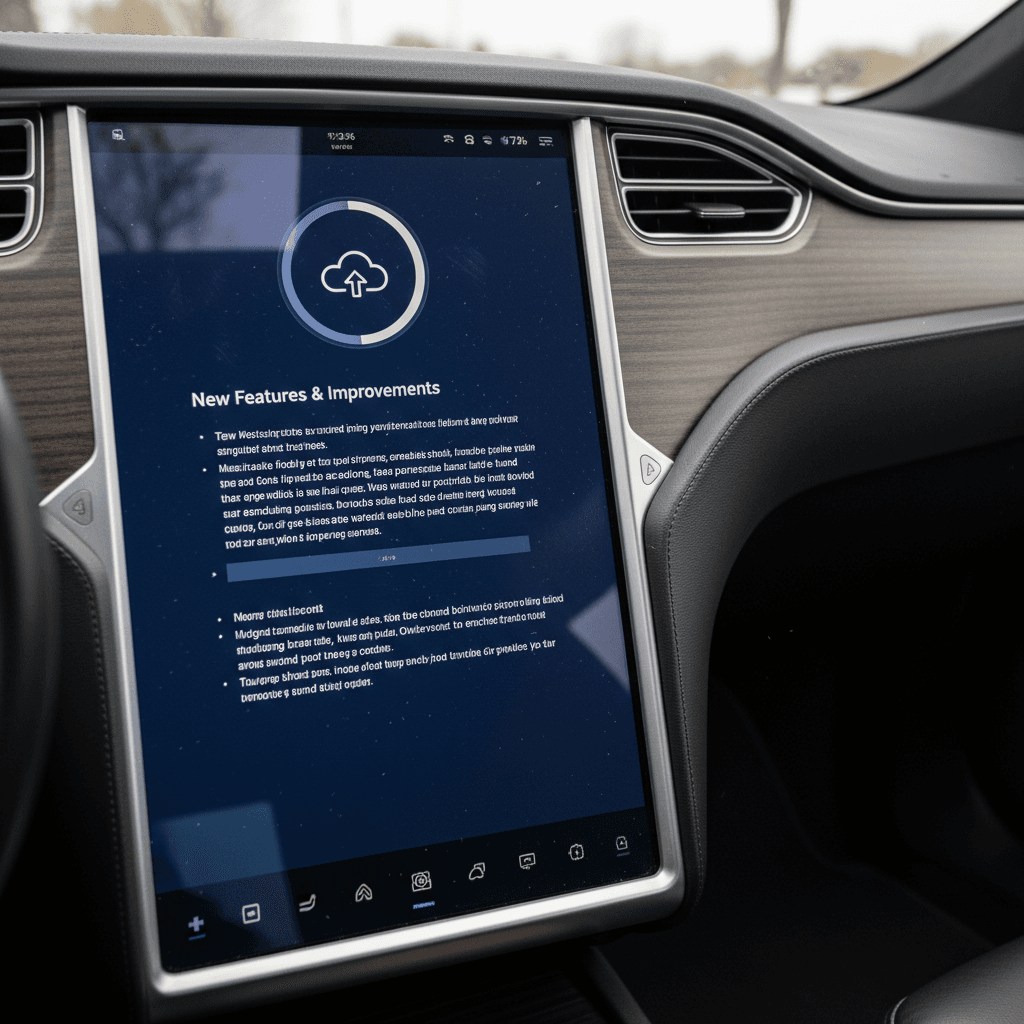
6. Open software update history
Many Ariyas have a <strong>Software Update History</strong> screen that lists dates when OTA updates were applied. On some cars, those entries won’t list detailed notes, just the day they installed.
What’s “normal" to see?
Troubleshooting Nissan Ariya software updates
If you never see OTA updates
- Confirm your IVI version. Very old builds may need a dealer reflash first.
- Ask a dealer to check for any open campaigns (e.g., IVI or CAN gateway updates) tied to your VIN.
- Make sure your Ariya is properly registered in Nissan’s owner portal so connected services and OTA are provisioned.
- Try checking for updates on a strong home Wi‑Fi connection as well as cellular.
If an update keeps failing
- Let the car fully shut down, then start the update and walk away for at least 30–60 minutes.
- Move to a location with better signal or connect to Wi‑Fi before retrying.
- Verify that your 12‑volt battery is healthy; low voltage can interrupt updates.
- If it repeatedly fails, document the error and have a dealer re‑try the update via their tools, ideally under warranty.
Don’t ignore weird behavior after an update
Software checks when buying a used Nissan Ariya
Because Nissan plans to end new U.S. Ariya imports after the 2025 model year, the used market is where this SUV will really live. That makes the software story even more important if you’re shopping pre‑owned.
Used Ariya software checklist
Five questions to ask before you sign for a pre‑owned Ariya
1. What IVI version is it on?
Ask the seller, or check yourself, for the exact software version string in the System / Software menu.
If it’s still on an obviously early build when newer ones are common, plan for a dealer visit.
2. Are recalls & campaigns completed?
Have the seller provide service records showing IVI or gateway reprograms were done. A missing software recall is a red flag.
3. Has it ever received an OTA?
Check the Software Update History screen. A total blank doesn’t kill the deal, but it tells you OTA may not be working yet.
4. Are the maps current?
Old map versions suggest the car hasn’t been updated regularly. It’s not a deal‑breaker, but it’s a bargaining chip, and one more thing to update.
5. Is everything behaving normally?
During the test drive, look for laggy screens, random reboots, or driver‑assist glitches. Those can point to deeper software or wiring issues.
6. Is the price in line with its tech story?
A car that needs catch‑up software work, new tires, and a home charging solution should be priced accordingly. Use that in your negotiation.
How Recharged approaches used Ariya software
Ready to find your next EV?
Browse VehiclesFAQ: Nissan Ariya software update history
Frequently asked questions about Ariya software updates
Bottom line for current and future Ariya owners
The Nissan Ariya’s software update history isn’t as transparent or flashy as some rivals, but there is a clear pattern: dealer-installed IVI and gateway updates lay the foundation, and then OTA nudges the car forward with smaller tweaks and, on newer builds, a few nice‑to‑have features. If you already own an Ariya, your best move is to confirm that all recall and service campaigns are complete, keep an eye on the software screens, and treat OTA updates as a welcome bonus when they arrive.
If you’re shopping for a used Ariya, put software right on your checklist next to battery health and charging history. Ask about versions, campaigns, and update history, and don’t be shy about using missing updates as a bargaining chip. Or skip the homework and let Recharged do it for you: every EV we sell comes with a Recharged Score Report, expert guidance, and the kind of transparency that makes living with a high‑tech EV like the Ariya a lot less stressful.