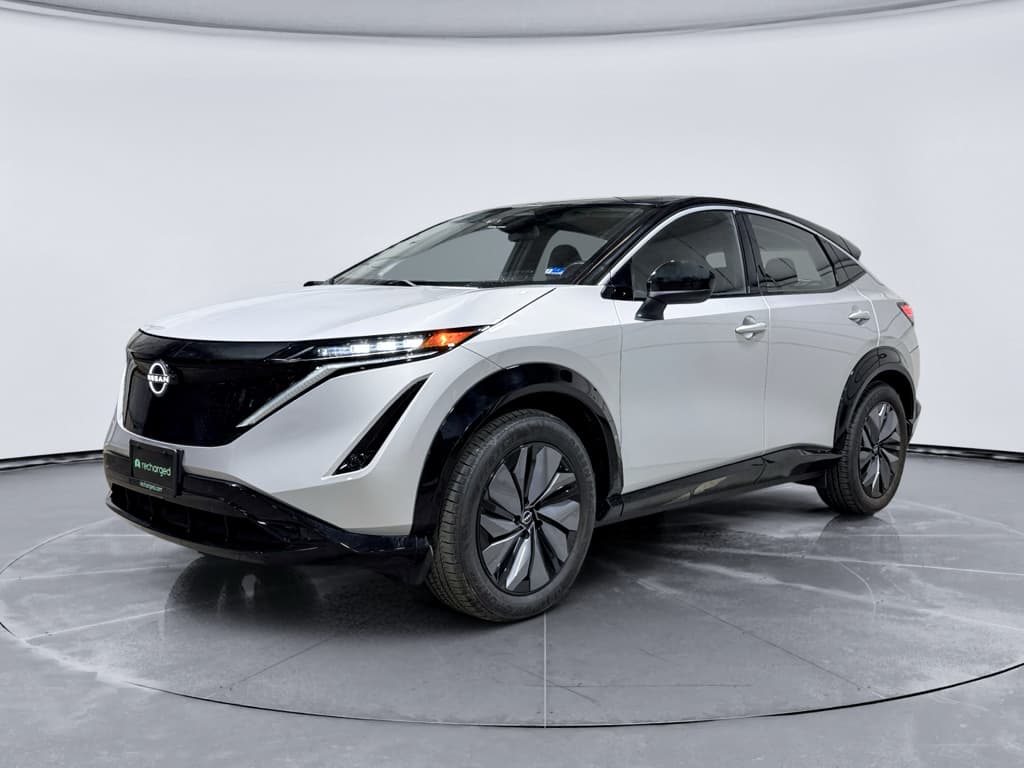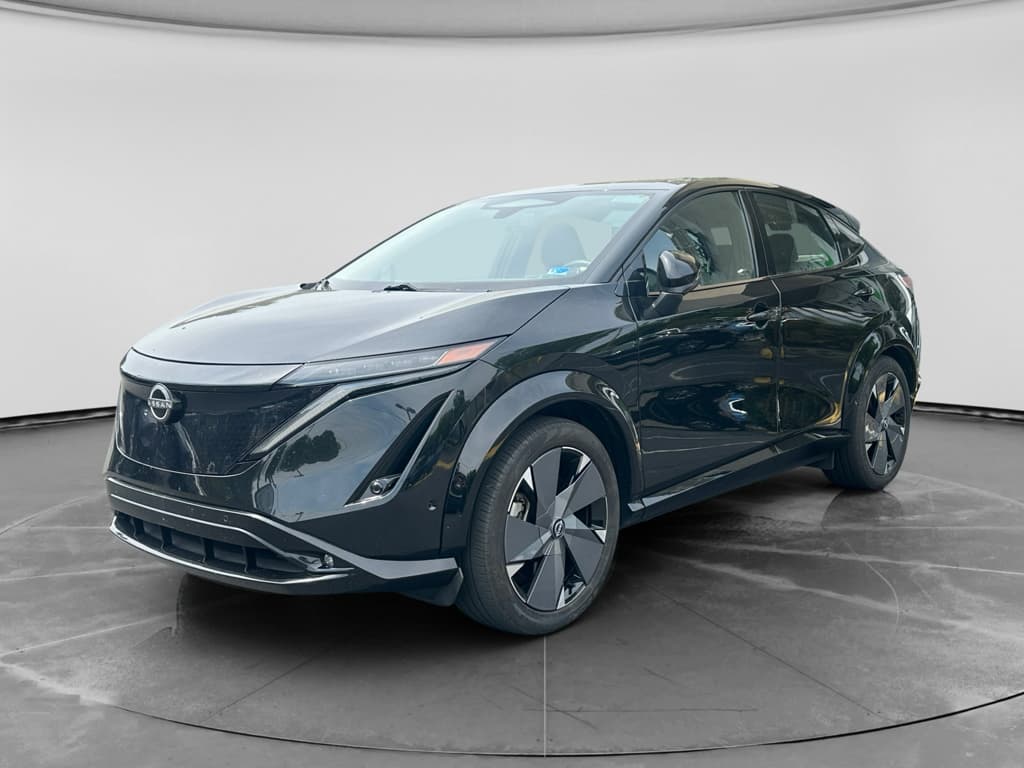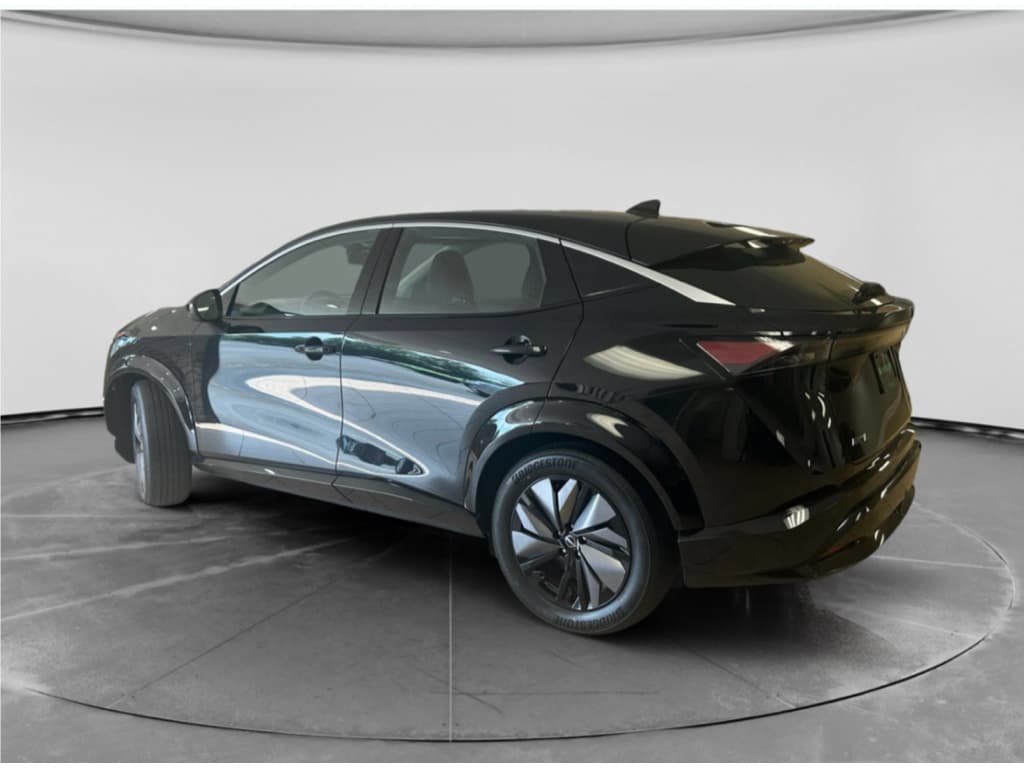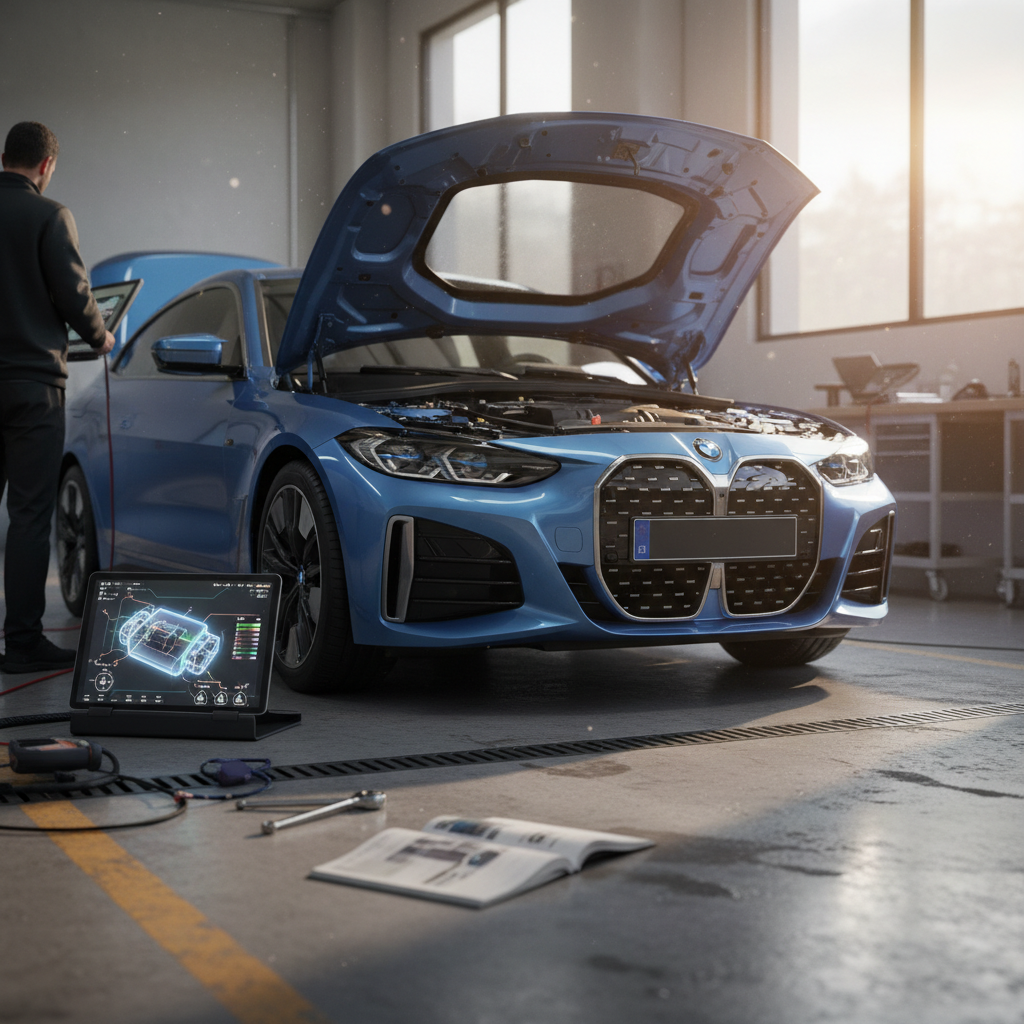
If you own a Nissan Ariya, or you’re eyeing one on the used market, you’ve probably heard about 12V battery issues, charging quirks, or mysterious “Service EV System” warnings. The Ariya is a comfortable, quiet electric SUV, but like any first-generation EV, it has some patterns of common problems and fixes that smart owners should understand before they get stranded or stuck with a big repair bill.
Context: Ariya is ending in the U.S., but support isn’t
Overview: Nissan Ariya reliability in the real world
On paper, the Nissan Ariya looks promising: a liquid‑cooled battery pack, mature Nissan chassis tech, and a brand that’s been building EVs since the original Leaf. In owner communities, the story is more mixed. The high‑voltage battery and motors themselves have not emerged as systemic weak points so far, but supporting systems, especially the 12V battery and some electronics, generate a disproportionate share of headaches.
How Ariya issues typically break down
If you understand where the real risks are, and take a few preventative steps, you can avoid most of the scary‑sounding scenarios you’ll see in online horror stories.
Quick summary of common Nissan Ariya problems
Nissan Ariya common problems and quick fixes
A high‑level reference before we dive into detail
12V battery & EV system errors
Fix: Test and replace the 12V battery (often with a higher‑quality AGM) and verify the DC‑DC converter is charging correctly.
DC fast charging problems
Fix: Rule out 12V issues, try another charger/network, and have dealers check for charge‑port or DC‑DC converter faults.
Software & OTA update glitches
Fix: Hard‑reset the head unit, schedule manual install, or have the dealer push the update via diagnostic tools.
Driver‑assist & sensor quirks
Fix: Clean sensor areas, calibrate cameras after windshield work, and keep firmware up to date.
Range drop & cold‑weather behavior
Fix: Precondition the cabin, use eco driving modes, and rely on objective battery‑health data, not just the guess‑o‑meter.
Telematics & app connectivity
Fix: Log out/in of the app, power‑cycle the car, and have the dealer check for TCU updates or replacement if issues persist.
How to use this guide
Problem 1: 12V battery failures and “Service EV System” warnings
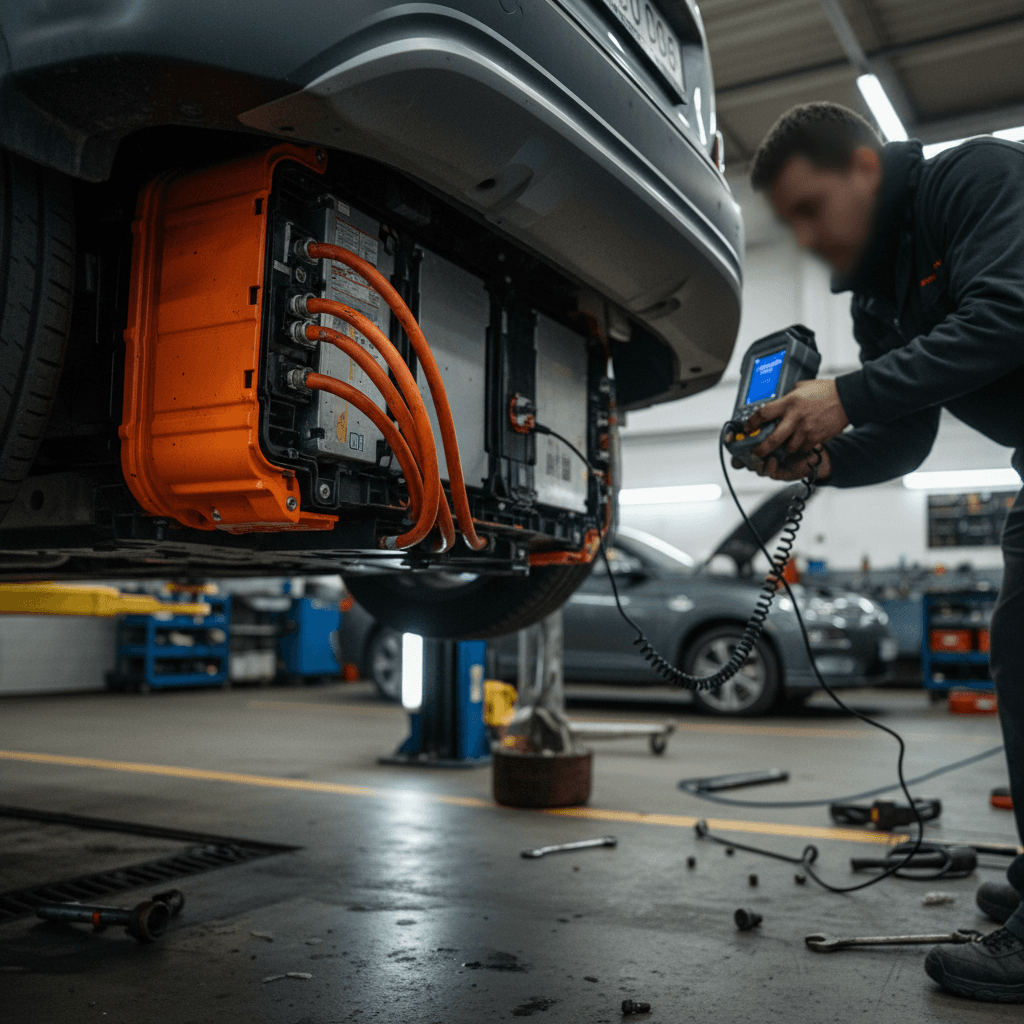
The single most common Nissan Ariya problem owners report is an unexpectedly weak or failing 12‑volt battery. In some cases, brand‑new Ariyas throw 12V or “Service EV System” warnings within the first few weeks and a few hundred miles. A failing 12V battery can cause a long list of weird behaviors that look like major EV failures but are really low‑voltage issues.
- “Service EV System” or “12V power system error” messages
- Car won’t “ready up” or appears completely dead after sitting
- Random warning lights or error clusters after DC fast charging
- App can’t connect, or telematics/remote functions stop working
- Intermittent charging starts and stops on AC or DC equipment
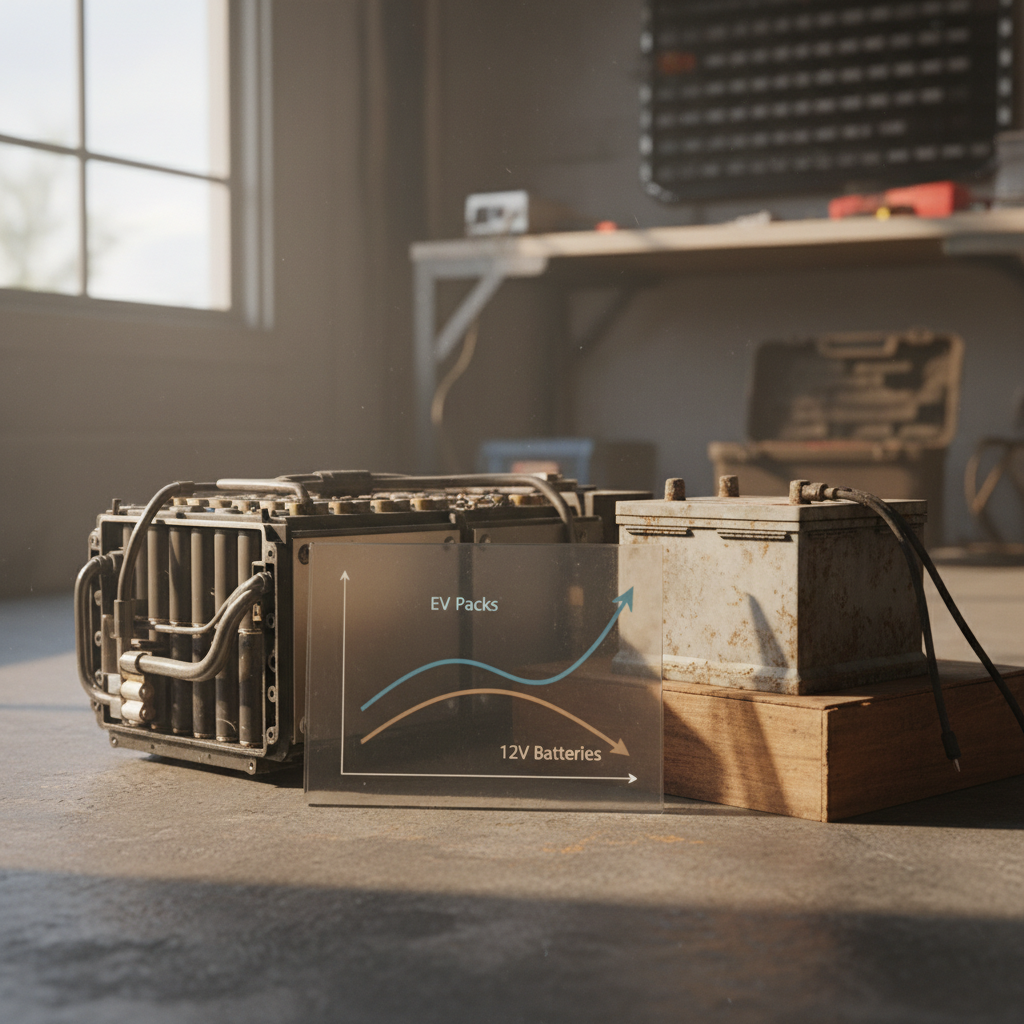
Why 12V issues are such a big deal on EVs
How to diagnose a weak 12V battery on an Ariya
Quick diagnostic steps you can take
1. Check for obvious warning messages
Note the exact wording: “Service EV System”, “12V power system error”, or general electrical warnings. Take photos, these help the dealer and create a paper trail for warranty claims.
2. Measure 12V resting voltage
If you’re comfortable under the hood, use a multimeter or Bluetooth battery monitor. Healthy AGM 12V batteries should rest around 12.6–12.9V. Readings around 12.0–12.3V (especially on a young battery) suggest trouble.
3. Observe behavior after sitting
If the car is fine for daily drives but throws errors after sitting for a couple of days, suspect a weak 12V battery or parasitic drain. This pattern shows up frequently in Ariya owner reports.
4. Ask the dealer for a proper load test
Don’t settle for “it starts, so it’s fine.” Ask the service department to print out a load‑test report for the 12V battery and confirm the DC‑DC converter is charging it correctly during operation.
5. Consider a proactive AGM upgrade
Many owners replace the factory 12V with a higher‑quality AGM “EV‑ready” unit. It’s not mandatory, but if you’ve already had one failure, the peace of mind can be worth it, especially in cold climates.
The good news on 12V problems
Problem 2: DC fast charging issues and stranded sessions
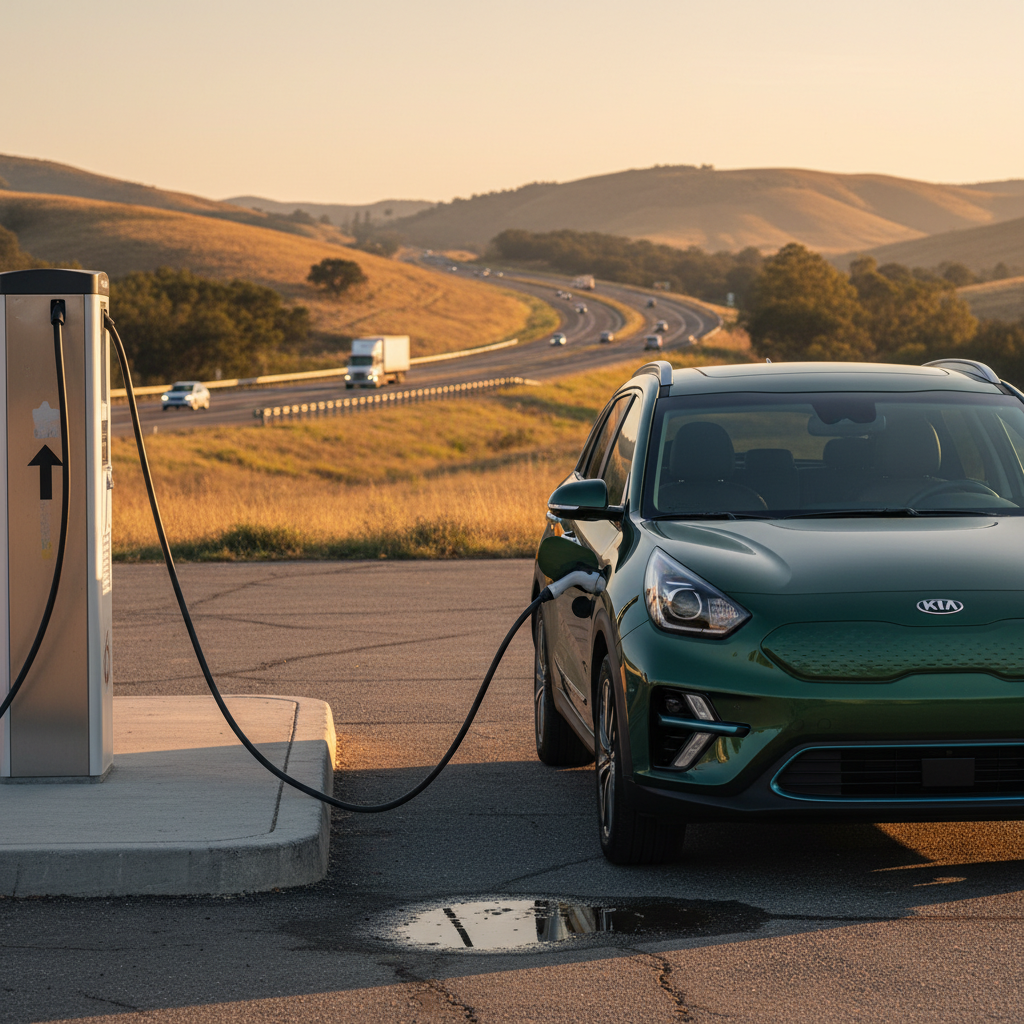
The Ariya supports DC fast charging, but owners occasionally report sessions that cut out after 20–60 seconds, or scary “EV System Off” messages at public chargers, especially on some non‑Nissan networks. Online, this can look like a catastrophic EV failure, but in practice the root causes tend to fall into a few buckets.
- Weak or failing 12V battery causing contactors to drop out during fast charging
- Faults in the DC‑DC converter that manages 12V charging from the HV pack
- Charge‑port communication issues or physical damage/contamination in the port
- Compatibility quirks with specific fast‑charging networks or individual stations
Start with the simple stuff
Step‑by‑step troubleshooting for fast‑charging problems
What to do if your Ariya won’t fast charge
1. Safely disconnect and reset
Stop the session in the charger’s app or interface first, then unplug. Lock the car and give it a full few minutes to go to sleep before trying again.
2. Try another station and network
If you had the issue at a specific provider (for example, one national fast‑charge chain), try a different site or different brand. If the problem disappears, your car may be fine and the station at fault.
3. Inspect the charge port
Look for bent pins, debris, or damage in the Ariya’s CCS port. Gently clean any obvious contamination and make sure the connector seats fully each time.
4. Monitor for warning messages
If “Service EV System” or “12V power system error” pops up in tandem with charging failures, circle back to the 12V section, those issues are closely linked.
5. Capture charger logs & call support
Most networks can pull logs from your failed session. Call from the station so they can see real‑time data and note the problem on your account, this documentation helps if Nissan needs to investigate.
6. Visit the dealer for DC‑DC and port checks
If problems recur across multiple networks, have a dealer inspect the DC‑DC converter and charge‑port hardware under warranty. There are confirmed cases of defective converters being replaced quickly once diagnosed.
Don’t ignore recurring fast‑charge failures
Problem 3: Software, OTA updates, and infotainment glitches
Like most modern EVs, the Ariya leans heavily on software. That means new features and fixes can arrive via over‑the‑air (OTA) updates, but it also means owners occasionally get stuck mid‑update, or run into bugs with the infotainment system, navigation, or smartphone integration.
- Downloads that complete but never install, even after multiple restarts
- Updates stuck at 0–1% followed by a generic error message
- Head unit freezes, black screens, or becomes painfully slow
- Wireless smartphone integration features appearing inconsistently across cars and regions
- NissanConnect app shows stale state or doesn’t wake the car reliably
Simple Ariya software fixes you can try yourself
DIY software resets and update strategies
1. Perform a hard reset of the infotainment system
Press and hold the volume/power knob for 20–30 seconds until the screen fully powers down, then release and allow it to reboot. This clears many temporary glitches without affecting stored data.
2. Schedule a manual update window
If an OTA download is stuck, use the settings menu to choose a specific future time (e.g., 10–15 minutes in the future) for installation, then exit the car and leave it locked. This forces the car to attempt the install while it’s fully asleep.
3. Reduce background load during updates
Avoid leaving accessories powered from the 12V system or streaming apps running while an update downloads. A clean, stable power environment reduces the chance of glitches.
4. Re‑link your phone and app
Delete the Ariya from your phone’s Bluetooth/Wi‑Fi devices and remove the car from the NissanConnect app, then re‑pair from scratch. This often resolves flaky connections and remote commands that don’t execute.
5. Ask the dealer to push the update offline
If an OTA repeatedly fails, a dealer can usually apply the new software directly via USB or diagnostic tools. This is especially helpful for major firmware revisions.
Why software matters for long‑term ownership
Problem 4: Driver-assistance and sensor quirks
Ariyas equipped with ProPILOT Assist and other driver‑assist tech use cameras, radar, and ultrasonic sensors. As with most systems in this class, owners occasionally report nervous lane‑keeping, false proximity warnings, or sudden system disengagements, especially in heavy rain, snow, or construction zones with confusing lane markings.
Common symptoms
- Lane‑keeping that bounces between lines on poorly marked roads
- Forward‑collision or blind‑spot warnings that trigger too eagerly
- ProPILOT unavailable messages after windshield replacement or camera blockage
- Parking sensors beeping in tight garages or with snow/ice build‑up
Low‑friction fixes
- Keep the windshield and sensor areas meticulously clean
- After any glass or front‑end body work, insist on camera/radar calibration
- Dial back sensitivity in settings if alerts feel excessive
- Don’t treat ProPILOT as hands‑free, stay ready to correct its mistakes
Safety first, not convenience
Problem 5: Range drop, cold weather, and battery health
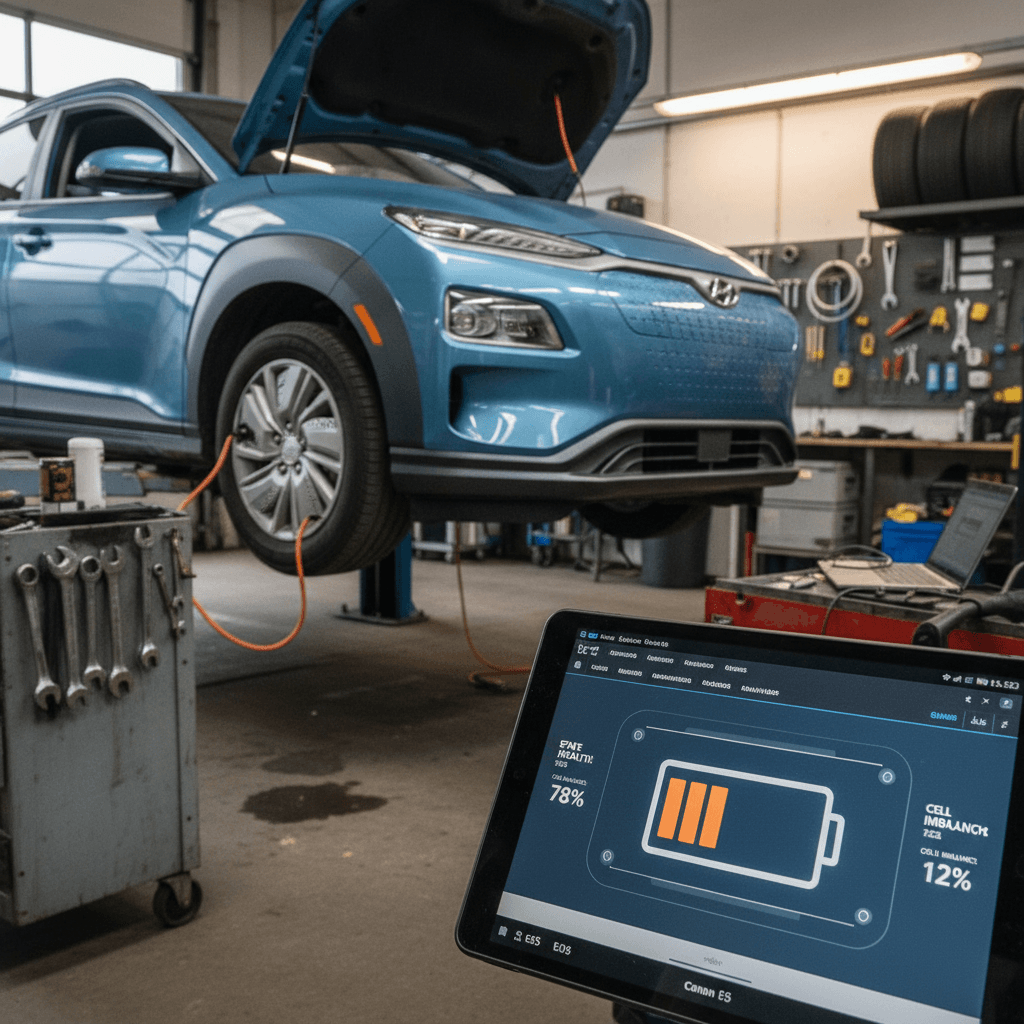
So far, the Ariya’s main high‑voltage battery has not shown the kind of widespread degradation issues that plagued early Leafs. That’s the good news. The flip side is that many owners still experience bigger‑than‑expected range drops in winter, or confuse 12V and charging problems with traction‑battery health.
- Winter driving can easily cut real‑world range by 25–40% depending on climate and speed.
- DC fast charging slows dramatically when the pack is cold or frequently fast charged back‑to‑back.
- The range estimate (“guess‑o‑meter”) takes time to recalibrate to new driving patterns.
- Short, frequent trips with heavy climate‑control use are especially hard on efficiency.
Simple ways to protect range and battery health
Applies whether you daily‑drive or road‑trip your Ariya
Precondition in winter
Moderate your speed
Be selective with DC fast charging
Aim for partial daily charges
Store with some charge
Get objective health data
How Recharged approaches Ariya battery health
Recalls, warranty coverage, and Nissan support
As of early 2026, Nissan has announced that the Ariya will not continue in the U.S. for the 2026 model year, largely due to tariffs and strategy shifts. That does not mean existing owners are abandoned: warranty support, recall coverage, and parts supply continue, and the model lives on in other markets with ongoing software and hardware refinements.
- EV system and powertrain warranties typically cover the high‑voltage battery and motors for 8 years/100,000 miles (check your specific paperwork).
- 12V battery coverage is much shorter, often 2 years, so repeated failures may or may not be fully covered depending on mileage and time.
- Safety‑related recalls are handled at no cost; check your VIN regularly with Nissan’s recall lookup or national safety databases.
- Technical service bulletins (TSBs) may address software updates or known component issues without rising to the level of a full recall.
Keep your paperwork and history tight
Buying a used Nissan Ariya: what to check
Because new‑car Ariya sales are winding down in the U.S., the model is quickly becoming a used‑EV shopper’s opportunity, and, potentially, a value play. But you need to screen carefully for the problem areas we’ve covered so far.
Used Nissan Ariya inspection checklist
Key items to review before you commit to a used Ariya, whether at a dealer, private party, or online marketplace.
| Item | What to Ask or Look For | Why It Matters |
|---|---|---|
| 12V battery history | Has the 12V been replaced? With what brand/type? Any history of “Service EV System” errors? | Frequent early failures are common; a newer, high‑quality AGM battery is a plus. |
| Charging behavior | Test on Level 2 and, if possible, a DC fast charger; watch for session dropouts or errors. | Unstable charging can hint at 12V, DC‑DC, or charge‑port problems. |
| Software version | Ask the seller for the current software version or service invoices indicating major updates. | Staying current can resolve bugs and improve charging, navigation, and driver‑assist behavior. |
| Range vs. state of charge | Compare actual miles driven between charges with the displayed battery percentage and EPA rating. | A big mismatch could indicate battery‑health, driving‑style, or climate‑related efficiency issues. |
| Warning lights & history | Scan for any active warning lights and ask for prior diagnostic printouts if available. | Repeated or unresolved EV system warnings are a red flag. |
| Accident & glass history | Any front‑end or windshield work? Was camera/radar calibration documented? | Poorly calibrated sensors can degrade driver‑assist performance and safety. |
| Ownership pattern | Single owner with consistent charging habits, or multiple short‑term owners? | Frequent flips and incomplete records can hide unresolved issues. |
You don’t need to be a technician to catch most red flags, just be systematic.
How Recharged derisks a used Ariya
Ready to find your next EV?
Browse VehiclesDIY vs dealer: when to fix it yourself (and when not to)
Safe DIY tasks
- 12V battery monitoring with a Bluetooth module or multimeter
- Replacing the 12V battery if you’re comfortable and follow the manual
- Cleaning sensors and charge ports and checking for obvious damage
- Infotainment resets and app re‑pairing
- Basic software hygiene like scheduling OTA updates and avoiding interruptions
Leave these to professionals
- Any work that involves the high‑voltage battery, orange‑cable wiring, or DC‑DC converter
- Diagnosis of recurring “Service EV System” errors not resolved by a known 12V issue
- Calibration of cameras, radar, and driver‑assist sensors
- Repairs after crashes or significant underbody impacts
- Intermittent charging faults that persist across multiple stations
High‑voltage safety is non‑negotiable
FAQ: Nissan Ariya common problems and ownership questions
Frequently asked questions about Nissan Ariya problems
Bottom line: Is the Nissan Ariya a good used EV bet?
The Nissan Ariya is not a perfect EV, no first‑generation product is, but most of its common problems fall into the realm of annoying but manageable rather than truly catastrophic. The high‑voltage battery and drive units have not emerged as systemic weak points so far. Instead, you’re mostly dealing with 12V batteries that are too fragile, occasional charging quirks, and software that still needs polishing.
If you go in with clear eyes, screen carefully for the issues we’ve covered, and insist on good documentation, the Ariya can be a comfortable, well‑equipped electric SUV at an attractive used price. And if you want backup, whether you’re buying, selling, or just trying to interpret a weird warning message, Recharged’s EV‑specialist team and Recharged Score battery‑health diagnostics are designed to take the guesswork out of used Ariya ownership.