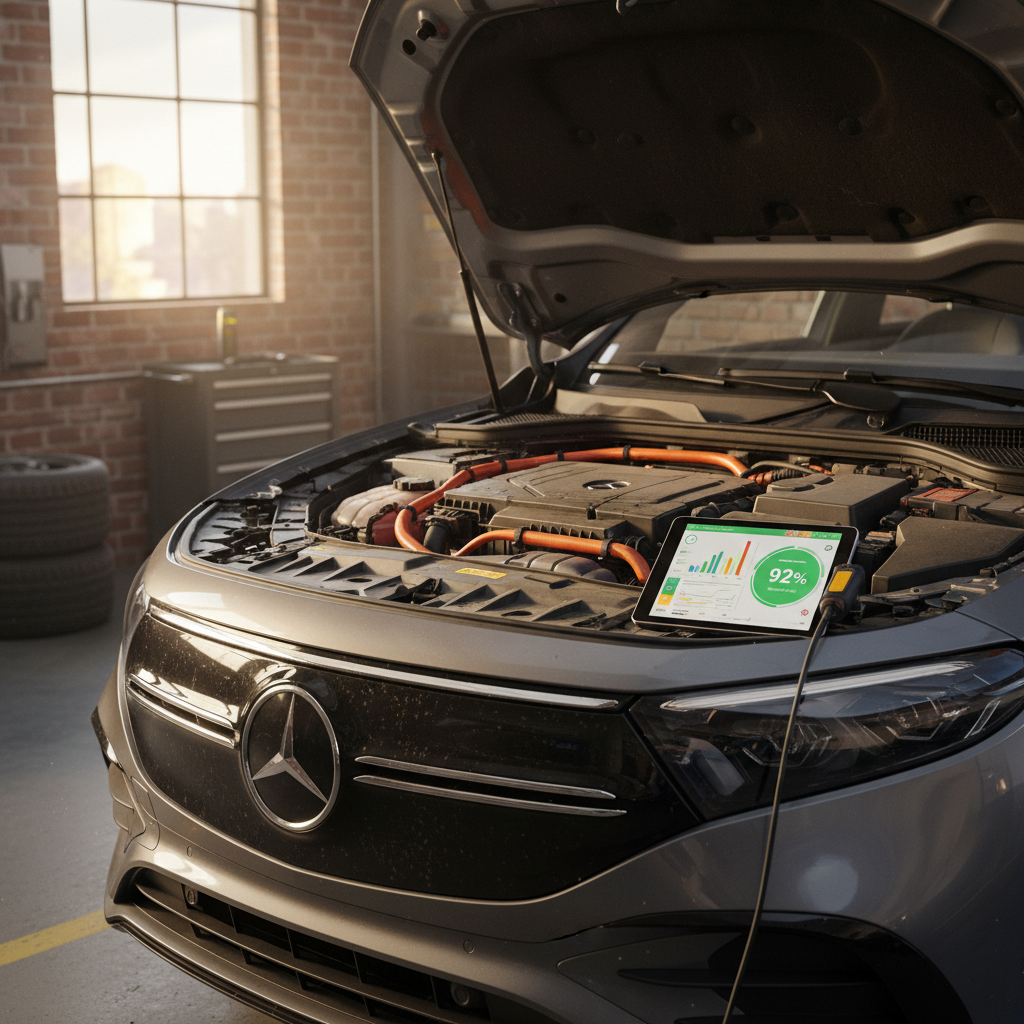
If you own or are shopping for a Mazda MX-30, the car’s software history matters just as much as its battery health or mileage. From Mazda Connect infotainment firmware to recall-driven fixes for battery drain and connectivity, understanding the Mazda MX-30 software update history can help you avoid headaches and make a smarter buying or selling decision.
One platform, many systems
Why Mazda MX-30 software updates matter
- Range and charging behavior: Battery management and charging control are software-governed. Updates can tweak preconditioning, charging speeds, or address parasitic drain issues.
- Safety systems: Stability control, airbags, and driver-assistance features depend on accurate code. When something isn’t right, Mazda often fixes it with updated software rather than hardware.
- Infotainment and connectivity: Mazda Connect firmware and MyMazda app updates can cure reboot loops, Bluetooth bugs, or remote-climate quirks.
- Reliability and resale: A car with all relevant campaigns and recalls completed is easier to live with, and more attractive on the used market.
Don’t ignore software campaigns
Quick timeline of Mazda MX-30 software updates
MX-30 software evolution at a glance
Mazda doesn’t publish a glossy public changelog the way some EV makers do. Instead, updates appear as dealer campaigns, recalls, Mazda Connect firmware packages, and silent refinements that show up when you’re in for service. For an MX-30 owner or used buyer, that means you need to do a bit of detective work to understand what’s been done.
Mazda Connect firmware on the MX-30
The MX-30 uses Mazda’s newer Mazda Connect platform shared with the Mazda3, CX‑30, CX‑50, and others. Firmware for the MX‑30 is packaged by region (North America, Europe/UK, etc.) and identified by codes like NA02_11046 or EU02_11030. These firmware versions control the infotainment head unit, things like the main UI, CarPlay/Android Auto integration, Bluetooth, and some vehicle settings.
Known Mazda Connect firmware branches for MX-30
Exact build numbers vary by model year and region, but these codes show the main branches owners typically see on MX‑30 vehicles.
| Region | Typical MX-30 firmware line | Model years covered | What it mainly affects |
|---|---|---|---|
| North America | NA02_11xxx (e.g., NA02_11046) | 2021+ MX-30 EV | Mazda Connect stability, CarPlay/Android Auto, Bluetooth, UI bugs. |
| North America | NA10_10xxx (e.g., NA10_10004) | Later 2022+ builds / hardware revision | Same core features, tuned for newer hardware revisions. |
| Europe & UK | EU02_11xxx (e.g., EU02_11030) | Early 2021–2022 MX-30 | Infotainment stability and compatibility with local services. |
| Europe & UK/other | EU10_11xxx (e.g., EU10_11012) | 2022+ MX-30 and rotary range‑extender variants | Support for newer hardware and PHEV‑specific screens. |
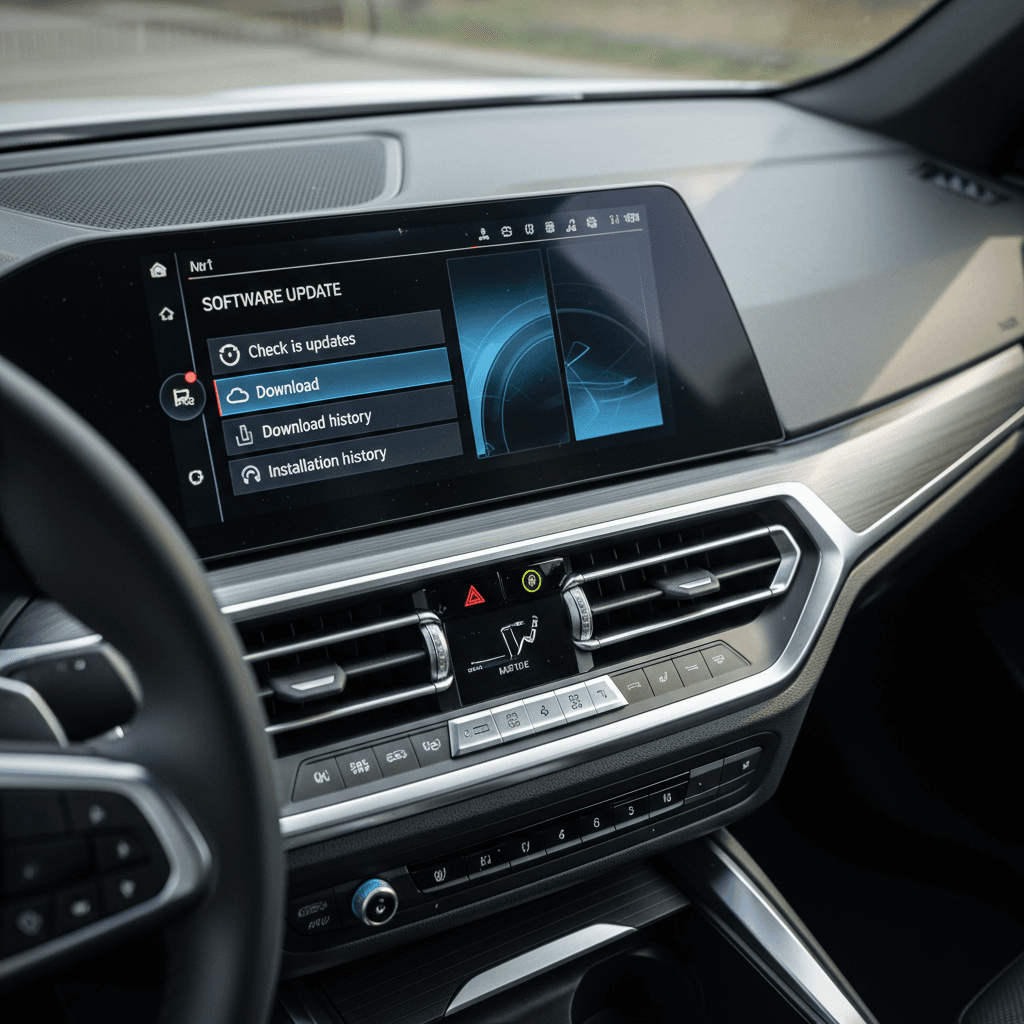
Check your current Mazda Connect version in the Settings → System → About menu, then compare it to common branches below.
Dealer visits are often when firmware gets updated
Recall-related MX-30 software updates
Beyond infotainment, several important MX‑30 updates have come through recalls or service campaigns. The exact bulletins differ by market and build date, but the themes are similar across regions.
Key MX-30 software-related campaigns
These examples show the kinds of issues Mazda has addressed with software rather than hardware replacements.
12V battery drain (Remote Tuner Module)
Some 2023 MX‑30s share a Remote Tuner Module issue with other Mazda models. The module’s old software may not shut down correctly, causing the 12‑volt battery to drain while parked.
The fix is a dealer-installed software update via USB. No parts are usually replaced.
Telematics & remote features
Campaigns for Mazda’s connected services platform can fix problems like failed remote climate commands or unreliable status reporting in the MyMazda app.
These often involve TCU (telematics control unit) firmware updates.
Safety & driver-assistance logic
While most recent big recalls have hit other Mazda lines (stability control light, airbag logic), MX‑30 owners can still receive targeted updates to traction control and other safety systems as needed.
These arrive as DSC/ABS or ECU reprogramming at the dealer.
Never skip a safety-related software recall
How to check your MX-30 software version and update history
Because Mazda spreads MX‑30 software across different modules, you’ll want to check a few different places: Mazda Connect, the MyMazda app, and Mazda’s recall lookup tools.
Step-by-step: See your MX-30 software update history
1. Check Mazda Connect firmware in the car
On the center display, go to <strong>Settings → System → About</strong> (exact wording can vary slightly). Note the Mazda Connect version string, something like NA02_11046 or EU02_11030. This tells you which infotainment branch you’re on.
2. Open the Maintenance & Update History menus
From the Mazda Connect home screen, select <strong>Maintenance</strong>. Many late-model Mazdas show an <strong>Update History</strong> list there, logging up to 20 completed or canceled software campaigns. It’s an easy way to see recent dealer-applied updates without digging through paperwork.
3. Use MyMazda for open recalls and campaigns
In the <strong>MyMazda</strong> app, open the main menu and tap your vehicle, then look for <strong>Recall Search</strong> or <strong>Campaigns</strong>. This should show any open recalls. Just know that the app isn’t perfect, owners sometimes get mailed notices before the app is updated.
4. Confirm with online recall lookup
For U.S. cars, use your VIN on Mazda’s recall website or the NHTSA VIN lookup. This is the authoritative source for safety recalls and key service campaigns tied to your specific MX‑30.
5. Ask the dealer to print your campaign history
Dealership service systems can show which software campaigns and technical bulletins have been closed on your VIN. When you’re buying used, or updating a car that’s been neglected, ask them to print this for your records.
6. Keep your own paper trail
File invoices that mention CMU, TCU, ECU, DSC, or “software update.” If you decide to sell or trade, that documentation helps prove your MX‑30 is fully up to date, something buyers and retailers like <strong>Recharged</strong> actively look for.
What each type of update actually does
1. Mazda Connect firmware (infotainment)
These updates focus on the main display and audio system. On an MX‑30, they typically:
- Improve system stability (fewer freezes or random reboots).
- Refine Apple CarPlay / Android Auto behavior.
- Fix Bluetooth pairing or call-quality issues.
- Tweak UI elements, fonts, and on-screen warnings.
Effect on driving range or performance: almost none. But they can dramatically improve daily usability.
2. EV, charging, and body-control software
These updates target deeper control modules, and are more likely to affect how your MX‑30 behaves on the road or while parked:
- Battery-charge management and cooling/heating behavior.
- On-board charger logic (AC charging reliability, error handling).
- DC fast-charging limits and fault responses.
- Body control and gateway units that can be tied to phantom drains.
These are often delivered as recalls or service campaigns, and they can directly affect range confidence and day-to-day reliability.
How to tell which kind of update you received
Read your service paperwork or update history carefully, wording offers clues.
“CMU update” or “Mazda Connect firmware”
Focuses on infotainment. Expect changes in how the screen behaves, connects to phones, or runs navigation/media.
“TCU/Telematics update”
Targets connected services: remote climate, lock/unlock, vehicle status. If your app features are flaky, this is usually involved.
“ECU/DSC/Body control reprogram”
Touches core vehicle systems. Often tied to recalls or TSBs for stability, charging behavior, warning lights, or battery drain.
Common owner questions about MX-30 software
Because Mazda keeps its release notes close to the vest, MX‑30 drivers often turn to forums and Reddit threads to decode what each update really does. Here are a few themes that come up again and again, and what they mean for you.
- “My 12V battery keeps dying” – Some early 2023 Mazdas, including MX‑30 in certain markets, needed a Remote Tuner Module software fix to stop the radio/telematics hardware from staying awake and draining the battery. If this sounds familiar, specifically ask your dealer about tuner or TCU-related campaigns.
- “Remote climate stopped working after a recall” – PHEV and connected Mazdas can briefly lose remote-conditioning functions after certain telematics or dash ECU updates. Subsequent technical bulletins often restore full functionality with another software patch.
- “Is there an update to extend my range?” – Don’t expect miracles. Mazda has not released a major MX‑30 software update that fundamentally changes pack capacity or EPA-rated range. Most EV-side changes fine-tune drivability, charging behavior, and instrumentation accuracy rather than adding tens of miles of range.
Good news for used buyers
Software history and used Mazda MX-30 value
If you’re evaluating a used Mazda MX‑30, you’re not just buying a battery and a body, you’re also buying its software history. That history affects how hassle‑free your ownership will be and, in some cases, how well the car holds a charge between drives.
Why software history matters when buying a used MX-30
Use this checklist when you compare two similar MX‑30s, one with a documented campaign history and one without.
| Software factor | What to look for | Why it matters |
|---|---|---|
| Infotainment firmware | Recent Mazda Connect version (e.g., NA02_11046 or similar) and mention of “CMU” updates on invoices. | Fewer glitches, better CarPlay/Android Auto performance, happier daily driving. |
| Battery-drain & tuner/TCU campaigns | Service line items mentioning Remote Tuner Module, TCU, or battery-drain recalls. | Reduces risk of 12‑volt failures, jump-starts, or cars that mysteriously die in the driveway. |
| Charging/EV ECU updates | Any EV ECU, on-board charger, or DC charging–related programming. | Better compatibility with various public chargers and cleaner fault handling. |
| Safety & stability software | DSC/ABS or airbag logic updates (where applicable). | Keeps the car compliant with the latest safety logic and warning behavior. |
| Documented update history | Dealer print-out of completed campaigns + your own stack of invoices. | Builds buyer confidence and helps you negotiate value when it’s time to sell or trade in. |
The right updates can be worth more than a small difference in mileage.
How Recharged evaluates software on used MX-30s
FAQ: Mazda MX-30 software update history
Frequently asked questions about MX-30 software updates
Bottom line on Mazda MX-30 software updates
The Mazda MX‑30 may not get splashy, headline‑grabbing software drops, but its digital life still evolves over time. Mazda Connect firmware, tuner and telematics fixes, and EV‑system campaigns all shape how pleasant, and how reliable, your daily drive feels.
If you already own an MX‑30, make a habit of checking Maintenance → Update History in Mazda Connect, scanning your VIN for open recalls, and keeping a folder of software‑related invoices. If you’re shopping used, treat software status like you would tire tread or brake life: one more line item that separates a well‑cared‑for car from an afterthought.
And if you’d rather not be the one decoding firmware strings and recall codes, you can lean on specialists. At Recharged, every used EV, MX‑30 included, comes with a Recharged Score Report that covers battery health, fair market pricing, and key software and campaign status, so you can plug in and drive with fewer surprises.