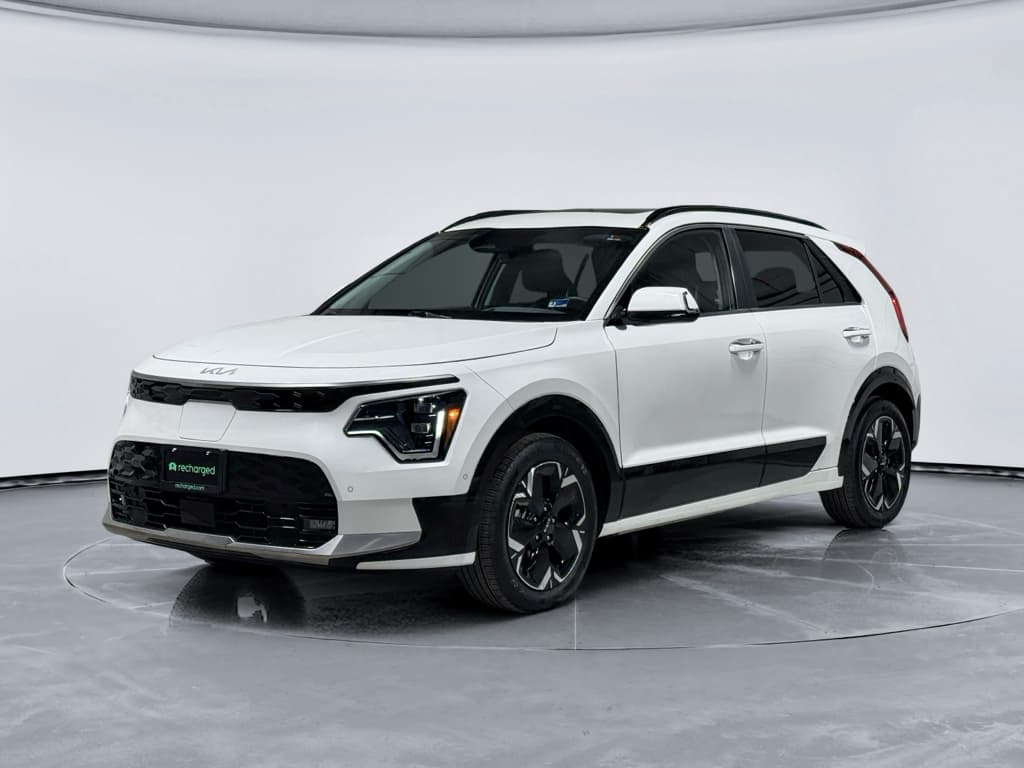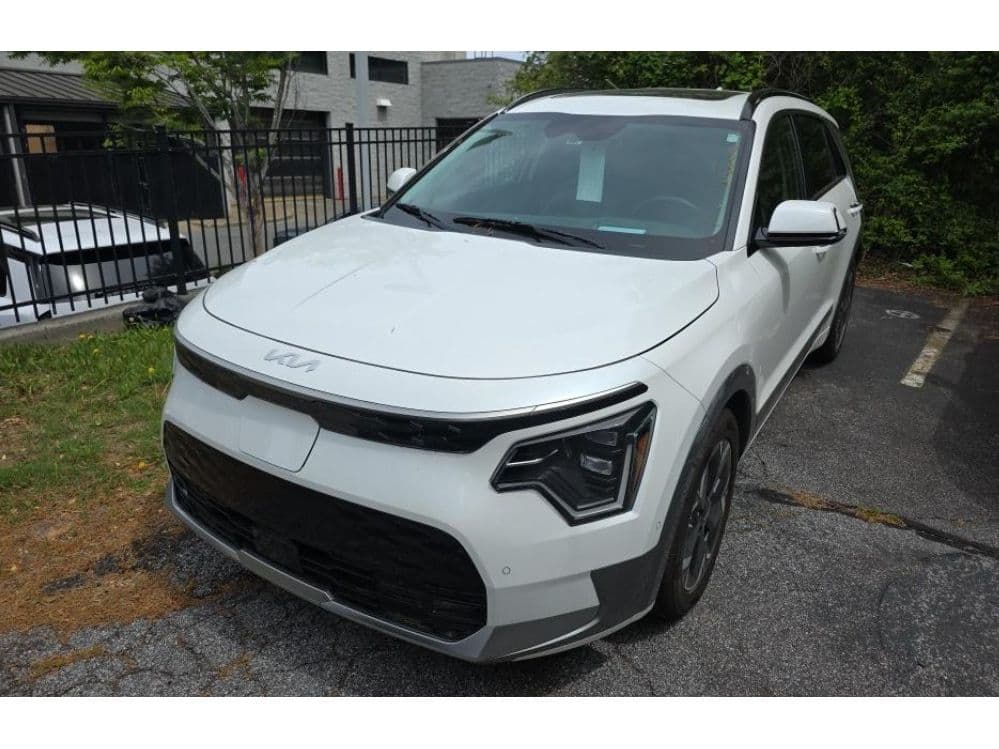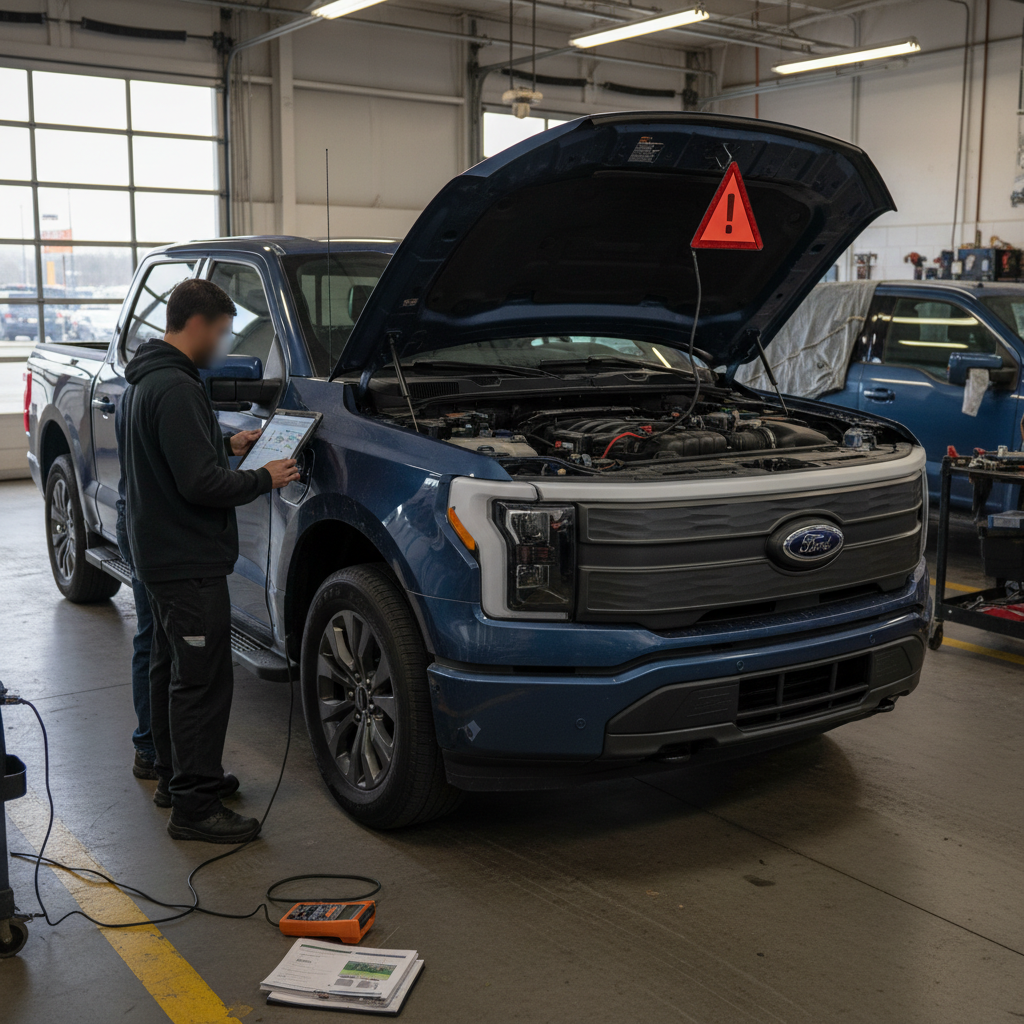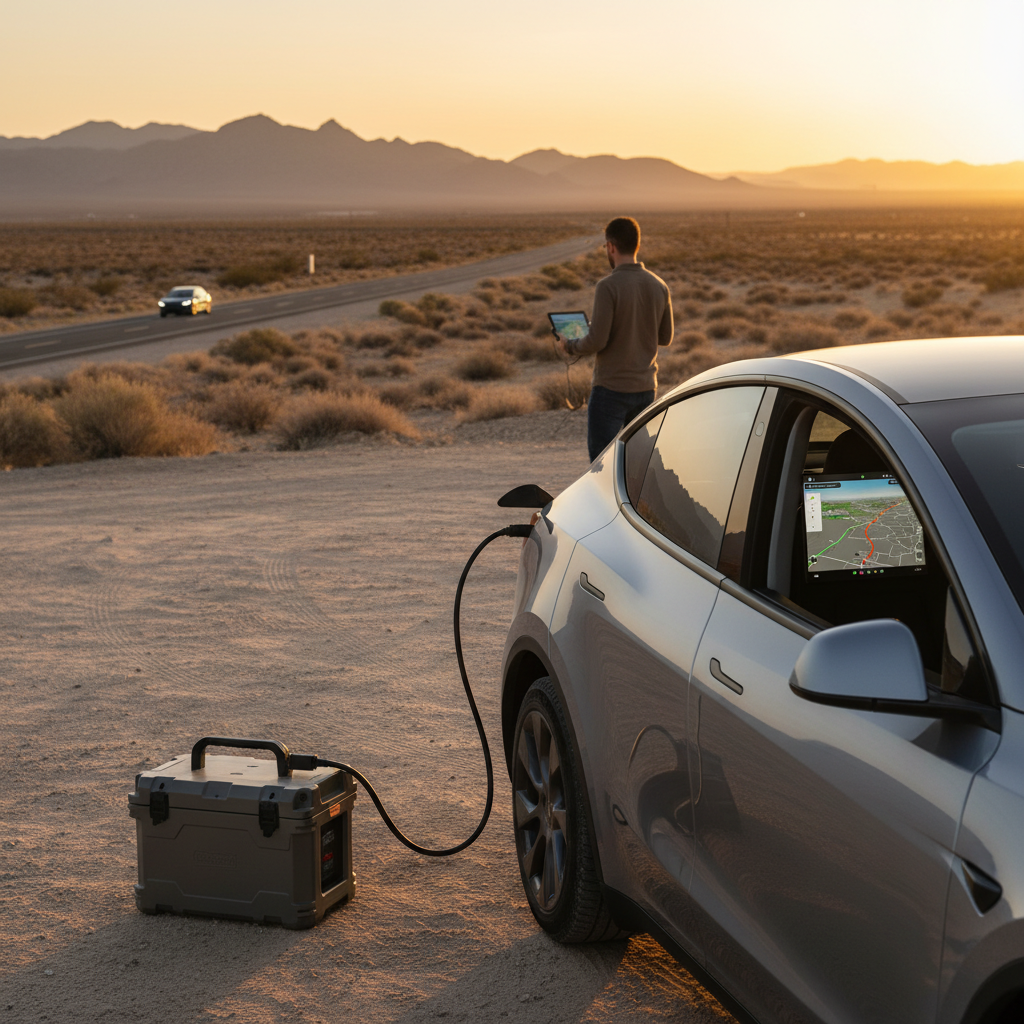
If you’re considering a used Kia Niro EV, you’re probably hearing two very different stories. On paper it’s efficient, practical, and relatively affordable. Online, you’ll also find threads about charging failures, software bugs, and quirky behavior. This guide walks through the most common Kia Niro EV problems and fixes so you know what’s normal, what’s a red flag, and what’s easy to live with, especially in the used market.
Quick context
Overview: Is the Kia Niro EV reliable?
In broad strokes, the Kia Niro EV has a good reliability reputation for its battery and motor. You don’t see widespread catastrophic failures. Where owners most often run into trouble is with charging behavior (especially AC Level 2), infotainment/software glitches, and the usual EV wear items like tires and 12‑volt batteries.
Where the Niro EV is strong
- Simple, proven front‑motor powertrain
- Battery packs with generally slow, predictable degradation
- Comfortable ride and easy-to-park footprint
- Reasonable real‑world efficiency, even at highway speeds
Where issues tend to show up
- Intermittent AC charging failures on some cars
- Occasional DC fast-charging that starts, then stops
- Infotainment freezes, Bluetooth drops, and navigation glitches
- Regenerative braking feel changes after software updates
Used‑buyer tip
Model years and what changed
When you’re evaluating Kia Niro EV common problems, it helps to separate the first‑generation body style (2019–2022 in the U.S.) from the redesigned second generation (2023+, sometimes called the “SG2” Niro). Both use a similar 64 kWh pack and 150 kW motor, but the software stack, thermal system tuning, and interior electronics changed significantly.
Kia Niro EV generations and reliability notes
High‑level differences that matter for used buyers.
| Model years | Nickname | Key changes | What to watch for |
|---|---|---|---|
| 2019–2020 | 1st‑gen e‑Niro | Early launch, simpler tech, more basic infotainment | Check for early software updates, charge‑port wear, and any DC fast‑charging limitations. |
| 2021–2022 | 1st‑gen refresh | Updated styling, more driver‑assist features | Similar mechanical reliability; confirm all software campaigns are current. |
| 2023–2025 | 2nd‑gen Niro EV | New interior and electronics, revised thermal system | More reports of AC charging quirks and software behavior, extra focus on charging tests. |
| 2026+ | Future 2nd‑gen | Lineup continues without PHEV; EV remains the top electric option | Expect software changes; verify charging performance on the specific car you’re buying. |
Both generations can be good bets in the used market, but the pattern of issues is slightly different.
Common Kia Niro EV problems at a glance
Most-reported Kia Niro EV issue categories
- AC Level 2 charging that starts and then stops after 5–30 minutes, sometimes showing “charging complete” even when the battery isn’t full.
- DC fast-charging sessions that repeatedly abort or won’t go above relatively low power levels on certain stations.
- Charge limits (like 50% or 80%) that reset after software updates or get changed accidentally in the menus.
- Infotainment bugs: black screens, lag, random reboots, or Bluetooth/dropouts with some phones.
- Occasional water leaks or wind noise from doors and liftgate if seals aren’t adjusted well.
- Normal but noticeable range loss in cold weather or at high highway speeds, which some owners interpret as a problem.
AC and DC charging problems
If you read owner forums for more than five minutes, you’ll see that charging problems are the number‑one Kia Niro EV complaint, especially on newer 2023+ cars. The good news: in most cases, there is a clear root cause, and many fixes are straightforward once you know where to look.
Typical Niro EV charging symptoms
Most issues fall into one of these patterns.
AC charging stops early
The car starts charging on Level 1 or Level 2, then stops after 5–30 minutes and reports “charging complete” or shows a red light at the charge port.
DC fast charge won’t ramp up
Plugged into a DC fast charger, the car may stall at low power (e.g., ~30 kW) or repeatedly start and stop the session.
Inconsistent behavior by location
The same Niro EV may charge fine at home but fail at some public stations, or vice versa, hinting at compatibility or connector issues.
Likely causes of Niro EV charging issues
- Onboard charger (OBC) faults: Some owners have had faulty onboard AC chargers or DC‑DC converters that trigger repeated charging aborts. This usually needs diagnosed and replaced under warranty.
- Charge‑port temperature or coolant issues: Air pockets in the cooling loop or poor coolant flow can cause the system to see temperatures it doesn’t like and halt charging.
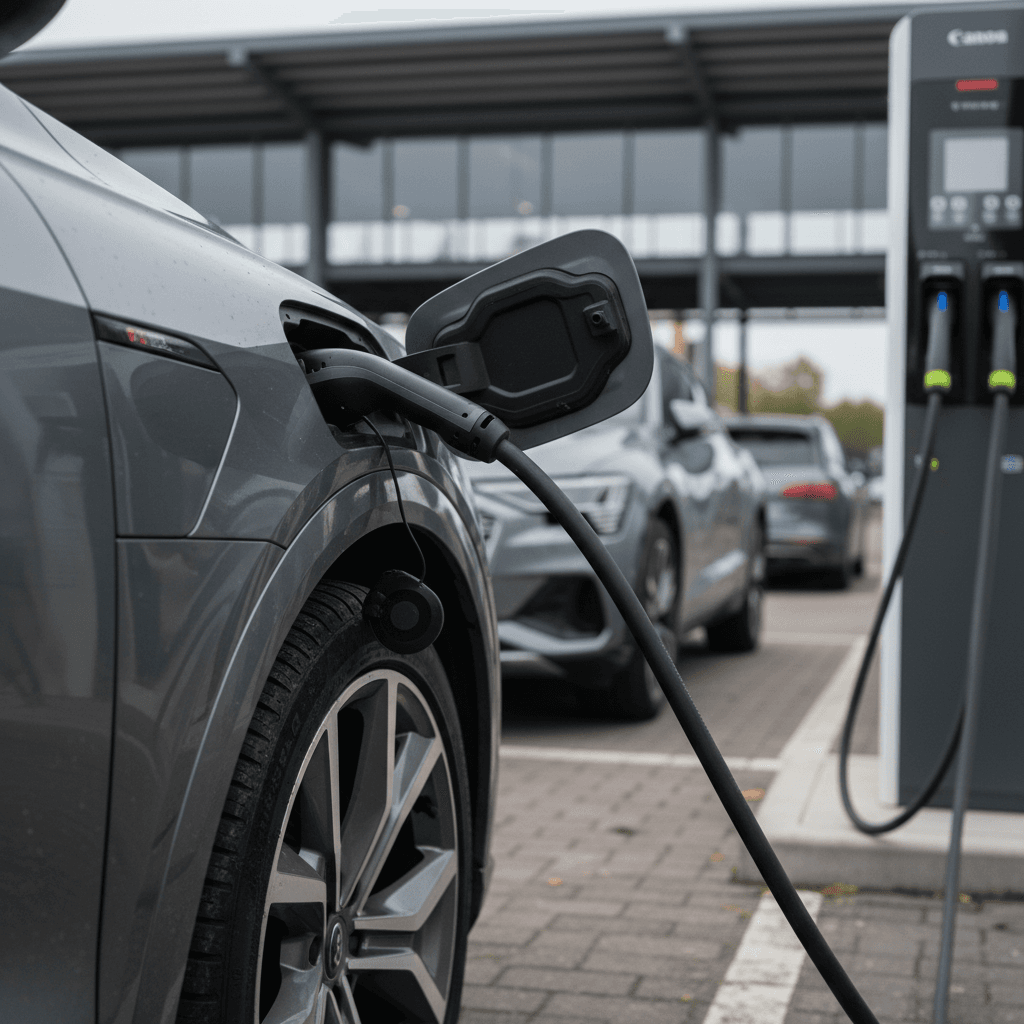
- Dirty or damaged connectors: Bent signal pins or debris in the J1772/CCS port or plug can cause flaky communication with the station.
- EVSE (charger) problems: In more than a few cases, the problem turned out to be the wallbox or public charger itself, especially where other EVs were also having issues.
- Software logic and charge limits: Misconfigured max‑charge levels, scheduled charging settings, or old firmware can make it look like the car “won’t charge” when it’s actually doing what it’s been told.
Safety first around charging
Step-by-step: How to diagnose Niro EV charging problems
1. Reproduce the issue on at least two chargers
Try your home EVSE and a reputable public station. If the car fails on multiple different units, it’s more likely a vehicle‑side issue than a single bad charger.
2. Check charge limits and schedules
In the Niro EV’s charging menu, confirm your AC and DC charge limits are set appropriately (e.g., 80–100%) and that <strong>scheduled charging</strong> isn’t overriding your expectations.
3. Inspect the charge port and plug
With the car off, look closely at the charge‑port pins and the EVSE plug. Clean gently with compressed air or a dry, soft brush if you see dust or debris. Never use metal tools inside the port.
4. Monitor temperatures (if possible)
If you have an OBD app and compatible dongle, you may be able to monitor charge‑port or coolant temperatures. Unexpected spikes can point to cooling or contact issues.
5. Try a lower current setting
On some cars, reducing the AC charge current in the vehicle settings (for example to 60%) can stabilize charging. This isn’t a long‑term fix, but it can keep you mobile until the dealer investigates.
6. Document, then head to a Kia EV dealer
Take photos of error messages, station screens, and any warning lights. A Kia dealer with EV experience can test the onboard charger, update software, and replace faulty components under warranty if needed.
Good news on charging issues
Battery health and range loss
A big reason shoppers look at used Kia Niro EVs is efficiency. Official EPA range is competitive, and the pack size is right in the sweet spot for commuters. The question is how well that battery holds up and what “normal” degradation looks like.
What’s typical
- Many owners report roughly 5–10% capacity loss after several years and tens of thousands of miles.
- Cold weather can temporarily drop range by another 20–30% due to chemistry and cabin heating.
- Highway driving at 70–80 mph will pull range down compared with city or mixed driving.
What’s a red flag
- Sudden, large range drops (e.g., losing 30–40 miles of indicated range in a short time without climate or driving‑pattern changes).
- State of charge jumping around or the gauge being wildly inaccurate.
- Consistently poor range even in mild weather with conservative driving.
Check real‑world range, not just the dash
At Recharged, every Niro EV we list gets a Recharged Score battery health diagnostic. We measure usable capacity and look for signs of imbalance or unusual cell behavior, then package that into a report alongside fair‑market pricing data. That’s hard to replicate in a driveway, but it’s exactly what you want to see before you write a check for any used EV.
Software bugs and infotainment glitches
If your idea of a “problem” includes frozen screens and twitchy phone connections, the Niro EV isn’t unique. Like most modern EVs, it relies heavily on software, and software occasionally misbehaves.
Common Niro EV software and electronics issues
Annoying more than dangerous, but worth knowing about.
Infotainment freezes or reboots
Some owners report the center screen going black, freezing, or restarting while driving. Audio and navigation may temporarily disappear.
Hard resets or dealer software updates typically resolve recurring glitches.
App connectivity problems
The Kia Access app may intermittently lose contact with the car, show stale charge data, or fail to start climate pre‑conditioning.
Often fixed with app updates, re‑pairing the vehicle, or better cell/Wi‑Fi coverage.
Charge limits changing after updates
After some software updates, owners have found AC/DC charge limits unexpectedly reset to 50% or 80%.
Double‑check charging settings after any update or service visit.
Driver‑assist quirks
Lane keeping and adaptive cruise can feel overly assertive or ping‑pong between lane markings.
Usually a matter of personal preference and tuning, not a defect, but test them on your normal commute.
Quick fixes for common software issues
1. Install the latest updates
Use the infotainment menu to check for updates, or have the dealer apply any outstanding software campaigns during service.
2. Perform a clean reset
For stubborn glitches, perform a system reset per the owner’s manual instructions, often holding the power/volume knob or a pinhole reset button.
3. Re‑pair your phone and app
Delete and re‑add your phone in Bluetooth and wireless CarPlay/Android Auto menus, and log out/in of the Kia Access app.
4. Verify settings after service
After dealer visits or over‑the‑air updates, confirm your <strong>charge limits, schedules, and regen preferences</strong> are still where you want them.
5. Document recurring issues
If you experience repeat failures, note the date, conditions, and what the car was doing. Consistent patterns make it easier for a dealer to escalate and fix under warranty.
Brakes, tires, and regen braking quirks
The Niro EV uses strong regenerative braking backed up by conventional friction brakes. That combination changes how the car feels and how components wear over time.
What owners notice
- Brakes can feel grabby at low speeds as the system transitions from regen to friction, especially after software changes.
- Brake rotors may develop light rust if the car is driven gently and regen does most of the work.
- Tires sometimes wear faster than expected because of the EV’s torque and weight.
Easy checks before you buy used
- Inspect tire tread depth and look for uneven wear that might point to alignment issues.
- Ask when pads and rotors were last serviced; long intervals are common if the car mostly uses regen.
- Test different regen levels on your drive, including one‑pedal mode if equipped, to make sure the feel suits you.
Don’t ignore brake warnings
Noise, water leaks, and build quality
Because the Kia Niro EV is quiet under power, small noises stand out. A few owners have reported wind noise from door mirrors, rattles from the cargo area, or water ingress around door seals and the liftgate, especially after heavy rain or car‑wash use.
- Drive at highway speeds (65–75 mph) and listen for wind noise around the A‑pillars and mirrors.
- On your test drive, hit a few rough patches of pavement and listen for rattles in the dash and cargo area.
- Inspect door and liftgate seals for kinks, tears, or signs of water tracks inside the rubber.
- Lift up the cargo floor and check for damp carpeting or musty smells that could indicate leaks.
When in doubt, bring a friend
Preventive maintenance for a used Niro EV
Compared with a gas Niro, the EV version has far fewer moving parts, but that doesn’t mean it’s maintenance‑free. Smart, low‑cost upkeep goes a long way toward avoiding the most common Kia Niro EV problems.
Simple habits that prevent bigger issues
1. Keep software up to date
Make regular software updates part of your routine, especially for charging and battery‑management systems.
2. Exercise the brakes
Occasionally do a few stronger stops (safely) to keep pads and rotors clean and prevent uneven deposits or surface rust.
3. Rotate tires on schedule
Rotate every 5,000–7,500 miles and check alignment if you see edge wear. EV torque is hard on tires.
4. Protect the charge port
Use the port cap, keep the receptacle clean, and don’t force the connector in at odd angles. Good contact reduces heat and charging errors.
5. Avoid constant 100% fast charges
For day‑to‑day driving, charging to around 70–80% and avoiding frequent full DC fast charges can reduce long‑term battery stress.
6. Watch the 12‑volt battery
Like most EVs, the Niro relies on a small 12‑volt battery for electronics. Replacing it proactively when it ages can prevent no‑start or random warning‑light gremlins.
How Recharged evaluates used Kia Niro EVs
When you shop a used Niro EV through Recharged, you’re not just getting a car, you’re getting a deeper look under the skin than a typical dealership walk‑around provides.
What we check on every Niro EV
Beyond a basic safety inspection.
Recharged Score battery health test
We run a dedicated battery‑health diagnostic to understand usable capacity and cell balance, then roll that into a Recharged Score so you know how this Niro EV compares to others its age.
Real‑world charging tests
Our inspections include both Level 2 AC and, where practical, DC fast charging to spot the kinds of intermittent issues owners often complain about online.
Transparent condition reporting
You get a digital report that covers cosmetic condition, tire and brake life, interior functions, and noted noises, plus fair‑market pricing based on current used‑EV trends.
From there, we support you with financing, trade‑in options, consignment, and nationwide delivery, all through a fully digital buying experience or in person at our Experience Center in Richmond, VA. The idea is simple: you shouldn’t have to be an EV engineer to buy a used Niro EV with confidence.
FAQ: Kia Niro EV common problems
Frequently asked questions about Kia Niro EV problems
Bottom line: Should you buy a used Kia Niro EV?
If you like the idea of a practical, efficient electric crossover that doesn’t scream for attention, a used Kia Niro EV belongs on your short list. Its most common problems, charging quirks, software hiccups, and normal EV wear items, are real, but they’re also manageable once you know what to look for. The key is to test charging thoroughly, confirm software is current, and get independent insight into battery health before you buy.
That’s exactly the gap Recharged is built to fill. Every Niro EV we sell comes with a Recharged Score Report, verified battery diagnostics, and fair‑market pricing, plus EV‑savvy support from the first click to delivery. Whether you end up buying through us or not, use the checks in this guide and you’ll be in a much better position to choose a Niro EV that fits your budget, and avoids the headaches other owners learned about the hard way.