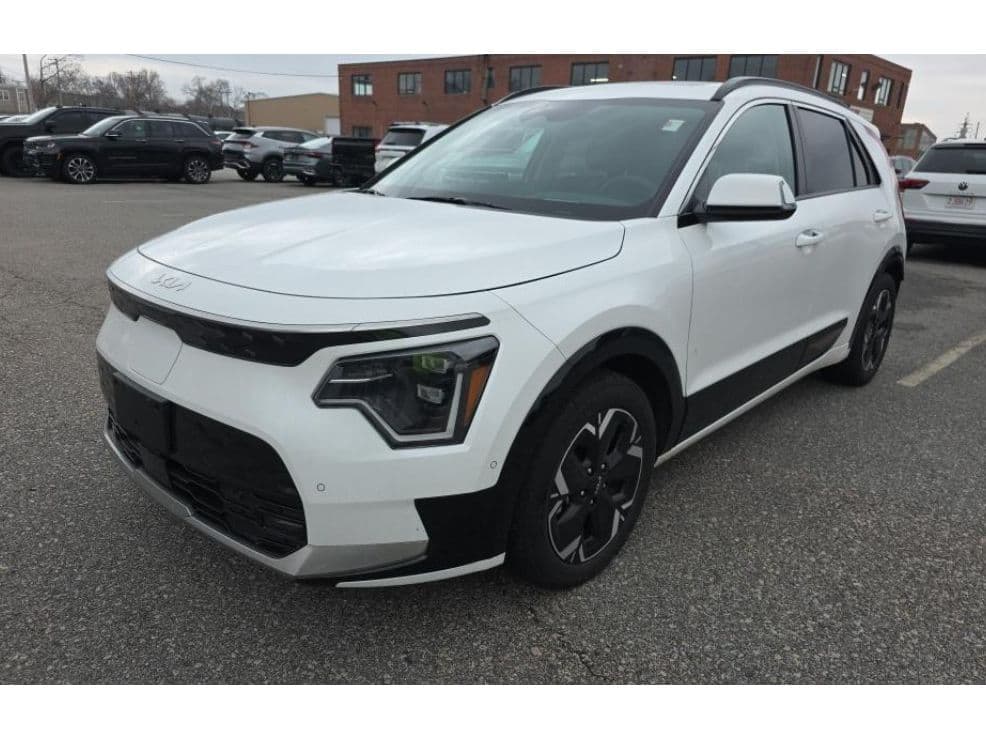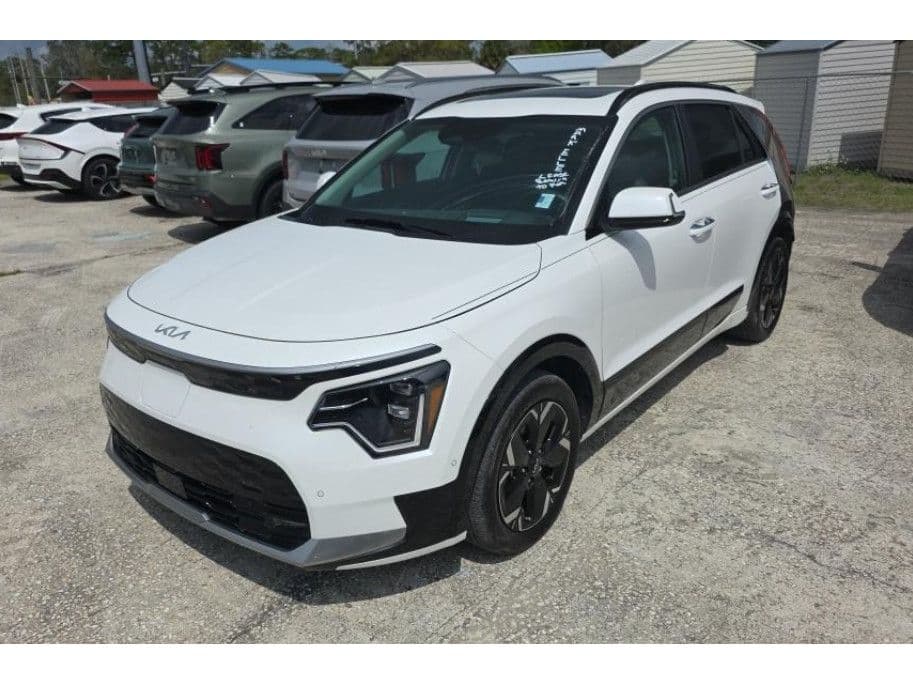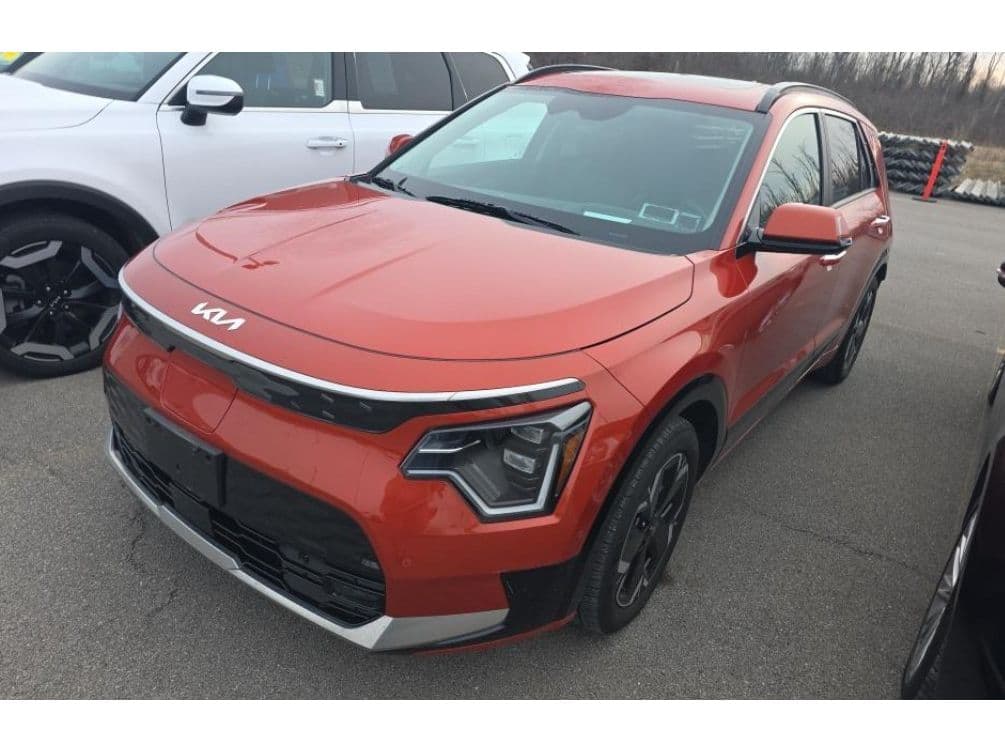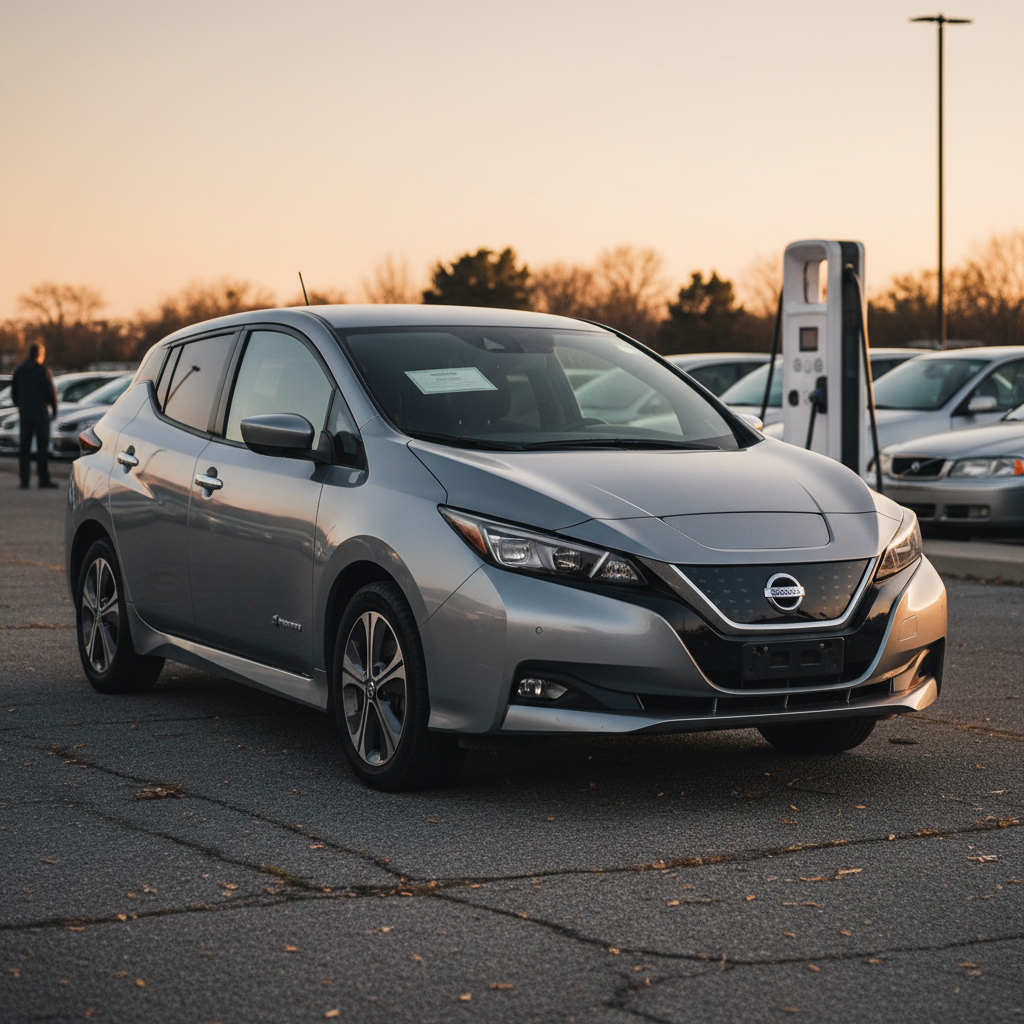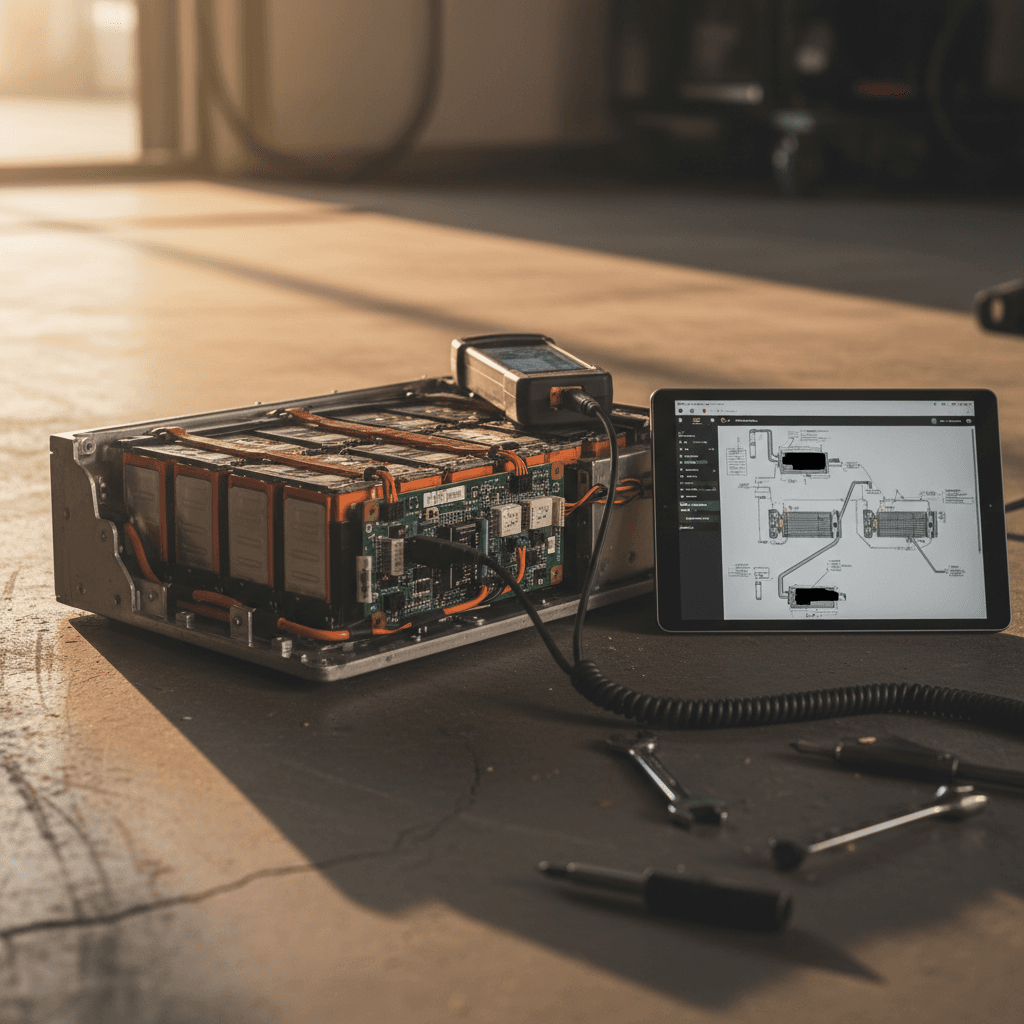
If you’re driving, or thinking about buying, a Kia Niro EV, battery health is the single biggest factor that determines real‑world range, long‑term reliability, and resale value. The good news: the Niro’s pack has a solid track record, and with the right steps you can perform a meaningful Kia Niro EV battery health check at home, then decide whether you need a deeper diagnostic.
Quick answer
Why Kia Niro EV battery health matters
Every modern EV experiences some battery degradation over time, and the Kia Niro EV is no exception. But compared with many peers, owners and independent tests consistently report **low degradation**, often still showing above 90% health even after years of use and high mileage. That makes the Niro EV a strong candidate on the used market, *if* you verify the pack is healthy.
Three reasons to check Niro EV battery health
Even if the car feels fine today, a quick check protects you tomorrow.
Real‑world range
Resale value
Warranty & peace of mind
Don’t confuse 12V with high‑voltage
What “battery health” actually means on a Niro EV
When people talk about **battery health** on the Kia Niro EV, they’re really talking about the pack’s **State of Health (SOH)**, the usable capacity today compared with when it was new. A brand‑new Niro EV pack is defined as 100% SOH. As the cells age, chemical changes slowly reduce how much energy they can store.
- A Niro EV battery that started around 64–68 kWh usable might effectively act smaller as it ages.
- SOH is reported internally by the car’s **battery management system (BMS)** as a percentage.
- Range estimates on the dash and energy used per mile are both downstream effects of this SOH value.
Kia’s warranty and the 70% figure
Quick Kia Niro EV battery health check: range & charging behavior
Before you plug in any scanners or book a service visit, you can learn a lot about your Niro EV’s battery health just by paying attention to **range, efficiency, and charging behavior**. Think of this as a fast “sanity check” that any owner, or used‑car shopper on a test drive, can do.
5‑minute Kia Niro EV battery sanity check
1. Compare indicated range to EPA estimate
With the battery at 100% after a normal week of mixed driving, note the predicted range on the dash. For most recent Niro EVs, anything roughly in the 200–250‑mile ballpark (adjusted for temperature and driving style) is a good sign. A dramatically lower figure may warrant a deeper look.
2. Watch your efficiency (mi/kWh)
Reset a trip meter, drive at least 20–30 miles in normal conditions, then check **mi/kWh**. If you’re close to published efficiency numbers and your range estimate looks reasonable, the battery is likely healthy.
3. Notice any sudden range drops
Healthy packs degrade gradually. If you see a **sharp, recent drop** in range or your guess‑o‑meter swings wildly with small changes in SOC, that can indicate either a BMS calibration issue or a battery problem that deserves further investigation.
4. Observe DC fast‑charging speeds
On a warm battery at a DC fast charger, a healthy Niro EV should ramp up close to its advertised peak power, then taper. If it stubbornly stays at very low power despite ideal conditions, that can be a red flag, though station issues are just as common.
5. Check for warning lights or “turtle mode”
Messages like **“Power limited”** or sudden loss of acceleration at moderate state of charge may indicate the car is protecting the pack. That’s the point where you stop guessing and have the car scanned professionally.
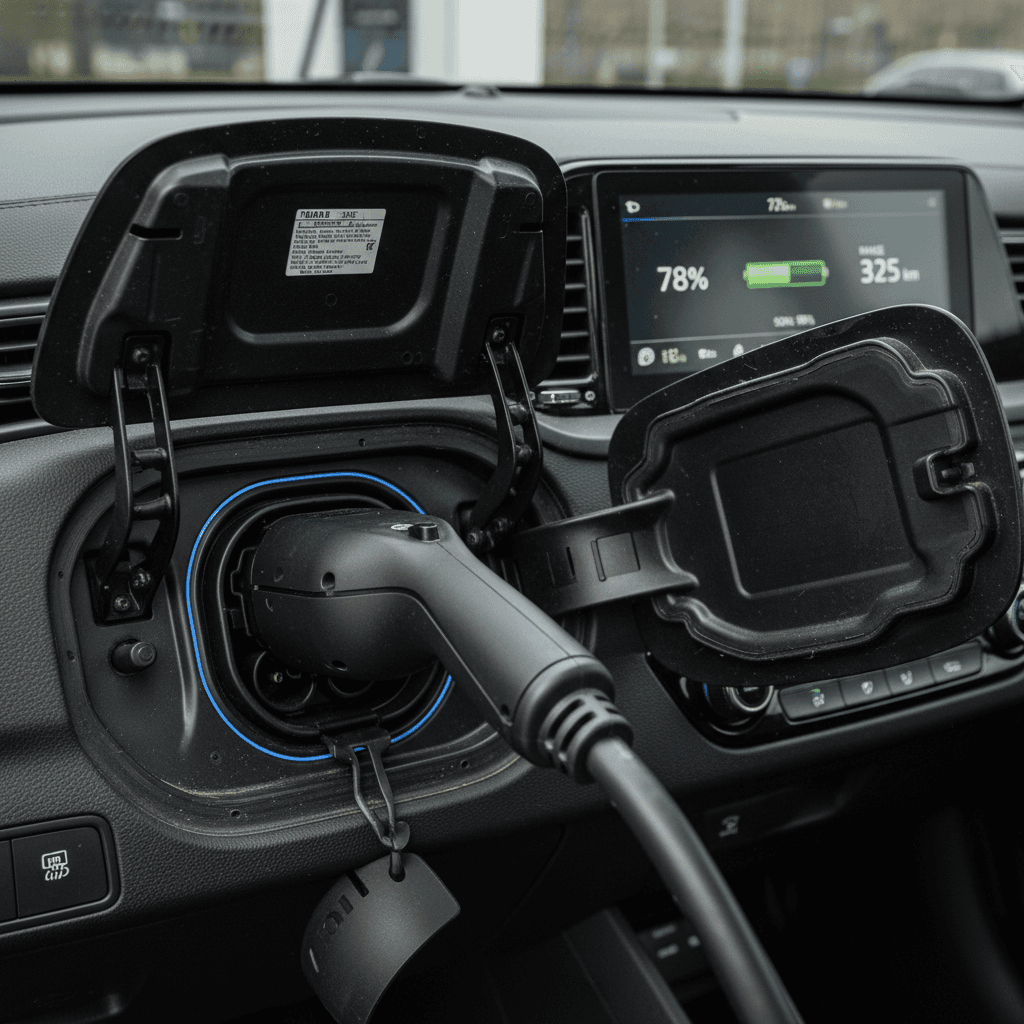
Step‑by‑step: how to check Kia Niro EV battery health (SOH)
If the quick checks give you questions, or you’re evaluating a used Niro EV, your next step is to pull **battery data from the car’s computers**. That’s how you get a realistic view of State of Health instead of guessing from the range display alone.
Two paths to a Niro EV SOH check
DIY owner with OBD scanner
Buy a compatible Bluetooth OBD2 adapter and plug it into the Niro EV’s diagnostic port under the dash.
Install an EV‑aware app like **EVNotify**, **EV Watchdog**, or a generic OBD app that supports Kia EV PIDs.
Drive normally for a few days so the BMS has current data, then connect the app with the battery around 20–80% SOC.
Record **State of Health (SOH)**, pack voltage, cell‑voltage balance and any logged battery‑related fault codes.
Repeat every few months to track trends rather than obsess over a single reading.
Dealer or EV‑specialist visit
Book a visit with a Kia dealer or independent EV specialist and request a **high‑voltage battery report** or SOH check.
Ask what diagnostic tool they’re using (Kia’s KDS or equivalent) and request a printout or PDF of the results.
Confirm whether any battery‑related fault codes are stored, even if no warning lights are currently on.
Discuss how your SOH value compares with similar‑age Niro EVs and how it relates to warranty coverage.
Keep the report with your service records, especially useful if you plan to sell or trade the vehicle later.
Set up your test conditions
Best tools and apps for a Kia Niro EV battery check
Because Kia doesn’t expose SOH on the main screens, third‑party tools have become popular among Niro EV owners. The basics are simple: an **OBD2 adapter** that talks to your phone, and an **app** that understands Kia EV data.
Popular tools for Kia Niro EV battery health checks
These consumer tools can read battery data from the Niro EV’s BMS. Always confirm compatibility with your specific model year before buying.
| Tool / app | What it is | What it tells you | Good for |
|---|---|---|---|
| Veepeak OBDCheck BLE+ (or similar) | Bluetooth OBD2 dongle | Raw battery data via compatible apps | Owners who want recurring SOH snapshots |
| EVNotify / EV Watchdog | EV‑focused smartphone apps | Estimated SOH, SOC, cell balance, temps | Data‑nerds and long‑term tracking |
| Generic OBD apps (Car Scanner, etc.) | Diagnostic apps with Kia EV profiles | Voltage, temperatures, some capacity data | Quick one‑off health checks |
| Dealer KDS or factory tool | Official Kia diagnostic system | Official SOH, fault codes, warranty‑relevant data | Baseline check before warranty claims or resale |
OBD adapters and apps are powerful, but they’re not official Kia tools. Treat them as strong indicators, not courtroom evidence.
Be cautious with third‑party readings
How to interpret your Kia Niro EV battery health results
Once you’ve done a Kia Niro EV battery health check and have an SOH estimate, the obvious question is: **is this good, bad, or normal?** The answer depends on the model year, mileage, climate, charging habits, and how you gathered the data.
Typical Kia Niro EV battery health patterns
SOH looks strong (90%+)
If your SOH is in the 90s, your real‑world range is close to original and there are no odd charging behaviors, you’re in excellent shape. For a used‑car shopper, this is a reassuring result, especially if it’s backed by documentation.
At this level, the biggest improvements you can make are about how you use the battery: avoid sitting at 100% for days, limit frequent DC fast‑charging when you don’t need it, and keep the car in moderate temperatures when possible.
SOH seems low (mid‑80s or below)
SOH in the 80s doesn’t automatically mean the battery is failing, especially on a high‑mileage car, but it’s a sign to look more closely. Confirm the reading with a second app or a dealer scan, and compare your real‑world range against EPA estimates.
If you’re still within Kia’s battery warranty window and your SOH appears near or below the ~70% threshold, that’s the time to get an official diagnostic on record.
Track trends, not just snapshots
When to involve a Kia dealer or EV specialist
DIY checks are great for awareness, but there are clear points where you should stop guessing and get the car on a professional scan tool. That’s especially true if you’re within the **10‑year / 100,000‑mile high‑voltage battery warranty** window or considering a major purchase decision.
- Your SOH estimate appears unusually low for the age and mileage of the car.
- You’ve seen rapid, unexplained drops in range or SOH readings over a short period.
- The car has triggered power‑limit, turtle‑mode, or high‑voltage battery warning messages.
- DC fast‑charging is consistently and abnormally slow in good conditions, across multiple stations.
- You’re preparing to make a warranty claim or want official documentation for a high‑value sale.
Ask specific questions at the dealer
Checking battery health on a used Kia Niro EV
If you’re shopping used, battery health is the difference between a great deal and a regret. The Kia Niro EV’s strong pack and warranty make it appealing on the second‑hand market, but you still want proof that the specific car you’re looking at hasn’t been abused or fast‑charged to death.
Used Kia Niro EV battery health checklist
1. Confirm warranty status
Ask for the in‑service date and mileage, then check how much of the **10‑year / 100,000‑mile** EV battery warranty remains. Younger Niro EVs still under that coverage are lower risk.
2. Compare range to EPA rating
On a full charge after normal driving, the dash estimate should be reasonably close to the original EPA range for that model year, adjusted for weather and driving style. A massive gap can be a red flag.
3. Request a recent SOH report
Ideally, the seller can provide a recent dealer or specialist SOH report. If they can’t, ask if you can perform an OBD‑based check during the pre‑purchase inspection.
4. Review charging history, if available
Frequent DC fast‑charging isn’t automatically bad, but a car that lived on highway fast chargers in very hot climates is more likely to show faster degradation.
5. Look for warning lights or derating history
Ask whether the car has ever gone into turtle mode, had power‑limit warnings, or required battery‑related repairs. Consistent documentation is a good sign; vague answers are not.
6. Factor SOH into price
A used Niro EV with verified high SOH and good range is worth more than one with unknown or questionable battery data. Don’t be afraid to walk away or negotiate based on what your checks reveal.
Buying used through Recharged
How Recharged checks Kia Niro EV batteries
Because Recharged focuses on used EVs, Kia Niro EV battery health isn’t an afterthought, it’s one of the first things we validate. That helps buyers move past vague reassurances like “it seems fine” and into objective, on‑paper confidence.
Inside a Recharged Niro EV battery assessment
What happens before a Niro EV ever appears on our marketplace.
Advanced diagnostics
Health in context
Transparent reporting
Ready to find your next EV?
Browse VehiclesIf you already own a Niro EV and are thinking about selling, Recharged can also help you turn your battery health into a selling point, either through an instant offer, consignment listing, or trade‑in toward another EV, with **nationwide delivery** and EV‑specialist support along the way.
Kia Niro EV battery health FAQ
Frequently asked questions about Kia Niro EV battery health
Bottom line: making battery health a non‑issue
The Kia Niro EV’s high‑voltage battery has earned a reputation for aging gracefully, but any EV is only as good as its individual pack. A thoughtful Kia Niro EV battery health check, starting with range and efficiency, then moving to OBD apps or dealer diagnostics, turns uncertainty into hard data. Whether you’re a current owner planning to keep the car for years or a shopper comparing used options, that data gives you leverage: leverage to make warranty claims if something’s off, to negotiate confidently on a used purchase, or to showcase a strong pack when it’s time to sell. And if you’d rather have an EV‑specialist do the legwork, Recharged wraps that battery expertise into every Niro EV we buy, inspect, and sell.