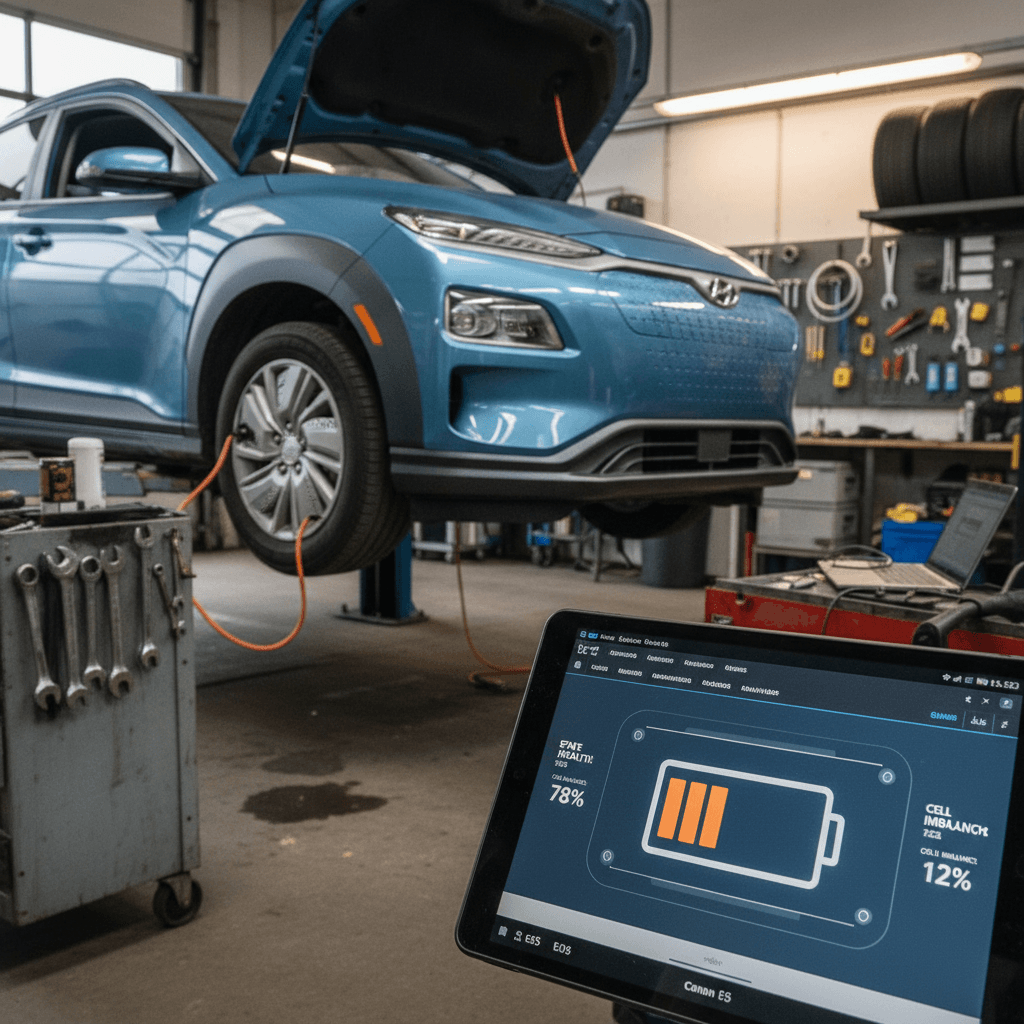
If you’re shopping for a used Hyundai Kona Electric or already own one, you’ve probably heard about battery recalls, 12‑volt failures, and quirky charging behavior. The good news is that most Hyundai Kona Electric common problems and fixes are now well understood, and many were addressed under warranty or via software updates. This guide walks you through the big issues, what symptoms to watch for, and how owners are actually getting them fixed in 2024–2026.
Quick Kona EV snapshot
Hyundai Kona Electric reliability: what to expect
As an EV, the Kona Electric dodges many traditional failure points, no oil changes, spark plugs, timing belts, or multi-speed transmissions. Where it does have recurring issues is around energy storage and electronics: the big high‑voltage (HV) battery on early 64 kWh cars, the small 12V battery that “wakes up” the car, and a scattering of software and infotainment quirks.
Kona Electric strengths and weak spots
Where this EV shines, and where it can annoy you
Where the Kona Electric is strong
- Simple drivetrain: Single-speed reduction gear and electric motor have few moving parts.
- Solid range: Real-world range is competitive for its class, especially on the 64 kWh pack.
- Low service needs: Mostly tires, cabin filters, brake fluid, and the odd software update.
Where problems tend to show up
- HV battery recall on early cars: 2019–2020 64 kWh packs were widely recalled for thermal risk.
- 12V battery drain: Multiple owners report sudden no‑start situations after the car sits.
- Electronics: Camera, infotainment, and charging‑door sensor glitches pop up in owner reports.
Used‑EV advantage
High-voltage battery recall and pack concerns
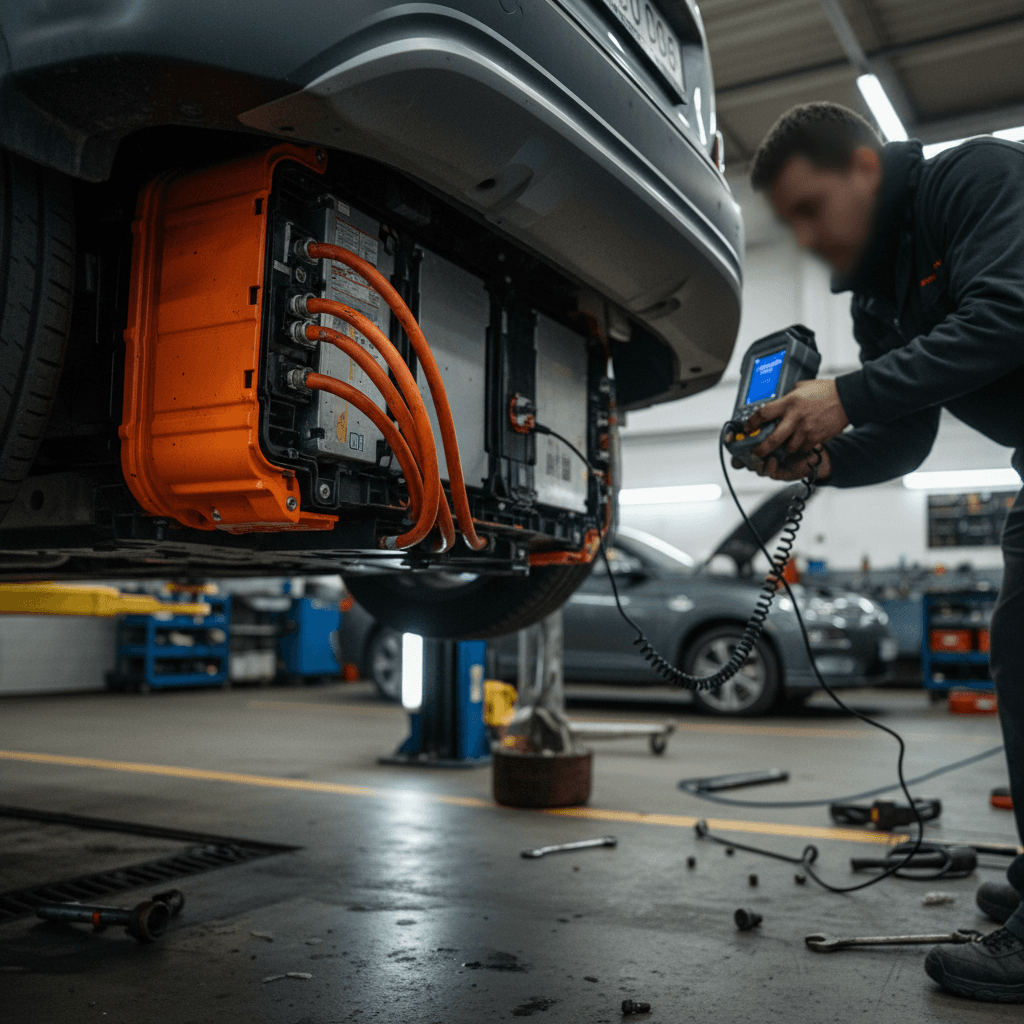
The most talked‑about Kona Electric issue is the high‑voltage battery recall on early 64 kWh cars. In certain 2019–2020 builds, internal defects in the LG‑supplied cells created a small but real fire risk, especially when the pack was charged to high state of charge and parked. Hyundai’s response evolved from software limits to full pack replacements in many cases.
- Affected vehicles were mostly 2019–2020 Kona Electric 64 kWh models built before Hyundai changed cell sourcing and manufacturing controls.
- Early interim fix: software updates capping charge to around 90% and tweaking battery management logic.
- Final fix on many cars: complete HV battery pack replacement under recall, typically at no cost to the owner.
Why this matters on a used Kona
Kona Electric HV battery issues: symptoms and typical fixes
What owners see, and how dealers generally respond
| Symptom | Possible cause | Typical fix | Who usually pays |
|---|---|---|---|
| Range capped around 90% and won’t charge higher | Interim recall software limiting usable capacity | Dealer flashes updated BMS or performs full pack replacement if recall still open | Hyundai warranty/recall |
| Battery warning lights or "Check EV System" with reduced power | Battery management system detecting cell imbalance or fault | Dealer diagnostics; in serious cases HV battery or module replacement | Hyundai warranty/recall if related; otherwise warranty if within 8yr/100k HV coverage |
| Unusual fan/pump noise while parked and charging | Thermal management running frequently to protect pack | Often normal; dealer can verify with scan tool and software updates | Usually no charge; may be billable diag if out of warranty |
| Sudden, major range drop unrelated to weather | Cell degradation or BMS mis‑calculation | Software update, pack re‑calibration, or (rarely) warranty pack replacement | Typically Hyundai if capacity loss meets warranty threshold |
Always confirm open campaigns by VIN before you buy a used Kona Electric.
How to check recall status
12V battery drain, random warnings, and no-start issues
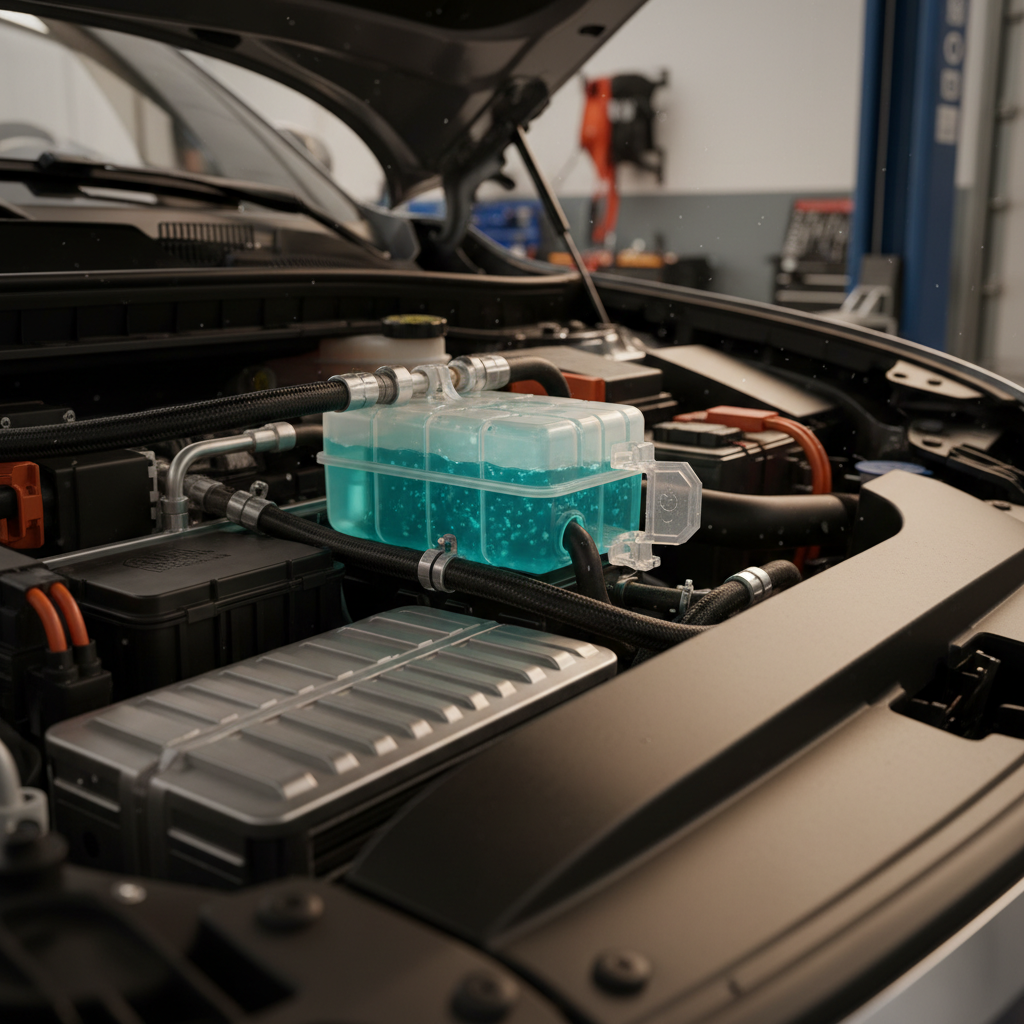
If there’s one everyday Kona Electric complaint that cuts across model years, it’s the 12‑volt battery. Unlike the big HV pack that moves the car, the small 12V battery powers computers, locks, and contactors. When it’s weak, or something parasitically drains it, the Kona EV can appear completely dead.
12V complaints in the real world
- Dashboard flickers, rapid clicking from relays, then the car powers down when you press Start.
- Dash shows “12V battery low” or “Battery discharge warning. Please use system after starting vehicle.”
- Car is completely dead after sitting a couple of days, no interior lights, no response to Start button.
- Weird electrical behavior (false charging‑door warnings, settings not saving) that clears after a fresh 12V battery.
Don’t ignore a marginal 12V battery
Common 12V problems and practical fixes
From simple battery aging to deeper electrical gremlins
Normal aging or weak OEM battery
Many Konas shipped with relatively small 12V batteries that age quickly, especially if you make lots of short trips or live in extreme climates.
- Have the 12V load‑tested, not just voltage‑checked.
- Replace with a higher‑quality AGM if it tests weak.
Parasitic draw or stuck module
Owners and techs have traced some repeated drains to modules not sleeping, such as the telematics unit, cameras, or aftermarket alarms.
- Dealer should check for parasitic draw with an ammeter.
- Fix can be a software update or replacing a faulty module.
Owner‑level prevention
- Avoid leaving tailgate or doors open with the car "off" for long periods.
- Keep main HV battery above ~40–50% if parking for a week or more.
- Consider a compact jump pack in the trunk if you road‑trip often.
What to do if your Kona Electric won’t start
1. Check for any remaining lights or power
Open a door and see if interior lights or screens wake up. If everything is dark, the 12V battery is the prime suspect.
2. Try a safe 12V jump start
Use a portable jump pack or another car per the owner’s manual jump points. Once powered, the Kona’s DC‑DC converter will charge the 12V from the main pack.
3. Drive long enough to recharge
If the car starts, drive 20–30 minutes to give the DC‑DC time to top up the 12V. If it dies again soon after, assume the 12V is done and replace it.
4. Replace the 12V proactively
If your Kona is 2–4 years old and has already had one discharge event, replacing the 12V before it strands you is usually money well spent.
5. Ask dealer to check for parasitic drain
If a new 12V still goes flat, insist on a parasitic draw test; in some documented cases a faulty camera, telematics or security module was the real culprit.
Charging problems: home Level 2 and DC fast charging
The Kona Electric uses the CCS standard for DC fast charging and the common J1772 inlet for AC (Level 1/2) charging. When things go wrong, it’s rarely the onboard hardware actually failing; more often, it’s handshake issues, flaky public hardware, or a bad portable EVSE.
- DC fast charger repeatedly stops after a few minutes or refuses to start.
- Public station errors out, but the car charges fine at home.
- Onboard charger won’t pull full power on Level 2, e.g., stuck at 16A on a 32A or 40A unit.
- Charge door or locking pin warning messages even when the port appears closed.
When DC fast charging misbehaves
- Try a different stall and network: CCS reliability varies hugely between providers and even between stalls at the same site.
- Watch your 12V health: A weak 12V can trigger communication timeouts and charging errors.
- Ask for a BMS update: Hyundai has released multiple software revisions that improve charging curves and fault handling.
When home Level 2 isn’t right
- Rule out the EVSE: Test another EV at your charger, or try your Kona on a different Level 2 station.
- Check circuit sizing: Undersized wiring or breakers will cause chargers to throttle or trip.
- Inspect the charge port: Look for bent pins, corrosion, or debris, especially in salted‑road regions.
Match your charging to your use
HVAC, heat pump, and defrost issues
Cold‑climate Kona Electric owners rely heavily on the car’s heat pump (where equipped) to preserve range in winter. Reports over the years include slow cabin warm‑up, poor windshield defogging, and in some cases, inoperative heat on bitterly cold days.
Typical Kona Electric HVAC complaints
Annoying, but usually fixable without major surgery
Weak heat in very cold weather
Foggy windows, slow defrost
Blower noise or intermittent airflow
Basic HVAC checks before you panic
1. Compare left/right vents
Set the car to a fixed temperature and manual fan speed. If one side of the cabin blows colder or weaker than the other, mention that to the service advisor, it points toward blend door or valve issues.
2. Test defrost with A/C on
Make sure the A/C light comes on in defrost mode; if not, the system may not be dehumidifying properly, which hurts visibility and comfort.
3. Listen for the compressor and fans
While parked, toggle HVAC modes and listen for the electric compressor and front cooling fans. No audible change can indicate a system that’s not actually running.
4. Get refrigerant and software checked
On late‑model EVs like the Kona, HVAC performance is as much about control software as plumbing. A dealer visit may involve both leak detection and an HVAC control module update.
Heat pump repairs aren’t DIY
Brakes, tires, and suspension wear on Kona Electric
Mechanically, the Kona EV carries extra weight compared with its gas sibling thanks to the battery pack. That weight, combined with instant torque, means tires work harder and suspension components are under more load. The upside is that strong regenerative braking can dramatically lengthen pad and rotor life.
Wear items Kona Electric owners should watch
Not failures, but real running‑cost factors
Tire wear and alignment
- Many owners report front tires wearing out earlier than expected, sometimes around 25,000–35,000 miles, especially on eco‑oriented factory tires.
- Because of the EV’s weight, alignment and tire rotations matter more. Misalignment can chew through a set of tires quickly.
Brakes and regen
- Regenerative braking means pads often last 60,000+ miles, but calipers can seize if never used aggressively.
- Ask your shop to inspect and lubricate slider pins during tire rotations, not just glance at pad thickness.
Typical wear‑item costs on Kona Electric
Approximate U.S. independent‑shop pricing as of 2025–2026
| Item | Typical interval | Estimated cost | Notes |
|---|---|---|---|
| Set of four quality tires | 25k–40k miles | $750–$1,200 | EV‑rated all‑season tires cost more but handle weight and torque better. |
| Four‑wheel alignment | As needed, check annually | $120–$200 | Worth doing whenever you replace tires or notice uneven wear. |
| Brake fluid flush | Every 2–3 years | $120–$180 | Moisture still builds up even if pads last a long time. |
| Front brake service (pads + hardware) | 60k+ miles typical | $300–$450 | Often driven by corrosion rather than pad wear on low‑mileage EVs. |
Actual pricing varies by region and tire choice; shop around and ask for EV‑aware alignment techs.
Good news for urban drivers
Infotainment, cameras, and software glitches
Modern EVs are rolling computers, and the Kona Electric is no exception. Owner reports highlight touchscreen freezes, backup cameras cutting out, and weird one‑off error messages. The silver lining is that many of these issues are solved by software updates or relatively inexpensive module replacements.
Electronics issues that pop up on Kona Electric
Annoying more than catastrophic, but worth addressing
Reverse camera failure
Frozen or glitchy infotainment
Spurious warning chimes
First line of defense: software
What fixes cost, what’s under warranty, and when to push the dealer
On the Kona Electric, the most expensive potential failures, HV battery and drive motor, carry long warranties. In the U.S., Hyundai’s high‑voltage battery warranty has generally been 8 years / 100,000 miles against defects (longer in some regions or for original owners). 12V batteries, cameras, and infotainment screens, by contrast, often have much shorter coverage.
Items typically covered longer
- High‑voltage battery and BMS: 8yr/100k defect warranty; recall work is separate and usually free regardless.
- Drive unit and reduction gear: Powertrain coverage, details vary by market and in‑service date.
- HV battery recall: If your VIN is in the campaign, the fix (software and/or pack replacement) should not cost you.
Items often out of pocket
- 12V battery: Commonly 2–3 years of coverage; many owners end up paying $200–$350 after that.
- Tires, alignment, and brakes: Normal wear and tear.
- Infotainment and cameras: Covered under basic warranty; after that, module replacement can run $300–$900.
Be firm, but organized, at the service desk
Used Hyundai Kona Electric: problems to check before you buy
A used Kona Electric can be one of the better value plays in the EV market, especially in light of Hyundai pausing new‑model sales for 2026, but only if you buy with eyes open. Here’s how to screen for the most common issues in a 30–60 minute inspection and test drive.
Pre‑purchase Kona Electric problem checklist
1. Confirm HV battery recall and warranty status
Run the VIN through Hyundai’s recall site and verify whether battery campaigns are complete. Ask for service records showing pack replacement or BMS updates. On Recharged, this is summarized in the <strong>Recharged Score Report</strong> along with real battery health data.
2. Look for 12V battery history
Check the service file or seller records for 12V replacements. A car on its third 12V after only a few years may have an unresolved parasitic drain that needs dealer attention.
3. Test both home‑style and DC fast charging
If possible, plug into a Level 2 charger and a CCS fast charger during your test drive. Note any abnormal messages, repeated session drops, or loud noises you haven’t heard in other EVs.
4. Exercise HVAC in heat and defrost modes
Check that the cabin heats quickly, the windshield clears rapidly in defrost mode, and the A/C dehumidifies effectively. Weak performance could indicate upcoming HVAC work.
5. Inspect tires and listen for suspension clunks
Uneven tire wear or pulling under braking can point to alignment or suspension issues. A short drive over rough pavement will tell you a lot about shocks, bushings, and mounts.
6. Scan for stored codes if you can
A basic OBD‑II reader that supports EV P‑codes can reveal latent issues even if the dash is clear. If you buy through Recharged, our battery diagnostics and inspection process cover this type of check for you.
In a used EV market that’s still finding its footing, the Kona Electric is a classic case of a solid product undermined by a few high‑profile issues, and a recall that, ironically, makes many used examples better than new.
Hyundai Kona Electric common problems: FAQ
Frequently asked questions about Kona Electric problems
Bottom line: is a Kona Electric a good used EV?
Taken in isolation, the headline stories about Kona Electric battery recalls and dead 12V systems can sound scary. Look a little deeper, and a more nuanced picture emerges: most structural issues have known fixes, and many affected cars now have newer high‑voltage packs, fresh software, and a paper trail of updates. What’s left are manageable annoyances, 12V batteries that age quickly, the occasional glitchy camera or touchscreen, and the usual EV realities of heavy tires and finicky public chargers.
If you understand these Hyundai Kona Electric common problems and fixes going in, you can shop selectively and come away with a compact EV that’s efficient, easy to park, and relatively cheap to run. Platforms like Recharged are built around exactly this kind of informed ownership: every vehicle comes with a Recharged Score battery‑health report, open‑recall check, and expert guidance on what to expect in real‑world maintenance. For the right driver and the right car, the Kona Electric still makes a lot of sense in 2026 and beyond.