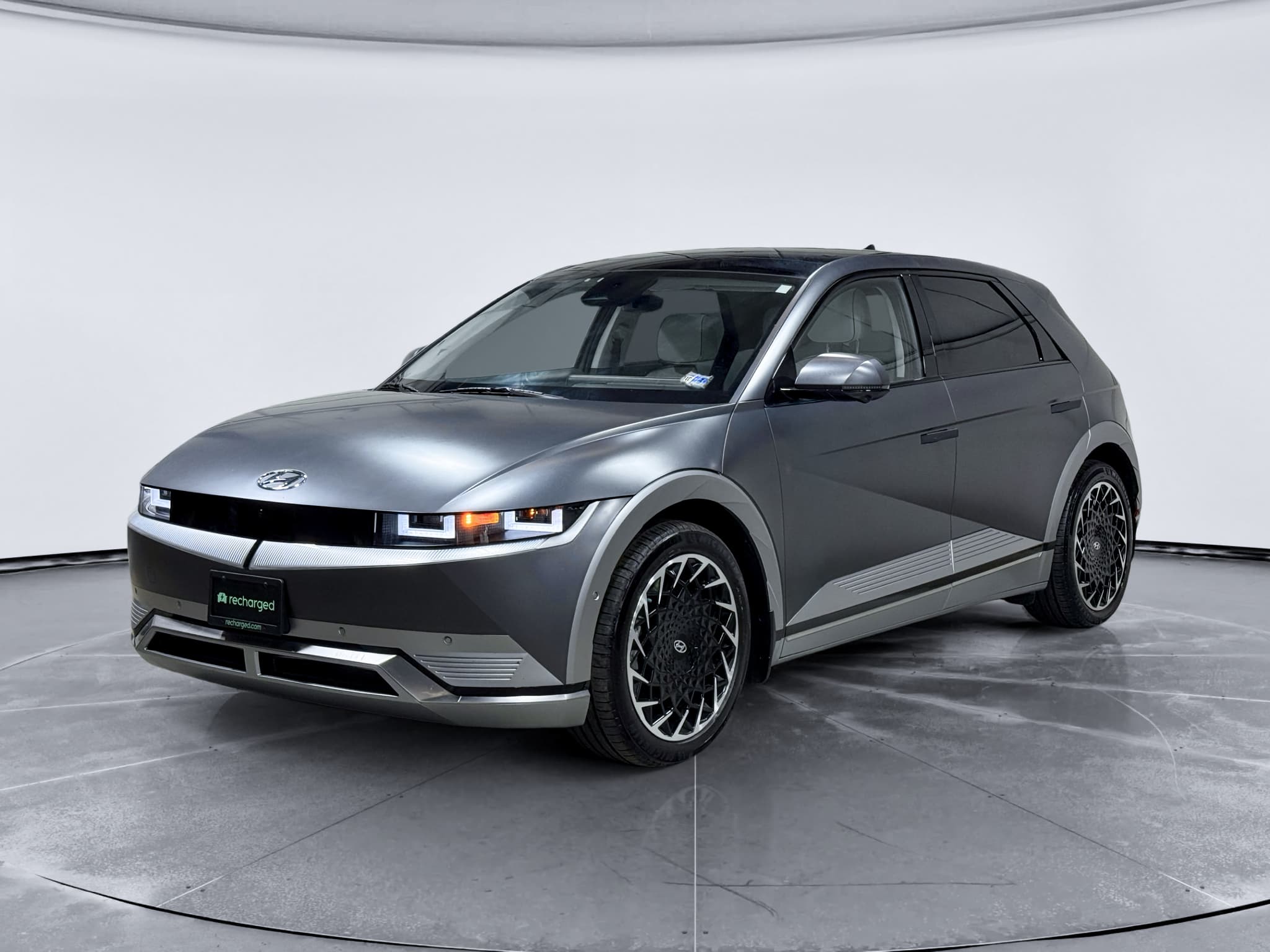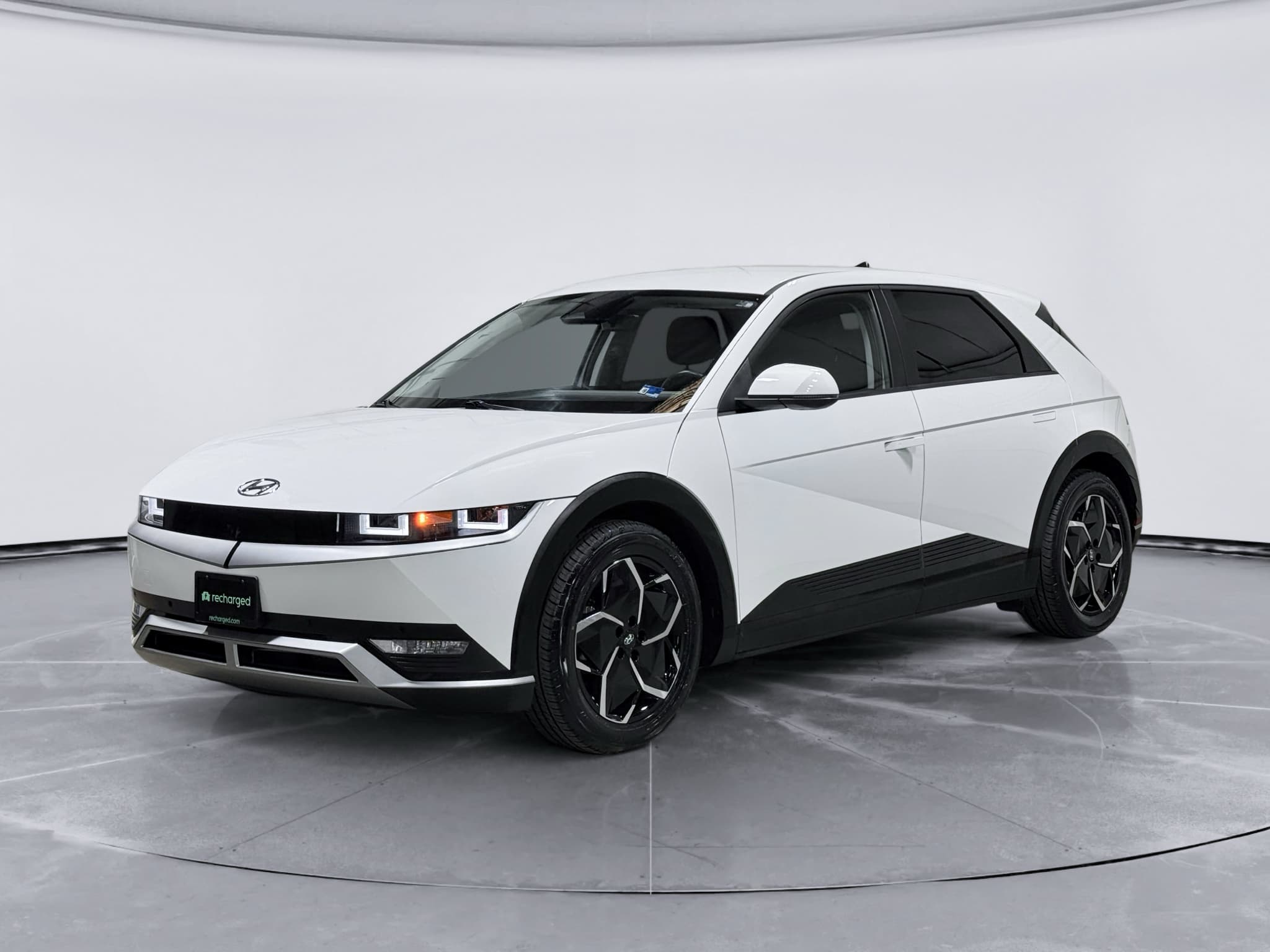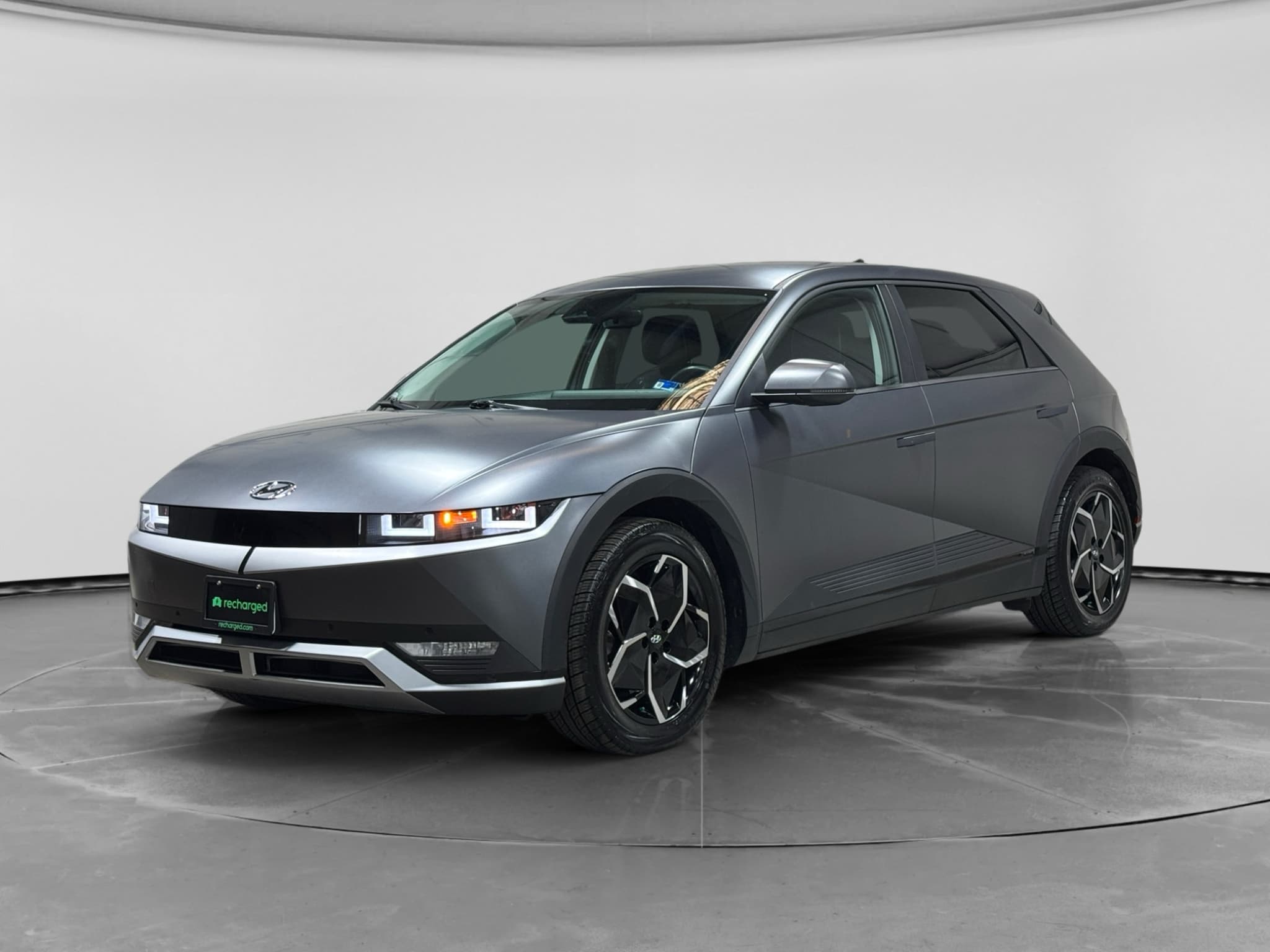
The IONIQ 5 remains an appealing used EV because of its roomy, cleverly organized cabin and distinctive design, but an attractive example still needs a disciplined inspection. Its most consequential reported concerns center on the Integrated Charging Control Unit (ICCU), hardware involved in charging the car's 12-volt electrical system, and related no-start symptoms. You should also test AC charging, confirm software and recall work, and listen for cabin or hatch noises.
The main IONIQ 5 trouble areas
The main issues worth screening for are ICCU or 12-volt failures, interrupted AC charging, software instability, and rattles around the hatch or interior trim. These symptoms don't all share the same cause: a depleted 12-volt battery, for example, may be the failed part or merely evidence of an underlying charging fault. Ask for a diagnostic scan and repair history rather than accepting a battery swap as proof that the root cause was corrected.
Use the symptoms below as starting points, not remote diagnoses. A qualified Hyundai or EV technician should investigate warning messages, charging interruptions, repeated 12-volt failures, or any loss of propulsion. For a broader inspection framework, see the used-EV buying checklist.
Symptoms and likely next steps
The correct repair depends on diagnostic results, vehicle history, and VIN-specific campaigns.
| Problem area | Typical symptom | Next step | Priority |
|---|---|---|---|
| ICCU/12V charging | No-start; warning lights | VIN check; dealer scan | Urgent |
| 12-volt battery | Weak or erratic electronics | Test; replace if failed | High |
| AC inlet temperature | Level 2 slows or stops | Inspect plug; dealer diagnosis | Medium |
| Infotainment/software | Freezes; connection drops | Reboot; install updates | Low |
| Hatch or trim | Rear-cabin rattles | Adjust latch or trim | Low |
A concise guide to the IONIQ 5 concerns buyers and owners should investigate.
Don't clear warnings and hope they stay away
What Recharged battery data shows
Recharged inspections show that high-voltage battery degradation is not the leading concern suggested by the model's better-known electrical symptoms. Across 229 Recharged Score battery inspections, tested remaining capacity averaged 98%, with a 100% median and an observed range from 88% to 100%. Tested real-world range averaged 265 miles, with results spanning 220 to 318 miles across the inspected vehicles; configuration, conditions, driving style, and vehicle history can all affect an individual result.
The takeaway is that you shouldn't confuse an ICCU or 12-volt problem with deterioration of the large traction battery. They are different systems and require different tests. A vehicle-specific battery diagnostic remains more useful than assumptions based only on age or odometer mileage; learn more in our guide to checking used-EV battery health.
A no-start condition can look alarming, but it doesn't automatically mean the high-voltage battery has failed. Test the 12-volt system, scan the car, verify campaign completion, and check traction-battery health separately.
Recharged data
Used Hyundai Ioniq 5 battery health
98%
avg remaining capacity
From Recharged battery inspections, not manufacturer estimates.
- Lowest
- 88%
- Median
- 100%
- Highest
- 100%
- Est. range
- 265 mi avg
- Cell balance pass
- 100%
- Quick charges
- 24 avg
- Slow charges
- 74 avg
Average cell imbalance: 3.0 mV
Based on vehicles Recharged tested
Recharged data
Used Hyundai Ioniq 5 prices at Recharged
$28,126
median list price
Current list prices for matching inventory at Recharged.
- Lowest
- $23,598
- Average
- $28,560
- Highest
- $34,498
Average Recharged Score on these listings
4.9 / 5
Range
4.7 – 5.0
Based on available listings
Every EV is battery-tested with a Recharged Score. Nationwide delivery.
What should you check before buying?
Before buying, verify the VIN's recall status, test both charging and cabin systems, and review the repair history. A short drive that starts with a fully functioning car won't necessarily expose an intermittent 12-volt or charging issue, so documentation matters. Have unresolved campaigns completed and unexplained warning messages diagnosed before delivery.
Used IONIQ 5 inspection checklist
Check the VIN
Confirm open recalls or service campaigns with Hyundai and verify completed work with dated records.
Inspect the 12-volt system
Request a battery test and ask whether the car has had repeated no-start events or replacements.
Test Level 2 charging
Connect to a known-good AC charger and watch for unexpected slowing, interruption, heat, or errors.
Scan for faults
Have an EV-qualified technician check current, pending, and stored diagnostic trouble codes.
Verify software updates
Confirm that applicable vehicle-control, charging, navigation, and infotainment updates are installed.
Listen over rough pavement
Drive without music and listen for movement or rattles from the hatch and interior trim.
Check battery health
Review tested remaining capacity and estimated range rather than relying only on the dashboard estimate.
Test every control
Operate the displays, cameras, driver-assistance controls, climate system, ports, locks, and mobile connectivity.
The IONIQ 5's open center area and generous storage make the cabin feel unusually spacious. During a used-car inspection, that simple layout also makes it easy to slow down and test every control instead of being distracted by the design.
What to do when symptoms appear
Treat no-start events and power-system warnings as diagnostic problems, not inconveniences to reset and ignore. Record the exact warning text, photograph the instrument panel, and note whether the vehicle was driving, parked, or charging when the fault appeared. Those details can help a technician distinguish a weak 12-volt battery from an ICCU, charging-inlet, software, or unrelated electrical issue.
- Move to a safe location if the car reports a serious electrical or propulsion fault.
- If charging is interrupted, stop the session and inspect the connector and cable externally without touching electrical contacts.
- Save warning messages, charging-app records, dates, ambient conditions, and recent repair details.
- Arrange a dealer or EV-qualified diagnostic scan; use roadside assistance rather than repeatedly trying to restart an unresponsive vehicle.
- Ask for the diagnostic codes, completed work, installed software versions, and replaced-part details on the final repair order.
Rule out the charging equipment too
Repair coverage depends on the vehicle
Who pays for a fix depends on the specific vehicle, its in-service date, mileage, ownership history, diagnosis, and any applicable recall or warranty coverage. Don't assume that every electrical repair is automatically covered, or that a car outside general warranty has no campaign coverage. Give a Hyundai dealer the VIN and request written confirmation of open campaigns and applicable coverage before authorizing work.
For a used purchase, ask the seller for repair orders rather than relying on a verbal statement that the car is “up to date.” Records should identify the complaint, diagnostic result, software work, and components replaced. If you're still learning the distinction between charging systems, our home EV charging guide explains Level 2 charging and the equipment involved.
Instant offer, trade-in, or consignment. Pickup available.
Hyundai IONIQ 5 problems FAQ
The bottom line
The IONIQ 5's principal trouble areas are identifiable, but they demand more than a warning-light reset and a reassuring test drive. Prioritize ICCU and 12-volt history, VIN-specific recall completion, stable Level 2 charging, current software, and an independent battery-health result. Recharged includes a Recharged Score Report with verified battery health, fair market pricing, and EV-specialist guidance so you can judge the whole vehicle rather than one symptom.