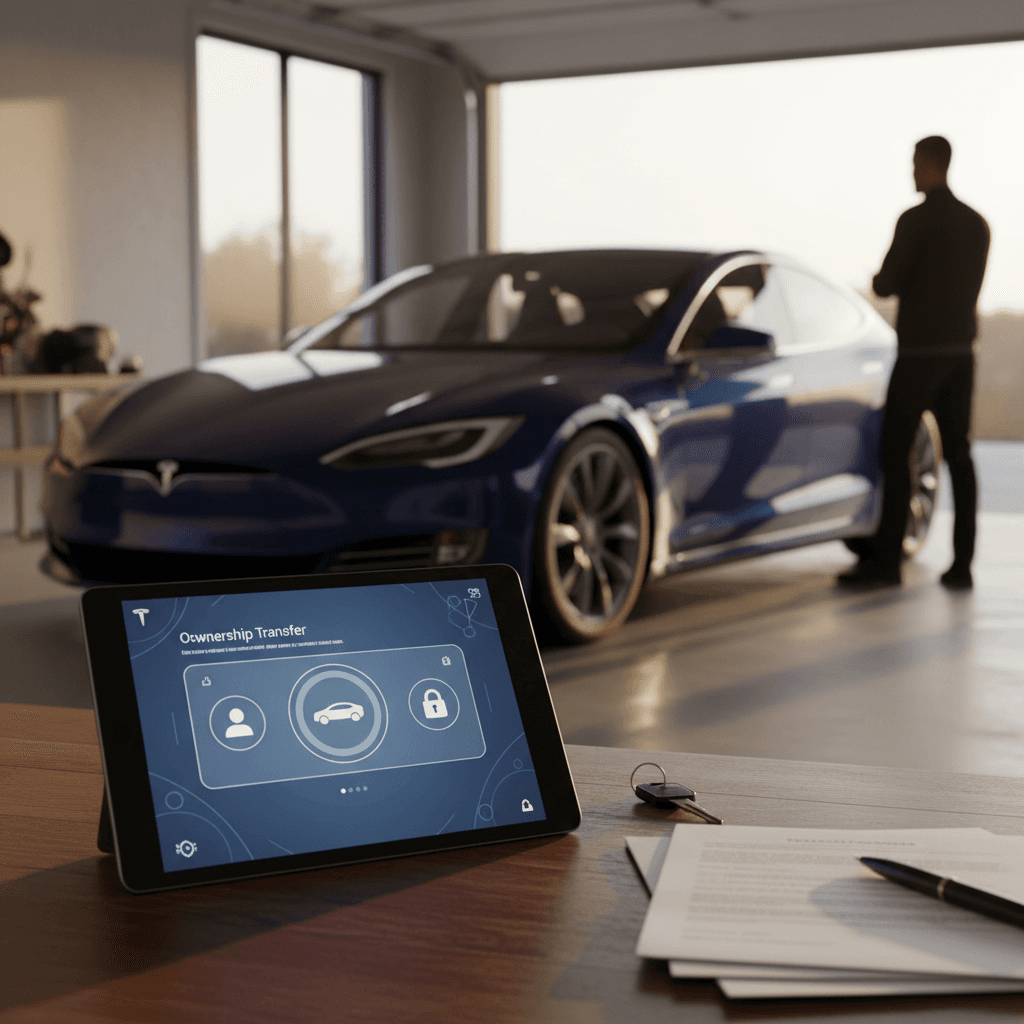
Transfer ownership in two coordinated parts
A Tesla handoff requires both a physical transaction and a digital account transfer. The seller clears personal information and removes the vehicle from their Tesla account; the buyer then claims it through the Tesla app. Complete the title, registration, payment, and loan-payoff work separately, because changing app access doesn’t replace those legal and financial steps.
Tesla ownership transfer at a glance
Finalize the transaction
Coordinate payment, title documents, registration requirements, keys, and any lender payoff.
Factory-reset the Tesla
The seller signs in from the vehicle and clears saved personal information before account removal.
Remove the vehicle
The seller selects the Tesla under My Products, chooses the removal option, and confirms with the emailed code.
Add it to the buyer’s app
The buyer enters the VIN, follows the vehicle-renaming prompt, and submits identity and ownership documents.
Confirm buyer access
Verify that the vehicle appears in the buyer’s account and that app controls work before considering the digital handoff complete.
Don’t skip the privacy cleanup
What should the seller do first?
The seller should factory-reset the car before removing it from the Tesla account. In the vehicle, open the car controls, find the factory-reset option near the Service settings, and sign in with your Tesla credentials when prompted. Interface labels can change, so follow the current on-screen instructions rather than relying only on an older menu screenshot.
- Remove personal belongings and confirm that you have every key card or other key included in the sale.
- Open the factory-reset control in the vehicle and authenticate with your Tesla credentials.
- Allow the reset to clear saved destinations, account details, Bluetooth pairings, and other personal settings.
- Open the Tesla app, go to My Products, select the vehicle, and choose the remove or transfer ownership control.
- Request the removal, enter the six-digit confirmation code sent by email, and confirm that the vehicle no longer appears in your account.
- Coordinate the timing with the buyer so they can start adding the Tesla to their own account.
The safest order is to clear your personal information first and remove the vehicle from your account second. That gives the buyer a cleaner path to claim the Tesla without inheriting saved data from the previous owner.
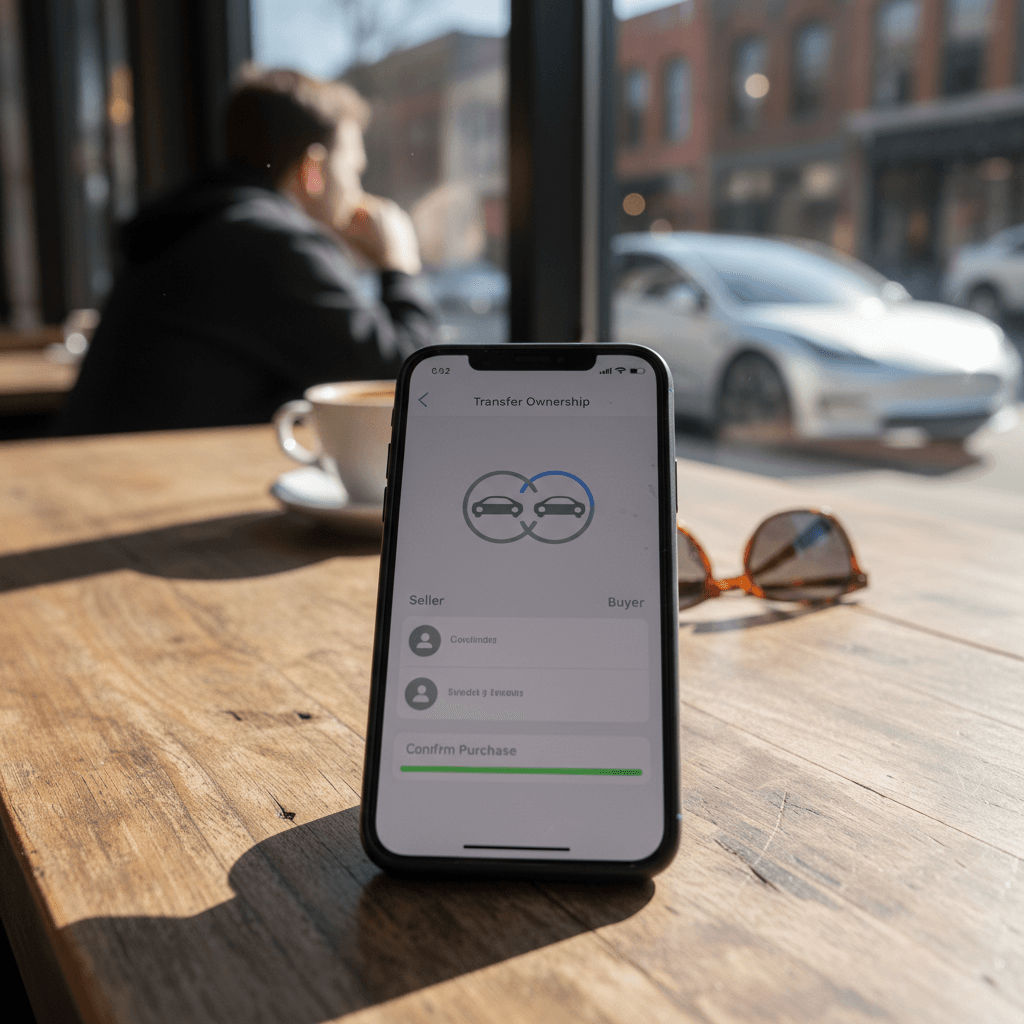
How does the buyer add the Tesla?
The buyer adds the vehicle through My Products in the Tesla app and provides the requested ownership evidence. Start by selecting Add a Product and then Vehicle, enter the VIN shown on the car’s software screen, and follow the prompt to rename the vehicle as directed. The app may also request personal information, identity photos, and proof of ownership before you can submit the claim.
Recharged data
Used EV prices at Recharged
$30,997
median list price
Current list prices for matching inventory at Recharged.
- Lowest
- $12,996
- Average
- $34,803
- Highest
- $146,998
Average Recharged Score on these listings
4.8 / 5
Range
3.7 – 5.0
Based on available listings
Recharged data
Recent EV sold prices
$27,297
median sold price
What buyers actually paid through Recharged, not list price.
- Lowest
- $500
- Average
- $29,901
- Highest
- $129,998
Monthly median sold price
Based on Recharged sales in the last 12 months
Every EV is battery-tested with a Recharged Score. Nationwide delivery.
- Sign in to the Tesla app using the account that will control the vehicle.
- Open My Products, select Add a Product, and choose Vehicle.
- Enter the VIN exactly as it appears on the vehicle’s software screen or transaction documents.
- Change the vehicle name to the value shown in the app to demonstrate access to the car.
- Enter the requested personal details and upload clear identity and ownership documentation.
- Select Finish, monitor the app and email for updates, and test access once the vehicle appears.
A prior-owner delay is possible
If you’re purchasing the vehicle, finish your document and condition checks before the handoff. A broader used Tesla buying guide can help you assess the car itself, while an EV title and registration guide covers paperwork that sits outside the Tesla app. Keep copies of the bill of sale and ownership documents available in case the account claim requires review.
Why a complete digital handoff matters
Recharged’s marketplace data shows why a repeatable ownership-transfer process matters across a busy used-EV market. At the snapshot date, Recharged had 417 EVs listed with a median asking price of $30,997, while 1,796 EVs sold through Recharged during the trailing 12 months had a median retail price of $27,297. Those sold prices are what buyers paid at retail, not seller payouts, and the figures cover the broader Recharged EV fleet rather than Tesla alone.
The takeaway is practical: the digital handoff is part of the transaction, not an afterthought. Whether you sell a Tesla to a retailer or complete a private sale, clearing personal data and confirming the new owner’s access helps prevent privacy problems and post-sale confusion. A seller should also disclose any loan payoff and coordinate separately with the lender rather than treating app removal as proof that the financial account is closed.
Instant offer, trade-in, or consignment. Pickup available.
Tesla ownership transfer FAQ
A clean handoff protects both sides
A complete Tesla handoff ends with the seller’s data erased, the vehicle removed from the old account, and app access confirmed for the buyer. Coordinate those steps with payment, title paperwork, registration, keys, and any loan payoff so no part of the transaction is left unresolved. If you’re preparing to move on from your vehicle, review the full process for selling a used Tesla before setting the handoff date.