Selling or buying an electric car isn’t just about keys and a title. Your EV charging accounts, home charger access, and app permissions all carry real value, and if you don’t handle them carefully, you can leave money (and private data) on the table. This guide walks you through exactly how to transfer EV charging accounts and set things up the right way in 2026.
Good news
Why EV charging accounts matter when owners change
They’re tied to you, not the car
Most public charging networks (ChargePoint, Electrify America, EVgo and others) treat the account as belonging to the person, not the vehicle. The payment card, personal data, and charging history are all yours, and should not ride along with the car to its new home.
But perks often follow the car
What can follow the VIN are things like promotional free charging, manufacturer bundles, or vehicle-level access (for example, older Tesla free Supercharging offers). Understanding which perks stay and which disappear when ownership changes will help you price and market a used EV fairly.
How much of your EV life runs through accounts
What can actually be transferred, and what can’t
Before you start swapping logins, it helps to know that most EV charging services are designed for each driver to have their own accounts. What you pass along is usually access, hardware, or documentation, not your username and password.
EV charging assets at a glance
Think in terms of accounts, hardware, and perks
Personal accounts
These are things like your ChargePoint, Electrify America, EVgo, Tesla, or manufacturer apps.
- Do not hand over logins.
- Remove the car from your profile.
- Buyer creates a fresh account.
Hardware & access
This includes a home wallbox, portable EVSE, RFID cards, and access codes to workplace or community chargers.
- Hardware stays with the car or property.
- Update who has admin rights.
Promos & perks
Examples: free fast charging for 2 years, discounted network plans, or Tesla Supercharging perks.
- Some stay with the car.
- Others stay with the original owner’s account or expire on transfer.
Never share your main login
Step-by-step seller checklist for charging accounts
Seller checklist: before you hand over the keys
1. Make a list of every charger and app you use
Include your home charger app, any RFID cards, and major public networks (like ChargePoint, Electrify America, EVgo, Shell Recharge, the Tesla app, plus your automaker’s app such as FordPass, myChevrolet, Hyundai Bluelink, etc.).
2. Download receipts or charging history you want to keep
If you expense charging for work or track costs, export or screenshot what you need now. Once you remove the car or close an account, that history may be hard to recover.
3. Remove the vehicle from each public charging account
Open each network app and delete the vehicle profile if one exists, or simply keep your account and stop using that car. What matters most is that the buyer is not using <strong>your</strong> account to charge.
4. Unpair and factory‑reset the car
On the vehicle itself, delete user profiles, Bluetooth devices, garage door codes, saved addresses and home location. Then perform a full factory reset according to the owner’s manual so the buyer starts fresh.
5. Transfer or reset home charger access
If you’re including a home wallbox in the sale, reset it to factory settings and walk the buyer through pairing it to <strong>their</strong> account. If it’s staying with the house, handle it as part of the home sale, not the vehicle sale.
6. Cancel or update any paid charging subscriptions
If you pay a monthly fee for discounted rates or reservations, decide whether to keep it for your next EV or cancel. Network subscriptions are almost never transferable between people.
Pro move for private sales
Step-by-step buyer checklist to get charging set up
As a buyer, you want reliable home charging on day one and simple access to fast charging on the road. That starts with getting your own accounts in place, not recycling the seller’s.
- Ask the seller which charging apps they used and whether any hardware (home charger, portable cable, adapters) is included.
- Before pickup day, download the major apps for your region: usually at least one fast‑charging network (Electrify America, EVgo, or similar) plus the automaker’s app and PlugShare or Chargeway for mapping.
- On day one, park somewhere with good cell coverage and add your new EV to each app, entering the VIN where required.
- Add your own payment method and, if offered, enroll in any discounted plans that match your driving habits.
- If there’s a connected home charger, perform or confirm a factory reset, then pair it to your own email and Wi‑Fi network.
- Take a short test drive that includes a quick charge, so you’re sure everything works before you’re hundreds of miles from home.
Tesla special case: transferring Supercharging and app access
Tesla blends the car, the app, and Supercharging more tightly than most brands, so handing off a used Tesla takes a couple of extra steps. The key idea: the Tesla Account belongs to the person, while some perks may be attached to the specific vehicle.
Tesla ownership & charging: who does what?
Use this as a quick reference when a Tesla changes hands.
| Item | Belongs to | What the seller should do | What the buyer should do |
|---|---|---|---|
| Tesla Account login | Person | Keep the account; remove the vehicle and perform a factory reset. | Create their own Tesla Account; never reuse the seller’s login. |
| Vehicle access in Tesla app | Person + car | In the app, go to Manage / My Products and transfer or remove the vehicle. | Submit ownership documents in the app if buying from a third party. |
| Supercharging history | Account | Nothing special; history is tied to the seller’s account. | Starts fresh once the vehicle is in the buyer’s account. |
| Free Supercharging perks | Varies by offer | Understand whether the perk is tied to you or to the car; many newer “lifetime” offers are now non‑transferable. | Check the listing carefully; don’t assume free Supercharging survives an ownership change. |
Always follow the latest instructions in the Tesla app or owner’s manual when transferring ownership.
Critical Tesla step
Home chargers: how to handover access correctly
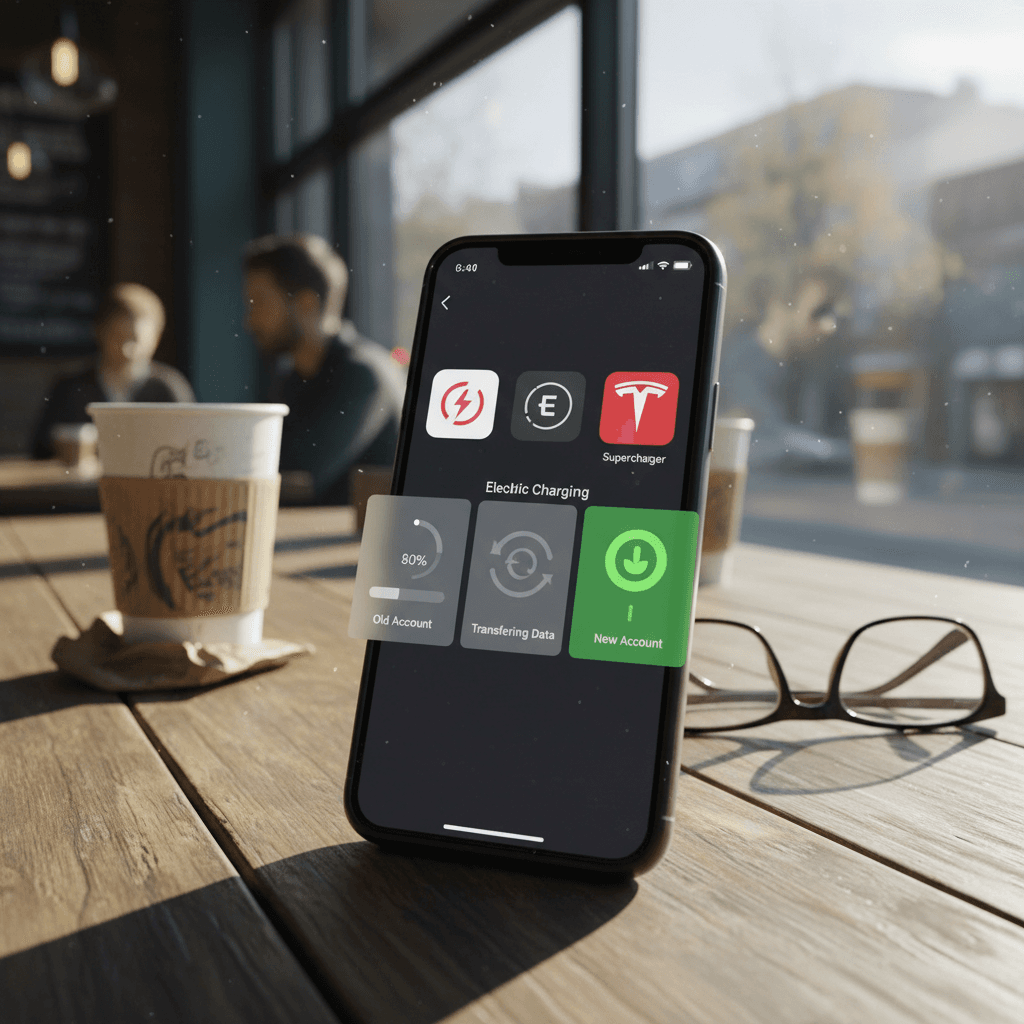
A home Level 2 charger can be worth hundreds of dollars to the next owner, and a major convenience. But only if you hand it off the right way. Think of it as a smart appliance that needs a clean slate before you pass it on.
Common home charger scenarios
What to do with the wallbox when the car changes hands
Selling car, keeping house & charger
Reset the car but keep the wallbox tied to your own charger account.
- Remove the old car from the charger app.
- Add your next EV when it arrives.
Selling car with portable EVSE
If you include a portable Level 1 or Level 2 cable:
- Factory‑reset it if it has Wi‑Fi/app control.
- List it clearly as included equipment for the buyer.
Selling house with hard‑wired charger
This is more like a home appliance sale.
- Factory‑reset the charger.
- Give the buyer the app name and model.
- Remove your account access and let them create their own.
Label your cables
Roaming and linked accounts: what happens after a sale
Some charging networks now have roaming agreements, which let you use one account to charge on a partner network. For example, an EVgo account can be used on some ChargePoint stations via roaming, and similar arrangements exist between other providers. That convenience does not change the basic rule: the account belongs to the person, not the car.
Seller’s view
- You keep your main accounts and roaming access for your next EV.
- You simply stop using the sold vehicle and remove it from any network app that stores VINs or profiles.
- No need to “turn off” roaming specifically when you sell the car.
Buyer’s view
- Create your own accounts on the networks you plan to use.
- As you add networks, roaming usually connects in the background, you’ll see more stations appear in your map over time.
- If a station offers tap‑to‑pay without an account, you can always fall back to that in a pinch.
Common pitfalls when transferring EV charging accounts
- Leaving a payment card on a car the buyer can still use at a network charger.
- Sharing your app login "just for now" and forgetting to change the password later.
- Assuming promotional free charging automatically transfers to the new owner.
- Forgetting to factory‑reset the home charger, so it still sits on your Wi‑Fi and shows up in your app.
- Not testing at least one public charging session together during a private sale.
Avoid surprise bills
FAQ: EV charging accounts and ownership transfer
Frequently asked questions about EV charging accounts
How Recharged helps simplify your EV handover
If you buy or sell through Recharged, you don’t have to navigate this alone. Every car we list comes with a Recharged Score Report that explains battery health and charging history in plain language. Our EV specialists walk sellers through wiping personal data and documenting included charging hardware, and we help buyers set realistic expectations about any bundled charging perks.
Whether you’re moving on from your first EV or shopping for a used one, treating EV charging accounts and access as part of the transaction will save you headaches later. Make a list, wipe what needs wiping, set up fresh accounts, and test a charge together if you can. Do those few things, and the only surprises in your next EV will be the good kind, like how easy life feels when everything just charges and goes.