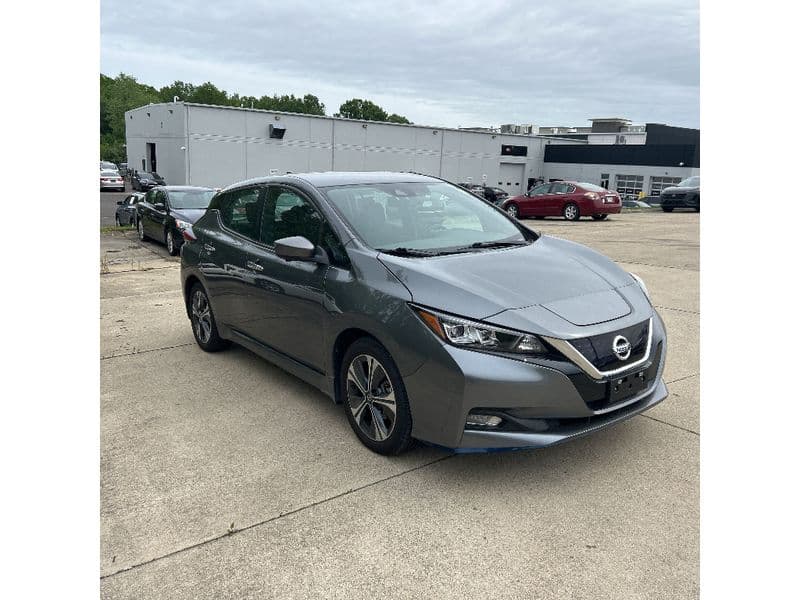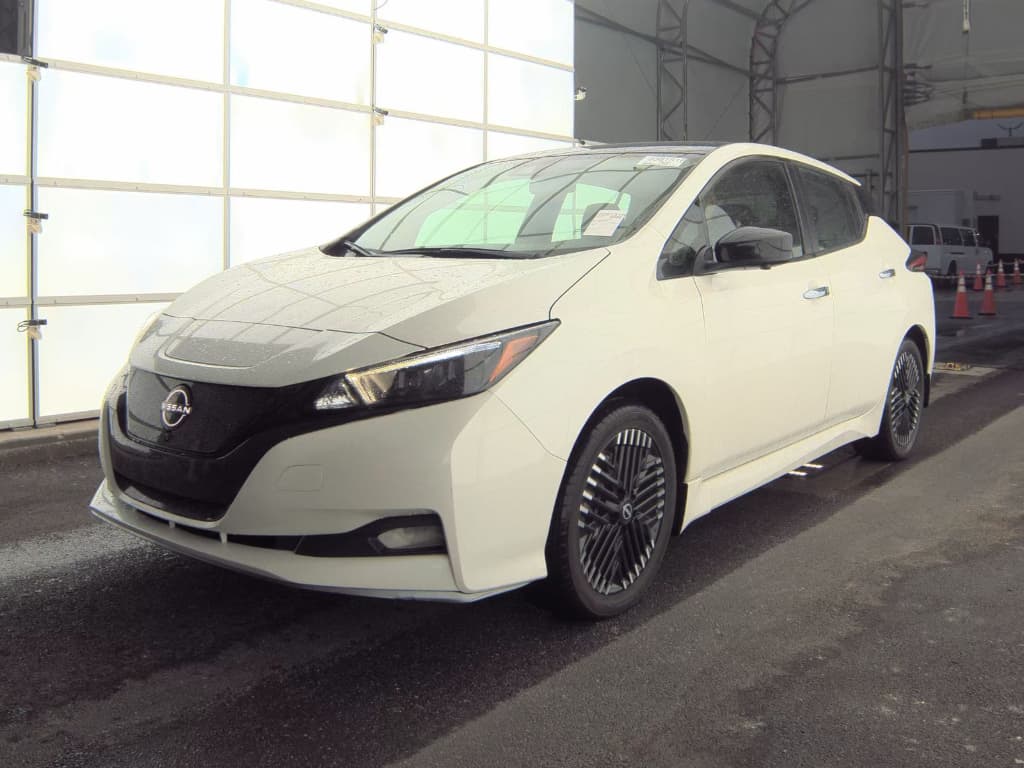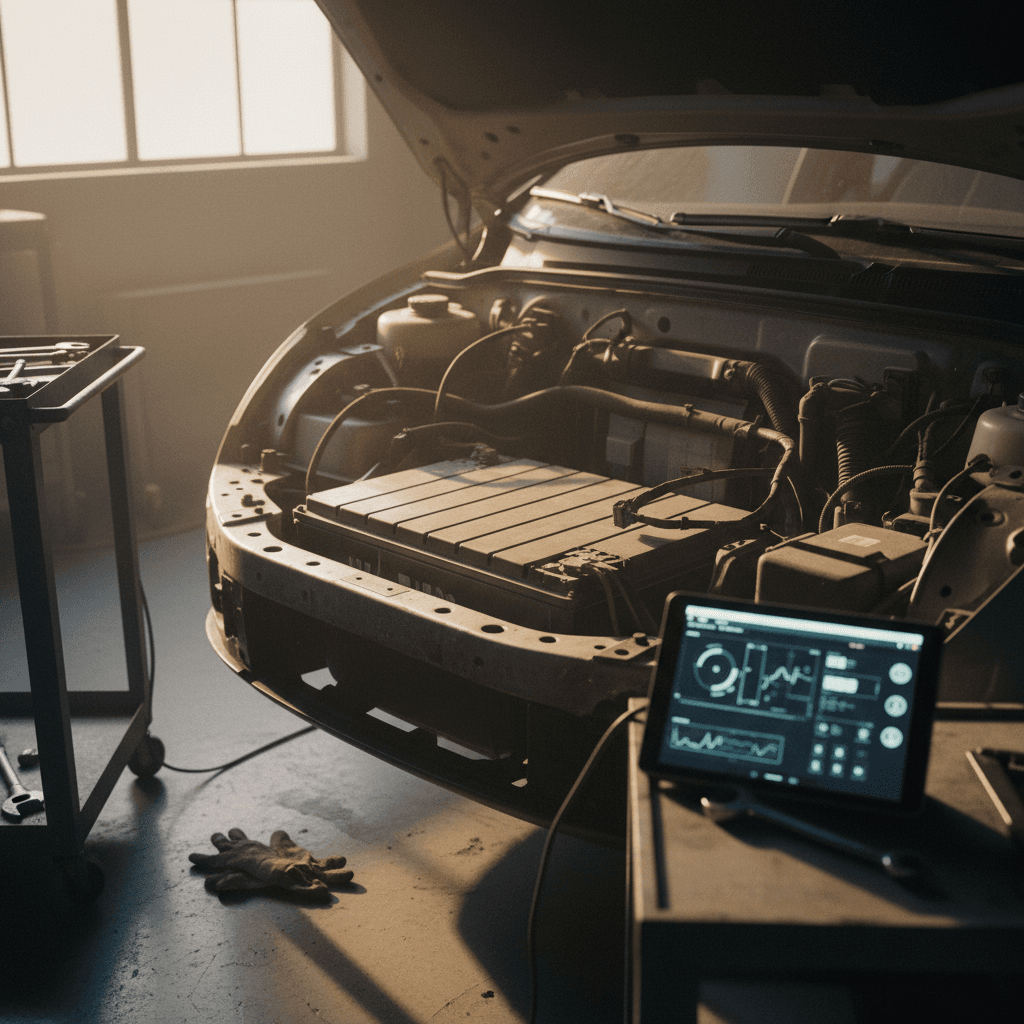
If you’re shopping for a used electric car, you’ll quickly notice a pattern: listings that say things like “new battery,” “pack replaced under recall,” or “fresh warranty.” A replaced EV battery can be a huge win, but only if it actually happened and you understand what was done. This guide explains how to check if an EV battery was replaced, how to confirm it with documentation, and what it means for value and peace of mind.
Big picture
Why EV battery replacement matters when you’re buying used
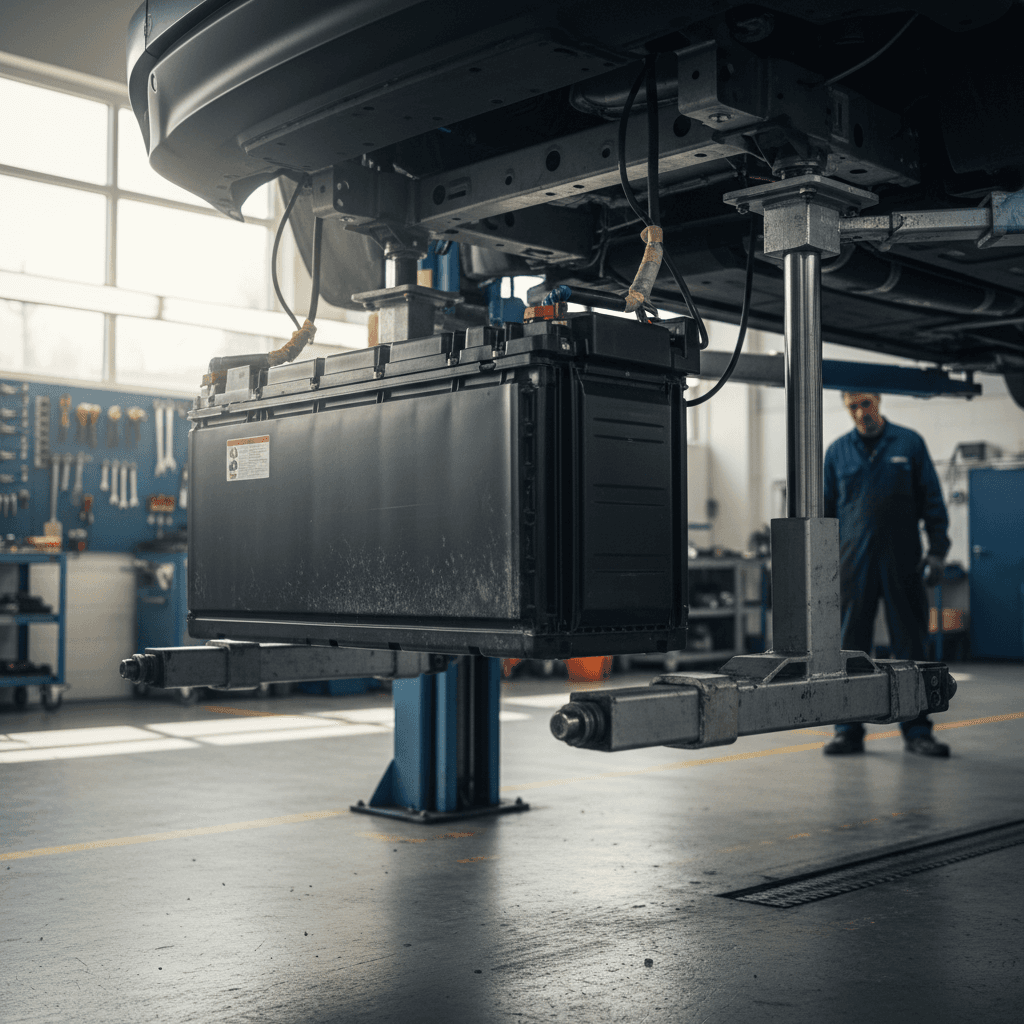
On a gas car, an engine replacement is a major event. On an EV, a high‑voltage battery replacement is the rough equivalent: it’s the most expensive component in the vehicle, and it drives both range and resale value. A fresh pack can add years of usable life, while a tired or unknown pack can quietly erase the “deal” you thought you were getting.
What a verified replacement can mean for you
Battery history has real financial and practical consequences
More remaining warranty
Stronger real‑world range
Higher resale & lower risk
How often EV batteries are really replaced
It’s easy to assume EV batteries are disposable, but in practice, full pack replacements are still the exception. They usually happen for three reasons: defect/recall campaigns (Chevy Bolt is the headline example), early degradation beyond warranty thresholds (some Nissan Leafs), or crash/insurance repairs when the underbody pack is damaged.
Don’t assume “new battery” by age alone
Step 1: Start with the paper trail
The most reliable way to check if an EV battery was replaced is the old‑fashioned way: documentation. High‑voltage battery work is expensive, regulated, and almost always runs through a dealer or specialist. That means there are usually invoices, warranty repair lines, or recall entries tied to the car’s VIN.
Where to look for battery replacement records
1. Ask for dealer or shop invoices
Request itemized service invoices from the owner or dealer. For a true pack replacement, you’re looking for line items referencing the high‑voltage battery, pack, or drive motor battery, plus part numbers and labor hours, often many hours for pack R&R.
2. Pull a CarFax or similar report
Vehicle history services can show <strong>warranty and recall battery work</strong> when it’s reported by franchised dealers or insurance companies. You might see entries like “battery pack replaced” or “high‑voltage battery serviced” tied to dates and mileage.
3. Request OEM service history by VIN
Many brands will provide a summary of dealer service history if you call or visit a dealer with the VIN and proof of ownership (or at least serious interest). For example, Chevy, Nissan, Hyundai and others often show <strong>warranty battery replacements</strong> or recall actions in their internal systems.
4. Look for recall campaign documentation
If the car was part of a major battery recall, like the Chevy Bolt campaign, there may be a printed <strong>warranty certificate</strong>, updated window sticker, or recall completion letter explaining whether the pack was replaced or just inspected/reprogrammed.
Tip: Don’t settle for vague language
Step 2: Use VIN tools and recall portals
Once you’ve squeezed the obvious paperwork, the next step is to run the VIN through the tools automakers, regulators, and third‑party services provide. These don’t always state “battery was replaced,” but together they can strongly support (or undermine) that claim.
Common VIN tools that can hint at battery replacement
Use multiple sources, the goal is a consistent story across them.
| Tool | What it shows | How it helps with battery replacement |
|---|---|---|
| OEM recall/owner portals | Open and completed recalls, sometimes extended warranties | Confirms whether battery‑related recalls were performed and if special coverage applies to a newer pack. |
| OEM warranty lookup | In‑service date and current warranty end dates | A battery warranty that runs years beyond the car’s age can signal a recently installed pack. |
| NHTSA / regulator recall database | Safety recalls by VIN or model | Shows if the vehicle was subject to a battery recall, even if you still need invoices to prove a pack swap. |
| Vehicle history services (CarFax, AutoCheck) | Dealer service and insurance events | May explicitly list high‑voltage battery replacement or pack repairs tied to dates and mileage. |
Information varies by brand and by how thoroughly dealers report their work.
Example: Chevy Bolt EV
Step 3: Decode battery warranty dates and in‑service history
Battery warranties are one of your best indirect clues. Most mainstream EVs in the U.S. carry an 8‑year, 100,000–150,000 mile high‑voltage battery warranty, starting from the vehicle’s original in‑service date. When a pack is replaced under warranty or recall, that coverage is often reset or extended from the date of replacement.
How to read the dates
- Find the car’s in‑service date (first sale/registration) from a vehicle history report or dealer printout.
- Look up the current battery warranty expiration via an OEM portal or dealer.
- Compare the math: if an EV first sold in 2018 shows battery coverage through 2031, something changed, the pack may have been replaced in 2021, for example.
Questions to ask the seller or dealer
- “Can you show me where the battery warranty end date comes from?”
- “If the battery was replaced, do you have the updated warranty certificate or recall paperwork?”
- “What mileage was on the car when the replacement was done?”
Green flag: warranty + paperwork match
Step 4: Check in‑car menus for battery info
You won’t usually see “battery replaced on 03/12/2024” in an EV’s infotainment screen. But the data on the dash, capacity bars, percentage state of health, range estimates, can help you sanity‑check the paperwork. On some models, it also provides hard numbers you can compare to what a seller is claiming.
- Compare the displayed range at 100% to the vehicle’s original EPA rating. Big gaps can suggest an older, degraded pack, or aggressive driving and conditions.
- On cars like the Nissan Leaf, check the battery health bars. A replacement under warranty is often triggered below a certain bar count; a full 12‑bar display on an older, high‑mileage Leaf might suggest a newer pack.
- Check for on‑screen service history or battery reports in the settings menu. Some manufacturers now surface basic health checks or recall completions in the car itself.
Don’t over‑trust the dash
Step 5: Use independent EV battery diagnostics
If you’re serious about a particular car, but the history is thin or you just want objective data, paying for a third‑party battery health report is money well spent. These tools connect to the car’s battery management system (BMS) and estimate usable capacity, cell balance, and sometimes historical charging behavior.
What independent battery checks can uncover
Specialist shops and emerging services now offer EV battery scans as a standalone product, sometimes bundled with a pre‑purchase inspection. They’ll plug in, pull BMS data, and generate a report you can keep for your records, and for resale when you become the seller.
Where Recharged fits in
Model‑specific clues for Bolt, Leaf, Tesla and others
Some EV models have well‑known battery campaigns or quirks that change how you check for replacements. Here are a few patterns that matter if you’re shopping common used EVs.
Popular EVs and what to look for
Use these as starting points, always confirm with actual records.
Chevy Bolt EV / EUV
- Subject to a widely publicized battery recall on many 2017–2022 cars.
- Some cars received a full pack replacement; others only got software updates before later replacement.
- Ask for the updated warranty certificate and recall completion documents, and verify battery warranty dates vs. in‑service date.
Nissan Leaf
- Early Leafs were prone to faster degradation, especially in hot climates.
- Under Nissan’s capacity warranty, packs may be replaced when the health gauge drops below a set bar count.
- Look for Nissan dealer invoices and compare current capacity bars to the car’s age and mileage.
Tesla models
- Tesla doesn’t advertise pack replacements heavily, but warranty or crash repairs will still show up in service history.
- Ask the seller to share their Tesla service history screenshots or invoices.
- Independent battery health tools can help validate range and degradation against typical fleet data.
Other makes (Hyundai, Kia, VW, Ford, etc.)
Red flags and myths about “new” EV batteries
Any time a seller claims a major component was replaced but can’t back it up, you should slow down. With EVs, the temptation to sprinkle “new battery!” into a listing is strong, because buyers focus so heavily on range and degradation, sometimes more than price.
- Myth: “The gauge looks great, so the battery must be new.” A healthy‑looking range estimate or capacity bar display can reflect conservative driving, software behavior, or recent charging, not necessarily a new pack.
- Red flag: No receipts, no service history, just a verbal claim. If a seller can’t show any documentation for a supposed five‑figure repair, assume it didn’t happen until proven otherwise.
- Red flag: Salvage or rebuilt titles with vague battery notes. A car that’s been in a serious collision may have underbody damage near the pack. If the title is branded and the seller says “battery was checked” but has no detailed structural report, be very cautious.
- Myth: “Dealer said it was checked, so it must be like new.” A quick dealer inspection or software update is not the same as a pack replacement. Always distinguish between “inspected,” “reprogrammed,” and “replaced.”
When to walk away
Pre‑purchase checklist: verifying an EV battery replacement
To pull this all together, here’s a simple sequence you can follow for any used EV, whether you’re on a dealer lot, dealing with a private seller, or comparing vehicles online.
Checklist: How to confirm whether the EV battery was replaced
1. Capture the VIN early
Before you fall in love, write down or photograph the VIN from the windshield, door jamb, or listing. You’ll use it for recall checks, warranty lookups, and history reports.
2. Run recall and warranty checks
Use OEM recall portals and, where available, warranty lookup tools to see if there’s a history of <strong>battery campaigns</strong> or an unexpectedly long battery warranty window.
3. Ask for full service documentation
Request all dealer and independent shop invoices, especially any with high‑voltage, pack, or drive motor battery terminology. Confirm dates and mileage align with warranty or recall information.
4. Order a vehicle history report
Pull a CarFax or similar report to look for recorded battery or high‑voltage work, accident damage near the battery area, and ownership patterns. This won’t show everything, but it adds another layer.
5. Cross‑check with in‑car data
With the car charged to a known level, compare estimated range to the original EPA figure and, on models like the Leaf, review the battery health bars. Look for glaring inconsistencies vs. the claimed replacement story.
6. Consider a professional EV battery test
If everything else looks good but the car is a big purchase for you, schedule an <strong>EV‑savvy pre‑purchase inspection</strong> that includes a battery health scan. Platforms like Recharged bundle this kind of verification into every car we list.
7. Decide based on evidence, not hope
At the end of the process, either you can point to specific documents and data that confirm a replacement, or you can’t. Price your offer, or your willingness to walk away, accordingly.
FAQ: Checking if an EV battery was replaced
Frequently asked questions
EV batteries aren’t the disposable boogeyman they’re often made out to be, but they’re still the single most important system to understand on a used electric car. Instead of treating “new battery” as a magic phrase, treat it as a claim to be proven with records, dates, and data. Start with the paper trail, cross‑check with VIN tools and warranties, sanity‑check the car’s behavior, and lean on professional diagnostics when the stakes are high. Whether you ultimately buy a car with its original pack or a documented replacement, the goal is the same: enough transparency to know what you’re really getting for your money.